Dress for the idea
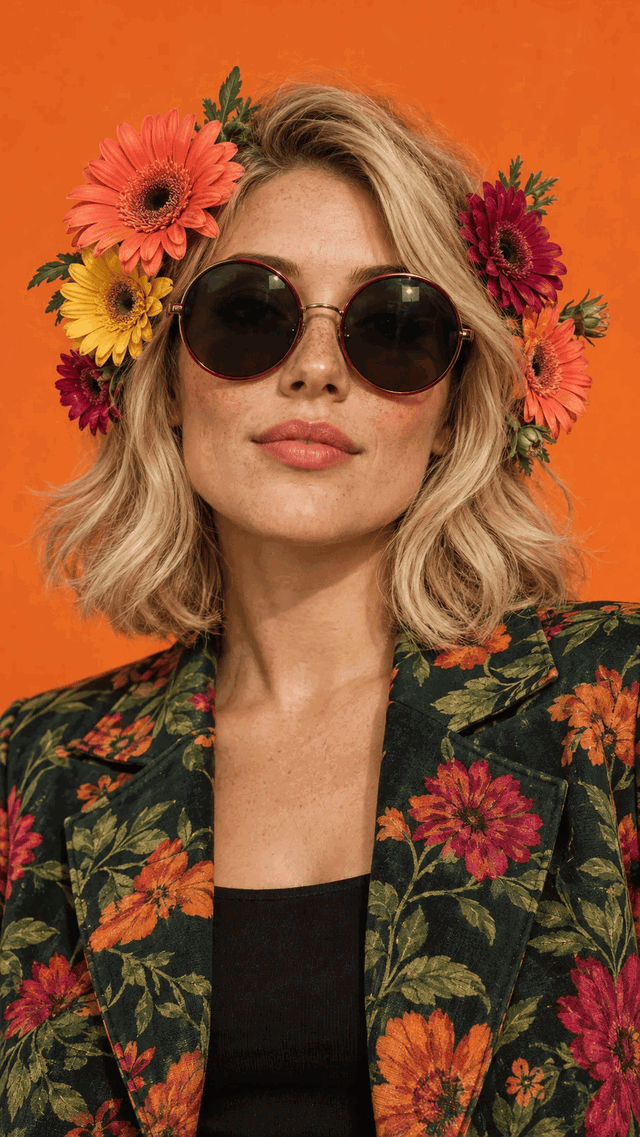
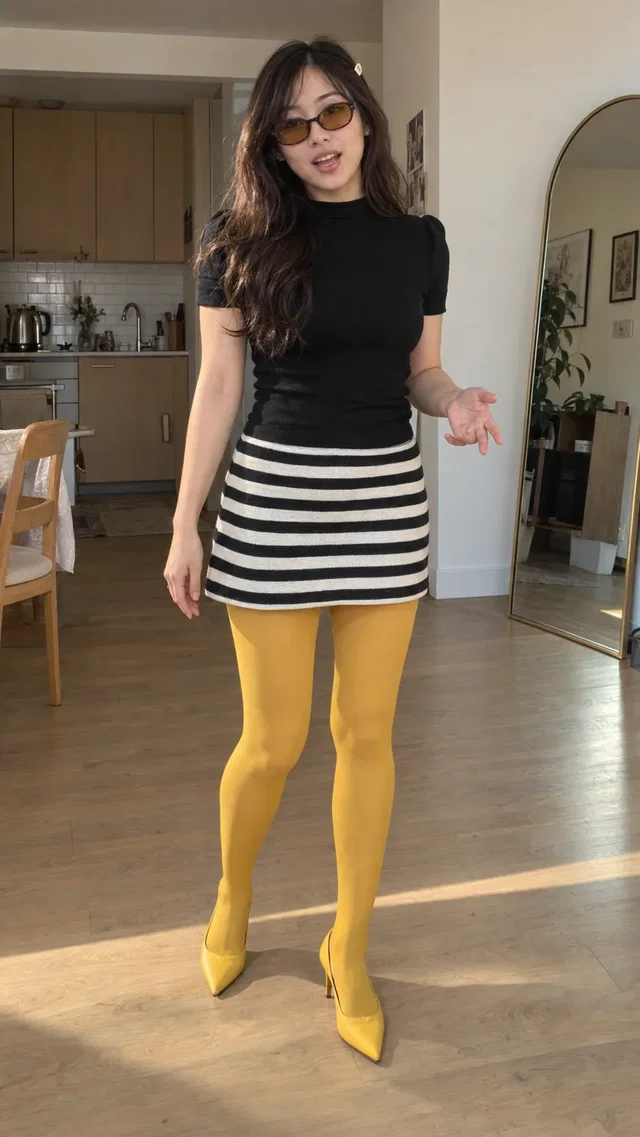
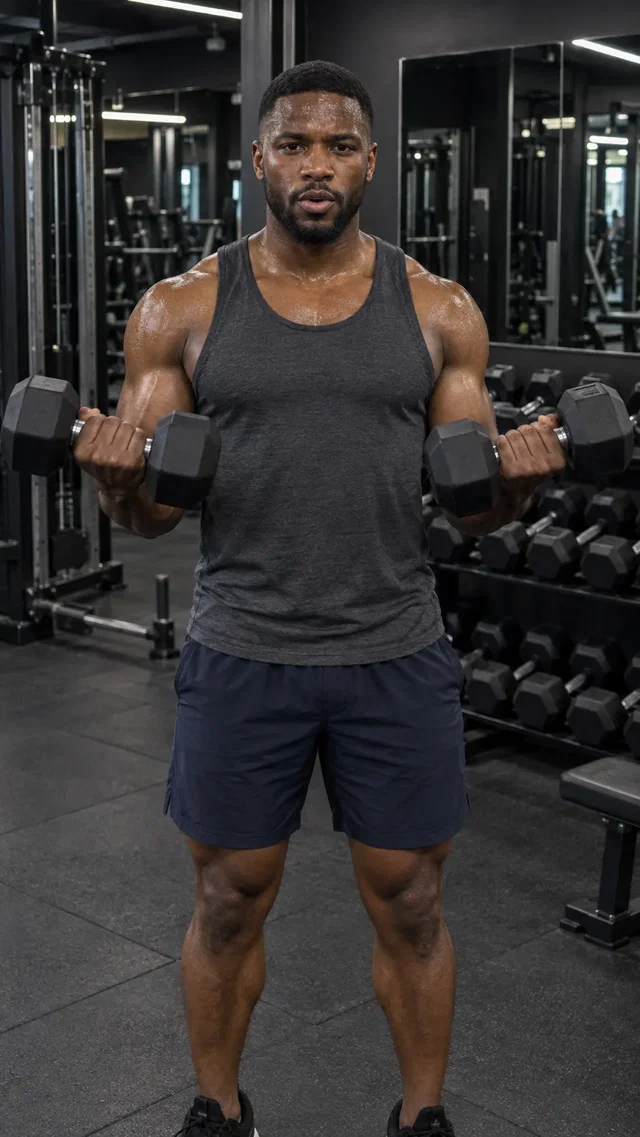
Describe the outfit and visual style that suit your campaign while using the selected avatar as the reference.
Create a new look for a Studio library avatar. Describe an outfit, background, or pose, review the generated image, then use the approved look as a reference for your video.
Explore Studio free. Video creation requires a paid plan.Studio library avatars. Play an introduction to meet each creator.
From the first direction to the version you keep, here’s what you can do with AI Avatar Looks.
Describe the outfit and visual style that suit your campaign while using the selected avatar as the reference.
Explore a workspace, lifestyle setting, or another background for your creator.
Review the new look before carrying it into a video. Generating a look and rendering the video are separate steps.
Studio library avatars. Play an introduction to meet each creator.
Start from a creator available in Cinema.
Specify the outfit, pose, and setting. Generate and review the image.
Approve the reference, then direct your video around it.
The selected avatar guides the generated look and video, but AI output can vary. Review both the image and finished video before using them. Available options appear in Cinema.
Create a Studio account and open Cinema. Video generation requires a paid plan and uses credits. Studio shows the available modes, settings, and cost before you generate.
Bring your business and a little direction.
See what you can create in Studio.
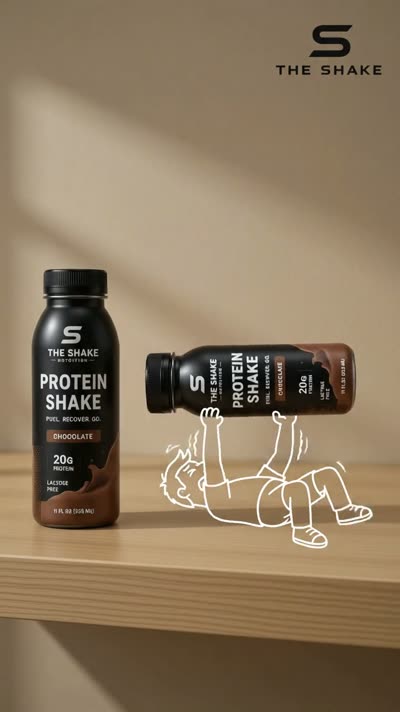
Choose an AI avatar from the Studio library and direct a video around your product or offer. Find a creator style that fits your brand, then give it a scene and a script.
Make creator-style AI video ads with a Studio avatar, your product references, and an idea. Explore unboxings, casual introductions, and everyday product scenes without arranging a shoot.
Refine a generated Cinema scene by describing the changes you want. Explore new versions of the setting, action, or visual direction, then compare them with your original.