
Edit meme ads by describing the change you want.
When a concept is close but not quite there, keep the campaign DNA and ask for the adjustment. Change the copy, sharpen the offer, add reference images, compare versions, or reframe for vertical channels.
Text
based edits
History
for every version
9:16
vertical reframes
Edit generated creative
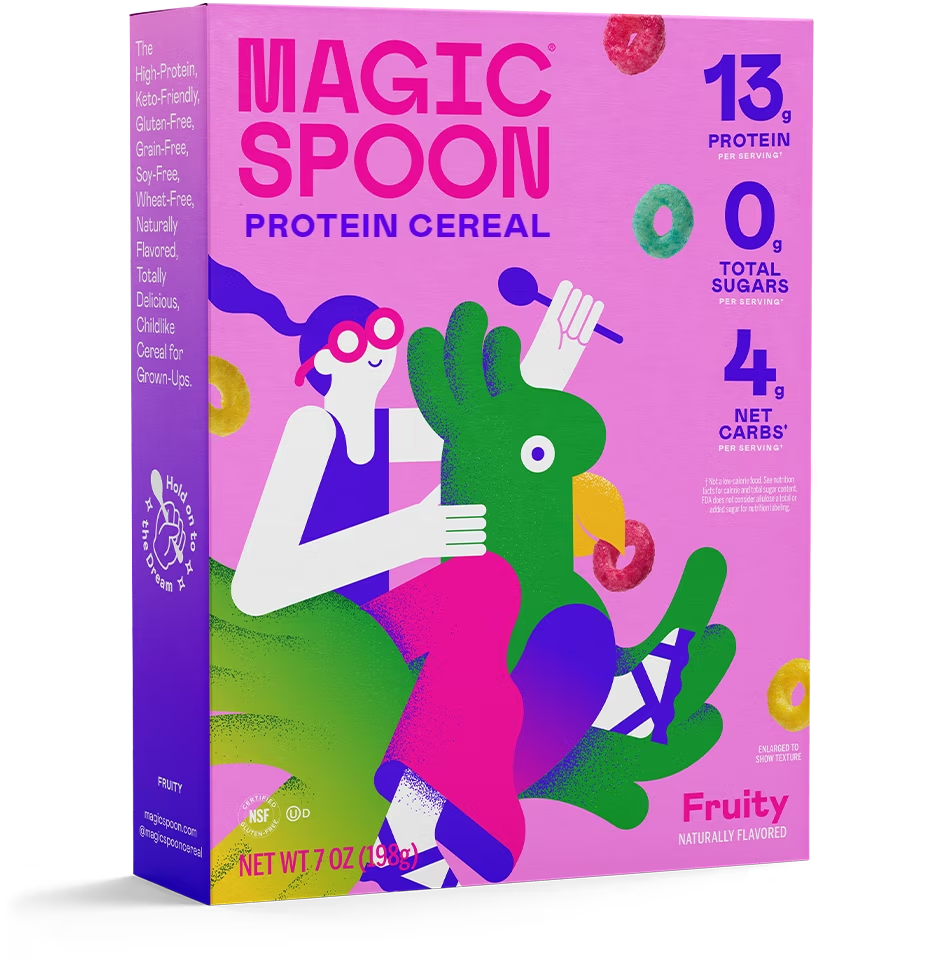
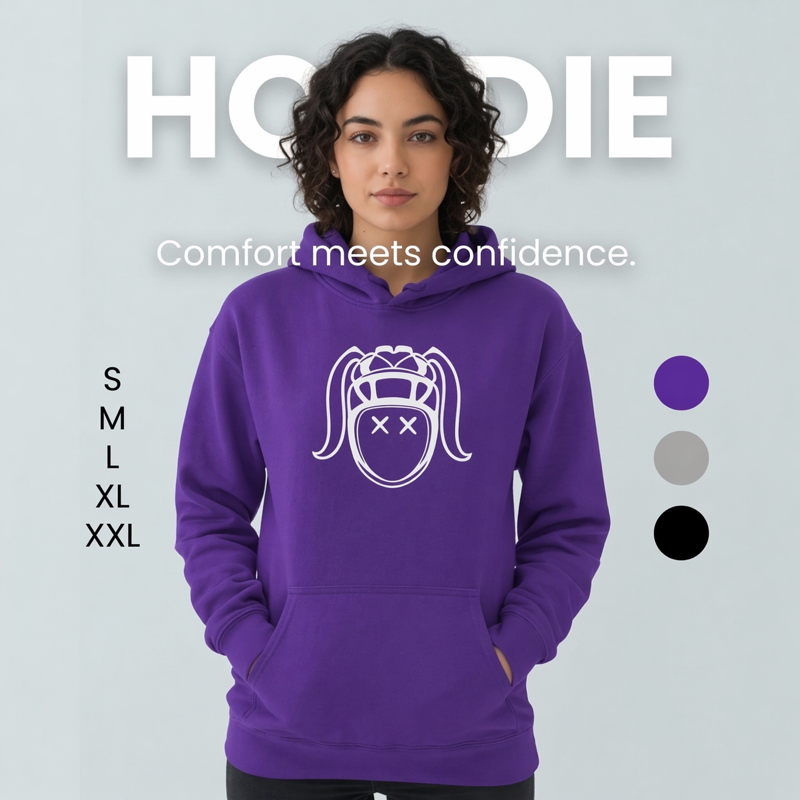
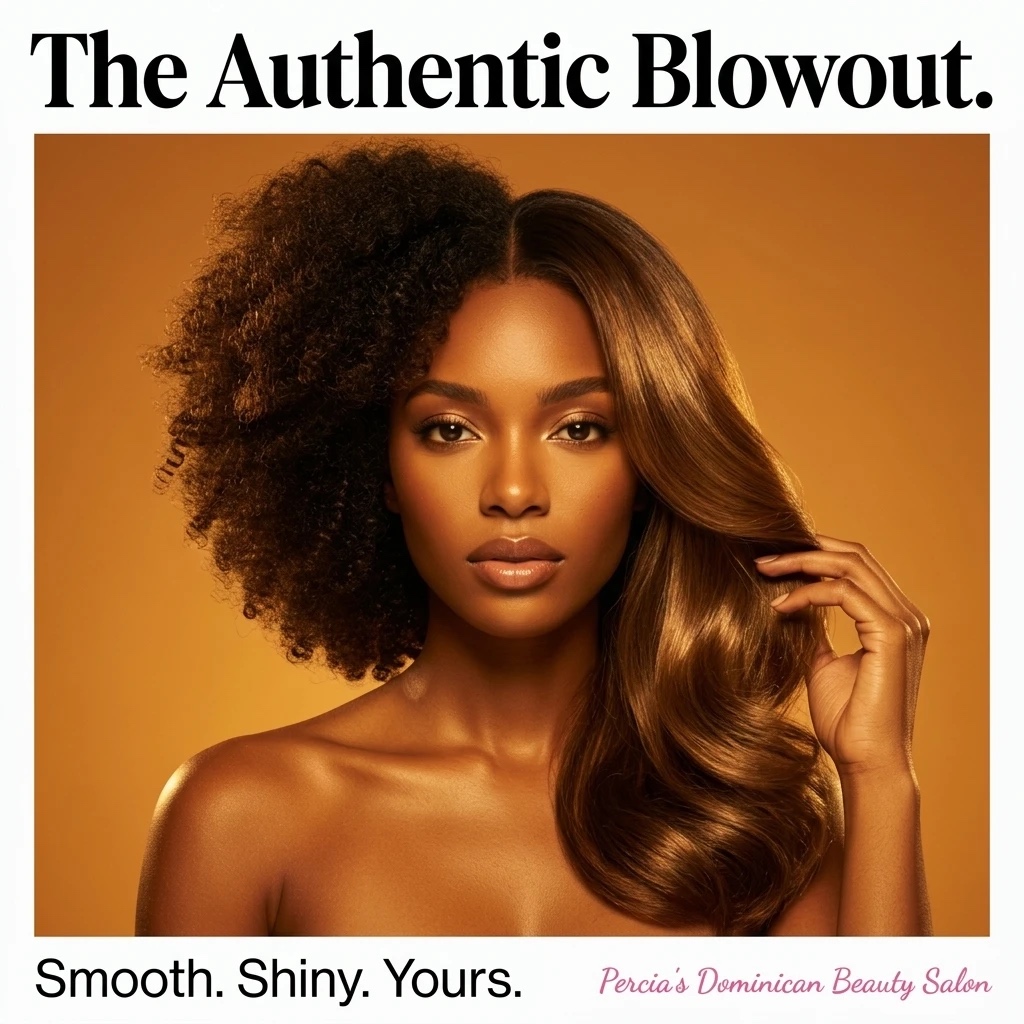
Make it more sales-focused
Preserve the same campaign, product, and layout while tightening the conversion angle.
Text
based edits
History
for every version
9:16
vertical reframes
What it does
Why AI Image Editor matters
Turn near-miss creatives into usable ads with prompt-based edits, version history, and reframing.
Natural-language changes
Ask for the exact edit you want instead of rebuilding from scratch. Make it funnier, more premium, more direct, or more conversion-focused.
Version history without losing the original
Jump through the original and each edit, compare the previous version, and keep iterating from the point that still has the strongest creative direction.
Reference images for precision
Attach product photos or inspiration so the edit can fold in the details that matter instead of drifting away from the actual product.
Format changes for social
Create vertical versions for Stories, Reels, TikTok, and other 9:16 placements when the same idea needs to travel.
Workflow
Simple enough to use today. Useful enough to keep using.
01
Open a generated ad
Start from a meme in preview or Gallery so the Studio knows the exact creative you want to refine.
02
Describe the change
Add instructions like stronger CTA, cleaner product shot, different audience, or more premium typography.
03
Keep the best version
Download, publish, animate, or continue editing from the strongest branch.
Use cases
Built for real creative pressure
Use it when creative needs to move faster than the usual design, copy, approval, download, upload, and scheduling loop.
Best for
Proof points
Built for the real middle of creative work: the part where the first draft is close and the details decide whether it ships.
Edits can use uploaded references, so product and style direction stay grounded.
Version history helps teams compare changes without overwriting the original winner.
FAQ
AI Image Editor questions
Is this a full manual design editor?+
No. It is an AI editing flow for generated creatives. You describe the change, provide optional references, and Memes.ai generates the edited version while preserving the campaign direction.
Can I compare edits?+
Yes. The editor keeps an edit chain so you can move between the original and later versions, then continue from the version you like best.
Can I edit for a different platform size?+
Yes. The editor supports supported output ratios and Gallery also includes quick vertical reframing for social placements.
Connected products
The product is stronger when the workflow stays together
Memes.ai is not a single-purpose generator. The useful part is moving from idea to asset to schedule without rebuilding the same context over and over.
Core creation engine
AI Meme Generator
Generate branded meme ads from a website, prompt, template, Brand Kit, logo, or reference image.
Advanced campaign studio
Image Lab
Generate campaign branches, variants, carousel slides, and exportable creative sets in one workspace.
Short-form video ads
AI Video Generator
Generate 5s, 8s, or 10s short-form video ads with reference images, Brand Kit context, and social-ready aspect ratios.
AI Image Editor
Use this product inside Memes AI Studio.
Start with this tool, then keep moving through generation, editing, library management, and publishing without leaving the Studio.