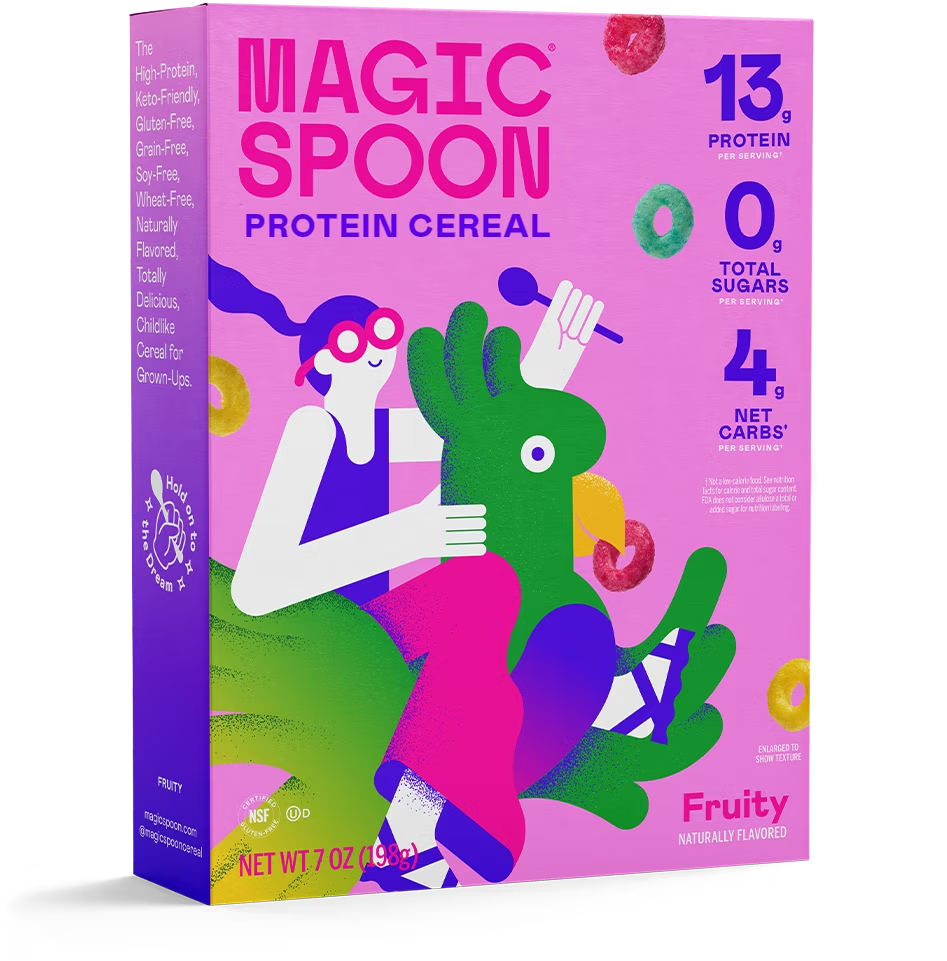
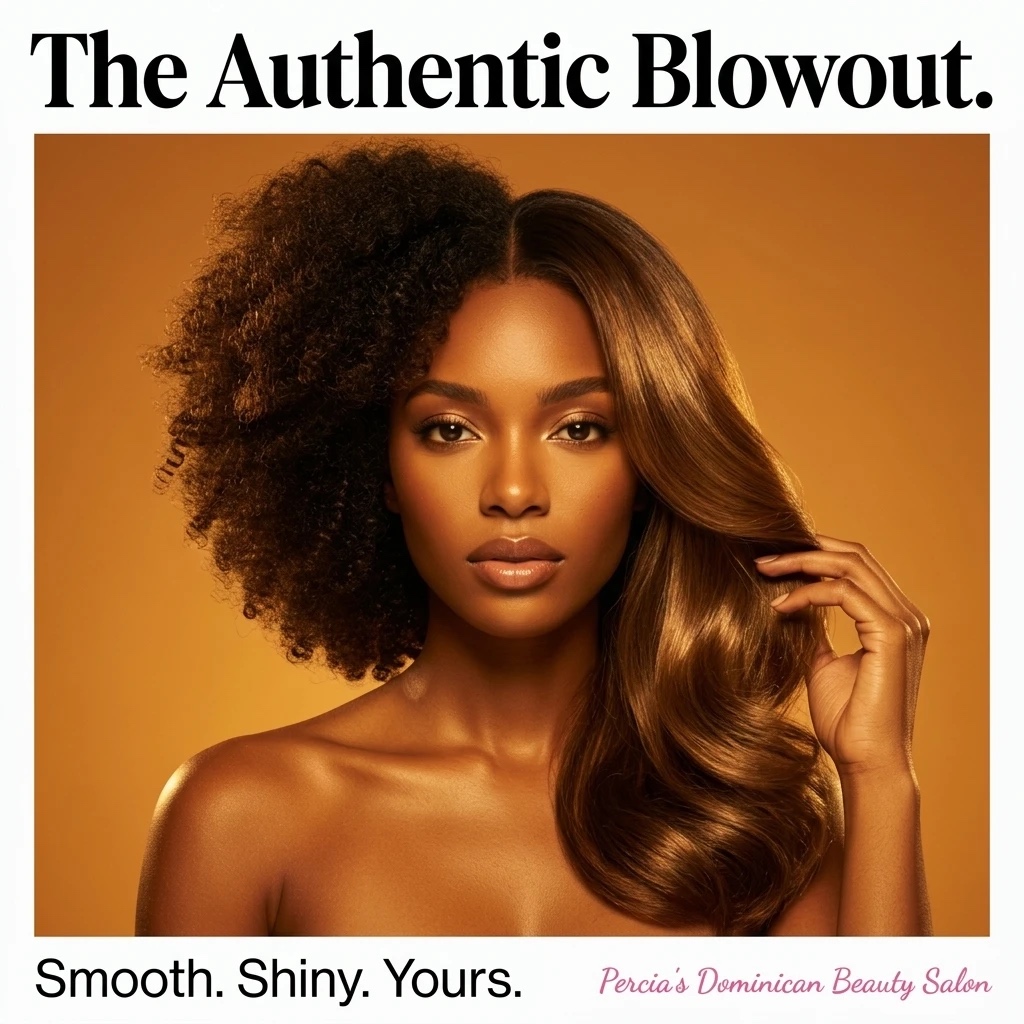
Choose the opening image
Set the composition, subject, and product reference for the first moment.
Guide an AI video with a starting image and an ending image. Use Cinema's Start & end frames mode to describe the action that connects the two moments.
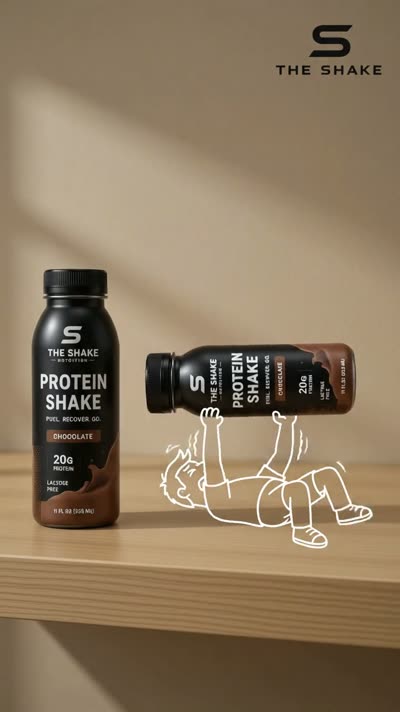
Explore Studio free. Video creation requires a paid plan.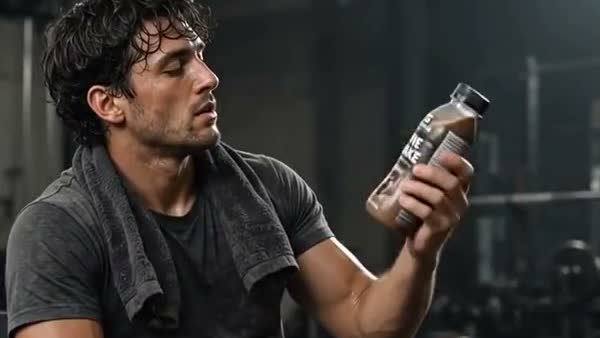
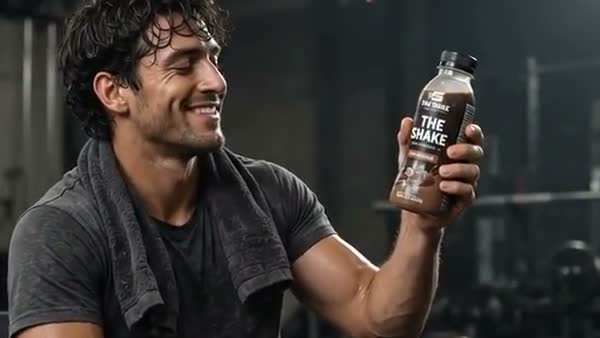
Actual first and last reference frames from a Studio demo.
From the first direction to the version you keep, here’s what you can do with First & Last Frame Video.
Set the composition, subject, and product reference for the first moment.
Add the final image you want the generated scene to move toward.
Explain the transition, movement, and camera direction. Check the generated result against both references.
Actual first and last reference frames from a Studio demo.
Select Start & end frames in Cinema and supply the images.
Describe what changes between the opening and ending.
Generate with an available mode and check the full clip.
No. Start and end frame support depends on the selected mode. Cinema shows the available options. Generated movement and frame fidelity can vary.
Create a Studio account and open Cinema. Video generation requires a paid plan and uses credits. Studio shows the available modes, settings, and cost before you generate.
Bring your business and a little direction.
See what you can create in Studio.
Animate an image into a short AI video in Studio. Start with a saved creative or image reference, describe the action and camera movement, and explore a new version of your idea.
Plan an AI video in Cinema with an editable storyboard. Shape the scenes, draw their visual direction, and carry a chosen first frame into video creation.
Refine a generated Cinema scene by describing the changes you want. Explore new versions of the setting, action, or visual direction, then compare them with your original.