Give your idea a structure
Start with the product, audience, and message. Direct it helps shape an opening, the scene action, and a clear finish.
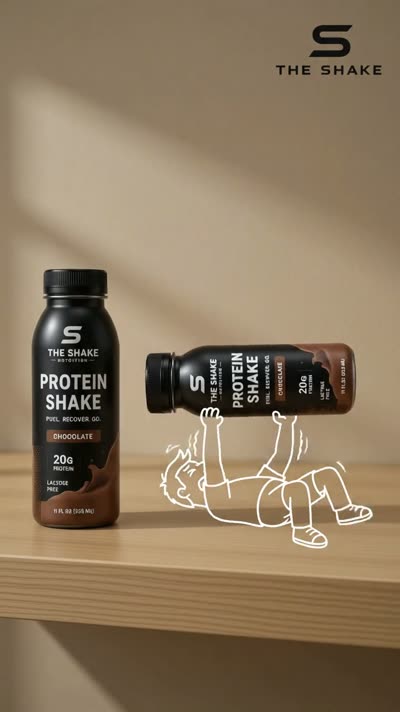
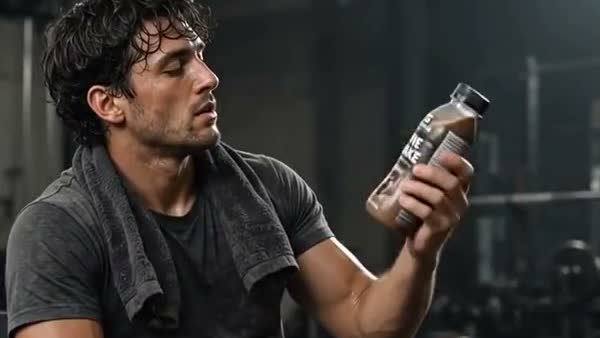
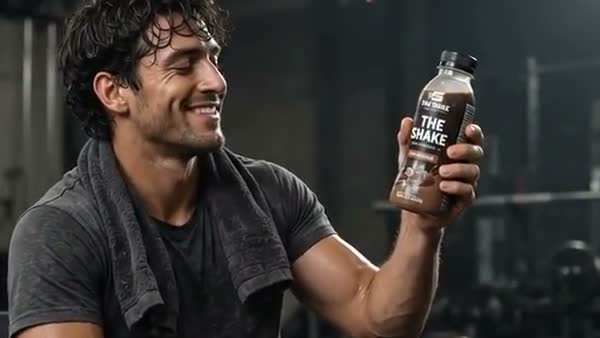
Use Direct it in Cinema to turn an idea into a shot-by-shot video script. Review the hook, scene directions, and closing message before committing to a video render.
Explore Studio free. Video creation requires a paid plan.“Your bag is full. Your bottle doesn't have to be the reason.”
Close on a crowded everyday bag.“Meet your everyday bottle.”
Show the product slipping into the side pocket.Your product. Your next-step CTA.
Hold on a clear product close-up.An illustrative product script. Edit your own script with Direct it in Cinema.
From the first direction to the version you keep, here’s what you can do with AI Video Script Generator.
Start with the product, audience, and message. Direct it helps shape an opening, the scene action, and a clear finish.
Review shot directions alongside the spoken words so the visual and message work together.
Change the script in Cinema first. Script preparation and paid video generation are separate steps.
An illustrative product script. Edit your own script with Direct it in Cinema.
Describe your offer, audience, and the point of the video.
Generate a shot-by-shot script and adjust the direction.
Review the script, choose your video settings, and generate when ready.
Direct it is part of the Cinema creation workflow. Prepare and edit the script there, then use it to direct your video. It is not a standalone document-export tool.
Create a Studio account and open Cinema. Video generation requires a paid plan and uses credits. Studio shows the available modes, settings, and cost before you generate.
Bring your business and a little direction.
See what you can create in Studio.
Turn a written idea into a short AI video. Describe the subject, setting, action, and camera direction in Cinema, then refine your prompt into a scene you can review and share.
Plan an AI video in Cinema with an editable storyboard. Shape the scenes, draw their visual direction, and carry a chosen first frame into video creation.
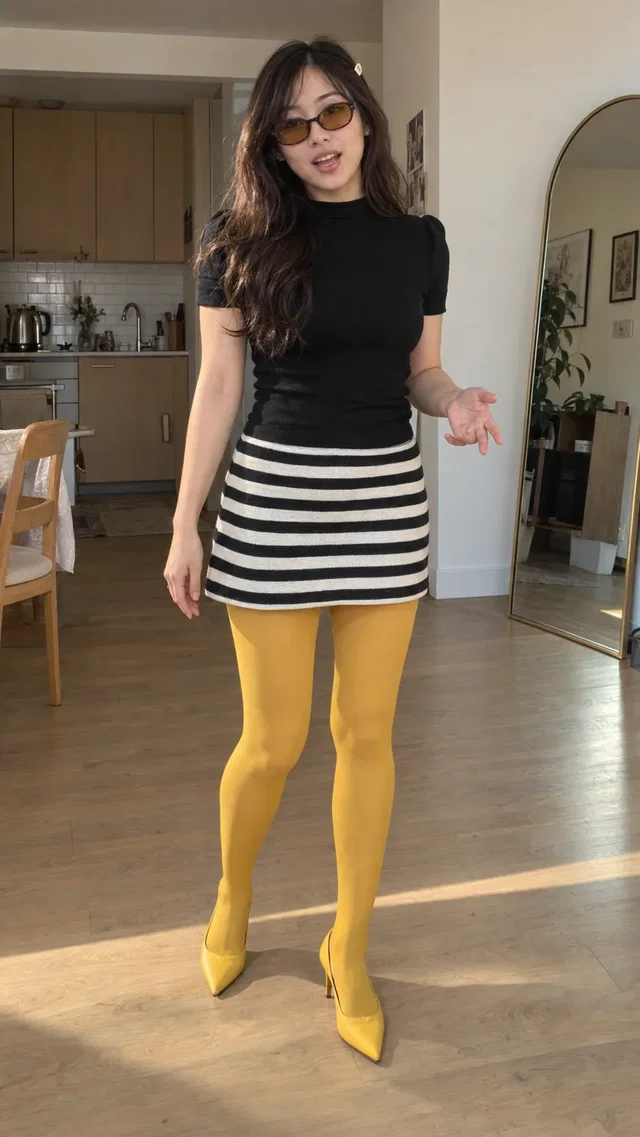
Make creator-style AI video ads with a Studio avatar, your product references, and an idea. Explore unboxings, casual introductions, and everyday product scenes without arranging a shoot.