Start with a simple brief
Tell Studio who or what is in the scene, where it happens, and what the viewer should see.
Turn a written idea into a short AI video. Describe the subject, setting, action, and camera direction in Cinema, then refine your prompt into a scene you can review and share.
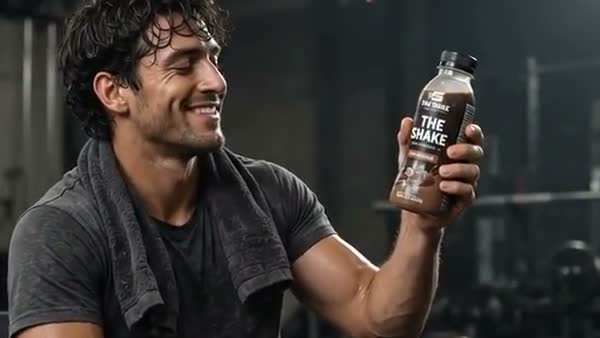
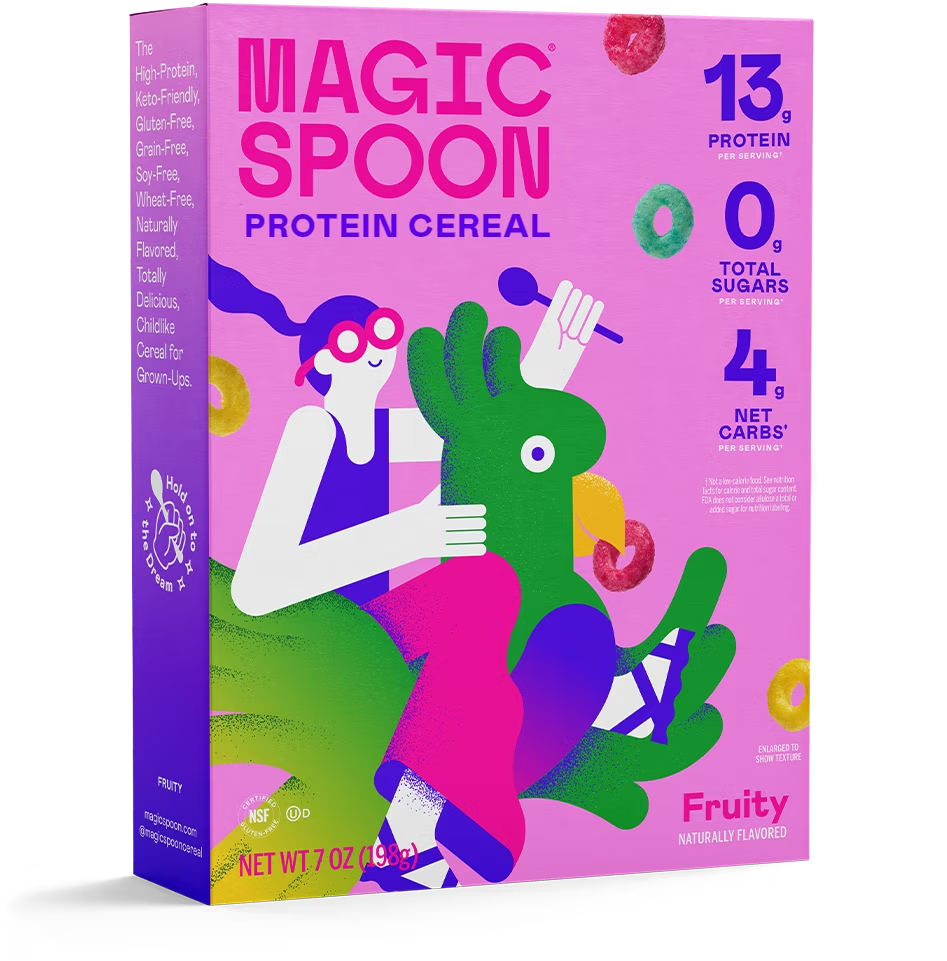
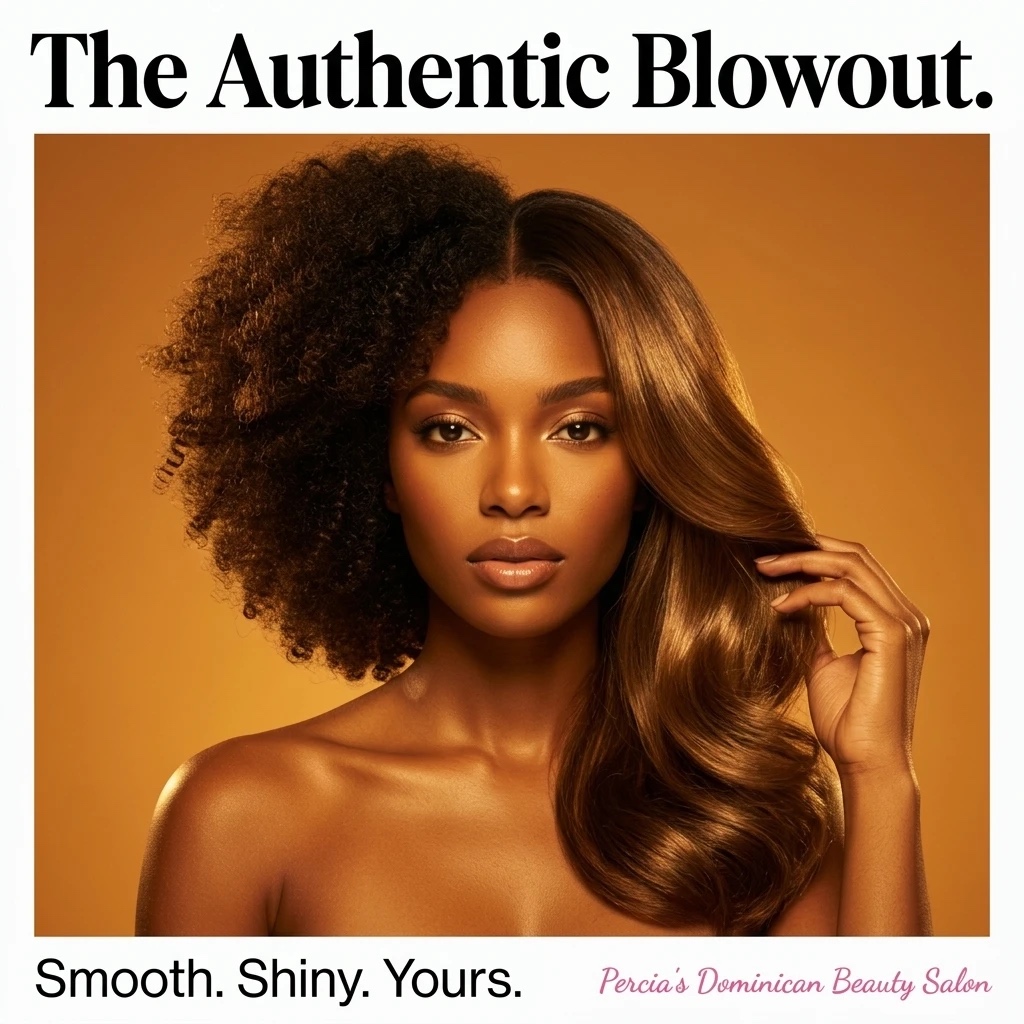
Explore Studio free. Video creation requires a paid plan.AI-generated Studio template previews. Your output will vary.
From the first direction to the version you keep, here’s what you can do with Text to Video AI.
Tell Studio who or what is in the scene, where it happens, and what the viewer should see.
Specify camera movement, pacing, sound, and an opening line rather than leaving every creative choice to chance.
Save a version, change the prompt, and explore another take on the same message.
AI-generated Studio template previews. Your output will vary.
Write a short brief with one subject and one clear action.
Add references and select the available video settings.
Watch your scene, check the details, then refine or save it.
Cinema is designed around short generated scenes and directed video creation. Break longer ideas into a script and storyboard, then review each scene. This page does not promise automatic long-form article conversion.
Create a Studio account and open Cinema. Video generation requires a paid plan and uses credits. Studio shows the available modes, settings, and cost before you generate.
Bring your business and a little direction.
See what you can create in Studio.
“Meet your
everyday bottle.”
Use Direct it in Cinema to turn an idea into a shot-by-shot video script. Review the hook, scene directions, and closing message before committing to a video render.
Plan an AI video in Cinema with an editable storyboard. Shape the scenes, draw their visual direction, and carry a chosen first frame into video creation.
Animate an image into a short AI video in Studio. Start with a saved creative or image reference, describe the action and camera movement, and explore a new version of your idea.