Free tools
Caption readability checker: count words and long lines
Use this transparent counting aid to review a caption before sharing it. It shows word counts, sentence or line-fragment counts, character counts and two editing flags. The flags are prompts to review in context, not a reading-grade or performance score.
For: Creators and small teams who need a simple browser-based content workflow utility. Use it to: Count words and find a few long caption lines
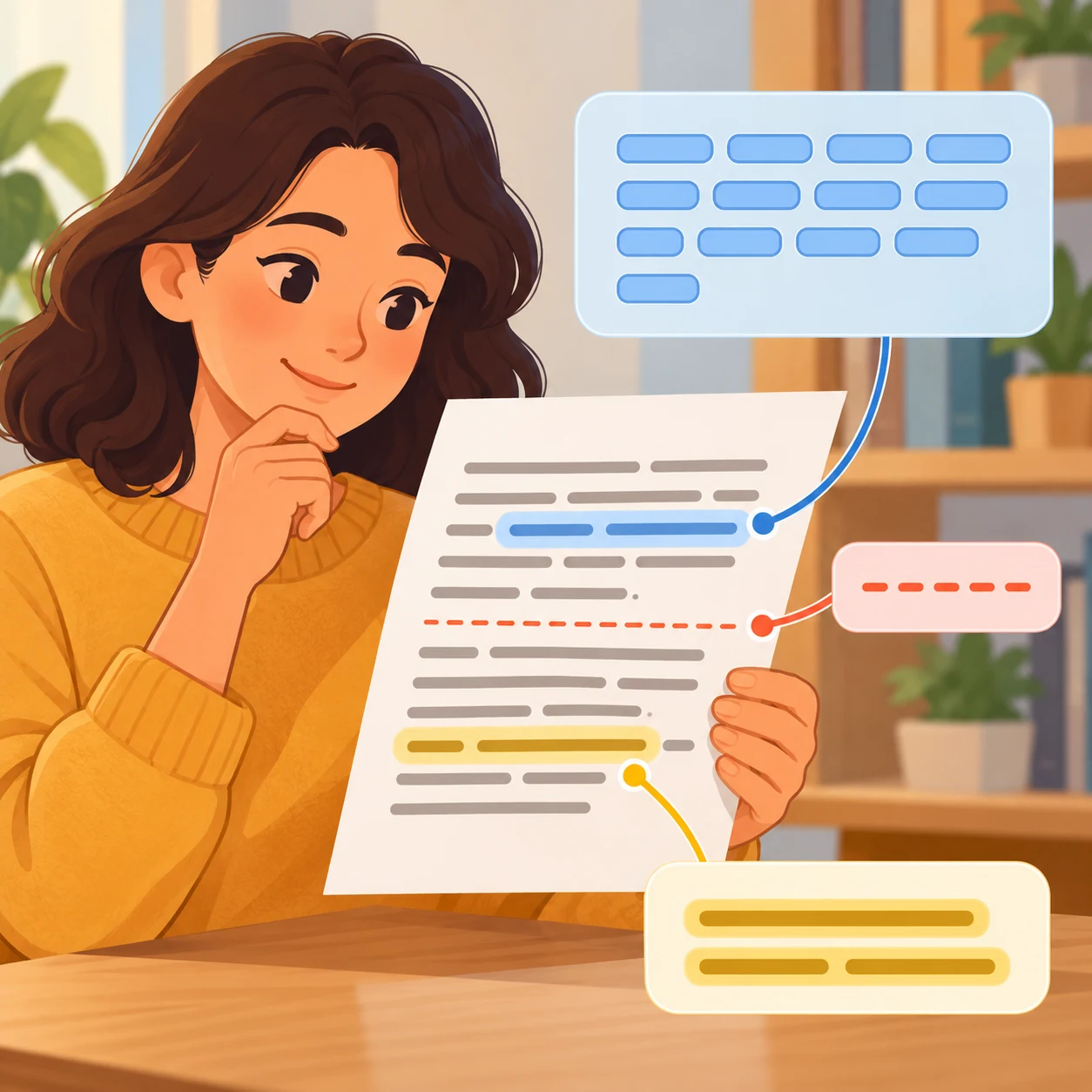
Check caption counts and editing flags
Paste your caption to see word and sentence/line-fragment counts, Unicode code points, UTF-16 code units, average words per fragment, fragments over 25 words and words over 14 letters/digits. The rules are deliberately simple; use the flags as editing prompts, not a score.
This is a transparent counting aid, not a reading-grade or performance score. Words are letter/digit groups with internal apostrophes. Sentence boundaries use line breaks or a final period, question mark or exclamation mark followed by whitespace. Abbreviations can affect counts.
Review the 25-word and 14-letter flags in context. They are editing prompts, not errors. Emoji can contain several code points.
Caption counts and editing prompts
Add your details to see the result.
Your entered text and selected files stay in your browser.
How to use this utility
- Paste a caption into the text box.
- Review the counts and any sentence fragments over 25 words or words over 14 letters/digits.
- Use the suggestions as prompts; abbreviations, emoji and line breaks can affect the counts.
- Copy or download the report if you want to keep it with your draft.
Worked example
Example caption: “New notes for the week. One small idea, ready to share!” The tool counts words and sentence/line fragments, reports code points and UTF-16 code units, and flags only fragments over 25 words or words over 14 letters/digits.
What it does and does not do
- Words are Unicode letter/digit groups with internal apostrophes. Sentence/fragment boundaries use line breaks or . ! ? followed by whitespace or end of input.
- The report includes code-point and UTF-16-code-unit counts; emoji may contain multiple code points. Abbreviations can affect sentence counts.
- This is not a reading-grade, engagement, conversion or ranking score. Text stays in the browser.
Keep exploring
Related ideas
Want to create a version for your brand?
Try your idea in Memes.ai Studio after you have the caption or image you need.