Free tools
Content calendar CSV builder
Build a simple dated publishing plan from your own start date, schedule and categories. The tool rotates your category names through the selected days and leaves caption and asset cells blank for content you approve.
For: Creators and small teams who need a simple browser-based content workflow utility. Use it to: Make a dated content calendar CSV
Build a content calendar CSV
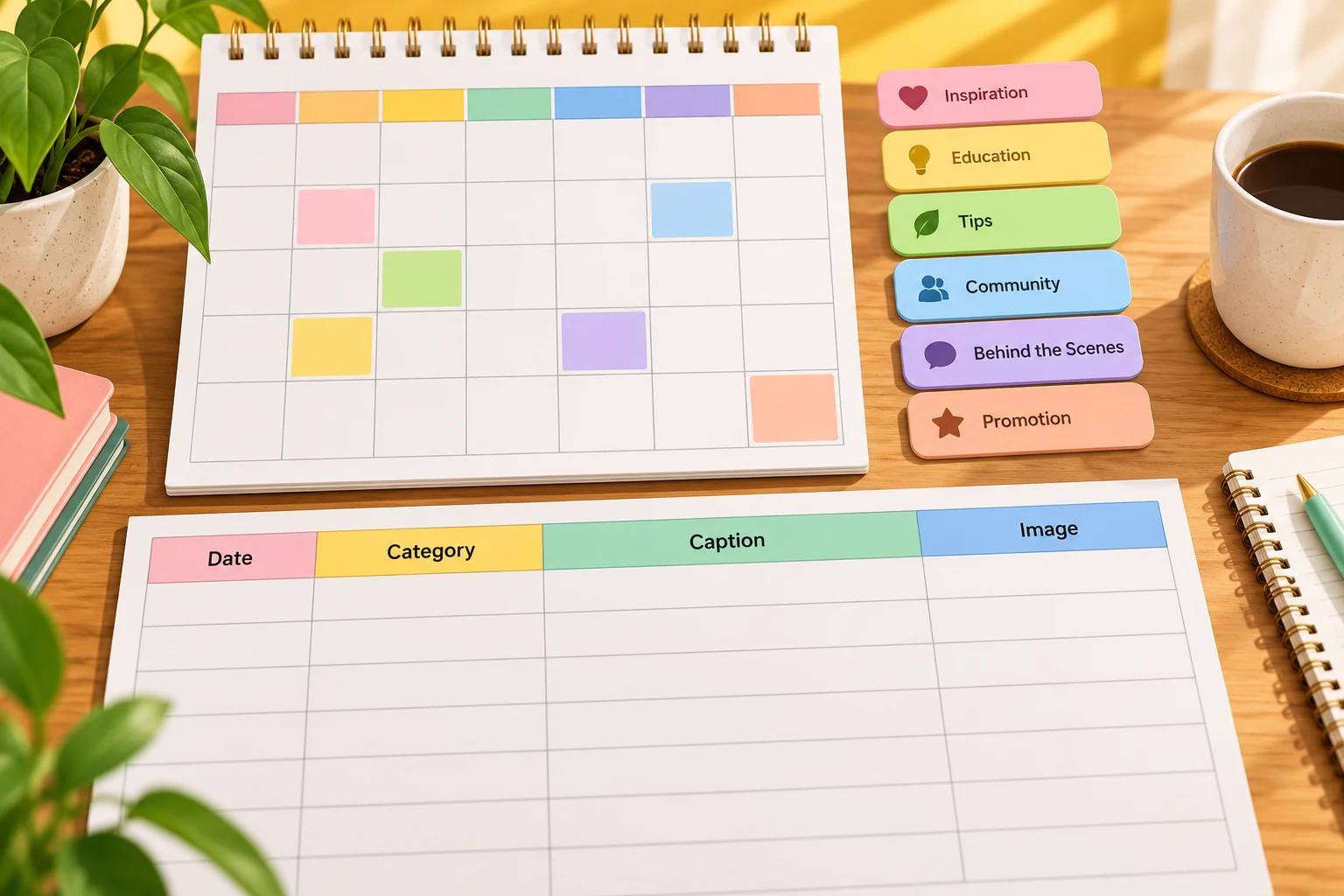
Choose a start date, 1–12 weeks, one or more weekdays and category names (one per line). The output covers consecutive seven-day periods from the start date, rotates categories in order, and leaves caption and asset columns blank. It does not add holidays or recommended posting times.
The plan covers the selected number of seven-day periods from your start date. Categories rotate in order. Caption and asset columns stay blank for your own approved content. These are calendar dates, with no posting time or time zone attached.
Dated content calendar CSV
Add your details to see the result.
Your entered text and selected files stay in your browser.
How to use this utility
- Choose a valid start date and the number of seven-day periods, from 1 to 12.
- Select the weekdays you want to schedule.
- Enter your categories one per line; they rotate through generated rows in order.
- Review the date, weekday and category columns, fill in your own approved captions and assets, then download the CSV.
Worked example
Start date: 2026-11-02
Weeks: 2
Days: Monday, Wednesday, Friday
Categories: Helpful tip / Behind the scenes / Community question
First rows: 2026-11-02 Monday Helpful tip; 2026-11-04 Wednesday Behind the scenes; 2026-11-06 Friday Community question. Caption and asset fields remain blank.
What it does and does not do
- Dates use calendar dates with no posting time or time zone attached. Categories rotate across the generated scheduled rows, not by weekday.
- The tool does not invent holidays, optimal posting times, captions or assets. Review the CSV dates and fill in content you are authorized to publish.
- Your inputs stay in the browser.
Keep exploring
Related ideas
Want to create a version for your brand?
Try your idea in Memes.ai Studio after you have the caption or image you need.