Free tools
Image resolution checker for local files
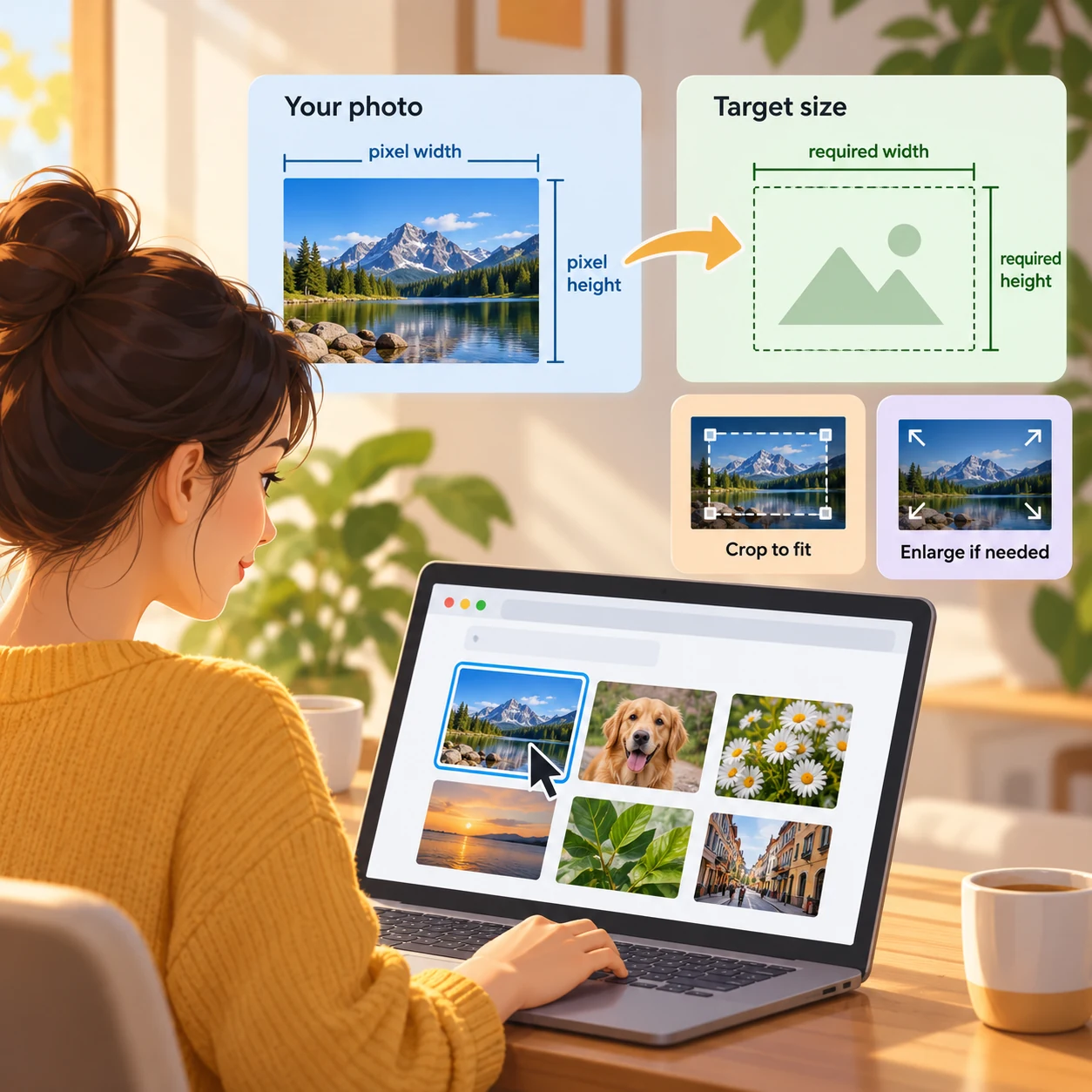
Choose a supported image from your device and enter the target pixel dimensions you have in mind. The browser reports the decoded image size, aspect ratio and file bytes, then notes whether a target would require enlargement or might require cropping.
For: Creators and small teams who need a simple browser-based content workflow utility. Use it to: Compare local image pixels with a target size
Check local image dimensions
Select a PNG, JPEG, WebP, GIF, AVIF or BMP image and enter positive whole-number target width and height. The browser reads decoded natural dimensions and file size, then compares each dimension with your target. No file upload or image-quality score is produced.
Your file stays in this browser. Dimensions are the browser-decoded image size, including any orientation handling. For animated images, this checks the canvas size, not each frame.
Image dimensions and target comparison
Add your details to see the result.
Your entered text and selected files stay in your browser.
How to use this utility
- Choose an image file supported by your browser. The file is read locally.
- Set a target width and height in pixels.
- Review decoded dimensions, simplified aspect ratio, byte size and the target comparison.
- If dimensions are below target or the aspect ratios differ, decide in your own editor whether to enlarge or crop.
Worked example
Example: a 1200 × 800 px image compared with a 1080 × 1080 px target has enough width but not enough height. Filling a square without borders would require enlargement, and the 3:2 source ratio may also require cropping.
What it does and does not do
- Supported input types are PNG, JPEG, WebP, GIF, AVIF and BMP when the browser can decode them. Animated files report the image canvas dimensions, not every frame.
- Dimensions are browser-decoded natural dimensions, which can include orientation handling. A failed decode shows an error.
- Pixel dimensions do not measure sharpness, compression quality, print suitability or whether a platform will accept an image. The file stays in the browser.
Keep exploring
Related ideas
Want to create a version for your brand?
Try your idea in Memes.ai Studio after you have the caption or image you need.