
 by @memes
Make insane AI videos. You direct. Studio shoots.
Ten production manuals for AI short dramas, viral reels, narrated stories, full short films, music videos and ads. Each one shows real Studio samples, the time and cost per video, and a copy-paste skill that gives your assistant a production workflow.
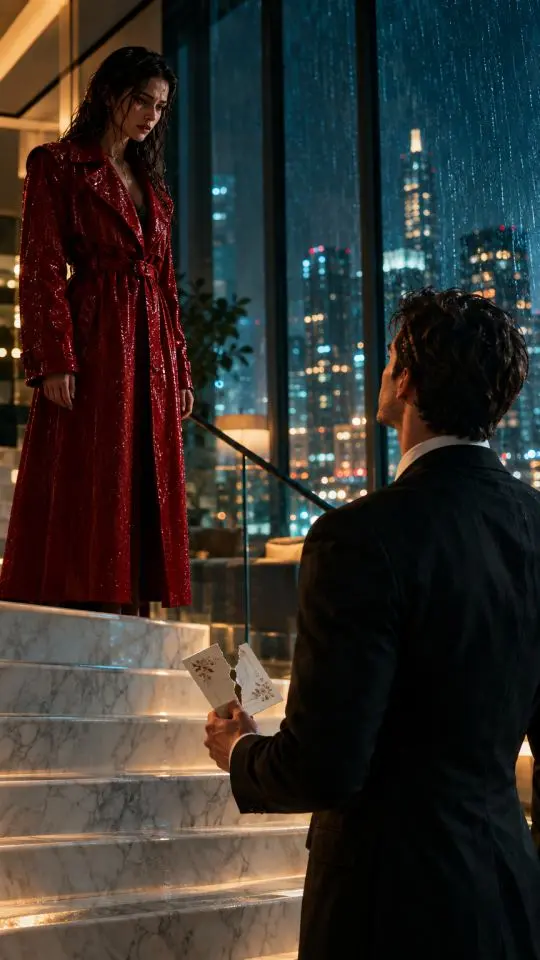 Made in Memes AI Studio



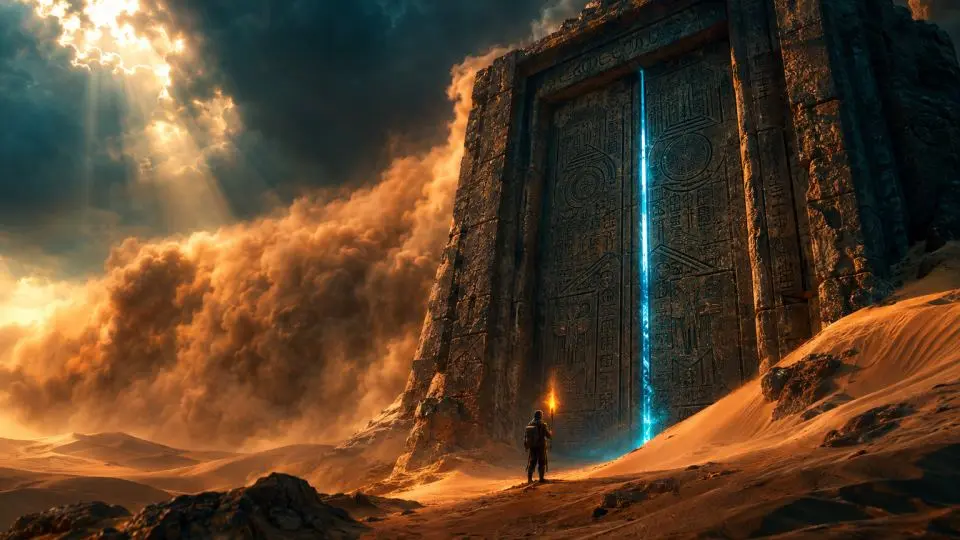
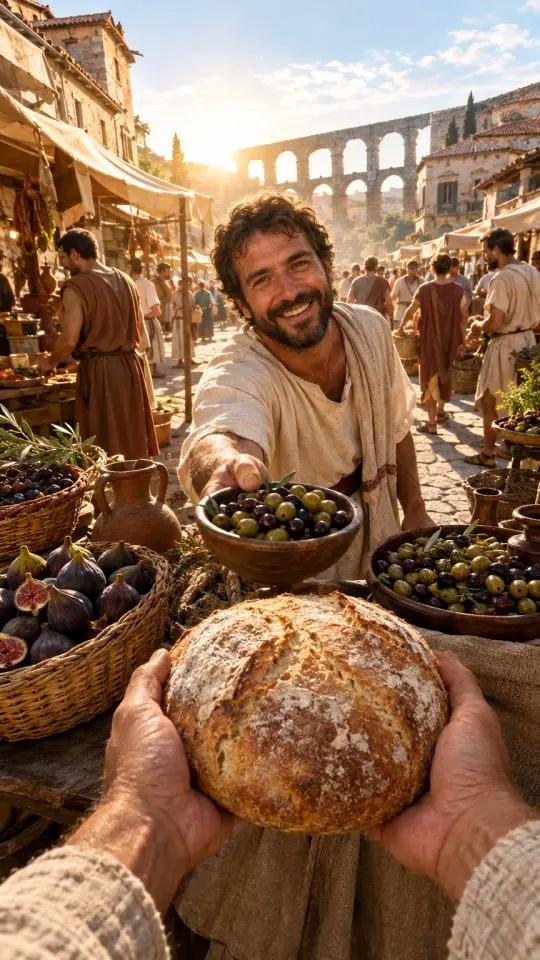
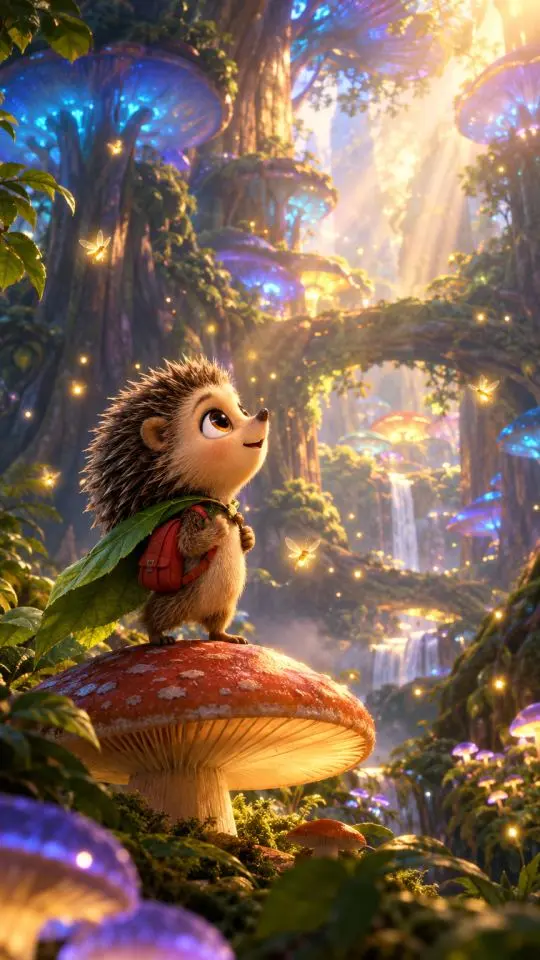
Four tools. One director.
Your assistant plans the production and directs the tools you connect. Memes AI Studio renders the images and shots. ElevenLabs and HyperFrames handle voices and the final cut when you want them.
Your AI assistant
With a skill loaded, your assistant writes the bible and shot list, runs every Studio call, tracks credits and asset IDs, and assembles the cut.
RequiredMemes AI Studio
Keyframes, character sheets, 10-second Cinema shots with native sound, edits, extensions up to 40 seconds per shot, and HD/4K upscales.
RequiredElevenLabs
Character voices, narration, dialogue, sound effects, and music beds when you want more control than Cinema's native audio.
OptionalHyperFrames
HeyGen's open-source HTML-to-video renderer: your assistant writes the timeline as HTML, adds captions and titles, then renders the final MP4.
OptionalGive your assistant a production plan, from first idea to final cut.
Each skill covers story, references, a timed shot list, credit budget, sound, editing and final review. Tool access determines what your assistant can produce.
Without a production plan
- Jumps straight to generating, with no plan or shot list
- A different face in every shot
- No idea what anything costs until the credits are gone
- Hands you loose 10-second clips instead of a video
- Guesses at prompts, durations and aspect ratios
With a Memes AI skill
- Writes the bible, beat sheet and shot list first
- Locks characters with reference sheets and keyframes
- Shows a credit budget before the first paid call
- Fixes takes with edits and extensions instead of re-rolls
- Checks the exported cut, or labels an editing handoff
Pick what you want to make
Every guide is an instruction manual: tools, time, cost per video, the exact pipeline, prompts, and the skill.
How to Make AI Short Dramas People Binge
How to Make Viral AI Videos for Reels, TikTok and Shorts
How to Make AI Storytelling Videos (Faceless, Narrated, Cinematic)
How to Make a Full-Length AI Short Film
How to Make an AI Music Video That Hits Every Beat
How to Make an AI Movie Trailer for a Film That Doesn't Exist (Yet)
How to Make AI POV History Videos ("POV: You Wake Up in Ancient Rome")
How to Make AI Animated Cartoon Stories with a 3D Feature-Film Look
How to Make AI UGC Video Ads That Feel Real (Without Faking Reviews)
How to Make a Cinematic AI Product Commercial
Install all eleven skills and let the director choose.
The memes-video-director skill reads your idea, picks the right format and runs the matching workflow.
Three steps, then just paste your script
Connect Studio to your assistant
Connect Studio in your assistant using its supported app or MCP connection. Then choose your client’s setup in the skill library.
Choose your setupInstall the skills
Grab one skill from its guide, or all eleven from the Skill Factory as a single ZIP.
All skills (.zip)Paste your script
Paste the skill and your script or idea. Your assistant plans the video and checks the budget before rendering.
Use the AI short drama skill. Plan this idea and show me the credit budget before generating.

[your script]
Eleven skills. One engine.
Ten format skills plus memes-video-director, a master skill that picks the right format for any request. Every one runs on Memes AI Studio.
Before you start
What is an AI production skill?
A skill is a markdown file (SKILL.md) of production instructions. Paste it into your assistant, or use its supported skill loader. These skills teach your assistant how professionals produce each video format with Memes AI Studio: what to plan, which Studio tools to call in which order, how to keep characters consistent, and how to stay on budget.
Do I need Claude Code, or does this work in Claude.ai?
Both. In Claude.ai or Claude Desktop, add Studio as a custom connector and upload the skill ZIP under Customize → Skills. In Claude Code, add the Studio MCP server and drop the skill folder into ~/.claude/skills. Assembly with HyperFrames needs a shell and editor support; if your session lacks those, the skill hands you clips and an edit list instead.
Can I use these skills with ChatGPT or another assistant?
Yes. Paste the skill text at the start of the conversation and connect Studio (it is available as a ChatGPT app and as an MCP connector for other assistants). The instructions are plain markdown, so they are model independent. Tool access varies by assistant and account: without Studio tools, you get a production plan; a finished cut also needs an editor and a way to review the exported file.
What does Memes AI Studio do in this workflow?
Studio is the engine: it renders character sheets and keyframes, animates them into 10-second Cinema shots with native sound, edits and extends shots up to 40 seconds, and upscales to HD or 4K. Your assistant directs Studio through the tools available in its app or MCP connection.
How much does an AI video cost to make?
From about 38 Studio credits for a viral clip to about 490 for a 4-minute short film. Each guide shows the full credit budget and the dollar range on Studio plans. ElevenLabs is optional; HyperFrames is free and open source.
Are the sample videos real?
Yes. Every sample on these pages was made in Memes AI Studio: one keyframe generated from the prompt shown on the guide, then animated into a 10-second Cinema shot with the exact instruction shown. Nothing was edited afterward.
Your first AI video is one script away.
Start free in Memes AI Studio, connect your assistant, and run any skill from these guides.