by @memes
memes-video-director
Memes Video Director (start here)
The master skill. Picks the right format for any video request and runs the universal Studio pipeline: plan, budget, references, keyframes, motion, sound, assembly, QC.
Production workflows for ChatGPT, Claude, Codex, Gemini, and other assistants. Load a skill, add your script, then plan, budget and shoot in Studio. Each skill also covers sound, editing and final review.
All eleven skills are plain markdown. Paste them into ChatGPT, Claude, Codex, Gemini, or another assistant. Rendering needs Studio tools; a finished cut also needs editing and playback tools.
Connect Studio using the app or MCP support available in your client. Copy a complete skill into the conversation. If the assistant can read links, it can load the raw file instead. Native skill installation is optional.
https://templates.memes.com/skills/memes-video-director/SKILL.mdConnect Studio, then unzip every skill into your personal skills folder. Call one with /ai-short-drama and your script.
claude mcp add --transport http studio https://api.memes.media/mcpcurl -fsSL https://templates.memes.com/skills/memes-ai-video-skills.zip -o /tmp/memes-skills.zip && unzip -o /tmp/memes-skills.zip -d ~/.claude/skillsAdd Studio under Customize → Connectors → Add custom connector. Then upload each skill's ZIP under Customize → Skills.
https://api.memes.media/mcpThe master skill. Picks the right format for any video request and runs the universal Studio pipeline: plan, budget, references, keyframes, motion, sound, assembly, QC.
Produce a vertical AI short-drama (micro-drama) episode end to end with Memes AI Studio: series bible, cliffhanger beat sheet, locked character references, keyframes, 10-second Cinema shots with sound, optional ElevenLabs voices, and a HyperFrames cut with captions.
Make a scroll-stopping viral AI video (8–20 s, 9:16) with Memes AI Studio: pitch and score hooks, render a one-second readable keyframe, animate one surprising action with Cinema sound, build a seamless loop, and package hook text and captions.
Make a narrated, faceless AI storytelling video with Memes AI Studio: rewrite the story for the ear, generate narration first (ElevenLabs), illustrate each line in one consistent style, add gentle motion and Cinema hero moments, and cut scenes to the voice with word-by-word captions.
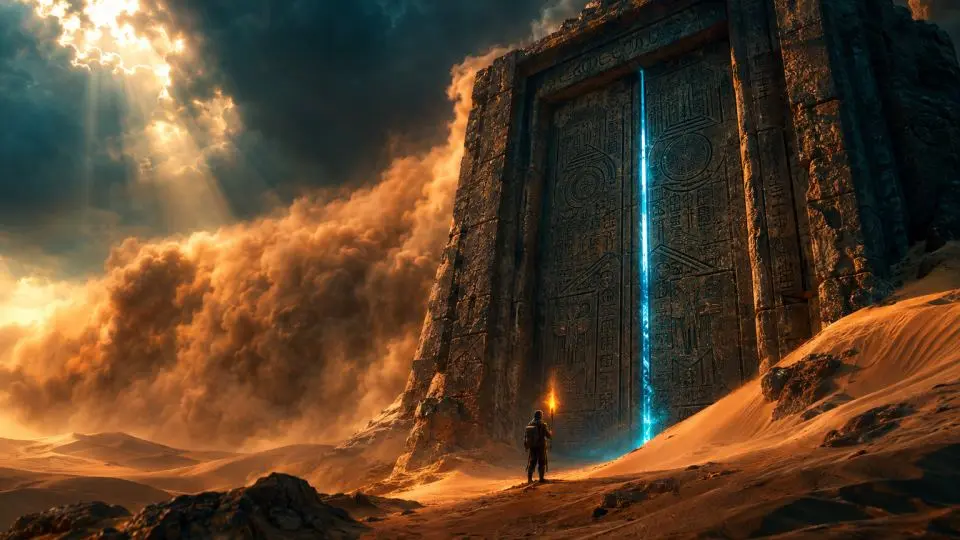
Direct a full-length AI short film (3–8 min, 16:9) with Memes AI Studio: script breakdown into scenes and coverage, lookbook, cast and continuity bible, keyframes for every setup, Cinema shots with long takes and first/last-frame control, sound design, and a HyperFrames edit with titles and credits.
Make a beat-synced AI music video with Memes AI Studio from a track the user owns: song map and beat grid, three visual motifs, performer references, a shot per bar group, silent Cinema shots with tempo-matched motion, a HyperFrames edit that cuts on the beat with lyric typography, and a vertical teaser.
Make an epic AI movie trailer (60–90 s) with Memes AI Studio: logline and three-act trailer structure, title cards and VO, lookbook, escalating keyframes, Cinema shots with native rumble and impacts, optional ElevenLabs trailer voice and braams, and a HyperFrames cut that accelerates into a title and button.
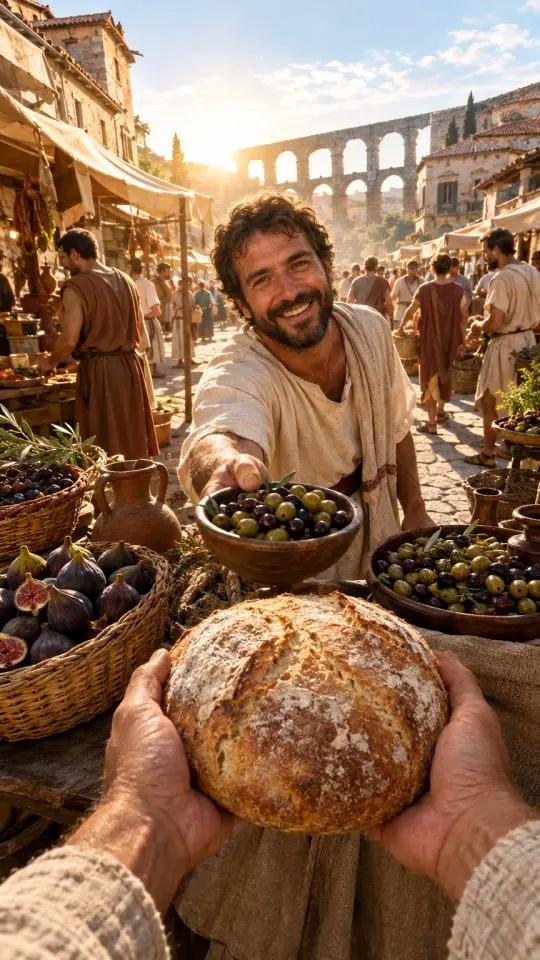
Make a first-person AI POV history video ("POV: you live in Ancient Rome") with Memes AI Studio: research the era, pick five sensory moments, render hands-in-frame POV keyframes with consistent sleeves, animate them with handheld body-cam motion and period ambience, and caption them in the POV format.
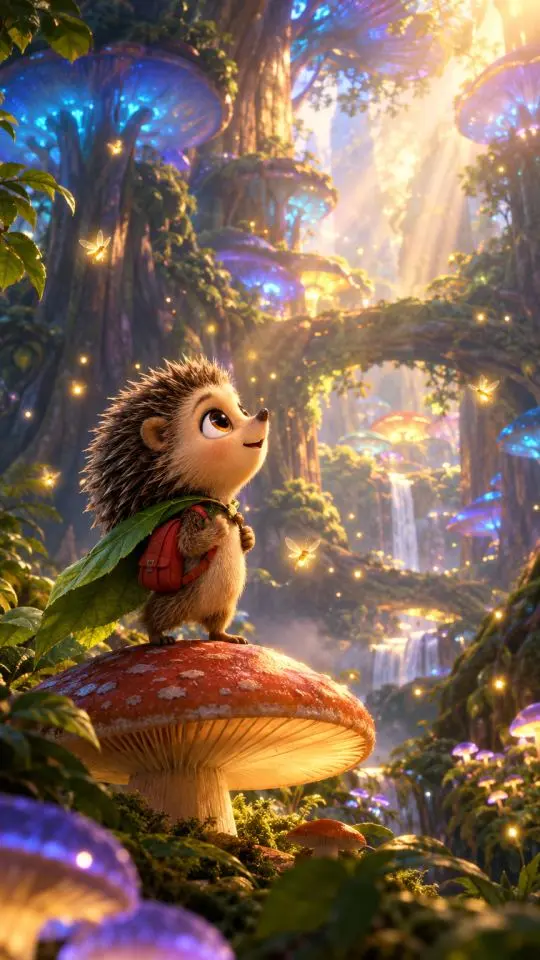
Make an original 3D-animated story video (60–90 s) with Memes AI Studio: age-appropriate story beats, an original hero with a turnaround sheet, a Studio storyboard, keyframes in one consistent world, Cinema animation with squash and stretch and music, optional ElevenLabs narration, and a HyperFrames cut.
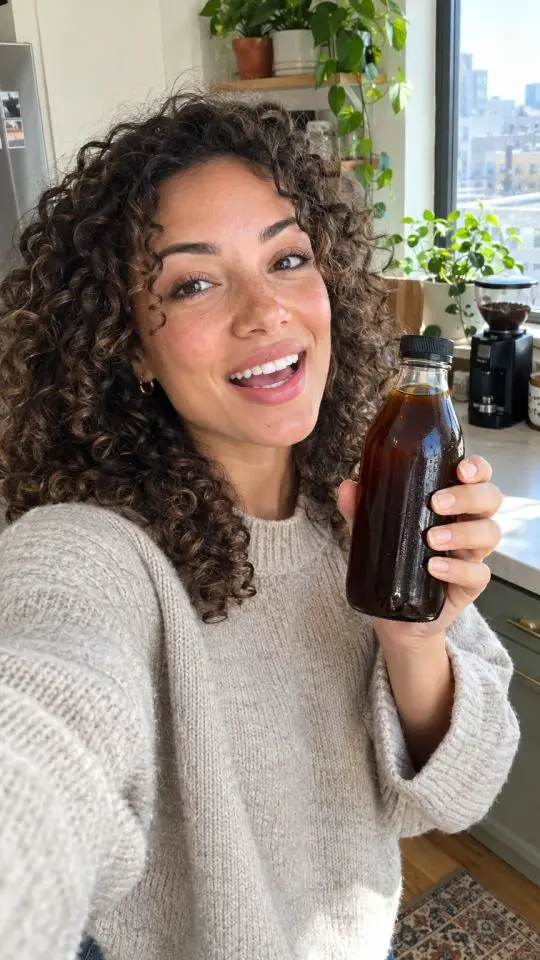
Make creator-style AI UGC video ads with Memes AI Studio: product facts and honest hooks, a hook-demo-benefit-CTA script, product-faithful selfie keyframes from real product photos, talking Cinema shots with phone shake, captions, CTA card, and three hook variants.
Make a cinematic AI product commercial (15–30 s) with Memes AI Studio from real product photos: a four-shot board (tease, reveal, details, payoff), product-faithful hero frames, Cinema motion with sound, a first/last-frame reveal, an HD upscale, and a HyperFrames cut with tagline and logo end frame in 9:16 and 16:9.
Memes AI Studio also publishes an official plugin with storyboard, carousel, meme ad, UGC script and campaign skills.
A skill is a markdown file (SKILL.md) of production instructions. Paste it into your assistant, or use its supported skill loader. These skills teach your assistant how professionals produce each video format with Memes AI Studio: what to plan, which Studio tools to call in which order, how to keep characters consistent, and how to stay on budget.
Both. In Claude.ai or Claude Desktop, add Studio as a custom connector and upload the skill ZIP under Customize → Skills. In Claude Code, add the Studio MCP server and drop the skill folder into ~/.claude/skills. Assembly with HyperFrames needs a shell and editor support; if your session lacks those, the skill hands you clips and an edit list instead.
Yes. Paste the skill text at the start of the conversation and connect Studio (it is available as a ChatGPT app and as an MCP connector for other assistants). The instructions are plain markdown, so they are model independent. Tool access varies by assistant and account: without Studio tools, you get a production plan; a finished cut also needs an editor and a way to review the exported file.
Studio is the engine: it renders character sheets and keyframes, animates them into 10-second Cinema shots with native sound, edits and extends shots up to 40 seconds, and upscales to HD or 4K. Your assistant directs Studio through the tools available in its app or MCP connection.
From about 38 Studio credits for a viral clip to about 490 for a 4-minute short film. Each guide shows the full credit budget and the dollar range on Studio plans. ElevenLabs is optional; HyperFrames is free and open source.
Yes. Every sample on these pages was made in Memes AI Studio: one keyframe generated from the prompt shown on the guide, then animated into a 10-second Cinema shot with the exact instruction shown. Nothing was edited afterward.
Start free, connect your assistant to Studio, and load any skill from the library.