Industry playbooks
Farmers Market Social Media Post Ideas: 4 Examples
By Memes.ai
Updated October 16, 2026 · 4 min read
A farmers market's account can help someone decide when to visit, find a vendor and understand how collection or payment works. Keep the weekly lineup current. A seasonal product post should describe what a vendor has confirmed rather than what you hope will be on the stalls. Below are four finished visual concepts and example captions, with image briefs you can adapt to your own brand. The artwork uses fictional businesses and AI-generated scenes. For a post about your actual people, place or service, supply authorized photographs and confirmed details.
What you’ll take away
- Start with “Make a morning of it” for one visual idea. Use “Meet the people behind the stall” for a different view of the same business. Choose the example that supports the message you want a reader to understand.
- Confirm vendor participation, stock, opening times and payment details. Get permission for vendor and visitor images and avoid unsupported production or health claims.
- Use the finished captions as creative examples. The adaptation notes include practical copy templates for your own confirmed details. Match your image, message and destination to the same reader task.
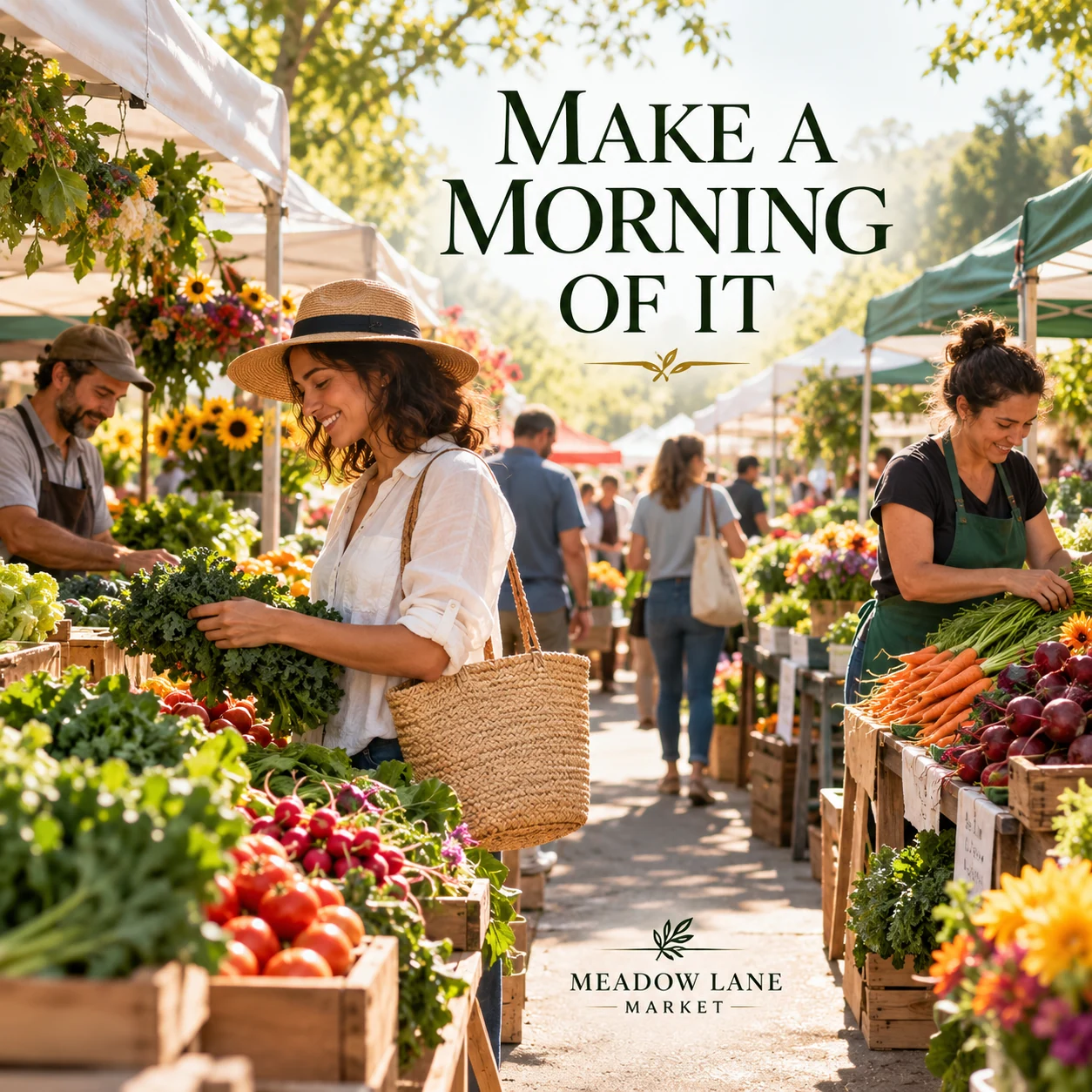
1. Make a morning of it
Finished AI-generated creative for the fictional brand MEADOW LANE MARKET. This is an illustrative concept, not a real customer, venue or campaign result. Headline: “MAKE A MORNING OF IT”.
Finished example caption — A walk through the stalls, a conversation with a vendor, a tote a little fuller than you planned. Make a morning of the market.
Why use this post — An active market scene gives a weekend visit an immediate visual setting.
Make it your own — Confirm the market status and date before posting, especially when weather can change plans. If you need a practical service-information version, adapt this template with confirmed details: The next [market name] is on [verified date] at [location]. Find current hours, access information and the vendor list at [official page].
Image brief to adapt
Create a finished square social image for my farmers market business. Scene: A sunlit neighborhood farmers market with colorful produce stalls, adult vendors preparing the stalls and a clear welcoming walking aisle, no readable vendor signs or prices, premium documentary photo. Visual style: Fresh local-market editorial photography; leaf green, warm cream, tomato red and natural wood; believable produce, human scale, adult vendors only, no certifications or unsupported claims. Use this headline exactly: “MAKE A MORNING OF IT”. Replace the fictional example brand MEADOW LANE MARKET with my supplied business name. Make the scene the main visual, with a short legible headline and a small brand wordmark. Do not render placeholder fields or instructions. Do not invent a date, price, address, credential, offer or result. Use my authorized photographs when the post describes my actual people, premises, products or completed work. Review every detail before publishing.
2. Meet the people behind the stall
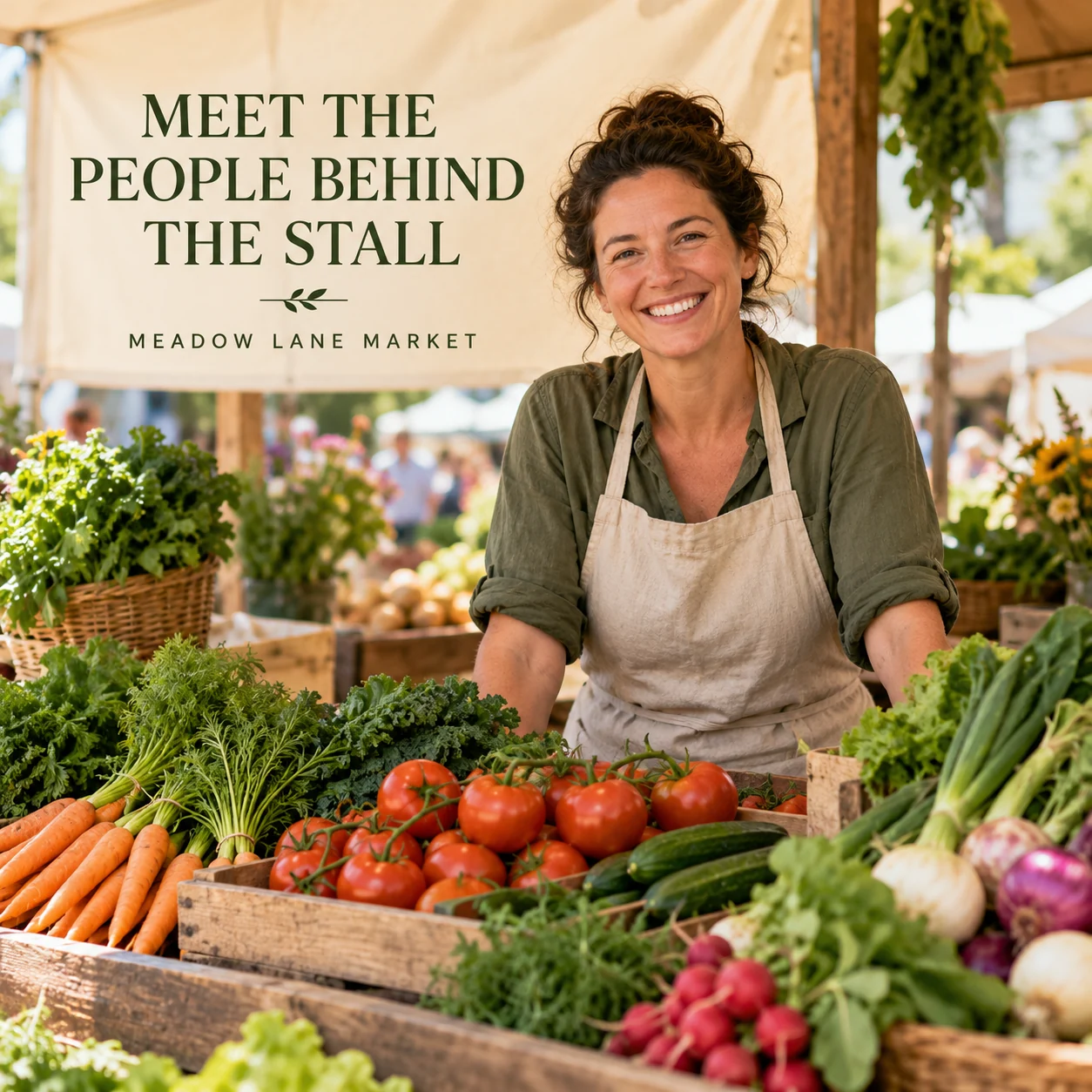
Finished AI-generated creative for the fictional brand MEADOW LANE MARKET. This is an illustrative concept, not a real customer, venue or campaign result. Headline: “MEET THE PEOPLE BEHIND THE STALL”.
Finished example caption — Behind the stand is someone with a story to tell. Take a moment to meet the people who make a market morning.
Why use this post — A vendor portrait connects a stall with the person behind it.
Make it your own — Get vendor approval and describe their products and production accurately. If you need a practical service-information version, adapt this template with confirmed details: Joining us on [market date]: [vendor], bringing [vendor-confirmed products]. Ask them about current availability through [approved vendor link].
Image brief to adapt
Create a finished square social image for my farmers market business. Scene: An adult market vendor smiling behind a wooden stand of beautiful seasonal vegetables, simple canvas apron, warm candid portrait and natural color, no claims about growing methods. Visual style: Fresh local-market editorial photography; leaf green, warm cream, tomato red and natural wood; believable produce, human scale, adult vendors only, no certifications or unsupported claims. Use this headline exactly: “MEET THE PEOPLE BEHIND THE STALL”. Replace the fictional example brand MEADOW LANE MARKET with my supplied business name. Make the scene the main visual, with a short legible headline and a small brand wordmark. Do not render placeholder fields or instructions. Do not invent a date, price, address, credential, offer or result. Use my authorized photographs when the post describes my actual people, premises, products or completed work. Review every detail before publishing.
3. A little taste of the season
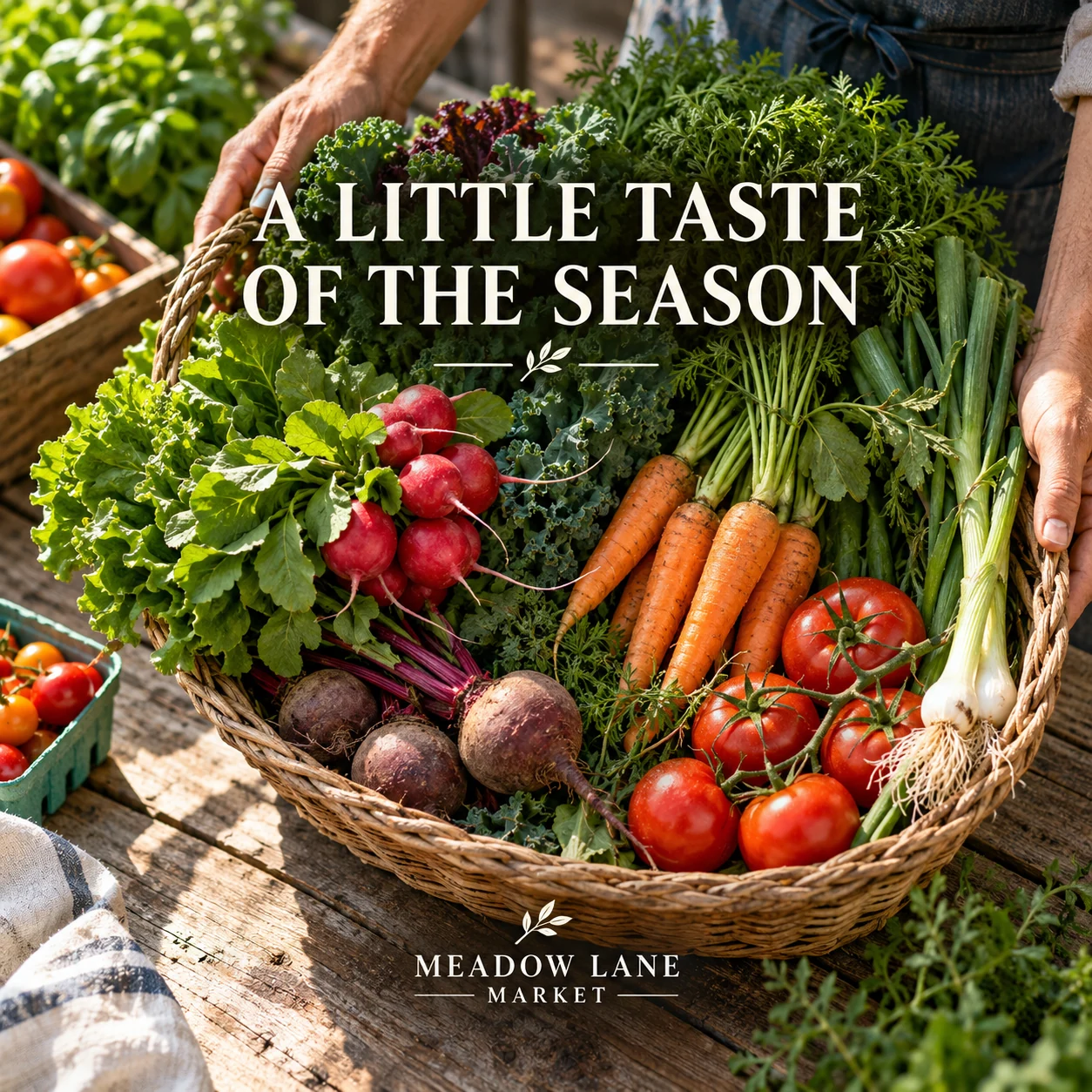
Finished AI-generated creative for the fictional brand MEADOW LANE MARKET. This is an illustrative concept, not a real customer, venue or campaign result. Headline: “A LITTLE TASTE OF THE SEASON”.
Finished example caption — Leafy greens, bright roots and a basket full of color. Sometimes the season makes its own palette.
Why use this post — Seasonal produce makes color, variety and ingredients the subject.
Make it your own — Use the vendor's actual update. Do not invent sourcing, organic status or a quantity. If you need a practical service-information version, adapt this template with confirmed details: From [vendor]: [confirmed item] is planned for [market date]. Check with the stall for current availability and details.
Image brief to adapt
Create a finished square social image for my farmers market business. Scene: Beautiful overhead still life of mixed seasonal vegetables in a woven basket on a weathered market table, leafy greens, radishes and carrots, rich natural texture and morning light. Visual style: Fresh local-market editorial photography; leaf green, warm cream, tomato red and natural wood; believable produce, human scale, adult vendors only, no certifications or unsupported claims. Use this headline exactly: “A LITTLE TASTE OF THE SEASON”. Replace the fictional example brand MEADOW LANE MARKET with my supplied business name. Make the scene the main visual, with a short legible headline and a small brand wordmark. Do not render placeholder fields or instructions. Do not invent a date, price, address, credential, offer or result. Use my authorized photographs when the post describes my actual people, premises, products or completed work. Review every detail before publishing.
4. Your next market morning starts here
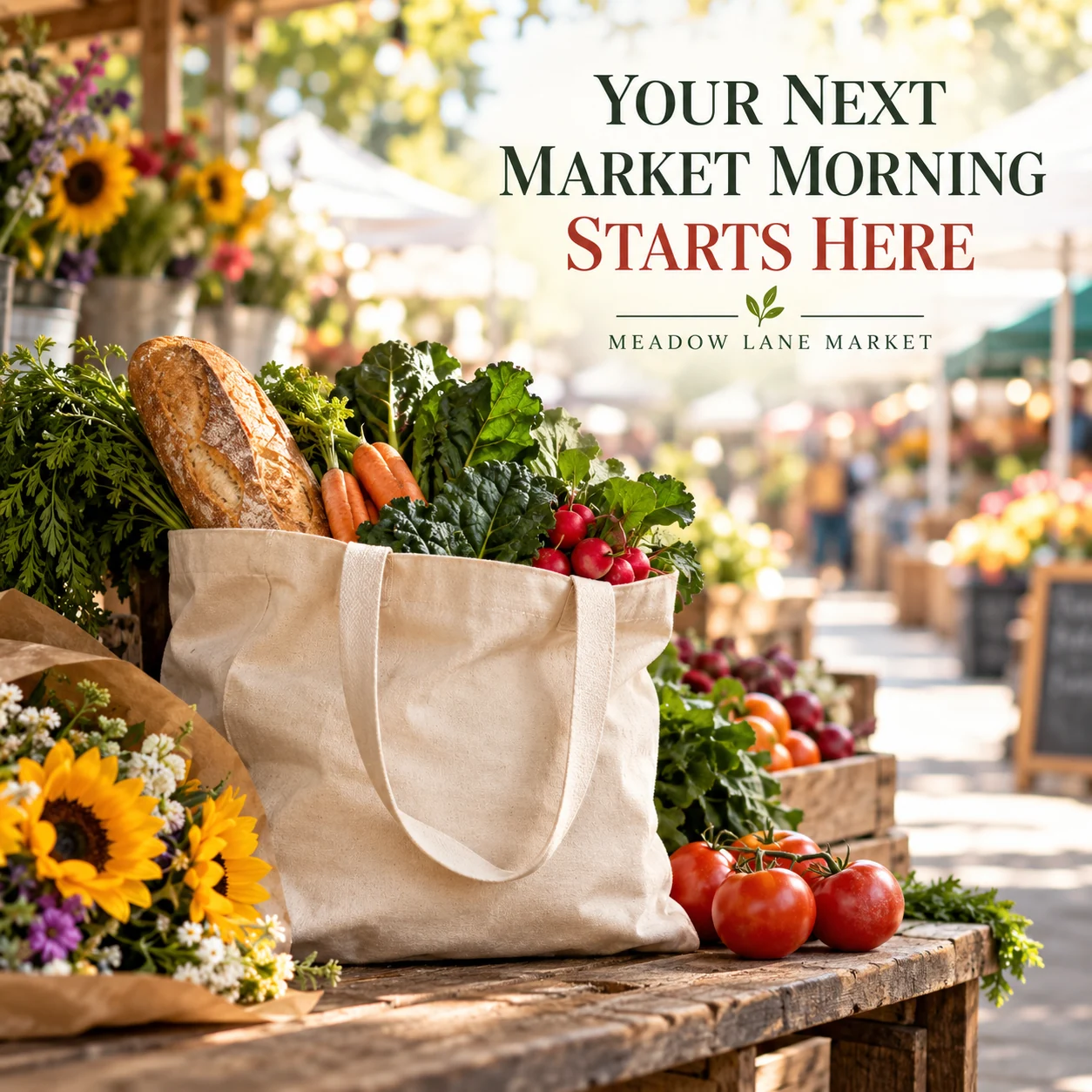
Finished AI-generated creative for the fictional brand MEADOW LANE MARKET. This is an illustrative concept, not a real customer, venue or campaign result. Headline: “YOUR NEXT MARKET MORNING STARTS HERE”.
Finished example caption — A tote, a bunch of flowers and a little time to explore. What would be your first stop at the market?
Why use this post — A filled tote presents a market visit through the small discoveries a shopper might take home.
Make it your own — Confirm each detail with the organizer and avoid a universal payment claim across vendors. If you need a practical service-information version, adapt this template with confirmed details: New to [market]? Here is what to check before arriving: [verified parking or access information], [actual payment guidance] and [current hours link].
Image brief to adapt
Create a finished square social image for my farmers market business. Scene: A canvas shopping tote resting on a wooden market bench with visible fresh vegetables and a small bouquet beside it, lively but softly blurred market aisle beyond, no people identifiable. Visual style: Fresh local-market editorial photography; leaf green, warm cream, tomato red and natural wood; believable produce, human scale, adult vendors only, no certifications or unsupported claims. Use this headline exactly: “YOUR NEXT MARKET MORNING STARTS HERE”. Replace the fictional example brand MEADOW LANE MARKET with my supplied business name. Make the scene the main visual, with a short legible headline and a small brand wordmark. Do not render placeholder fields or instructions. Do not invent a date, price, address, credential, offer or result. Use my authorized photographs when the post describes my actual people, premises, products or completed work. Review every detail before publishing.
Put it into practice
Build your first farmers market content batch
Confirm the next market's time, location and vendor lineup. Publish the practical card first, then a vendor-approved introduction and one current availability note. Prepare each post as a small brief: audience, one useful detail, approved caption, matching visual and a single current destination. Confirm vendor participation, stock, opening times and payment details. Get permission for vendor and visitor images and avoid unsupported production or health claims. Before publishing, read the caption beside the image, confirm that all brackets are replaced and check the destination on a phone. After a week, review the questions and enquiries each post generated. Keep the useful information current and revise confusing details before making more variants.
Common questions
How should we announce the vendor lineup?
Confirm the list with the organizer and vendors, state the market date and link to the current information page. Update changes rather than leaving an old lineup as current.
What should a product post say about availability?
Attribute the update to the vendor, use the correct market date and make clear when stock is limited or subject to change. Do not invent produce, sourcing or certification claims.
Can I download and adapt these finished images?
Yes. Each example includes an original finished AI-generated image and a copyable image brief. Save the WebP as a visual reference, or use the brief to create a version for your own brand in Studio. The pictured businesses and scenes are fictional. Use authorized real photos for claims about your actual people, venue, products or completed work. The downloaded image is flattened; it does not contain editable text layers.
Turn the brief into your own creative
Choose a finished image and caption that fit your business task, then copy its brief into Studio to develop your own version. Use your own brand, current information and authorized real-world assets where needed.
Your starter brief
Replace the brackets with your own details.
Create a finished square social image for my farmers market business. Scene: A sunlit neighborhood farmers market with colorful produce stalls, adult vendors preparing the stalls and a clear welcoming walking aisle, no readable vendor signs or prices, premium documentary photo. Visual style: Fresh local-market editorial photography; leaf green, warm cream, tomato red and natural wood; believable produce, human scale, adult vendors only, no certifications or unsupported claims. Use this headline exactly: “MAKE A MORNING OF IT”. Replace the fictional example brand MEADOW LANE MARKET with my supplied business name. Make the scene the main visual, with a short legible headline and a small brand wordmark. Do not render placeholder fields or instructions. Do not invent a date, price, address, credential, offer or result. Use my authorized photographs when the post describes my actual people, premises, products or completed work. Review every detail before publishing.
Copy your adapted brief, open Studio, and paste it into your creative workflow. Review the result before using it.
Create your version in Studio