Start from your saved creative
Open a generated image in Studio Gallery and choose Upscale in the image editing tools.
Upscale a saved Studio image from Gallery for a larger download. Keep its aspect ratio and review the result alongside the original before using it in your next campaign.
Available in Studio. Feature access and allowances vary by plan.

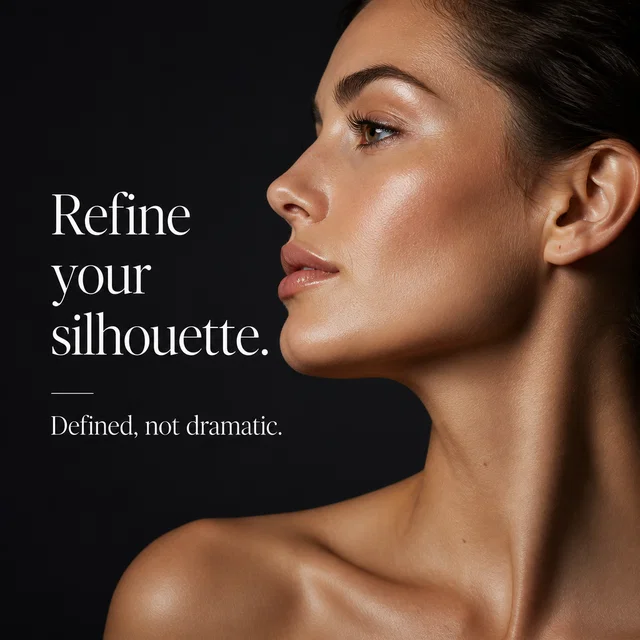
Studio image examples. Upscaling is available on eligible saved images.
From the first direction to the version you keep, here’s what you can do with AI Image Upscaler.
Open a generated image in Studio Gallery and choose Upscale in the image editing tools.
Eligible images can be enlarged up to a 2,048-pixel long edge. The source aspect ratio is preserved.
Review text, logos, faces, and product details in the new version before downloading it.
Studio image examples. Upscaling is available on eligible saved images.
Choose a saved Studio image in Gallery.
Check that the source is eligible, then request the larger version.
Compare with the original and save the result you prefer.
This tool works on saved Studio images, with a maximum 2,048-pixel long edge. Eligible source ratios range from 1:3 to 3:1. Images already at the maximum size do not need another upscale. It is not a general 4K photo uploader.
Create a Studio account, then open the relevant creation tool or a saved image in Gallery. Feature access and generation allowances depend on your plan.
Bring your business and a little direction.
See what you can create in Studio.
Turn near-miss creatives into usable ads with prompt-based edits, version history, and reframing.
Generate campaign branches, variants, carousel slides, and exportable creative sets in one workspace.
Manage generated memes, videos, carousels, downloads, remix actions, and publishing handoff from one library.