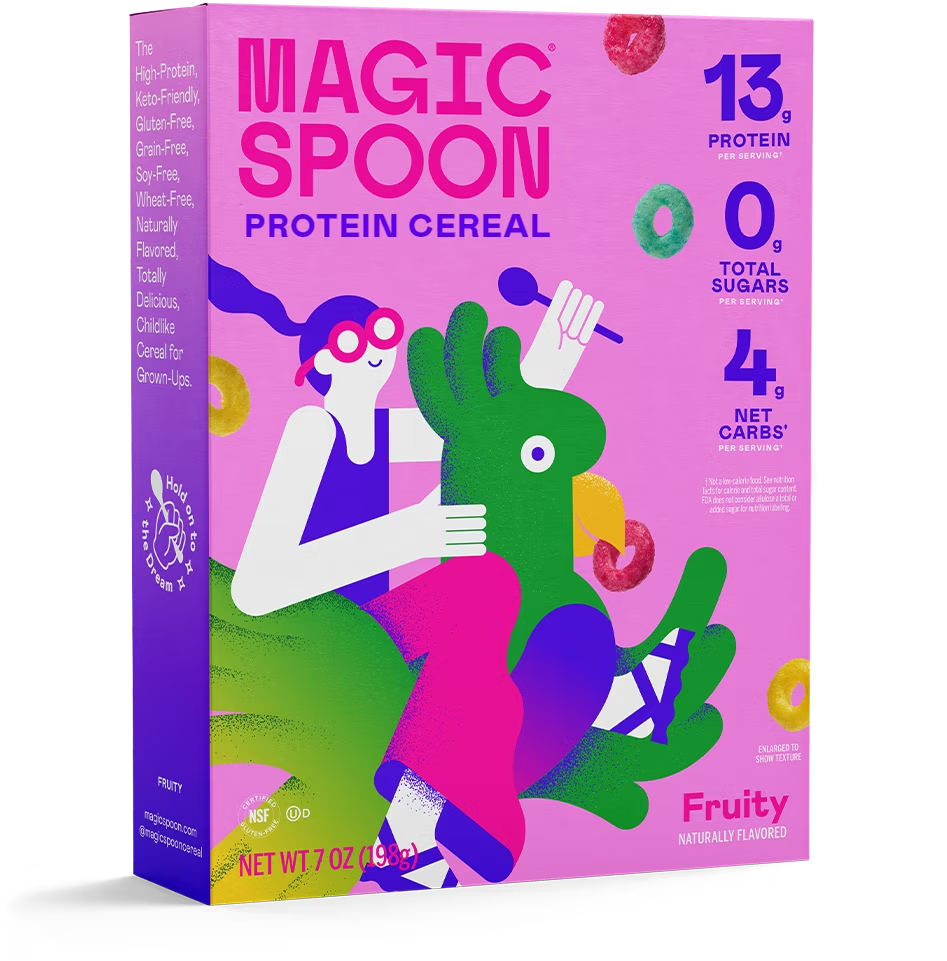
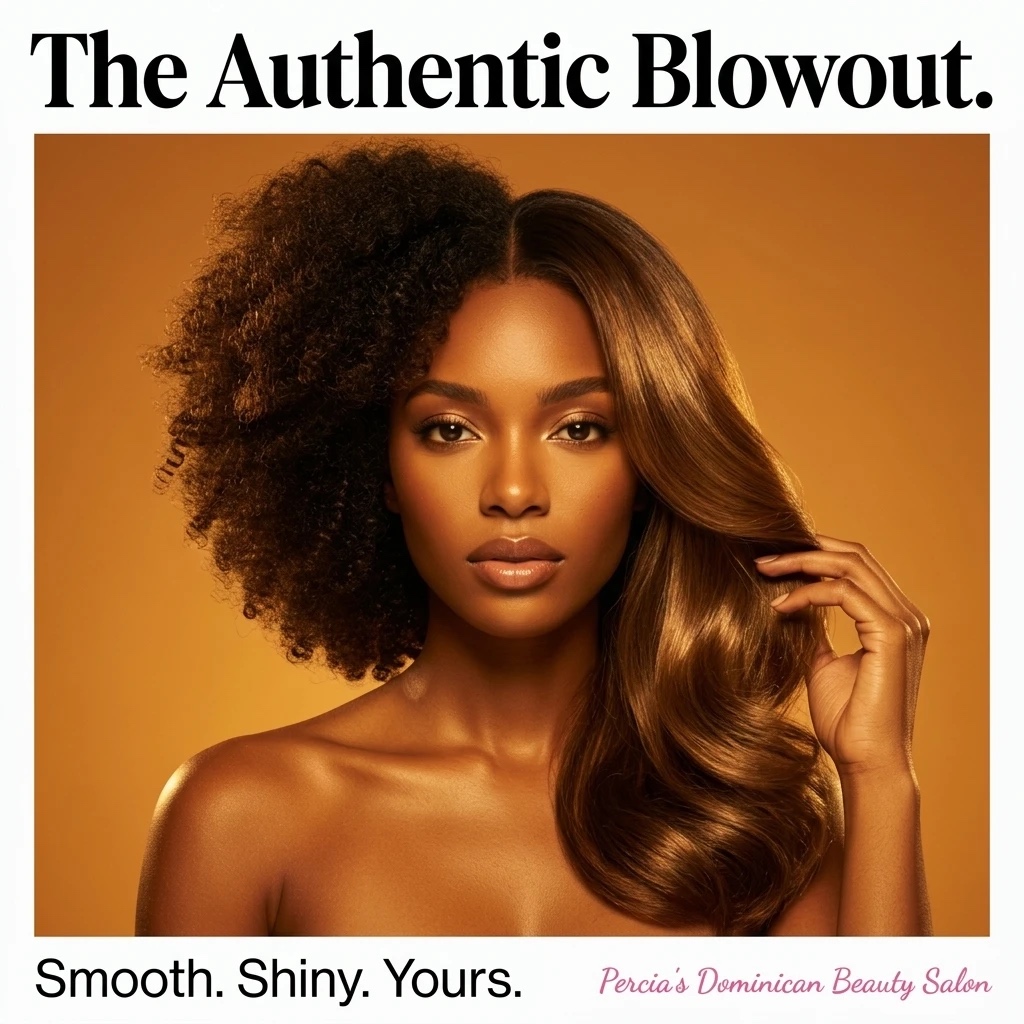
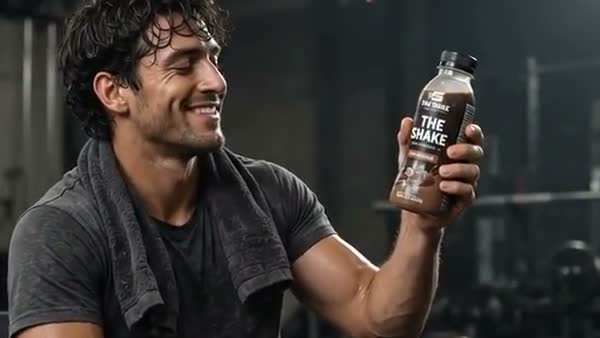
Start with an image you like
Use an image reference in Cinema or animate an eligible saved Studio image.
Animate an image into a short AI video in Studio. Start with a saved creative or image reference, describe the action and camera movement, and explore a new version of your idea.
Explore Studio free. Video creation requires a paid plan.AI-generated Studio template previews. Your output will vary.
From the first direction to the version you keep, here’s what you can do with Image to Video AI.
Use an image reference in Cinema or animate an eligible saved Studio image.
Describe what moves, how the camera behaves, and the mood of the scene.
Compare the video with your reference. Review generated motion, lettering, and product details before sharing.
Watch a recorded walkthrough of Image to Video AI. See the steps, then try your own brief in Studio.
Create in CinemaStudio walkthrough · English captions available
AI-generated Studio template previews. Your output will vary.
Choose your image or add an image reference to Cinema.
Give the scene a simple action and camera direction.
Generate, review the motion, and save your clip.
AI creates new video frames from the reference. Details can change as the scene moves, so check product labels, text, and important visual features in the finished clip.
Create a Studio account and open Cinema. Video generation requires a paid plan and uses credits. Studio shows the available modes, settings, and cost before you generate.
Bring your business and a little direction.
See what you can create in Studio.
Guide an AI video with a starting image and an ending image. Use Cinema's Start & end frames mode to describe the action that connects the two moments.
Make an AI product video from your product references and a creative brief. Explore cinematic reveals, lifestyle scenes, and creator-led introductions in Studio Cinema.
Create short AI videos with avatars, product references, scripts, and scene direction in Studio Cinema.