Preview before you choose
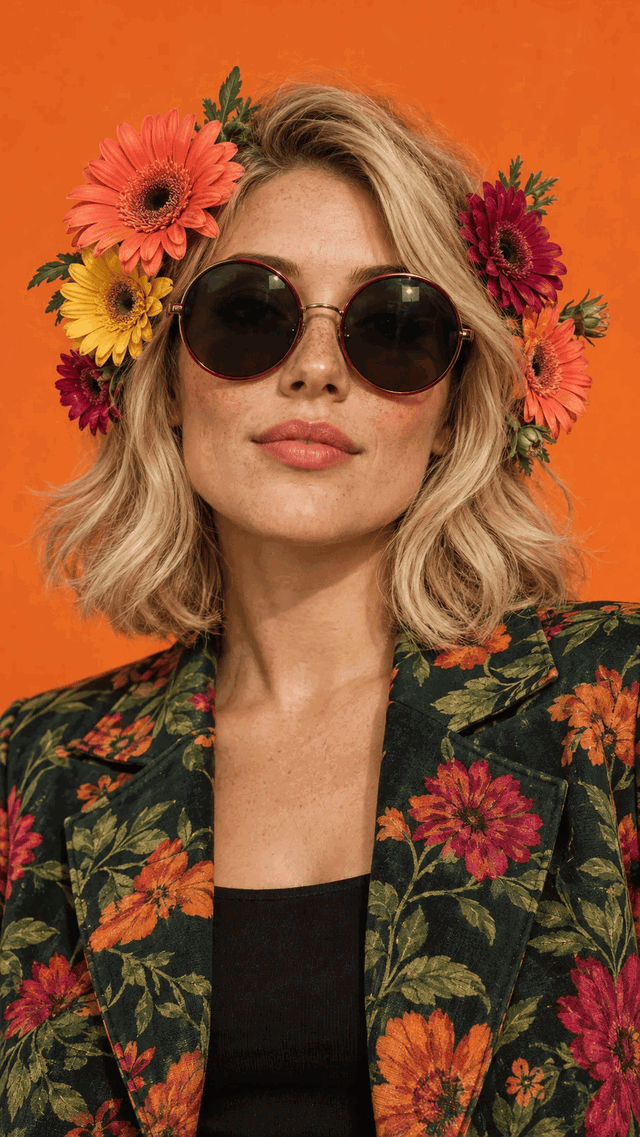
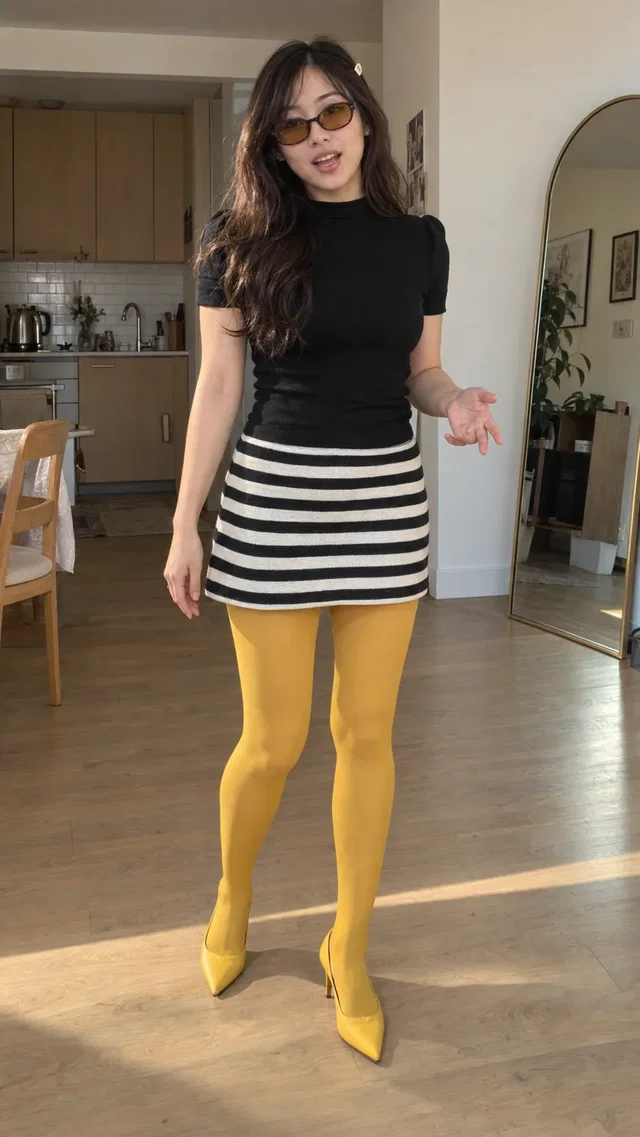
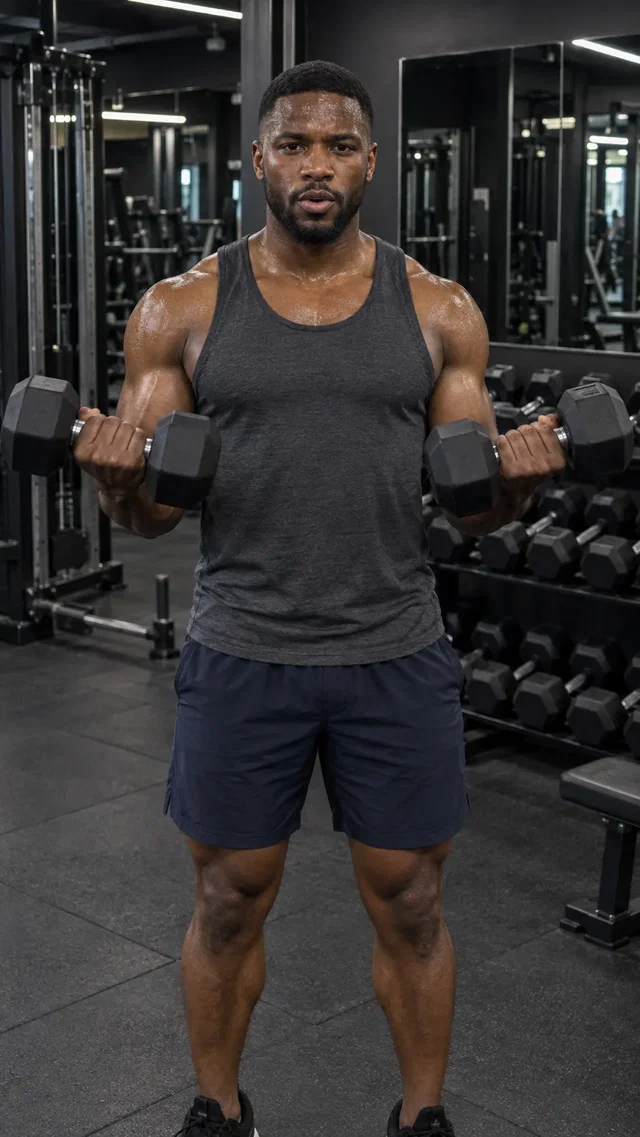
Watch avatar introductions and pick a library creator with the look and delivery you want.
Choose an AI avatar from the Studio library and direct a video around your product or offer. Find a creator style that fits your brand, then give it a scene and a script.
Explore Studio free. Video creation requires a paid plan.Studio library avatars. Play an introduction to meet each creator.
From the first direction to the version you keep, here’s what you can do with AI Avatar Video Generator.
Watch avatar introductions and pick a library creator with the look and delivery you want.
Describe the setting, action, tone, and words for your video. Add product references when the scene calls for them.
Return to the same library creator for another angle or offer, and review consistency across your clips.
Studio library avatars. Play an introduction to meet each creator.
Browse and preview available avatars in Cinema.
Tell Studio what your creator should say and do.
Generate the video and check delivery, product details, and brand fit.
This workflow uses the Studio avatar library. Personal avatar cloning and standalone voice cloning are not offered by this tool.
Create a Studio account and open Cinema. Video generation requires a paid plan and uses credits. Studio shows the available modes, settings, and cost before you generate.
Bring your business and a little direction.
See what you can create in Studio.
Create a new look for a Studio library avatar. Describe an outfit, background, or pose, review the generated image, then use the approved look as a reference for your video.
Make creator-style AI video ads with a Studio avatar, your product references, and an idea. Explore unboxings, casual introductions, and everyday product scenes without arranging a shoot.
“Meet your
everyday bottle.”
Use Direct it in Cinema to turn an idea into a shot-by-shot video script. Review the hook, scene directions, and closing message before committing to a video render.