Put a creator in the scene
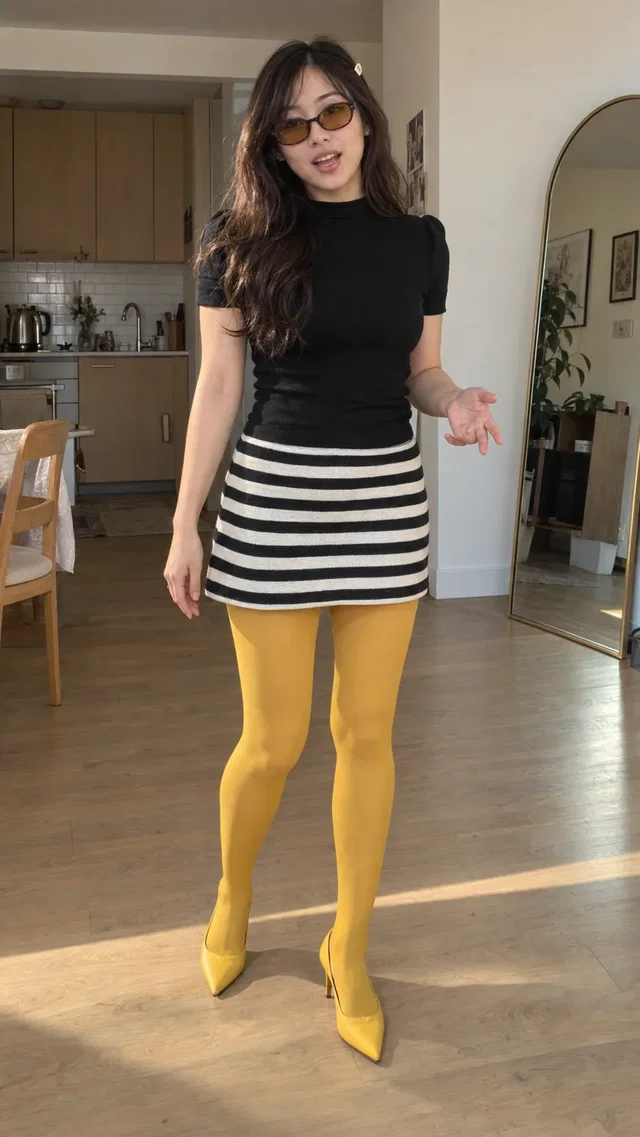
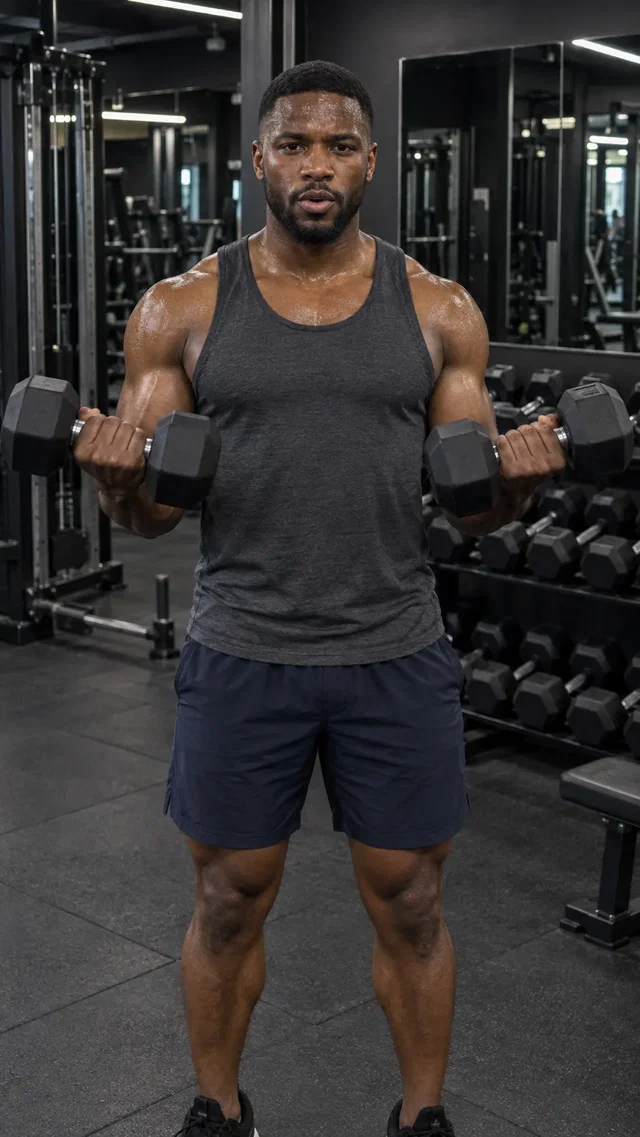
Choose a library avatar whose style suits your brand. Direct the delivery, setting, and action in your brief.
Make creator-style AI video ads with a Studio avatar, your product references, and an idea. Explore unboxings, casual introductions, and everyday product scenes without arranging a shoot.
Explore Studio free. Video creation requires a paid plan.AI-generated Studio template previews. Your output will vary.
From the first direction to the version you keep, here’s what you can do with AI UGC Generator.
Choose a library avatar whose style suits your brand. Direct the delivery, setting, and action in your brief.
Add a clear product reference and explain what to show: an unboxing, a close-up, or an everyday use case.
Keep your offer and product references, then explore a different hook or creator. Review each generated version before using it in an ad.
AI-generated Studio template previews. Your output will vary.
Browse the Studio avatar library and preview the style you want.
Add a product image, accurate benefit, offer, and the scene you have in mind.
Generate a clip, review the product and delivery, then save or refine it.
These are AI-generated creators and scenes. Use them for product introductions and demonstrations. Do not present an AI character as a real customer or invent a customer experience.
Create a Studio account and open Cinema. Video generation requires a paid plan and uses credits. Studio shows the available modes, settings, and cost before you generate.
Bring your business and a little direction.
See what you can create in Studio.
Choose an AI avatar from the Studio library and direct a video around your product or offer. Find a creator style that fits your brand, then give it a scene and a script.
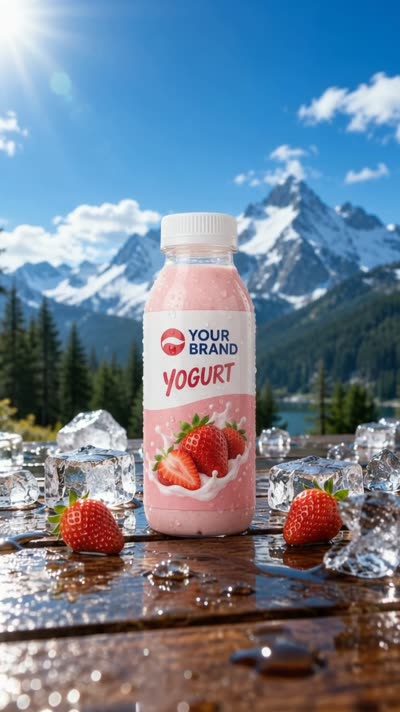
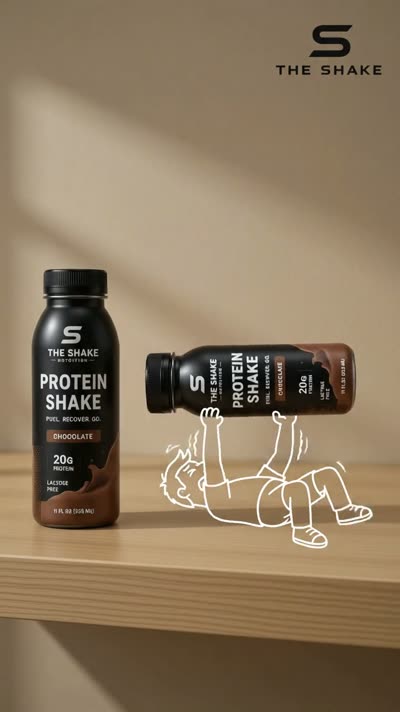
Make an AI product video from your product references and a creative brief. Explore cinematic reveals, lifestyle scenes, and creator-led introductions in Studio Cinema.
“Meet your
everyday bottle.”
Use Direct it in Cinema to turn an idea into a shot-by-shot video script. Review the hook, scene directions, and closing message before committing to a video render.