Industry playbooks
Wedding Venue Social Media Post Ideas: 4 Examples
By Memes.ai
Updated October 16, 2026 · 4 min read
A venue's social content can help a couple understand the layout, visit process and questions to ask. Separate styled inspiration from an actual bookable package. Give clear context for capacity, weather plans and supplier choices rather than implying one photograph describes every event. Below are four finished visual concepts and example captions, with image briefs you can adapt to your own brand. The artwork uses fictional businesses and AI-generated scenes. For a post about your actual people, place or service, supply authorized photographs and confirmed details.
What you’ll take away
- Start with “A space for your story” for one visual idea. Use “Bring your questions. picture the day.” for a different view of the same business. Choose the example that supports the message you want a reader to understand.
- Confirm capacity and package details with the venue. Credit photography and suppliers, get couple permission, and distinguish styled shoots from real weddings.
- Use the finished captions as creative examples. The adaptation notes include practical copy templates for your own confirmed details. Match your image, message and destination to the same reader task.
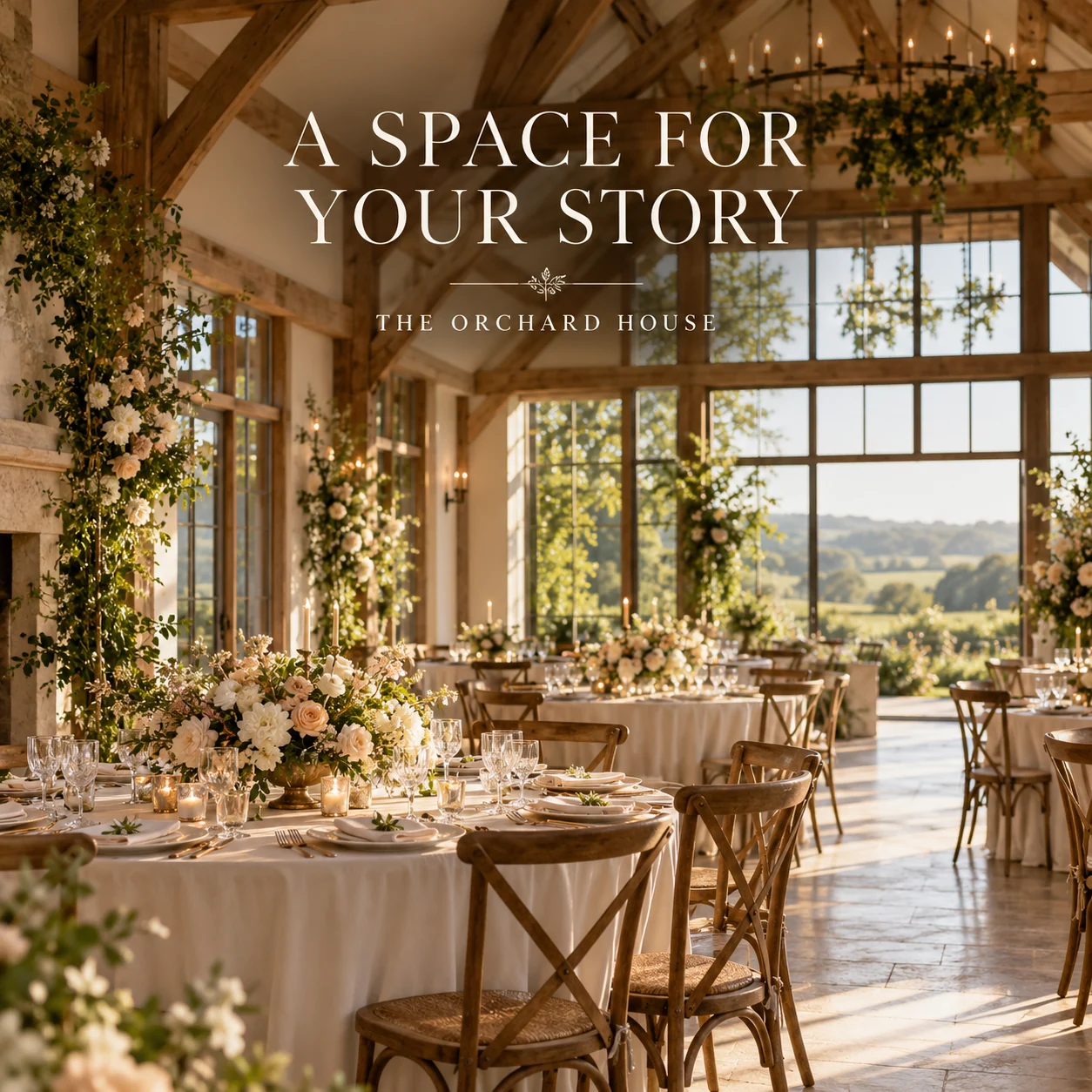
1. A space for your story
Finished AI-generated creative for the fictional brand THE ORCHARD HOUSE. This is an illustrative concept, not a real customer, venue or campaign result. Headline: “A SPACE FOR YOUR STORY”.
Finished example caption — An open room. A little light. A thousand ways to imagine the day. Start with the space and make the story your own.
Why use this post — A complete reception room helps a couple picture the atmosphere of a celebration.
Make it your own — Confirm the use and avoid implying that one setup fits every guest count. If you need a practical service-information version, adapt this template with confirmed details: A look at [actual space] at [venue]. This area can be used for [verified use], with event-specific details available through [enquiry route].
Image brief to adapt
Create a finished square social image for my wedding venue business. Scene: An exquisite empty countryside wedding reception room with tall windows, oak beams, elegantly set round tables and soft cream flowers, natural greenery beyond, premium architectural event photography. Visual style: Refined countryside wedding-venue editorial photography; cream, olive, pale peach and warm oak; natural architecture, rich flowers and believable thoughtful styling. Use this headline exactly: “A SPACE FOR YOUR STORY”. Replace the fictional example brand THE ORCHARD HOUSE with my supplied business name. Make the scene the main visual, with a short legible headline and a small brand wordmark. Do not render placeholder fields or instructions. Do not invent a date, price, address, credential, offer or result. Use my authorized photographs when the post describes my actual people, premises, products or completed work. Review every detail before publishing.
2. Bring your questions. Picture the day.
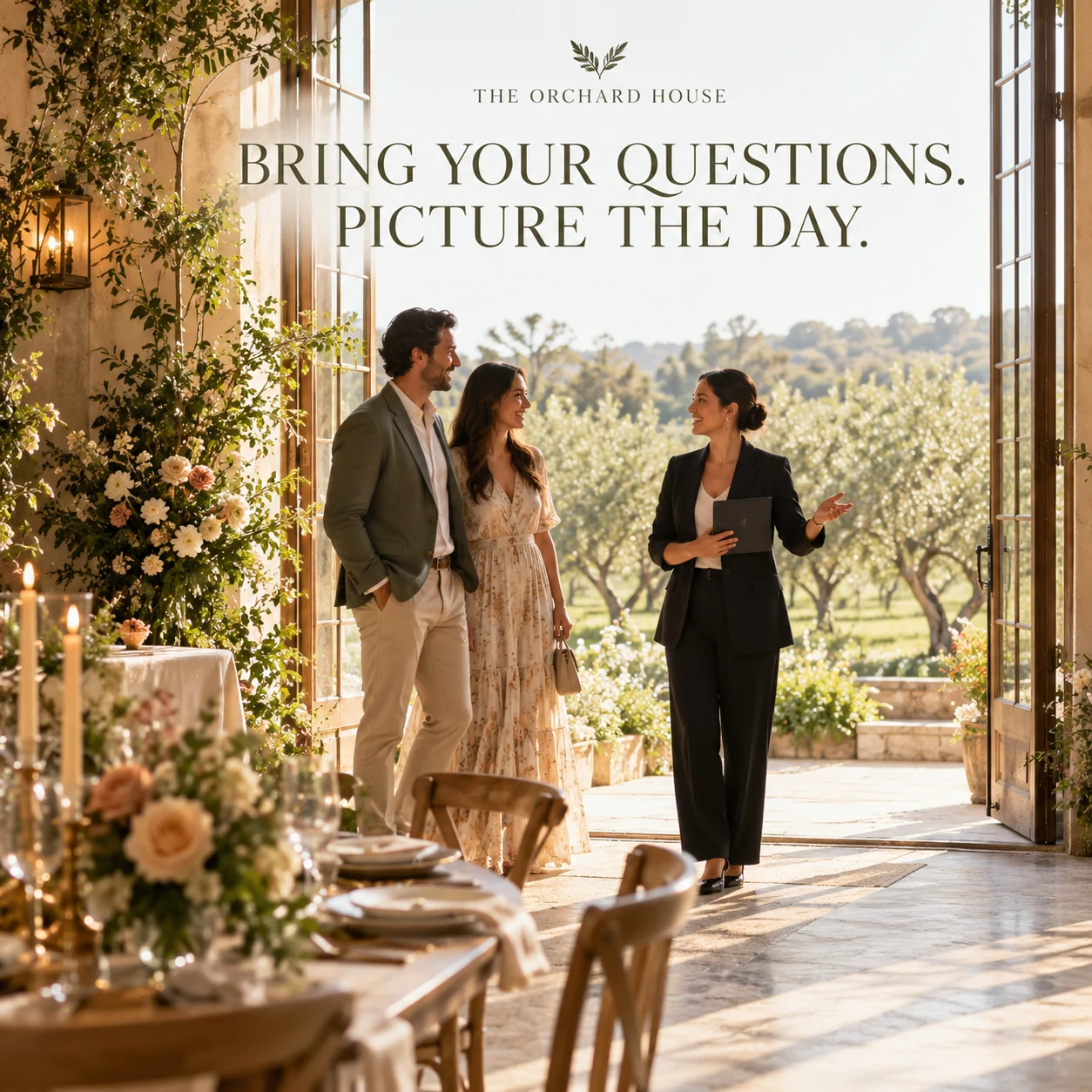
Finished AI-generated creative for the fictional brand THE ORCHARD HOUSE. This is an illustrative concept, not a real customer, venue or campaign result. Headline: “BRING YOUR QUESTIONS. PICTURE THE DAY.”.
Finished example caption — Walk through the doors, ask your questions and take a moment to picture the day. A venue visit is part inspiration, part conversation.
Why use this post — A venue conversation connects visual inspiration with questions about the actual space.
Make it your own — Use real topics such as layout and supplier arrangements. Keep availability conditional until confirmed. If you need a practical service-information version, adapt this template with confirmed details: Bring these questions to your visit: [venue-approved topics]. We can discuss your date and plans through [official enquiry page].
Image brief to adapt
Create a finished square social image for my wedding venue business. Scene: An adult couple touring a beautiful empty wedding venue with an adult venue host, natural conversation beside tall open doors overlooking an orchard, warm light and calm documentary photography. Visual style: Refined countryside wedding-venue editorial photography; cream, olive, pale peach and warm oak; natural architecture, rich flowers and believable thoughtful styling. Use this headline exactly: “BRING YOUR QUESTIONS. PICTURE THE DAY.”. Replace the fictional example brand THE ORCHARD HOUSE with my supplied business name. Make the scene the main visual, with a short legible headline and a small brand wordmark. Do not render placeholder fields or instructions. Do not invent a date, price, address, credential, offer or result. Use my authorized photographs when the post describes my actual people, premises, products or completed work. Review every detail before publishing.
3. A little inspiration for your day
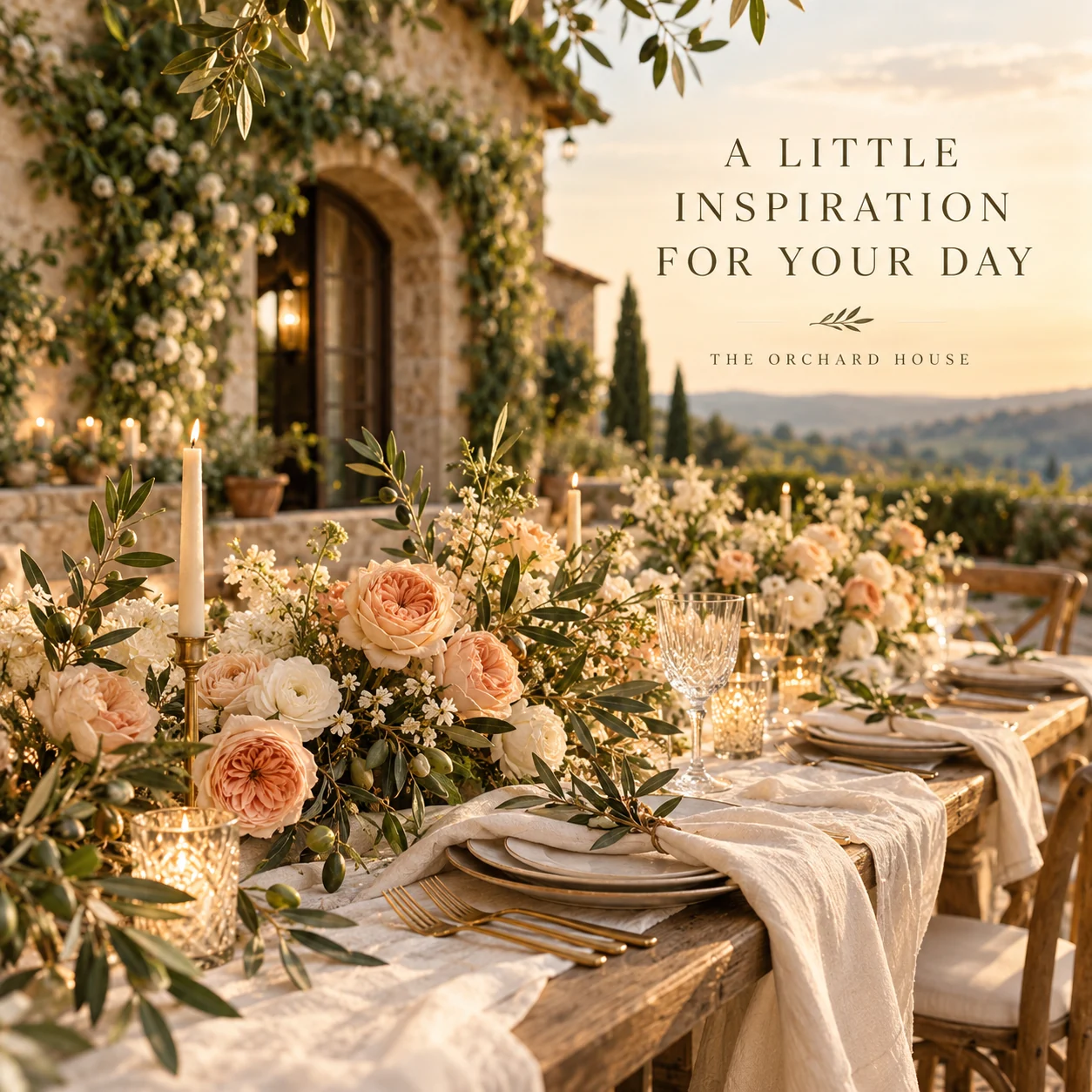
Finished AI-generated creative for the fictional brand THE ORCHARD HOUSE. This is an illustrative concept, not a real customer, venue or campaign result. Headline: “A LITTLE INSPIRATION FOR YOUR DAY”.
Finished example caption — Peach blooms, soft linen and a little olive green. One styled idea, with plenty of room for your own direction.
Why use this post — A table detail offers a small, coherent styling idea to save.
Make it your own — Check photo permission and separate included features from supplied styling. If you need a practical service-information version, adapt this template with confirmed details: A styled concept at [venue], created with [credited contributors]. The look shown includes [accurate optional elements]; ask us about what your package includes.
Image brief to adapt
Create a finished square social image for my wedding venue business. Scene: A richly styled intimate wedding table concept with peach garden roses, ivory linen, olive branches, warm gold cutlery and tactile stationery with no writing, beautiful close editorial photograph. Visual style: Refined countryside wedding-venue editorial photography; cream, olive, pale peach and warm oak; natural architecture, rich flowers and believable thoughtful styling. Use this headline exactly: “A LITTLE INSPIRATION FOR YOUR DAY”. Replace the fictional example brand THE ORCHARD HOUSE with my supplied business name. Make the scene the main visual, with a short legible headline and a small brand wordmark. Do not render placeholder fields or instructions. Do not invent a date, price, address, credential, offer or result. Use my authorized photographs when the post describes my actual people, premises, products or completed work. Review every detail before publishing.
4. Beautiful plans for changing skies
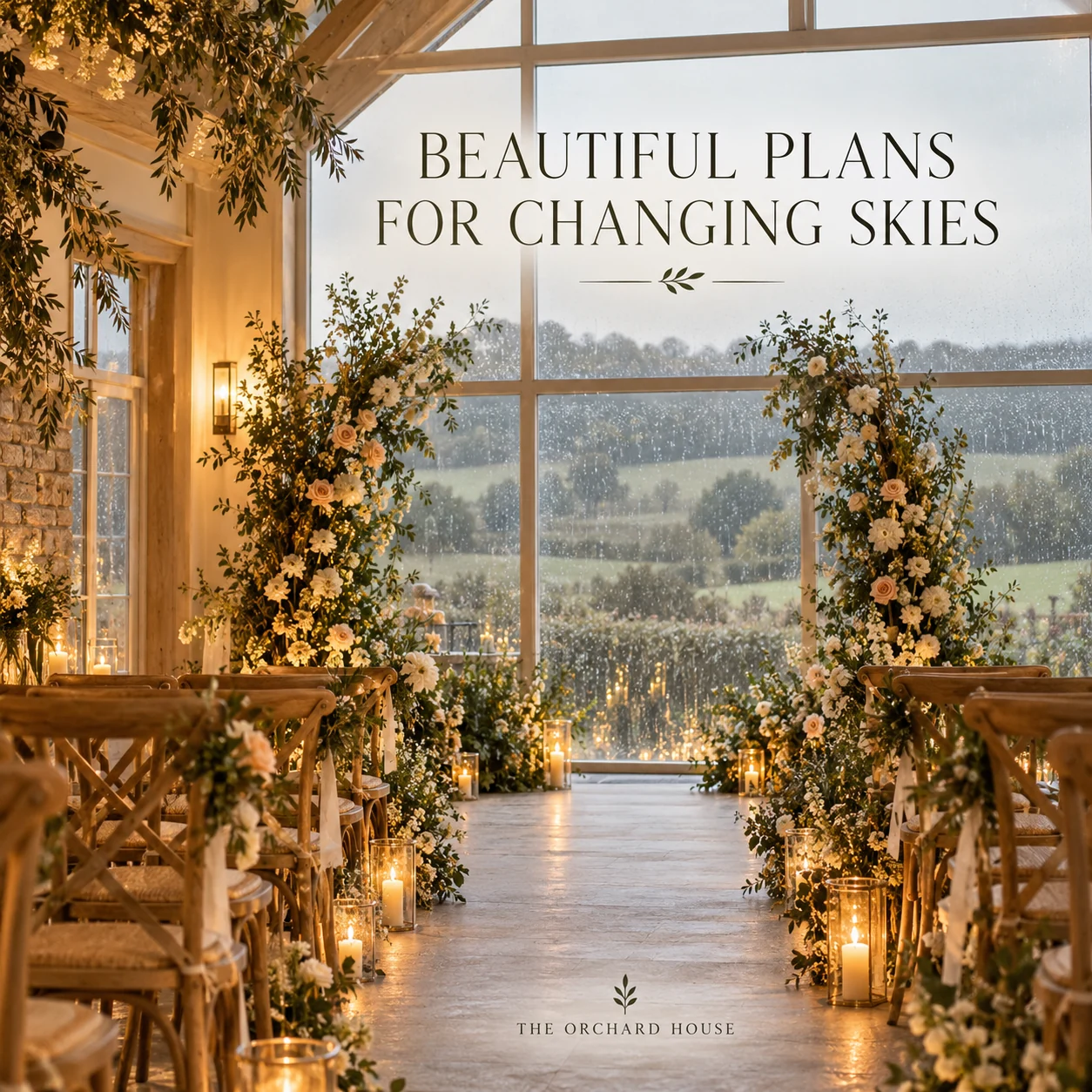
Finished AI-generated creative for the fictional brand THE ORCHARD HOUSE. This is an illustrative concept, not a real customer, venue or campaign result. Headline: “BEAUTIFUL PLANS FOR CHANGING SKIES”.
Finished example caption — A little rain beyond the windows. A warm glow inside. Ask about the spaces and plans for changing skies.
Why use this post — A sheltered reception scene opens a useful discussion about plans for changing weather.
Make it your own — Have the venue approve the wording. Do not guarantee that every layout or date has the same alternative. If you need a practical service-information version, adapt this template with confirmed details: One question for a venue visit: what happens if the weather changes? At [venue], we discuss [verified planning process] for your event.
Image brief to adapt
Create a finished square social image for my wedding venue business. Scene: Beautiful indoor wedding ceremony setup beside large windows with gentle rain visible outside, warm oak chairs, soft ivory flowers and glowing indoor light, cozy and elegant, no people. Visual style: Refined countryside wedding-venue editorial photography; cream, olive, pale peach and warm oak; natural architecture, rich flowers and believable thoughtful styling. Use this headline exactly: “BEAUTIFUL PLANS FOR CHANGING SKIES”. Replace the fictional example brand THE ORCHARD HOUSE with my supplied business name. Make the scene the main visual, with a short legible headline and a small brand wordmark. Do not render placeholder fields or instructions. Do not invent a date, price, address, credential, offer or result. Use my authorized photographs when the post describes my actual people, premises, products or completed work. Review every detail before publishing.
Put it into practice
Build your first wedding venue content batch
Choose one actual space and verify how it can be used. Publish a practical tour of that space and a visit checklist. Direct dates and pricing questions to the venue's current enquiry process. Prepare each post as a small brief: audience, one useful detail, approved caption, matching visual and a single current destination. Confirm capacity and package details with the venue. Credit photography and suppliers, get couple permission, and distinguish styled shoots from real weddings. Before publishing, read the caption beside the image, confirm that all brackets are replaced and check the destination on a phone. After a week, review the questions and enquiries each post generated. Keep the useful information current and revise confusing details before making more variants.
Common questions
How should a venue describe a styled shoot?
Label it as a styled shoot or concept, credit the contributors and identify which elements are optional or supplied separately. Do not present styling as an included package unless it is.
What should a venue tour post include?
Show an actual space, explain its intended use and give a confirmed enquiry or visit route. Send capacity, accessibility and weather-plan questions to the team for details specific to the event.
Can I download and adapt these finished images?
Yes. Each example includes an original finished AI-generated image and a copyable image brief. Save the WebP as a visual reference, or use the brief to create a version for your own brand in Studio. The pictured businesses and scenes are fictional. Use authorized real photos for claims about your actual people, venue, products or completed work. The downloaded image is flattened; it does not contain editable text layers.
Turn the brief into your own creative
Choose a finished image and caption that fit your business task, then copy its brief into Studio to develop your own version. Use your own brand, current information and authorized real-world assets where needed.
Your starter brief
Replace the brackets with your own details.
Create a finished square social image for my wedding venue business. Scene: An exquisite empty countryside wedding reception room with tall windows, oak beams, elegantly set round tables and soft cream flowers, natural greenery beyond, premium architectural event photography. Visual style: Refined countryside wedding-venue editorial photography; cream, olive, pale peach and warm oak; natural architecture, rich flowers and believable thoughtful styling. Use this headline exactly: “A SPACE FOR YOUR STORY”. Replace the fictional example brand THE ORCHARD HOUSE with my supplied business name. Make the scene the main visual, with a short legible headline and a small brand wordmark. Do not render placeholder fields or instructions. Do not invent a date, price, address, credential, offer or result. Use my authorized photographs when the post describes my actual people, premises, products or completed work. Review every detail before publishing.
Copy your adapted brief, open Studio, and paste it into your creative workflow. Review the result before using it.
Create your version in Studio