Industry playbooks
12 Photographer Social Media Post Ideas, With Captions and Briefs
By Memes.ai
Updated October 6, 2026 · 4 min read
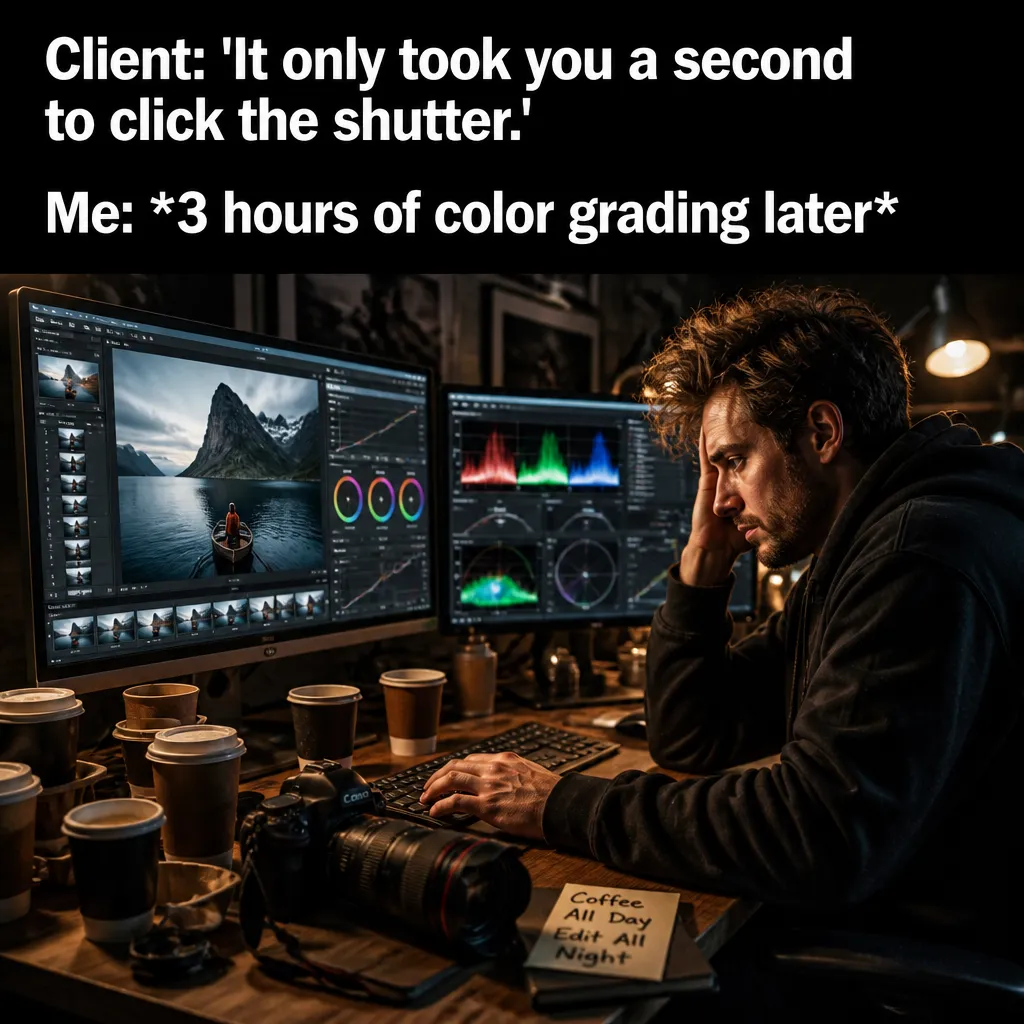
A useful social post starts with a specific situation your reader recognizes. This guide gives you 12 post ideas with suggested captions, plus image references and instructions for making each one your own. Start with “the golden-hour plan,” then choose a second idea that serves a different purpose. Use the reference image for inspiration, or copy its brief into Studio to create a version with your business details.
What you’ll take away
- Choose one useful information post, one everyday moment, and one introduction from the examples.
- Pair the caption with the actual subject it describes, using an authorized photograph or an explicitly illustrative creative.
- Change one idea at a time and use actual replies, visits, or enquiries to decide which direction to develop.
1. The golden-hour plan
Visual reference: The Editing Magic. The caption and brief below are an adaptation; replace any business details with your own.
Suggested caption — The light has a schedule. My packing list is trying to keep up.
Visual direction — A fictional photographer preparing equipment
Make it your own — Use the concept for a workflow post, not a claimed booked session.
Image brief to adapt
Create an original illustrative social image for creative services. Concept: The golden-hour plan. Visual direction: A fictional photographer preparing equipment. Adaptation: Use the concept for a workflow post, not a claimed booked session. Use fictional scenes unless I supply authorized photographs. Keep all product, service, and business details exactly as supplied. Use [brand colors] and leave room for [business name]. Return one version with clear, short text.
2. Introduce your actual work
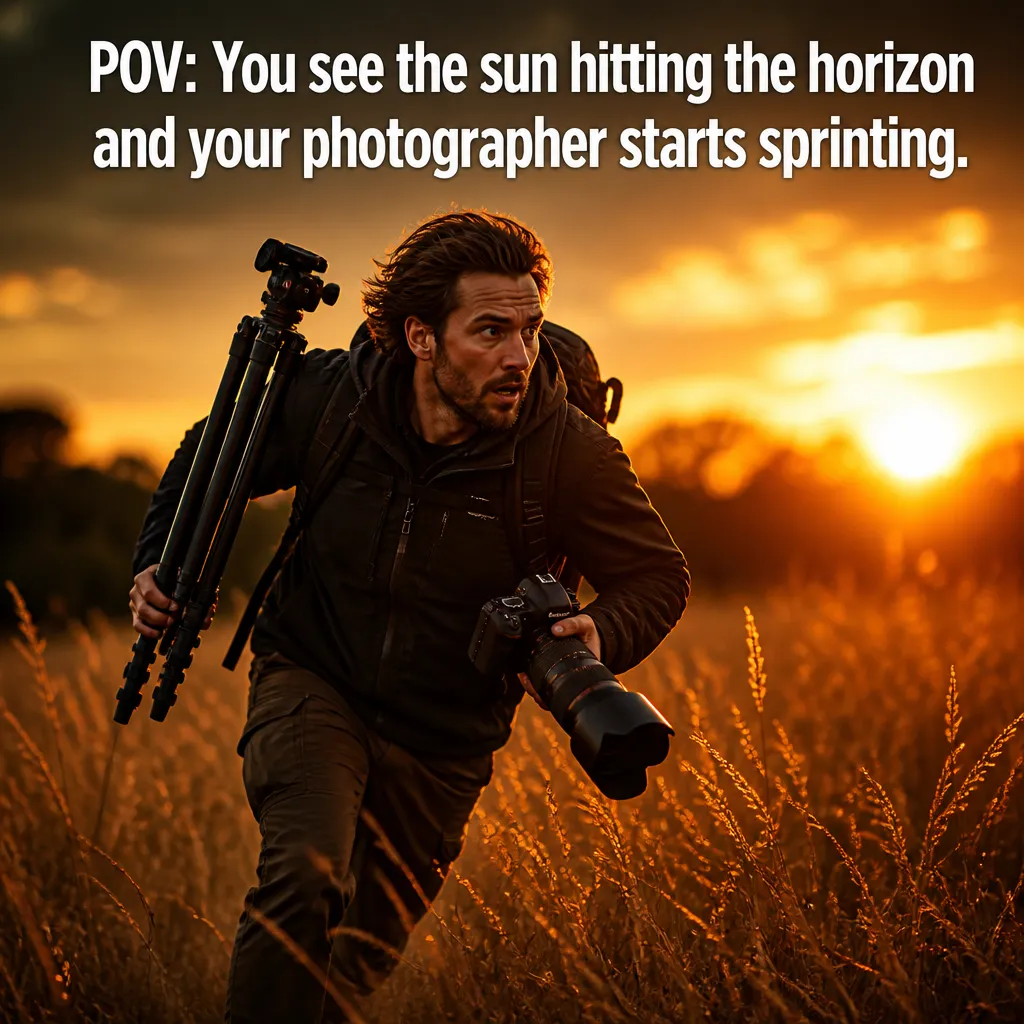
Visual reference: The Golden Hour Sprint. The caption and brief below are an adaptation; replace any business details with your own.
Suggested caption — A frame from [authorized project]. The brief was [accurate description].
Visual direction — Your own portfolio photograph
Make it your own — Get the needed permissions and describe edits accurately.
Image brief to adapt
Create an original illustrative social image for creative services. Concept: Introduce your actual work. Visual direction: Your own portfolio photograph. Adaptation: Get the needed permissions and describe edits accurately. Use fictional scenes unless I supply authorized photographs. Keep all product, service, and business details exactly as supplied. Use [brand colors] and leave room for [business name]. Return one version with clear, short text.
3. Explain preparation for a session
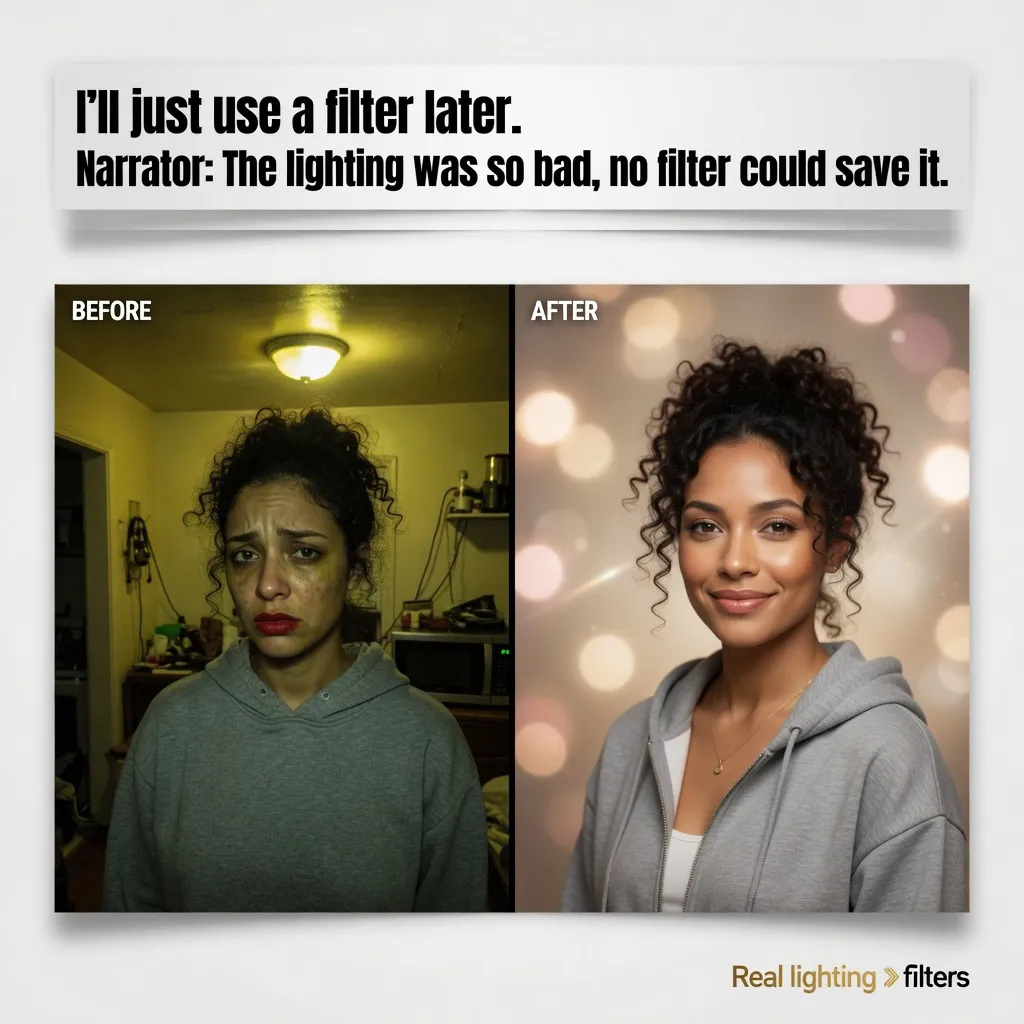
Visual reference: The 'Just Filter It' Myth. The caption and brief below are an adaptation; replace any business details with your own.
Suggested caption — Before a [session type], we ask about [actual preparation questions].
Visual direction — A blank client-preparation checklist
Make it your own — Use your actual process and preserve privacy.
Image brief to adapt
Create an original illustrative social image for creative services. Concept: Explain preparation for a session. Visual direction: A blank client-preparation checklist. Adaptation: Use your actual process and preserve privacy. Use fictional scenes unless I supply authorized photographs. Keep all product, service, and business details exactly as supplied. Use [brand colors] and leave room for [business name]. Return one version with clear, short text.
4. The editing tabs

Illustrative creative reference. Use the specific image brief below to create a version for this example.
Suggested caption — Opened one photo to edit. The whole folder had feedback.
Visual direction — A fictional editing workspace
Make it your own — Keep screens and subjects invented in illustrative scenes.
Image brief to adapt
Create an original illustrative social image for creative services. Concept: The editing tabs. Visual direction: A fictional editing workspace. Adaptation: Keep screens and subjects invented in illustrative scenes. Use fictional scenes unless I supply authorized photographs. Keep all product, service, and business details exactly as supplied. Use [brand colors] and leave room for [business name]. Return one version with clear, short text.
5. Introduce the photographer

Illustrative creative reference. Use the specific image brief below to create a version for this example.
Suggested caption — Meet [name]. Their work focuses on [actual photographic specialty].
Visual direction — An authorized self-portrait or team image
Make it your own — Use accurate experience without invented awards.
Image brief to adapt
Create an original illustrative social image for creative services. Concept: Introduce the photographer. Visual direction: An authorized self-portrait or team image. Adaptation: Use accurate experience without invented awards. Use fictional scenes unless I supply authorized photographs. Keep all product, service, and business details exactly as supplied. Use [brand colors] and leave room for [business name]. Return one version with clear, short text.
6. Show a real equipment detail

Illustrative creative reference. Use the specific image brief below to create a version for this example.
Suggested caption — One part of the kit for [actual project type]: [real item and purpose].
Visual direction — Your own equipment close-up
Make it your own — Explain the task instead of implying that equipment guarantees results.
Image brief to adapt
Create an original illustrative social image for creative services. Concept: Show a real equipment detail. Visual direction: Your own equipment close-up. Adaptation: Explain the task instead of implying that equipment guarantees results. Use fictional scenes unless I supply authorized photographs. Keep all product, service, and business details exactly as supplied. Use [brand colors] and leave room for [business name]. Return one version with clear, short text.
7. The photo-selection moment
Suggested caption — Choosing one favorite. The favorites have formed a committee.
Visual direction — A fictional contact-sheet concept
Make it your own — Never use a fictional contact sheet as proof of a client session.
Image brief to adapt
Create an original illustrative social image for creative services. Concept: The photo-selection moment. Visual direction: A fictional contact-sheet concept. Adaptation: Never use a fictional contact sheet as proof of a client session. Use fictional scenes unless I supply authorized photographs. Keep all product, service, and business details exactly as supplied. Use [brand colors] and leave room for [business name]. Return one version with clear, short text.
8. Explain how to enquire
Suggested caption — Tell us the subject, purpose, and timing through [actual route]. We will discuss the next step.
Visual direction — A concise enquiry card
Make it your own — Use real availability and package information.
Image brief to adapt
Create an original illustrative social image for creative services. Concept: Explain how to enquire. Visual direction: A concise enquiry card. Adaptation: Use real availability and package information. Use fictional scenes unless I supply authorized photographs. Keep all product, service, and business details exactly as supplied. Use [brand colors] and leave room for [business name]. Return one version with clear, short text.
9. Share a real location detail
Suggested caption — A detail from [authorized location]: [accurate description].
Visual direction — Your own location photograph
Make it your own — Check permission and keep private addresses off public posts.
Image brief to adapt
Create an original illustrative social image for creative services. Concept: Share a real location detail. Visual direction: Your own location photograph. Adaptation: Check permission and keep private addresses off public posts. Use fictional scenes unless I supply authorized photographs. Keep all product, service, and business details exactly as supplied. Use [brand colors] and leave room for [business name]. Return one version with clear, short text.
10. Show the handoff process
Suggested caption — After a session, our actual delivery process is [verified steps].
Visual direction — A simple delivery-process diagram
Make it your own — Do not invent turnaround times or deliverables.
Image brief to adapt
Create an original illustrative social image for creative services. Concept: Show the handoff process. Visual direction: A simple delivery-process diagram. Adaptation: Do not invent turnaround times or deliverables. Use fictional scenes unless I supply authorized photographs. Keep all product, service, and business details exactly as supplied. Use [brand colors] and leave room for [business name]. Return one version with clear, short text.
11. The packing ritual
Suggested caption — Cameras ready. Batteries checked. Checking the batteries again, for emphasis.
Visual direction — A fictional neatly prepared camera bag
Make it your own — Keep it about preparation, not an unsupported reliability guarantee.
Image brief to adapt
Create an original illustrative social image for creative services. Concept: The packing ritual. Visual direction: A fictional neatly prepared camera bag. Adaptation: Keep it about preparation, not an unsupported reliability guarantee. Use fictional scenes unless I supply authorized photographs. Keep all product, service, and business details exactly as supplied. Use [brand colors] and leave room for [business name]. Return one version with clear, short text.
12. Ask a preparation question
Suggested caption — What would help you prepare for a [session type]: clothing notes, timing details, or an explanation of the process?
Visual direction — Three helpful topic cards
Make it your own — Answer with your real session guidance.
Image brief to adapt
Create an original illustrative social image for creative services. Concept: Ask a preparation question. Visual direction: Three helpful topic cards. Adaptation: Answer with your real session guidance. Use fictional scenes unless I supply authorized photographs. Keep all product, service, and business details exactly as supplied. Use [brand colors] and leave room for [business name]. Return one version with clear, short text.
Put it into practice
Build a useful first batch
Start with “The golden-hour plan” and “Introduce your actual work.” Give each post a different role: one can introduce a person or process, another can answer a reader question, and another can invite a simple response. Keep a note of the caption, image, destination, and publishing date. Review actual questions and responses together. Revise the next batch around what people understood or asked about, rather than treating one example as a promised result.
Common questions
Can I use these examples as written?
Treat the copy as a starting point. In “The golden-hour plan,” keep the central situation, replace any bracketed details with your actual information, and choose a next step that your business can fulfill. Read the caption alongside the image so the two tell the same story.
Which image should I pair with “Introduce your actual work”?
Use the visual direction and adaptation note beside that example. The displayed image is an illustrative reference. For a post about an actual person, product, location, or completed job, use an authorized real photograph or clearly label a conceptual illustration.
How should I choose the first few examples?
Start with “The golden-hour plan” and a contrasting idea such as “Ask a preparation question.” Choose examples that answer real reader questions or show something specific about your work. Keep the first batch small enough to revise after reviewing actual responses.
Can I customize these images in Studio?
Save a reference image or copy the image brief, then create your own version in Studio with your business details and visual direction. A downloaded WebP is a finished image; the brief gives you a way to develop a new variation. Review generated text and factual details before publishing.
Turn the brief into your own creative
Use these concepts to build a creative for your actual business. Browse the related example collection for more visual directions, then bring your caption and image brief into Studio.
Your starter brief
Replace the brackets with your own details.
Create an original illustrative social image for creative services. Concept: The golden-hour plan. Visual direction: A fictional photographer preparing equipment. Adaptation: Use the concept for a workflow post, not a claimed booked session. Use fictional scenes unless I supply authorized photographs. Keep all product, service, and business details exactly as supplied. Use [brand colors] and leave room for [business name]. Return one version with clear, short text.