Industry playbooks
Appliance Repair Social Media Ideas: Request the Right Model Details
By Memes.ai
Updated October 16, 2026 · 4 min read
An appliance-service enquiry should describe the appliance and what the owner noticed without asking them to name a failed part. A marketing name may not identify the actual model. These fictional posts show how a service business can request useful context and explain its next conversation. They do not diagnose a fault, establish warranty coverage or tell a customer to open an appliance.
What you’ll take away
- Ask for the actual appliance type and model information through the service's approved process.
- Record an observation and its timing without turning it into a part diagnosis.
- The service provider confirms assessment and preparation; the image does not establish a repair or warranty.
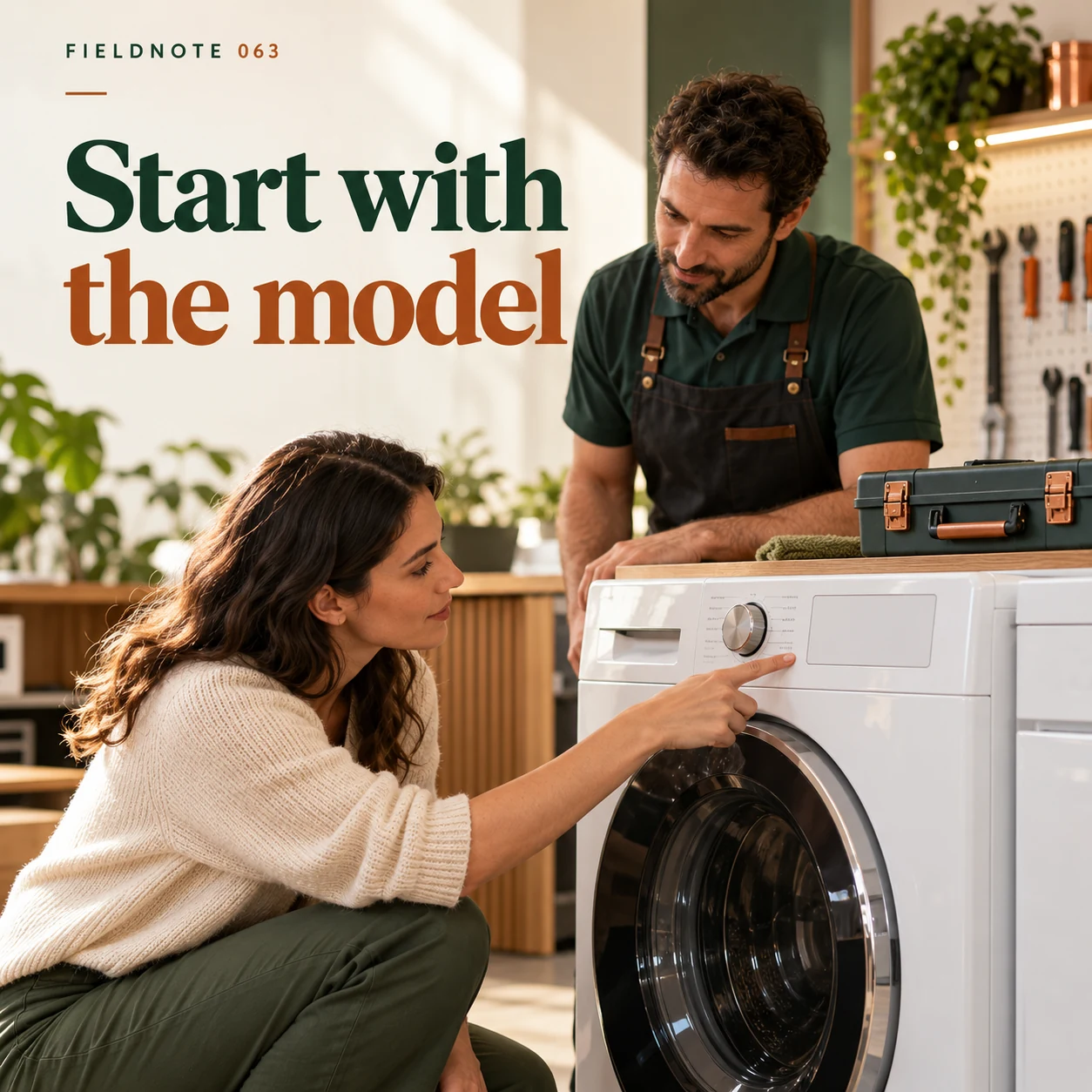
1. Start with the model
Original AI-generated fictional campaign concept. No real customer or measured result is represented.
Finished example caption — The appliance type and model help the service team understand the request.
Why use this post — The closed appliance exterior identifies the kind of item being discussed. It does not establish an actual model or diagnose a fault; model details must come from the owner's approved records.
Make it your own — Ask the actual provider which identity details it needs and how to supply them. Do not tell readers to move, open or disassemble an appliance to find a label.
Image brief to adapt
Generate one complete polished square campaign image, 1080×1080. The exact scene is: adult owner pointing at closed washing-machine exterior. Context: a fictional service desk with a washing-machine panel, model label without serial text and closed tools. The message is “Start with the model”; support this finished caption: “The appliance type and model help the service team understand the request.”. Environmental wide shot with the key subject in the lower right and generous clean upper-left negative space. Art direction: natural editorial photography with tactile materials and honest business detail; palette warm ivory, forest green and copper; refined natural lighting, deliberate depth and texture, commercially credible proportions, clean edges and ample breathing room. Use exactly this headline: “Start with the model”. Add the small fictional wordmark “FIELDNOTE 063”. Headline must be immediately readable at a phone size, with high contrast and a safe inset of at least8% from every edge. The scene is the main visual, not a text-only card. No additional text, UI screenshot, testimonial, metrics, sale badge, fake website, QR code or placeholder field. No watermarks or unrelated logos. No electrical repair instructions, safety diagnosis or guaranteed repair. Produce finished actual raster artwork ready to download and inspect; no wireframe, simple geometric substitute or diagram.
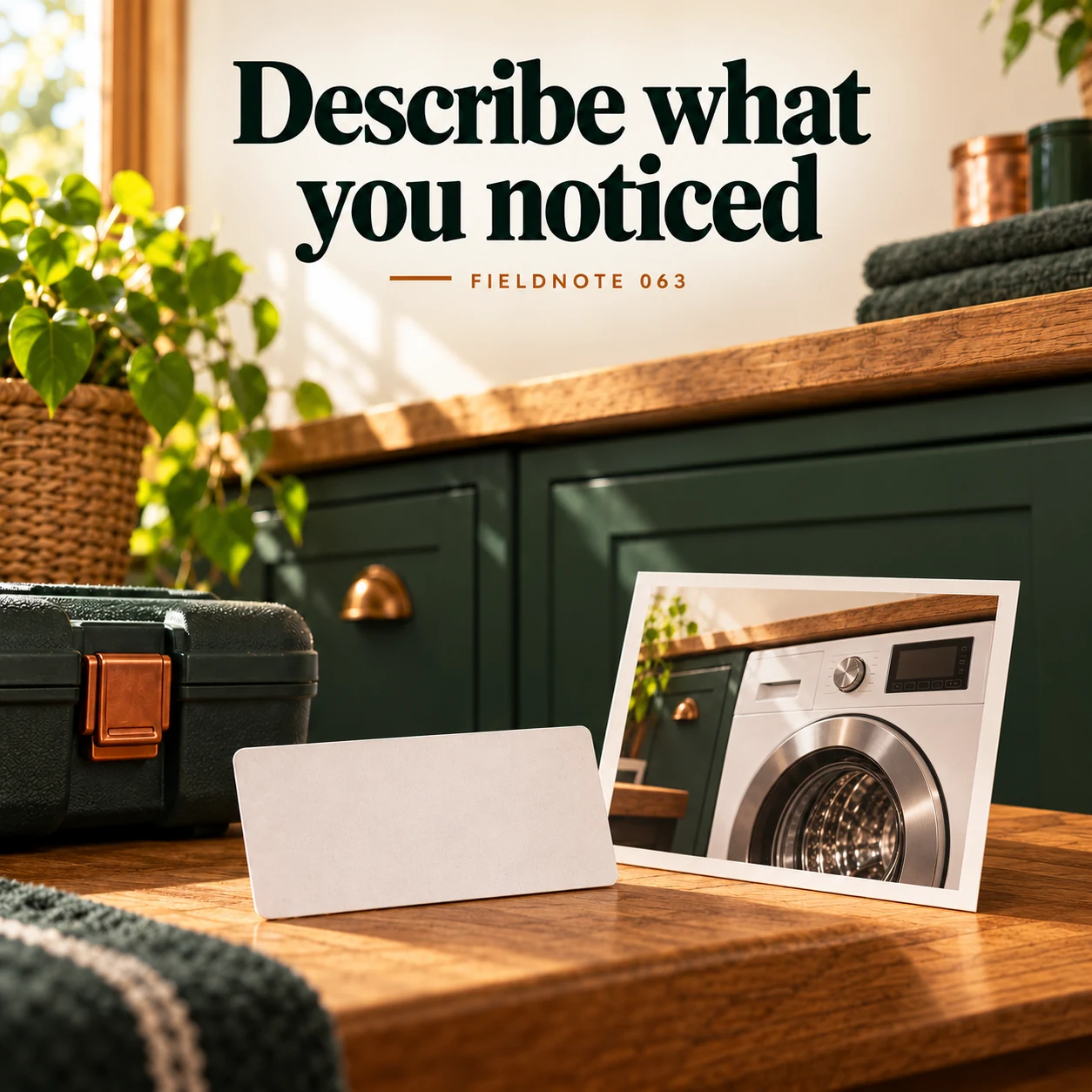
2. Describe what you noticed
Original AI-generated fictional campaign concept. No real customer or measured result is represented.
Finished example caption — A short description is more useful than guessing the failed part.
Why use this post — An observation can explain the request without guessing the cause. Avoid turning a caption into troubleshooting advice.
Make it your own — Use the customer's own observation in plain language. Leave fault identification, urgency and service decisions to the responsible professional.
Image brief to adapt
Generate one complete polished square campaign image, 1080×1080. The exact scene is: unreadable model-label card beside appliance photo. Context: a fictional service desk with a washing-machine panel, model label without serial text and closed tools. The message is “Describe what you noticed”; support this finished caption: “A short description is more useful than guessing the failed part.”. Close editorial still life or detail crop showing the relevant physical object and its texture, with the headline in a quiet top band. Art direction: natural editorial photography with tactile materials and honest business detail; palette warm ivory, forest green and copper; refined natural lighting, deliberate depth and texture, commercially credible proportions, clean edges and ample breathing room. Use exactly this headline: “Describe what you noticed”. Add the small fictional wordmark “FIELDNOTE 063”. Headline must be immediately readable at a phone size, with high contrast and a safe inset of at least8% from every edge. The scene is the main visual, not a text-only card. No additional text, UI screenshot, testimonial, metrics, sale badge, fake website, QR code or placeholder field. No watermarks or unrelated logos. No electrical repair instructions, safety diagnosis or guaranteed repair. Produce finished actual raster artwork ready to download and inspect; no wireframe, simple geometric substitute or diagram.
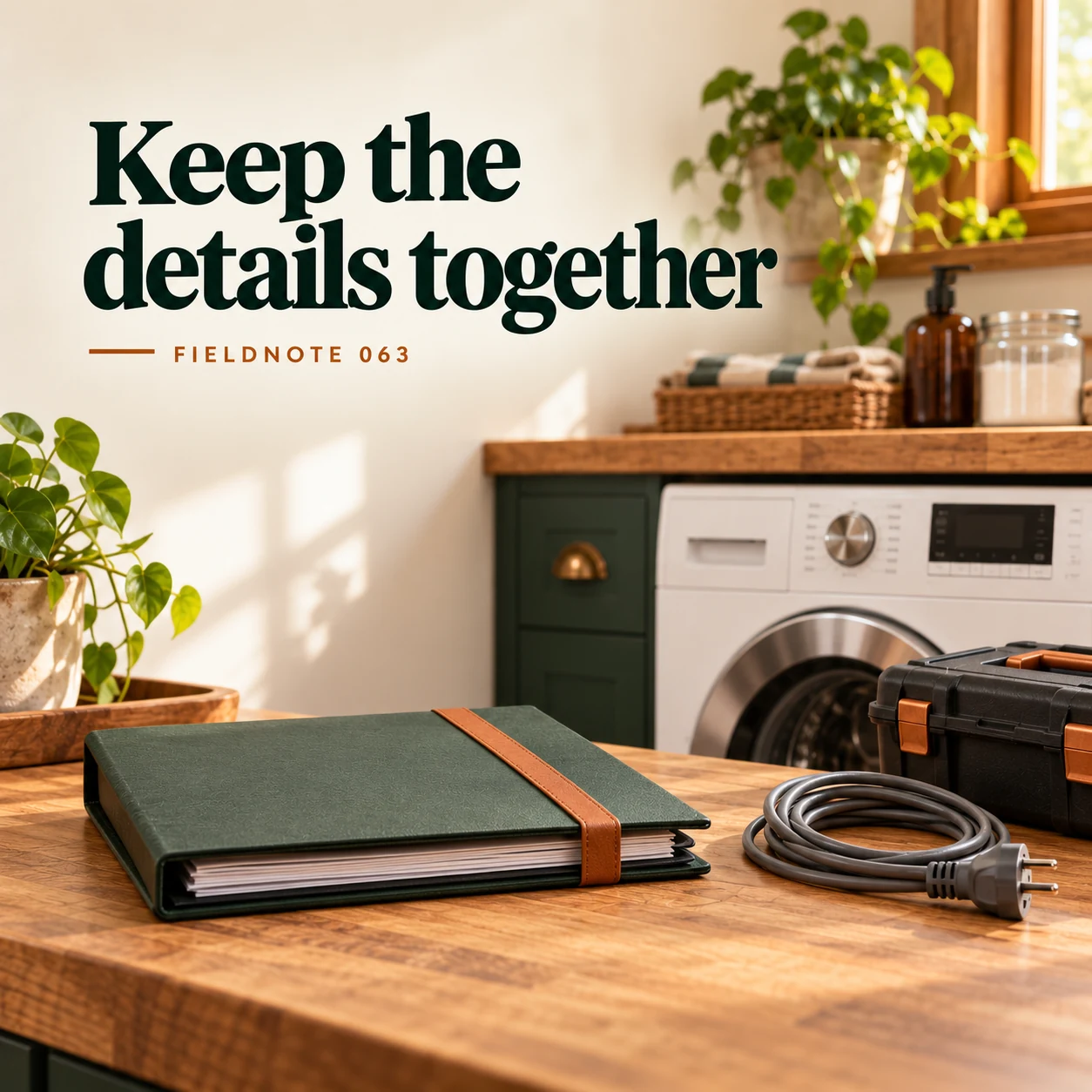
3. Keep the details together
Original AI-generated fictional campaign concept. No real customer or measured result is represented.
Finished example caption — Photos and service history can give the first conversation useful context.
Why use this post — Existing service notes and permitted photos can add context through a private channel. They do not prove that the same fault or warranty applies.
Make it your own — Use sanitized fictional examples in public creative. Keep contact details, serial numbers and actual service documents in the approved private route.
Image brief to adapt
Generate one complete polished square campaign image, 1080×1080. The exact scene is: closed service-history folder and ordinary cable. Context: a fictional service desk with a washing-machine panel, model label without serial text and closed tools. The message is “Keep the details together”; support this finished caption: “Photos and service history can give the first conversation useful context.”. Natural eye-level composition with a restrained side panel for type. Preserve the exact stated scene; do not add a person to an object-only scene. If the scene includes people, use adult models and the explicit stated action only. Art direction: natural editorial photography with tactile materials and honest business detail; palette warm ivory, forest green and copper; refined natural lighting, deliberate depth and texture, commercially credible proportions, clean edges and ample breathing room. Use exactly this headline: “Keep the details together”. Add the small fictional wordmark “FIELDNOTE 063”. Headline must be immediately readable at a phone size, with high contrast and a safe inset of at least8% from every edge. The scene is the main visual, not a text-only card. No additional text, UI screenshot, testimonial, metrics, sale badge, fake website, QR code or placeholder field. No watermarks or unrelated logos. No electrical repair instructions, safety diagnosis or guaranteed repair. Produce finished actual raster artwork ready to download and inspect; no wireframe, simple geometric substitute or diagram.
4. Ask about the visit
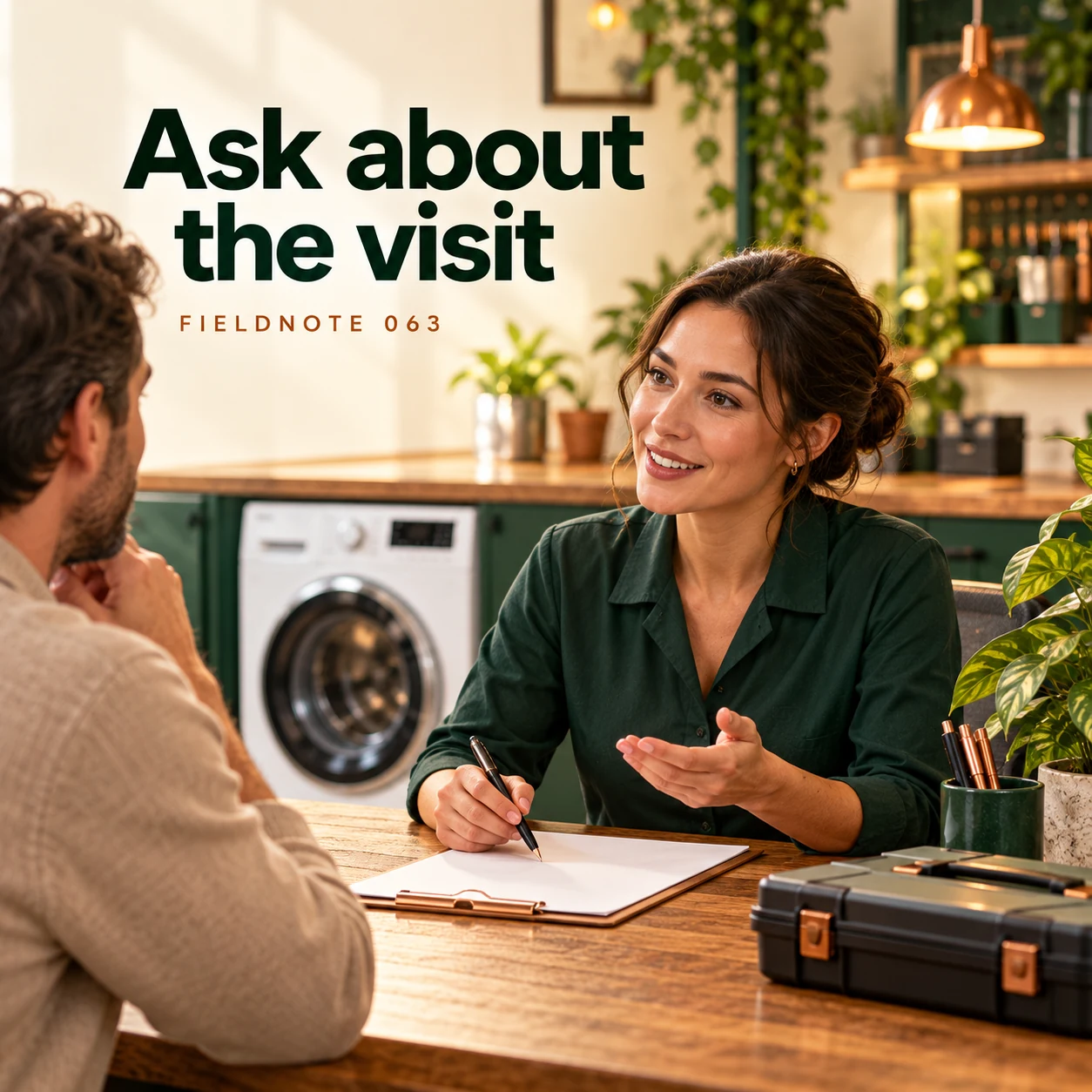
Original AI-generated fictional campaign concept. No real customer or measured result is represented.
Finished example caption — Confirm the inspection process and any preparation through the official contact route.
Why use this post — The final image directs the owner to the official service route. It must not imply an appointment, repair outcome or preparation method that the provider has not confirmed.
Make it your own — Check the service's current assessment and appointment information. Do not copy another manufacturer's phone number, coverage, fee or preparation instructions.
Image brief to adapt
Generate one complete polished square campaign image, 1080×1080. The exact scene is: adult receptionist discussing inspection details across desk. Context: a fictional service desk with a washing-machine panel, model label without serial text and closed tools. The message is “Ask about the visit”; support this finished caption: “Confirm the inspection process and any preparation through the official contact route.”. Confident final hero composition using a clear foreground subject and supporting background context; close the sequence with a purposeful visual invitation. Art direction: natural editorial photography with tactile materials and honest business detail; palette warm ivory, forest green and copper; refined natural lighting, deliberate depth and texture, commercially credible proportions, clean edges and ample breathing room. Use exactly this headline: “Ask about the visit”. Add the small fictional wordmark “FIELDNOTE 063”. Headline must be immediately readable at a phone size, with high contrast and a safe inset of at least8% from every edge. The scene is the main visual, not a text-only card. No additional text, UI screenshot, testimonial, metrics, sale badge, fake website, QR code or placeholder field. No watermarks or unrelated logos. No electrical repair instructions, safety diagnosis or guaranteed repair. Produce finished actual raster artwork ready to download and inspect; no wireframe, simple geometric substitute or diagram.
Put it into practice
Apply the workflow to one actual business image
Write this fictional initial request: “I want to discuss a freestanding household dishwasher. I have the owner's record with its actual model information and can share it through your approved route. I noticed that a recent cycle did not finish as expected; I am not identifying a failed part. Please explain whether you assess this model and what information you need next.” The appliance and observation are invented. No action, diagnosis or warranty is recommended. Ask the service reviewer to approve the intake fields before adapting it.
Common questions
Which model facts help the enquiry?
Use the appliance type and actual model information the provider asks for. A broad marketing name may not be the model. Follow the provider's approved way to supply the information.
Should the customer guess the failed part?
No. Describe what was observed and let the responsible service professional assess it. This post supplies no diagnostic or repair instruction.
Can a post tell the customer to open the appliance?
This guide does not. Keep any access, preparation and safety instructions with the actual qualified provider and official product guidance.
Turn the brief into your own creative
Use the example as a starting point. Supply approved business facts and authorized references in Studio, then compare the finished image with the brief before using it.
Your starter brief
Replace the brackets with your own details.
Generate one complete polished square campaign image, 1080×1080. The exact scene is: adult owner pointing at closed washing-machine exterior. Context: a fictional service desk with a washing-machine panel, model label without serial text and closed tools. The message is “Start with the model”; support this finished caption: “The appliance type and model help the service team understand the request.”. Environmental wide shot with the key subject in the lower right and generous clean upper-left negative space. Art direction: natural editorial photography with tactile materials and honest business detail; palette warm ivory, forest green and copper; refined natural lighting, deliberate depth and texture, commercially credible proportions, clean edges and ample breathing room. Use exactly this headline: “Start with the model”. Add the small fictional wordmark “FIELDNOTE 063”. Headline must be immediately readable at a phone size, with high contrast and a safe inset of at least8% from every edge. The scene is the main visual, not a text-only card. No additional text, UI screenshot, testimonial, metrics, sale badge, fake website, QR code or placeholder field. No watermarks or unrelated logos. No electrical repair instructions, safety diagnosis or guaranteed repair. Produce finished actual raster artwork ready to download and inspect; no wireframe, simple geometric substitute or diagram.
Copy your adapted brief, open Studio, and paste it into your creative workflow. Review the result before using it.
Create your version in Studio