Industry playbooks
Author Social Media Post Ideas: 4 Examples
By Memes.ai
Updated October 16, 2026 · 5 min read
Author content can give readers a way into the work without turning every post into a request to buy. Share an original craft observation, an approved event detail or a spoiler-free entry point. These captions are for an author's own account, with book and image rights checked before publication. Below are four finished visual concepts and example captions, with image briefs you can adapt to your own brand. The artwork uses fictional businesses and AI-generated scenes. For a post about your actual people, place or service, supply authorized photographs and confirmed details.
What you’ll take away
- Start with “A story to get lost in” for one visual idea. Use “The choices behind the chapter” for a different view of the same business. Choose the example that supports the message you want a reader to understand.
- Use your own words or material you have permission to share. Check publisher permissions, avoid spoilers and confirm edition and event details.
- Use the finished captions as creative examples. The adaptation notes include practical copy templates for your own confirmed details. Match your image, message and destination to the same reader task.
1. A story to get lost in
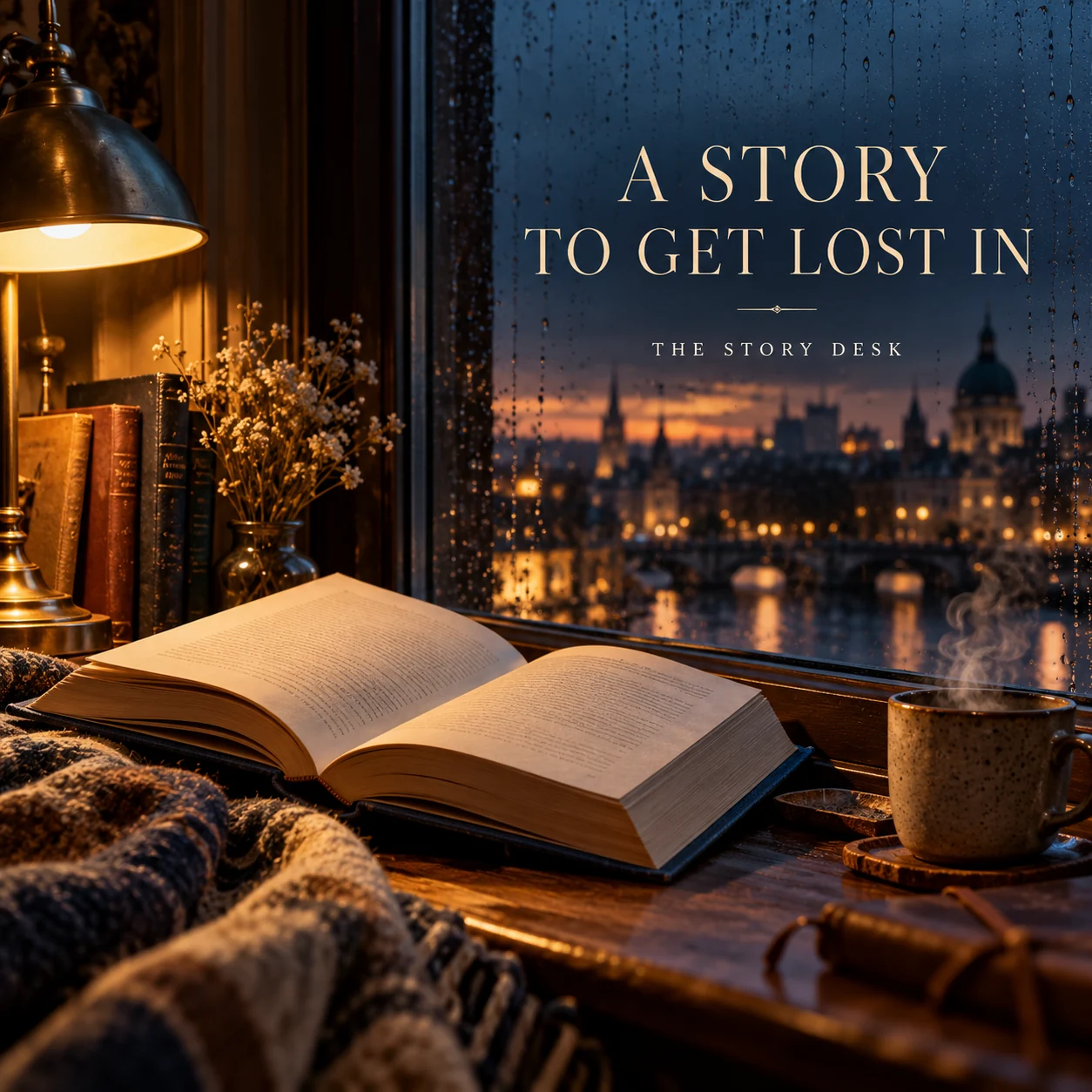
Finished AI-generated creative for the fictional brand THE STORY DESK. This is an illustrative concept, not a real customer, venue or campaign result. Headline: “A STORY TO GET LOST IN”.
Finished example caption — Rain at the window. A warm lamp. A book that makes the rest of the room feel a little further away.
Why use this post — A book beside a rainy window expresses the feeling of settling into a story.
Make it your own — Use the real premise and check that the caption does not reveal a protected plot turn. If you need a practical service-information version, adapt this template with confirmed details: If you enjoy stories about [actual theme], [book title] begins with [spoiler-free premise]. Find the correct edition and details at [official book page].
Image brief to adapt
Create a finished square social image for my author business. Scene: An evocative unbranded linen-bound novel open beside a rain-speckled window, city evening lights blurred outside, a warm reading lamp and a steaming cup, cinematic literary still life, no printed passage. Visual style: Literary editorial campaign photography; deep ink blue, parchment, tobacco brown and warm lamplight; invented books, no famous cover or quoted passage. Use the fictional literary-studio wordmark THE STORY DESK, not a person's name. Use this headline exactly: “A STORY TO GET LOST IN”. Replace the fictional example brand THE STORY DESK with my supplied business name. Make the scene the main visual, with a short legible headline and a small brand wordmark. Do not render placeholder fields or instructions. Do not invent a date, price, address, credential, offer or result. Use my authorized photographs when the post describes my actual people, premises, products or completed work. Review every detail before publishing.
2. The choices behind the chapter
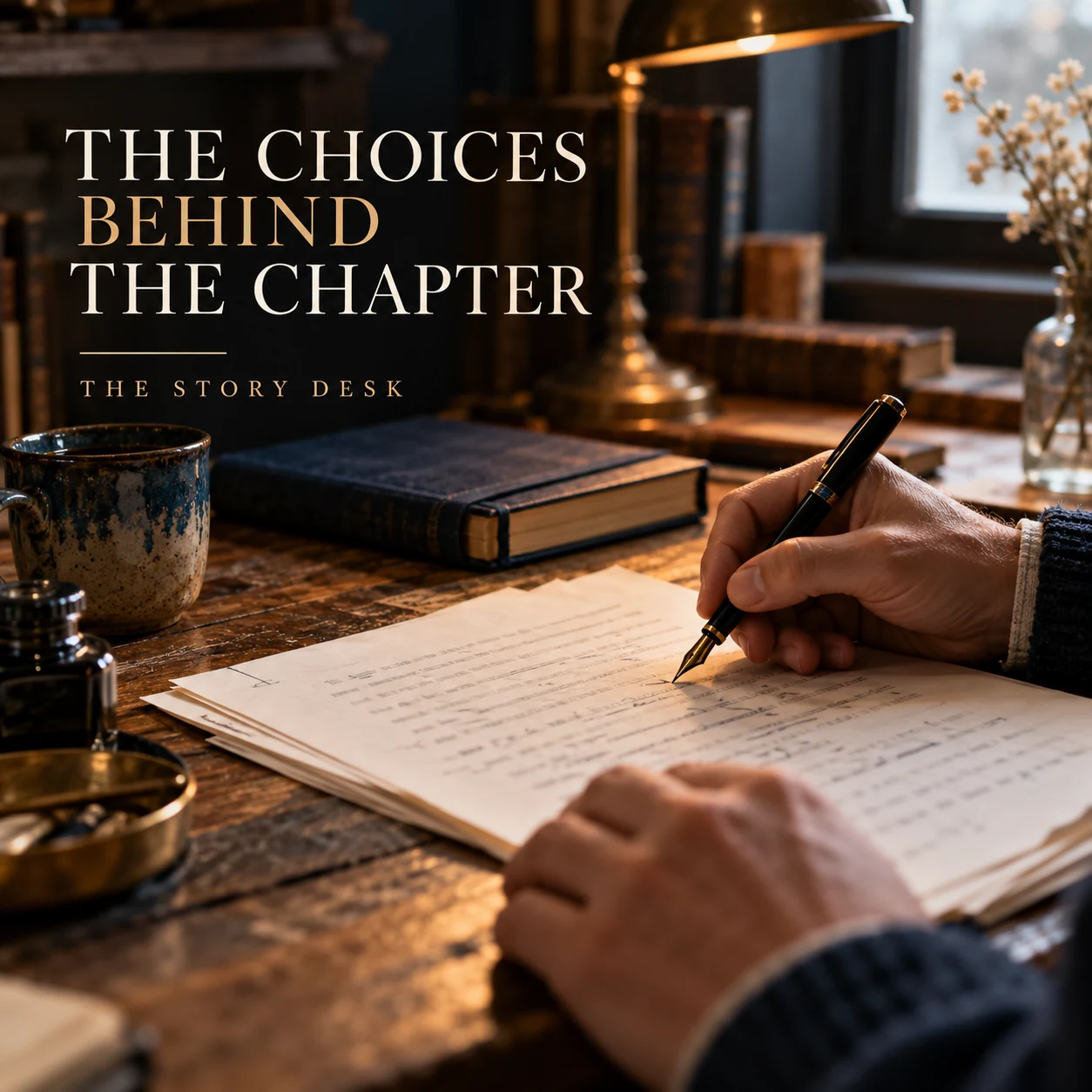
Finished AI-generated creative for the fictional brand THE STORY DESK. This is an illustrative concept, not a real customer, venue or campaign result. Headline: “THE CHOICES BEHIND THE CHAPTER”.
Finished example caption — A sentence changed, a page revisited, a question asked again. The finished chapter has a process behind it.
Why use this post — A writing scene offers a view of the creative process behind a chapter.
Make it your own — Speak from your actual process. Do not present an invented anecdote as your writing experience. If you need a practical service-information version, adapt this template with confirmed details: One choice I made while writing [work]: [actual craft decision]. I wanted it to do [honest intention], and here is the question I used while revising.
Image brief to adapt
Create a finished square social image for my author business. Scene: Adult writer's hands revising a manuscript whose text is naturally out of focus, fountain pen, a closed notebook and worn oak desk, soft window light, intimate honest process photograph. Visual style: Literary editorial campaign photography; deep ink blue, parchment, tobacco brown and warm lamplight; invented books, no famous cover or quoted passage. Use the fictional literary-studio wordmark THE STORY DESK, not a person's name. Use this headline exactly: “THE CHOICES BEHIND THE CHAPTER”. Replace the fictional example brand THE STORY DESK with my supplied business name. Make the scene the main visual, with a short legible headline and a small brand wordmark. Do not render placeholder fields or instructions. Do not invent a date, price, address, credential, offer or result. Use my authorized photographs when the post describes my actual people, premises, products or completed work. Review every detail before publishing.
3. What question stays with you?
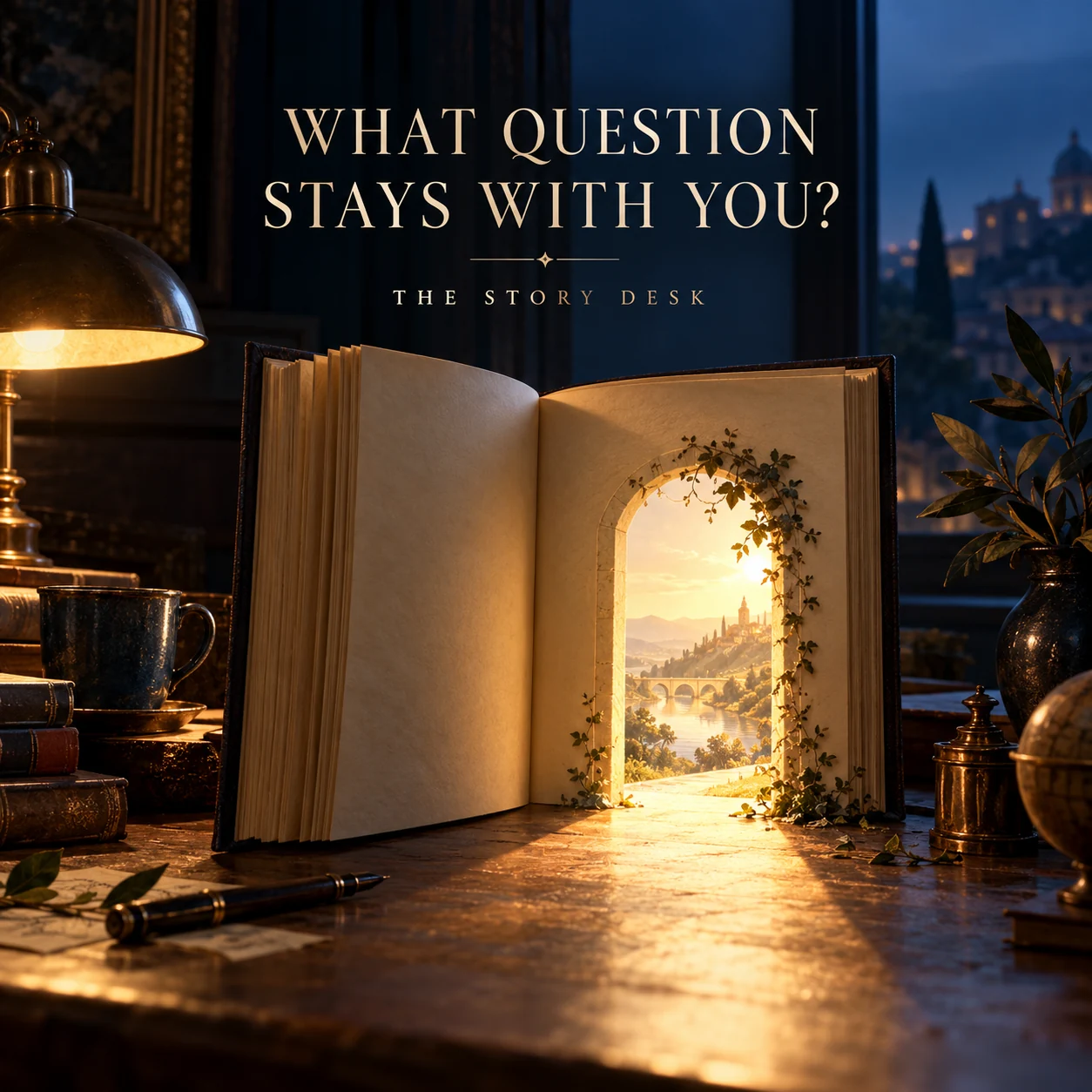
Finished AI-generated creative for the fictional brand THE STORY DESK. This is an illustrative concept, not a real customer, venue or campaign result. Headline: “WHAT QUESTION STAYS WITH YOU?”.
Finished example caption — Some stories end with an answer. Others leave a question that follows you beyond the final page. What stays with you?
Why use this post — A surreal book image turns a reading question into a memorable visual idea.
Make it your own — Use an open question tied to the work. Avoid asking readers to disclose private experiences. If you need a practical service-information version, adapt this template with confirmed details: A question behind [book or current project]: [original thematic question]. You can answer without sharing spoilers: [simple invitation].
Image brief to adapt
Create a finished square social image for my author business. Scene: Beautiful surreal literary editorial image: an open cream book on a dark table casting a doorway-shaped pool of warm light, tasteful conceptual realism, no visible printed words. Visual style: Literary editorial campaign photography; deep ink blue, parchment, tobacco brown and warm lamplight; invented books, no famous cover or quoted passage. Use the fictional literary-studio wordmark THE STORY DESK, not a person's name. Use this headline exactly: “WHAT QUESTION STAYS WITH YOU?”. Replace the fictional example brand THE STORY DESK with my supplied business name. Make the scene the main visual, with a short legible headline and a small brand wordmark. Do not render placeholder fields or instructions. Do not invent a date, price, address, credential, offer or result. Use my authorized photographs when the post describes my actual people, premises, products or completed work. Review every detail before publishing.
4. Let's meet between the pages
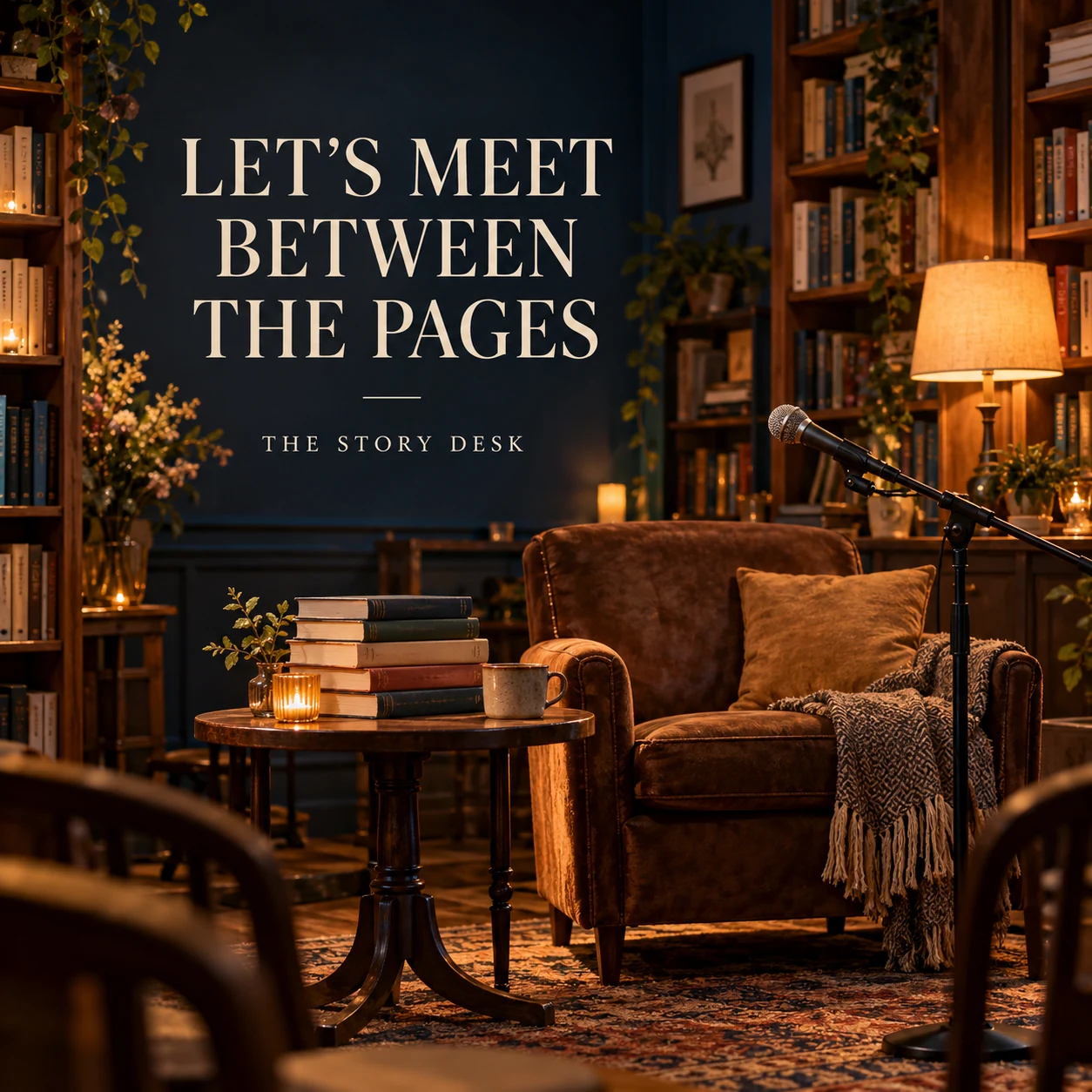
Finished AI-generated creative for the fictional brand THE STORY DESK. This is an illustrative concept, not a real customer, venue or campaign result. Headline: “LET'S MEET BETWEEN THE PAGES”.
Finished example caption — An empty chair, a stack of books and a conversation waiting to begin. There is something special about meeting between the pages.
Why use this post — A reading chair creates a warm setting for a literary conversation.
Make it your own — Confirm the appearance and booking process. Do not imply free entry or a signing unless agreed. If you need a practical service-information version, adapt this template with confirmed details: I will be at [confirmed event] on [date]. Find the format, venue and booking details at [official event page]. [Verified signing or access details, if applicable].
Image brief to adapt
Create a finished square social image for my author business. Scene: An empty intimate bookshop event space with an armchair, small table, a microphone and a stack of invented plain-cover books, warm evening lights, no dates or publisher logos. Visual style: Literary editorial campaign photography; deep ink blue, parchment, tobacco brown and warm lamplight; invented books, no famous cover or quoted passage. Use the fictional literary-studio wordmark THE STORY DESK, not a person's name. Use this headline exactly: “LET'S MEET BETWEEN THE PAGES”. Replace the fictional example brand THE STORY DESK with my supplied business name. Make the scene the main visual, with a short legible headline and a small brand wordmark. Do not render placeholder fields or instructions. Do not invent a date, price, address, credential, offer or result. Use my authorized photographs when the post describes my actual people, premises, products or completed work. Review every detail before publishing.
Put it into practice
Build your first author content batch
Choose a reader interest that fits your book. Write a spoiler-free entry point, one process detail and one accurate event or availability post. Give each a different purpose. Prepare each post as a small brief: audience, one useful detail, approved caption, matching visual and a single current destination. Use your own words or material you have permission to share. Check publisher permissions, avoid spoilers and confirm edition and event details. Before publishing, read the caption beside the image, confirm that all brackets are replaced and check the destination on a phone. After a week, review the questions and enquiries each post generated. Keep the useful information current and revise confusing details before making more variants.
Common questions
What should an author post between releases?
Share an original process observation, a reading question related to the work or a verified event. Use the book's actual themes and your own experience rather than inventing a reader testimonial.
Can we post a passage from the book?
Check the rights and your publishing agreement before sharing a passage. A short original summary or craft explanation can be useful without reproducing the book's text.
Can I download and adapt these finished images?
Yes. Each example includes an original finished AI-generated image and a copyable image brief. Save the WebP as a visual reference, or use the brief to create a version for your own brand in Studio. The pictured businesses and scenes are fictional. Use authorized real photos for claims about your actual people, venue, products or completed work. The downloaded image is flattened; it does not contain editable text layers.
Turn the brief into your own creative
Choose a finished image and caption that fit your business task, then copy its brief into Studio to develop your own version. Use your own brand, current information and authorized real-world assets where needed.
Your starter brief
Replace the brackets with your own details.
Create a finished square social image for my author business. Scene: An evocative unbranded linen-bound novel open beside a rain-speckled window, city evening lights blurred outside, a warm reading lamp and a steaming cup, cinematic literary still life, no printed passage. Visual style: Literary editorial campaign photography; deep ink blue, parchment, tobacco brown and warm lamplight; invented books, no famous cover or quoted passage. Use the fictional literary-studio wordmark THE STORY DESK, not a person's name. Use this headline exactly: “A STORY TO GET LOST IN”. Replace the fictional example brand THE STORY DESK with my supplied business name. Make the scene the main visual, with a short legible headline and a small brand wordmark. Do not render placeholder fields or instructions. Do not invent a date, price, address, credential, offer or result. Use my authorized photographs when the post describes my actual people, premises, products or completed work. Review every detail before publishing.
Copy your adapted brief, open Studio, and paste it into your creative workflow. Review the result before using it.
Create your version in Studio