Meme marketing
How to Write Funny Meme Captions: 12 Before and After Examples
By Memes.ai
Updated October 6, 2026 · 5 min read

A useful social post starts with a specific situation your reader recognizes. This guide gives you 12 worked examples and practical steps, plus image references and instructions for making each one your own. Start with “replace the generic opening,” then choose a second idea that serves a different purpose. Use the reference image for inspiration, or copy its brief into Studio to create a version with your business details.
What you’ll take away
- Choose one useful information post, one everyday moment, and one introduction from the examples.
- Pair the caption with the actual subject it describes, using an authorized photograph or an explicitly illustrative creative.
- Change one idea at a time and use actual replies, visits, or enquiries to decide which direction to develop.
1. Replace the generic opening
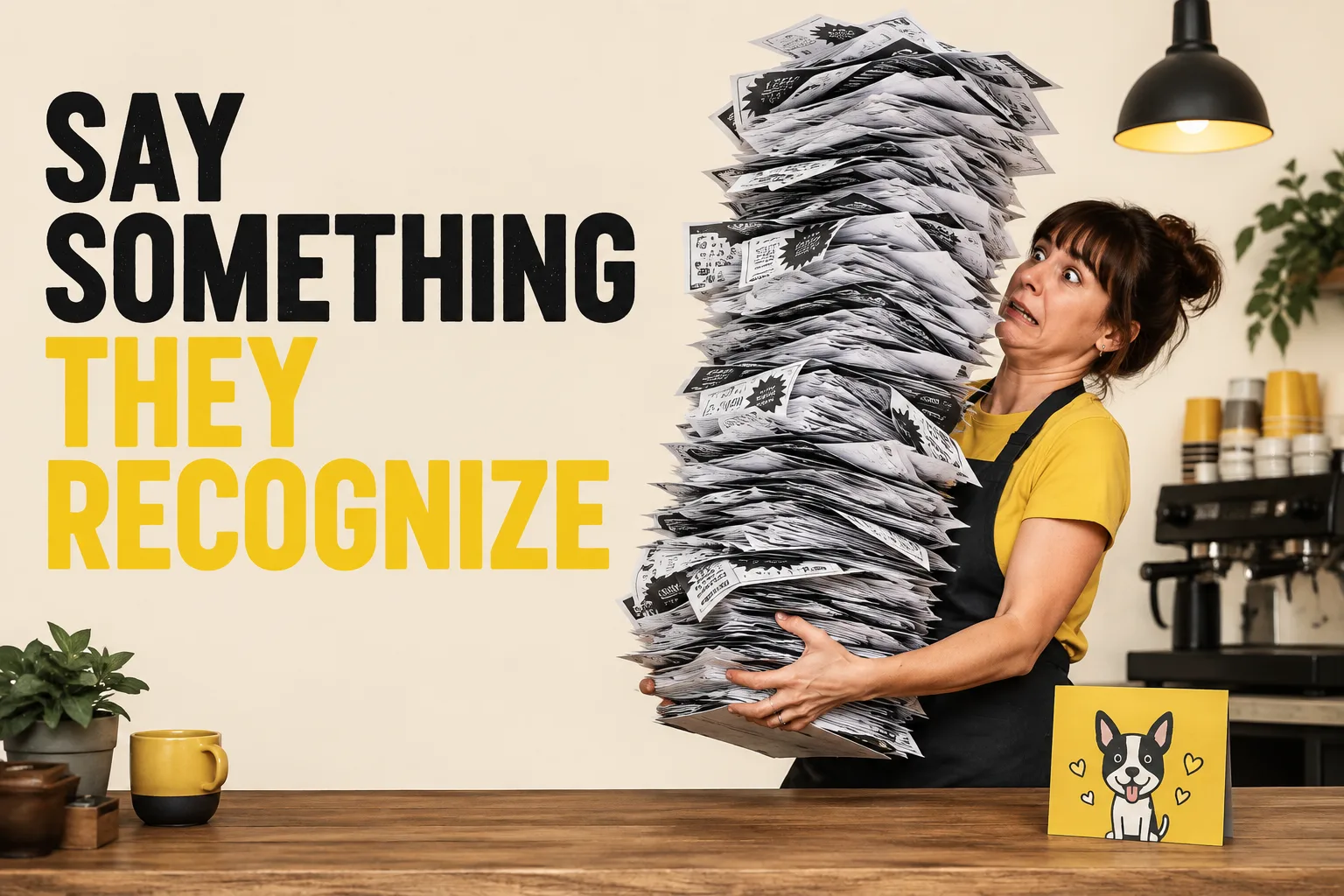
Visual reference: The Monday Transformation. The caption and brief below are an adaptation; replace any business details with your own.
Worked example — Before: When you love coffee so much. After: I only came in for coffee. The pastry case had other ideas.
Why it helps — A concrete decision gives the image a job. The generic version only names a topic.
Make it your own — Name a particular moment, such as choosing at the counter, instead of asking the audience to love the category.
Image brief to adapt
Create an original illustrative social image for your business. Concept: Replace the generic opening. Visual direction: A concrete decision gives the image a job. The generic version only names a topic.. Adaptation: Name a particular moment, such as choosing at the counter, instead of asking the audience to love the category. Use fictional scenes unless I supply authorized photographs. Keep all product, service, and business details exactly as supplied. Use [brand colors] and leave room for [business name]. Return one version with clear, short text.
2. Cut the explanation
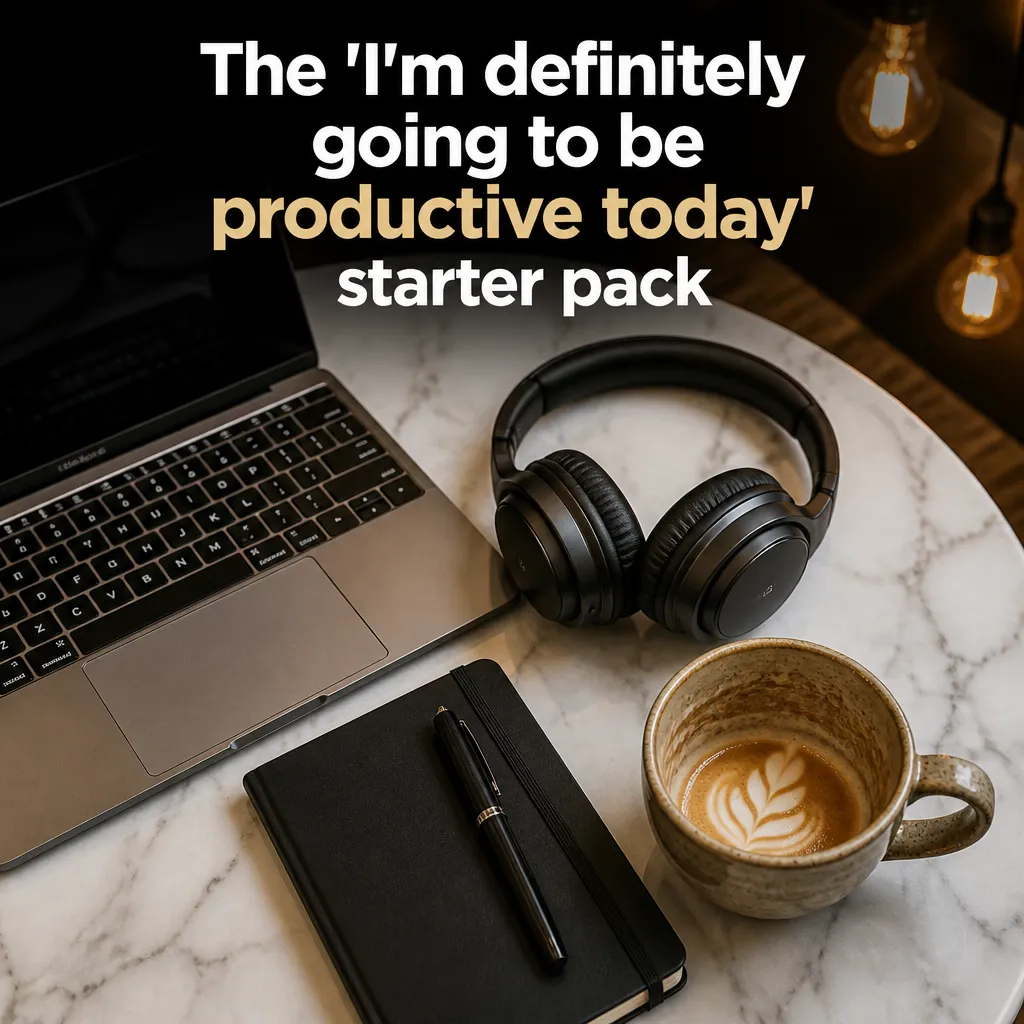
Visual reference: The Remote Worker Starter Pack. The caption and brief below are an adaptation; replace any business details with your own.
Worked example — Before: This is what happens when you cannot decide what pastry to choose because they all look good. After: The pastry shortlist is the entire counter.
Why it helps — The shorter caption leaves the visual to show the choice rather than repeating everything in the picture.
Make it your own — Remove words that describe what the image already makes obvious.
Image brief to adapt
Create an original illustrative social image for your business. Concept: Cut the explanation. Visual direction: The shorter caption leaves the visual to show the choice rather than repeating everything in the picture.. Adaptation: Remove words that describe what the image already makes obvious. Use fictional scenes unless I supply authorized photographs. Keep all product, service, and business details exactly as supplied. Use [brand colors] and leave room for [business name]. Return one version with clear, short text.
3. Choose one thought

Visual reference: The Treat-Yourself Logic. The caption and brief below are an adaptation; replace any business details with your own.
Worked example — Before: Monday coffee, busy morning, pastry temptation, work meeting, and our new menu. After: First meeting of the day. Coffee has accepted the invitation.
Why it helps — One premise is easier to follow than several unrelated ideas sharing an image.
Make it your own — Save the menu update for a separate factual post.
Image brief to adapt
Create an original illustrative social image for your business. Concept: Choose one thought. Visual direction: One premise is easier to follow than several unrelated ideas sharing an image.. Adaptation: Save the menu update for a separate factual post. Use fictional scenes unless I supply authorized photographs. Keep all product, service, and business details exactly as supplied. Use [brand colors] and leave room for [business name]. Return one version with clear, short text.
4. Give an object a voice
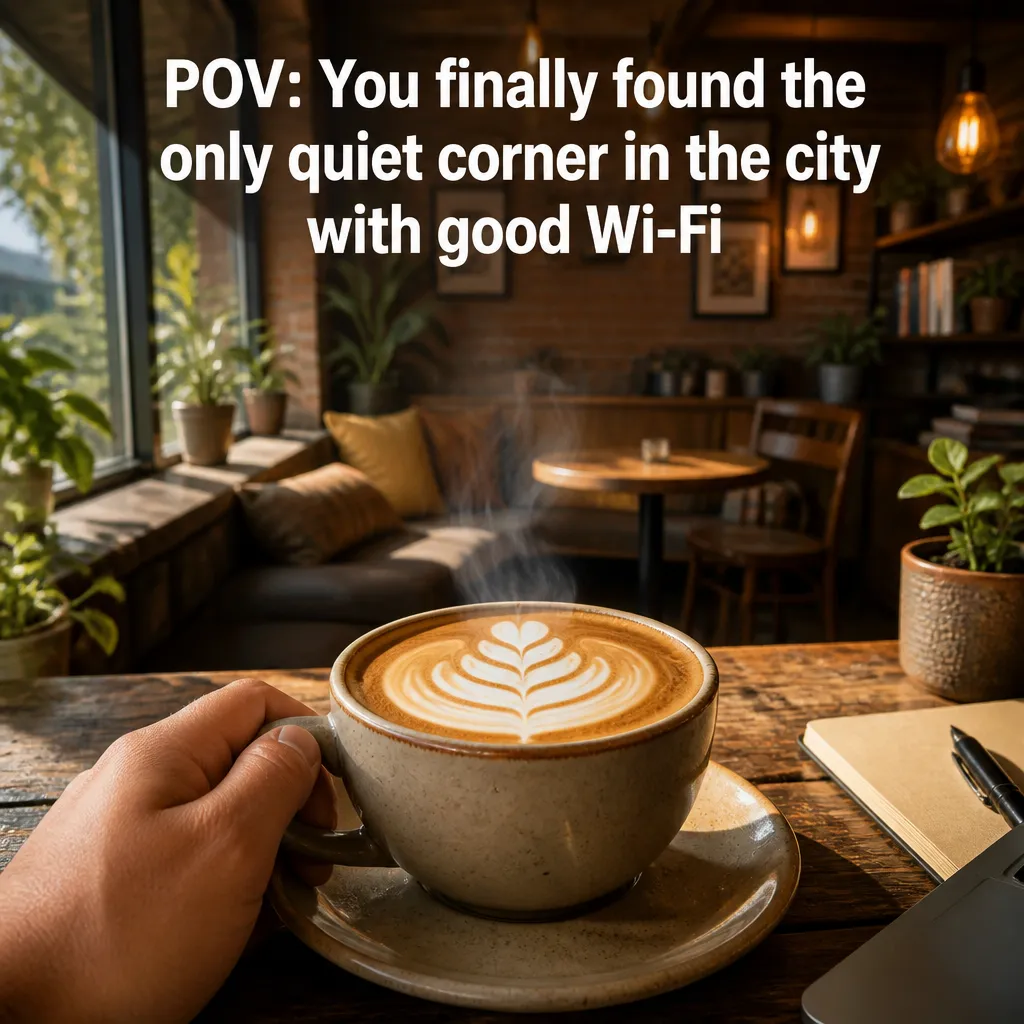
Visual reference: The Hidden Gem Discovery. The caption and brief below are an adaptation; replace any business details with your own.
Worked example — Before: My calendar is very full. After: The calendar has requested a smaller calendar.
Why it helps — A little personification adds a payoff to an otherwise literal description.
Make it your own — Choose a prop the audience recognizes and keep the exaggeration harmless.
Image brief to adapt
Create an original illustrative social image for your business. Concept: Give an object a voice. Visual direction: A little personification adds a payoff to an otherwise literal description.. Adaptation: Choose a prop the audience recognizes and keep the exaggeration harmless. Use fictional scenes unless I supply authorized photographs. Keep all product, service, and business details exactly as supplied. Use [brand colors] and leave room for [business name]. Return one version with clear, short text.
5. Use a visible contradiction
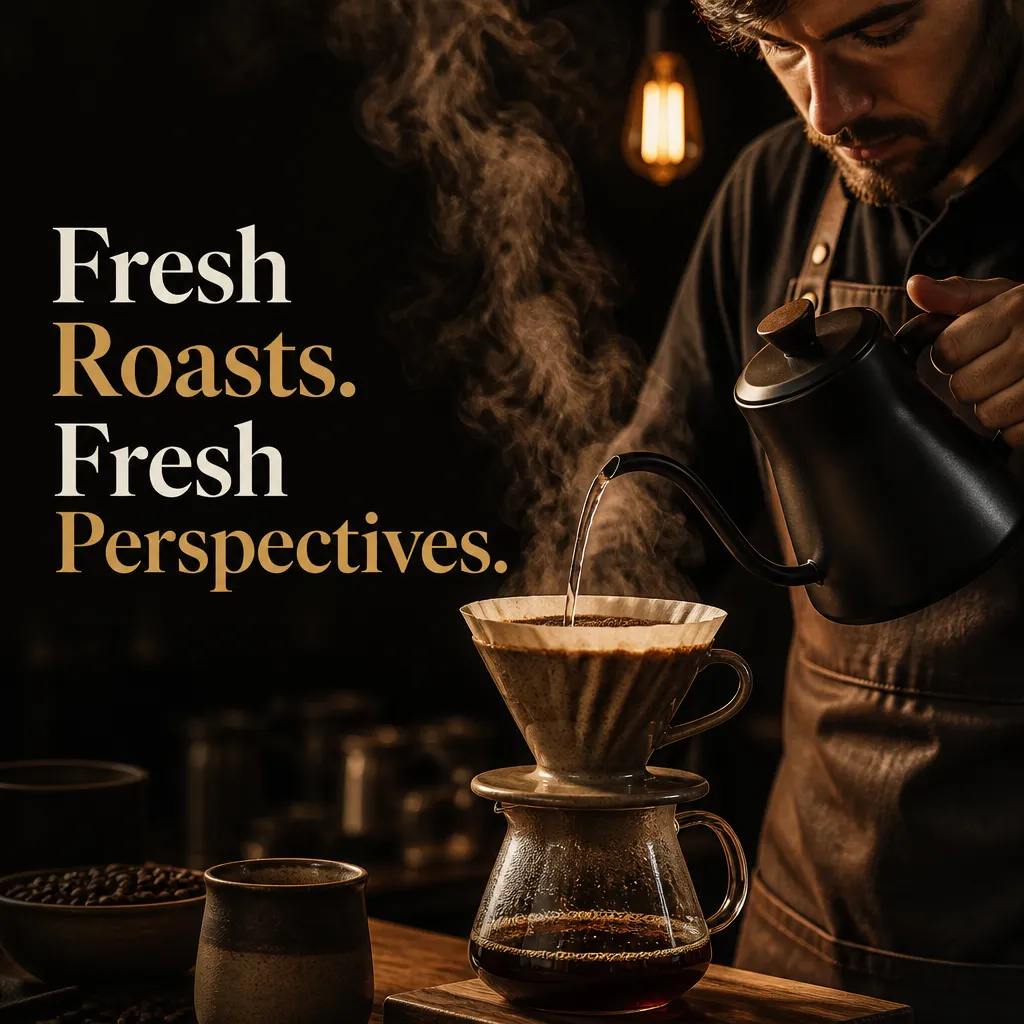
Visual reference: The Golden Hour Pour. The caption and brief below are an adaptation; replace any business details with your own.
Worked example — Before: Lots of choices at the shop. After: I narrowed it down. To the whole shelf.
Why it helps — The difference between the claim and the scene creates the humor.
Make it your own — Make sure the shelf or choice is visible; do not require a paragraph of context.
Image brief to adapt
Create an original illustrative social image for your business. Concept: Use a visible contradiction. Visual direction: The difference between the claim and the scene creates the humor.. Adaptation: Make sure the shelf or choice is visible; do not require a paragraph of context. Use fictional scenes unless I supply authorized photographs. Keep all product, service, and business details exactly as supplied. Use [brand colors] and leave room for [business name]. Return one version with clear, short text.
6. Keep customers out of the target role

Visual reference: The Signature Roast. The caption and brief below are an adaptation; replace any business details with your own.
Worked example — Before: Customers never know what they want. After: The group chat has chosen a place. Four discussions later.
Why it helps — The revised line makes the shared process funny instead of judging the audience.
Make it your own — Use affectionate recognition rather than a complaint about the people you serve.
Image brief to adapt
Create an original illustrative social image for your business. Concept: Keep customers out of the target role. Visual direction: The revised line makes the shared process funny instead of judging the audience.. Adaptation: Use affectionate recognition rather than a complaint about the people you serve. Use fictional scenes unless I supply authorized photographs. Keep all product, service, and business details exactly as supplied. Use [brand colors] and leave room for [business name]. Return one version with clear, short text.
7. Remove unsupported urgency
Worked example — Before: Everyone is booking now. Hurry or miss out. After: Planning a visit? Check our current opening and booking details.
Why it helps — A practical next step does not need an invented crowd or deadline.
Make it your own — If there is a real deadline, state the confirmed date and terms accurately.
Image brief to adapt
Create an original illustrative social image for your business. Concept: Remove unsupported urgency. Visual direction: A practical next step does not need an invented crowd or deadline.. Adaptation: If there is a real deadline, state the confirmed date and terms accurately. Use fictional scenes unless I supply authorized photographs. Keep all product, service, and business details exactly as supplied. Use [brand colors] and leave room for [business name]. Return one version with clear, short text.
8. Separate the joke from the fact
Worked example — Before: Our coffee fixes every Monday. After: Monday has a schedule. Coffee has been invited. We open at [verified time].
Why it helps — The joke becomes an observation while the useful factual line remains checkable.
Make it your own — Do not turn a humorous exaggeration into a health or performance promise.
Image brief to adapt
Create an original illustrative social image for your business. Concept: Separate the joke from the fact. Visual direction: The joke becomes an observation while the useful factual line remains checkable.. Adaptation: Do not turn a humorous exaggeration into a health or performance promise. Use fictional scenes unless I supply authorized photographs. Keep all product, service, and business details exactly as supplied. Use [brand colors] and leave room for [business name]. Return one version with clear, short text.
9. Match the question to the image
Worked example — Before: Thoughts? After: Which one goes on your shortlist: [actual option A] or [actual option B]?
Why it helps — A specific choice is easier to answer and gives the audience a reason to look at the image.
Make it your own — Use options that are actually shown or clearly described.
Image brief to adapt
Create an original illustrative social image for your business. Concept: Match the question to the image. Visual direction: A specific choice is easier to answer and gives the audience a reason to look at the image.. Adaptation: Use options that are actually shown or clearly described. Use fictional scenes unless I supply authorized photographs. Keep all product, service, and business details exactly as supplied. Use [brand colors] and leave room for [business name]. Return one version with clear, short text.
10. Use fewer on-image words
Worked example — Before: A complete paragraph explaining why the toolbox is packed. After: One quick visit. One very prepared bag.
Why it helps — The large prop carries the setup, leaving only the contrast to read.
Make it your own — Preview the text at phone size and move extra detail into the social caption.
Image brief to adapt
Create an original illustrative social image for your business. Concept: Use fewer on-image words. Visual direction: The large prop carries the setup, leaving only the contrast to read.. Adaptation: Preview the text at phone size and move extra detail into the social caption. Use fictional scenes unless I supply authorized photographs. Keep all product, service, and business details exactly as supplied. Use [brand colors] and leave room for [business name]. Return one version with clear, short text.
11. Preserve the strongest part
Worked example — Before: A clear box joke followed by five unrelated hashtags and an offer. After: The product is for me. The box has been claimed by the cat.
Why it helps — Editing can protect a good premise rather than replacing it with a different joke.
Make it your own — Change caption length first; revise the visual only when the joke remains unclear.
Image brief to adapt
Create an original illustrative social image for your business. Concept: Preserve the strongest part. Visual direction: Editing can protect a good premise rather than replacing it with a different joke.. Adaptation: Change caption length first; revise the visual only when the joke remains unclear. Use fictional scenes unless I supply authorized photographs. Keep all product, service, and business details exactly as supplied. Use [brand colors] and leave room for [business name]. Return one version with clear, short text.
12. Ask for bounded alternatives
Worked example — Before: Make it funnier. After: Keep the box-and-cat premise. Give three shorter captions: one deadpan, one conversational, one question.
Why it helps — A constrained request produces alternatives that can be compared meaningfully.
Make it your own — Keep the audience and factual details identical when judging the versions.
Image brief to adapt
Create an original illustrative social image for your business. Concept: Ask for bounded alternatives. Visual direction: A constrained request produces alternatives that can be compared meaningfully.. Adaptation: Keep the audience and factual details identical when judging the versions. Use fictional scenes unless I supply authorized photographs. Keep all product, service, and business details exactly as supplied. Use [brand colors] and leave room for [business name]. Return one version with clear, short text.
Put it into practice
Build a useful first batch
Start with “Replace the generic opening” and “Cut the explanation.” Give each post a different role: one can introduce a person or process, another can answer a reader question, and another can invite a simple response. Keep a note of the caption, image, destination, and publishing date. Review actual questions and responses together. Revise the next batch around what people understood or asked about, rather than treating one example as a promised result.
Common questions
Can I use these examples as written?
Treat the copy as a starting point. In “Replace the generic opening,” keep the central situation, replace any bracketed details with your actual information, and choose a next step that your business can fulfill. Read the caption alongside the image so the two tell the same story.
Which image should I pair with “Cut the explanation”?
Use the visual direction and adaptation note beside that example. The displayed image is an illustrative reference. For a post about an actual person, product, location, or completed job, use an authorized real photograph or clearly label a conceptual illustration.
How should I choose the first few examples?
Start with “Replace the generic opening” and a contrasting idea such as “Ask for bounded alternatives.” Choose examples that answer real reader questions or show something specific about your work. Keep the first batch small enough to revise after reviewing actual responses.
Can I customize these images in Studio?
Save a reference image or copy the image brief, then create your own version in Studio with your business details and visual direction. A downloaded WebP is a finished image; the brief gives you a way to develop a new variation. Review generated text and factual details before publishing.
Turn the brief into your own creative
Use these concepts to build a creative for your actual business. Browse the related example collection for more visual directions, then bring your caption and image brief into Studio.
Your starter brief
Replace the brackets with your own details.
Create an original illustrative social image for your business. Concept: Replace the generic opening. Visual direction: A concrete decision gives the image a job. The generic version only names a topic.. Adaptation: Name a particular moment, such as choosing at the counter, instead of asking the audience to love the category. Use fictional scenes unless I supply authorized photographs. Keep all product, service, and business details exactly as supplied. Use [brand colors] and leave room for [business name]. Return one version with clear, short text.