Industry playbooks
Church Social Media Post Ideas: 4 Examples
By Memes.ai
Updated October 16, 2026 · 4 min read
A church account can help someone understand how to visit, join an activity or find the right contact. Keep the language welcoming and specific to your community. Use service details and approved volunteer stories without putting private pastoral situations on a public feed. Below are four finished visual concepts and example captions, with image briefs you can adapt to your own brand. The artwork uses fictional businesses and AI-generated scenes. For a post about your actual people, place or service, supply authorized photographs and confirmed details.
What you’ll take away
- Start with “There's a place for you here” for one visual idea. Use “The people behind the welcome” for a different view of the same business. Choose the example that supports the message you want a reader to understand.
- Confirm service times and event details. Get permission for images and stories. Keep pastoral conversations, prayer requests and children's information private unless the appropriate consent and review are in place.
- Use the finished captions as creative examples. The adaptation notes include practical copy templates for your own confirmed details. Match your image, message and destination to the same reader task.
1. There's a place for you here
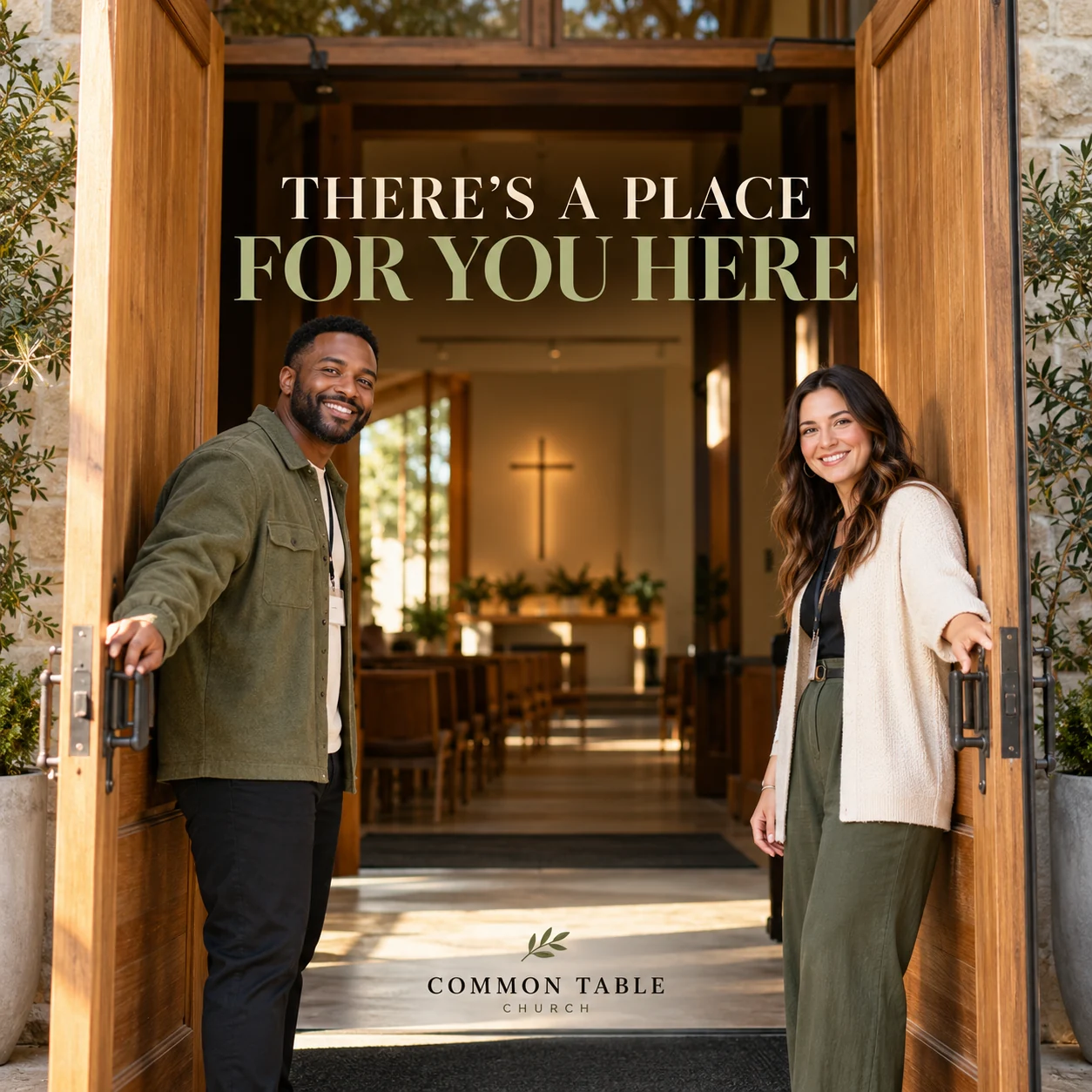
Finished AI-generated creative for the fictional brand COMMON TABLE CHURCH. This is an illustrative concept, not a real customer, venue or campaign result. Headline: “THERE'S A PLACE FOR YOU HERE”.
Finished example caption — A first visit can begin with a simple hello. Bring your questions, take your time and meet the people at the door.
Why use this post — A welcome at the entrance makes the first-visit message easy to understand.
Make it your own — Confirm time, location and access details. Do not promise facilities you have not checked. If you need a practical service-information version, adapt this template with confirmed details: Thinking of visiting [church]? Our current service information is at [official page]. Find [confirmed practical details] there, or ask the welcome team through [contact route].
Image brief to adapt
Create a finished square social image for my church business. Scene: Open wooden church doors in soft morning light, two adult volunteer greeters standing naturally to welcome visitors, inviting modest contemporary church entrance with a subtle cross inside. Visual style: Warm documentary community-church photography; cream, gentle green and honey oak; inclusive adult community, no real congregation or private stories. Use this headline exactly: “THERE'S A PLACE FOR YOU HERE”. Replace the fictional example brand COMMON TABLE CHURCH with my supplied business name. Make the scene the main visual, with a short legible headline and a small brand wordmark. Do not render placeholder fields or instructions. Do not invent a date, price, address, credential, offer or result. Use my authorized photographs when the post describes my actual people, premises, products or completed work. Review every detail before publishing.
2. The people behind the welcome
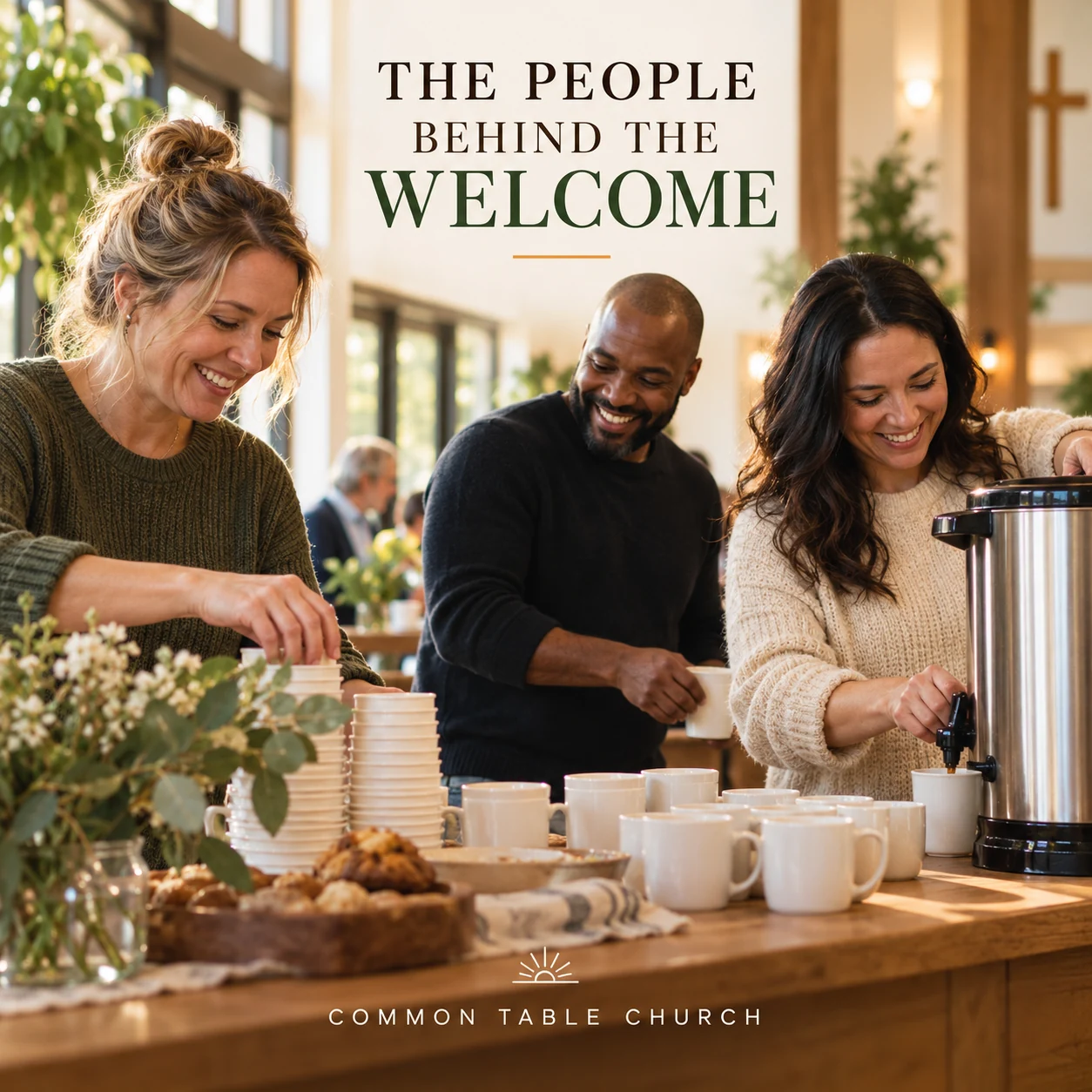
Finished AI-generated creative for the fictional brand COMMON TABLE CHURCH. This is an illustrative concept, not a real customer, venue or campaign result. Headline: “THE PEOPLE BEHIND THE WELCOME”.
Finished example caption — The cups are set out. The conversation is about to begin. A welcome often starts with the people working quietly behind it.
Why use this post — A shared preparation scene shows community through ordinary participation.
Make it your own — Use permission and the real volunteer process. Do not imply immediate eligibility for every role. If you need a practical service-information version, adapt this template with confirmed details: This week we are introducing [approved name or team], who help with [actual role]. Interested in learning about volunteering? Start with [official process].
Image brief to adapt
Create a finished square social image for my church business. Scene: Candid photograph of three adult community volunteers preparing cups and a tea urn in a bright church gathering space, natural warm smiles and ordinary clothing, no badges or private names. Visual style: Warm documentary community-church photography; cream, gentle green and honey oak; inclusive adult community, no real congregation or private stories. Use this headline exactly: “THE PEOPLE BEHIND THE WELCOME”. Replace the fictional example brand COMMON TABLE CHURCH with my supplied business name. Make the scene the main visual, with a short legible headline and a small brand wordmark. Do not render placeholder fields or instructions. Do not invent a date, price, address, credential, offer or result. Use my authorized photographs when the post describes my actual people, premises, products or completed work. Review every detail before publishing.
3. Make room at the table
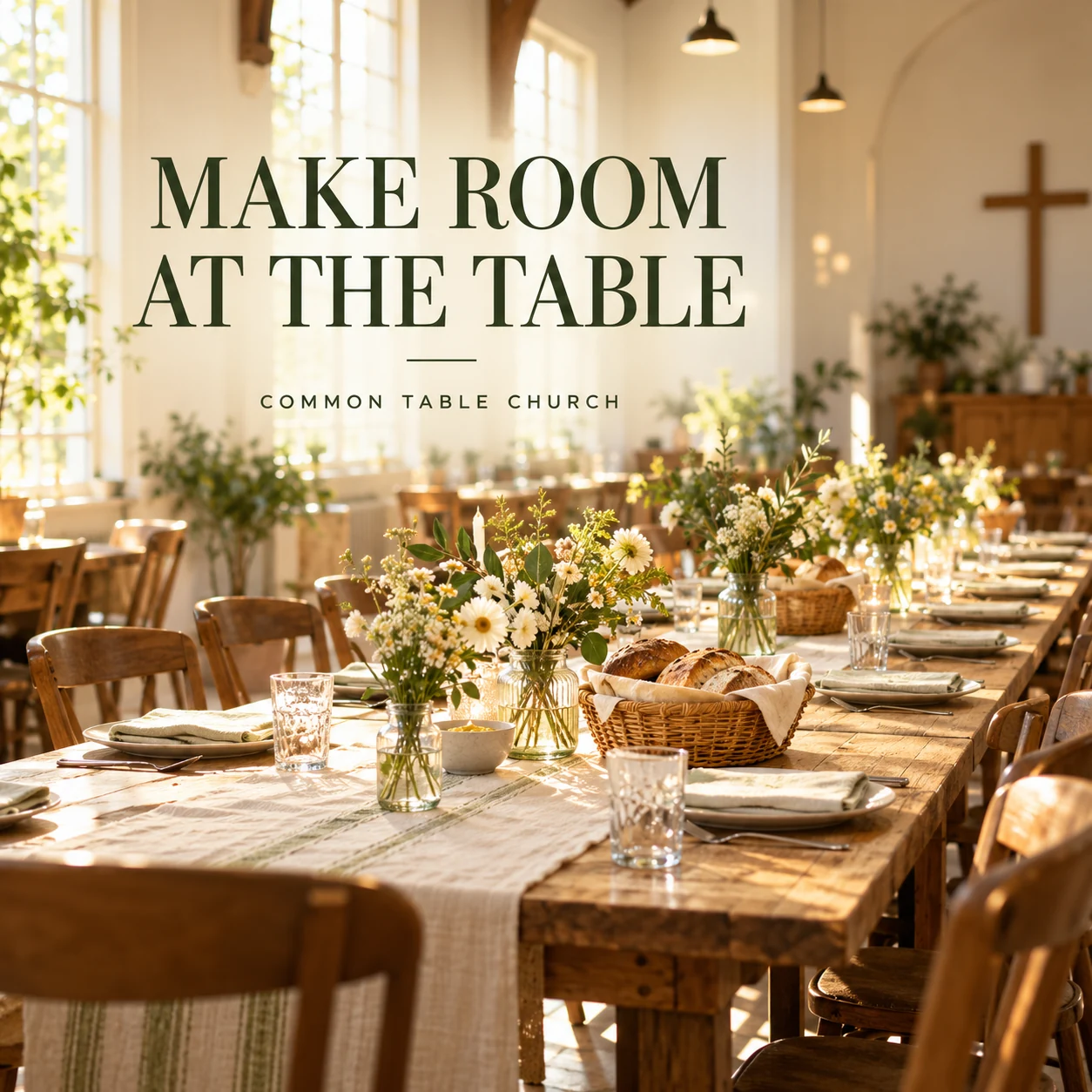
Finished AI-generated creative for the fictional brand COMMON TABLE CHURCH. This is an illustrative concept, not a real customer, venue or campaign result. Headline: “MAKE ROOM AT THE TABLE”.
Finished example caption — Another chair at the table, another chance to get to know a neighbor. Make a little room for community.
Why use this post — A long table gives the invitation to gather a clear visual form.
Make it your own — Check the audience, capacity and booking details with the event organizer. If you need a practical service-information version, adapt this template with confirmed details: [Confirmed activity] takes place on [date] at [location]. Find who it is for, any booking steps and current details at [event page].
Image brief to adapt
Create a finished square social image for my church business. Scene: A beautifully prepared long community table in a light-filled church hall, flowers in simple jars, empty chairs and bread baskets, warm sun through windows, no event date or claim. Visual style: Warm documentary community-church photography; cream, gentle green and honey oak; inclusive adult community, no real congregation or private stories. Use this headline exactly: “MAKE ROOM AT THE TABLE”. Replace the fictional example brand COMMON TABLE CHURCH with my supplied business name. Make the scene the main visual, with a short legible headline and a small brand wordmark. Do not render placeholder fields or instructions. Do not invent a date, price, address, credential, offer or result. Use my authorized photographs when the post describes my actual people, premises, products or completed work. Review every detail before publishing.
4. Start with a conversation
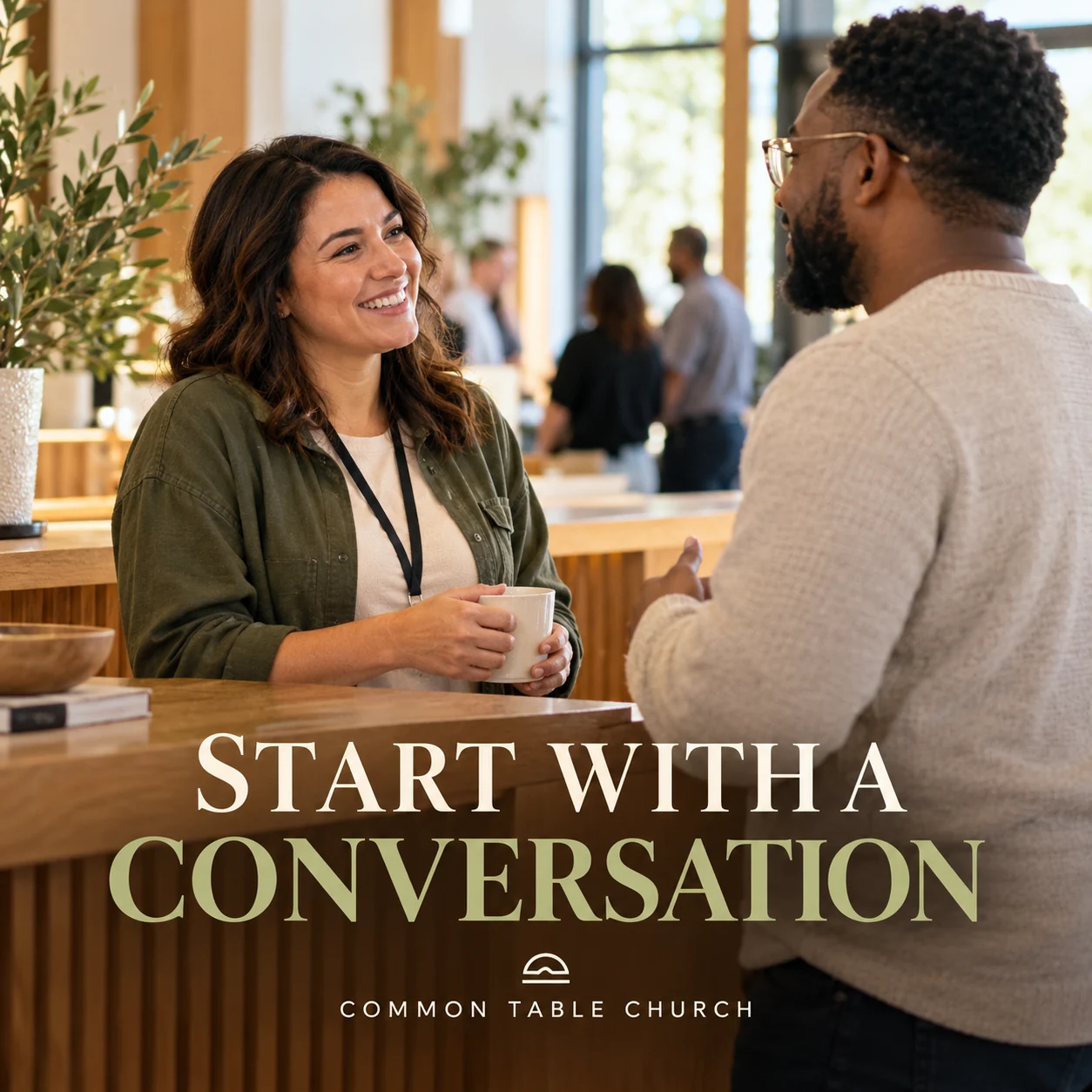
Finished AI-generated creative for the fictional brand COMMON TABLE CHURCH. This is an illustrative concept, not a real customer, venue or campaign result. Headline: “START WITH A CONVERSATION”.
Finished example caption — You do not have to know every answer before starting a conversation. A clear question is a good place to begin.
Why use this post — A conversation scene makes listening and personal connection the focus.
Make it your own — Use an official contact and do not reproduce private requests or conversations. If you need a practical service-information version, adapt this template with confirmed details: Looking for information about [public service or activity]? Our current contact route is [official channel]. Please keep personal requests out of public comments.
Image brief to adapt
Create a finished square social image for my church business. Scene: An adult welcome-team member and an adult visitor talking quietly near a church information desk, open approachable posture, warm oak and natural daylight, no forms or private records. Visual style: Warm documentary community-church photography; cream, gentle green and honey oak; inclusive adult community, no real congregation or private stories. Use this headline exactly: “START WITH A CONVERSATION”. Replace the fictional example brand COMMON TABLE CHURCH with my supplied business name. Make the scene the main visual, with a short legible headline and a small brand wordmark. Do not render placeholder fields or instructions. Do not invent a date, price, address, credential, offer or result. Use my authorized photographs when the post describes my actual people, premises, products or completed work. Review every detail before publishing.
Put it into practice
Build your first church content batch
Ask the welcome team for its most common first-visit question. Confirm the service page and enquiry route. Publish the visit guide first, then a verified community activity and volunteer-role introduction. Prepare each post as a small brief: audience, one useful detail, approved caption, matching visual and a single current destination. Confirm service times and event details. Get permission for images and stories. Keep pastoral conversations, prayer requests and children's information private unless the appropriate consent and review are in place. Before publishing, read the caption beside the image, confirm that all brackets are replaced and check the destination on a phone. After a week, review the questions and enquiries each post generated. Keep the useful information current and revise confusing details before making more variants.
Common questions
What should a first-visit church post include?
Use confirmed times, location, access information and a contact route for questions. Explain your actual welcome process without assuming everyone has attended a service before.
Can we share a volunteer or community story?
Get clear permission for the story and images, and let the person review the wording. Avoid disclosing private circumstances to make the post more moving.
Can I download and adapt these finished images?
Yes. Each example includes an original finished AI-generated image and a copyable image brief. Save the WebP as a visual reference, or use the brief to create a version for your own brand in Studio. The pictured businesses and scenes are fictional. Use authorized real photos for claims about your actual people, venue, products or completed work. The downloaded image is flattened; it does not contain editable text layers.
Turn the brief into your own creative
Choose a finished image and caption that fit your business task, then copy its brief into Studio to develop your own version. Use your own brand, current information and authorized real-world assets where needed.
Your starter brief
Replace the brackets with your own details.
Create a finished square social image for my church business. Scene: Open wooden church doors in soft morning light, two adult volunteer greeters standing naturally to welcome visitors, inviting modest contemporary church entrance with a subtle cross inside. Visual style: Warm documentary community-church photography; cream, gentle green and honey oak; inclusive adult community, no real congregation or private stories. Use this headline exactly: “THERE'S A PLACE FOR YOU HERE”. Replace the fictional example brand COMMON TABLE CHURCH with my supplied business name. Make the scene the main visual, with a short legible headline and a small brand wordmark. Do not render placeholder fields or instructions. Do not invent a date, price, address, credential, offer or result. Use my authorized photographs when the post describes my actual people, premises, products or completed work. Review every detail before publishing.
Copy your adapted brief, open Studio, and paste it into your creative workflow. Review the result before using it.
Create your version in Studio