Industry playbooks
12 Nonprofit Social Media Post Ideas, With Images and Captions
By Memes.ai
Updated October 6, 2026 · 4 min read
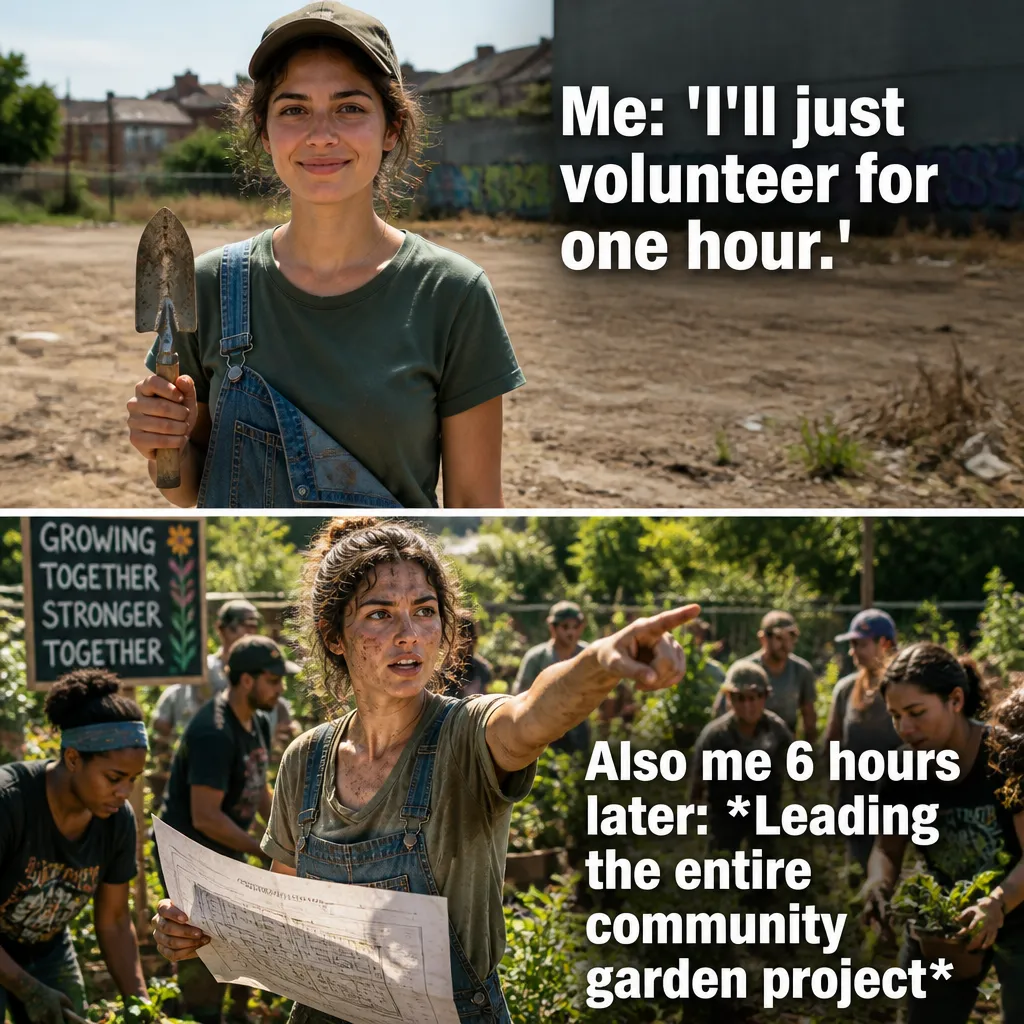
A useful social post starts with a specific situation your reader recognizes. This guide gives you 12 post ideas with suggested captions, plus image references and instructions for making each one your own. Start with “welcome a volunteer,” then choose a second idea that serves a different purpose. Use the reference image for inspiration, or copy its brief into Studio to create a version with your business details.
What you’ll take away
- Choose one useful information post, one everyday moment, and one introduction from the examples.
- Pair the caption with the actual subject it describes, using an authorized photograph or an explicitly illustrative creative.
- Change one idea at a time and use actual replies, visits, or enquiries to decide which direction to develop.
1. Welcome a volunteer
Visual reference: Volunteer Reality. The caption and brief below are an adaptation; replace any business details with your own.
Suggested caption — Meet [name], who supports [actual role] at [organization]. Here is how they help with our work.
Visual direction — An authorized volunteer portrait
Make it your own — Use consent and an accurate role description.
Image brief to adapt
Create an original illustrative social image for churches nonprofits. Concept: Welcome a volunteer. Visual direction: An authorized volunteer portrait. Adaptation: Use consent and an accurate role description. Use fictional scenes unless I supply authorized photographs. Keep all product, service, and business details exactly as supplied. Use [brand colors] and leave room for [business name]. Return one version with clear, short text.
2. Explain a practical need

Visual reference: The Grant Writing Struggle. The caption and brief below are an adaptation; replace any business details with your own.
Suggested caption — This week's verified need: [actual item or task]. Here is where to find the details.
Visual direction — A plain needs-list card
Make it your own — State current needs without inventing impact totals.
Image brief to adapt
Create an original illustrative social image for churches nonprofits. Concept: Explain a practical need. Visual direction: A plain needs-list card. Adaptation: State current needs without inventing impact totals. Use fictional scenes unless I supply authorized photographs. Keep all product, service, and business details exactly as supplied. Use [brand colors] and leave room for [business name]. Return one version with clear, short text.
3. Show preparation

Visual reference: The Sunday Morning Rush. The caption and brief below are an adaptation; replace any business details with your own.
Suggested caption — Before [actual activity]: materials checked, roles assigned, and questions answered.
Visual direction — An authorized preparation photo
Make it your own — Keep beneficiary identities and private records out of frame.
Image brief to adapt
Create an original illustrative social image for churches nonprofits. Concept: Show preparation. Visual direction: An authorized preparation photo. Adaptation: Keep beneficiary identities and private records out of frame. Use fictional scenes unless I supply authorized photographs. Keep all product, service, and business details exactly as supplied. Use [brand colors] and leave room for [business name]. Return one version with clear, short text.
4. Explain how to volunteer

Visual reference: The Introvert's Relief. The caption and brief below are an adaptation; replace any business details with your own.
Suggested caption — Interested in helping? Start with [actual application or enquiry route].
Visual direction — A volunteer-process card
Make it your own — Use current eligibility and scheduling information.
Image brief to adapt
Create an original illustrative social image for churches nonprofits. Concept: Explain how to volunteer. Visual direction: A volunteer-process card. Adaptation: Use current eligibility and scheduling information. Use fictional scenes unless I supply authorized photographs. Keep all product, service, and business details exactly as supplied. Use [brand colors] and leave room for [business name]. Return one version with clear, short text.
5. The many-hats moment

Visual reference: The Worship Face. The caption and brief below are an adaptation; replace any business details with your own.
Suggested caption — One volunteer shift. Several enthusiastic checklists.
Visual direction — A fictional stack of task lists
Make it your own — Keep the joke about organizing rather than people receiving support.
Image brief to adapt
Create an original illustrative social image for churches nonprofits. Concept: The many-hats moment. Visual direction: A fictional stack of task lists. Adaptation: Keep the joke about organizing rather than people receiving support. Use fictional scenes unless I supply authorized photographs. Keep all product, service, and business details exactly as supplied. Use [brand colors] and leave room for [business name]. Return one version with clear, short text.
6. Describe an actual activity

Visual reference: Church Coffee Logic. The caption and brief below are an adaptation; replace any business details with your own.
Suggested caption — A look at [real program or activity]. Here is what the team did: [accurate description].
Visual direction — An authorized actual-program photo
Make it your own — Use evidence for activities and totals; do not pass a fictional scene off as real.
Image brief to adapt
Create an original illustrative social image for churches nonprofits. Concept: Describe an actual activity. Visual direction: An authorized actual-program photo. Adaptation: Use evidence for activities and totals; do not pass a fictional scene off as real. Use fictional scenes unless I supply authorized photographs. Keep all product, service, and business details exactly as supplied. Use [brand colors] and leave room for [business name]. Return one version with clear, short text.
7. Announce a confirmed event
Suggested caption — [Actual event] takes place on [verified date] at [location]. Details: [real link].
Visual direction — A dated event-information card
Make it your own — Update it if plans change.
Image brief to adapt
Create an original illustrative social image for churches nonprofits. Concept: Announce a confirmed event. Visual direction: A dated event-information card. Adaptation: Update it if plans change. Use fictional scenes unless I supply authorized photographs. Keep all product, service, and business details exactly as supplied. Use [brand colors] and leave room for [business name]. Return one version with clear, short text.
8. Explain donation logistics
Suggested caption — To give [actual accepted item or donation type], follow [verified route].
Visual direction — A clear logistics card
Make it your own — Use real instructions and avoid unsupported tax claims.
Image brief to adapt
Create an original illustrative social image for churches nonprofits. Concept: Explain donation logistics. Visual direction: A clear logistics card. Adaptation: Use real instructions and avoid unsupported tax claims. Use fictional scenes unless I supply authorized photographs. Keep all product, service, and business details exactly as supplied. Use [brand colors] and leave room for [business name]. Return one version with clear, short text.
9. Thank a team with permission
Suggested caption — Thank you to [authorized names or team] for [verified contribution].
Visual direction — An authorized group or equipment image
Make it your own — Keep contributions factual and respect anonymity choices.
Image brief to adapt
Create an original illustrative social image for churches nonprofits. Concept: Thank a team with permission. Visual direction: An authorized group or equipment image. Adaptation: Keep contributions factual and respect anonymity choices. Use fictional scenes unless I supply authorized photographs. Keep all product, service, and business details exactly as supplied. Use [brand colors] and leave room for [business name]. Return one version with clear, short text.
10. Show an original resource
Suggested caption — A resource from our team: [actual resource and purpose].
Visual direction — Your own resource preview
Make it your own — Share something useful without exposing private information.
Image brief to adapt
Create an original illustrative social image for churches nonprofits. Concept: Show an original resource. Visual direction: Your own resource preview. Adaptation: Share something useful without exposing private information. Use fictional scenes unless I supply authorized photographs. Keep all product, service, and business details exactly as supplied. Use [brand colors] and leave room for [business name]. Return one version with clear, short text.
11. A church planning adaptation
Suggested caption — For a church community: [actual gathering] at [verified time], with [accurate arrival information].
Visual direction — A real gathering-information card
Make it your own — Write distinct community examples rather than relabeling donation copy.
Image brief to adapt
Create an original illustrative social image for churches nonprofits. Concept: A church planning adaptation. Visual direction: A real gathering-information card. Adaptation: Write distinct community examples rather than relabeling donation copy. Use fictional scenes unless I supply authorized photographs. Keep all product, service, and business details exactly as supplied. Use [brand colors] and leave room for [business name]. Return one version with clear, short text.
12. Invite a process question
Suggested caption — What would make taking part easier to understand: timings, access, or how to contact us?
Visual direction — Three practical question cards
Make it your own — Answer with actual arrangements and a clear direct contact route.
Image brief to adapt
Create an original illustrative social image for churches nonprofits. Concept: Invite a process question. Visual direction: Three practical question cards. Adaptation: Answer with actual arrangements and a clear direct contact route. Use fictional scenes unless I supply authorized photographs. Keep all product, service, and business details exactly as supplied. Use [brand colors] and leave room for [business name]. Return one version with clear, short text.
Put it into practice
Build a useful first batch
Start with “Welcome a volunteer” and “Explain a practical need.” Give each post a different role: one can introduce a person or process, another can answer a reader question, and another can invite a simple response. Keep a note of the caption, image, destination, and publishing date. Review actual questions and responses together. Revise the next batch around what people understood or asked about, rather than treating one example as a promised result.
Common questions
Can I use these examples as written?
Treat the copy as a starting point. In “Welcome a volunteer,” keep the central situation, replace any bracketed details with your actual information, and choose a next step that your business can fulfill. Read the caption alongside the image so the two tell the same story.
Which image should I pair with “Explain a practical need”?
Use the visual direction and adaptation note beside that example. The displayed image is an illustrative reference. For a post about an actual person, product, location, or completed job, use an authorized real photograph or clearly label a conceptual illustration.
How should I choose the first few examples?
Start with “Welcome a volunteer” and a contrasting idea such as “Invite a process question.” Choose examples that answer real reader questions or show something specific about your work. Keep the first batch small enough to revise after reviewing actual responses.
Can I customize these images in Studio?
Save a reference image or copy the image brief, then create your own version in Studio with your business details and visual direction. A downloaded WebP is a finished image; the brief gives you a way to develop a new variation. Review generated text and factual details before publishing.
Turn the brief into your own creative
Use these concepts to build a creative for your actual business. Browse the related example collection for more visual directions, then bring your caption and image brief into Studio.
Your starter brief
Replace the brackets with your own details.
Create an original illustrative social image for churches nonprofits. Concept: Welcome a volunteer. Visual direction: An authorized volunteer portrait. Adaptation: Use consent and an accurate role description. Use fictional scenes unless I supply authorized photographs. Keep all product, service, and business details exactly as supplied. Use [brand colors] and leave room for [business name]. Return one version with clear, short text.