Industry playbooks
Computer Repair Social Media Ideas: Prepare a Private Service Enquiry
By Memes.ai
Updated October 16, 2026 · 4 min read
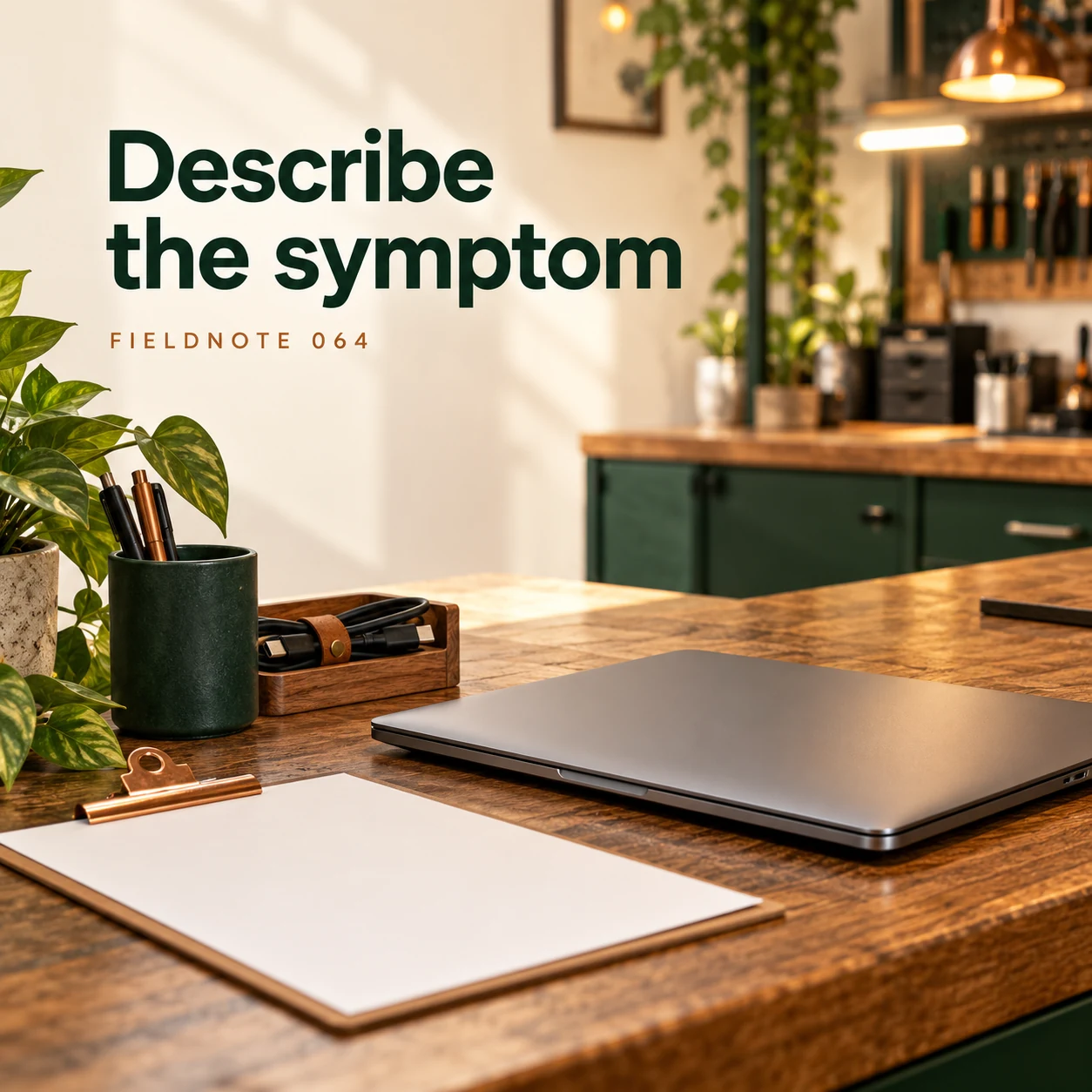
A computer-repair post can help someone explain the device problem while keeping account details out of public view. The shop needs an observation and a conversation about its actual intake process, not a password in a comment. These fictional concepts separate the device issue, relevant equipment, data-handling questions and service record. Follow the actual provider and manufacturer's current instructions for any technical preparation.
What you’ll take away
- Describe what happened and when, without posting passwords or private files.
- Ask the actual shop which device and accessories it needs.
- Discuss backup, access and data handling through the approved process; never promise recovery or security from a social image.
1. Describe the symptom
Original AI-generated fictional campaign concept. No real customer or measured result is represented.
Finished example caption — Explain what happened and when it started without posting private account details.
Why use this post — A plain description gives the shop a starting point without revealing account contents or claiming a diagnosis.
Make it your own — Ask for device type and an observable description through your approved route. Keep login details, messages, documents and account screens out of public creative.
Image brief to adapt
Generate one complete polished square campaign image, 1080×1080. The exact scene is: closed laptop beside plain symptom card. Context: a fictional repair counter with a closed laptop, cable organizer and blank intake sheet. The message is “Describe the symptom”; support this finished caption: “Explain what happened and when it started without posting private account details.”. Environmental wide shot with the key subject in the lower right and generous clean upper-left negative space. Art direction: natural editorial photography with tactile materials and honest business detail; palette warm ivory, forest green and copper; refined natural lighting, deliberate depth and texture, commercially credible proportions, clean edges and ample breathing room. Use exactly this headline: “Describe the symptom”. Add the small fictional wordmark “FIELDNOTE 064”. Headline must be immediately readable at a phone size, with high contrast and a safe inset of at least8% from every edge. The scene is the main visual, not a text-only card. No additional text, UI screenshot, testimonial, metrics, sale badge, fake website, QR code or placeholder field. No watermarks or unrelated logos. No data-recovery guarantee, access advice or exposure of personal screens. Produce finished actual raster artwork ready to download and inspect; no wireframe, simple geometric substitute or diagram.
2. Bring the relevant kit
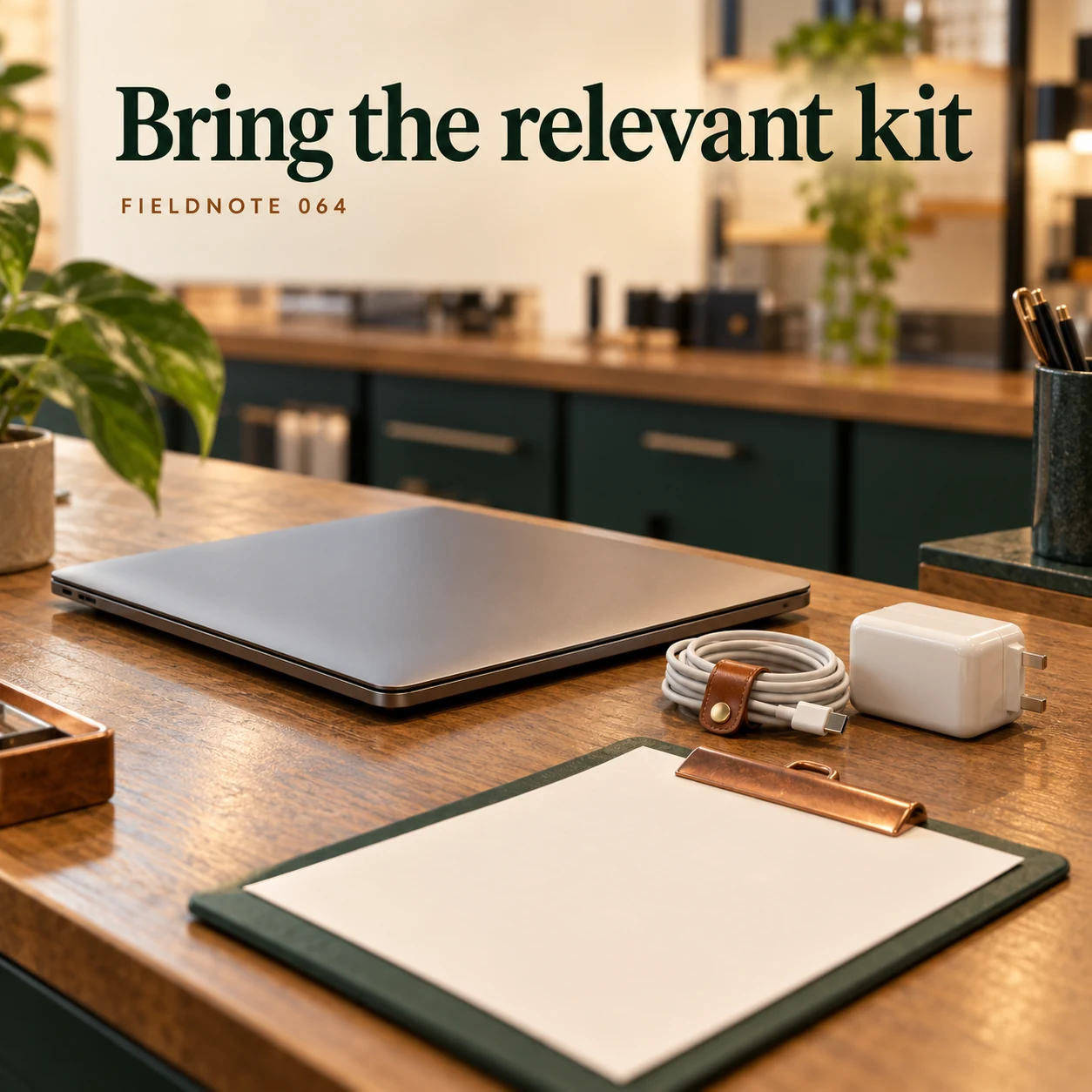
Original AI-generated fictional campaign concept. No real customer or measured result is represented.
Finished example caption — Ask the shop which device and accessories are needed for the assessment.
Why use this post — Relevant accessories may help explain the request, but requirements depend on the actual service. The illustration is not a universal packing checklist.
Make it your own — Have the shop confirm which relevant items to bring. Do not copy one manufacturer's equipment list to every device or service.
Image brief to adapt
Generate one complete polished square campaign image, 1080×1080. The exact scene is: laptop and charger on intake counter. Context: a fictional repair counter with a closed laptop, cable organizer and blank intake sheet. The message is “Bring the relevant kit”; support this finished caption: “Ask the shop which device and accessories are needed for the assessment.”. Close editorial still life or detail crop showing the relevant physical object and its texture, with the headline in a quiet top band. Art direction: natural editorial photography with tactile materials and honest business detail; palette warm ivory, forest green and copper; refined natural lighting, deliberate depth and texture, commercially credible proportions, clean edges and ample breathing room. Use exactly this headline: “Bring the relevant kit”. Add the small fictional wordmark “FIELDNOTE 064”. Headline must be immediately readable at a phone size, with high contrast and a safe inset of at least8% from every edge. The scene is the main visual, not a text-only card. No additional text, UI screenshot, testimonial, metrics, sale badge, fake website, QR code or placeholder field. No watermarks or unrelated logos. No data-recovery guarantee, access advice or exposure of personal screens. Produce finished actual raster artwork ready to download and inspect; no wireframe, simple geometric substitute or diagram.
3. Ask about your data

Original AI-generated fictional campaign concept. No real customer or measured result is represented.
Finished example caption — Discuss backup, access and handling through the shop's approved process.
Why use this post — Data preparation is a separate conversation from visual diagnosis. The post should direct the reader to current instructions rather than inventing a backup or account-setting sequence.
Make it your own — Link the actual current provider/manufacturer preparation information where appropriate. Ask how to discuss data concerns privately; give no erasing, account or recovery instructions here.
Image brief to adapt
Generate one complete polished square campaign image, 1080×1080. The exact scene is: adult technician discussing closed data-handling folder. Context: a fictional repair counter with a closed laptop, cable organizer and blank intake sheet. The message is “Ask about your data”; support this finished caption: “Discuss backup, access and handling through the shop's approved process.”. Natural eye-level composition with a restrained side panel for type. Preserve the exact stated scene; do not add a person to an object-only scene. If the scene includes people, use adult models and the explicit stated action only. Art direction: natural editorial photography with tactile materials and honest business detail; palette warm ivory, forest green and copper; refined natural lighting, deliberate depth and texture, commercially credible proportions, clean edges and ample breathing room. Use exactly this headline: “Ask about your data”. Add the small fictional wordmark “FIELDNOTE 064”. Headline must be immediately readable at a phone size, with high contrast and a safe inset of at least8% from every edge. The scene is the main visual, not a text-only card. No additional text, UI screenshot, testimonial, metrics, sale badge, fake website, QR code or placeholder field. No watermarks or unrelated logos. No data-recovery guarantee, access advice or exposure of personal screens. Produce finished actual raster artwork ready to download and inspect; no wireframe, simple geometric substitute or diagram.
4. Keep the service record

Original AI-generated fictional campaign concept. No real customer or measured result is represented.
Finished example caption — Save the agreed scope and collection details in one place.
Why use this post — A record of the actual agreed scope helps distinguish an enquiry from accepted work and collection. It cannot guarantee retained data or a completed repair.
Make it your own — Record only the actual agreed assessment, scope and collection process. Do not claim that a device or its data will be recovered.
Image brief to adapt
Generate one complete polished square campaign image, 1080×1080. The exact scene is: plain collection record beside closed device case. Context: a fictional repair counter with a closed laptop, cable organizer and blank intake sheet. The message is “Keep the service record”; support this finished caption: “Save the agreed scope and collection details in one place.”. Confident final hero composition using a clear foreground subject and supporting background context; close the sequence with a purposeful visual invitation. Art direction: natural editorial photography with tactile materials and honest business detail; palette warm ivory, forest green and copper; refined natural lighting, deliberate depth and texture, commercially credible proportions, clean edges and ample breathing room. Use exactly this headline: “Keep the service record”. Add the small fictional wordmark “FIELDNOTE 064”. Headline must be immediately readable at a phone size, with high contrast and a safe inset of at least8% from every edge. The scene is the main visual, not a text-only card. No additional text, UI screenshot, testimonial, metrics, sale badge, fake website, QR code or placeholder field. No watermarks or unrelated logos. No data-recovery guarantee, access advice or exposure of personal screens. Produce finished actual raster artwork ready to download and inspect; no wireframe, simple geometric substitute or diagram.
Put it into practice
Apply the workflow to one actual business image
Use this fictional enquiry: “I want to discuss a laptop that stopped completing startup after a recent restart. I can describe what I see without sharing account screens. Please tell me which device details and relevant accessories your assessment needs, where I can read your current preparation instructions, and how to discuss backup or data concerns privately. No assessment result or recovery is agreed.” The observation is invented and gives no troubleshooting steps. Pair it with the first image, then have the actual service owner review the contact and preparation wording.
Common questions
Should passwords appear in a public enquiry?
No. Do not place account credentials or security details in public comments, images or documents used as examples. Follow the actual provider's approved process for any private service interaction.
Who explains preparation and data handling?
The actual provider and relevant current manufacturer guidance should explain the applicable process. This creative guide does not supply account-setting, erasure or backup instructions.
Can a caption promise data recovery?
No. An enquiry or generated image does not establish a technical outcome. Keep scope, limitations and any result statements tied to the actual service record.
Turn the brief into your own creative
Use the example as a starting point. Supply approved business facts and authorized references in Studio, then compare the finished image with the brief before using it.
Your starter brief
Replace the brackets with your own details.
Generate one complete polished square campaign image, 1080×1080. The exact scene is: closed laptop beside plain symptom card. Context: a fictional repair counter with a closed laptop, cable organizer and blank intake sheet. The message is “Describe the symptom”; support this finished caption: “Explain what happened and when it started without posting private account details.”. Environmental wide shot with the key subject in the lower right and generous clean upper-left negative space. Art direction: natural editorial photography with tactile materials and honest business detail; palette warm ivory, forest green and copper; refined natural lighting, deliberate depth and texture, commercially credible proportions, clean edges and ample breathing room. Use exactly this headline: “Describe the symptom”. Add the small fictional wordmark “FIELDNOTE 064”. Headline must be immediately readable at a phone size, with high contrast and a safe inset of at least8% from every edge. The scene is the main visual, not a text-only card. No additional text, UI screenshot, testimonial, metrics, sale badge, fake website, QR code or placeholder field. No watermarks or unrelated logos. No data-recovery guarantee, access advice or exposure of personal screens. Produce finished actual raster artwork ready to download and inspect; no wireframe, simple geometric substitute or diagram.
Copy your adapted brief, open Studio, and paste it into your creative workflow. Review the result before using it.
Create your version in Studio