Industry playbooks
Daycare Social Media Post Ideas: 4 Examples
By Memes.ai
Updated October 16, 2026 · 4 min read
A daycare can explain its setting and communication process without making children's lives the content. Use room details, approved staff introductions and parent information. These examples focus on what families can ask during an enquiry or visit. Below are four finished visual concepts and example captions, with image briefs you can adapt to your own brand. The artwork uses fictional businesses and AI-generated scenes. For a post about your actual people, place or service, supply authorized photographs and confirmed details.
What you’ll take away
- Start with “Bring your questions. feel the welcome.” for one visual idea. Use “A little room for big curiosity” for a different view of the same business. Choose the example that supports the message you want a reader to understand.
- Protect children's identities and routines. Follow the setting's permissions and safeguarding process. Do not publish personal records, live child locations or unverified availability.
- Use the finished captions as creative examples. The adaptation notes include practical copy templates for your own confirmed details. Match your image, message and destination to the same reader task.
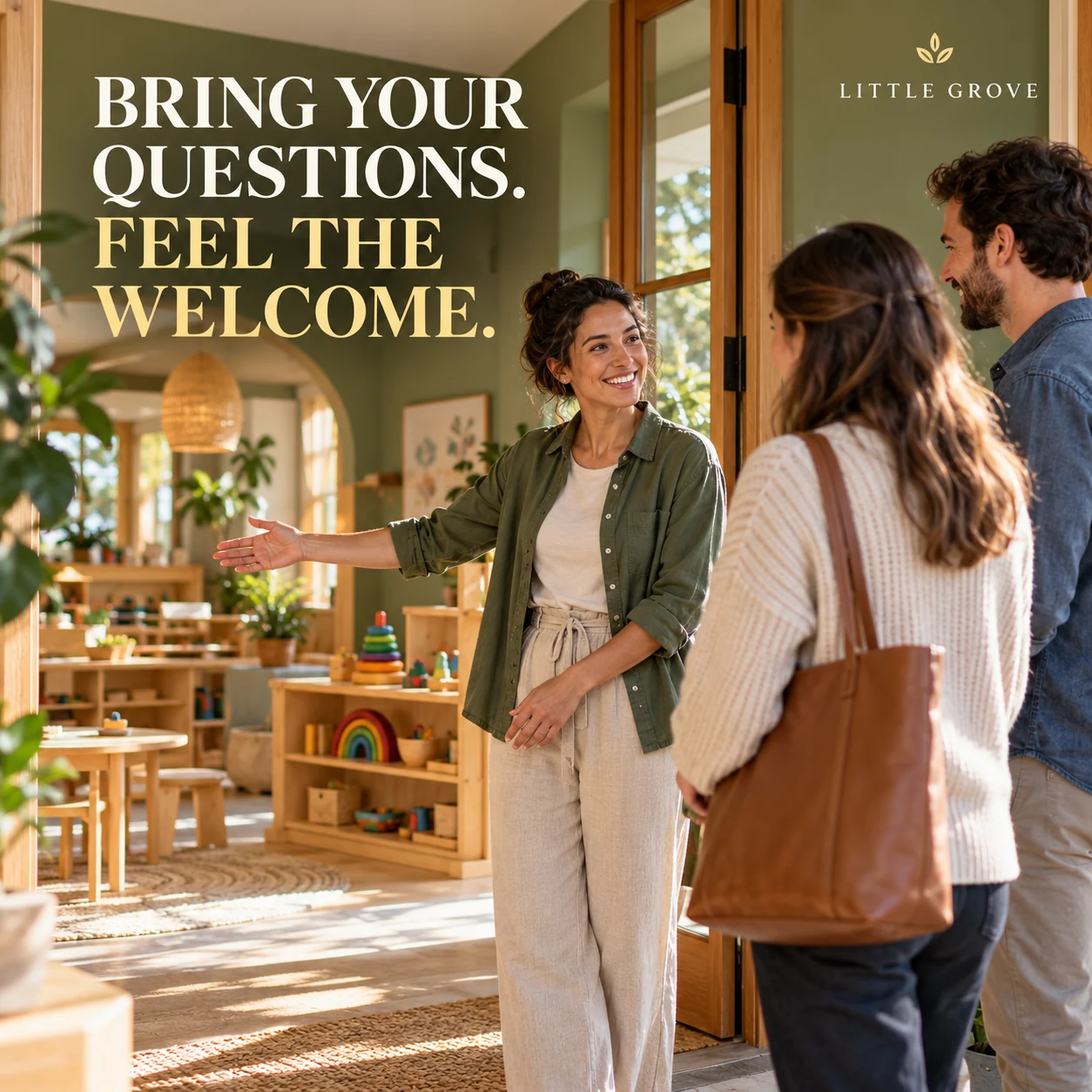
1. Bring your questions. Feel the welcome.
Finished AI-generated creative for the fictional brand LITTLE GROVE. This is an illustrative concept, not a real customer, venue or campaign result. Headline: “BRING YOUR QUESTIONS. FEEL THE WELCOME.”.
Finished example caption — A visit is a chance to ask, look around and have a conversation. Bring the questions that matter to your family.
Why use this post — An adult welcome scene makes the parent conversation the focus.
Make it your own — Have the setting confirm the topics and route. Do not promise a place from a tour enquiry. If you need a practical service-information version, adapt this template with confirmed details: Considering a visit to [setting]? Ask us about [actual family information topics]. Tour enquiries go through [approved route].
Image brief to adapt
Create a finished square social image for my daycare business. Scene: An adult early-learning educator welcoming two adult prospective parents at the entrance of a beautiful nursery learning space, warm smiles, natural oak furniture and soft green walls. Visual style: Warm tactile early-learning editorial photography; sage, honey oak, cream and muted primary colors; child-centered spaces but no children, no names, no records or schedules. Use this headline exactly: “BRING YOUR QUESTIONS. FEEL THE WELCOME.”. Replace the fictional example brand LITTLE GROVE with my supplied business name. Make the scene the main visual, with a short legible headline and a small brand wordmark. Do not render placeholder fields or instructions. Do not invent a date, price, address, credential, offer or result. Use my authorized photographs when the post describes my actual people, premises, products or completed work. Review every detail before publishing.
2. A little room for big curiosity
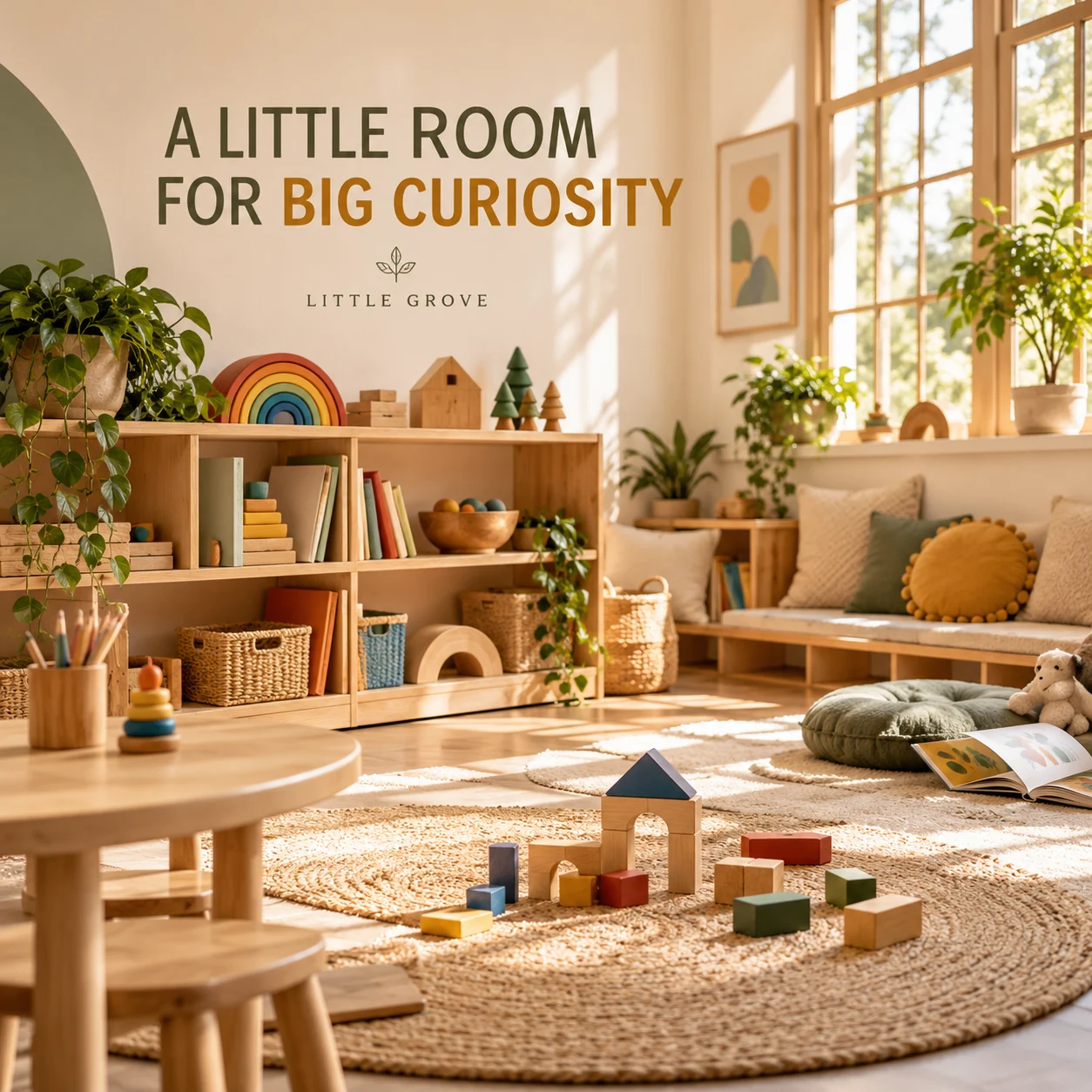
Finished AI-generated creative for the fictional brand LITTLE GROVE. This is an illustrative concept, not a real customer, venue or campaign result. Headline: “A LITTLE ROOM FOR BIG CURIOSITY”.
Finished example caption — Books within reach. Blocks ready to build. A quiet corner for the next little discovery.
Why use this post — An inviting activity space gives parents a concrete subject for a tour discussion.
Make it your own — Photograph the empty space and remove names, records and identifiable work. If you need a practical service-information version, adapt this template with confirmed details: A look at [actual area] before the day begins. This setup is for [setting-approved description]. We can discuss our approach during [enquiry or visit process].
Image brief to adapt
Create a finished square social image for my daycare business. Scene: A beautiful empty early-learning room with child-height oak shelves, wooden building blocks, picture books without readable covers and sunlit reading cushions, no children or names. Visual style: Warm tactile early-learning editorial photography; sage, honey oak, cream and muted primary colors; child-centered spaces but no children, no names, no records or schedules. Use this headline exactly: “A LITTLE ROOM FOR BIG CURIOSITY”. Replace the fictional example brand LITTLE GROVE with my supplied business name. Make the scene the main visual, with a short legible headline and a small brand wordmark. Do not render placeholder fields or instructions. Do not invent a date, price, address, credential, offer or result. Use my authorized photographs when the post describes my actual people, premises, products or completed work. Review every detail before publishing.
3. The people behind the welcome
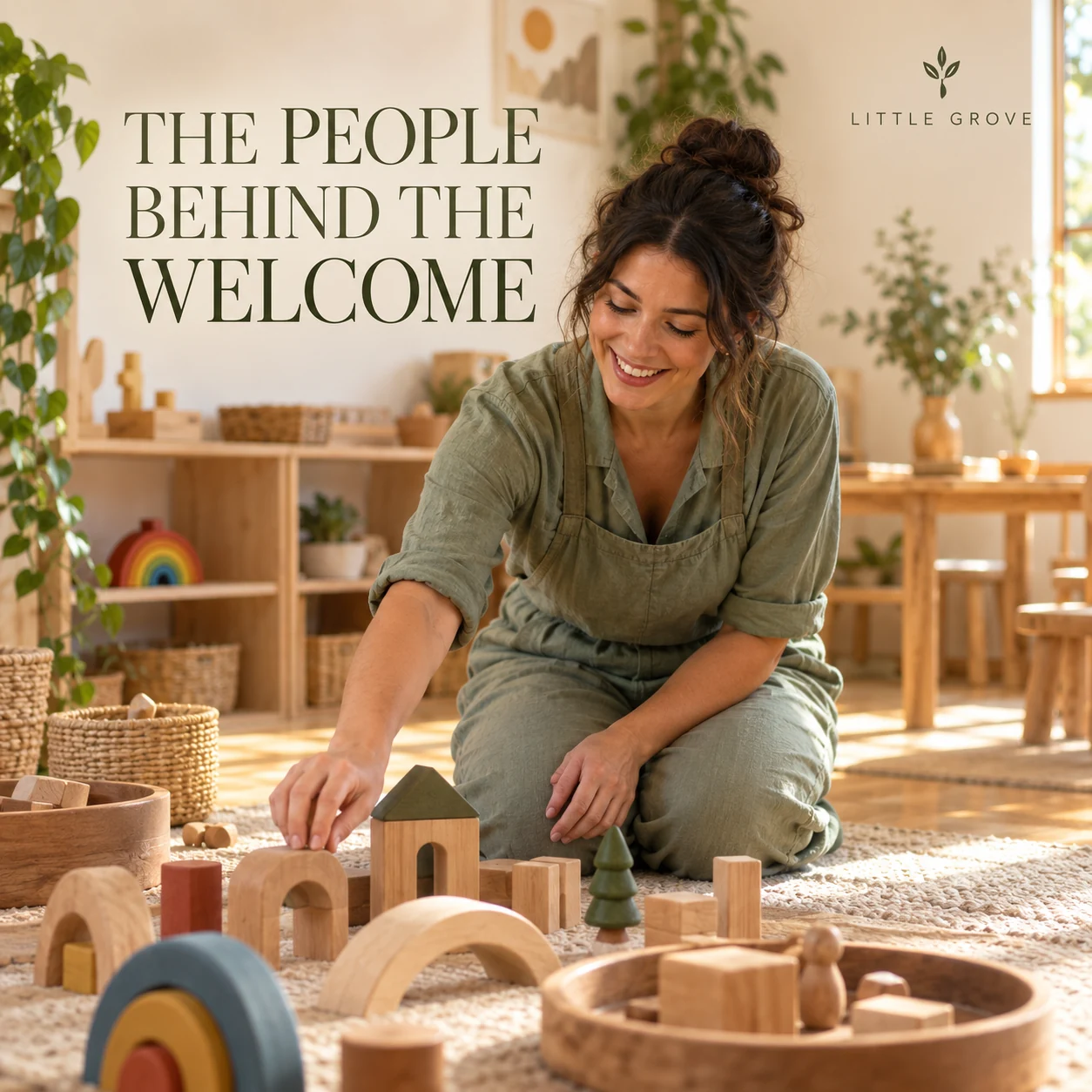
Finished AI-generated creative for the fictional brand LITTLE GROVE. This is an illustrative concept, not a real customer, venue or campaign result. Headline: “THE PEOPLE BEHIND THE WELCOME”.
Finished example caption — Behind the prepared room is a person with a role to explain. Meet one of the people who helps shape the welcome.
Why use this post — A staff member preparing activities shows the people behind the setting.
Make it your own — Verify role details and avoid posting personal staff contact information. If you need a practical service-information version, adapt this template with confirmed details: Meet [staff-approved name], our [verified role]. One part of their work is [approved responsibility]. Families can contact us through [official channel].
Image brief to adapt
Create a finished square social image for my daycare business. Scene: Warm documentary portrait of an adult early-learning educator kneeling beside a thoughtfully arranged wooden play setup in an empty room, natural smile, sage clothing, no children. Visual style: Warm tactile early-learning editorial photography; sage, honey oak, cream and muted primary colors; child-centered spaces but no children, no names, no records or schedules. Use this headline exactly: “THE PEOPLE BEHIND THE WELCOME”. Replace the fictional example brand LITTLE GROVE with my supplied business name. Make the scene the main visual, with a short legible headline and a small brand wordmark. Do not render placeholder fields or instructions. Do not invent a date, price, address, credential, offer or result. Use my authorized photographs when the post describes my actual people, premises, products or completed work. Review every detail before publishing.
4. A clearer way to stay connected

Finished AI-generated creative for the fictional brand LITTLE GROVE. This is an illustrative concept, not a real customer, venue or campaign result. Headline: “A CLEARER WAY TO STAY CONNECTED”.
Finished example caption — Knowing where to find the next update can make the day simpler. Clear communication begins with a clear route.
Why use this post — A simple communication image supports a discussion about how families stay informed.
Make it your own — Do not show app screens with children, names or messages. Keep account access information private. If you need a practical service-information version, adapt this template with confirmed details: For families at [setting], our current update channel is [actual channel]. If you need help finding information, contact [official route].
Image brief to adapt
Create a finished square social image for my daycare business. Scene: Overhead editorial still life on a light oak desk: closed family information folder with no text, a simple plant and wooden toy bird, adult educator's hands holding a plain card, warm morning light. Visual style: Warm tactile early-learning editorial photography; sage, honey oak, cream and muted primary colors; child-centered spaces but no children, no names, no records or schedules. Use this headline exactly: “A CLEARER WAY TO STAY CONNECTED”. Replace the fictional example brand LITTLE GROVE with my supplied business name. Make the scene the main visual, with a short legible headline and a small brand wordmark. Do not render placeholder fields or instructions. Do not invent a date, price, address, credential, offer or result. Use my authorized photographs when the post describes my actual people, premises, products or completed work. Review every detail before publishing.
Put it into practice
Build your first daycare content batch
Start with an empty-room photograph or the text layout. Confirm the tour enquiry process and current family information. Have the setting approve the caption before posting. Prepare each post as a small brief: audience, one useful detail, approved caption, matching visual and a single current destination. Protect children's identities and routines. Follow the setting's permissions and safeguarding process. Do not publish personal records, live child locations or unverified availability. Before publishing, read the caption beside the image, confirm that all brackets are replaced and check the destination on a phone. After a week, review the questions and enquiries each post generated. Keep the useful information current and revise confusing details before making more variants.
Common questions
What can we post without showing children?
Show an empty activity setup, a staff-approved introduction, a tour checklist or a practical information card. Keep names, records, attendance boards and family details out of the frame.
How should we post about places or tours?
State only confirmed enquiry or tour availability and link to the current process. Avoid implying that a place is guaranteed before the setting completes its normal steps.
Can I download and adapt these finished images?
Yes. Each example includes an original finished AI-generated image and a copyable image brief. Save the WebP as a visual reference, or use the brief to create a version for your own brand in Studio. The pictured businesses and scenes are fictional. Use authorized real photos for claims about your actual people, venue, products or completed work. The downloaded image is flattened; it does not contain editable text layers.
Turn the brief into your own creative
Choose a finished image and caption that fit your business task, then copy its brief into Studio to develop your own version. Use your own brand, current information and authorized real-world assets where needed.
Your starter brief
Replace the brackets with your own details.
Create a finished square social image for my daycare business. Scene: An adult early-learning educator welcoming two adult prospective parents at the entrance of a beautiful nursery learning space, warm smiles, natural oak furniture and soft green walls. Visual style: Warm tactile early-learning editorial photography; sage, honey oak, cream and muted primary colors; child-centered spaces but no children, no names, no records or schedules. Use this headline exactly: “BRING YOUR QUESTIONS. FEEL THE WELCOME.”. Replace the fictional example brand LITTLE GROVE with my supplied business name. Make the scene the main visual, with a short legible headline and a small brand wordmark. Do not render placeholder fields or instructions. Do not invent a date, price, address, credential, offer or result. Use my authorized photographs when the post describes my actual people, premises, products or completed work. Review every detail before publishing.
Copy your adapted brief, open Studio, and paste it into your creative workflow. Review the result before using it.
Create your version in Studio