Industry playbooks
Event Planner Social Media Post Ideas: 4 Examples
By Memes.ai
Updated October 16, 2026 · 4 min read
An event-planning post should help an organizer ask a better question. Explain attendee flow, a run-of-show handoff or the information needed for an event brief. These examples suit business events and community gatherings; adapt them to the type of event you actually manage. Below are four finished visual concepts and example captions, with image briefs you can adapt to your own brand. The artwork uses fictional businesses and AI-generated scenes. For a post about your actual people, place or service, supply authorized photographs and confirmed details.
What you’ll take away
- Start with “Great events start with a clear brief” for one visual idea. Use “The first five minutes matter” for a different view of the same business. Choose the example that supports the message you want a reader to understand.
- Use fictional schedules and guest data. Confirm venue limits and supplier responsibilities before describing an event setup.
- Use the finished captions as creative examples. The adaptation notes include practical copy templates for your own confirmed details. Match your image, message and destination to the same reader task.
1. Great events start with a clear brief
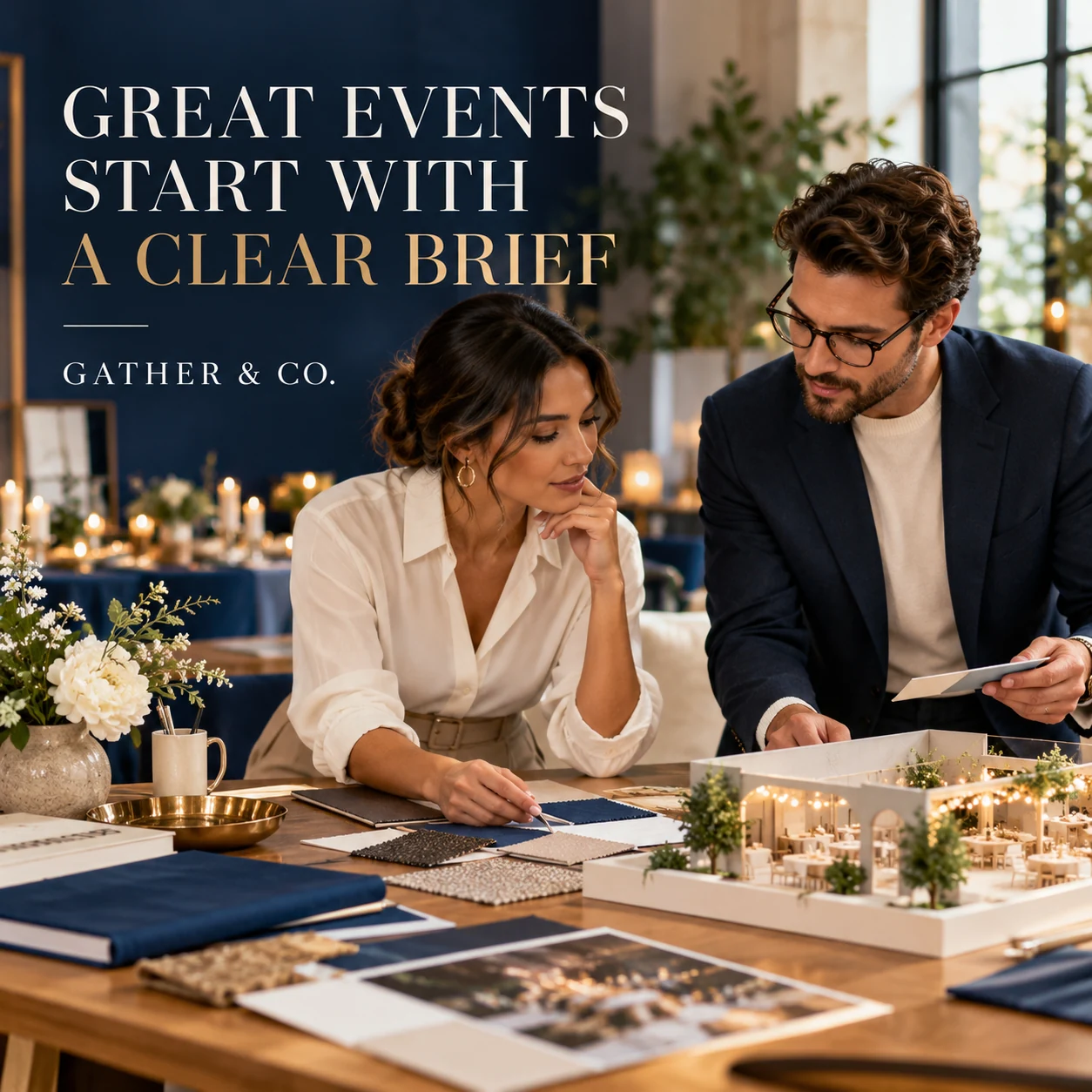
Finished AI-generated creative for the fictional brand GATHER & CO.. This is an illustrative concept, not a real customer, venue or campaign result. Headline: “GREAT EVENTS START WITH A CLEAR BRIEF”.
Finished example caption — A room full of people starts with a conversation about purpose. Tell the story of the event before choosing its details.
Why use this post — A complete event scene communicates atmosphere before a reader studies the details.
Make it your own — Use the questions your team actually asks and move private details into the enquiry form. If you need a practical service-information version, adapt this template with confirmed details: Planning [event type]? Our first questions are [actual brief questions]. Send the basics through [enquiry link] so we can discuss the right next step.
Image brief to adapt
Create a finished square social image for my event planner business. Scene: Adult event planner and adult organizer at a modern studio table, looking at a clean blank event board and color samples, a small venue model on table, thoughtful planning discussion. Visual style: Premium business-event editorial photography; cobalt blue, warm ivory and natural oak, polished practical scenes with only adults and no real companies. Use this headline exactly: “GREAT EVENTS START WITH A CLEAR BRIEF”. Replace the fictional example brand GATHER & CO. with my supplied business name. Make the scene the main visual, with a short legible headline and a small brand wordmark. Do not render placeholder fields or instructions. Do not invent a date, price, address, credential, offer or result. Use my authorized photographs when the post describes my actual people, premises, products or completed work. Review every detail before publishing.
2. The first five minutes matter
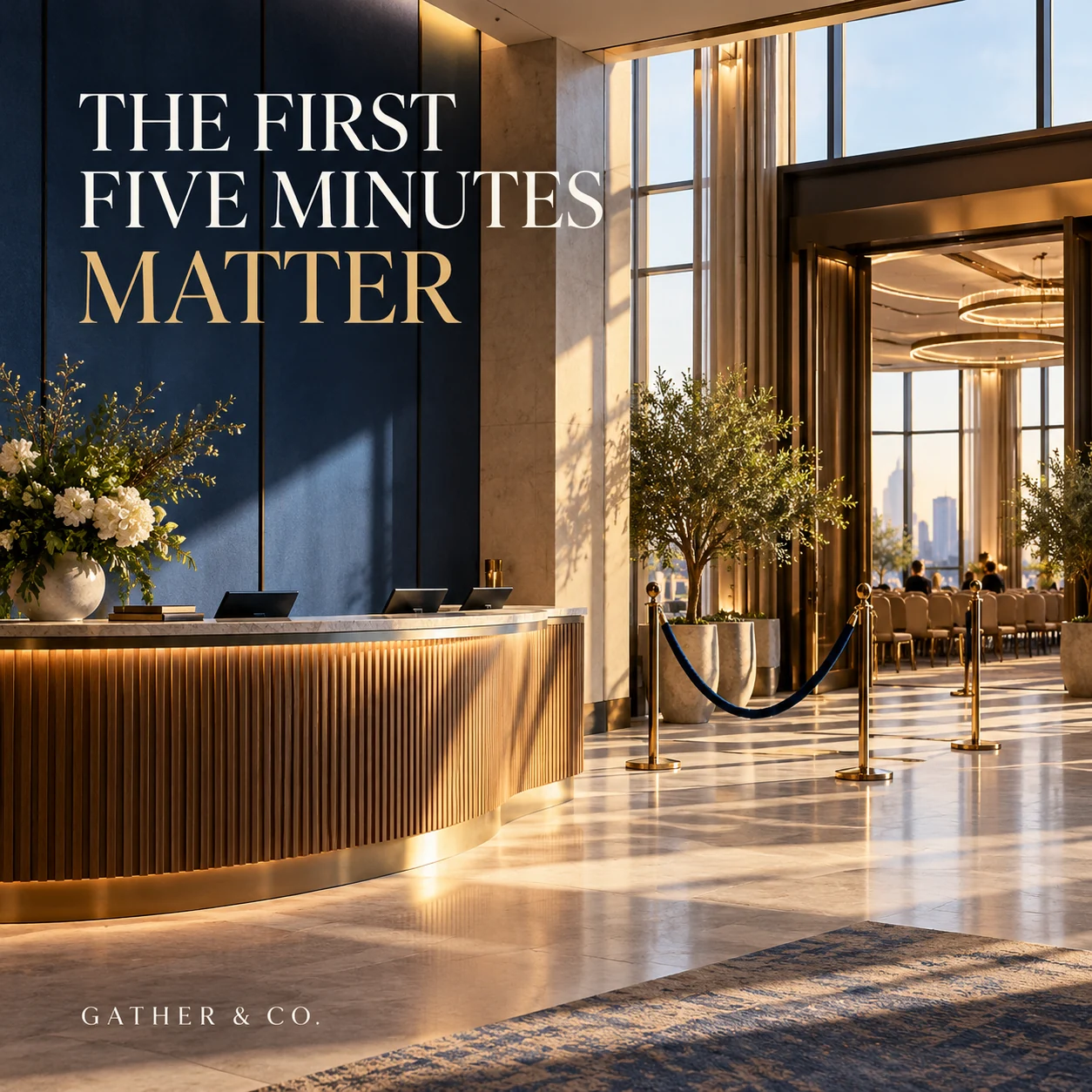
Finished AI-generated creative for the fictional brand GATHER & CO.. This is an illustrative concept, not a real customer, venue or campaign result. Headline: “THE FIRST FIVE MINUTES MATTER”.
Finished example caption — The welcome starts before the first session. Picture the arrival, the first question and the next clear step.
Why use this post — Preparation in progress gives the audience a view of work that usually stays behind the scenes.
Make it your own — Label the sequence as a sample. Keep security procedures and real guest information private. If you need a practical service-information version, adapt this template with confirmed details: Before doors open, map the arrival: [sample step one], [sample step two], [sample step three]. This fictional example shows the handoffs we check.
Image brief to adapt
Create a finished square social image for my event planner business. Scene: A beautiful empty conference venue entrance with a sculptural welcome counter, simple stanchions and clear walking space; no signs except campaign typography, soft morning architectural light. Visual style: Premium business-event editorial photography; cobalt blue, warm ivory and natural oak, polished practical scenes with only adults and no real companies. Use this headline exactly: “THE FIRST FIVE MINUTES MATTER”. Replace the fictional example brand GATHER & CO. with my supplied business name. Make the scene the main visual, with a short legible headline and a small brand wordmark. Do not render placeholder fields or instructions. Do not invent a date, price, address, credential, offer or result. Use my authorized photographs when the post describes my actual people, premises, products or completed work. Review every detail before publishing.
3. Ready for the next cue
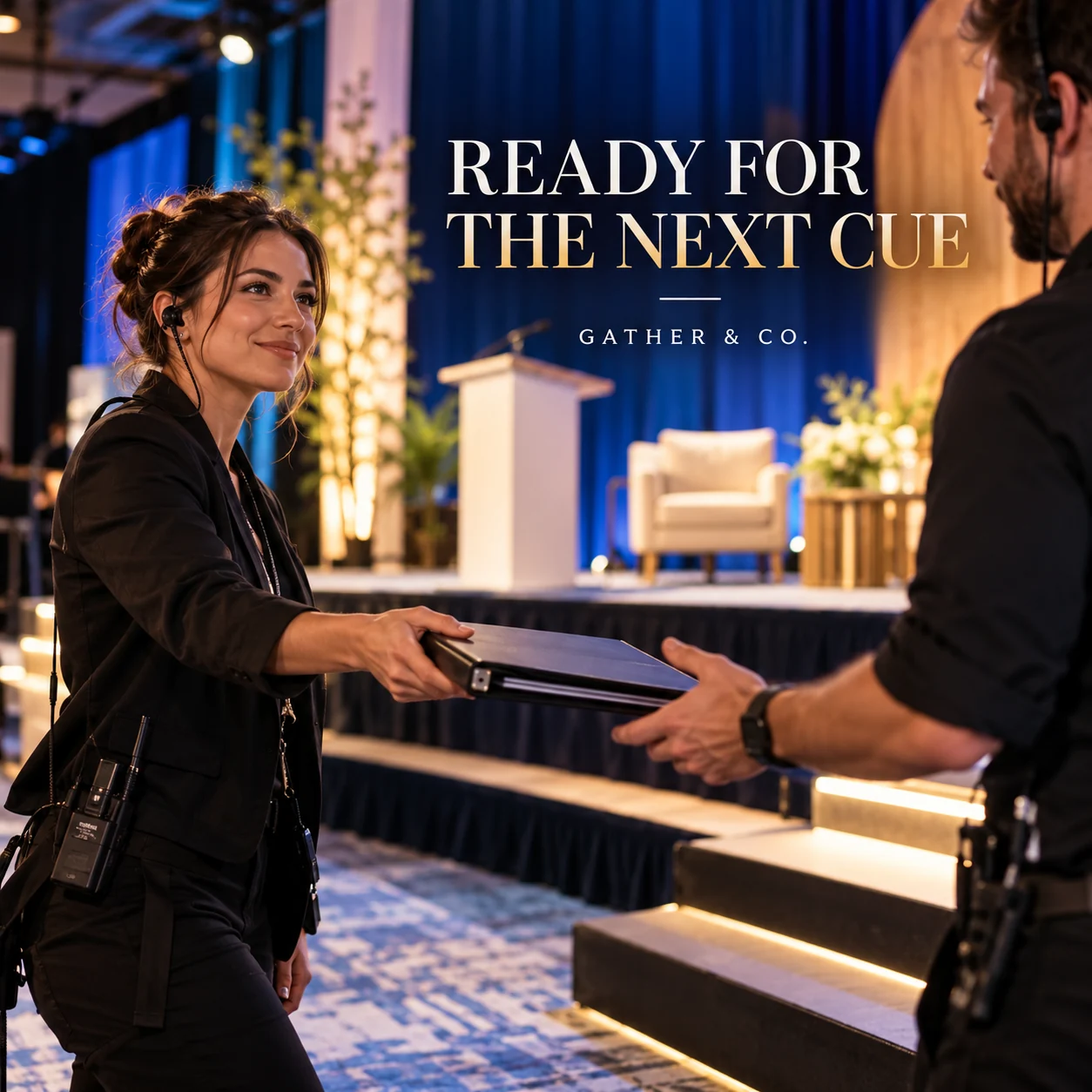
Finished AI-generated creative for the fictional brand GATHER & CO.. This is an illustrative concept, not a real customer, venue or campaign result. Headline: “READY FOR THE NEXT CUE”.
Finished example caption — Behind a moment that feels simple is a team that knows the next cue. Clear handoffs belong in every good plan.
Why use this post — A planning conversation makes a useful starting point for an enquiry.
Make it your own — Use fictional names and a simplified moment. Confirm that the example matches your planning service. If you need a practical service-information version, adapt this template with confirmed details: The useful part of a run of show is knowing who owns the next cue. Here is a fictional handoff for [event moment], with [roles] clearly assigned.
Image brief to adapt
Create a finished square social image for my event planner business. Scene: Candid adult stage manager with an earpiece handing a closed cue folder to another adult coordinator beside a softly lit conference stage, pre-event moment, natural hands and equipment. Visual style: Premium business-event editorial photography; cobalt blue, warm ivory and natural oak, polished practical scenes with only adults and no real companies. Use this headline exactly: “READY FOR THE NEXT CUE”. Replace the fictional example brand GATHER & CO. with my supplied business name. Make the scene the main visual, with a short legible headline and a small brand wordmark. Do not render placeholder fields or instructions. Do not invent a date, price, address, credential, offer or result. Use my authorized photographs when the post describes my actual people, premises, products or completed work. Review every detail before publishing.
4. Plan the moments between
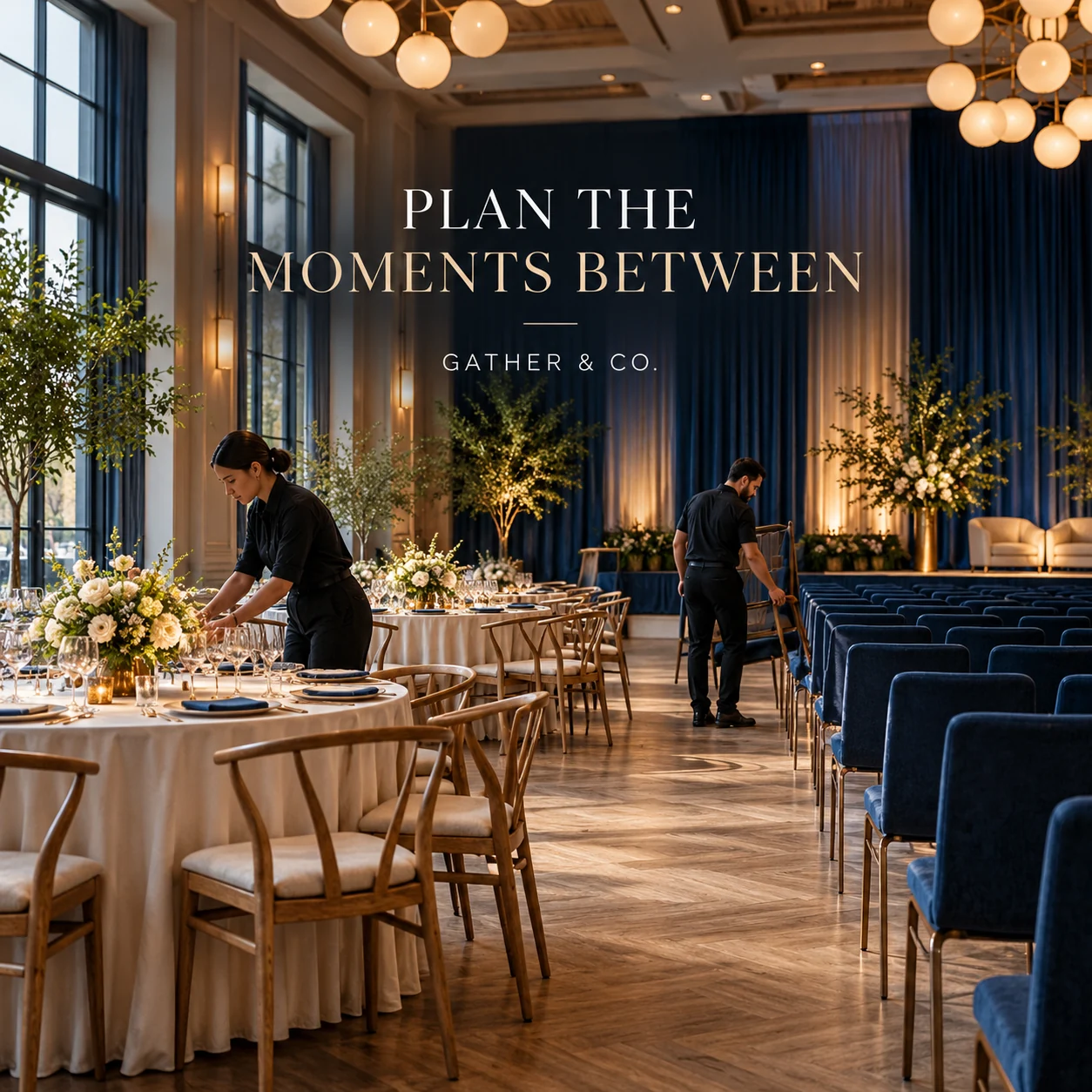
Finished AI-generated creative for the fictional brand GATHER & CO.. This is an illustrative concept, not a real customer, venue or campaign result. Headline: “PLAN THE MOMENTS BETWEEN”.
Finished example caption — One room, another chapter. The space between sessions deserves a place in the plan too.
Why use this post — A close view of the setting offers one clear design idea to save for later.
Make it your own — Do not promise a reset time before the venue and crew confirm it. If you need a practical service-information version, adapt this template with confirmed details: One room, two uses: [session A] and [session B]. Before confirming the plan, we check [actual reset constraints] with the venue and suppliers.
Image brief to adapt
Create a finished square social image for my event planner business. Scene: An empty beautifully designed event room being reset by two adult crew members, round tables on one side and neat theater chairs on the other, wide photographic composition. Visual style: Premium business-event editorial photography; cobalt blue, warm ivory and natural oak, polished practical scenes with only adults and no real companies. Use this headline exactly: “PLAN THE MOMENTS BETWEEN”. Replace the fictional example brand GATHER & CO. with my supplied business name. Make the scene the main visual, with a short legible headline and a small brand wordmark. Do not render placeholder fields or instructions. Do not invent a date, price, address, credential, offer or result. Use my authorized photographs when the post describes my actual people, premises, products or completed work. Review every detail before publishing.
Put it into practice
Build your first event planner content batch
Select one event format you sell. Draft a sample brief with a real objective, a fictional attendee count and one operational constraint. Pair a process post with a clear enquiry checklist. Prepare each post as a small brief: audience, one useful detail, approved caption, matching visual and a single current destination. Use fictional schedules and guest data. Confirm venue limits and supplier responsibilities before describing an event setup. Before publishing, read the caption beside the image, confirm that all brackets are replaced and check the destination on a phone. After a week, review the questions and enquiries each post generated. Keep the useful information current and revise confusing details before making more variants.
Common questions
How do we show an event without exposing guest information?
Use empty-room views, consented speaker or team images and redacted process diagrams. Avoid readable badges, registration screens and guest lists.
What should an event enquiry caption ask for?
Ask for the event objective, preferred date or range, location and approximate size through a private enquiry form. Add budget questions only where your normal process requires them.
Can I download and adapt these finished images?
Yes. Each example includes an original finished AI-generated image and a copyable image brief. Save the WebP as a visual reference, or use the brief to create a version for your own brand in Studio. The pictured businesses and scenes are fictional. Use authorized real photos for claims about your actual people, venue, products or completed work. The downloaded image is flattened; it does not contain editable text layers.
Turn the brief into your own creative
Choose a finished image and caption that fit your business task, then copy its brief into Studio to develop your own version. Use your own brand, current information and authorized real-world assets where needed.
Your starter brief
Replace the brackets with your own details.
Create a finished square social image for my event planner business. Scene: Adult event planner and adult organizer at a modern studio table, looking at a clean blank event board and color samples, a small venue model on table, thoughtful planning discussion. Visual style: Premium business-event editorial photography; cobalt blue, warm ivory and natural oak, polished practical scenes with only adults and no real companies. Use this headline exactly: “GREAT EVENTS START WITH A CLEAR BRIEF”. Replace the fictional example brand GATHER & CO. with my supplied business name. Make the scene the main visual, with a short legible headline and a small brand wordmark. Do not render placeholder fields or instructions. Do not invent a date, price, address, credential, offer or result. Use my authorized photographs when the post describes my actual people, premises, products or completed work. Review every detail before publishing.
Copy your adapted brief, open Studio, and paste it into your creative workflow. Review the result before using it.
Create your version in Studio