Industry playbooks
Garden Center Posts: Help Customers Ask About a Plant
By Memes.ai
Updated October 16, 2026 · 4 min read
A garden-center post can help a shopper bring useful observations to the plant conversation. Start with the space available, the light they have noticed and whether they are discussing a bed or a container. These fictional concepts explain that preparation task. They do not identify a real plant from an AI picture or recommend what to grow. A label, image and attractive setting cannot establish suitability, care or safety. Keep the actual plant decision with the garden team and the relevant local evidence.
What you’ll take away
- Ask for site observations before suggesting an item to buy.
- Separate “I noticed morning light” from a confirmed horticultural classification or diagnosis.
- Use actual plant identity and locally relevant guidance for species, care and safety questions; a generated leaf is only an illustration.
1. Start with the space
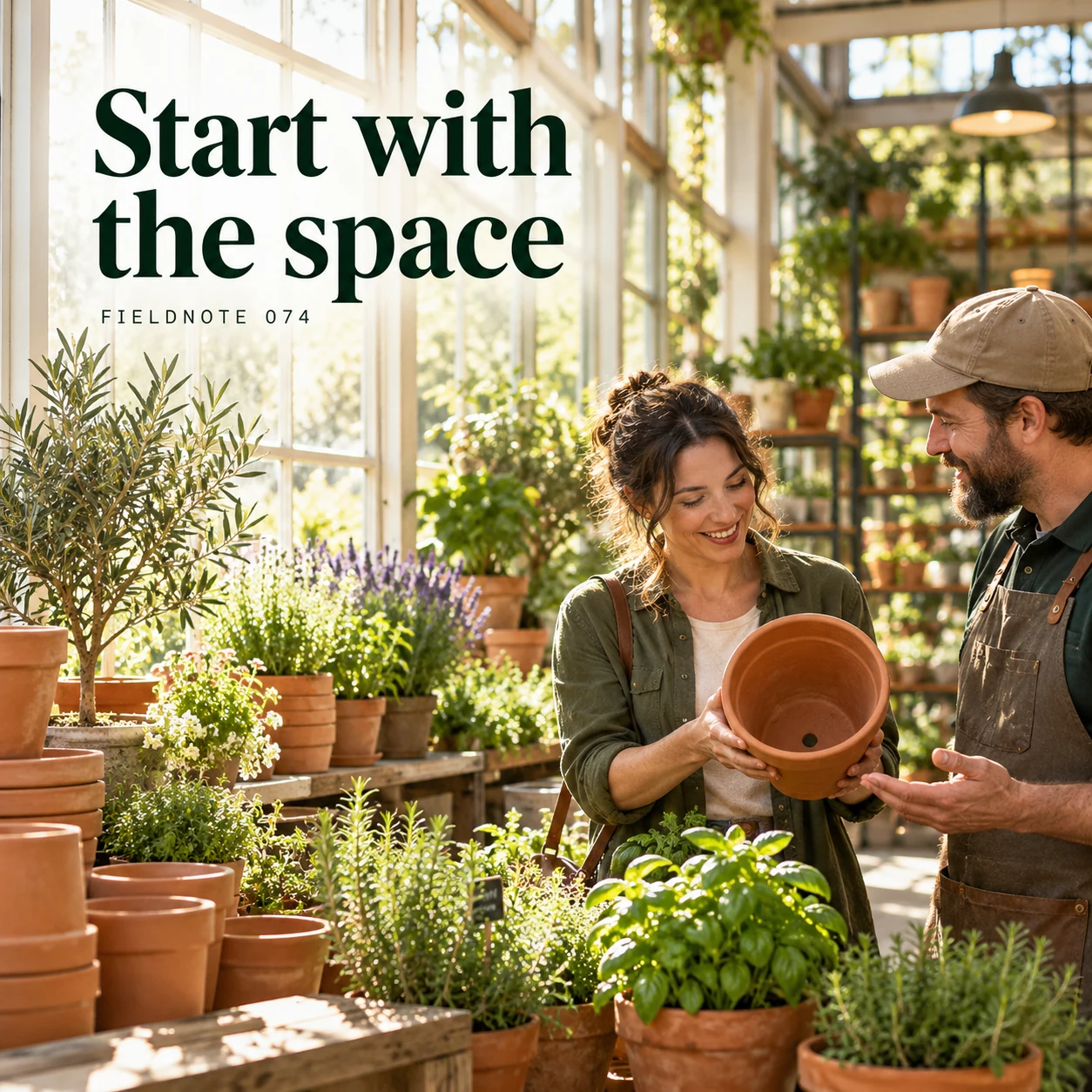
Original AI-generated fictional campaign concept. No real customer or measured result is represented.
Finished example caption — Tell the garden team about the light and room available before choosing.
Why use this post — A defined space and an observed light pattern give the conversation a concrete starting point. They do not by themselves prove which plant will thrive.
Make it your own — Ask the shopper to describe the available space and when they notice sun or shade. Treat the answer as an observation to discuss, not a completed suitability assessment.
Image brief to adapt
Generate one complete polished square campaign image, 1080×1080. The exact scene is: adult customer showing empty pot beside light-filled window. Context: a fictional garden center with herbs, terracotta pots and sunlight on plant benches. The message is “Start with the space”; support this finished caption: “Tell the garden team about the light and room available before choosing.”. Environmental wide shot with the key subject in the lower right and generous clean upper-left negative space. Art direction: natural editorial photography with tactile materials and honest business detail; palette warm ivory, forest green and copper; refined natural lighting, deliberate depth and texture, commercially credible proportions, clean edges and ample breathing room. Use exactly this headline: “Start with the space”. Add the small fictional wordmark “FIELDNOTE 074”. Headline must be immediately readable at a phone size, with high contrast and a safe inset of at least8% from every edge. The scene is the main visual, not a text-only card. No additional text, UI screenshot, testimonial, metrics, sale badge, fake website, QR code or placeholder field. No watermarks or unrelated logos. Verify species, toxicity, climate and care details; no growth guarantee. Produce finished actual raster artwork ready to download and inspect; no wireframe, simple geometric substitute or diagram.
2. Look closer at the leaf
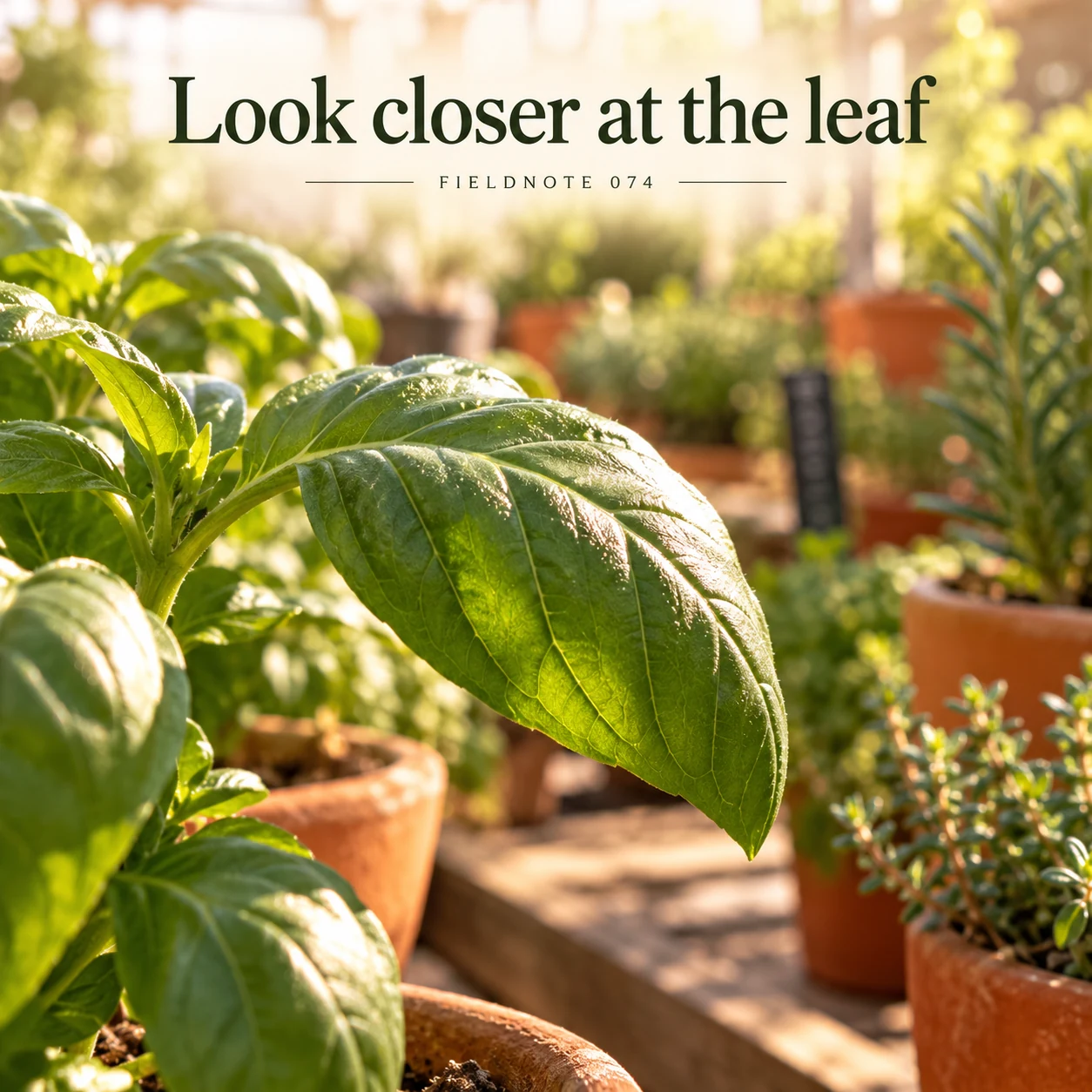
Original AI-generated fictional campaign concept. No real customer or measured result is represented.
Finished example caption — A detail view can introduce a plant while the label provides verified facts.
Why use this post — A close leaf view can invite attention, but appearance alone is not a reliable product record. The actual label and responsible source must identify the item.
Make it your own — Use a real authorized photo of the exact plant when naming a product. Check the label and source record instead of identifying a generated species.
Image brief to adapt
Generate one complete polished square campaign image, 1080×1080. The exact scene is: close view of original generic green leaf. Context: a fictional garden center with herbs, terracotta pots and sunlight on plant benches. The message is “Look closer at the leaf”; support this finished caption: “A detail view can introduce a plant while the label provides verified facts.”. Close editorial still life or detail crop showing the relevant physical object and its texture, with the headline in a quiet top band. Art direction: natural editorial photography with tactile materials and honest business detail; palette warm ivory, forest green and copper; refined natural lighting, deliberate depth and texture, commercially credible proportions, clean edges and ample breathing room. Use exactly this headline: “Look closer at the leaf”. Add the small fictional wordmark “FIELDNOTE 074”. Headline must be immediately readable at a phone size, with high contrast and a safe inset of at least8% from every edge. The scene is the main visual, not a text-only card. No additional text, UI screenshot, testimonial, metrics, sale badge, fake website, QR code or placeholder field. No watermarks or unrelated logos. Verify species, toxicity, climate and care details; no growth guarantee. Produce finished actual raster artwork ready to download and inspect; no wireframe, simple geometric substitute or diagram.
3. Bring a photo of the spot
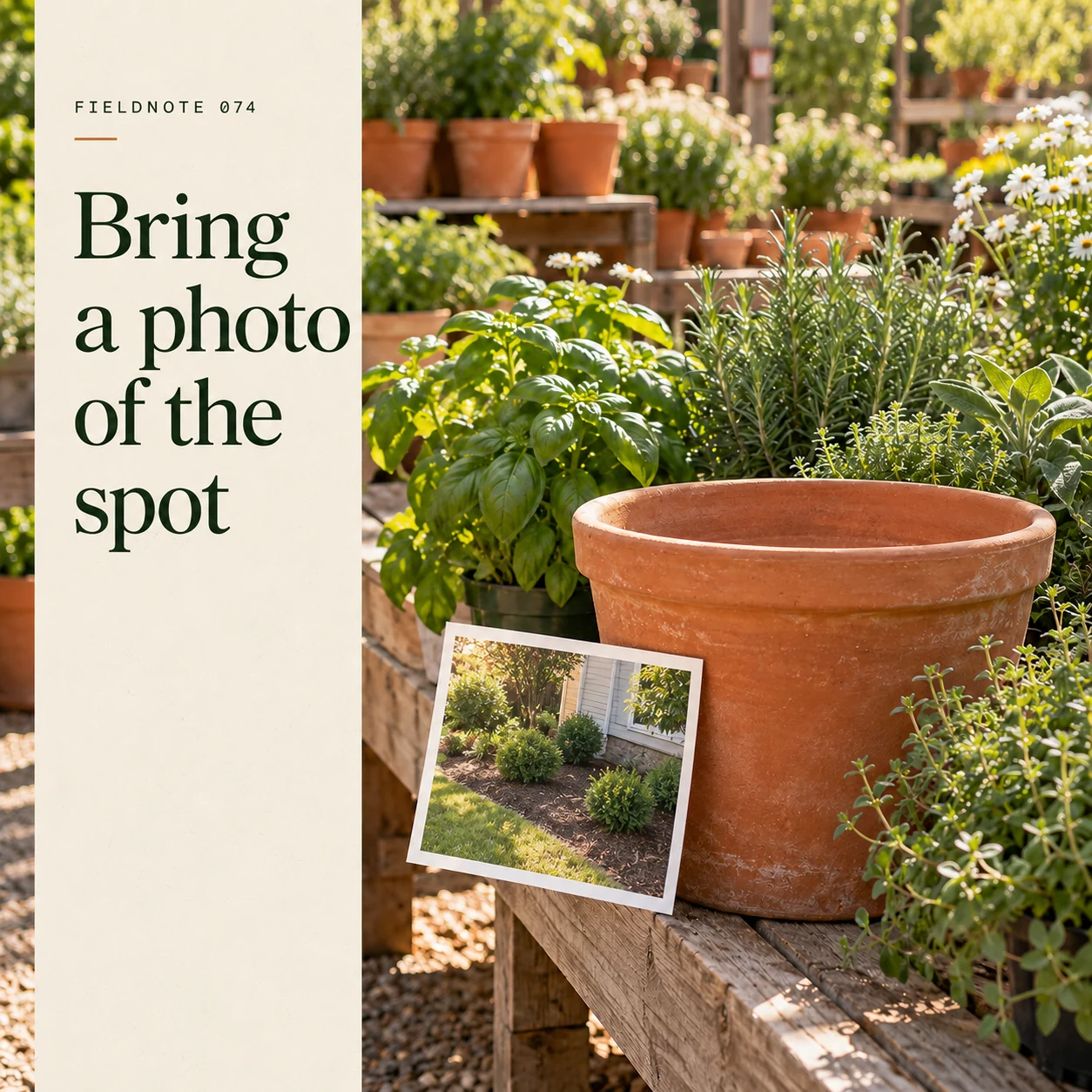
Original AI-generated fictional campaign concept. No real customer or measured result is represented.
Finished example caption — A picture of the planting space gives the conversation useful context.
Why use this post — A site photograph adds context that a plant-only picture leaves out. It should avoid showing private household information or implying that the garden center has assessed the location.
Make it your own — Invite a relevant permitted photo of the spot through your actual contact route. Remove addresses, people and unrelated private details.
Image brief to adapt
Generate one complete polished square campaign image, 1080×1080. The exact scene is: plain photo of planting space beside terracotta pot. Context: a fictional garden center with herbs, terracotta pots and sunlight on plant benches. The message is “Bring a photo of the spot”; support this finished caption: “A picture of the planting space gives the conversation useful context.”. Natural eye-level composition with a restrained side panel for type. Preserve the exact stated scene; do not add a person to an object-only scene. If the scene includes people, use adult models and the explicit stated action only. Art direction: natural editorial photography with tactile materials and honest business detail; palette warm ivory, forest green and copper; refined natural lighting, deliberate depth and texture, commercially credible proportions, clean edges and ample breathing room. Use exactly this headline: “Bring a photo of the spot”. Add the small fictional wordmark “FIELDNOTE 074”. Headline must be immediately readable at a phone size, with high contrast and a safe inset of at least8% from every edge. The scene is the main visual, not a text-only card. No additional text, UI screenshot, testimonial, metrics, sale badge, fake website, QR code or placeholder field. No watermarks or unrelated logos. Verify species, toxicity, climate and care details; no growth guarantee. Produce finished actual raster artwork ready to download and inspect; no wireframe, simple geometric substitute or diagram.
4. Ask about the actual plant
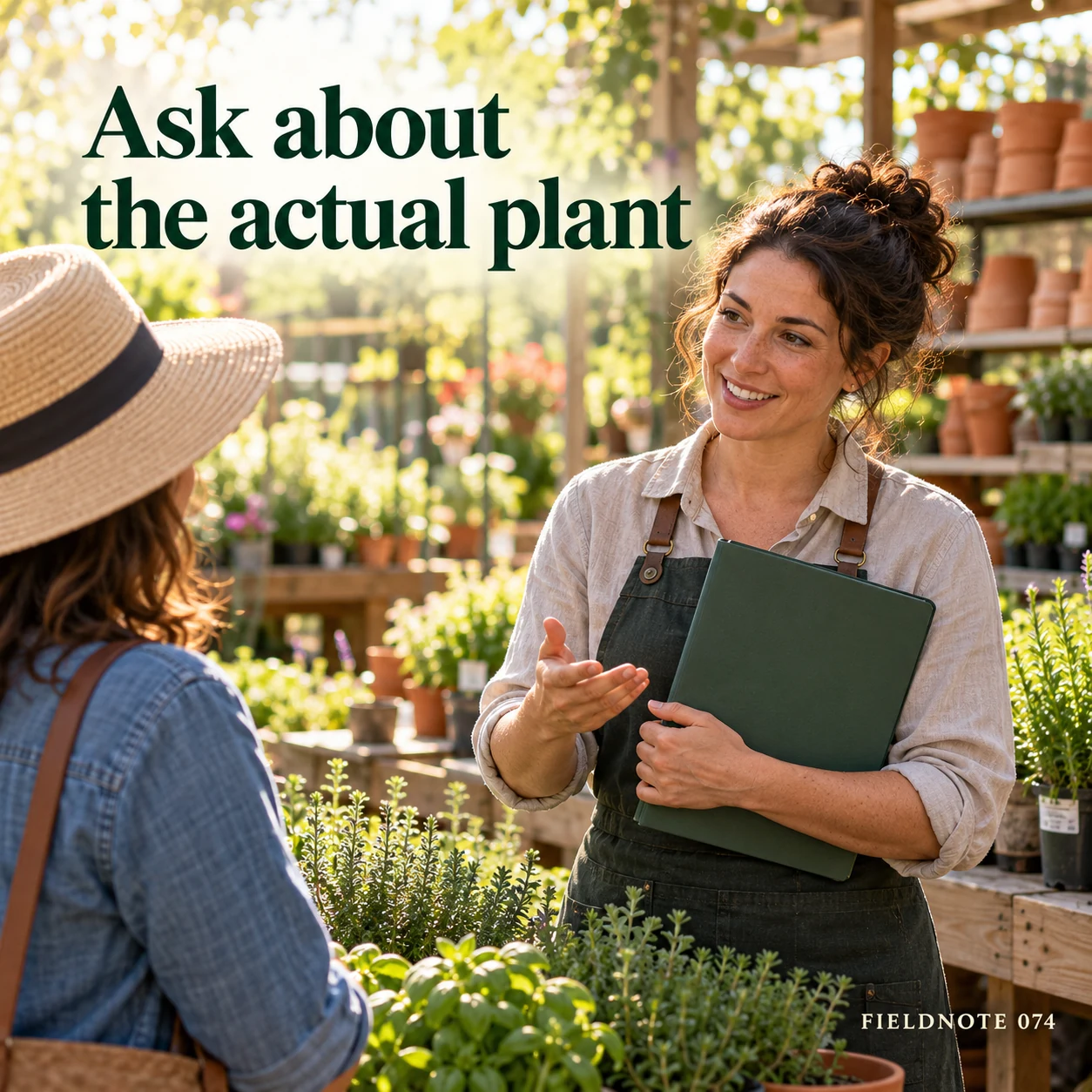
Original AI-generated fictional campaign concept. No real customer or measured result is represented.
Finished example caption — Care requirements should match the species and your local conditions.
Why use this post — The last post asks about the specific item and conditions. This keeps general inspiration separate from an actual selection or care recommendation.
Make it your own — Route species, local conditions, care and safety questions to the responsible garden specialist or authoritative local source. Do not invent a growth or survival promise.
Image brief to adapt
Generate one complete polished square campaign image, 1080×1080. The exact scene is: adult garden adviser discussing closed plant-information folder. Context: a fictional garden center with herbs, terracotta pots and sunlight on plant benches. The message is “Ask about the actual plant”; support this finished caption: “Care requirements should match the species and your local conditions.”. Confident final hero composition using a clear foreground subject and supporting background context; close the sequence with a purposeful visual invitation. Art direction: natural editorial photography with tactile materials and honest business detail; palette warm ivory, forest green and copper; refined natural lighting, deliberate depth and texture, commercially credible proportions, clean edges and ample breathing room. Use exactly this headline: “Ask about the actual plant”. Add the small fictional wordmark “FIELDNOTE 074”. Headline must be immediately readable at a phone size, with high contrast and a safe inset of at least8% from every edge. The scene is the main visual, not a text-only card. No additional text, UI screenshot, testimonial, metrics, sale badge, fake website, QR code or placeholder field. No watermarks or unrelated logos. Verify species, toxicity, climate and care details; no growth guarantee. Produce finished actual raster artwork ready to download and inspect; no wireframe, simple geometric substitute or diagram.
Put it into practice
Apply the workflow to one actual business image
Prepare this fictional shopper note: “I want to discuss a plant for a container beside my front entrance. The space is about the width of the existing empty pot. I have noticed light there in the morning and shade later, but have not recorded it through the seasons. I can show a permitted photo of the spot. Please help me understand which further site facts you need before we discuss an actual plant.” Keep the note as an invented example. Pair it with the first concept and ask the nursery reviewer whether the questions are useful. Do not add a species, soil type or care method without the relevant evidence.
Common questions
Who confirms species and care facts?
Use the actual product label and the responsible garden team or relevant authoritative local guidance. Do not identify a real item or infer its care from an illustrative AI leaf.
Can a photo prove pet safety?
No. A scene does not establish species identity or safety. Keep that question with an appropriate authoritative source and qualified advice for the actual situation. This guide makes no toxicity or safety determination.
Which site conditions should a shopper describe?
Describe the space, whether it is a bed or container, light observed at different times and other facts the garden team asks for. Mark uncertain observations as uncertain. The purpose is a useful enquiry, not a diagnosis or a promise that a plant will thrive.
Turn the brief into your own creative
Use the example as a starting point. Supply approved business facts and authorized references in Studio, then compare the finished image with the brief before using it.
Your starter brief
Replace the brackets with your own details.
Generate one complete polished square campaign image, 1080×1080. The exact scene is: adult customer showing empty pot beside light-filled window. Context: a fictional garden center with herbs, terracotta pots and sunlight on plant benches. The message is “Start with the space”; support this finished caption: “Tell the garden team about the light and room available before choosing.”. Environmental wide shot with the key subject in the lower right and generous clean upper-left negative space. Art direction: natural editorial photography with tactile materials and honest business detail; palette warm ivory, forest green and copper; refined natural lighting, deliberate depth and texture, commercially credible proportions, clean edges and ample breathing room. Use exactly this headline: “Start with the space”. Add the small fictional wordmark “FIELDNOTE 074”. Headline must be immediately readable at a phone size, with high contrast and a safe inset of at least8% from every edge. The scene is the main visual, not a text-only card. No additional text, UI screenshot, testimonial, metrics, sale badge, fake website, QR code or placeholder field. No watermarks or unrelated logos. Verify species, toxicity, climate and care details; no growth guarantee. Produce finished actual raster artwork ready to download and inspect; no wireframe, simple geometric substitute or diagram.
Copy your adapted brief, open Studio, and paste it into your creative workflow. Review the result before using it.
Create your version in Studio