Industry playbooks
Museum Social Media Post Ideas: 4 Examples
By Memes.ai
Updated October 16, 2026 · 4 min read
A museum account can make a collection more approachable through one object, one question and one clear visit route. Use the curatorial team's approved interpretation and accurate image credits. Keep a visitor caption separate from claims about an object's history or provenance. Below are four finished visual concepts and example captions, with image briefs you can adapt to your own brand. The artwork uses fictional businesses and AI-generated scenes. For a post about your actual people, place or service, supply authorized photographs and confirmed details.
What you’ll take away
- Start with “Look closer. notice more.” for one visual idea. Use “Your next discovery starts here” for a different view of the same business. Choose the example that supports the message you want a reader to understand.
- Check object details and image rights with the museum. Credit collections and creators accurately, and confirm visit, exhibition and event information.
- Use the finished captions as creative examples. The adaptation notes include practical copy templates for your own confirmed details. Match your image, message and destination to the same reader task.
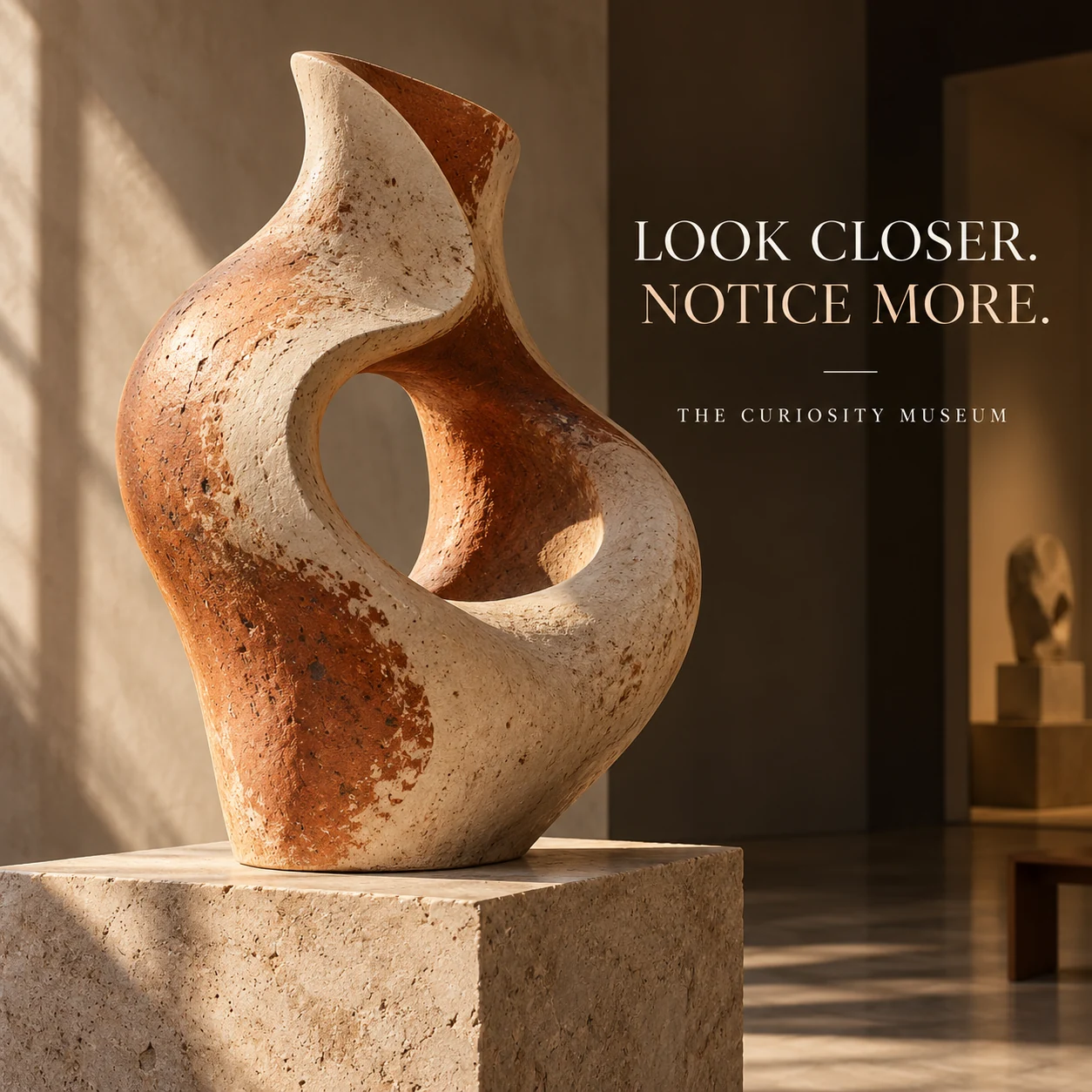
1. Look closer. Notice more.
Finished AI-generated creative for the fictional brand THE CURIOSITY MUSEUM. This is an illustrative concept, not a real customer, venue or campaign result. Headline: “LOOK CLOSER. NOTICE MORE.”.
Finished example caption — The curve, the texture, the shadow you did not notice at first. Give one object a little more of your attention.
Why use this post — A close object view invites attention to shape, texture and detail.
Make it your own — Use approved interpretation and licensed imagery. Do not invent dates, creators or provenance. If you need a practical service-information version, adapt this template with confirmed details: A closer look at [approved object title]. [Museum-approved short interpretation]. What detail do you notice first? [Accurate collection and image credit].
Image brief to adapt
Create a finished square social image for my museum business. Scene: A single beautiful invented abstract ceramic sculpture displayed on a stone plinth in a quiet contemporary museum gallery, dramatic gentle side light, rich clay texture, no labels or provenance. Visual style: Contemporary museum editorial photography; warm stone, ivory, muted terracotta and deep ink; invented artworks and artifacts only, no famous artworks or invented historical facts. Use this headline exactly: “LOOK CLOSER. NOTICE MORE.”. Replace the fictional example brand THE CURIOSITY MUSEUM with my supplied business name. Make the scene the main visual, with a short legible headline and a small brand wordmark. Do not render placeholder fields or instructions. Do not invent a date, price, address, credential, offer or result. Use my authorized photographs when the post describes my actual people, premises, products or completed work. Review every detail before publishing.
2. Your next discovery starts here
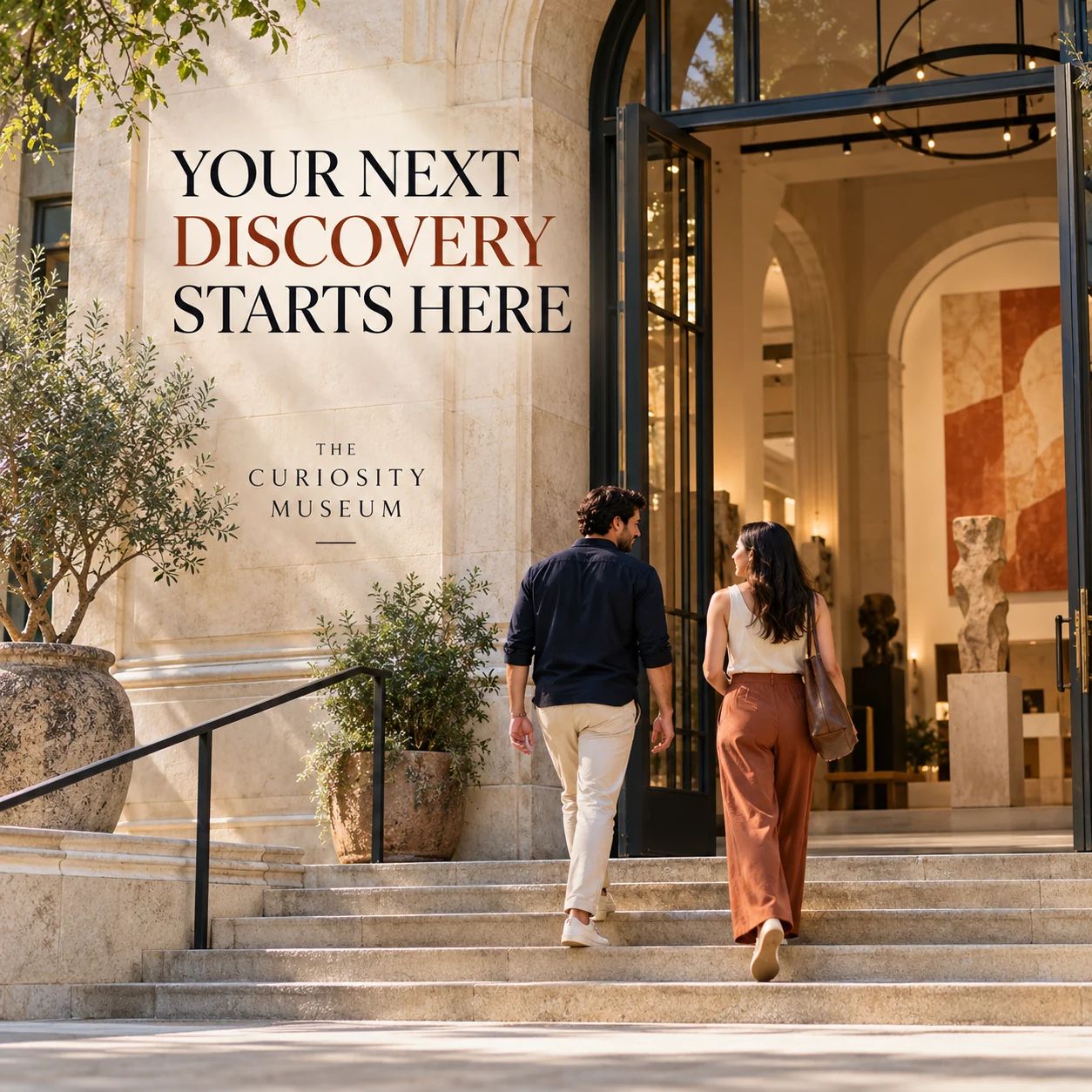
Finished AI-generated creative for the fictional brand THE CURIOSITY MUSEUM. This is an illustrative concept, not a real customer, venue or campaign result. Headline: “YOUR NEXT DISCOVERY STARTS HERE”.
Finished example caption — A door into a different kind of afternoon. Start with the visit details, then leave a little room for discovery.
Why use this post — A gallery entrance makes the visit itself easy to picture.
Make it your own — Confirm the official information and keep temporary closures or restrictions current. If you need a practical service-information version, adapt this template with confirmed details: Visiting [museum]? Find current opening information, tickets and access details at [official visit page]. Check exhibition-specific information before booking.
Image brief to adapt
Create a finished square social image for my museum business. Scene: An inviting contemporary museum entrance with broad steps, warm stone facade and two adult visitors entering naturally, soft daylight, accessible open composition, no dates or opening-hour signs. Visual style: Contemporary museum editorial photography; warm stone, ivory, muted terracotta and deep ink; invented artworks and artifacts only, no famous artworks or invented historical facts. Use this headline exactly: “YOUR NEXT DISCOVERY STARTS HERE”. Replace the fictional example brand THE CURIOSITY MUSEUM with my supplied business name. Make the scene the main visual, with a short legible headline and a small brand wordmark. Do not render placeholder fields or instructions. Do not invent a date, price, address, credential, offer or result. Use my authorized photographs when the post describes my actual people, premises, products or completed work. Review every detail before publishing.
3. The work behind the wonder
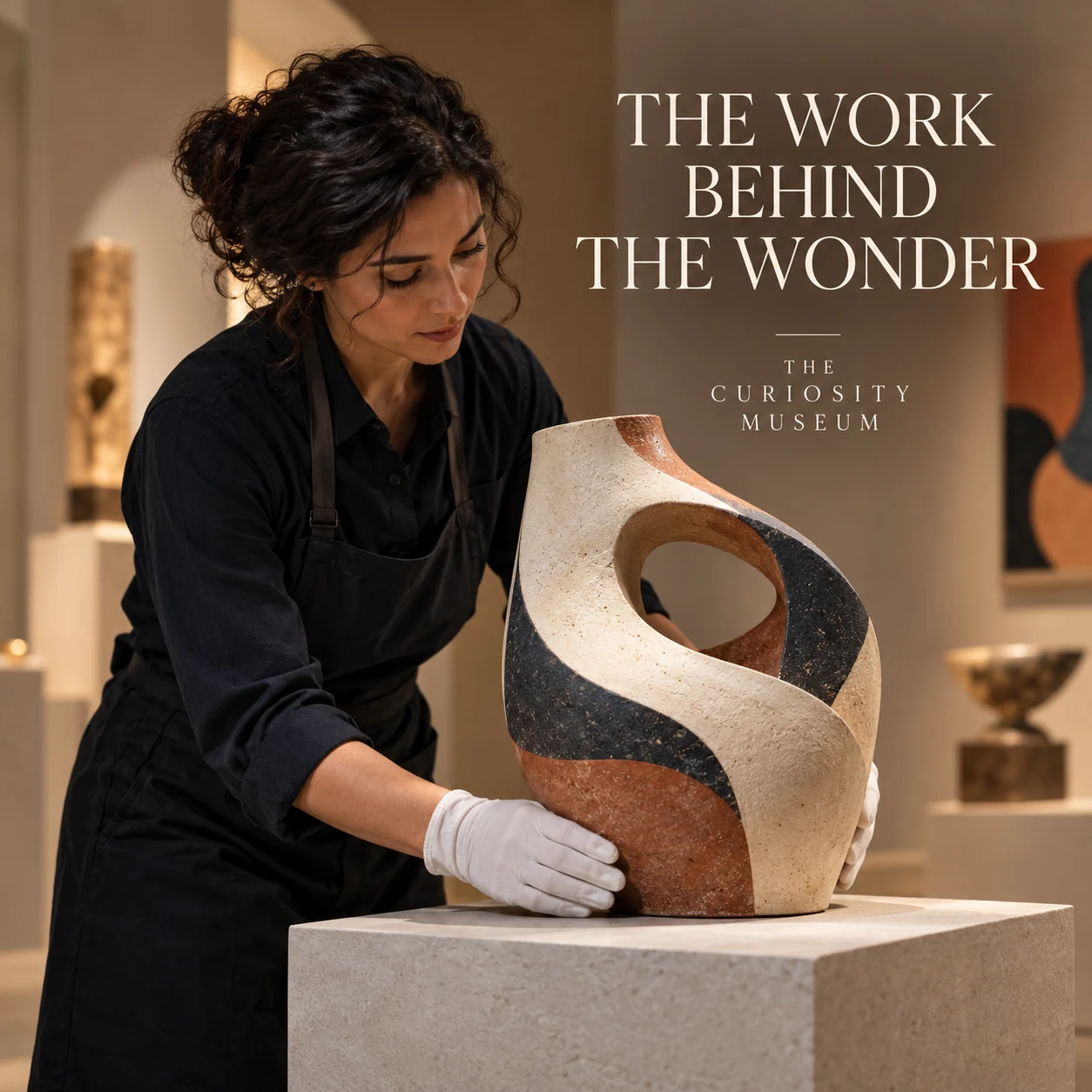
Finished AI-generated creative for the fictional brand THE CURIOSITY MUSEUM. This is an illustrative concept, not a real customer, venue or campaign result. Headline: “THE WORK BEHIND THE WONDER”.
Finished example caption — Before an object is ready to meet a visitor, there is work behind the display. Here is one imagined moment from that process.
Why use this post — A careful handling scene introduces the work behind a display.
Make it your own — Get staff approval and avoid revealing restricted collection or security information. If you need a practical service-information version, adapt this template with confirmed details: Meet [approved staff name], our [verified role]. One part of their work they can share is [approved description].
Image brief to adapt
Create a finished square social image for my museum business. Scene: Adult museum preparator carefully positioning an invented abstract ceramic piece on a plinth, using clean gloves, softly lit quiet gallery, realistic respectful craft portrait, no artifacts identifiable as real. Visual style: Contemporary museum editorial photography; warm stone, ivory, muted terracotta and deep ink; invented artworks and artifacts only, no famous artworks or invented historical facts. Use this headline exactly: “THE WORK BEHIND THE WONDER”. Replace the fictional example brand THE CURIOSITY MUSEUM with my supplied business name. Make the scene the main visual, with a short legible headline and a small brand wordmark. Do not render placeholder fields or instructions. Do not invent a date, price, address, credential, offer or result. Use my authorized photographs when the post describes my actual people, premises, products or completed work. Review every detail before publishing.
4. Make room for a little wonder
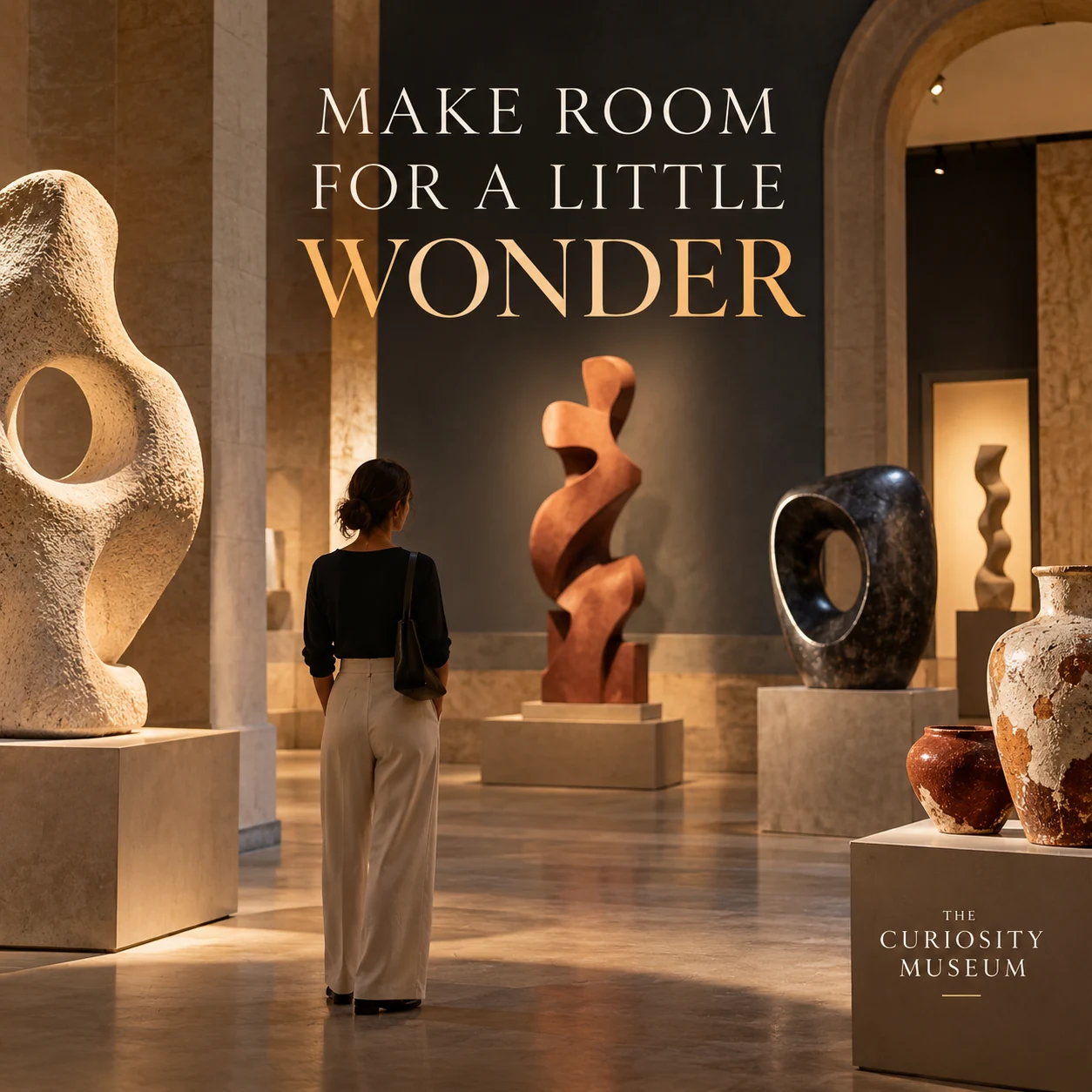
Finished AI-generated creative for the fictional brand THE CURIOSITY MUSEUM. This is an illustrative concept, not a real customer, venue or campaign result. Headline: “MAKE ROOM FOR A LITTLE WONDER”.
Finished example caption — A quiet gallery, a new perspective and something that makes you pause. Make a little room for wonder.
Why use this post — A quiet gallery view connects discovery with time spent looking.
Make it your own — Confirm dates, image credits and ticket conditions. Do not imply every visitor experience is included. If you need a practical service-information version, adapt this template with confirmed details: [Confirmed exhibition] runs [verified dates]. See ticket requirements, location and the museum's approved overview at [official exhibition page].
Image brief to adapt
Create a finished square social image for my museum business. Scene: A beautifully lit museum gallery with a coherent exhibition of invented abstract sculptures and textured ceramic forms, warm stone walls and considered spotlights, adult visitor seen from behind for scale. Visual style: Contemporary museum editorial photography; warm stone, ivory, muted terracotta and deep ink; invented artworks and artifacts only, no famous artworks or invented historical facts. Use this headline exactly: “MAKE ROOM FOR A LITTLE WONDER”. Replace the fictional example brand THE CURIOSITY MUSEUM with my supplied business name. Make the scene the main visual, with a short legible headline and a small brand wordmark. Do not render placeholder fields or instructions. Do not invent a date, price, address, credential, offer or result. Use my authorized photographs when the post describes my actual people, premises, products or completed work. Review every detail before publishing.
Put it into practice
Build your first museum content batch
Choose one object with approved public information and image rights. Ask the museum team for a short interpretation and a question. Pair that post with a confirmed visit-information card. Prepare each post as a small brief: audience, one useful detail, approved caption, matching visual and a single current destination. Check object details and image rights with the museum. Credit collections and creators accurately, and confirm visit, exhibition and event information. Before publishing, read the caption beside the image, confirm that all brackets are replaced and check the destination on a phone. After a week, review the questions and enquiries each post generated. Keep the useful information current and revise confusing details before making more variants.
Common questions
How should we write an object caption?
Use the museum's approved title, creator, date and interpretation where available, with accurate collection and image credits. If a fact is uncertain, preserve that uncertainty rather than filling the gap.
What should a museum visit post include?
Use current opening information, ticket or booking steps, exhibition dates and an official contact for access questions. Do not infer that every gallery or event is included in the same ticket.
Can I download and adapt these finished images?
Yes. Each example includes an original finished AI-generated image and a copyable image brief. Save the WebP as a visual reference, or use the brief to create a version for your own brand in Studio. The pictured businesses and scenes are fictional. Use authorized real photos for claims about your actual people, venue, products or completed work. The downloaded image is flattened; it does not contain editable text layers.
Turn the brief into your own creative
Choose a finished image and caption that fit your business task, then copy its brief into Studio to develop your own version. Use your own brand, current information and authorized real-world assets where needed.
Your starter brief
Replace the brackets with your own details.
Create a finished square social image for my museum business. Scene: A single beautiful invented abstract ceramic sculpture displayed on a stone plinth in a quiet contemporary museum gallery, dramatic gentle side light, rich clay texture, no labels or provenance. Visual style: Contemporary museum editorial photography; warm stone, ivory, muted terracotta and deep ink; invented artworks and artifacts only, no famous artworks or invented historical facts. Use this headline exactly: “LOOK CLOSER. NOTICE MORE.”. Replace the fictional example brand THE CURIOSITY MUSEUM with my supplied business name. Make the scene the main visual, with a short legible headline and a small brand wordmark. Do not render placeholder fields or instructions. Do not invent a date, price, address, credential, offer or result. Use my authorized photographs when the post describes my actual people, premises, products or completed work. Review every detail before publishing.
Copy your adapted brief, open Studio, and paste it into your creative workflow. Review the result before using it.
Create your version in Studio