Industry playbooks
6 No Response Memes for Sales Follow-Ups
By Memes.ai
Updated October 24, 2026 · 4 min read
No response memes capture a very specific sales moment: you sent the email, the proposal is out, and the inbox is quiet. Below are six finished images for that situation, from a patient dog to a rep who has accidentally joined paranormal sales. Choose the prospect-facing examples for a warm thread, or save the sharper waiting-and-ghosting jokes for your team chat.
What you’ll take away
- Find no-reply, ignored-email, ghosted-proposal, and waiting-for-a-response memes in one place.
- Each image is downloadable without signup and comes with a short message or team-chat caption.
- For a prospect, ask about the real topic and offer a simple way to defer; use the ghost joke internally.
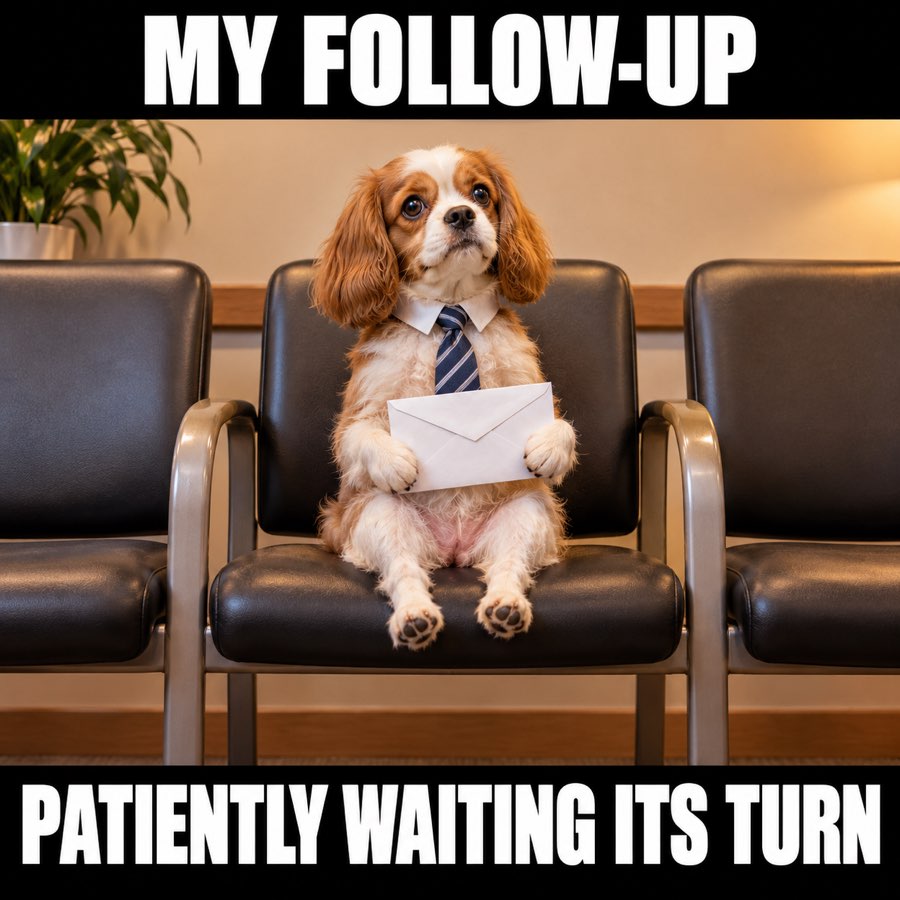
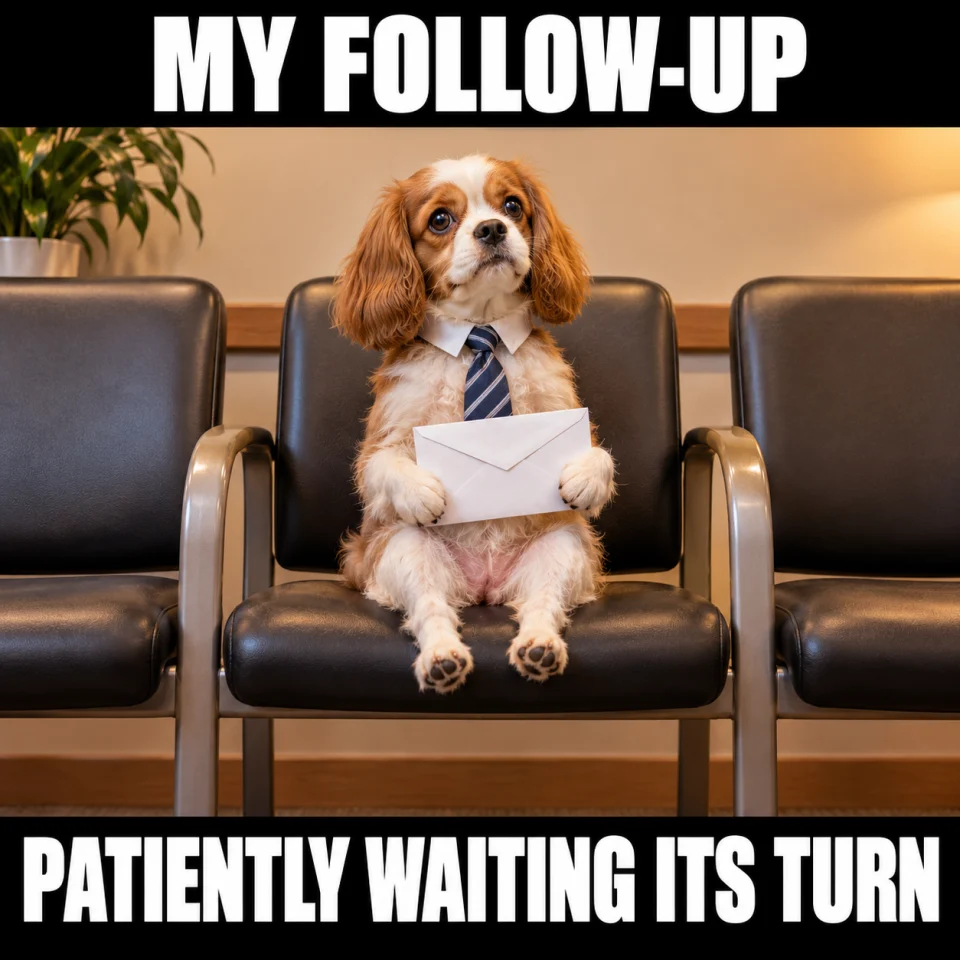
1. No reply meme: patiently waiting
Best for: Warm prospect follow-up. Original finished meme; download the JPG below.
Copy-ready email — Hi [Name] — checking whether [topic] is still on your list. A quick “later” is fine too.
When to use it — A warm conversation that has gone quiet. The small dog is patient rather than demanding or accusatory.
Make it your own — Mention the real topic so the recipient does not have to search the whole thread. Keep a plain-text version of the message.
Image brief to adapt
Create an original square sales meme. Scene: An adorable small dog in a business tie sitting in a row of empty waiting-room chairs, holding one neat white envelope, feet do not reach floor. Calm patient expression, warm simple composition. Top text: "MY FOLLOW-UP". Bottom text: "PATIENTLY WAITING ITS TURN". Use large white lettering on black caption bands, and keep every word readable on a phone. No logos or watermark. Change the caption or subject to match my scenario: [your details].
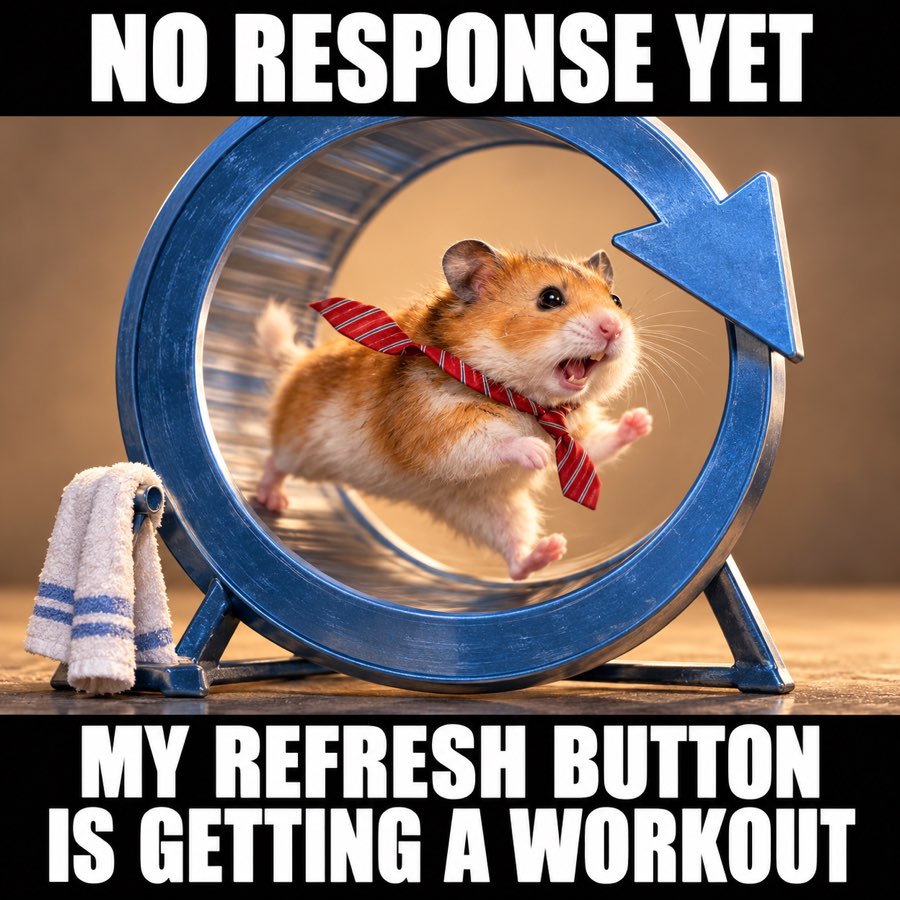
2. Waiting for an email reply meme
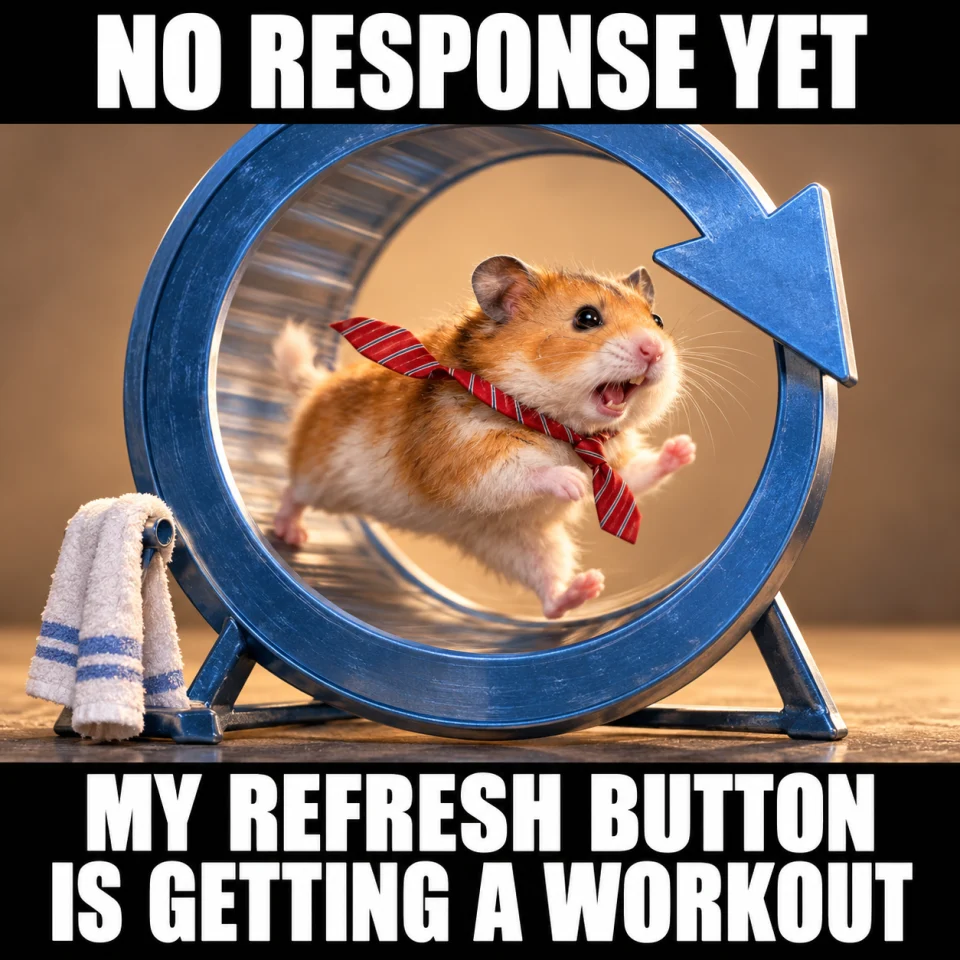
Best for: Team chat. Original finished meme; download the JPG below.
Team-chat caption — No response yet. Refreshing again is apparently my new cardio.
When to use it — The sales-team group chat while waiting for a reply. The hamster jokes about the rep’s own impatience.
Make it your own — Pair it with a reminder to work the next useful task instead of sending repeated “any update?” emails.
Image brief to adapt
Create an original square sales meme. Scene: An energetic hamster sprinting in an oversized exercise wheel shaped like a circular refresh arrow. Office tie fluttering, little towel beside wheel, comically determined. No computers. Top text: "NO RESPONSE YET". Bottom text: "MY REFRESH BUTTON IS GETTING A WORKOUT". Use large white lettering on black caption bands, and keep every word readable on a phone. No logos or watermark. Change the caption or subject to match my scenario: [your details].
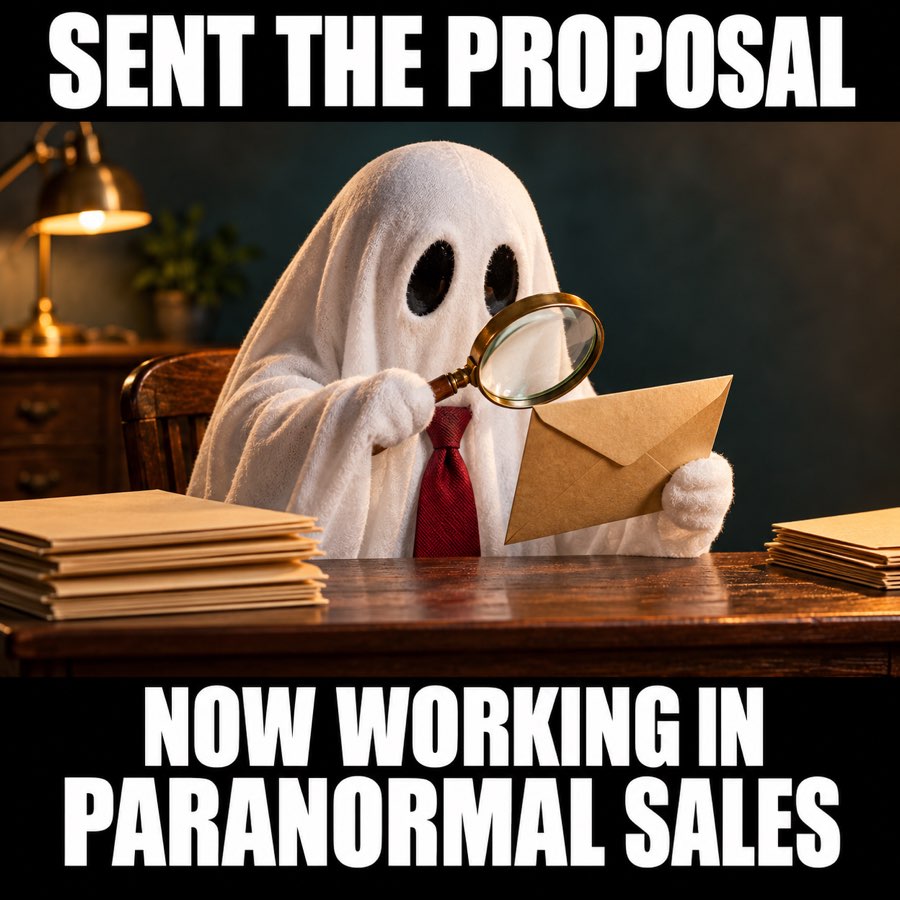
3. Ghosted prospect meme: paranormal sales
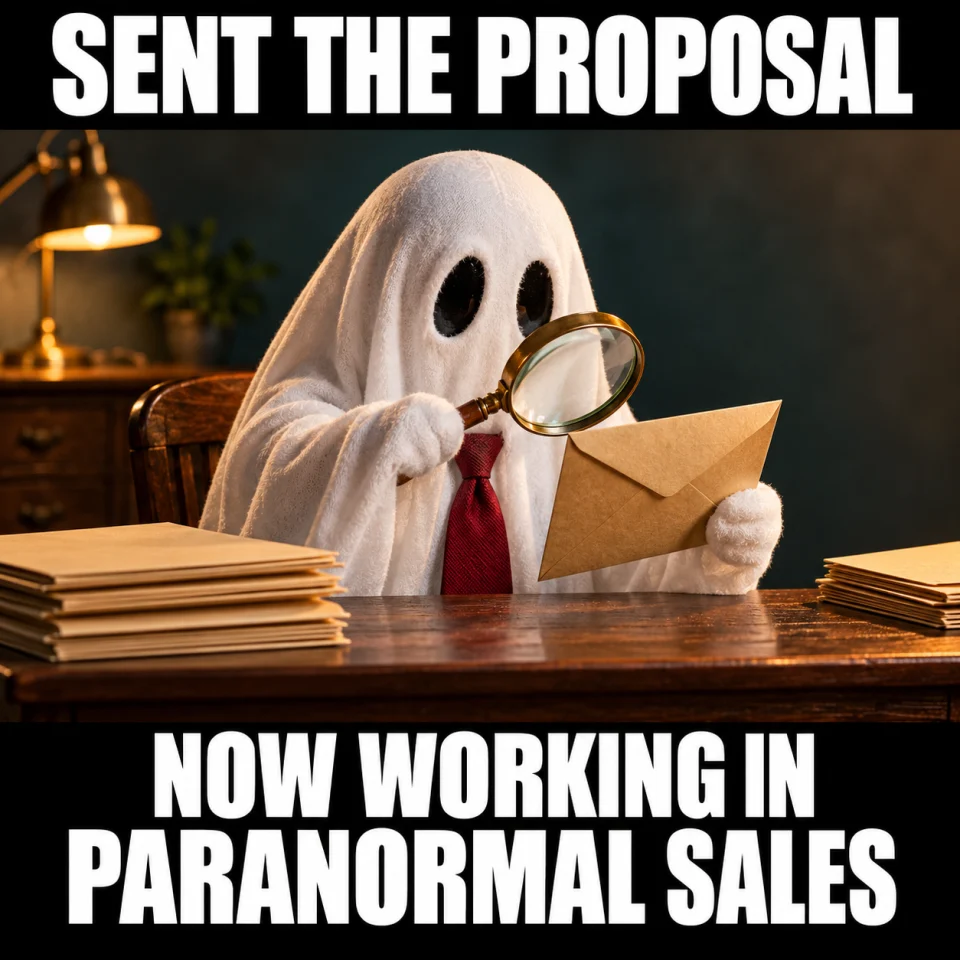
Best for: Team chat. Original finished meme; download the JPG below.
Team-chat caption — Sent the proposal. Accidentally joined the paranormal sales department.
When to use it — An internal laugh about a quiet proposal thread. Calling a prospect a ghost can sound like blame, so share this one with colleagues.
Make it your own — Do not tag a buyer or share a screenshot of their email. Keep the joke about your own waiting, not a real person.
Image brief to adapt
Create an original square sales meme. Scene: A harmless little sheet ghost in a business tie sits at a tiny office desk with one paper envelope, magnifying glass and plain folders, funny friendly ghost investigator, no computer, no writing. Top text: "SENT THE PROPOSAL". Bottom text: "NOW WORKING IN PARANORMAL SALES". Use large white lettering on black caption bands, and keep every word readable on a phone. No logos or watermark. Change the caption or subject to match my scenario: [your details].
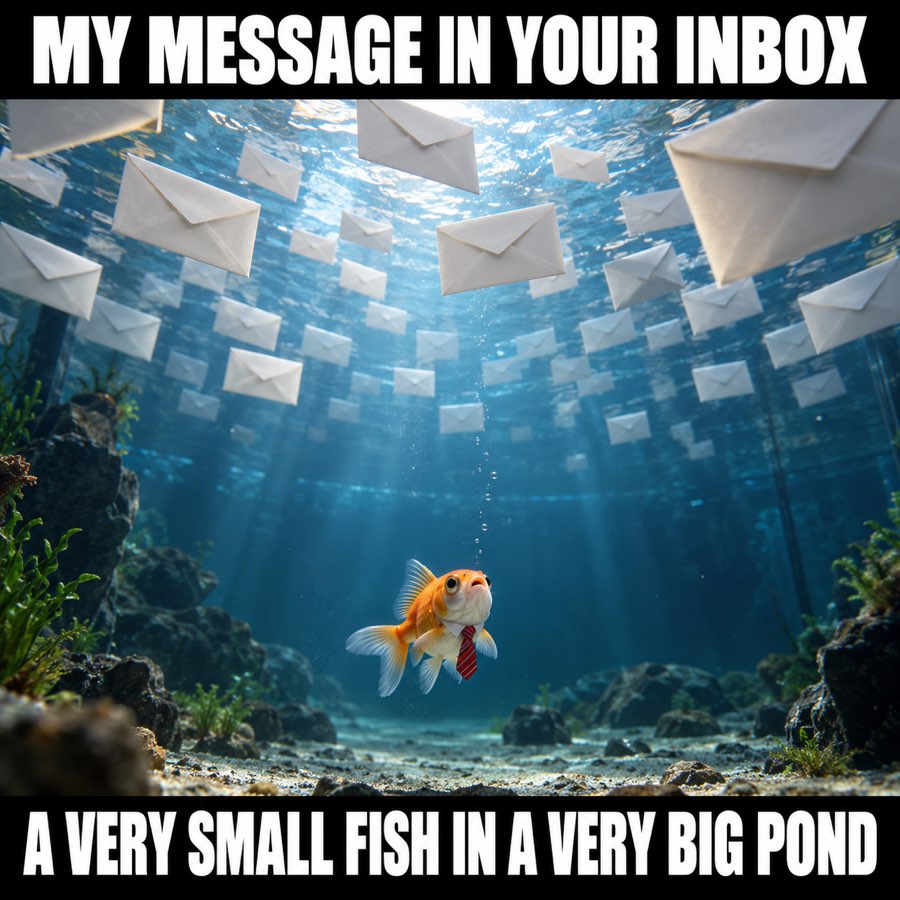
4. Ignored email meme: a small fish in a big inbox
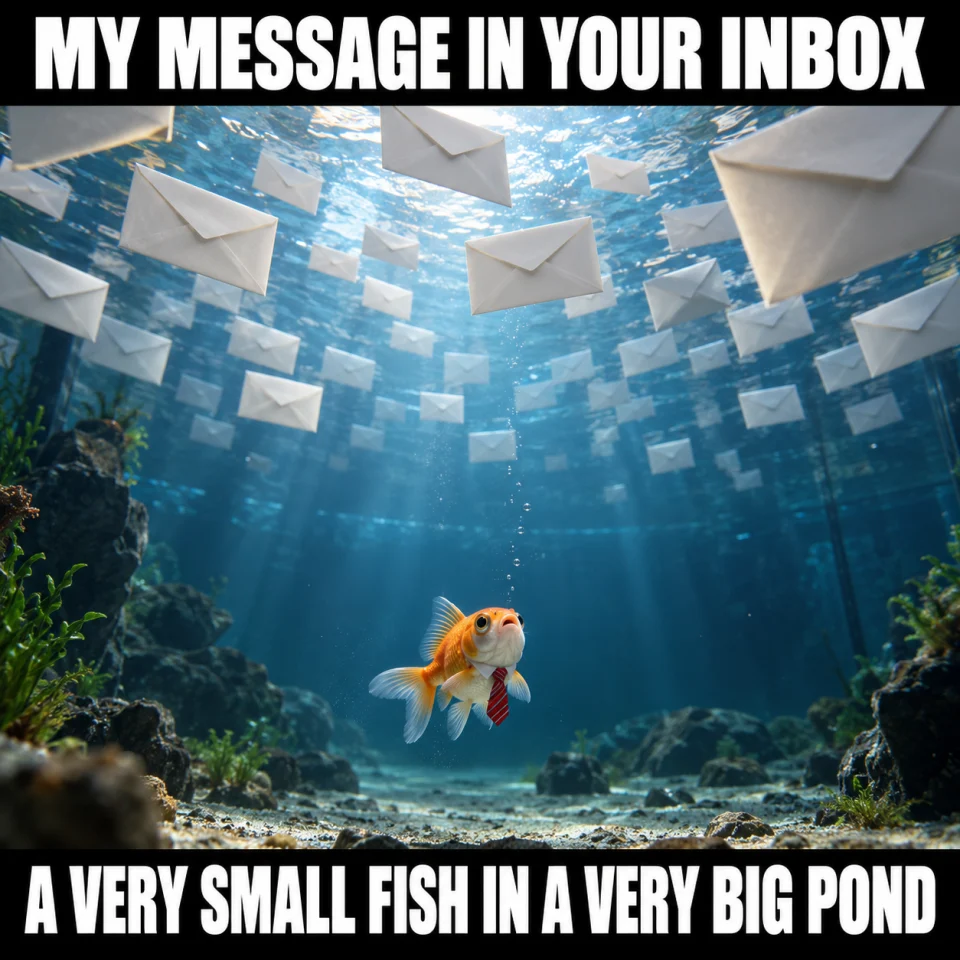
Best for: Warm prospect follow-up. Original finished meme; download the JPG below.
Copy-ready email — I know inboxes get crowded. Here is the short version: [one useful point]. Still relevant?
When to use it — A concise recap after an expected reply or previously useful exchange. The small fish gives a gentle visual for a busy inbox.
Make it your own — Put the useful point in text, not only in the image. Avoid sending an image-heavy repeat of the original pitch.
Image brief to adapt
Create an original square sales meme. Scene: A tiny friendly goldfish wearing a miniature business tie floats in an enormous aquarium with many plain white paper envelopes drifting far overhead. Comically tiny fish and vast negative space, surreal but clear. Top text: "MY MESSAGE IN YOUR INBOX". Bottom text: "A VERY SMALL FISH IN A VERY BIG POND". Use large white lettering on black caption bands, and keep every word readable on a phone. No logos or watermark. Change the caption or subject to match my scenario: [your details].
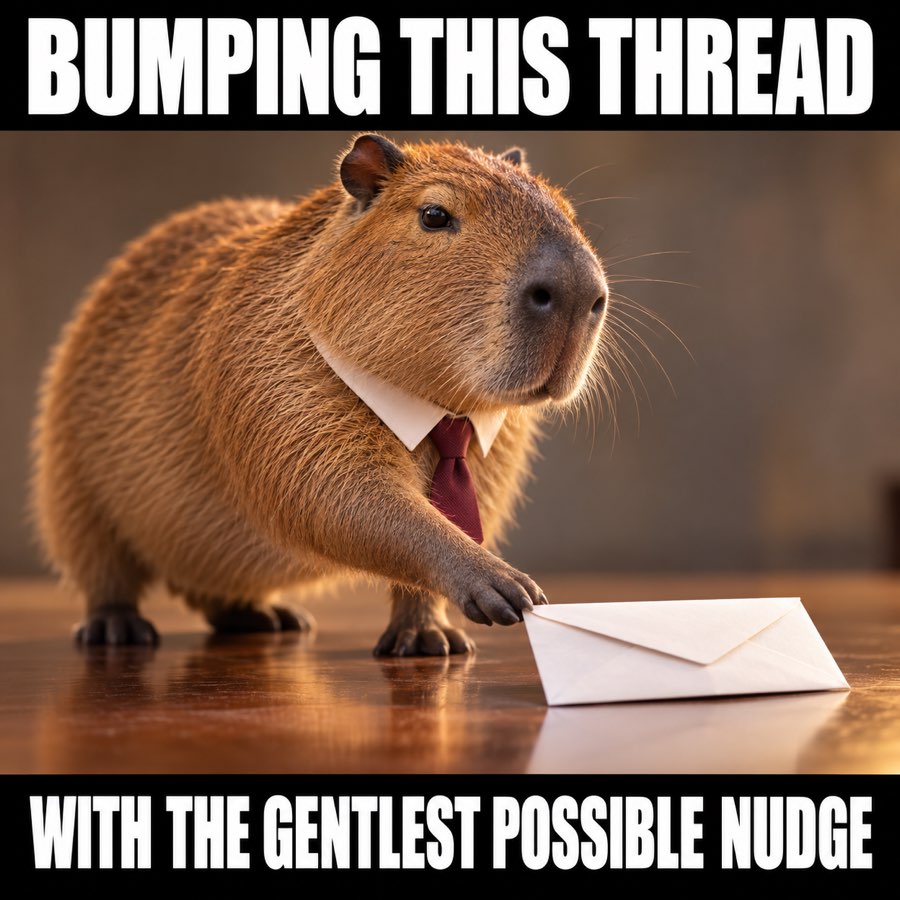
5. Bumping this thread meme: the gentle nudge
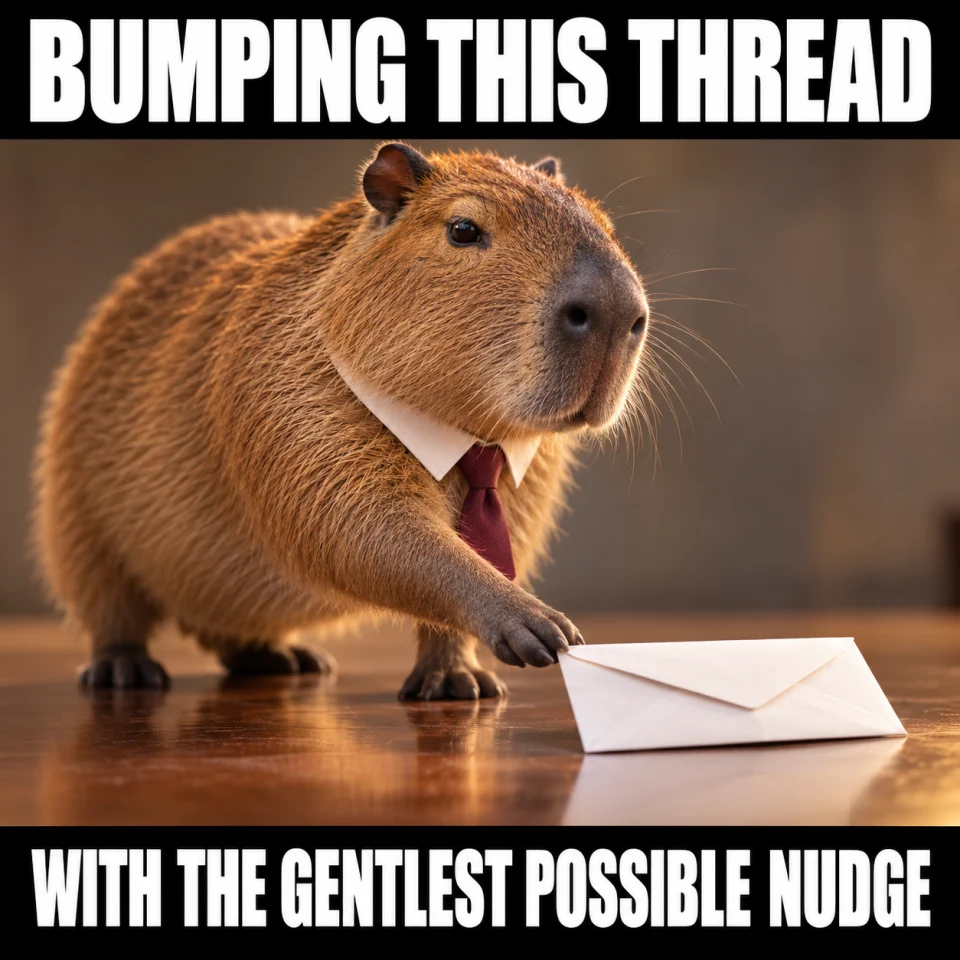
Best for: Warm prospect follow-up. Original finished meme; download the JPG below.
Copy-ready email — Giving this a gentle bump. Would you prefer [option A], [option B], or to park this for now?
When to use it — An existing email thread with a decision that can be reduced to two practical options.
Make it your own — Offer real choices and keep “park this” as a valid answer. Do not add another bump immediately after sending this one.
Image brief to adapt
Create an original square sales meme. Scene: A calm capybara in a tiny business tie delicately nudges a small white paper envelope forward with one paw. Exaggerated careful body language, funny over-serious concentration. Top text: "BUMPING THIS THREAD". Bottom text: "WITH THE GENTLEST POSSIBLE NUDGE". Use large white lettering on black caption bands, and keep every word readable on a phone. No logos or watermark. Change the caption or subject to match my scenario: [your details].
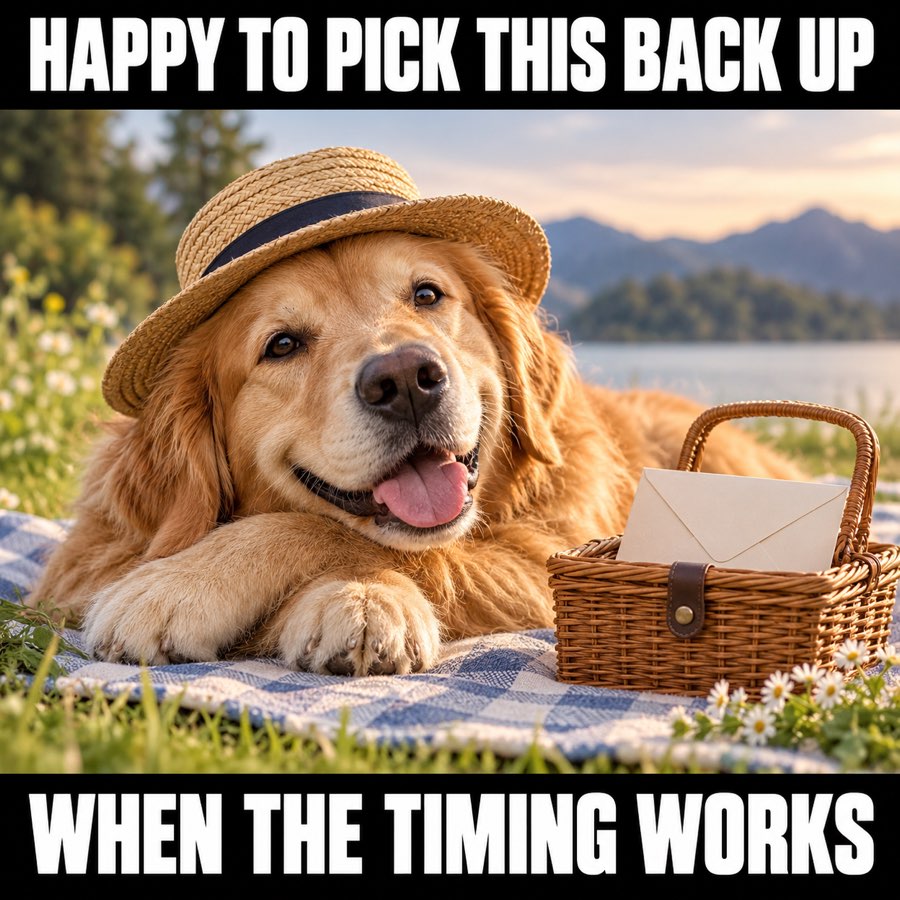
6. Circle back later meme: when the timing works
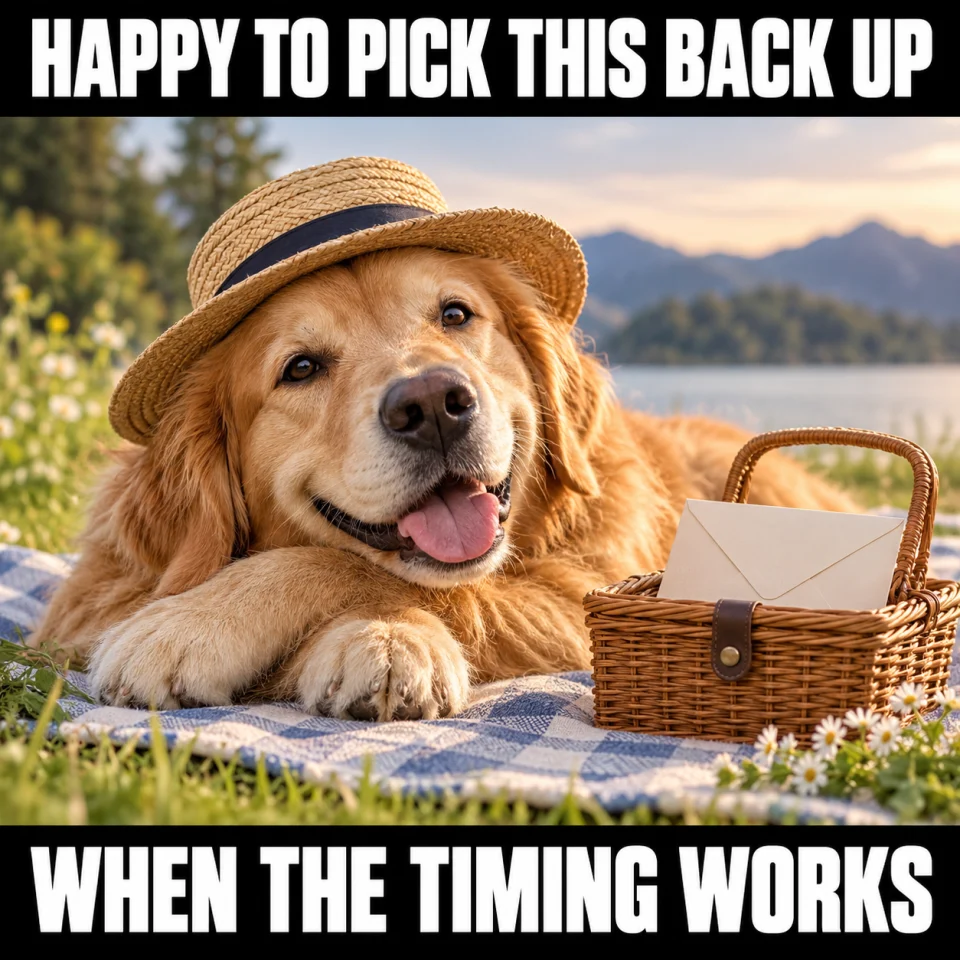
Best for: Warm prospect follow-up. Original finished meme; download the JPG below.
Copy-ready email — Happy to pick this back up when it is useful. Should I check back around [agreed timeframe], or leave it with you?
When to use it — A prospect who has said the project is on hold, or a final note before pausing a quiet thread.
Make it your own — Use a timeframe the recipient suggested when you have one. If they ask you to stop, stop.
Image brief to adapt
Create an original square sales meme. Scene: A friendly golden retriever lounging beside a small picnic basket with one paper envelope, warm welcoming expression, relaxed and patient. Soft pastel outdoors. Top text: "HAPPY TO PICK THIS BACK UP". Bottom text: "WHEN THE TIMING WORKS". Use large white lettering on black caption bands, and keep every word readable on a phone. No logos or watermark. Change the caption or subject to match my scenario: [your details].
Put it into practice
What to send when the last email got no response
Use the patient-dog or small-fish image when you already have a conversation and one useful thing to add. Copy the message, name the actual topic, and ask a question that can be answered briefly. If the project may no longer be active, use the timing-works image to offer a pause.
Silence does not tell you whether a person saw the message or why they did not reply. Keep the note about the work instead of guessing their motive. The refresh-hamster and paranormal-sales memes are for laughing about your own waiting with the team.
Common questions
What is a no response meme?
It is a joke about sending a message and waiting for a reply. In this collection, the scenarios are sales emails and proposals, with separate examples for warm prospect follow-ups and internal team humor.
Which no reply meme can I send to a prospect?
The patient dog, small fish, gentle nudge, and timing-works images have a softer tone. Use one with a relevant text message in an existing conversation.
Can I send a ghosted prospect meme to the buyer?
The paranormal-sales image is better suited to the team chat. In a buyer thread, a simple question about whether the project is still active is more respectful than calling the person a ghost.
Are these no response memes free to download?
Yes. The Download meme (JPG) button saves a finished image without signup. You can copy the accompanying message and adapt the bracketed details.
Turn the brief into your own creative
Start with a finished meme above, or copy an image brief into Studio to make a version about your own product, audience, and sales situation.
Your starter brief
Replace the brackets with your own details.
Make an original no-response meme about waiting for a sales email reply. Give me one kind prospect-facing version and one self-deprecating internal sales-team version. Use a simple visual and two short captions. Include a concise follow-up about [real topic] that lets the person say later.
Copy your adapted brief, open Studio, and paste it into your creative workflow. Review the result before using it.
Create your version in Studio