Industry playbooks
8 Sales Email Memes You Can Download & Use
By Memes.ai
Updated October 24, 2026 · 5 min read
Looking for memes to use in sales emails? Start with a finished image and a short message that matches the moment: a cold introduction, a quiet thread, a proposal follow-up, or a conversation you want to pause. These eight sales email memes are ready to download as JPGs. Each example includes message copy and a label showing whether it is suited to prospects or the sales-team chat.
What you’ll take away
- Download a finished meme as a JPG, with no signup required.
- Copy an email message, replace its bracketed details, and insert the image through your email editor.
- Use the audience label to choose a prospect-facing joke or an internal sales-team meme.
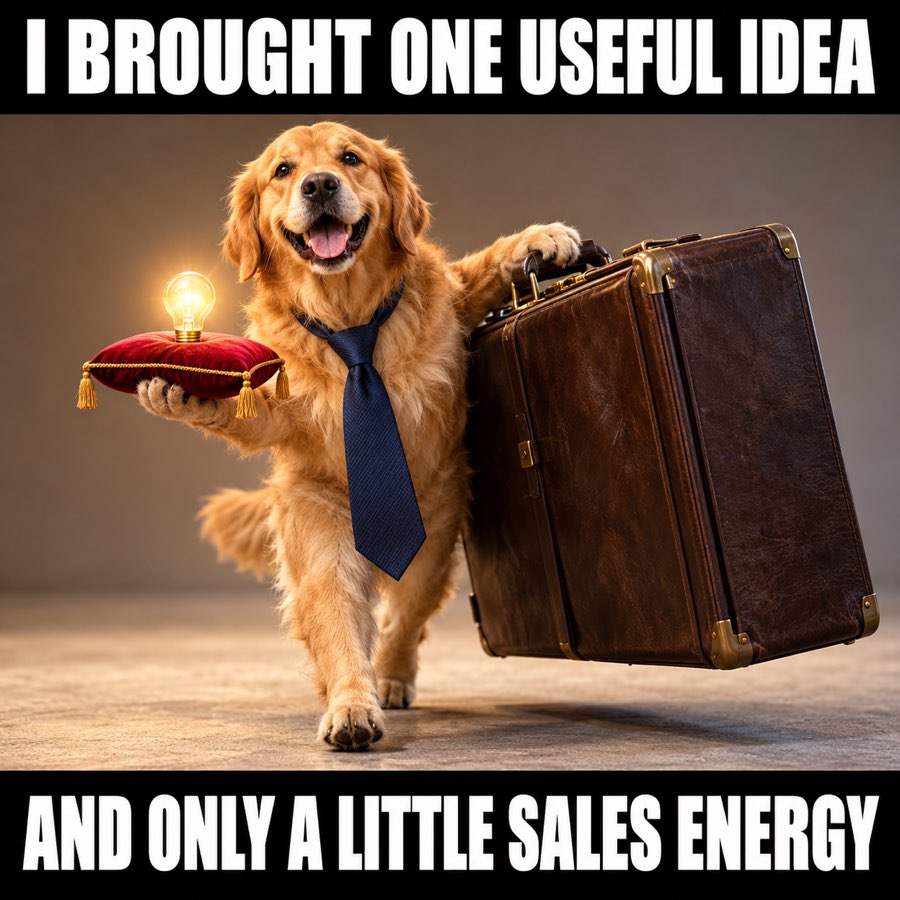
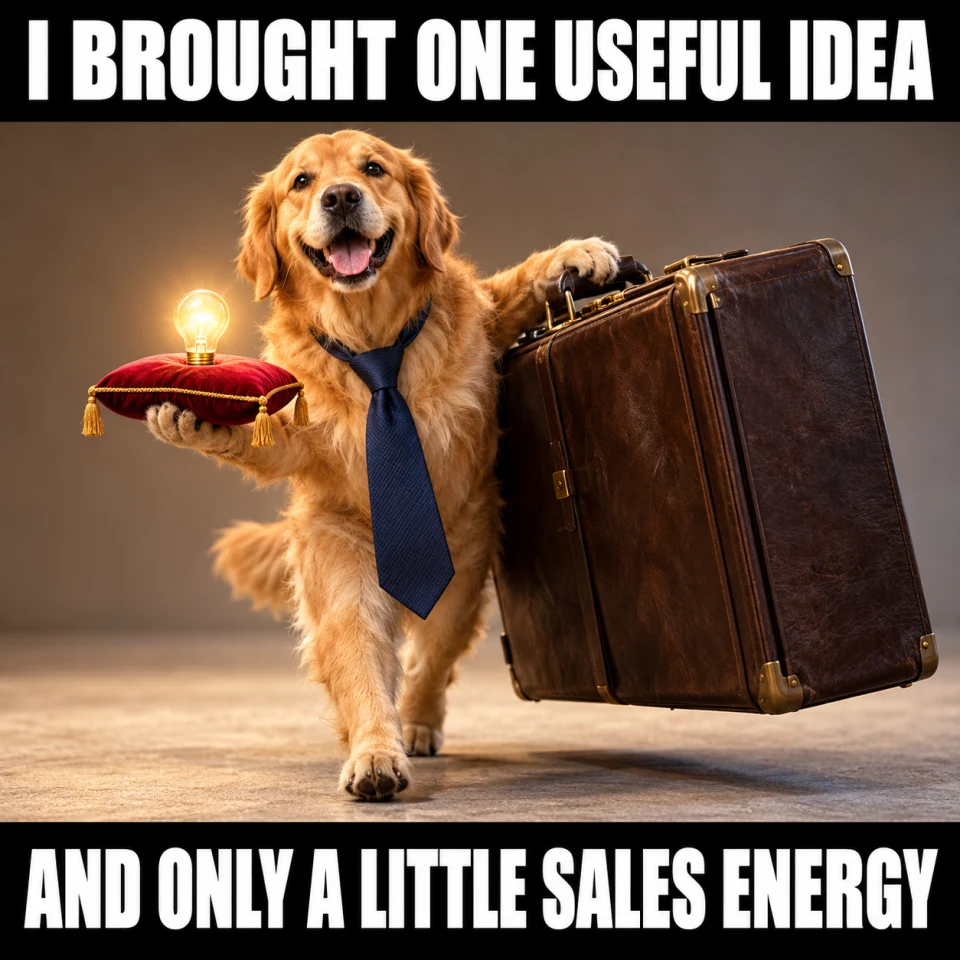
1. Cold outreach meme: one useful idea
Best for: Prospect-facing. Original finished meme; download the JPG below.
Copy-ready email — Hi [Name] — I noticed [specific, relevant detail]. One idea: [useful suggestion]. Worth sending you a short example?
When to use it — An opener with a real observation and one useful idea. The dog makes fun of the sender’s enthusiasm, so the buyer is not the punchline.
Make it your own — Replace all three brackets. Use this image only if that casual tone fits the recipient; the useful idea should be clear before they see it.
Image brief to adapt
Create an original square sales meme. Scene: An endearing golden retriever wearing a slightly oversized plain business tie, proudly carrying one tiny glowing lightbulb on a cushion and a comically enormous plain briefcase. Eager but not pushy. Top text: "I BROUGHT ONE USEFUL IDEA". Bottom text: "AND ONLY A LITTLE SALES ENERGY". Use large white lettering on black caption bands, and keep every word readable on a phone. No logos or watermark. Change the caption or subject to match my scenario: [your details].
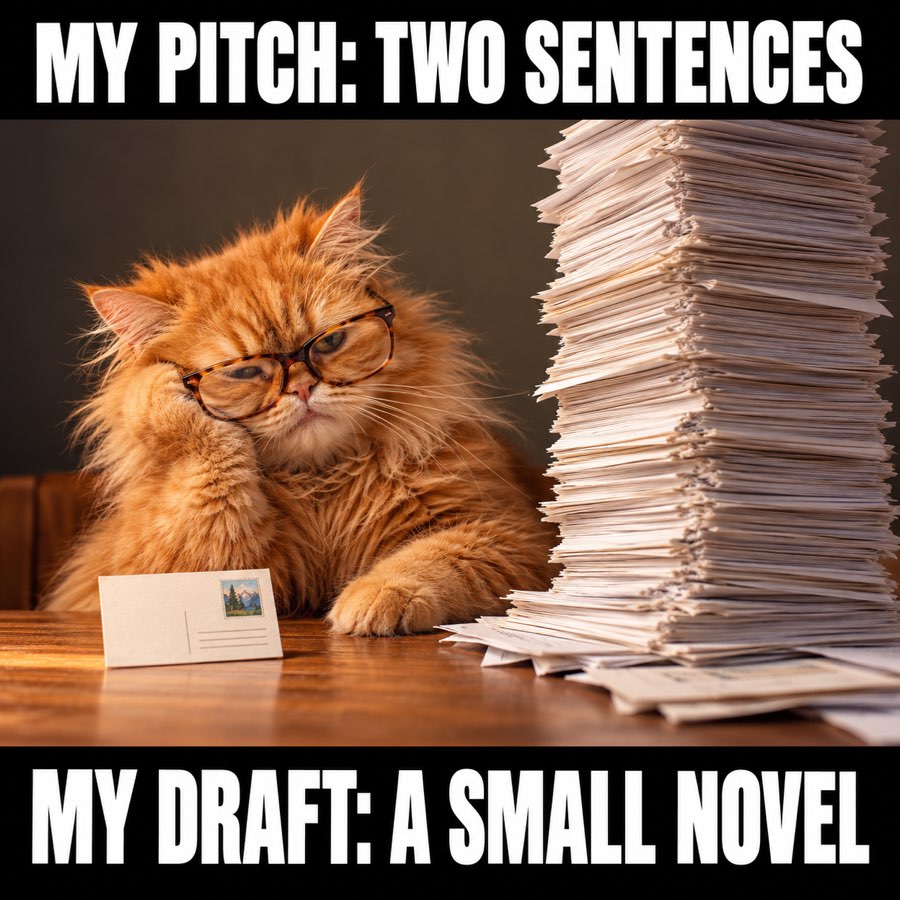
2. The two-sentence sales pitch meme
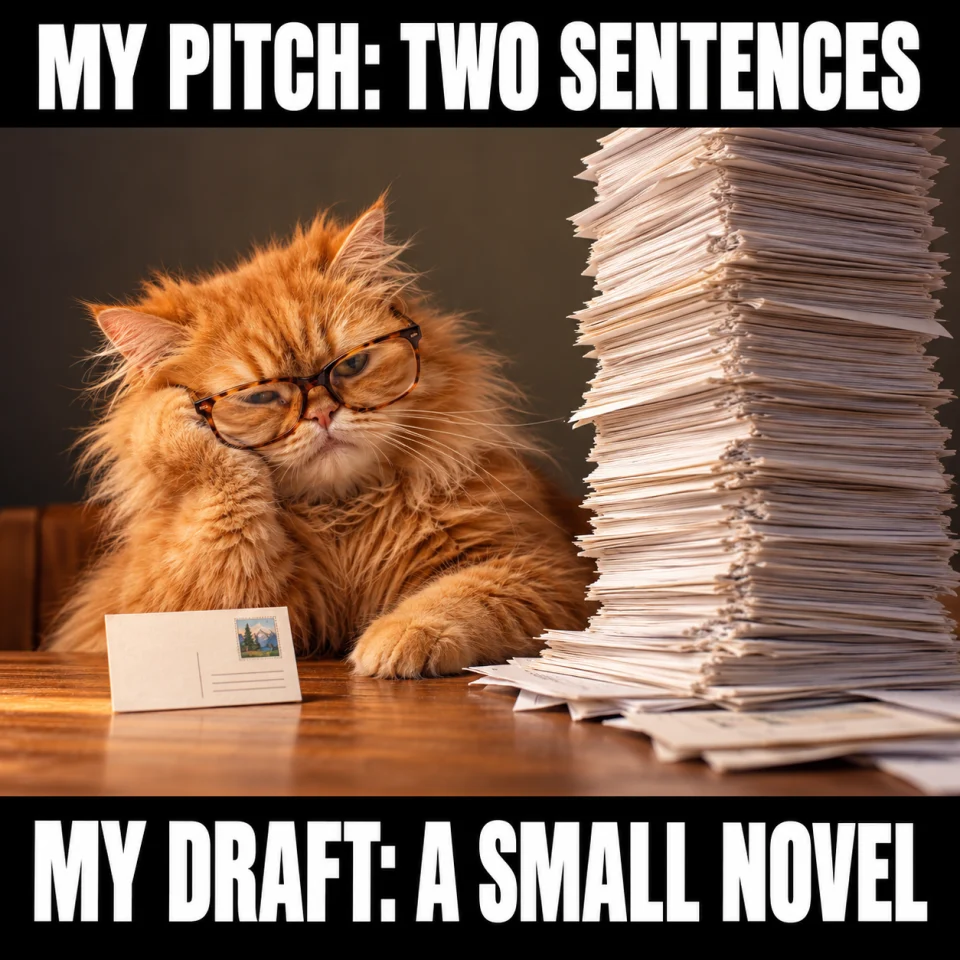
Best for: Team chat. Original finished meme; download the JPG below.
Team-chat caption — Me: I will keep this outreach short. Also me: Chapter One.
When to use it — SDR team chats, outbound training, or a LinkedIn post about writing shorter cold emails.
Make it your own — For a coaching post, show your own short before-and-after email below the meme. Keep real prospect names and messages private.
Image brief to adapt
Create an original square sales meme. Scene: A tired fluffy orange cat in reading glasses beside a tiny postcard and an absurdly tall wobbling pile of typed pages. Visually obvious mismatch. No computer. Top text: "MY PITCH: TWO SENTENCES". Bottom text: "MY DRAFT: A SMALL NOVEL". Use large white lettering on black caption bands, and keep every word readable on a phone. No logos or watermark. Change the caption or subject to match my scenario: [your details].
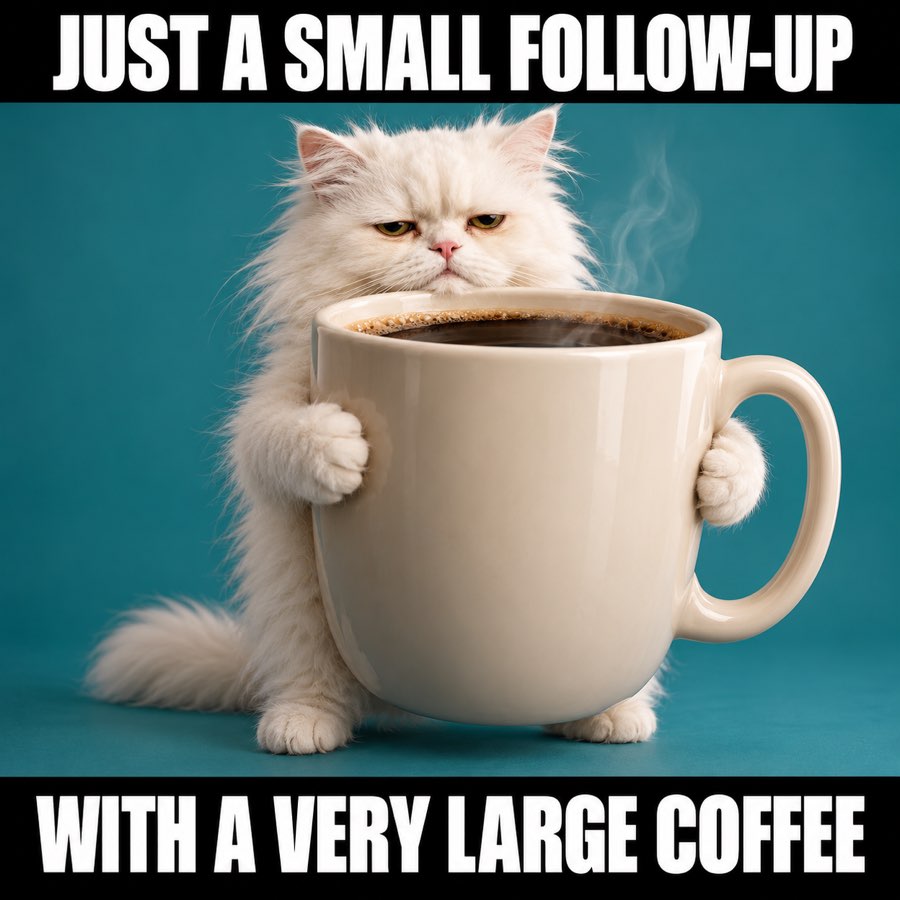
3. Just checking in meme: the giant coffee
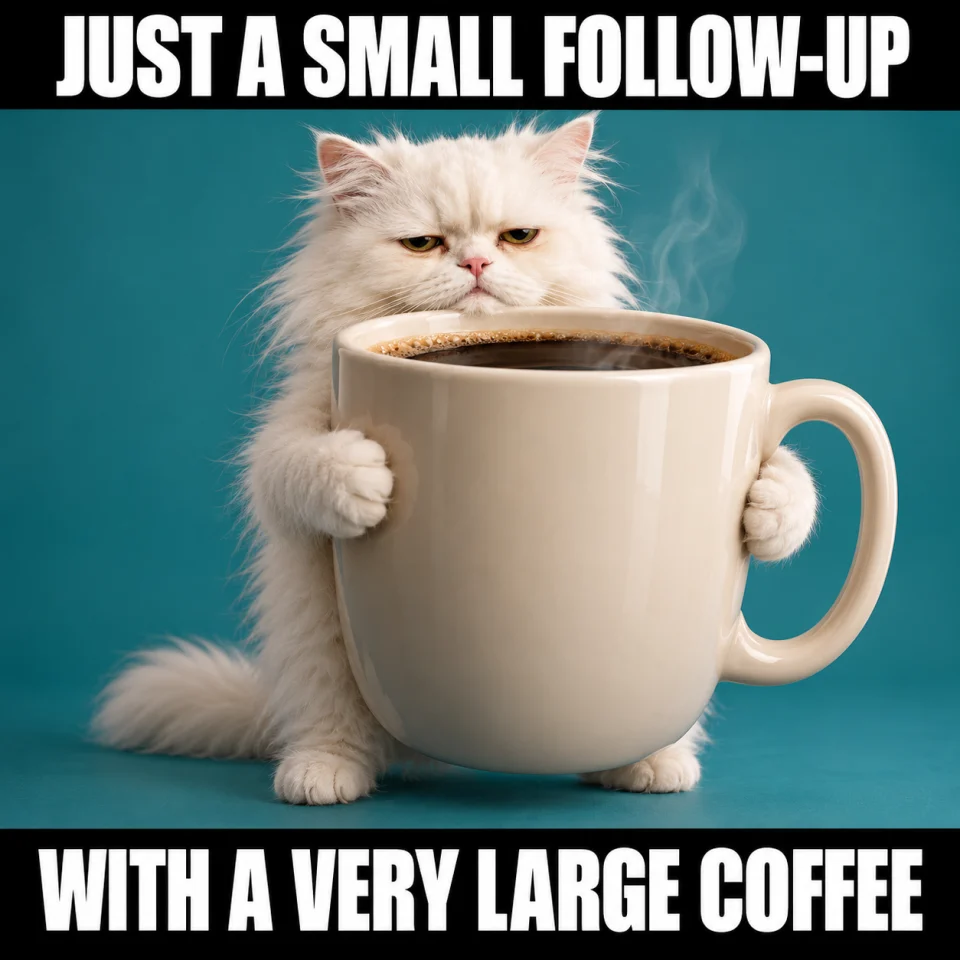
Best for: Warm prospect follow-up. Original finished meme; download the JPG below.
Copy-ready email — Hi [Name] — one small follow-up on [topic]. Would [specific next step] help, or is later a better time?
When to use it — A friendly check-in when the next action is clear. The oversized coffee is the joke; the buyer does not owe the sender an answer.
Make it your own — Replace “specific next step” with one action, such as sending a comparison or answering a setup question.
Image brief to adapt
Create an original square sales meme. Scene: A cute exhausted white office cat holding a ludicrously giant coffee mug with both paws. The mug is almost larger than the cat. Simple teal background, deadpan expression. Top text: "JUST A SMALL FOLLOW-UP". Bottom text: "WITH A VERY LARGE COFFEE". Use large white lettering on black caption bands, and keep every word readable on a phone. No logos or watermark. Change the caption or subject to match my scenario: [your details].
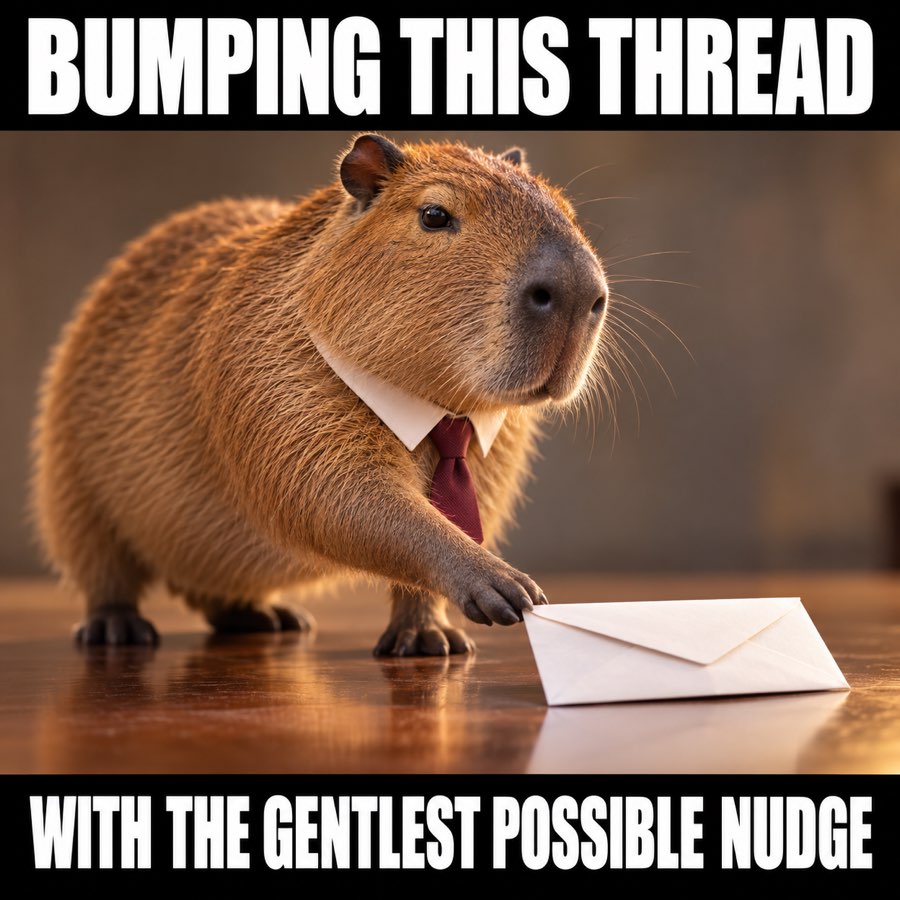
4. Bumping this thread meme: the gentle nudge
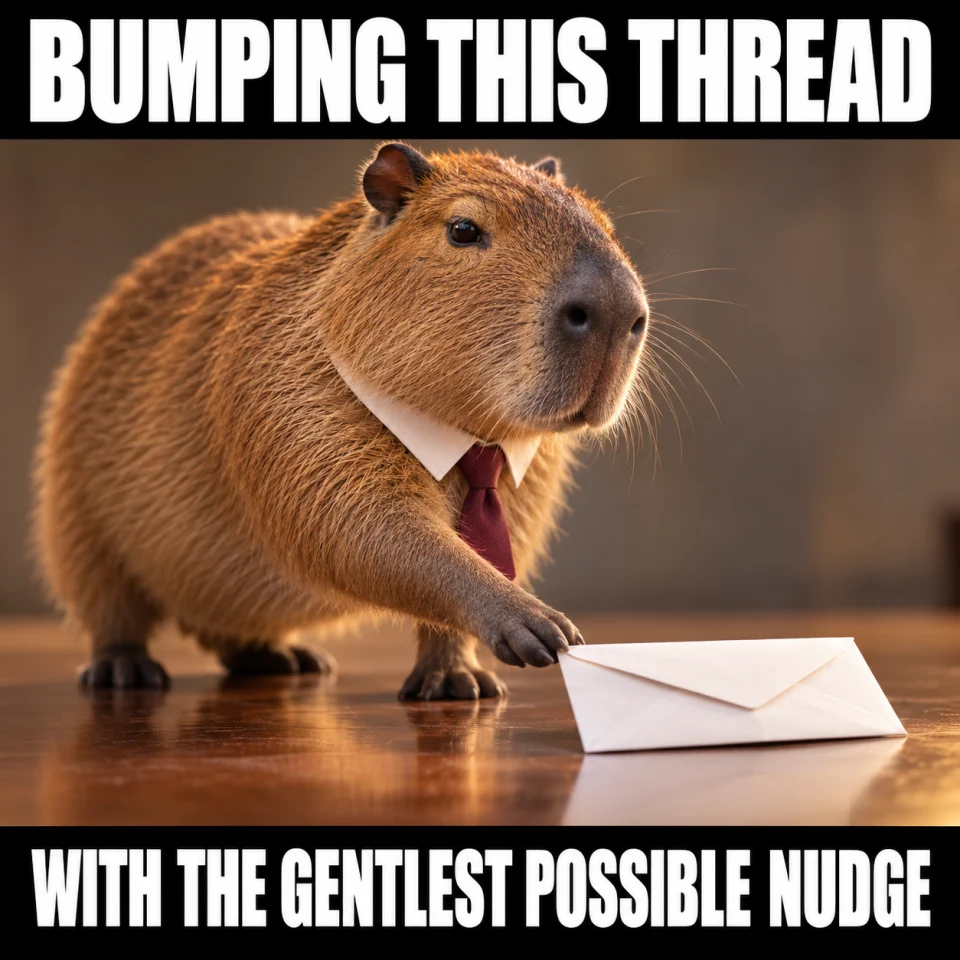
Best for: Warm prospect follow-up. Original finished meme; download the JPG below.
Copy-ready email — Giving this a gentle bump. Would you prefer [option A], [option B], or to park this for now?
When to use it — An existing email thread with a decision that can be reduced to two practical options.
Make it your own — Offer real choices and keep “park this” as a valid answer. Do not add another bump immediately after sending this one.
Image brief to adapt
Create an original square sales meme. Scene: A calm capybara in a tiny business tie delicately nudges a small white paper envelope forward with one paw. Exaggerated careful body language, funny over-serious concentration. Top text: "BUMPING THIS THREAD". Bottom text: "WITH THE GENTLEST POSSIBLE NUDGE". Use large white lettering on black caption bands, and keep every word readable on a phone. No logos or watermark. Change the caption or subject to match my scenario: [your details].
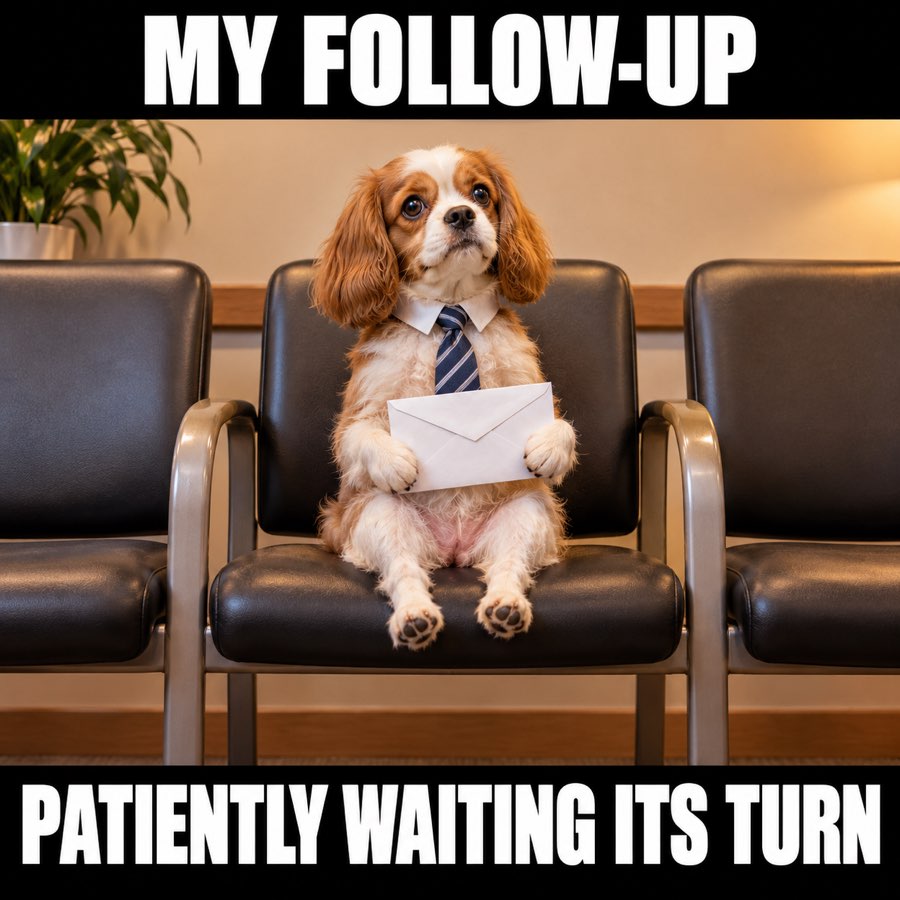
5. No reply meme: patiently waiting
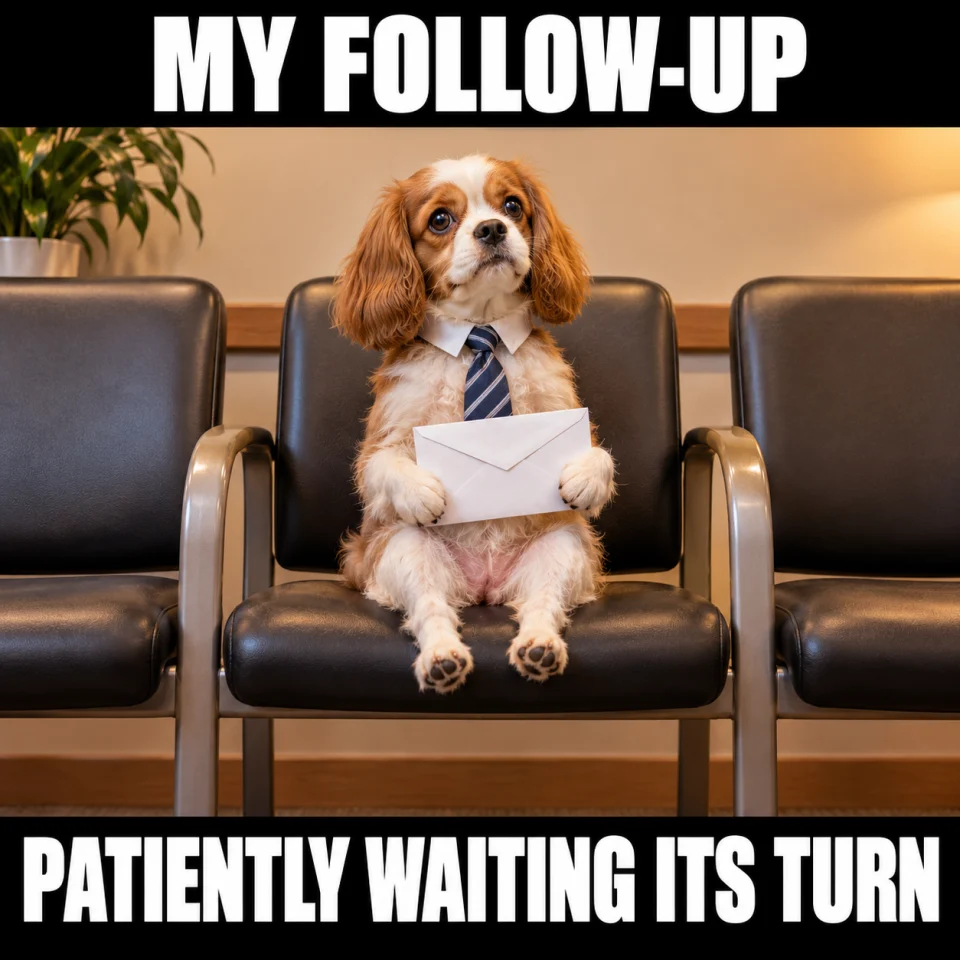
Best for: Warm prospect follow-up. Original finished meme; download the JPG below.
Copy-ready email — Hi [Name] — checking whether [topic] is still on your list. A quick “later” is fine too.
When to use it — A warm conversation that has gone quiet. The small dog is patient rather than demanding or accusatory.
Make it your own — Mention the real topic so the recipient does not have to search the whole thread. Keep a plain-text version of the message.
Image brief to adapt
Create an original square sales meme. Scene: An adorable small dog in a business tie sitting in a row of empty waiting-room chairs, holding one neat white envelope, feet do not reach floor. Calm patient expression, warm simple composition. Top text: "MY FOLLOW-UP". Bottom text: "PATIENTLY WAITING ITS TURN". Use large white lettering on black caption bands, and keep every word readable on a phone. No logos or watermark. Change the caption or subject to match my scenario: [your details].
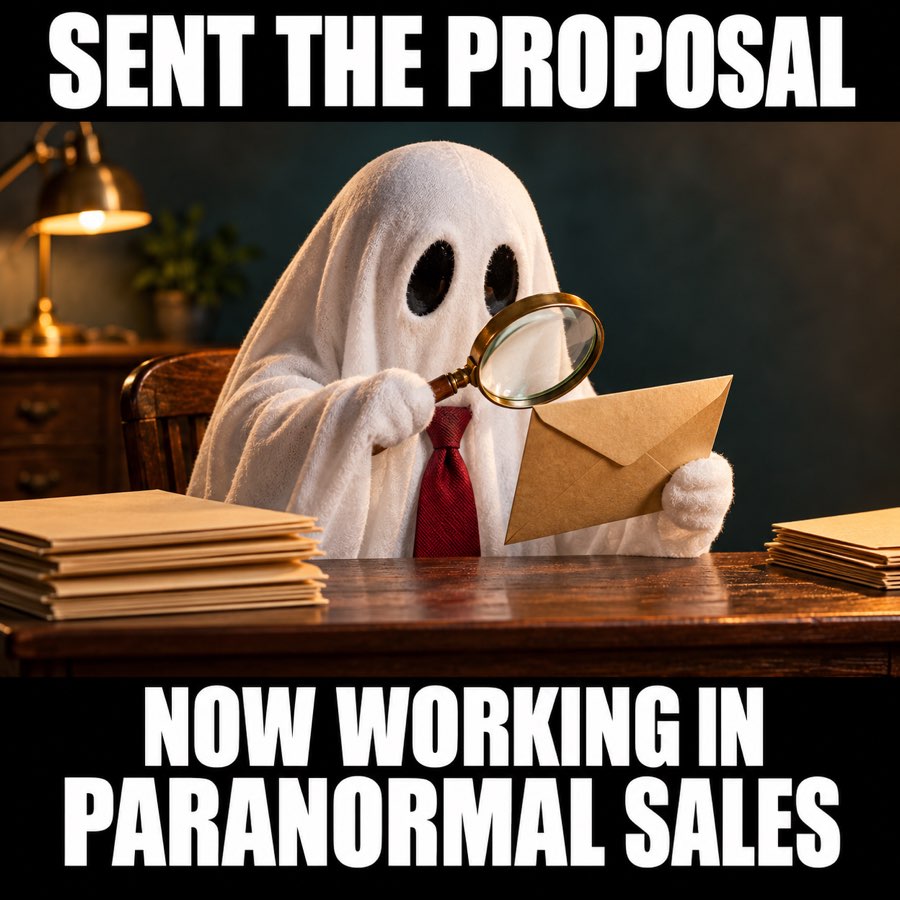
6. Ghosted prospect meme: paranormal sales
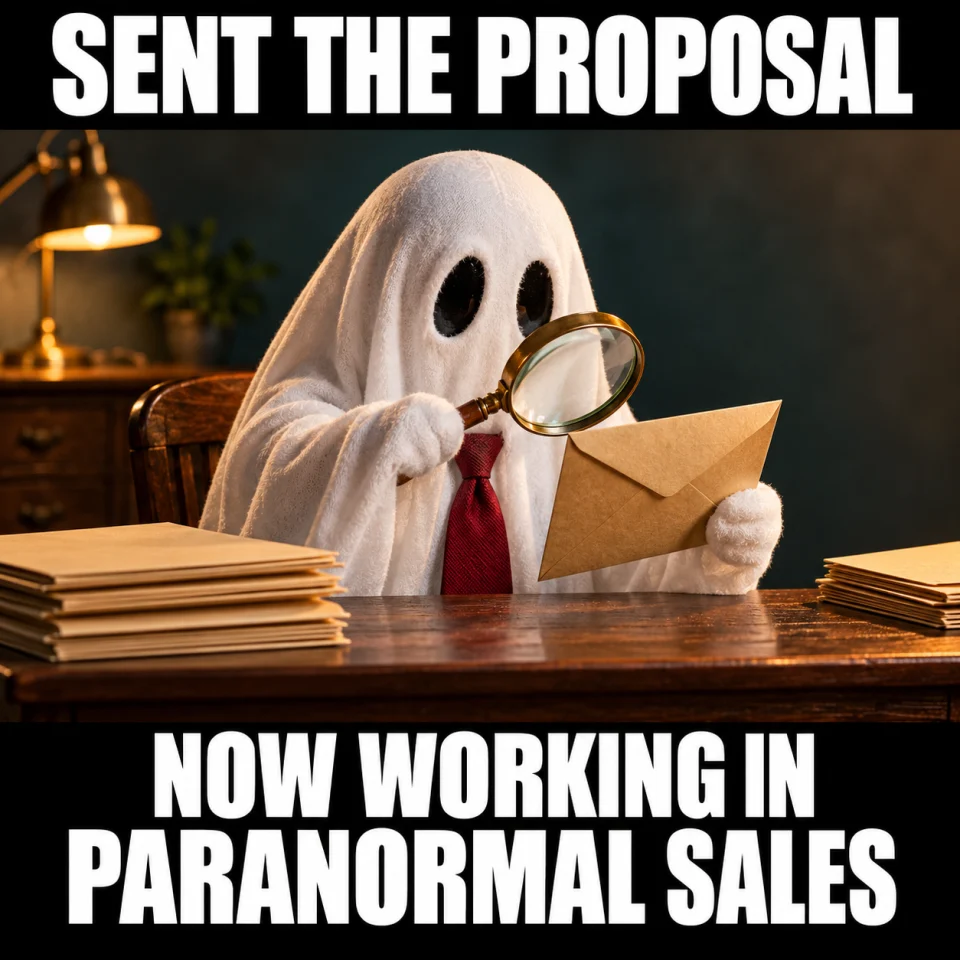
Best for: Team chat. Original finished meme; download the JPG below.
Team-chat caption — Sent the proposal. Accidentally joined the paranormal sales department.
When to use it — An internal laugh about a quiet proposal thread. Calling a prospect a ghost can sound like blame, so share this one with colleagues.
Make it your own — Do not tag a buyer or share a screenshot of their email. Keep the joke about your own waiting, not a real person.
Image brief to adapt
Create an original square sales meme. Scene: A harmless little sheet ghost in a business tie sits at a tiny office desk with one paper envelope, magnifying glass and plain folders, funny friendly ghost investigator, no computer, no writing. Top text: "SENT THE PROPOSAL". Bottom text: "NOW WORKING IN PARANORMAL SALES". Use large white lettering on black caption bands, and keep every word readable on a phone. No logos or watermark. Change the caption or subject to match my scenario: [your details].
7. Circle back later meme: when the timing works

Best for: Warm prospect follow-up. Original finished meme; download the JPG below.
Copy-ready email — Happy to pick this back up when it is useful. Should I check back around [agreed timeframe], or leave it with you?
When to use it — A prospect who has said the project is on hold, or a final note before pausing a quiet thread.
Make it your own — Use a timeframe the recipient suggested when you have one. If they ask you to stop, stop.
Image brief to adapt
Create an original square sales meme. Scene: A friendly golden retriever lounging beside a small picnic basket with one paper envelope, warm welcoming expression, relaxed and patient. Soft pastel outdoors. Top text: "HAPPY TO PICK THIS BACK UP". Bottom text: "WHEN THE TIMING WORKS". Use large white lettering on black caption bands, and keep every word readable on a phone. No logos or watermark. Change the caption or subject to match my scenario: [your details].
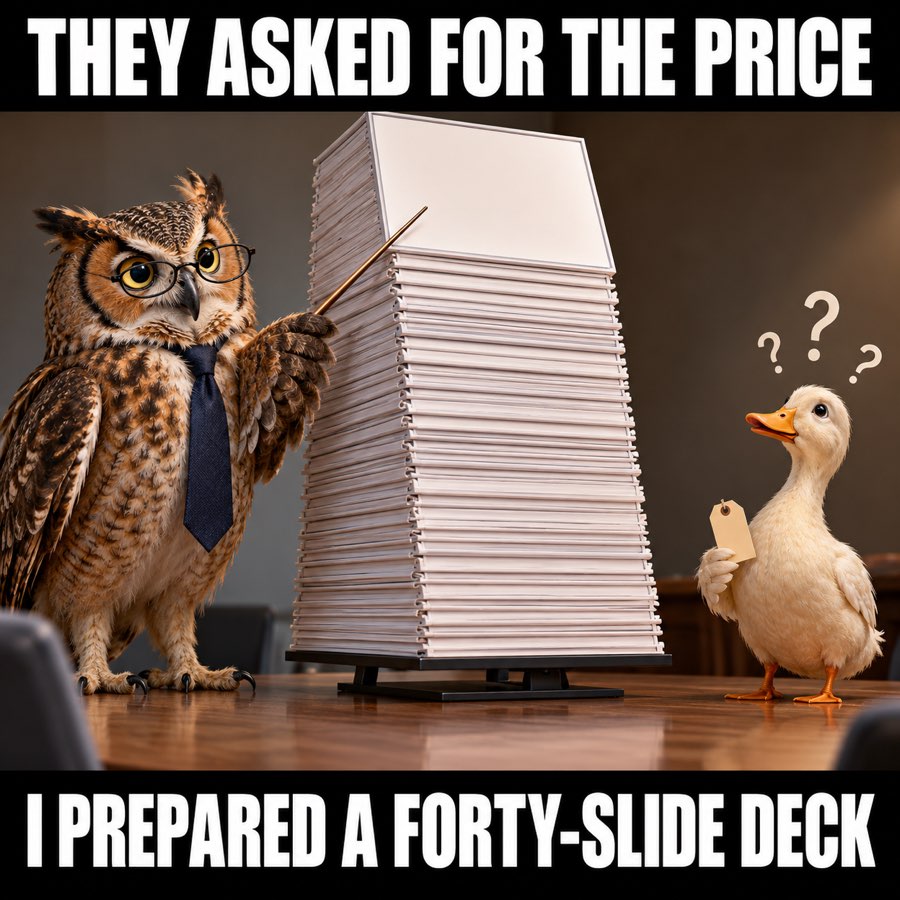
8. Send me pricing meme: the forty-slide deck
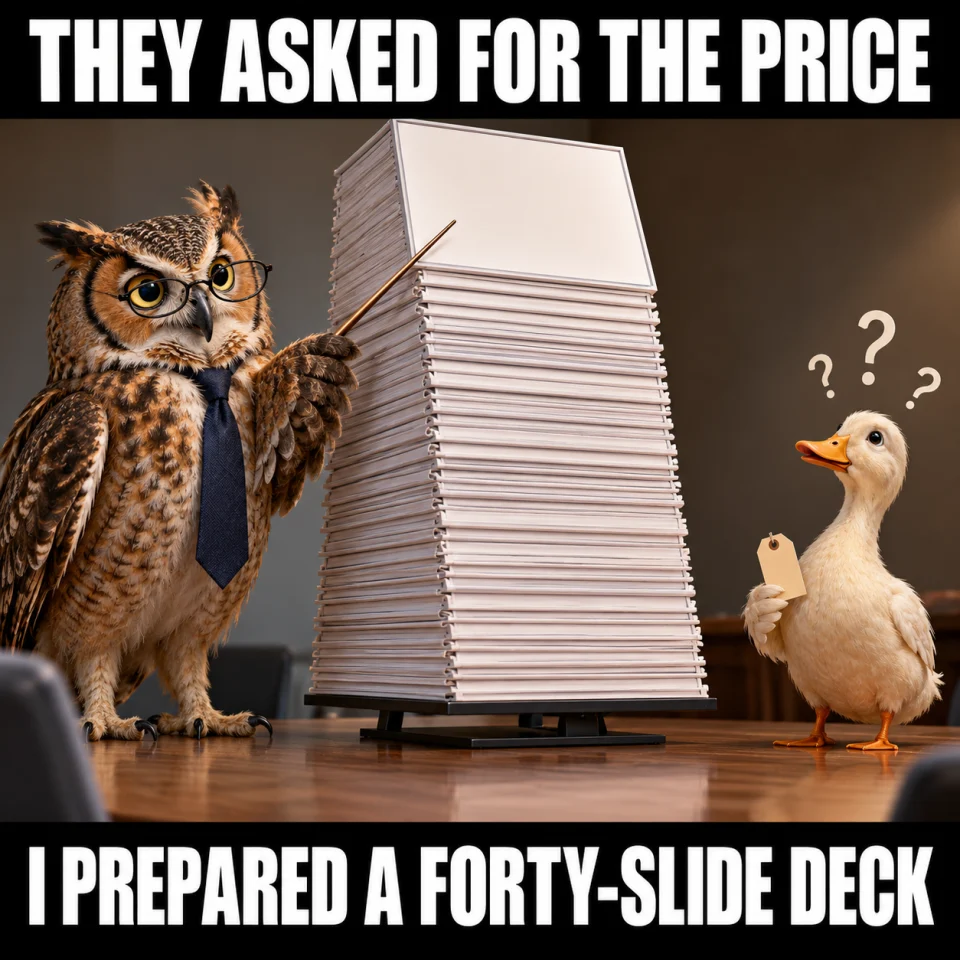
Best for: Team chat. Original finished meme; download the JPG below.
Team-chat caption — They asked for the price. I somehow opened presentation software.
When to use it — Sales enablement humor about answering the question the buyer actually asked.
Make it your own — Practice a short, accurate price answer with relevant conditions. Offer more detail after you give the direct answer.
Image brief to adapt
Create an original square sales meme. Scene: An owl in small glasses and plain tie presents a ridiculously towering stack of blank presentation boards to a small confused duck holding a plain tiny price tag. Affectionate self-deprecating sales humor. Top text: "THEY ASKED FOR THE PRICE". Bottom text: "I PREPARED A FORTY-SLIDE DECK". Use large white lettering on black caption bands, and keep every word readable on a phone. No logos or watermark. Change the caption or subject to match my scenario: [your details].
Put it into practice
How to put a meme into a sales email
Choose the scenario closest to your real conversation. Click Download meme (JPG), then insert the saved image into the body of your email through your mail editor. Copy the example message and replace every bracketed detail. Keep the offer, question, and next step in normal text so the email still makes sense when images are hidden.
For first contact, lead with a relevant observation and one useful idea. For a warm follow-up, refer to what you last discussed. A friendly joke about your own enthusiasm is easier to send than a joke about someone ignoring you. Save the sharper SDR jokes for your team chat.
Common questions
Where can I download memes to use in sales emails?
Use the Download meme (JPG) button below each example. These original images are available without a signup. You can also copy the accompanying email message or image brief.
Which sales email meme should I send after no response?
For a warm conversation, start with the patient dog or gentle thread-bump image. Pair it with a specific question about the topic. Use the ghosted-prospect joke in your team chat rather than aiming it at a quiet buyer.
Can I use a meme in cold outreach?
You can use a gentle, relevant image when it suits the audience, but write a useful opener first. The one-useful-idea dog is designed for that tone. The short-pitch and overthinking memes are better suited to SDR chats or posts about outreach.
Are these sales email GIFs?
These are static JPG downloads with WebP previews. They are not animated GIFs. A static meme is easy to save and insert into a message.
Turn the brief into your own creative
Start with a finished meme above, or copy an image brief into Studio to make a version about your own product, audience, and sales situation.
Your starter brief
Replace the brackets with your own details.
Create an original sales email meme for [cold outreach / warm follow-up / no response / proposal review]. Use one clear visual joke and two short readable lines. Give me a prospect-facing version and an internal sales-team version. Include one copy-ready email message using only these facts: [your actual offer and context].
Copy your adapted brief, open Studio, and paste it into your creative workflow. Review the result before using it.
Create your version in Studio