Industry playbooks
4 Sales Objection Memes for Your Team Chat
By Memes.ai
Updated October 24, 2026 · 4 min read
Budget limits, existing tools, approval committees, and the pricing question that somehow becomes a presentation: sales teams know these moments. These four sales objection memes are finished images you can download for your team chat, a training session, or a post about sales life. Each has a caption to copy and a practical way to turn the joke into a useful conversation.
What you’ll take away
- Download four original memes about budget, tools, approvals, and overcomplicated pricing answers.
- Use the team-chat captions for internal humor, training slides, or sales-life posts.
- Answer an actual buyer’s question directly; use the practical note beneath each meme for your next conversation.
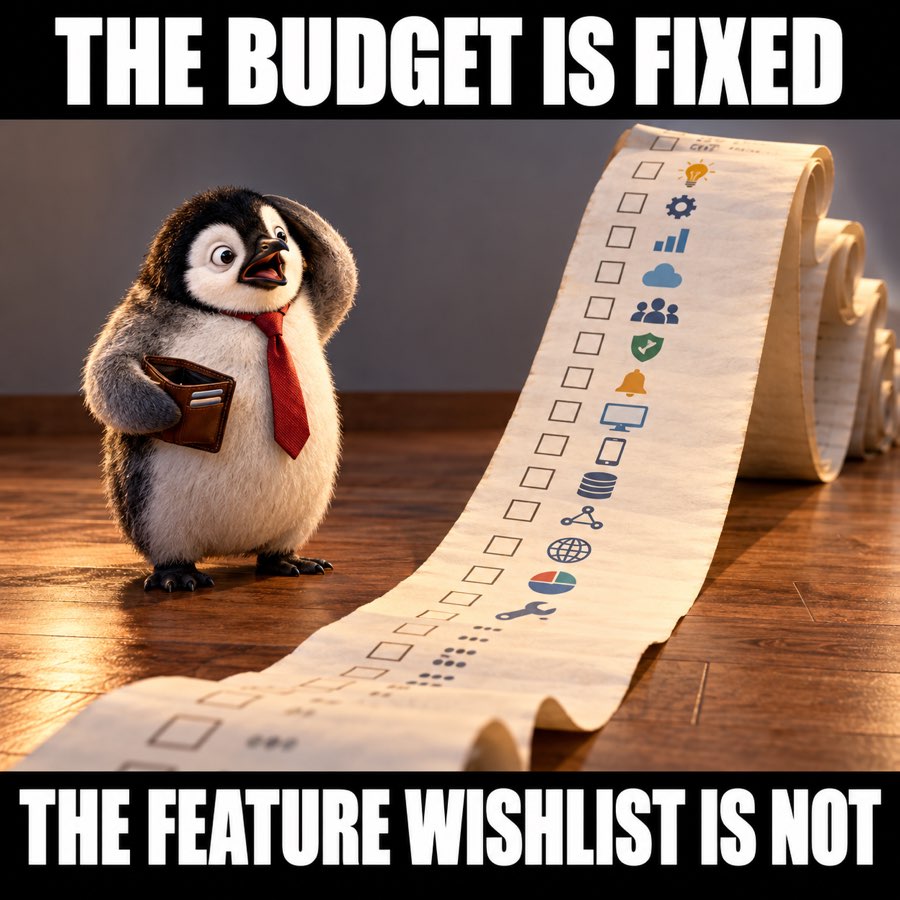
1. Budget objection meme: the growing wishlist
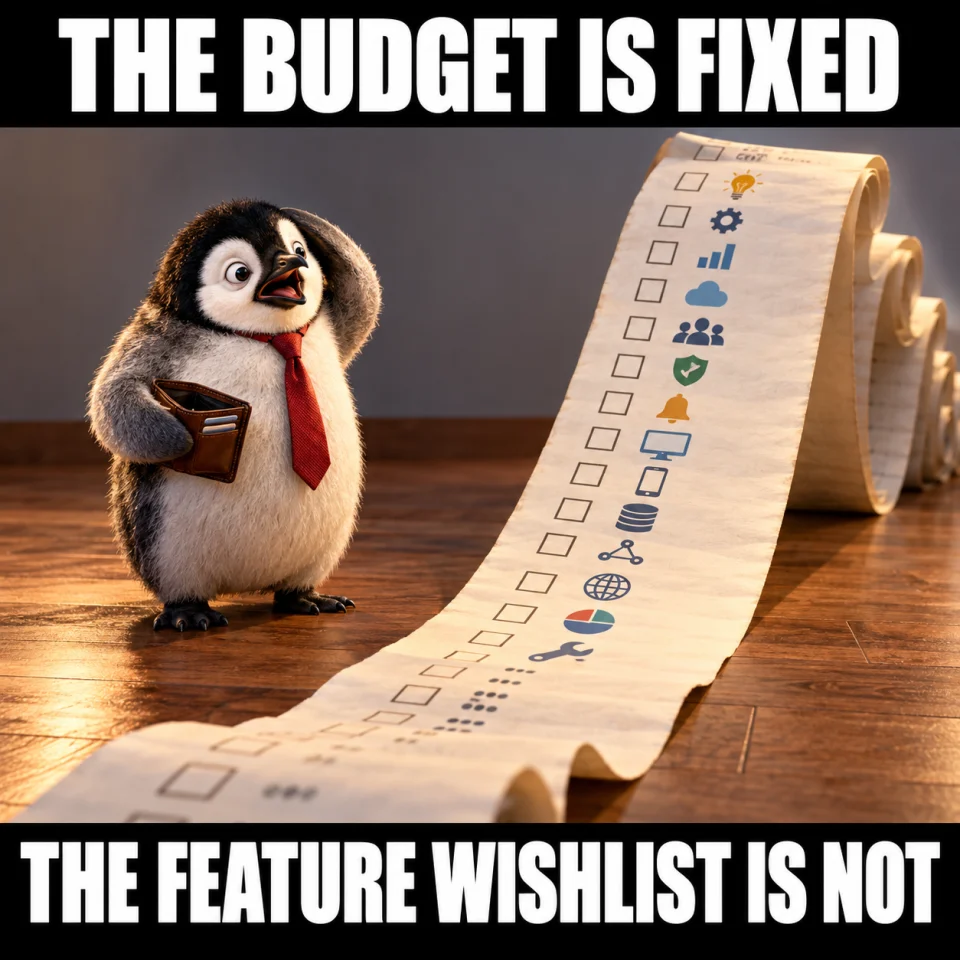
Best for: Team chat. Original finished meme; download the JPG below.
Team-chat caption — Fixed budget. Unlimited feature wishlist. Time to agree what matters first.
When to use it — A sales-team or planning conversation about scope. The joke is about prioritizing a wishlist, not about a customer’s finances.
Make it your own — Follow it with a real must-have versus nice-to-have list. Keep pricing and discounts accurate.
Image brief to adapt
Create an original square sales meme. Scene: A small penguin in a business tie holds a tiny wallet while an enormous scroll unfurls across the floor with simple pictograms and checkboxes, nothing legibly written. Amused overwhelmed expression. Top text: "THE BUDGET IS FIXED". Bottom text: "THE FEATURE WISHLIST IS NOT". Use large white lettering on black caption bands, and keep every word readable on a phone. No logos or watermark. Change the caption or subject to match my scenario: [your details].
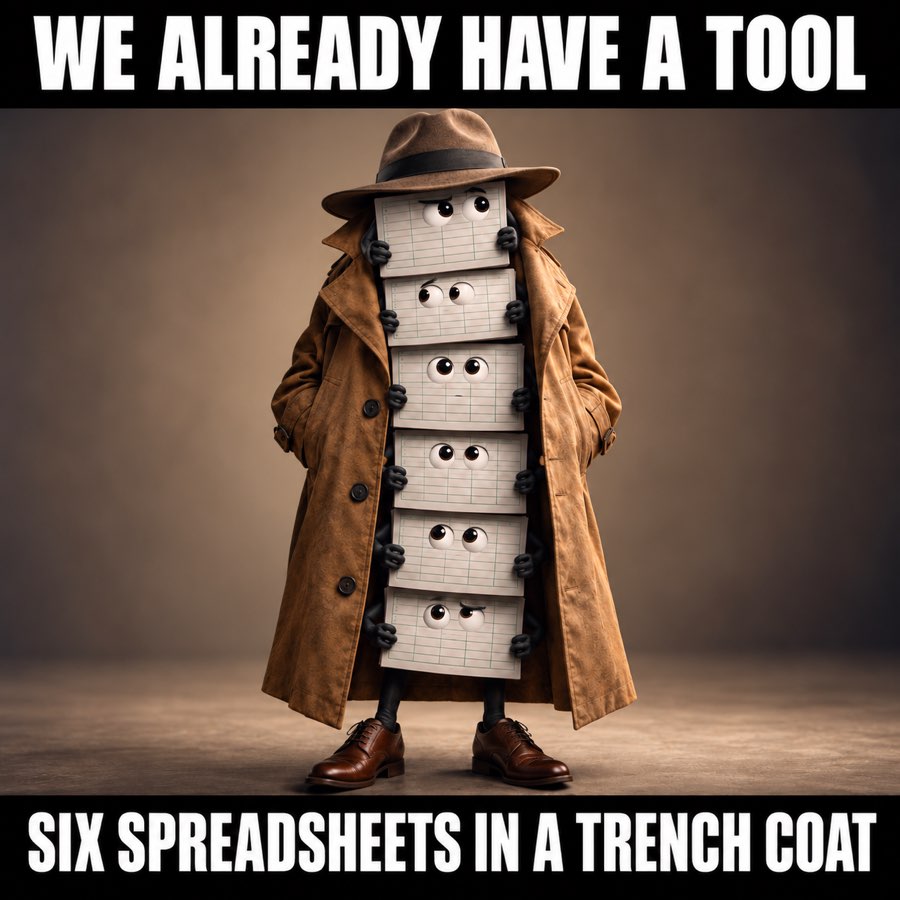
2. We already have a tool meme
Best for: Team chat. Original finished meme; download the JPG below.
Team-chat caption — Sometimes the current tech stack is six spreadsheets doing their best.
When to use it — A team chat or public post about messy workflows. Use it as a recognizable process joke, not as an insult to a buyer’s current system.
Make it your own — If you discuss an alternative, explain a specific capability and migration requirement. Do not assume the buyer needs to switch.
Image brief to adapt
Create an original square sales meme. Scene: Six anthropomorphic plain spreadsheet pages stacked on top of each other secretly pretending to be one tall person in an oversized trench coat and hat. Generic empty grid pages with no brand logos. Witty obvious visual gag. Top text: "WE ALREADY HAVE A TOOL". Bottom text: "SIX SPREADSHEETS IN A TRENCH COAT". Use large white lettering on black caption bands, and keep every word readable on a phone. No logos or watermark. Change the caption or subject to match my scenario: [your details].
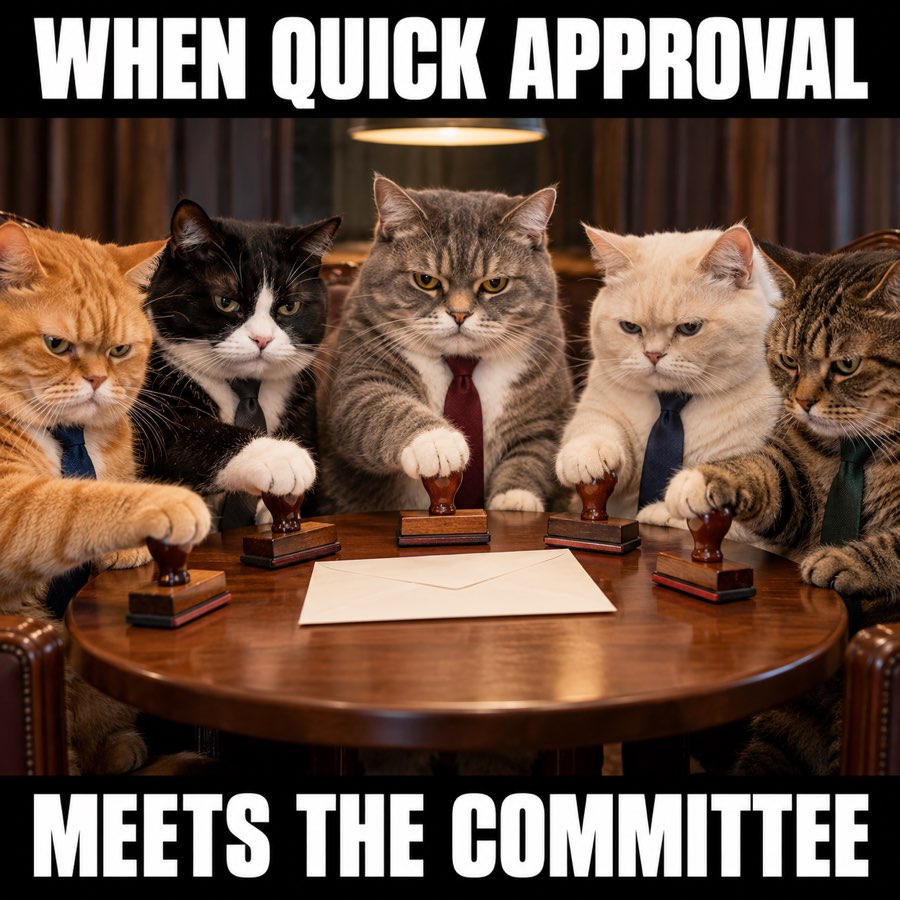
3. Approval committee meme
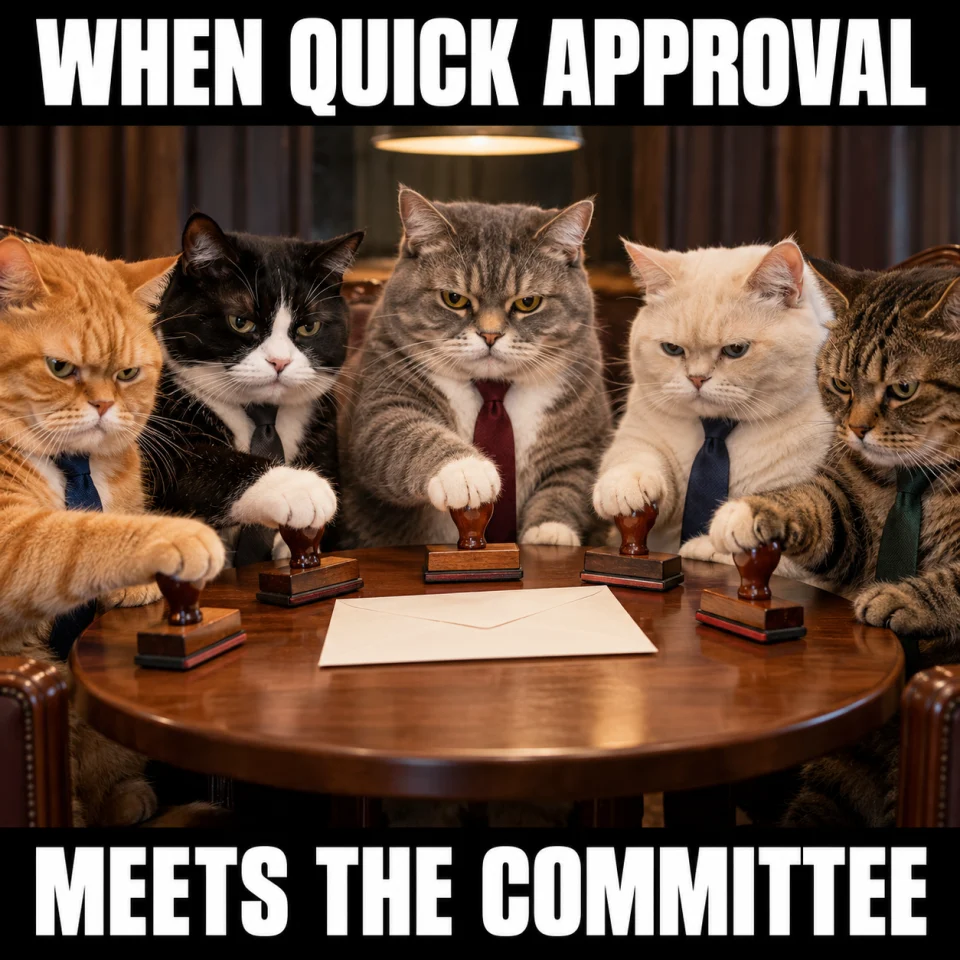
Best for: Team chat. Original finished meme; download the JPG below.
Team-chat caption — The quick approval has entered committee season.
When to use it — Sales-team chats about the number of stakeholders in a buying process.
Make it your own — For the actual buyer, ask what the approvers need: a summary, security answers, budget details, or a comparison.
Image brief to adapt
Create an original square sales meme. Scene: Five very serious cats wearing plain business ties sit around a tiny round meeting table with a single paper envelope in the center. Each has one rubber stamp poised over the same document. Funny absurd bureaucracy, realistic paws. Top text: "WHEN QUICK APPROVAL". Bottom text: "MEETS THE COMMITTEE". Use large white lettering on black caption bands, and keep every word readable on a phone. No logos or watermark. Change the caption or subject to match my scenario: [your details].
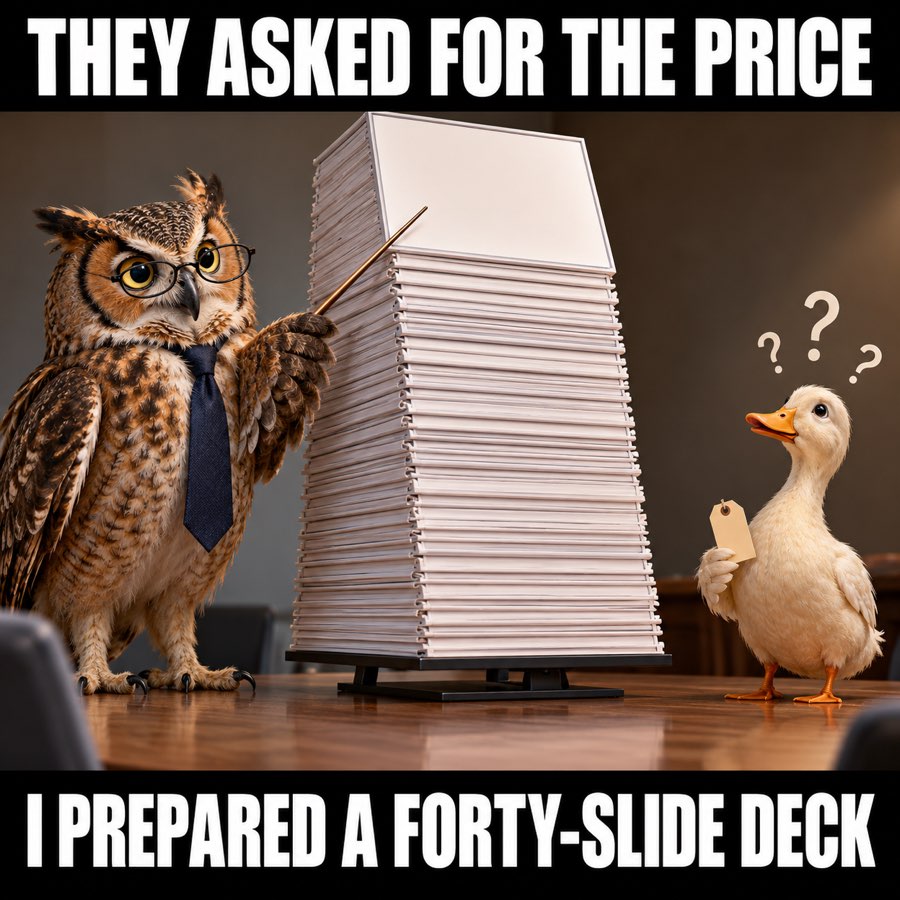
4. Send me pricing meme: the forty-slide deck
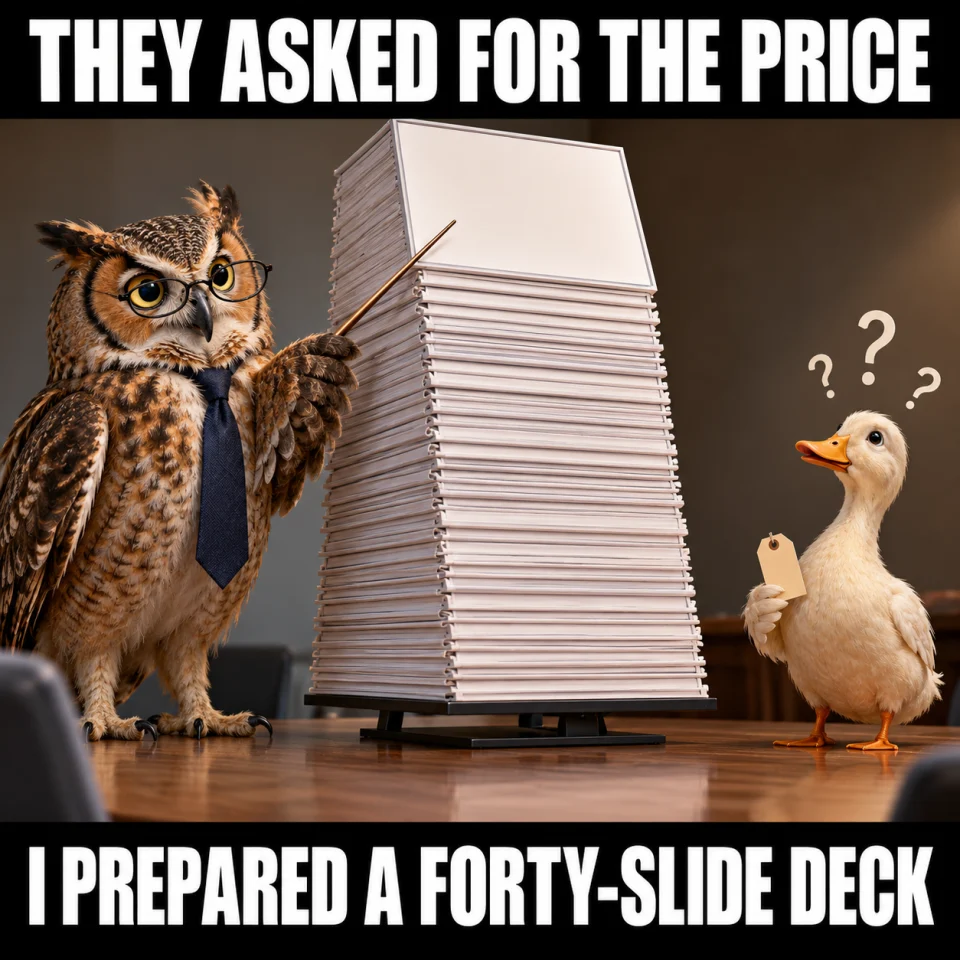
Best for: Team chat. Original finished meme; download the JPG below.
Team-chat caption — They asked for the price. I somehow opened presentation software.
When to use it — Sales enablement humor about answering the question the buyer actually asked.
Make it your own — Practice a short, accurate price answer with relevant conditions. Offer more detail after you give the direct answer.
Image brief to adapt
Create an original square sales meme. Scene: An owl in small glasses and plain tie presents a ridiculously towering stack of blank presentation boards to a small confused duck holding a plain tiny price tag. Affectionate self-deprecating sales humor. Top text: "THEY ASKED FOR THE PRICE". Bottom text: "I PREPARED A FORTY-SLIDE DECK". Use large white lettering on black caption bands, and keep every word readable on a phone. No logos or watermark. Change the caption or subject to match my scenario: [your details].
Put it into practice
Turn the joke into a useful training prompt
Share one meme and ask the team for the next neutral question they would ask. For budget, ask which priorities matter most. For an existing tool, ask what is already working. For approvals, ask what information each reviewer needs. For pricing, practice giving the direct answer before explaining the details.
Keep the scenario fictional. A recognizable joke about a process is useful in training; a screenshot of a real buyer’s private email is not needed.
Common questions
Are these sales objection memes suitable to send to prospects?
These four are written mainly for sales teams. Their sharper jokes about buying processes fit an internal chat or training slide. For prospect-facing images, use the sales follow-up or sales email collection.
Can I use these memes in sales training?
Yes. Download the JPG and insert it into a training slide, then use the practical question beneath the image to start a role-play.
Where is the we already have a tool meme?
Example 2 shows six spreadsheets in a trench coat. It is an original image you can download and use as a workflow joke.
Turn the brief into your own creative
Start with a finished meme above, or copy an image brief into Studio to make a version about your own product, audience, and sales situation.
Your starter brief
Replace the brackets with your own details.
Create an original sales-team meme about [budget / current tools / approvals / pricing]. Make the shared process the joke. Add two short caption lines and a separate neutral question a rep can ask the buyer. Use fictional details and no customer names.
Copy your adapted brief, open Studio, and paste it into your creative workflow. Review the result before using it.
Create your version in Studio