Industry playbooks
Print Shop Posts: Prepare Customers to Send Artwork
By Memes.ai
Updated October 16, 2026 · 4 min read
A print-shop post can do more than show paper: it can help a customer describe the job. The completed fictional enquiry in this guide is for FIELDNOTE CAFÉ: one folded menu, two printed sides, with final size, quantity, stock, file settings and delivery arrangements to be confirmed with the printer. These are teaching facts for a fictional project, not universal production specifications. The shop's approved artwork instructions remain the source for technical requirements.
What you’ll take away
- Give a customer a completed example print enquiry and a handoff checklist whose technical requirements come from the actual printer.
- Do not promise print-ready exports from Studio or assert universal PDF, CMYK, bleed, vector, resolution, stock or turnaround rules. The project is fictional; the actual printer supplies technical specifications.
- Keep the exact example facts labeled as fictional. Replace them only with approved real business facts, then review image, caption and destination together.
1. Start with a complete enquiry
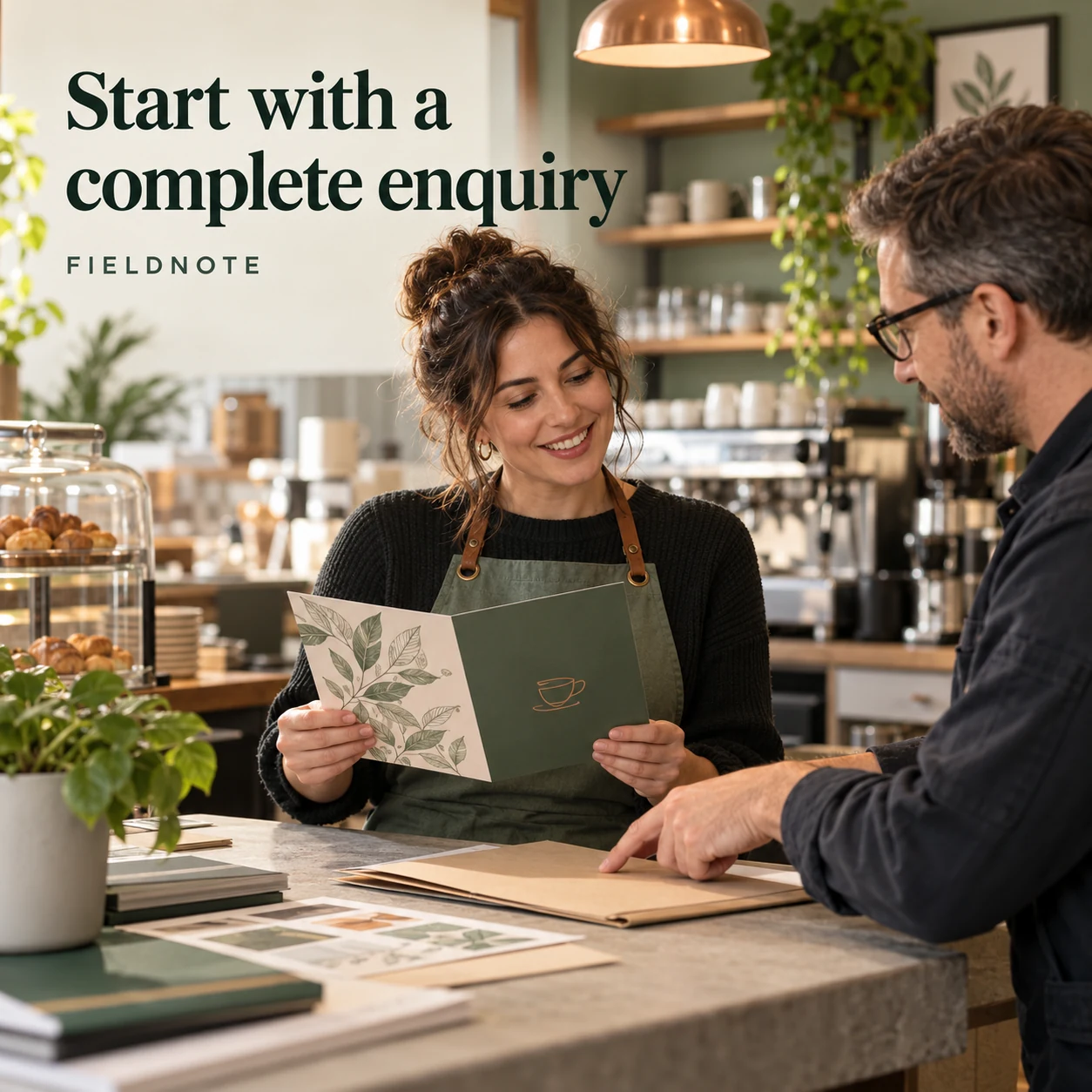
Original AI-generated fictional campaign concept. No real customer or measured result is represented.
Finished example caption — Fictional enquiry from FIELDNOTE CAFÉ: we need one folded menu with two printed sides. Please confirm the finished size, quantity options, paper choices, artwork requirements and collection arrangements before we prepare the final file.
Why use this post — This is a completed enquiry sentence with a concrete product and structure. Unknown production choices are explicit questions for the printer, not fake specifications.
Make it your own — Replace the fictional project with the customer's actual intended item. Add confirmed quantity, size and delivery needs only when supplied. Keep unknowns as questions in the enquiry, not instructions in a finished image.
Image brief to adapt
Create one complete polished square1080×1080 raster campaign image. Scene: Adult fictional café owner at a print counter holding one original folded menu sample with two visible outer surfaces; printer points to a plain project folder, no readable prices or specifications.. Art direction: refined natural editorial photography, sage green, warm ivory and copper, tactile materials, credible adult anatomy and object proportions. Composition: environmental view with clean upper-left headline space. Use exactly the headline “Start with a complete enquiry” and the small fictional wordmark “FIELDNOTE”. Keep all type highly legible at phone size and inset at least8% from edges. The scene is the main visual; no text-only card, wireframe, screenshot, mock UI or placeholder. No extra copy, dates, prices, claims, unrelated logos or fake testimonial. Do not promise print-ready exports from Studio or assert universal PDF, CMYK, bleed, vector, resolution, stock or turnaround rules. The project is fictional; the actual printer supplies technical specifications.. This is an explicitly fictional teaching concept.
2. Paper is a real choice
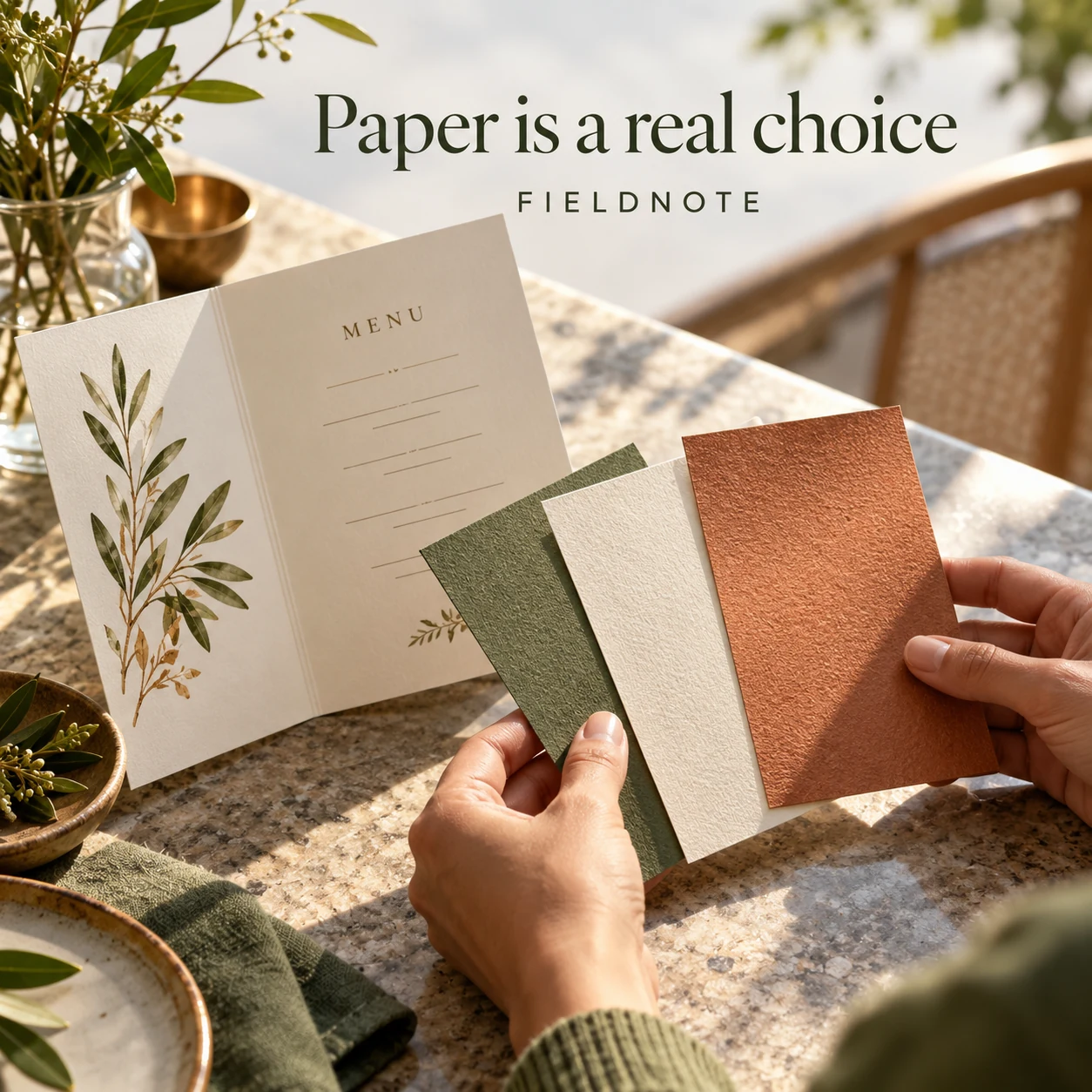
Original AI-generated fictional campaign concept. No real customer or measured result is represented.
Finished example caption — Fictional project note: FIELDNOTE CAFÉ will choose the menu stock after reviewing the printer's available samples. The final choice belongs in the agreed job record, not in a guess from an online photo.
Why use this post — The example separates a visual material discussion from the technical record. It does not infer weight, durability or environmental properties from the photo.
Make it your own — Use the printer's actual sample names and approved properties. Do not invent stock specifications or claim a generated texture proves the printed finish.
Image brief to adapt
Create one complete polished square1080×1080 raster campaign image. Scene: Three distinct unbranded paper swatches beside an original folded menu; adult hands comparing texture under daylight, no stock weights or certification marks.. Art direction: refined natural editorial photography, sage green, warm ivory and copper, tactile materials, credible adult anatomy and object proportions. Composition: close editorial view with generous clear top margin. Use exactly the headline “Paper is a real choice” and the small fictional wordmark “FIELDNOTE”. Keep all type highly legible at phone size and inset at least8% from edges. The scene is the main visual; no text-only card, wireframe, screenshot, mock UI or placeholder. No extra copy, dates, prices, claims, unrelated logos or fake testimonial. Do not promise print-ready exports from Studio or assert universal PDF, CMYK, bleed, vector, resolution, stock or turnaround rules. The project is fictional; the actual printer supplies technical specifications.. This is an explicitly fictional teaching concept.
3. Send the agreed handoff
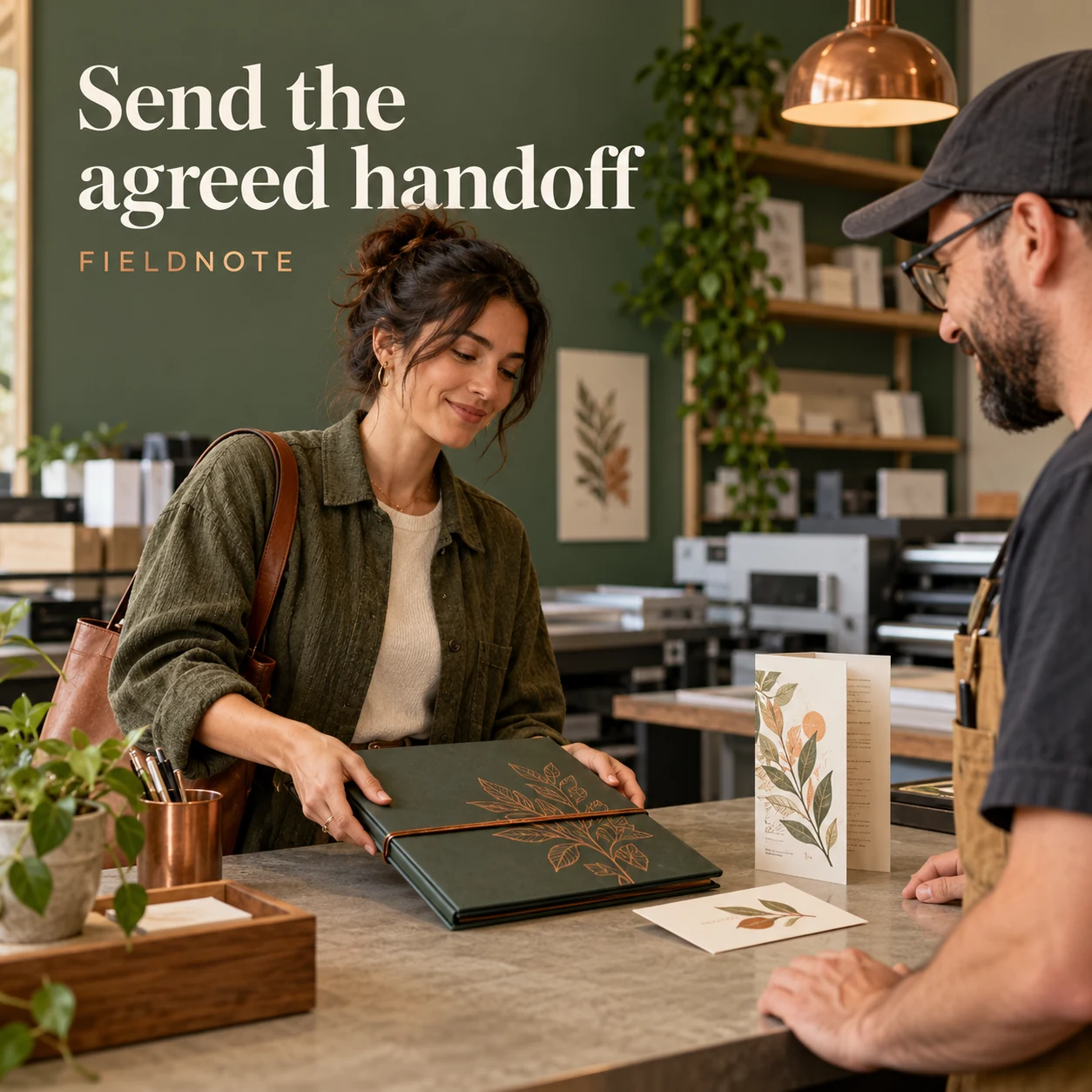
Original AI-generated fictional campaign concept. No real customer or measured result is represented.
Finished example caption — Fictional handoff note: FIELDNOTE CAFÉ's menu artwork matches the printer-approved job brief. The email identifies the project, supplied file version and the proof contact. Any file setting not yet confirmed goes back to the printer before production.
Why use this post — The handoff identifies the project, version and reviewer without pretending Studio exports a universally press-ready file. Printer-specific checks are a required dependency.
Make it your own — Add the actual agreed file name/version, approved specification record and contact. Use only a format the printer accepts. Do not claim an image-generation download is a finished production file.
Image brief to adapt
Create one complete polished square1080×1080 raster campaign image. Scene: Adult fictional designer placing a closed artwork folio beside a folded menu and plain version card at a print counter; no software screen, PDF logo, color chart values or technical claims.. Art direction: refined natural editorial photography, sage green, warm ivory and copper, tactile materials, credible adult anatomy and object proportions. Composition: environmental view with clean upper-left headline space. Use exactly the headline “Send the agreed handoff” and the small fictional wordmark “FIELDNOTE”. Keep all type highly legible at phone size and inset at least8% from edges. The scene is the main visual; no text-only card, wireframe, screenshot, mock UI or placeholder. No extra copy, dates, prices, claims, unrelated logos or fake testimonial. Do not promise print-ready exports from Studio or assert universal PDF, CMYK, bleed, vector, resolution, stock or turnaround rules. The project is fictional; the actual printer supplies technical specifications.. This is an explicitly fictional teaching concept.
4. A proof needs a reviewer
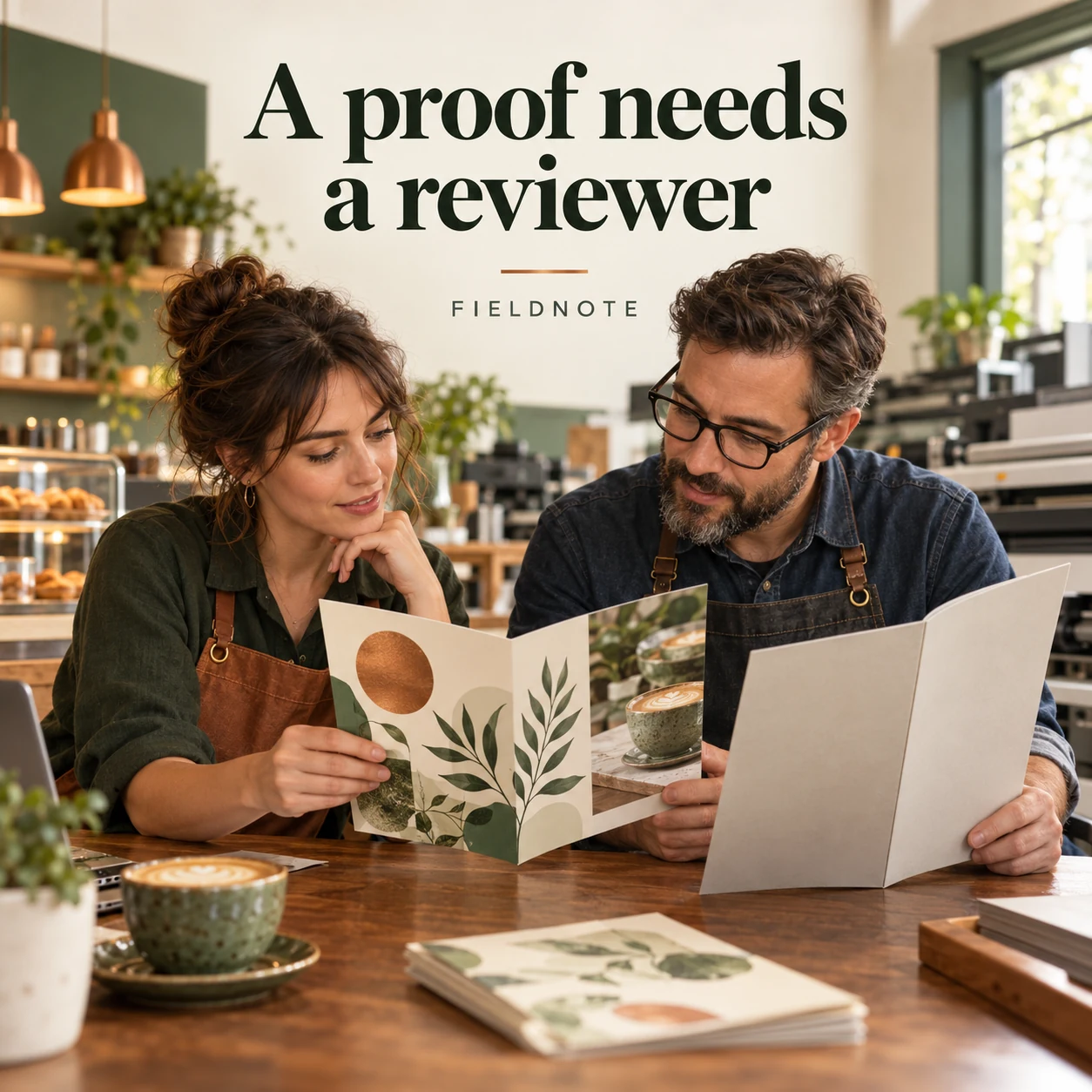
Original AI-generated fictional campaign concept. No real customer or measured result is represented.
Finished example caption — Fictional proof note: FIELDNOTE CAFÉ will review the menu wording, page order and agreed job details before authorizing production. A sample image is not an approved print proof.
Why use this post — The proof is distinguished from the illustrative creative. The reader gets specific things to check before approving production.
Make it your own — Use the shop's actual proof process and named authorized reviewer. Verify wording, images, orientation and job facts; do not claim that proof review guarantees a defect-free run.
Image brief to adapt
Create one complete polished square1080×1080 raster campaign image. Scene: Adult fictional café owner and printer comparing an original folded menu proof with an unprinted job folder; clear page folds, no readable personal information or invented approval stamp.. Art direction: refined natural editorial photography, sage green, warm ivory and copper, tactile materials, credible adult anatomy and object proportions. Composition: close editorial view with generous clear top margin. Use exactly the headline “A proof needs a reviewer” and the small fictional wordmark “FIELDNOTE”. Keep all type highly legible at phone size and inset at least8% from edges. The scene is the main visual; no text-only card, wireframe, screenshot, mock UI or placeholder. No extra copy, dates, prices, claims, unrelated logos or fake testimonial. Do not promise print-ready exports from Studio or assert universal PDF, CMYK, bleed, vector, resolution, stock or turnaround rules. The project is fictional; the actual printer supplies technical specifications.. This is an explicitly fictional teaching concept.
Put it into practice
Apply the brief to one real business task
Complete a project record for one real print job: intended item, use, known dimensions and quantity, stock questions, printer-approved artwork instructions, file version, proof reviewer and collection/delivery agreement. Use the completed fictional enquiry as a model for the first message, not as a specification. Obtain the actual printer's requirements before preparing the final handoff. Create an original concept image only for the agreed visual task, then keep it separate from the approved production file and proof.
Common questions
What belongs in the first print enquiry?
Describe the intended item, its use and the facts already known. The fictional menu enquiry specifies a folded menu with two printed sides and asks the printer to confirm size, quantity, stock, artwork and collection. Do not guess technical settings to make the enquiry look complete.
Can one file checklist work for every printer?
No universal checklist is asserted here. The actual printer must confirm accepted file format and any size, color, bleed, image or font requirements for the job. Record those approved instructions with the handoff and ask about anything unresolved.
Is an image made in Studio automatically a print-ready menu?
Do not assume that. A generated image is creative material, and a flattened image does not establish a complete layout or production file. Prepare the actual menu wording and layout, meet the printer's approved requirements and follow its proof process.
Turn the brief into your own creative
Choose the example that fits your task. Copy its brief, replace fictional details with approved business information and create a version in Studio. Review the output before using it.
Your starter brief
Replace the brackets with your own details.
Create one complete polished square1080×1080 raster campaign image. Scene: Adult fictional café owner at a print counter holding one original folded menu sample with two visible outer surfaces; printer points to a plain project folder, no readable prices or specifications.. Art direction: refined natural editorial photography, sage green, warm ivory and copper, tactile materials, credible adult anatomy and object proportions. Composition: environmental view with clean upper-left headline space. Use exactly the headline “Start with a complete enquiry” and the small fictional wordmark “FIELDNOTE”. Keep all type highly legible at phone size and inset at least8% from edges. The scene is the main visual; no text-only card, wireframe, screenshot, mock UI or placeholder. No extra copy, dates, prices, claims, unrelated logos or fake testimonial. Do not promise print-ready exports from Studio or assert universal PDF, CMYK, bleed, vector, resolution, stock or turnaround rules. The project is fictional; the actual printer supplies technical specifications.. This is an explicitly fictional teaching concept.
Copy your adapted brief, open Studio, and paste it into your creative workflow. Review the result before using it.
Create your version in Studio