Industry playbooks
Public Library Posts: Help Readers Join an Event
By Memes.ai
Updated October 16, 2026 · 4 min read
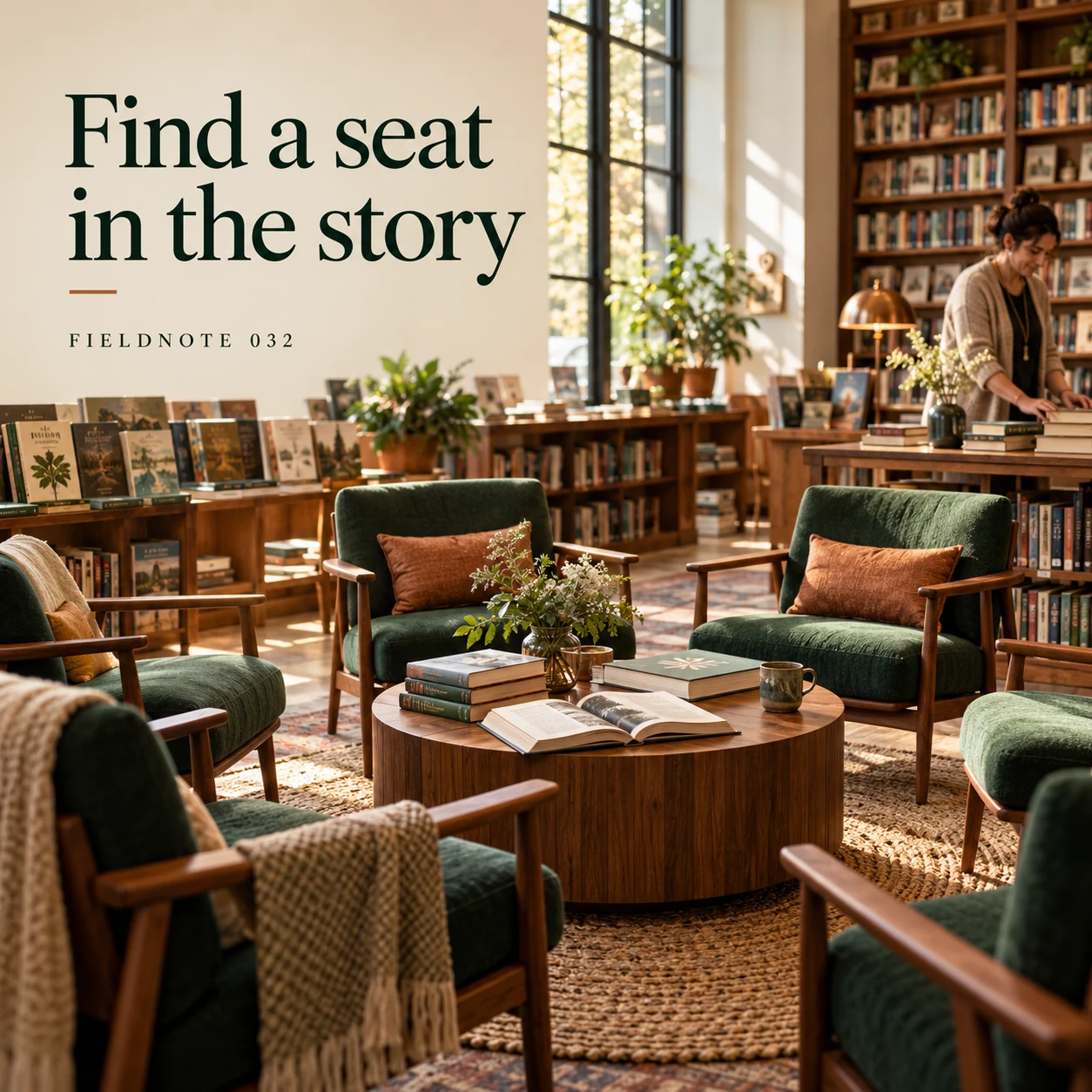
A library program post should help a visitor decide what happens next: read the current description, check registration and ask an access question through the library's stated route. Start with one approved program record. For this fictional teaching example, FIELDNOTE 032 is preparing an adult reading circle. The images show invented materials and adults; they do not document an actual library or imply endorsement. The short captions are creative openings. Pair the selected opening with the approved event details in the accompanying post text.
What you’ll take away
- Make a program fact sheet before making its image: event name, intended audience, activity, place, date, registration decision and official page.
- Describe the activity rather than inventing an author appearance, free admission or guaranteed access.
- Keep current program information in readable post text and the official event page; do not depend on a generated card for directions.
1. Find a seat in the story
Original AI-generated fictional campaign concept. No real customer or measured result is represented.
Finished example caption — A reading circle starts with a shared page and room for another perspective.
Why use this post — Empty chairs suggest the reading-circle format without representing actual patrons or attendance. The practical information belongs with the official program record.
Make it your own — Add the approved title and intended audience in the caption. State that the example is a fictional reading circle; use authorized venue photos for an actual event.
Image brief to adapt
Generate one complete polished square campaign image, 1080×1080. The exact scene is: empty reading-circle chairs around original books. Context: a fictional library reading room with book displays, chairs and an adult host. The message is “Find a seat in the story”; support this finished caption: “A reading circle starts with a shared page and room for another perspective.”. Environmental wide shot with the key subject in the lower right and generous clean upper-left negative space. Art direction: natural editorial photography with tactile materials and honest business detail; palette warm ivory, forest green and copper; refined natural lighting, deliberate depth and texture, commercially credible proportions, clean edges and ample breathing room. Use exactly this headline: “Find a seat in the story”. Add the small fictional wordmark “FIELDNOTE 032”. Headline must be immediately readable at a phone size, with high contrast and a safe inset of at least8% from every edge. The scene is the main visual, not a text-only card. No additional text, UI screenshot, testimonial, metrics, sale badge, fake website, QR code or placeholder field. No watermarks or unrelated logos. Verify access, registration and age rules; no identifiable patrons or implied institutional endorsement. Produce finished actual raster artwork ready to download and inspect; no wireframe, simple geometric substitute or diagram.
2. More than the book cover
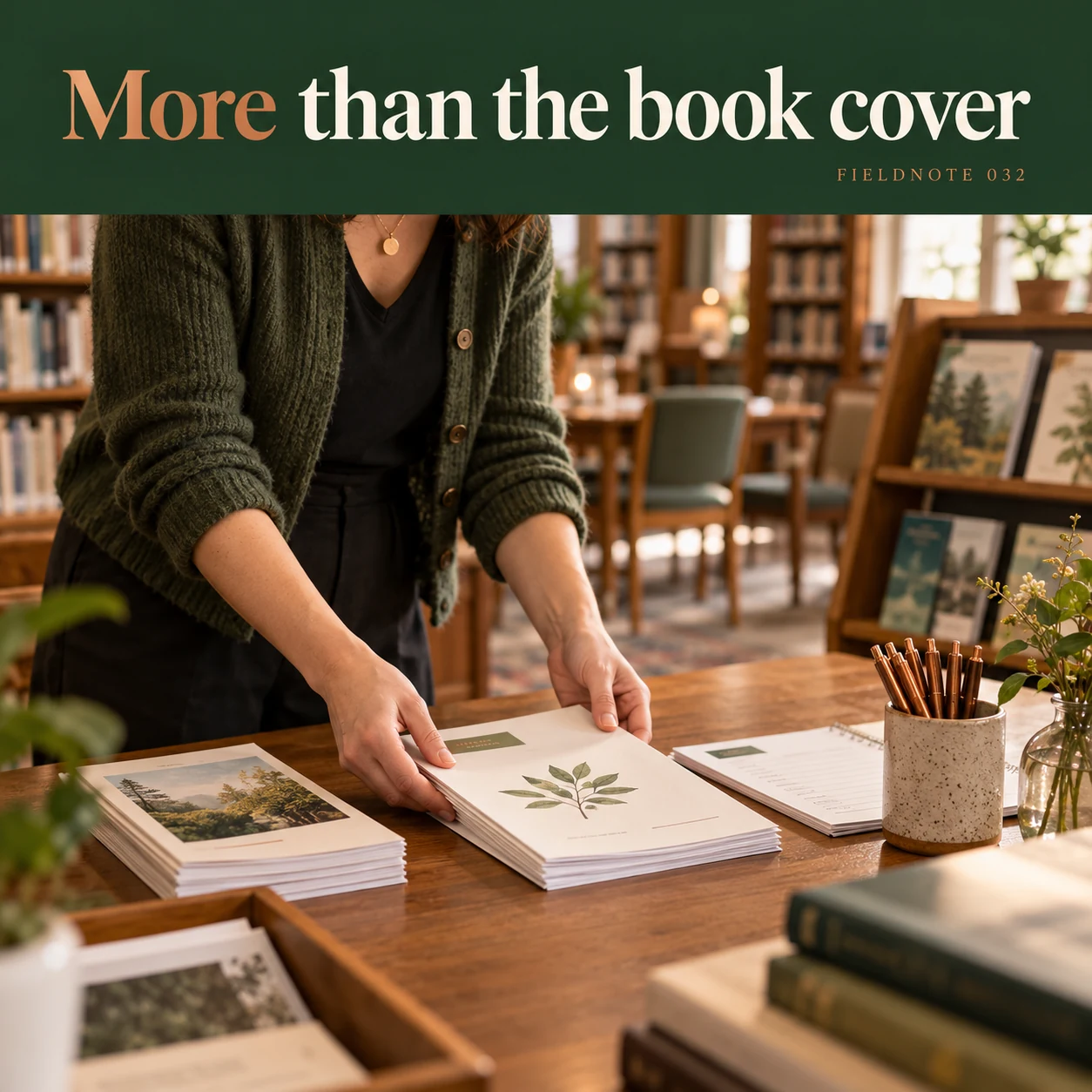
Original AI-generated fictional campaign concept. No real customer or measured result is represented.
Finished example caption — Give visitors a clear look at what the session will involve.
Why use this post — A host preparing materials shows what a visitor might do. The caption needs a concrete activity description beside it rather than a vague promise of community.
Make it your own — For an actual session, name the agreed activity: discussion, reading or craft. Confirm whether participants should bring a book or whether material is supplied.
Image brief to adapt
Generate one complete polished square campaign image, 1080×1080. The exact scene is: adult host arranging plain program materials on table. Context: a fictional library reading room with book displays, chairs and an adult host. The message is “More than the book cover”; support this finished caption: “Give visitors a clear look at what the session will involve.”. Close editorial still life or detail crop showing the relevant physical object and its texture, with the headline in a quiet top band. Art direction: natural editorial photography with tactile materials and honest business detail; palette warm ivory, forest green and copper; refined natural lighting, deliberate depth and texture, commercially credible proportions, clean edges and ample breathing room. Use exactly this headline: “More than the book cover”. Add the small fictional wordmark “FIELDNOTE 032”. Headline must be immediately readable at a phone size, with high contrast and a safe inset of at least8% from every edge. The scene is the main visual, not a text-only card. No additional text, UI screenshot, testimonial, metrics, sale badge, fake website, QR code or placeholder field. No watermarks or unrelated logos. Verify access, registration and age rules; no identifiable patrons or implied institutional endorsement. Produce finished actual raster artwork ready to download and inspect; no wireframe, simple geometric substitute or diagram.
3. A useful question to bring
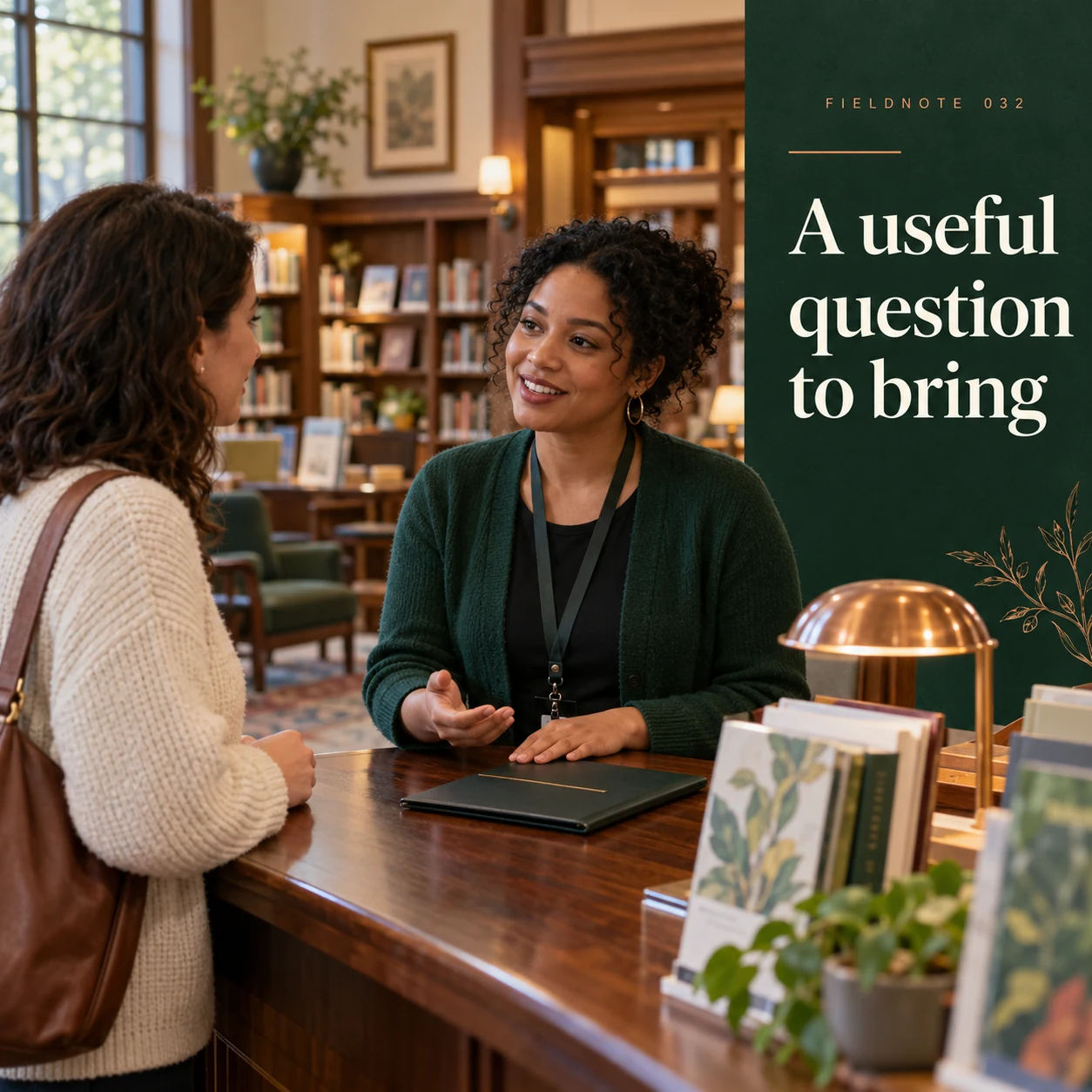
Original AI-generated fictional campaign concept. No real customer or measured result is represented.
Finished example caption — Wondering whether an event needs registration? Check the current program details first.
Why use this post — Registration is a decision a visitor must resolve before arriving. This post directs that question to the live record instead of implying every event is open entry.
Make it your own — Read the current registration rule and give the actual route for questions. Do not infer a capacity, age rule or accommodation from this illustration.
Image brief to adapt
Generate one complete polished square campaign image, 1080×1080. The exact scene is: adult visitor speaking with library host beside closed program folio. Context: a fictional library reading room with book displays, chairs and an adult host. The message is “A useful question to bring”; support this finished caption: “Wondering whether an event needs registration? Check the current program details first.”. Natural eye-level composition with a restrained side panel for type. Preserve the exact stated scene; do not add a person to an object-only scene. If the scene includes people, use adult models and the explicit stated action only. Art direction: natural editorial photography with tactile materials and honest business detail; palette warm ivory, forest green and copper; refined natural lighting, deliberate depth and texture, commercially credible proportions, clean edges and ample breathing room. Use exactly this headline: “A useful question to bring”. Add the small fictional wordmark “FIELDNOTE 032”. Headline must be immediately readable at a phone size, with high contrast and a safe inset of at least8% from every edge. The scene is the main visual, not a text-only card. No additional text, UI screenshot, testimonial, metrics, sale badge, fake website, QR code or placeholder field. No watermarks or unrelated logos. Verify access, registration and age rules; no identifiable patrons or implied institutional endorsement. Produce finished actual raster artwork ready to download and inspect; no wireframe, simple geometric substitute or diagram.
4. Keep the next chapter handy
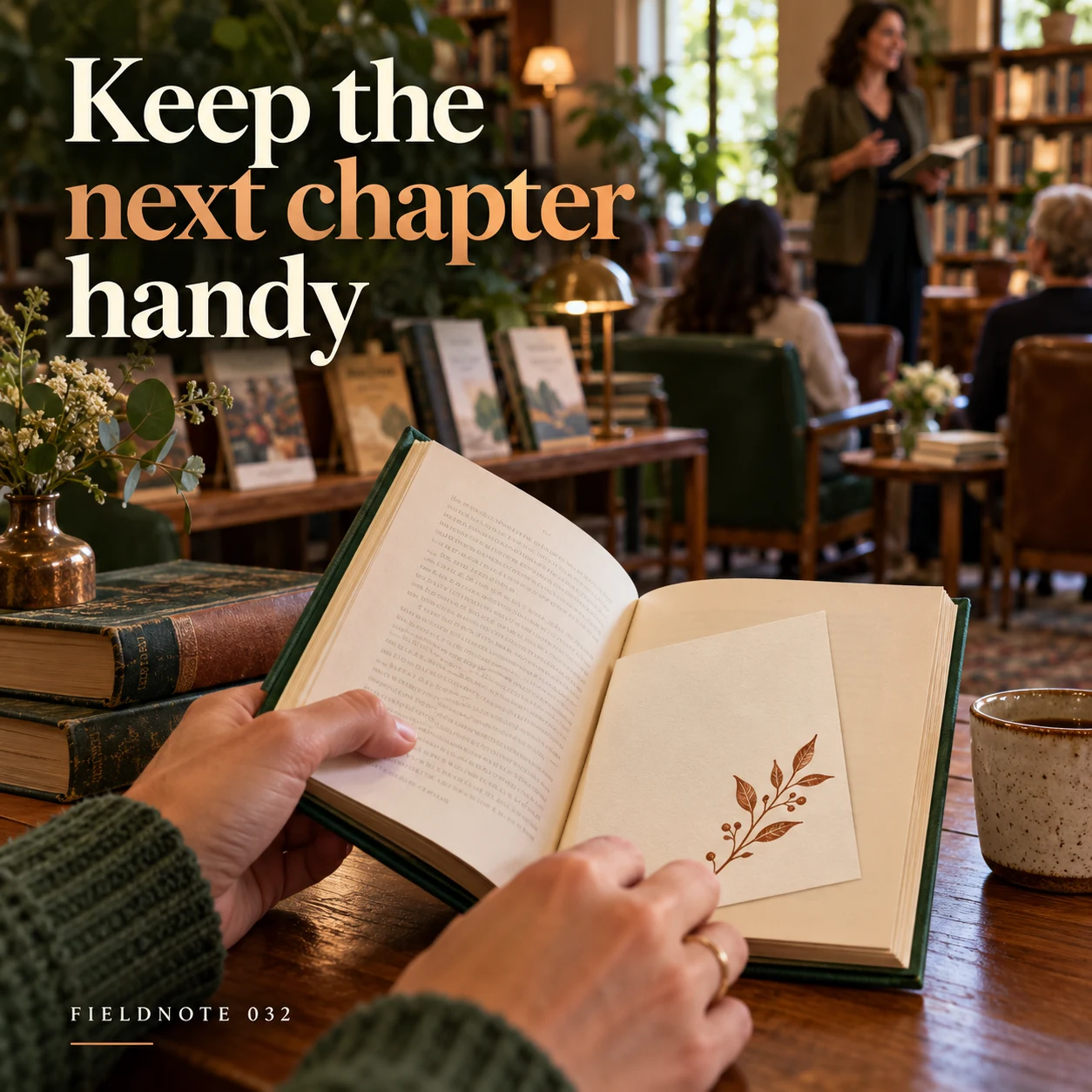
Original AI-generated fictional campaign concept. No real customer or measured result is represented.
Finished example caption — Save the official event page so the latest information stays close.
Why use this post — Saving the current event page gives the visitor a reference for later changes. The illustrated card is a visual cue rather than a working ticket or booking link.
Make it your own — Link to the exact current program page. If a session changes, update the page and its social caption; do not leave the old image as the only source.
Image brief to adapt
Generate one complete polished square campaign image, 1080×1080. The exact scene is: plain official-event card tucked inside an original book. Context: a fictional library reading room with book displays, chairs and an adult host. The message is “Keep the next chapter handy”; support this finished caption: “Save the official event page so the latest information stays close.”. Confident final hero composition using a clear foreground subject and supporting background context; close the sequence with a purposeful visual invitation. Art direction: natural editorial photography with tactile materials and honest business detail; palette warm ivory, forest green and copper; refined natural lighting, deliberate depth and texture, commercially credible proportions, clean edges and ample breathing room. Use exactly this headline: “Keep the next chapter handy”. Add the small fictional wordmark “FIELDNOTE 032”. Headline must be immediately readable at a phone size, with high contrast and a safe inset of at least8% from every edge. The scene is the main visual, not a text-only card. No additional text, UI screenshot, testimonial, metrics, sale badge, fake website, QR code or placeholder field. No watermarks or unrelated logos. Verify access, registration and age rules; no identifiable patrons or implied institutional endorsement. Produce finished actual raster artwork ready to download and inspect; no wireframe, simple geometric substitute or diagram.
Put it into practice
Apply the workflow to one actual business image
Use this complete original fictional program card: title—Reading circle: noticing a setting; audience—adults; activity—read the host's original two-sentence paragraph, then discuss which detail gives the setting its mood; place—Fieldnote Library's invented reading room; teaching date—November 15, 2026 at 3pm; joining process—ask the fictional host to reserve a place; access questions—ask that host before arranging a visit. Here is the original paragraph: “At dusk, the paper mobile turned above the table. An unopened letter waited beside the empty cup.” A matching fictional invitation reads, “Join our adult reading circle to discuss how a few details shape a setting. Ask the host about the session and how to join.” The library, event, date, text and arrangements are invented for this exercise; this is not a real public listing. For a real adaptation, obtain the program team's approved activity, participation, place, date and access information and link the current official record. Use your own host-approved reading material and appropriate image permissions.
Common questions
How much information belongs in a library program image?
Use a short activity-led headline. Put the confirmed event name, audience, date, place, registration requirement and official page in readable accompanying text. A generated decorative card cannot replace that information.
Can the reading-circle illustration stand in for our actual visitors?
It can illustrate a clearly fictional concept. Do not describe its people or venue as yours. Actual patron photographs and institutional marks need the appropriate permission and approval.
What should change when registration closes?
Confirm the current status with the program owner. Update the official program page and the social text that directs people to it. Explain any approved alternative rather than inventing a waitlist or extra seats.
Turn the brief into your own creative
Use the example as a starting point. Supply approved business facts and authorized references in Studio, then compare the finished image with the brief before using it.
Your starter brief
Replace the brackets with your own details.
Generate one complete polished square campaign image, 1080×1080. The exact scene is: empty reading-circle chairs around original books. Context: a fictional library reading room with book displays, chairs and an adult host. The message is “Find a seat in the story”; support this finished caption: “A reading circle starts with a shared page and room for another perspective.”. Environmental wide shot with the key subject in the lower right and generous clean upper-left negative space. Art direction: natural editorial photography with tactile materials and honest business detail; palette warm ivory, forest green and copper; refined natural lighting, deliberate depth and texture, commercially credible proportions, clean edges and ample breathing room. Use exactly this headline: “Find a seat in the story”. Add the small fictional wordmark “FIELDNOTE 032”. Headline must be immediately readable at a phone size, with high contrast and a safe inset of at least8% from every edge. The scene is the main visual, not a text-only card. No additional text, UI screenshot, testimonial, metrics, sale badge, fake website, QR code or placeholder field. No watermarks or unrelated logos. Verify access, registration and age rules; no identifiable patrons or implied institutional endorsement. Produce finished actual raster artwork ready to download and inspect; no wireframe, simple geometric substitute or diagram.
Copy your adapted brief, open Studio, and paste it into your creative workflow. Review the result before using it.
Create your version in Studio