Industry playbooks
Self Storage Social Media Ideas: Explain Move-In Preparation
By Memes.ai
Updated October 16, 2026 · 4 min read

A storage move-in post should help a customer ask the right facility questions before arriving with belongings. Start with an inventory and actual dimensions, then point to the selected facility's current rental and access information. These fictional concepts are a communication plan, not a capacity test or facility-security record. The operator's actual agreement, hours and instructions control the real move-in.
What you’ll take away
- Use an inventory and measured large items as the enquiry starting point.
- Confirm the selected facility's actual move-in and access process; a reservation or generic corridor image does not prove it.
- Keep unit size, security, insurance and prohibited-item terms with their actual sources.
1. Plan what needs a place
Original AI-generated fictional campaign concept. No real customer or measured result is represented.
Finished example caption — A simple inventory gives a storage enquiry a useful beginning.
Why use this post — An inventory names what the customer wants to discuss. It avoids guessing a unit from a dramatic pile of boxes.
Make it your own — Ask for a practical list of the items the customer wishes to discuss. Keep sensitive details and valuables out of public comments and illustrations.
Image brief to adapt
Generate one complete polished square campaign image, 1080×1080. The exact scene is: adult sorting household inventory into closed cartons. Context: a fictional storage corridor with cartons, trolley and blank unit door. The message is “Plan what needs a place”; support this finished caption: “A simple inventory gives a storage enquiry a useful beginning.”. Environmental wide shot with the key subject in the lower right and generous clean upper-left negative space. Art direction: natural editorial photography with tactile materials and honest business detail; palette warm ivory, forest green and copper; refined natural lighting, deliberate depth and texture, commercially credible proportions, clean edges and ample breathing room. Use exactly this headline: “Plan what needs a place”. Add the small fictional wordmark “FIELDNOTE 043”. Headline must be immediately readable at a phone size, with high contrast and a safe inset of at least8% from every edge. The scene is the main visual, not a text-only card. No additional text, UI screenshot, testimonial, metrics, sale badge, fake website, QR code or placeholder field. No watermarks or unrelated logos. Verify access rules and dimensions; no security guarantee or invented unit availability. Produce finished actual raster artwork ready to download and inspect; no wireframe, simple geometric substitute or diagram.
2. Measure before choosing
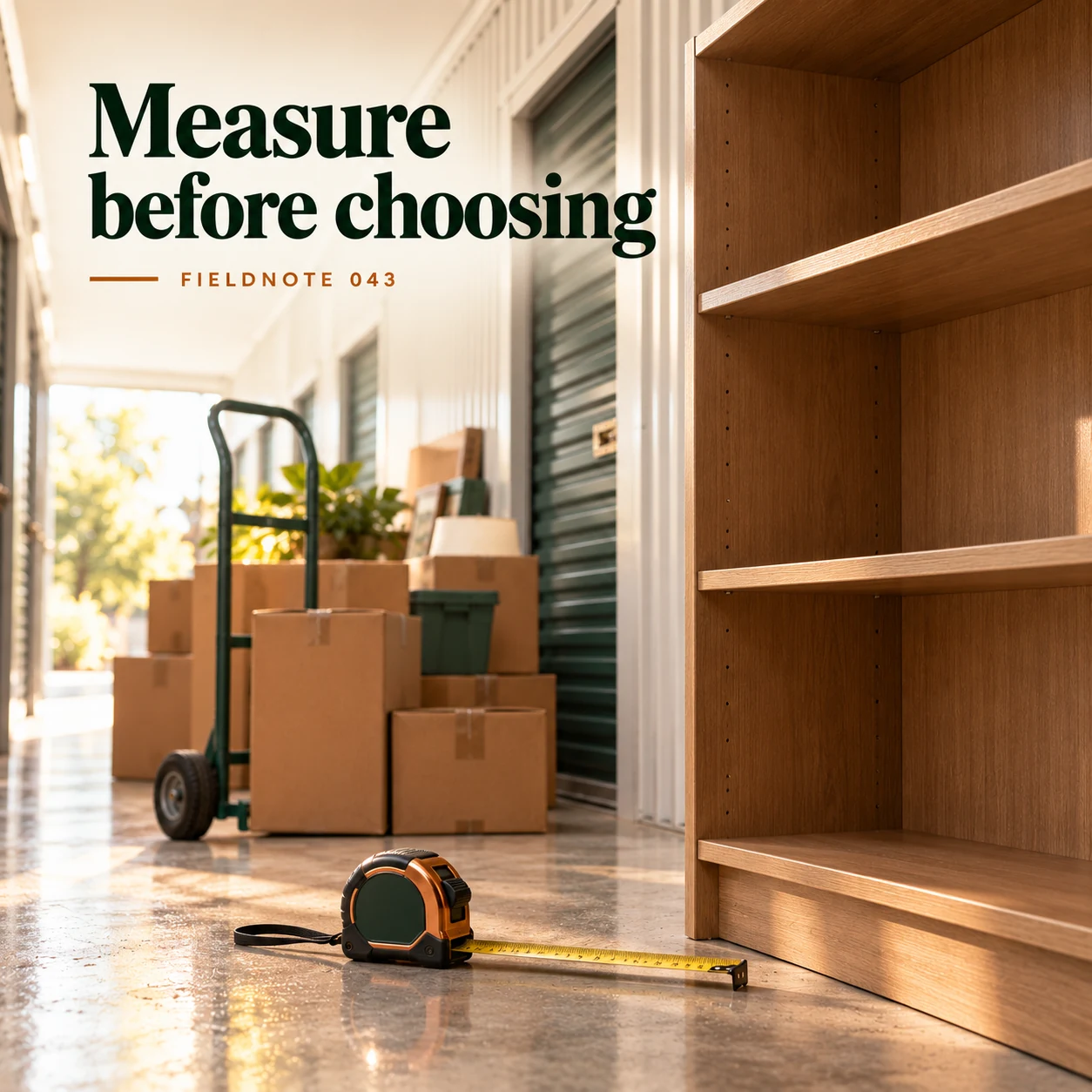
Original AI-generated fictional campaign concept. No real customer or measured result is represented.
Finished example caption — Furniture dimensions matter more than a guess from a product photo.
Why use this post — Measured furniture supplies information a provider can review. A generated room or box arrangement cannot prove that an item fits through an actual opening.
Make it your own — Use actual measurements when available. Ask the operator about unit/opening dimensions and access needs; do not guarantee fit from this example.
Image brief to adapt
Generate one complete polished square campaign image, 1080×1080. The exact scene is: measuring tape beside an empty bookcase. Context: a fictional storage corridor with cartons, trolley and blank unit door. The message is “Measure before choosing”; support this finished caption: “Furniture dimensions matter more than a guess from a product photo.”. Close editorial still life or detail crop showing the relevant physical object and its texture, with the headline in a quiet top band. Art direction: natural editorial photography with tactile materials and honest business detail; palette warm ivory, forest green and copper; refined natural lighting, deliberate depth and texture, commercially credible proportions, clean edges and ample breathing room. Use exactly this headline: “Measure before choosing”. Add the small fictional wordmark “FIELDNOTE 043”. Headline must be immediately readable at a phone size, with high contrast and a safe inset of at least8% from every edge. The scene is the main visual, not a text-only card. No additional text, UI screenshot, testimonial, metrics, sale badge, fake website, QR code or placeholder field. No watermarks or unrelated logos. Verify access rules and dimensions; no security guarantee or invented unit availability. Produce finished actual raster artwork ready to download and inspect; no wireframe, simple geometric substitute or diagram.
3. The move-in route
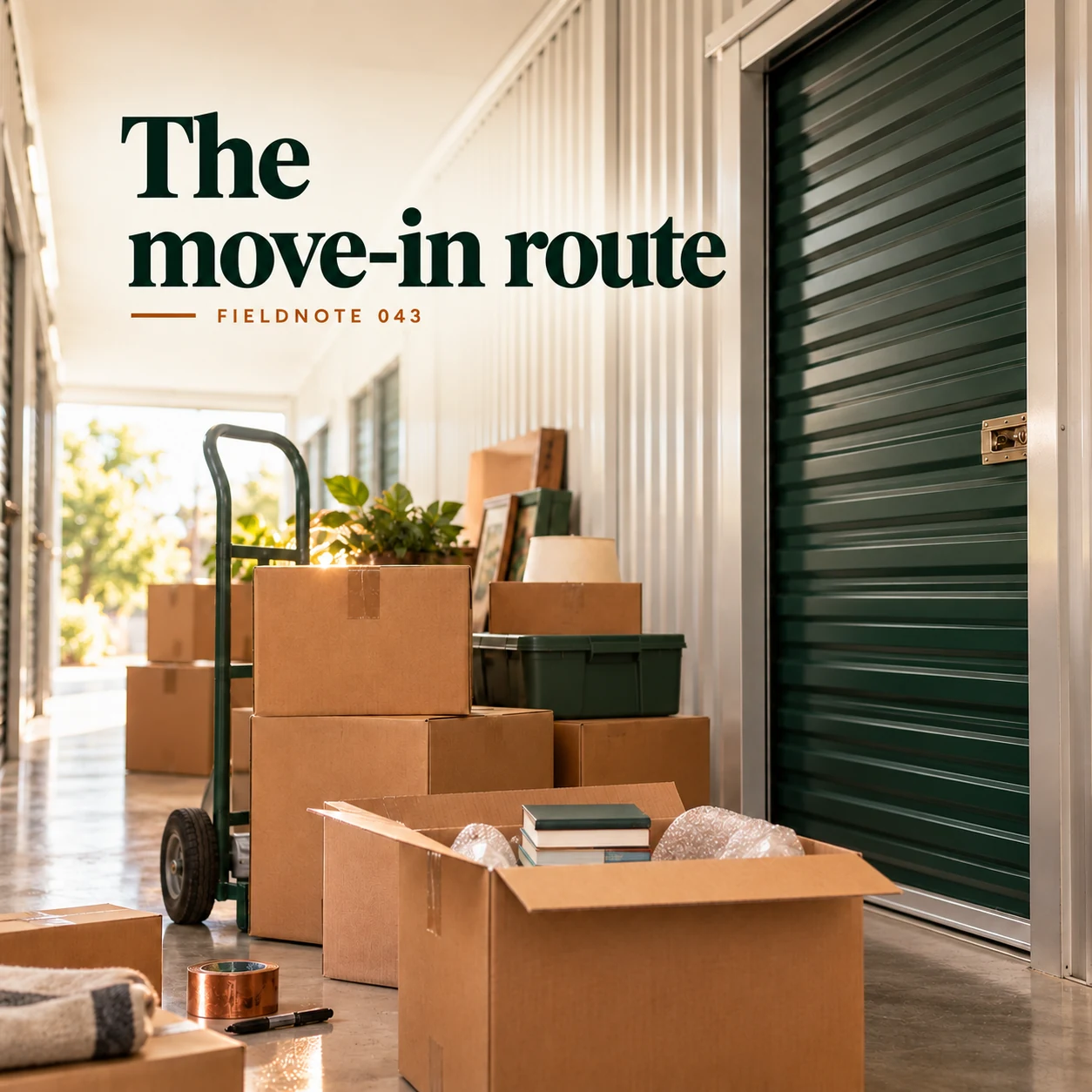
Original AI-generated fictional campaign concept. No real customer or measured result is represented.
Finished example caption — Show the actual route and access instructions when the facility has approved them.
Why use this post — Arrival involves the actual facility and its approved access process. Illustrative corridors must not be used as directions or access credentials.
Make it your own — Use the selected facility's current approved visitor information. Keep gate codes, unit numbers and personal rental details private.
Image brief to adapt
Generate one complete polished square campaign image, 1080×1080. The exact scene is: trolley and boxes beside blank storage unit door. Context: a fictional storage corridor with cartons, trolley and blank unit door. The message is “The move-in route”; support this finished caption: “Show the actual route and access instructions when the facility has approved them.”. Natural eye-level composition with a restrained side panel for type. Preserve the exact stated scene; do not add a person to an object-only scene. If the scene includes people, use adult models and the explicit stated action only. Art direction: natural editorial photography with tactile materials and honest business detail; palette warm ivory, forest green and copper; refined natural lighting, deliberate depth and texture, commercially credible proportions, clean edges and ample breathing room. Use exactly this headline: “The move-in route”. Add the small fictional wordmark “FIELDNOTE 043”. Headline must be immediately readable at a phone size, with high contrast and a safe inset of at least8% from every edge. The scene is the main visual, not a text-only card. No additional text, UI screenshot, testimonial, metrics, sale badge, fake website, QR code or placeholder field. No watermarks or unrelated logos. Verify access rules and dimensions; no security guarantee or invented unit availability. Produce finished actual raster artwork ready to download and inspect; no wireframe, simple geometric substitute or diagram.
4. Keep the labels readable

Original AI-generated fictional campaign concept. No real customer or measured result is represented.
Finished example caption — Clear box labels help the owner find their own items later.
Why use this post — A private inventory can connect labels to the owner's belongings. Public creative should not expose values, personal names or the contents of sensitive boxes.
Make it your own — Show fictional labels without private data. The operator should confirm relevant facility rules; this guide gives no universal storage or insurance advice.
Image brief to adapt
Generate one complete polished square campaign image, 1080×1080. The exact scene is: adult labeling generic boxes with unreadable plain tags. Context: a fictional storage corridor with cartons, trolley and blank unit door. The message is “Keep the labels readable”; support this finished caption: “Clear box labels help the owner find their own items later.”. Confident final hero composition using a clear foreground subject and supporting background context; close the sequence with a purposeful visual invitation. Art direction: natural editorial photography with tactile materials and honest business detail; palette warm ivory, forest green and copper; refined natural lighting, deliberate depth and texture, commercially credible proportions, clean edges and ample breathing room. Use exactly this headline: “Keep the labels readable”. Add the small fictional wordmark “FIELDNOTE 043”. Headline must be immediately readable at a phone size, with high contrast and a safe inset of at least8% from every edge. The scene is the main visual, not a text-only card. No additional text, UI screenshot, testimonial, metrics, sale badge, fake website, QR code or placeholder field. No watermarks or unrelated logos. Verify access rules and dimensions; no security guarantee or invented unit availability. Produce finished actual raster artwork ready to download and inspect; no wireframe, simple geometric substitute or diagram.
Put it into practice
Apply the workflow to one actual business image
Prepare a fictional move-in question sheet: items—one desk, two chairs and several labeled household boxes; measurements—customer will supply actual large-item dimensions privately; decision—ask the facility which size/access information it needs; arrival—check the selected facility's current instructions and hours; rental/access state—not confirmed by a social post. This is an invented example, not a unit-fit recommendation. Use it beside the inventory image and have the operator replace the questions with its approved real process before publishing an actual facility post.
Common questions
Can I estimate unit fit from a generated photo?
No. Use actual dimensions and the selected facility's information about the unit, opening and access route. A composition does not establish physical capacity.
Who confirms access and move-in requirements?
The actual facility does. Check its current instructions and agreement; do not copy another provider's hours, lock, payment or document rules.
Does a corridor image prove security?
No. A fictional or attractive facility image cannot establish security, insurance or protection. Those claims need actual evidence and approved wording.
Turn the brief into your own creative
Use the example as a starting point. Supply approved business facts and authorized references in Studio, then compare the finished image with the brief before using it.
Your starter brief
Replace the brackets with your own details.
Generate one complete polished square campaign image, 1080×1080. The exact scene is: adult sorting household inventory into closed cartons. Context: a fictional storage corridor with cartons, trolley and blank unit door. The message is “Plan what needs a place”; support this finished caption: “A simple inventory gives a storage enquiry a useful beginning.”. Environmental wide shot with the key subject in the lower right and generous clean upper-left negative space. Art direction: natural editorial photography with tactile materials and honest business detail; palette warm ivory, forest green and copper; refined natural lighting, deliberate depth and texture, commercially credible proportions, clean edges and ample breathing room. Use exactly this headline: “Plan what needs a place”. Add the small fictional wordmark “FIELDNOTE 043”. Headline must be immediately readable at a phone size, with high contrast and a safe inset of at least8% from every edge. The scene is the main visual, not a text-only card. No additional text, UI screenshot, testimonial, metrics, sale badge, fake website, QR code or placeholder field. No watermarks or unrelated logos. Verify access rules and dimensions; no security guarantee or invented unit availability. Produce finished actual raster artwork ready to download and inspect; no wireframe, simple geometric substitute or diagram.
Copy your adapted brief, open Studio, and paste it into your creative workflow. Review the result before using it.
Create your version in Studio