Social media
Service Area Posts: Explain Coverage Without Invented Maps
By Memes.ai
Updated October 16, 2026 · 4 min read
A service-area post should help a prospective customer decide what to ask before treating their location as covered. An abstract map cannot confirm an address or a travel promise. These fictional examples connect an approved coverage statement to a private enquiry route and a review process for changed information. They do not expose a home address or claim a live business-profile update.
What you’ll take away
- Use the operator's actual approved coverage source.
- Give edge-area questions a private route; do not guess from a map shape.
- Update and review the source information before reusing an old coverage post.
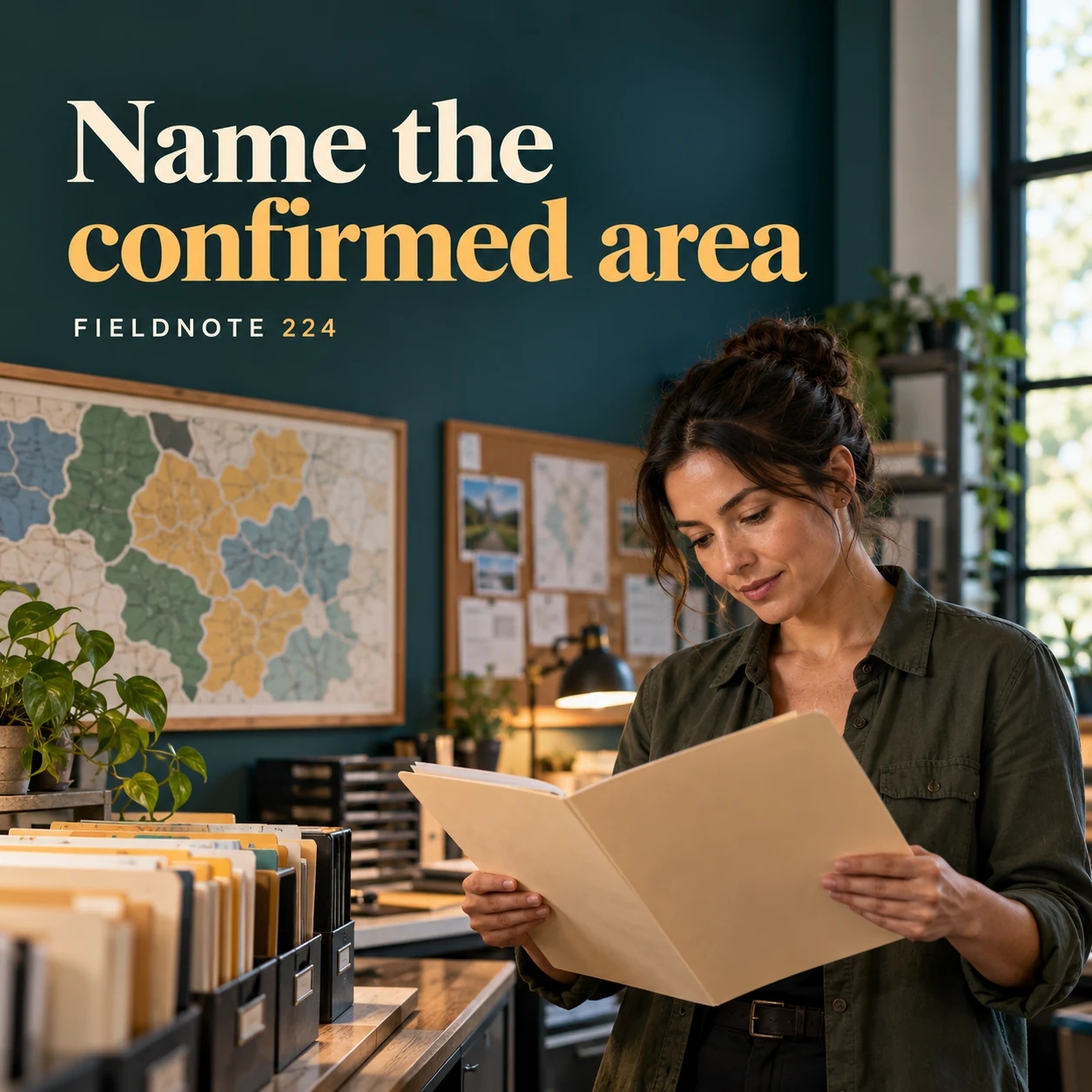
1. Name the confirmed area
Original AI-generated fictional campaign concept. No real customer or measured result is represented.
Finished example caption — Only list places the business has approved for the service.
Why use this post — The coordinator's folder makes coverage an operational fact to confirm rather than an artistic claim.
Make it your own — Ask the operator for its approved list or actual coverage rules. Do not add neighboring places for reach.
Image brief to adapt
Generate one complete polished square campaign image, 1080×1080. The exact scene is: adult coordinator reviewing a plain service-area folder. Context: a fictional local service office with route folders and original abstract map shapes. The message is “Name the confirmed area”; support this finished caption: “Only list places the business has approved for the service.”. Environmental wide shot with the key subject in the lower right and generous clean upper-left negative space. Art direction: candid small-business campaign photography, restrained graphics and a clear human focal point; palette midnight teal, warm ivory and ochre; refined natural lighting, deliberate depth and texture, commercially credible proportions, clean edges and ample breathing room. Use exactly this headline: “Name the confirmed area”. Add the small fictional wordmark “FIELDNOTE 224”. Headline must be immediately readable at a phone size, with high contrast and a safe inset of at least8% from every edge. The scene is the main visual, not a text-only card. No additional text, UI screenshot, testimonial, metrics, sale badge, fake website, QR code or placeholder field. No watermarks or unrelated logos. No unverified coverage, travel time or emergency response promise. Produce finished actual raster artwork ready to download and inspect; no wireframe, simple geometric substitute or diagram.
2. Keep the graphic illustrative
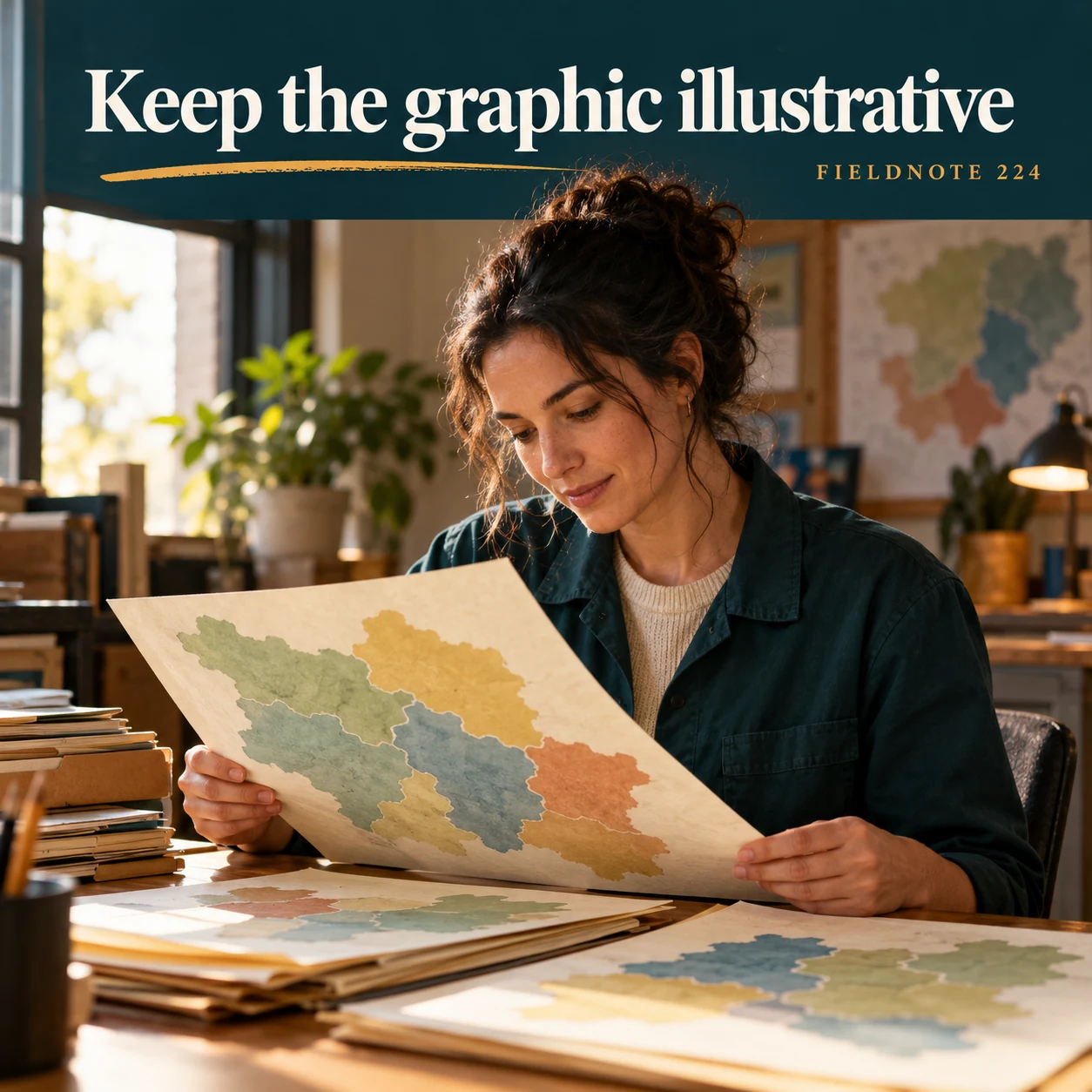
Original AI-generated fictional campaign concept. No real customer or measured result is represented.
Finished example caption — An abstract shape should not pretend to be a precise coverage map.
Why use this post — Abstract paper shapes can illustrate planning when they are clearly not a precise boundary map.
Make it your own — Label an illustrative graphic and keep precise unsupported pins or borders out of it.
Image brief to adapt
Generate one complete polished square campaign image, 1080×1080. The exact scene is: original paper map-like shapes with no place names. Context: a fictional local service office with route folders and original abstract map shapes. The message is “Keep the graphic illustrative”; support this finished caption: “An abstract shape should not pretend to be a precise coverage map.”. Close editorial still life or detail crop showing the relevant physical object and its texture, with the headline in a quiet top band. Art direction: candid small-business campaign photography, restrained graphics and a clear human focal point; palette midnight teal, warm ivory and ochre; refined natural lighting, deliberate depth and texture, commercially credible proportions, clean edges and ample breathing room. Use exactly this headline: “Keep the graphic illustrative”. Add the small fictional wordmark “FIELDNOTE 224”. Headline must be immediately readable at a phone size, with high contrast and a safe inset of at least8% from every edge. The scene is the main visual, not a text-only card. No additional text, UI screenshot, testimonial, metrics, sale badge, fake website, QR code or placeholder field. No watermarks or unrelated logos. No unverified coverage, travel time or emergency response promise. Produce finished actual raster artwork ready to download and inspect; no wireframe, simple geometric substitute or diagram.
3. Give boundary questions a route
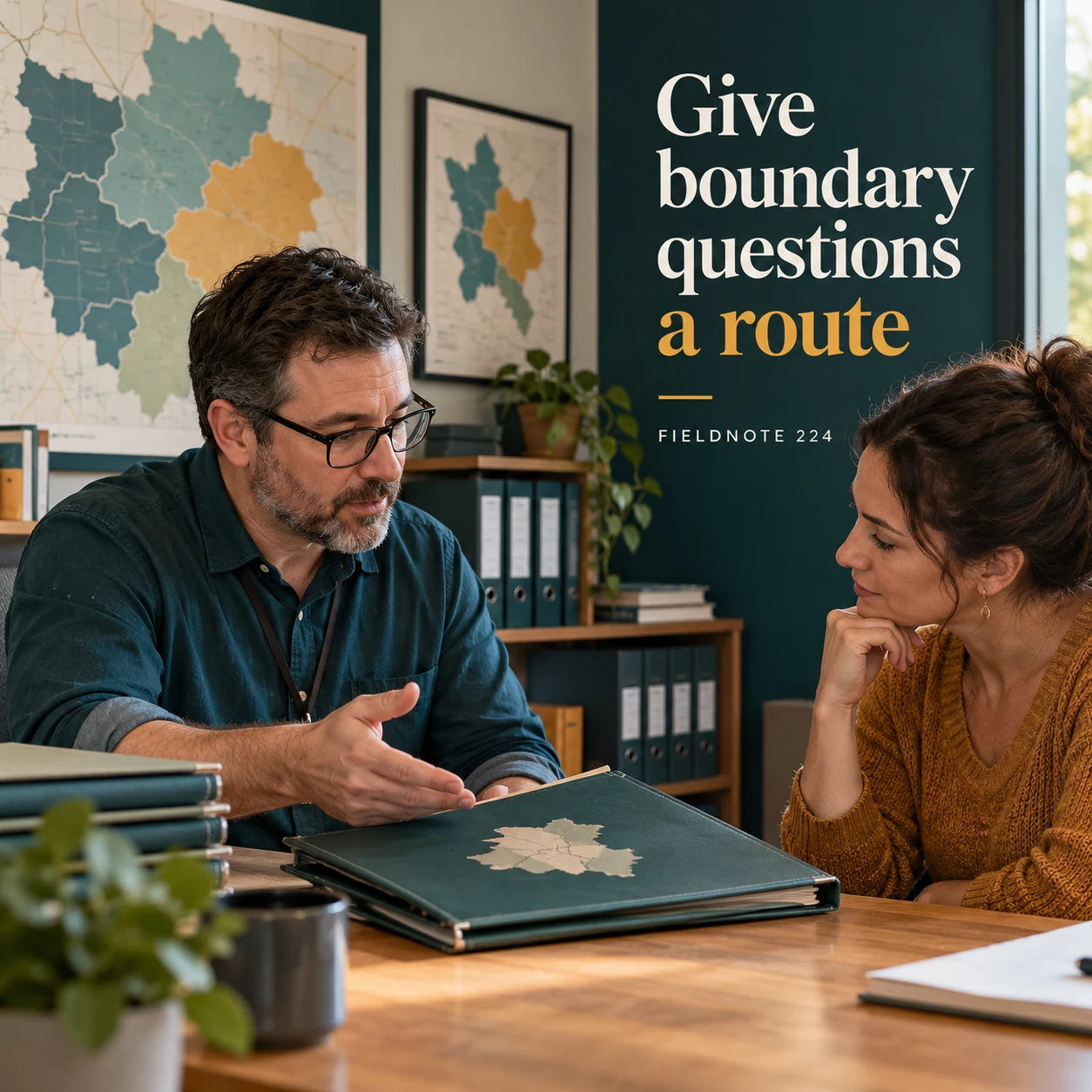
Original AI-generated fictional campaign concept. No real customer or measured result is represented.
Finished example caption — Customers near a boundary need the business's official enquiry process.
Why use this post — A private conversation lets the business check a location without collecting an address in public comments.
Make it your own — Ask only for the location context the actual business needs through its approved route. Keep home and customer details private.
Image brief to adapt
Generate one complete polished square campaign image, 1080×1080. The exact scene is: adult customer discussing a closed location folder at a desk. Context: a fictional local service office with route folders and original abstract map shapes. The message is “Give boundary questions a route”; support this finished caption: “Customers near a boundary need the business's official enquiry process.”. Natural eye-level composition with a restrained side panel for type. Preserve the exact stated scene; do not add a person to an object-only scene. If the scene includes people, use adult models and the explicit stated action only. Art direction: candid small-business campaign photography, restrained graphics and a clear human focal point; palette midnight teal, warm ivory and ochre; refined natural lighting, deliberate depth and texture, commercially credible proportions, clean edges and ample breathing room. Use exactly this headline: “Give boundary questions a route”. Add the small fictional wordmark “FIELDNOTE 224”. Headline must be immediately readable at a phone size, with high contrast and a safe inset of at least8% from every edge. The scene is the main visual, not a text-only card. No additional text, UI screenshot, testimonial, metrics, sale badge, fake website, QR code or placeholder field. No watermarks or unrelated logos. No unverified coverage, travel time or emergency response promise. Produce finished actual raster artwork ready to download and inspect; no wireframe, simple geometric substitute or diagram.
4. Update the source first
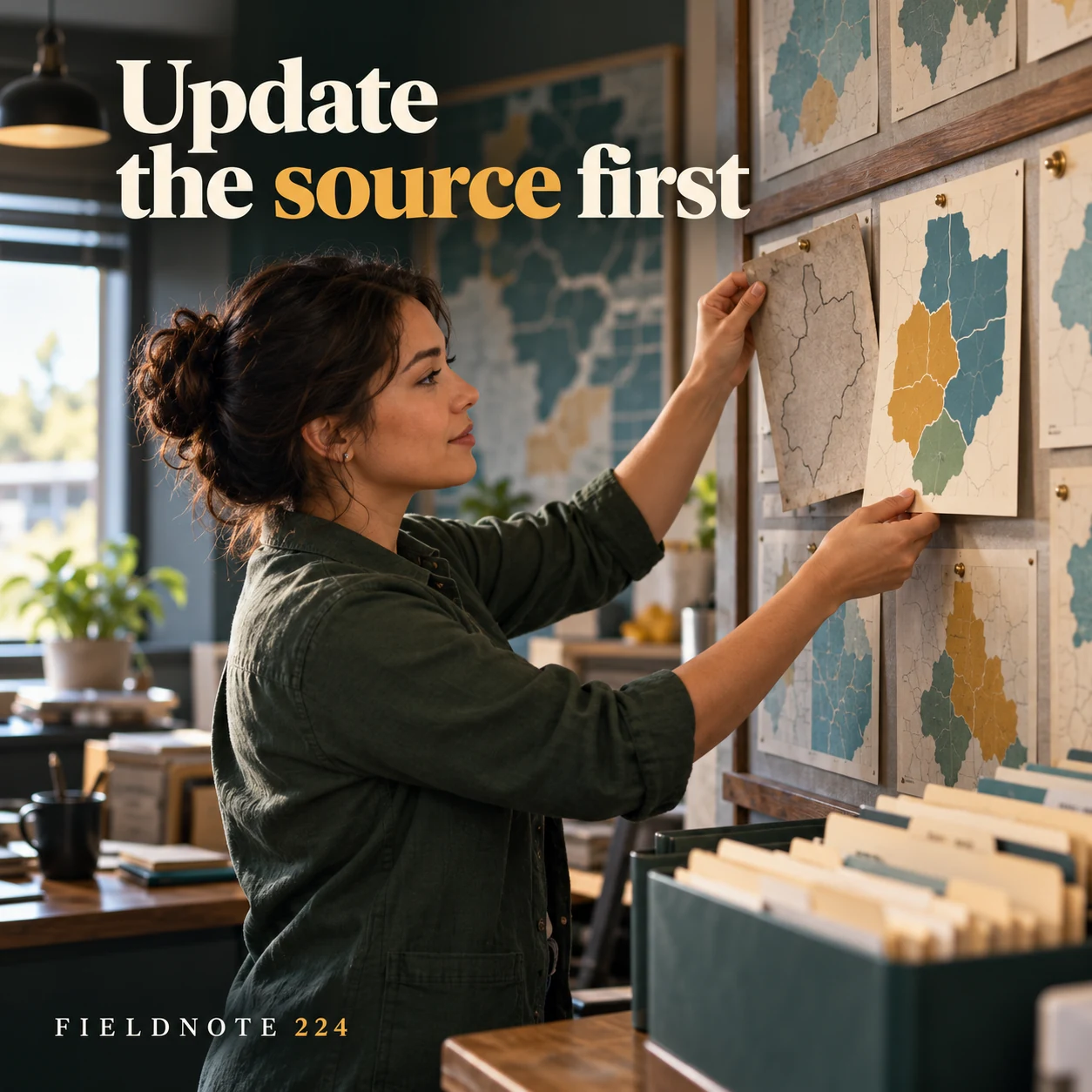
Original AI-generated fictional campaign concept. No real customer or measured result is represented.
Finished example caption — A changed coverage area needs current official information before the next post.
Why use this post — Replacing an older information card shows why saved posts and current sources must agree.
Make it your own — Check the official source and review older posts when coverage changes. A social update is not proof that a directory edit is live.
Image brief to adapt
Generate one complete polished square campaign image, 1080×1080. The exact scene is: coordinator replacing an old plain service-area card. Context: a fictional local service office with route folders and original abstract map shapes. The message is “Update the source first”; support this finished caption: “A changed coverage area needs current official information before the next post.”. Confident final hero composition using a clear foreground subject and supporting background context; close the sequence with a purposeful visual invitation. Art direction: candid small-business campaign photography, restrained graphics and a clear human focal point; palette midnight teal, warm ivory and ochre; refined natural lighting, deliberate depth and texture, commercially credible proportions, clean edges and ample breathing room. Use exactly this headline: “Update the source first”. Add the small fictional wordmark “FIELDNOTE 224”. Headline must be immediately readable at a phone size, with high contrast and a safe inset of at least8% from every edge. The scene is the main visual, not a text-only card. No additional text, UI screenshot, testimonial, metrics, sale badge, fake website, QR code or placeholder field. No watermarks or unrelated logos. No unverified coverage, travel time or emergency response promise. Produce finished actual raster artwork ready to download and inspect; no wireframe, simple geometric substitute or diagram.
Put it into practice
Apply the workflow to one actual business image
Use this original fictional case for Fieldnote Home Service: Brook Quarter—listed in the operator's teaching record as covered; Mill Edge—unconfirmed, requires a private enquiry; public address—none supplied in this exercise; question—“Can you confirm whether my location and proposed task are within your current service scope?”; public caption—“Check our current coverage information, or ask privately if your area is unclear.” The place names and coverage are fictional. A real adaptation must replace them with the operator's approved facts and route, then check that older posts do not contradict the current source.
Common questions
Can an illustrative map confirm a boundary?
No. Use the actual operator's coverage information. Abstract artwork should not pretend to be a precise service map.
What should an edge-area customer do?
Use the business's approved private enquiry process and supply the relevant location context it requests. Do not assume coverage from proximity.
Must a service-area business show a home address?
Use only its approved public location or coverage information. This guide does not require or authorize exposing a private address.
Turn the brief into your own creative
Use the example as a starting point. Supply approved business facts and authorized references in Studio, then compare the finished image with the brief before using it.
Your starter brief
Replace the brackets with your own details.
Generate one complete polished square campaign image, 1080×1080. The exact scene is: adult coordinator reviewing a plain service-area folder. Context: a fictional local service office with route folders and original abstract map shapes. The message is “Name the confirmed area”; support this finished caption: “Only list places the business has approved for the service.”. Environmental wide shot with the key subject in the lower right and generous clean upper-left negative space. Art direction: candid small-business campaign photography, restrained graphics and a clear human focal point; palette midnight teal, warm ivory and ochre; refined natural lighting, deliberate depth and texture, commercially credible proportions, clean edges and ample breathing room. Use exactly this headline: “Name the confirmed area”. Add the small fictional wordmark “FIELDNOTE 224”. Headline must be immediately readable at a phone size, with high contrast and a safe inset of at least8% from every edge. The scene is the main visual, not a text-only card. No additional text, UI screenshot, testimonial, metrics, sale badge, fake website, QR code or placeholder field. No watermarks or unrelated logos. No unverified coverage, travel time or emergency response promise. Produce finished actual raster artwork ready to download and inspect; no wireframe, simple geometric substitute or diagram.
Copy your adapted brief, open Studio, and paste it into your creative workflow. Review the result before using it.
Create your version in Studio