Social media
Service Enquiry Posts: Ask for the Facts That Shape a Quote
By Memes.ai
Updated October 16, 2026 · 6 min read
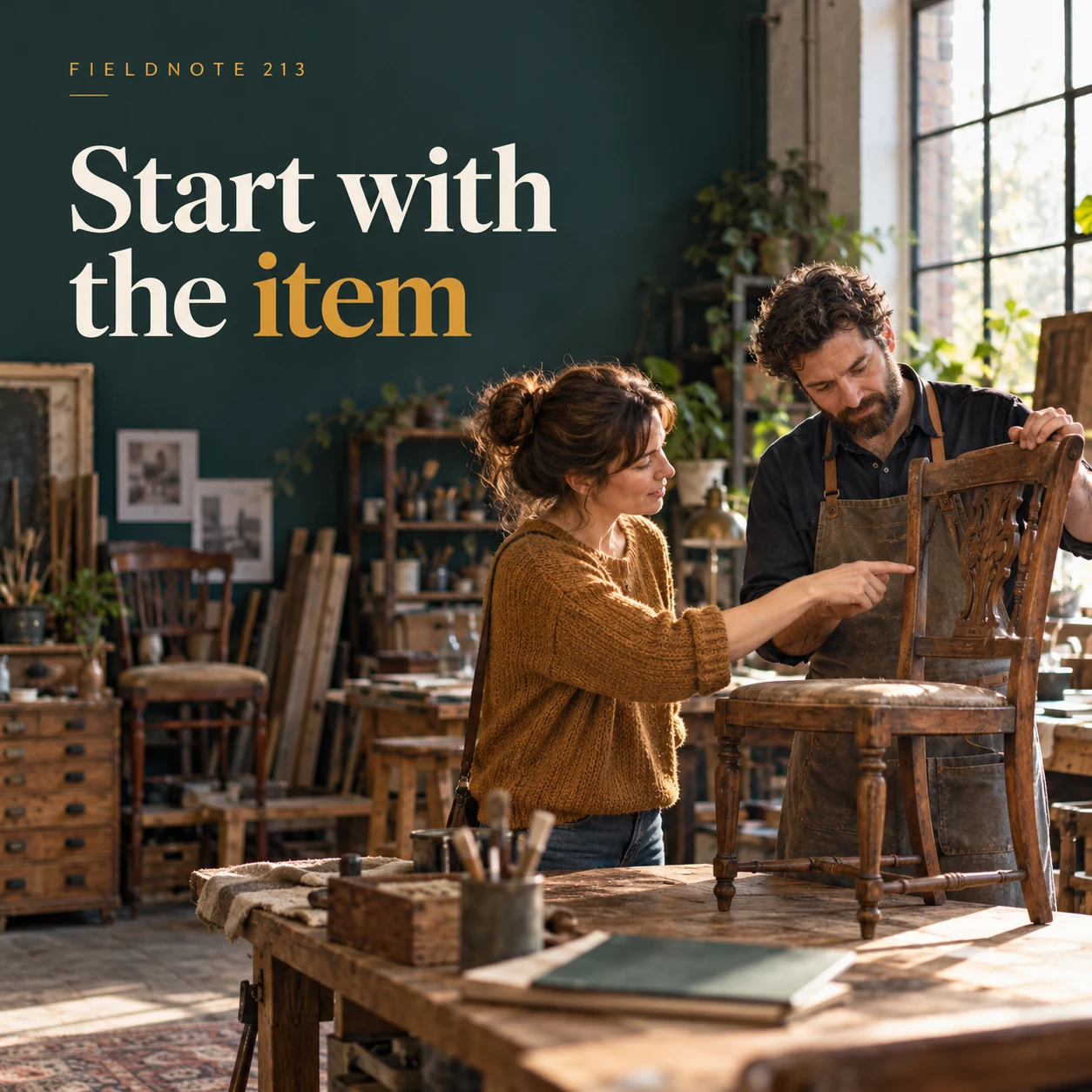
An enquiry post can help someone describe the job they want to discuss. It should not diagnose the problem or promise acceptance. These four fictional furniture-restoration concepts separate the item, the observed detail, its intended use and the private contact step. Studio can help develop an explanatory image from the brief. The business's own contact process handles the actual request; the image generator does not assess the work or issue a quote.
What you’ll take away
- Ask for an observable description, not a customer diagnosis.
- Keep optional reference photos focused on the item and keep personal contact details in the approved private route.
- An enquiry starts a discussion. It does not confirm a price, job acceptance or a completion date.
1. Start with the item
Original AI-generated fictional campaign concept. No real customer or measured result is represented.
Finished example caption — Tell the workshop which item you want to discuss and what you have noticed.
Why use this post — A recognizable item gives the service team a starting point. The owner can describe what they have without guessing the required repair.
Make it your own — Ask for item type, approximate dimensions if useful and the issue the owner has observed. Avoid technical diagnosis or a recommendation to disassemble anything.
Image brief to adapt
Generate one complete polished square campaign image, 1080×1080. The exact scene is: adult owner showing a fictional chair to a restorer. Context: a fictional furniture-restoration studio with chair and enquiry folder. The message is “Start with the item”; support this finished caption: “Tell the workshop which item you want to discuss and what you have noticed.”. Environmental wide shot with the key subject in the lower right and generous clean upper-left negative space. Art direction: candid small-business campaign photography, restrained graphics and a clear human focal point; palette midnight teal, warm ivory and ochre; refined natural lighting, deliberate depth and texture, commercially credible proportions, clean edges and ample breathing room. Use exactly this headline: “Start with the item”. Add the small fictional wordmark “FIELDNOTE 213”. Headline must be immediately readable at a phone size, with high contrast and a safe inset of at least8% from every edge. The scene is the main visual, not a text-only card. No additional text, UI screenshot, testimonial, metrics, sale badge, fake website, QR code or placeholder field. No watermarks or unrelated logos. No guaranteed quote, price or work acceptance. Produce finished actual raster artwork ready to download and inspect; no wireframe, simple geometric substitute or diagram.
2. Show the relevant detail
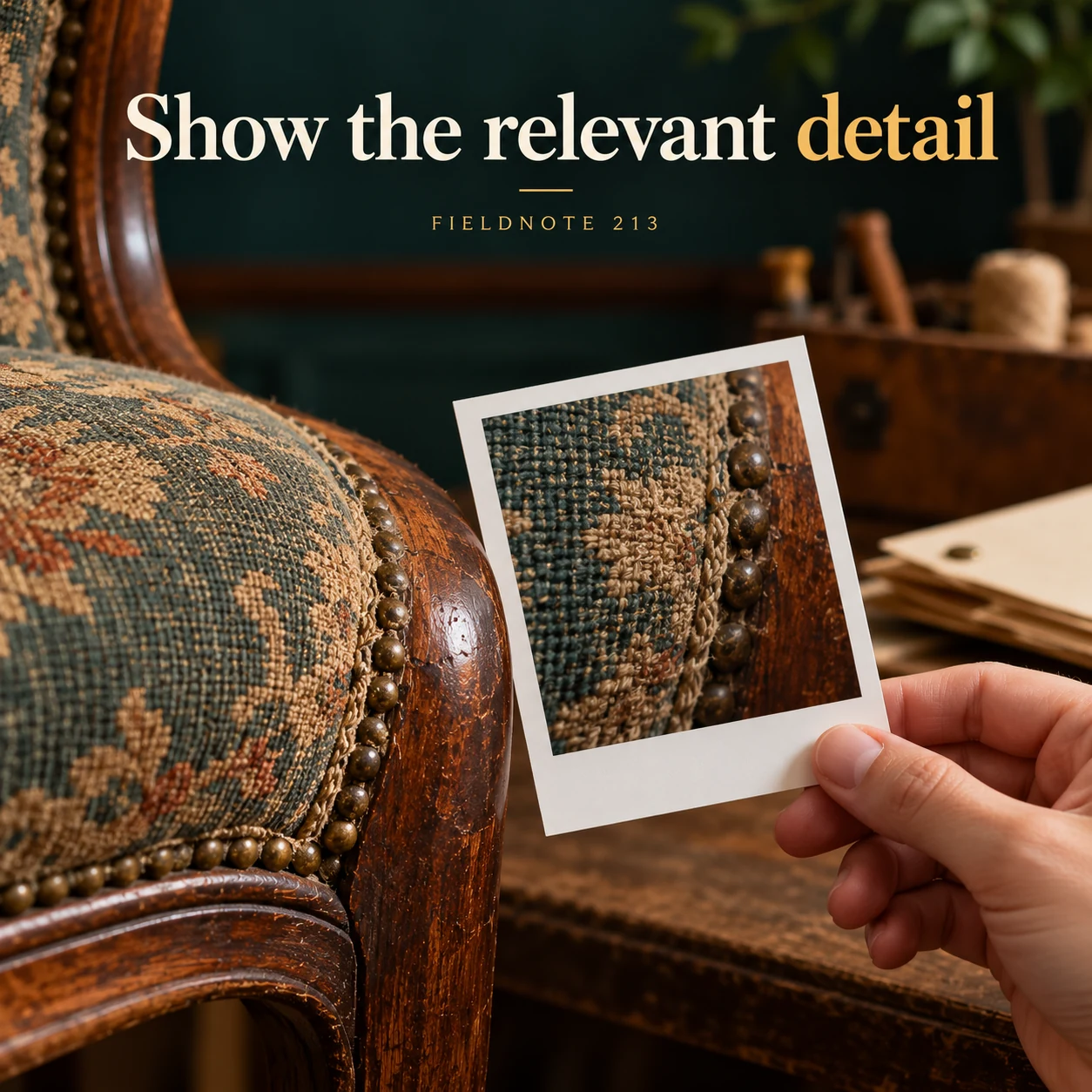
Original AI-generated fictional campaign concept. No real customer or measured result is represented.
Finished example caption — A permitted close photo can add context without replacing a professional assessment.
Why use this post — A focused detail can support the written description. It cannot establish hidden damage, material identity or suitability for repair.
Make it your own — Explain which photographs your business actually accepts. Remove personal documents, home identifiers and unrelated people; provide another route if a photo is not possible.
Image brief to adapt
Generate one complete polished square campaign image, 1080×1080. The exact scene is: close view of an original chair seam beside a plain photo card. Context: a fictional furniture-restoration studio with chair and enquiry folder. The message is “Show the relevant detail”; support this finished caption: “A permitted close photo can add context without replacing a professional assessment.”. Close editorial still life or detail crop showing the relevant physical object and its texture, with the headline in a quiet top band. Art direction: candid small-business campaign photography, restrained graphics and a clear human focal point; palette midnight teal, warm ivory and ochre; refined natural lighting, deliberate depth and texture, commercially credible proportions, clean edges and ample breathing room. Use exactly this headline: “Show the relevant detail”. Add the small fictional wordmark “FIELDNOTE 213”. Headline must be immediately readable at a phone size, with high contrast and a safe inset of at least8% from every edge. The scene is the main visual, not a text-only card. No additional text, UI screenshot, testimonial, metrics, sale badge, fake website, QR code or placeholder field. No watermarks or unrelated logos. No guaranteed quote, price or work acceptance. Produce finished actual raster artwork ready to download and inspect; no wireframe, simple geometric substitute or diagram.
3. Explain the intended use
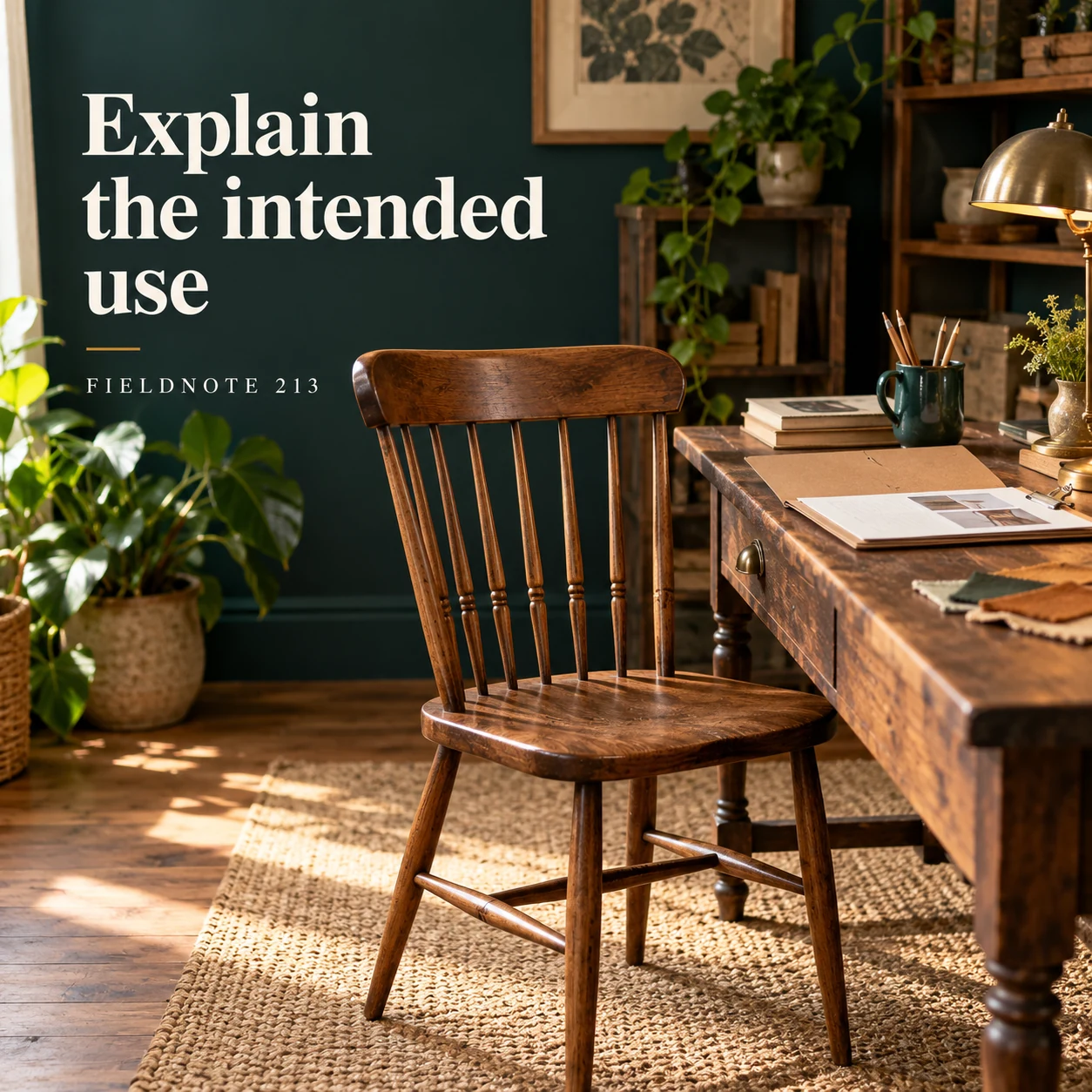
Original AI-generated fictional campaign concept. No real customer or measured result is represented.
Finished example caption — How the item will be used can be a useful question for the service team.
Why use this post — The intended use can affect the questions a professional asks. It remains context rather than a claim that the restored item will meet a particular standard.
Make it your own — Invite the customer to describe the normal intended use. Leave suitability and any required assessment to the service team.
Image brief to adapt
Generate one complete polished square campaign image, 1080×1080. The exact scene is: chair beside a home desk in a fictional room. Context: a fictional furniture-restoration studio with chair and enquiry folder. The message is “Explain the intended use”; support this finished caption: “How the item will be used can be a useful question for the service team.”. Natural eye-level composition with a restrained side panel for type. Preserve the exact stated scene; do not add a person to an object-only scene. If the scene includes people, use adult models and the explicit stated action only. Art direction: candid small-business campaign photography, restrained graphics and a clear human focal point; palette midnight teal, warm ivory and ochre; refined natural lighting, deliberate depth and texture, commercially credible proportions, clean edges and ample breathing room. Use exactly this headline: “Explain the intended use”. Add the small fictional wordmark “FIELDNOTE 213”. Headline must be immediately readable at a phone size, with high contrast and a safe inset of at least8% from every edge. The scene is the main visual, not a text-only card. No additional text, UI screenshot, testimonial, metrics, sale badge, fake website, QR code or placeholder field. No watermarks or unrelated logos. No guaranteed quote, price or work acceptance. Produce finished actual raster artwork ready to download and inspect; no wireframe, simple geometric substitute or diagram.
4. Use the private route
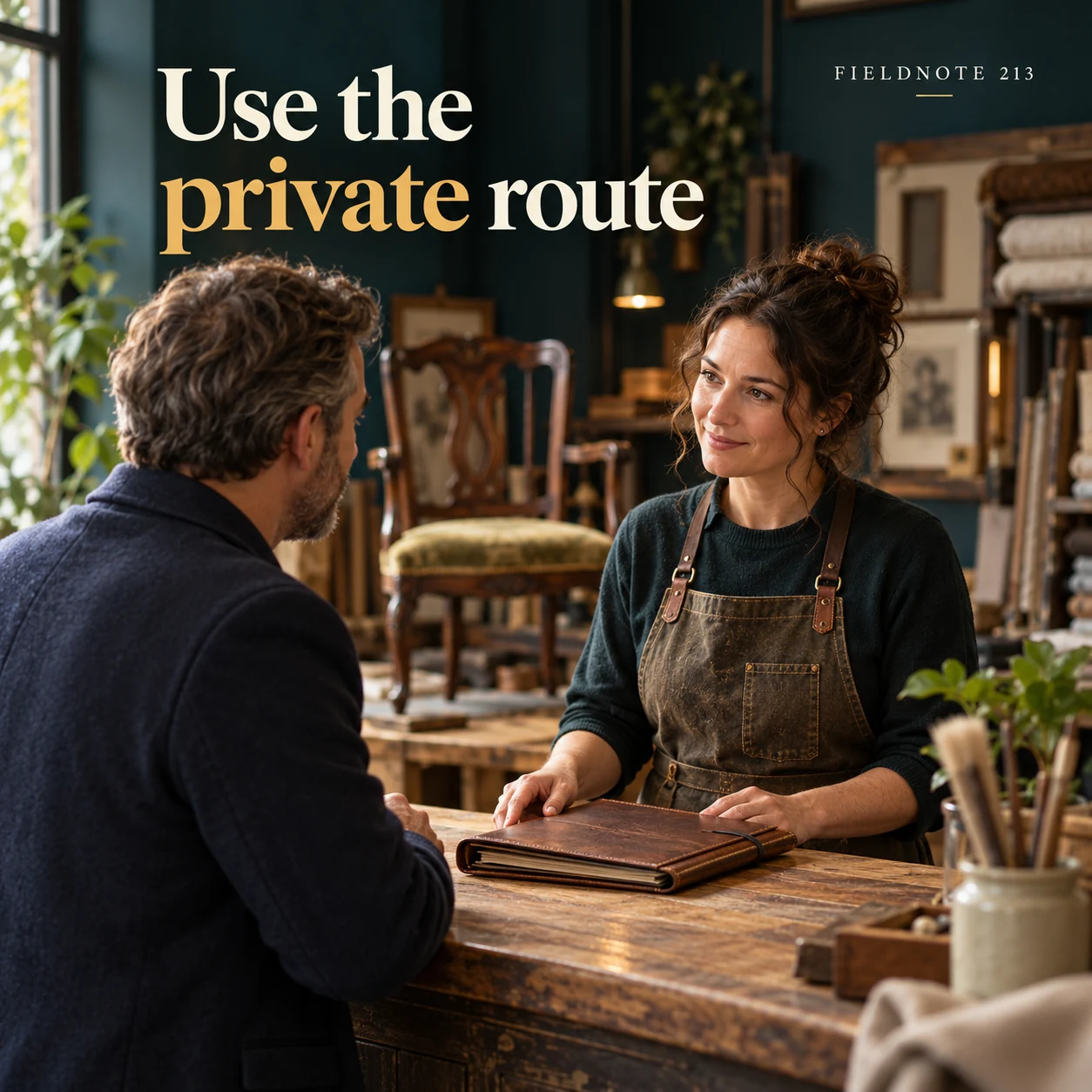
Original AI-generated fictional campaign concept. No real customer or measured result is represented.
Finished example caption — Send personal contact and project details through the business's approved enquiry channel.
Why use this post — The final concept separates the public invitation from personal project details. It directs the reader to the real channel without promising an instant quote.
Make it your own — Name the actual private enquiry route in the caption. Do not ask readers to post an address, phone number, order number or confidential file in comments.
Image brief to adapt
Generate one complete polished square campaign image, 1080×1080. The exact scene is: adult customer discussing a closed enquiry folder at a counter. Context: a fictional furniture-restoration studio with chair and enquiry folder. The message is “Use the private route”; support this finished caption: “Send personal contact and project details through the business's approved enquiry channel.”. Confident final hero composition using a clear foreground subject and supporting background context; close the sequence with a purposeful visual invitation. Art direction: candid small-business campaign photography, restrained graphics and a clear human focal point; palette midnight teal, warm ivory and ochre; refined natural lighting, deliberate depth and texture, commercially credible proportions, clean edges and ample breathing room. Use exactly this headline: “Use the private route”. Add the small fictional wordmark “FIELDNOTE 213”. Headline must be immediately readable at a phone size, with high contrast and a safe inset of at least8% from every edge. The scene is the main visual, not a text-only card. No additional text, UI screenshot, testimonial, metrics, sale badge, fake website, QR code or placeholder field. No watermarks or unrelated logos. No guaranteed quote, price or work acceptance. Produce finished actual raster artwork ready to download and inspect; no wireframe, simple geometric substitute or diagram.
Put it into practice
Apply the workflow to one actual business image
Complete a fictional enquiry for a dining chair: item—one wooden chair; observed issue—the seat moves when the chair is handled; intended use—household dining; references—one full view and one close view of the visible joint; open question—does the workshop assess this kind of item? The sample makes no diagnosis and includes no personal details. Build the post around “Start with the item,” then place the actual business's approved private route in the accompanying caption. Have the service owner check the questions before use.
Put it into practice
Separate preparation, assessment and a confirmed service
A useful enquiry invitation should not make a preliminary conversation look like a completed service. In this original fictional furniture-workshop example, the owner can describe one chair, an observed movement in the seat and its intended household use. The workshop can then decide what further information or assessment it needs. Neither the post nor the initial photo confirms a repair, price or collection date.
Use distinct next-step labels. “Ask about this item” needs an actual enquiry route. “Book an assessment” requires a real assessment-booking process. “Check your confirmed appointment” belongs with the business's current appointment information. Do not invent a booking screen or ask a customer to put an address or personal order reference in public comments. A price question can start with scope information without adding a fictional price.
Before an actual visit, the business should supply its approved preparation instructions through the appropriate channel. This guide does not create a universal list of documents, equipment or actions for every service. Keep general contact questions separate from private project files and from any professional assessment. Review the caption, destination and expected next step together so the reader knows whether they are asking, booking or receiving confirmation.
Put it into practice
Work through the next practical customer question
Shoe enquiry example—an invented owner supplies a permitted full-pair view and visible worn-edge detail. Question: “Can your service assess this pair, and which further information do you need before discussing possible work?” Keep material, prior work and intended use as provider questions when relevant. Do not promise that a pictured sole can be replaced, prescribe adhesive or quote a price from a photo. The cobbler assesses the actual pair and confirms scope.
Common questions
What information makes an initial service enquiry useful?
Identify the item or project, describe what you observed, explain the intended use and provide relevant references if the business accepts them. Let the service team decide which assessment or scope questions follow.
Does sending a photo mean the business can quote immediately?
No. A photograph can add context, but the business may need more information or an assessment. Do not promise a quote, acceptance or completion date unless the actual service process supports it.
Which details should stay out of public comments?
Use the approved private channel for contact details, addresses and project files. A public post can describe the kind of information needed without collecting it in the comment thread.
Can an enquiry post promise a price?
Use only an actual approved price with its scope and conditions. Otherwise help the buyer supply the information needed for the business's real pricing conversation.
How should a booking instruction differ from an enquiry invitation?
A booking instruction must match an actual working booking process. An enquiry invitation starts a discussion and does not itself confirm a service or time.
Do these worked cases establish the actual business's terms or results?
No. They are original fictional teaching examples. Use the actual approved business records, source references and appropriate reviewer for a real adaptation.
Does adding an example require another page or a new image?
No. Use the existing owner when it already supplies the same reader workflow. These text additions preserve its current images; any added real asset needs its own provenance and visual review.
Turn the brief into your own creative
Use the example as a starting point. Supply approved business facts and authorized references in Studio, then compare the finished image with the brief before using it.
Your starter brief
Replace the brackets with your own details.
Generate one complete polished square campaign image, 1080×1080. The exact scene is: adult owner showing a fictional chair to a restorer. Context: a fictional furniture-restoration studio with chair and enquiry folder. The message is “Start with the item”; support this finished caption: “Tell the workshop which item you want to discuss and what you have noticed.”. Environmental wide shot with the key subject in the lower right and generous clean upper-left negative space. Art direction: candid small-business campaign photography, restrained graphics and a clear human focal point; palette midnight teal, warm ivory and ochre; refined natural lighting, deliberate depth and texture, commercially credible proportions, clean edges and ample breathing room. Use exactly this headline: “Start with the item”. Add the small fictional wordmark “FIELDNOTE 213”. Headline must be immediately readable at a phone size, with high contrast and a safe inset of at least8% from every edge. The scene is the main visual, not a text-only card. No additional text, UI screenshot, testimonial, metrics, sale badge, fake website, QR code or placeholder field. No watermarks or unrelated logos. No guaranteed quote, price or work acceptance. Produce finished actual raster artwork ready to download and inspect; no wireframe, simple geometric substitute or diagram.
Copy your adapted brief, open Studio, and paste it into your creative workflow. Review the result before using it.
Create your version in Studio