Industry playbooks
Wedding Planner Social Media Post Ideas: 4 Examples
By Memes.ai
Updated October 16, 2026 · 5 min read
Wedding planning posts work best when they make an unclear decision easier. Show how you organize a timeline, gather supplier details or prepare for a planning call. Let the process be the useful example; avoid promising that a wedding will be stress-free or that every venue works the same way. Below are four finished visual concepts and example captions, with image briefs you can adapt to your own brand. The artwork uses fictional businesses and AI-generated scenes. For a post about your actual people, place or service, supply authorized photographs and confirmed details.
What you’ll take away
- Start with “Let's begin with your story” for one visual idea. Use “Every moment has its place” for a different view of the same business. Choose the example that supports the message you want a reader to understand.
- Get permission before sharing a couple's images, names or date. Credit vendors and photographers accurately. Use sample timelines as examples, not universal wedding schedules.
- Use the finished captions as creative examples. The adaptation notes include practical copy templates for your own confirmed details. Match your image, message and destination to the same reader task.
1. Let's begin with your story
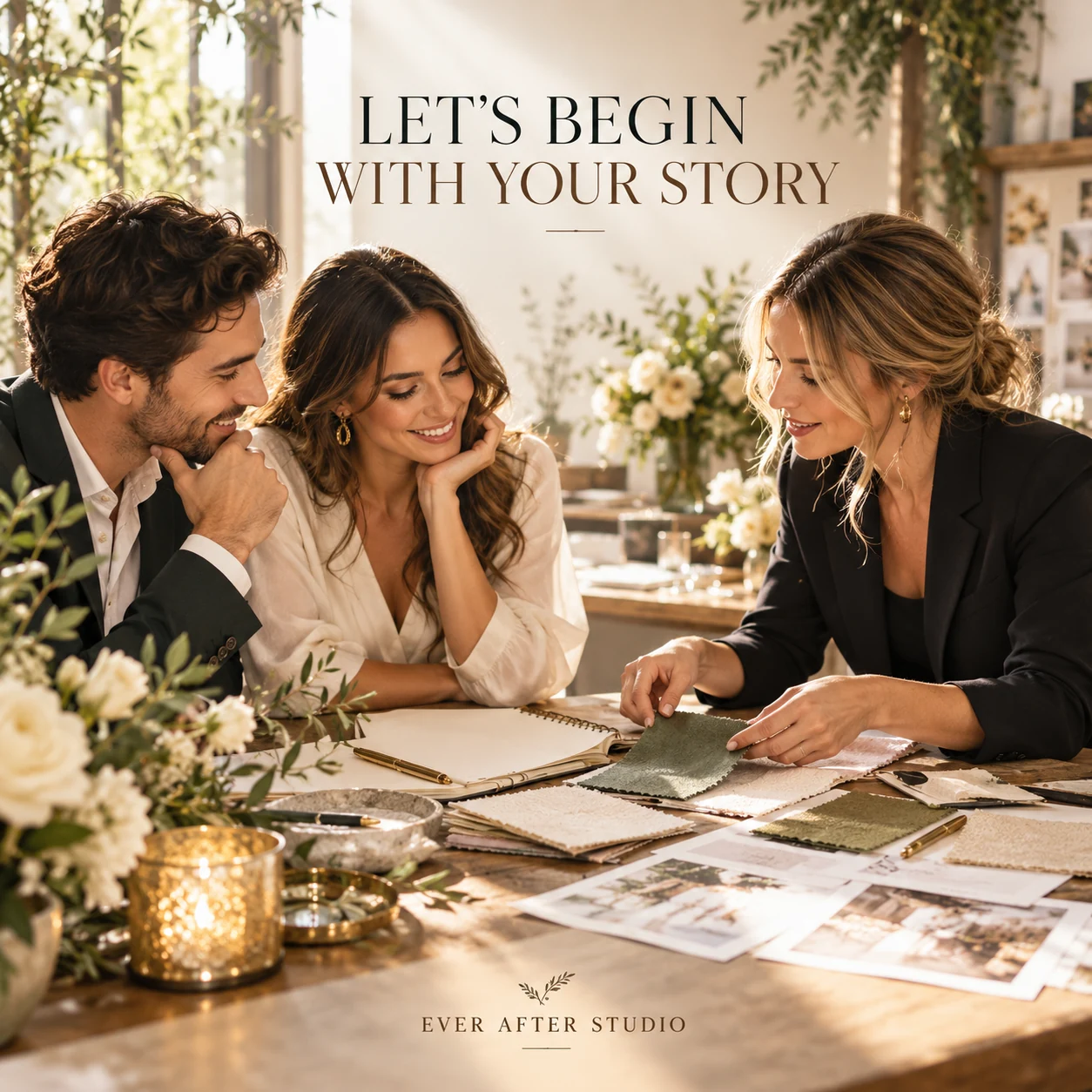
Finished AI-generated creative for the fictional brand EVER AFTER STUDIO. This is an illustrative concept, not a real customer, venue or campaign result. Headline: “LET'S BEGIN WITH YOUR STORY”.
Finished example caption — Before the mood board, the timeline or the table setting, there is your story. That is where the conversation begins.
Why use this post — A finished setting helps a couple picture a coherent celebration style.
Make it your own — List only the information your consultation actually needs. Do not ask couples to post a budget publicly. If you need a practical service-information version, adapt this template with confirmed details: Getting ready for a planning call? Bring [your real consultation inputs], your rough guest count and the decisions you most want help with. Here is our enquiry route: [link].
Image brief to adapt
Create a finished square social image for my wedding planner business. Scene: Elegant wedding-planning consultation table with two adult partners and an adult planner looking at tactile color swatches and a blank notebook, relaxed genuine discussion, sunlit studio. Visual style: Refined editorial wedding planning photography; ivory, champagne, olive foliage and soft black; adult professionals, thoughtful documentary details. Use this headline exactly: “LET'S BEGIN WITH YOUR STORY”. Replace the fictional example brand EVER AFTER STUDIO with my supplied business name. Make the scene the main visual, with a short legible headline and a small brand wordmark. Do not render placeholder fields or instructions. Do not invent a date, price, address, credential, offer or result. Use my authorized photographs when the post describes my actual people, premises, products or completed work. Review every detail before publishing.
2. Every moment has its place
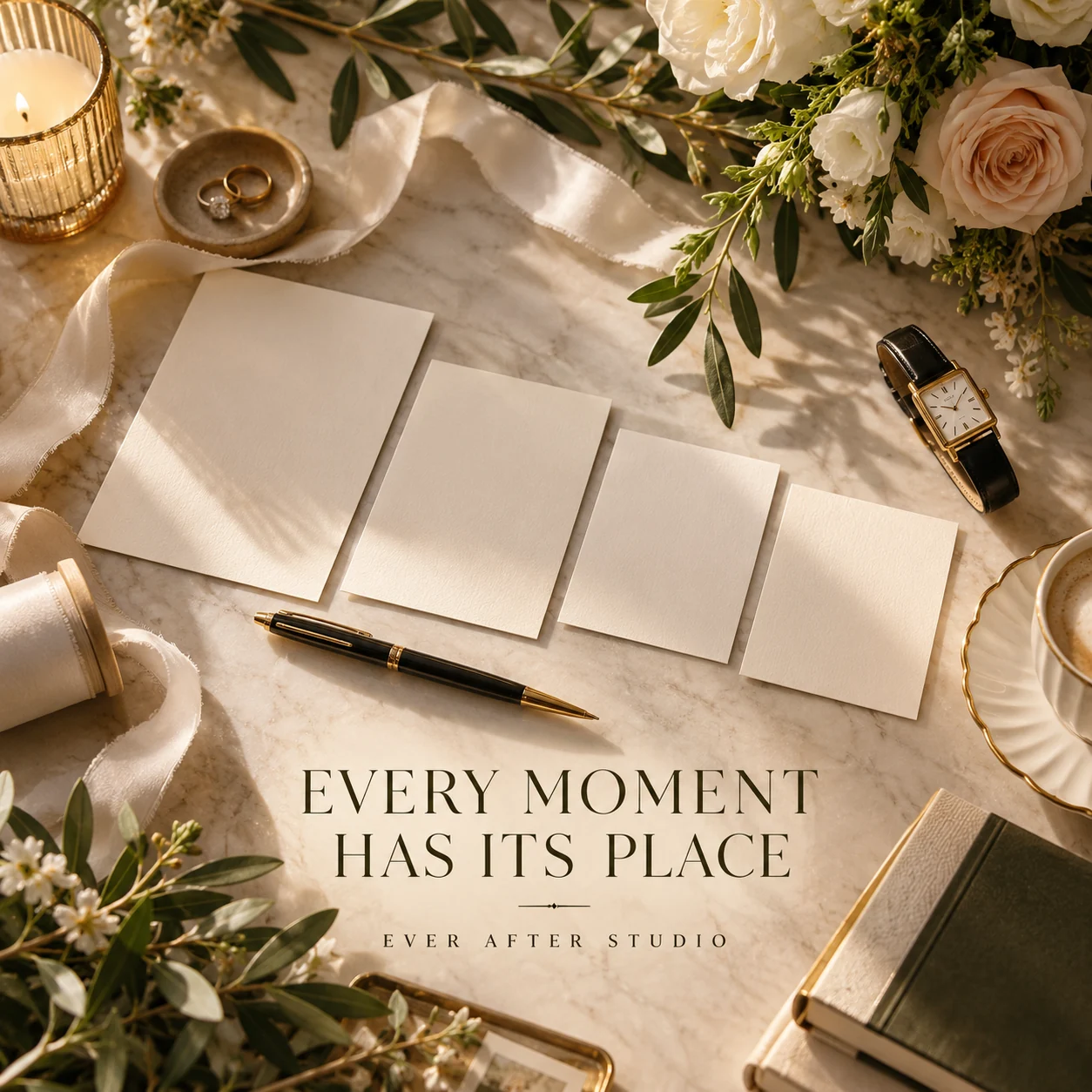
Finished AI-generated creative for the fictional brand EVER AFTER STUDIO. This is an illustrative concept, not a real customer, venue or campaign result. Headline: “EVERY MOMENT HAS ITS PLACE”.
Finished example caption — The ceremony, the welcome, the quiet pause in between. A thoughtful timeline makes room for the moments you want to remember.
Why use this post — Planning materials make the preparation behind a wedding visible.
Make it your own — Use a fictional schedule and explain why the order matters in that example. If you need a practical service-information version, adapt this template with confirmed details: One timeline question we discuss early: [specific decision]. In this fictional example, [short sample sequence]. Your venue and suppliers may need a different plan.
Image brief to adapt
Create a finished square social image for my wedding planner business. Scene: Overhead photograph of an elegantly organized wedding-planning desk: watch, cream cards laid in a sequence, pen, ribbon, floral sprig; cards have no writing, intentional cinematic composition. Visual style: Refined editorial wedding planning photography; ivory, champagne, olive foliage and soft black; adult professionals, thoughtful documentary details. Use this headline exactly: “EVERY MOMENT HAS ITS PLACE”. Replace the fictional example brand EVER AFTER STUDIO with my supplied business name. Make the scene the main visual, with a short legible headline and a small brand wordmark. Do not render placeholder fields or instructions. Do not invent a date, price, address, credential, offer or result. Use my authorized photographs when the post describes my actual people, premises, products or completed work. Review every detail before publishing.
3. The details connect everything
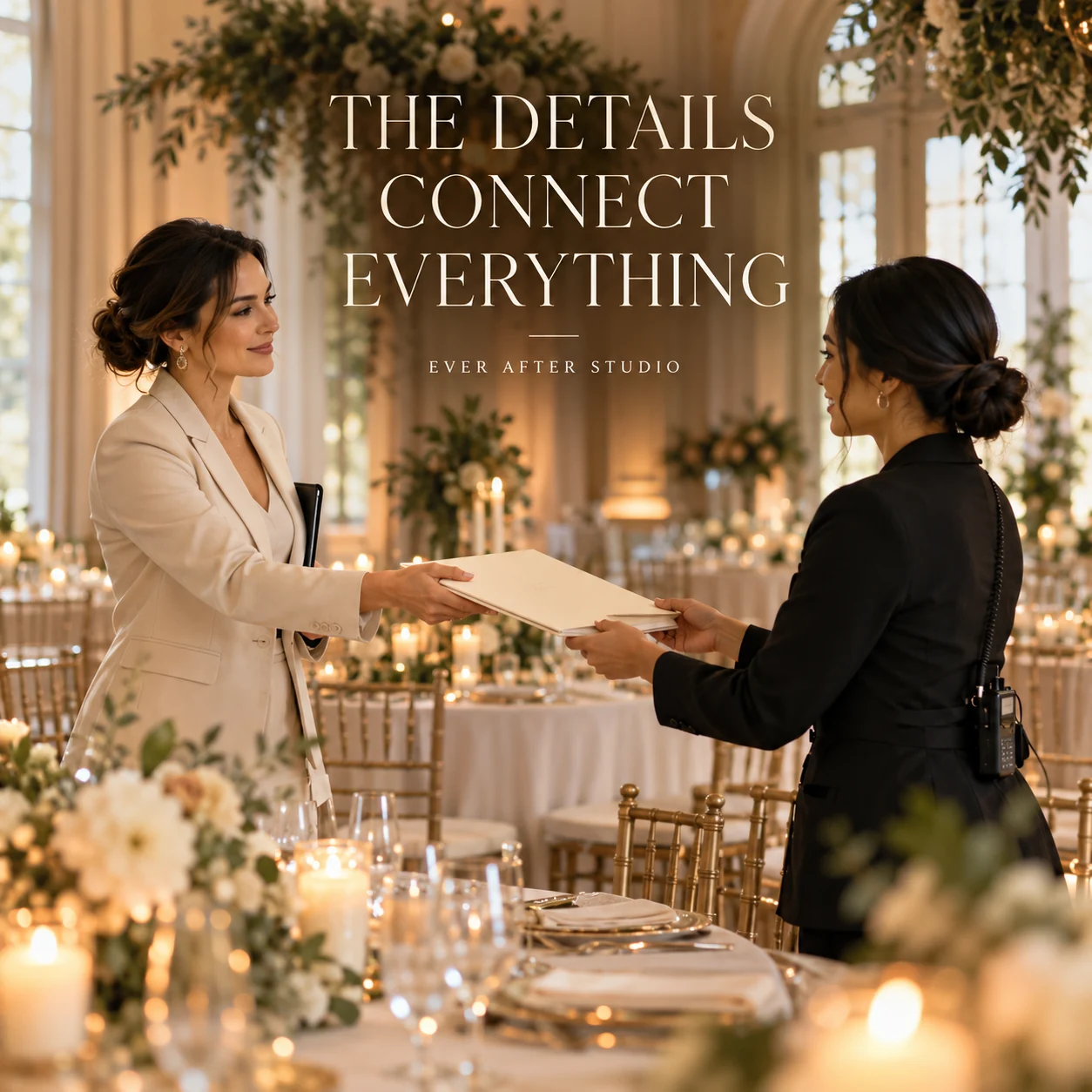
Finished AI-generated creative for the fictional brand EVER AFTER STUDIO. This is an illustrative concept, not a real customer, venue or campaign result. Headline: “THE DETAILS CONNECT EVERYTHING”.
Finished example caption — The beautiful part of a plan is how the pieces connect. One clear handoff brings the next moment into focus.
Why use this post — A conversation scene connects the service with listening and personal choices.
Make it your own — Use invented names, dates and numbers. Do not publish real supplier or guest contact sheets. If you need a practical service-information version, adapt this template with confirmed details: A useful handoff includes [approved planning details]. We keep the full contact sheet private; this sample shows the structure, not a real couple's information.
Image brief to adapt
Create a finished square social image for my wedding planner business. Scene: An adult wedding planner handing an ivory folder to an adult venue coordinator in a gorgeous empty reception space before an event; understated professional gesture, no documents readable. Visual style: Refined editorial wedding planning photography; ivory, champagne, olive foliage and soft black; adult professionals, thoughtful documentary details. Use this headline exactly: “THE DETAILS CONNECT EVERYTHING”. Replace the fictional example brand EVER AFTER STUDIO with my supplied business name. Make the scene the main visual, with a short legible headline and a small brand wordmark. Do not render placeholder fields or instructions. Do not invent a date, price, address, credential, offer or result. Use my authorized photographs when the post describes my actual people, premises, products or completed work. Review every detail before publishing.
4. The feeling comes first
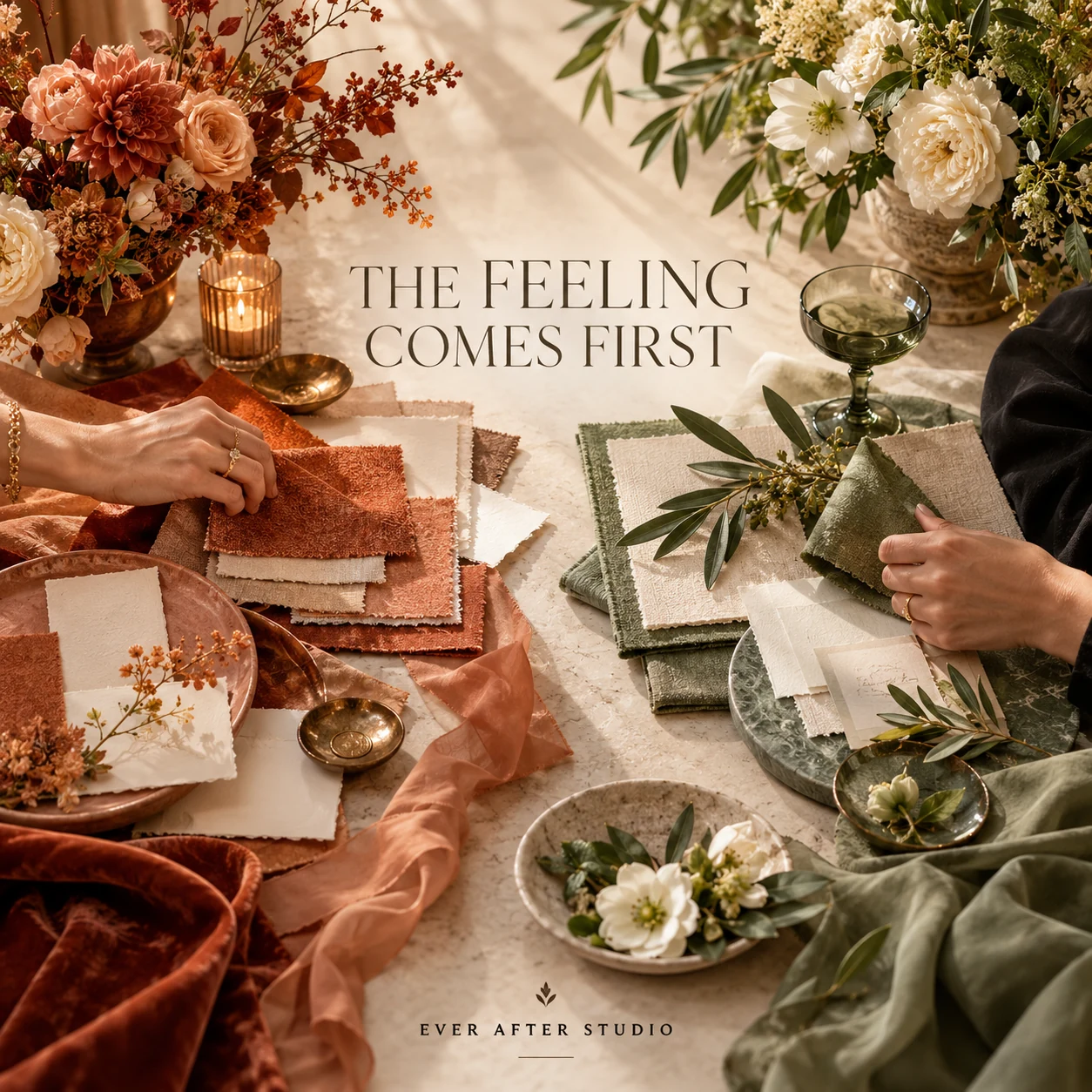
Finished AI-generated creative for the fictional brand EVER AFTER STUDIO. This is an illustrative concept, not a real customer, venue or campaign result. Headline: “THE FEELING COMES FIRST”.
Finished example caption — Warm and earthy, or soft and green? The right direction starts with the feeling you want to create together.
Why use this post — A detail image shows how small design decisions can support the wider mood.
Make it your own — Credit licensed imagery and label the concept as a sample. Keep cost and availability conditional. If you need a practical service-information version, adapt this template with confirmed details: Two directions for [fictional wedding brief]: [choice A] and [choice B]. The decision starts with [real constraint], not just a color preference.
Image brief to adapt
Create a finished square social image for my wedding planner business. Scene: Editorial split composition within one coherent tabletop photograph: two rich wedding material palettes, one warm terracotta and ivory, one sage and cream, fabric swatches, flowers and stationery without writing. Visual style: Refined editorial wedding planning photography; ivory, champagne, olive foliage and soft black; adult professionals, thoughtful documentary details. Use this headline exactly: “THE FEELING COMES FIRST”. Replace the fictional example brand EVER AFTER STUDIO with my supplied business name. Make the scene the main visual, with a short legible headline and a small brand wordmark. Do not render placeholder fields or instructions. Do not invent a date, price, address, credential, offer or result. Use my authorized photographs when the post describes my actual people, premises, products or completed work. Review every detail before publishing.
Put it into practice
Build your first wedding planner content batch
Choose a planning decision couples ask about often. Create an anonymized sample using fictional names. Ask the planner to check the sequence, then post the decision and the information needed to discuss it. Prepare each post as a small brief: audience, one useful detail, approved caption, matching visual and a single current destination. Get permission before sharing a couple's images, names or date. Credit vendors and photographers accurately. Use sample timelines as examples, not universal wedding schedules. Before publishing, read the caption beside the image, confirm that all brackets are replaced and check the destination on a phone. After a week, review the questions and enquiries each post generated. Keep the useful information current and revise confusing details before making more variants.
Common questions
Can we share a wedding timeline?
Use an anonymized or fictional sample and state that timing depends on the couple, venue and suppliers. Remove private contact information and confirm permission for any real event details.
How do we credit a wedding post?
Confirm the contributors and their preferred accounts with the couple and supplier team. A photo credit is separate from permission to use the photo; check both.
Can I download and adapt these finished images?
Yes. Each example includes an original finished AI-generated image and a copyable image brief. Save the WebP as a visual reference, or use the brief to create a version for your own brand in Studio. The pictured businesses and scenes are fictional. Use authorized real photos for claims about your actual people, venue, products or completed work. The downloaded image is flattened; it does not contain editable text layers.
Turn the brief into your own creative
Choose a finished image and caption that fit your business task, then copy its brief into Studio to develop your own version. Use your own brand, current information and authorized real-world assets where needed.
Your starter brief
Replace the brackets with your own details.
Create a finished square social image for my wedding planner business. Scene: Elegant wedding-planning consultation table with two adult partners and an adult planner looking at tactile color swatches and a blank notebook, relaxed genuine discussion, sunlit studio. Visual style: Refined editorial wedding planning photography; ivory, champagne, olive foliage and soft black; adult professionals, thoughtful documentary details. Use this headline exactly: “LET'S BEGIN WITH YOUR STORY”. Replace the fictional example brand EVER AFTER STUDIO with my supplied business name. Make the scene the main visual, with a short legible headline and a small brand wordmark. Do not render placeholder fields or instructions. Do not invent a date, price, address, credential, offer or result. Use my authorized photographs when the post describes my actual people, premises, products or completed work. Review every detail before publishing.
Copy your adapted brief, open Studio, and paste it into your creative workflow. Review the result before using it.
Create your version in Studio