Ad creative
Brand Reference Packets: Give Creators the Right Context
By Memes.ai
Updated October 16, 2026 · 5 min read
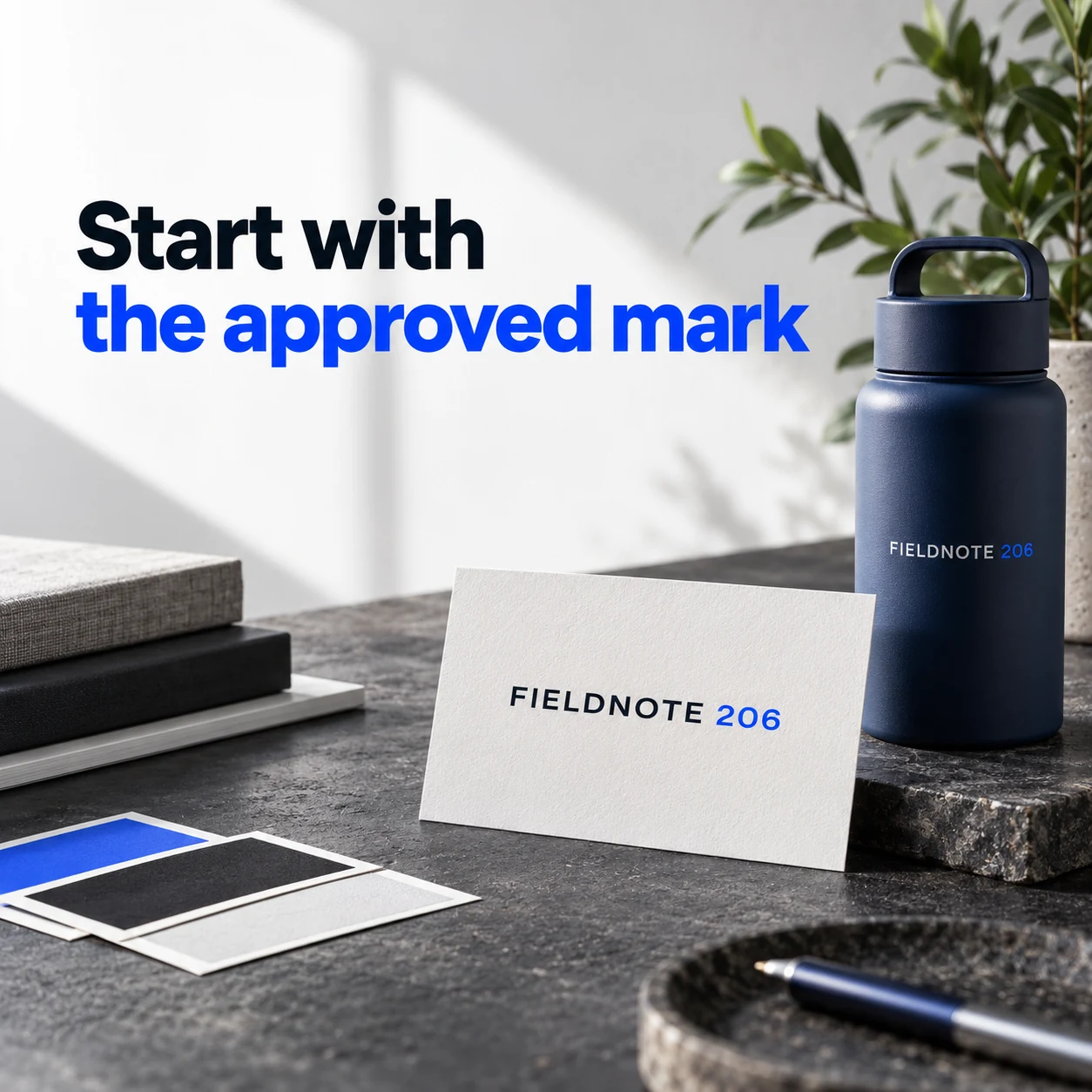
Give a creator the references needed for this assignment, not every file the business has ever made. A useful packet identifies the approved mark, palette, relevant visual examples and the product or offer facts that must remain accurate. The four fictional FIELDNOTE examples show those parts separately. They are a handoff structure; they do not imply that uploading references guarantees exact brand reproduction. Use only assets the business is allowed to use.
What you’ll take away
- Choose approved references relevant to one assignment.
- Separate visual direction from the facts that cannot change.
- Name one current version and the person who can approve it.
1. Start with the approved mark
Original AI-generated fictional campaign concept. No real customer or measured result is represented.
Finished example caption — Use the actual permitted wordmark rather than a guessed logo.
Why use this post — An approved mark prevents the creator from guessing the business identity. The source file and the permitted version matter more than a rough screenshot.
Make it your own — Supply the current logo or wordmark and its use guidance. Do not ask a generator to reconstruct an unrelated brand's identity.
Image brief to adapt
Generate one complete polished square campaign image, 1080×1080. The exact scene is: original FIELDNOTE wordmark card beside a product sample. Context: a fictional brand desk with original wordmark, color swatches and product photos. The message is “Start with the approved mark”; support this finished caption: “Use the actual permitted wordmark rather than a guessed logo.”. Environmental wide shot with the key subject in the lower right and generous clean upper-left negative space. Art direction: editorial tabletop photography with physical creative artifacts; no fake software interface; palette charcoal, soft white and electric blue; refined natural lighting, deliberate depth and texture, commercially credible proportions, clean edges and ample breathing room. Use exactly this headline: “Start with the approved mark”. Add the small fictional wordmark “FIELDNOTE 206”. Headline must be immediately readable at a phone size, with high contrast and a safe inset of at least8% from every edge. The scene is the main visual, not a text-only card. No additional text, UI screenshot, testimonial, metrics, sale badge, fake website, QR code or placeholder field. No watermarks or unrelated logos. No invented brand guideline or rights assumption. Produce finished actual raster artwork ready to download and inspect; no wireframe, simple geometric substitute or diagram.
2. Add the working palette
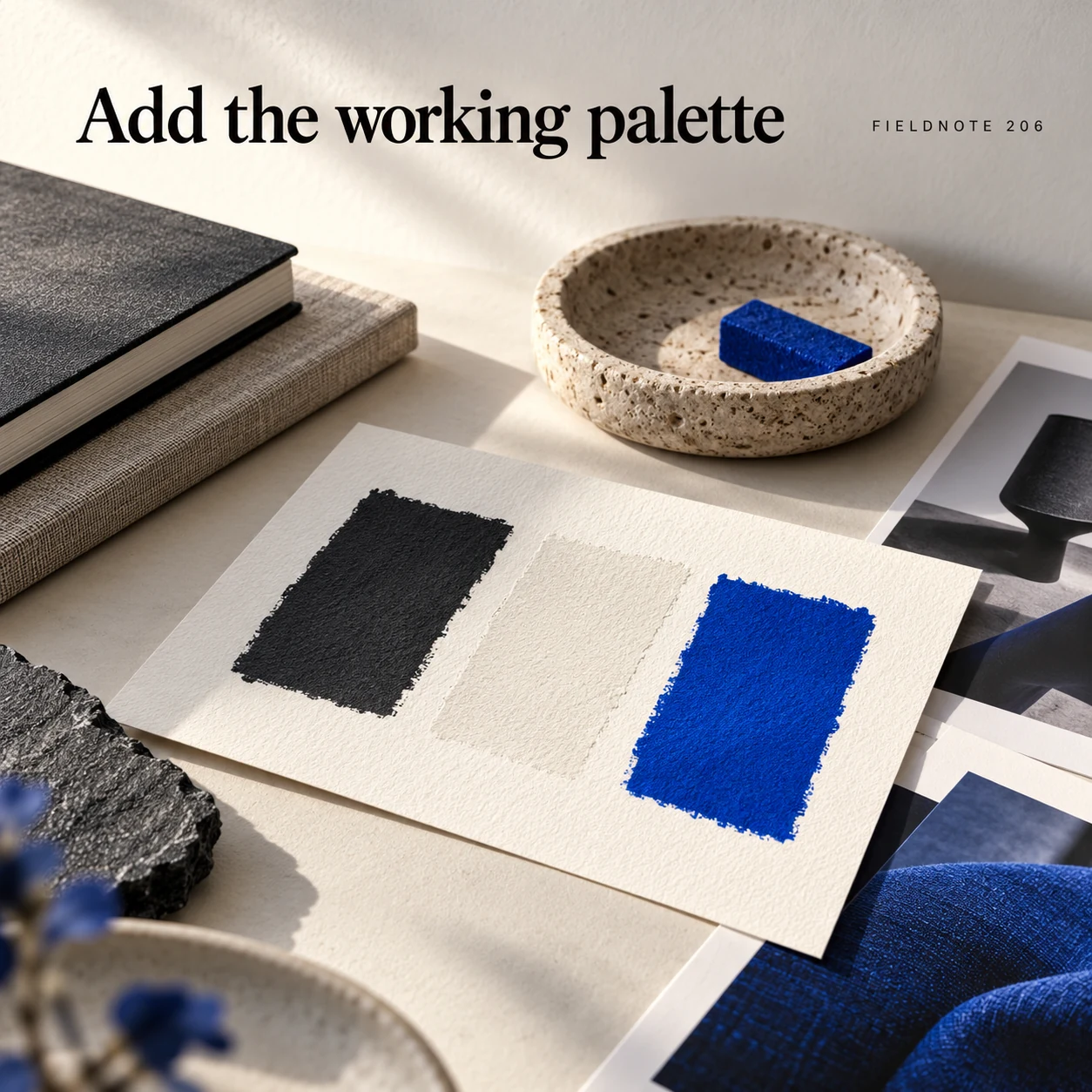
Original AI-generated fictional campaign concept. No real customer or measured result is represented.
Finished example caption — A small approved palette gives the image a clear visual frame.
Why use this post — A small working palette tells the creator how color should be used in this task. It does not require changing the actual product to fit the palette.
Make it your own — Provide approved colors and labels for their intended role. Preserve the real product's color and packaging.
Image brief to adapt
Generate one complete polished square campaign image, 1080×1080. The exact scene is: three restrained color swatches on ivory paper. Context: a fictional brand desk with original wordmark, color swatches and product photos. The message is “Add the working palette”; support this finished caption: “A small approved palette gives the image a clear visual frame.”. Close editorial still life or detail crop showing the relevant physical object and its texture, with the headline in a quiet top band. Art direction: editorial tabletop photography with physical creative artifacts; no fake software interface; palette charcoal, soft white and electric blue; refined natural lighting, deliberate depth and texture, commercially credible proportions, clean edges and ample breathing room. Use exactly this headline: “Add the working palette”. Add the small fictional wordmark “FIELDNOTE 206”. Headline must be immediately readable at a phone size, with high contrast and a safe inset of at least8% from every edge. The scene is the main visual, not a text-only card. No additional text, UI screenshot, testimonial, metrics, sale badge, fake website, QR code or placeholder field. No watermarks or unrelated logos. No invented brand guideline or rights assumption. Produce finished actual raster artwork ready to download and inspect; no wireframe, simple geometric substitute or diagram.
3. Show relevant examples
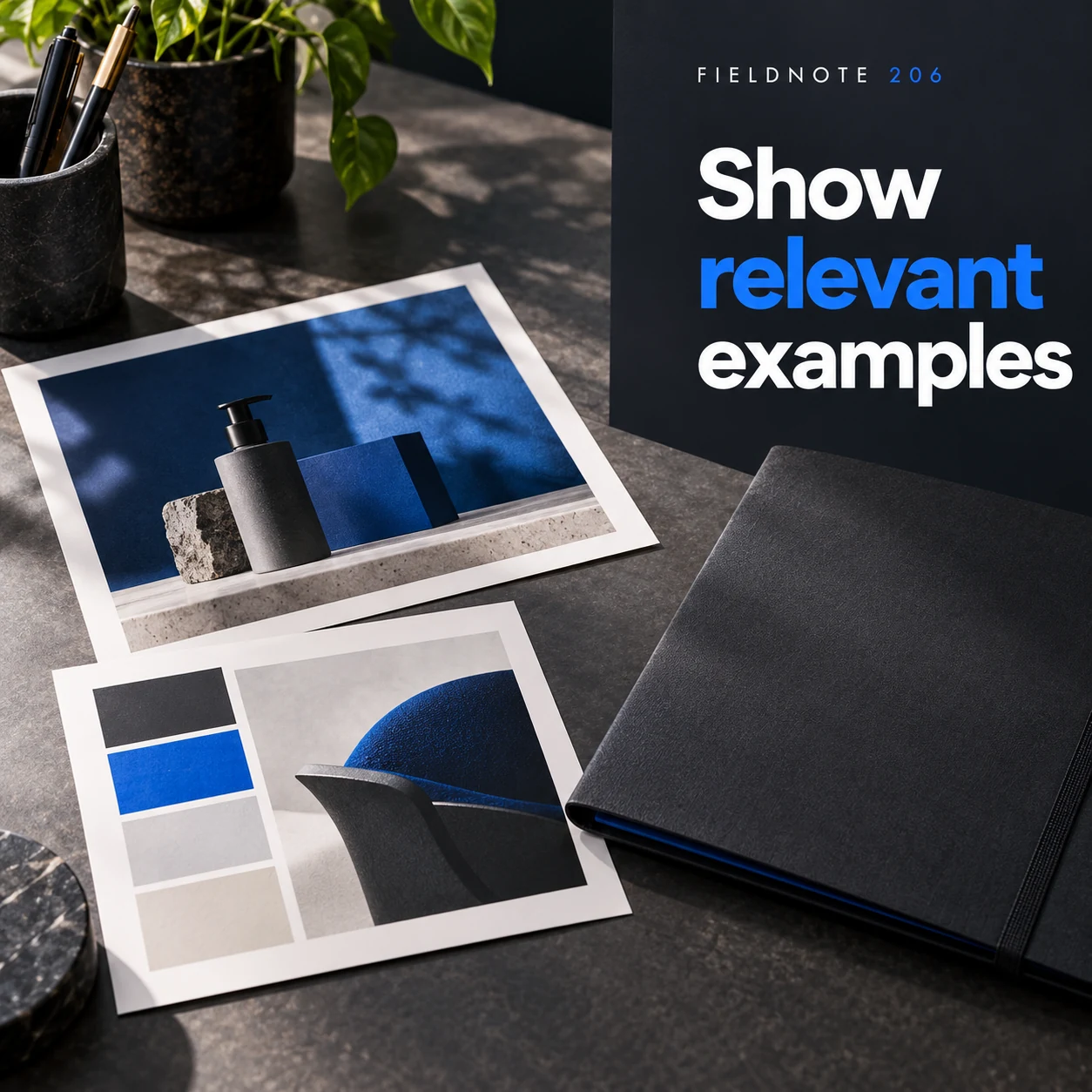
Original AI-generated fictional campaign concept. No real customer or measured result is represented.
Finished example caption — Only include references that help this particular task.
Why use this post — Relevant examples show the desired direction. Too many unrelated references can leave the assignment's visual aim unclear.
Make it your own — Pick references you have permission to use and explain the feature each one illustrates. Do not request a copy of another creator's whole work.
Image brief to adapt
Generate one complete polished square campaign image, 1080×1080. The exact scene is: two original relevant image prints beside one closed folder. Context: a fictional brand desk with original wordmark, color swatches and product photos. The message is “Show relevant examples”; support this finished caption: “Only include references that help this particular task.”. Natural eye-level composition with a restrained side panel for type. Preserve the exact stated scene; do not add a person to an object-only scene. If the scene includes people, use adult models and the explicit stated action only. Art direction: editorial tabletop photography with physical creative artifacts; no fake software interface; palette charcoal, soft white and electric blue; refined natural lighting, deliberate depth and texture, commercially credible proportions, clean edges and ample breathing room. Use exactly this headline: “Show relevant examples”. Add the small fictional wordmark “FIELDNOTE 206”. Headline must be immediately readable at a phone size, with high contrast and a safe inset of at least8% from every edge. The scene is the main visual, not a text-only card. No additional text, UI screenshot, testimonial, metrics, sale badge, fake website, QR code or placeholder field. No watermarks or unrelated logos. No invented brand guideline or rights assumption. Produce finished actual raster artwork ready to download and inspect; no wireframe, simple geometric substitute or diagram.
4. Keep the facts separate
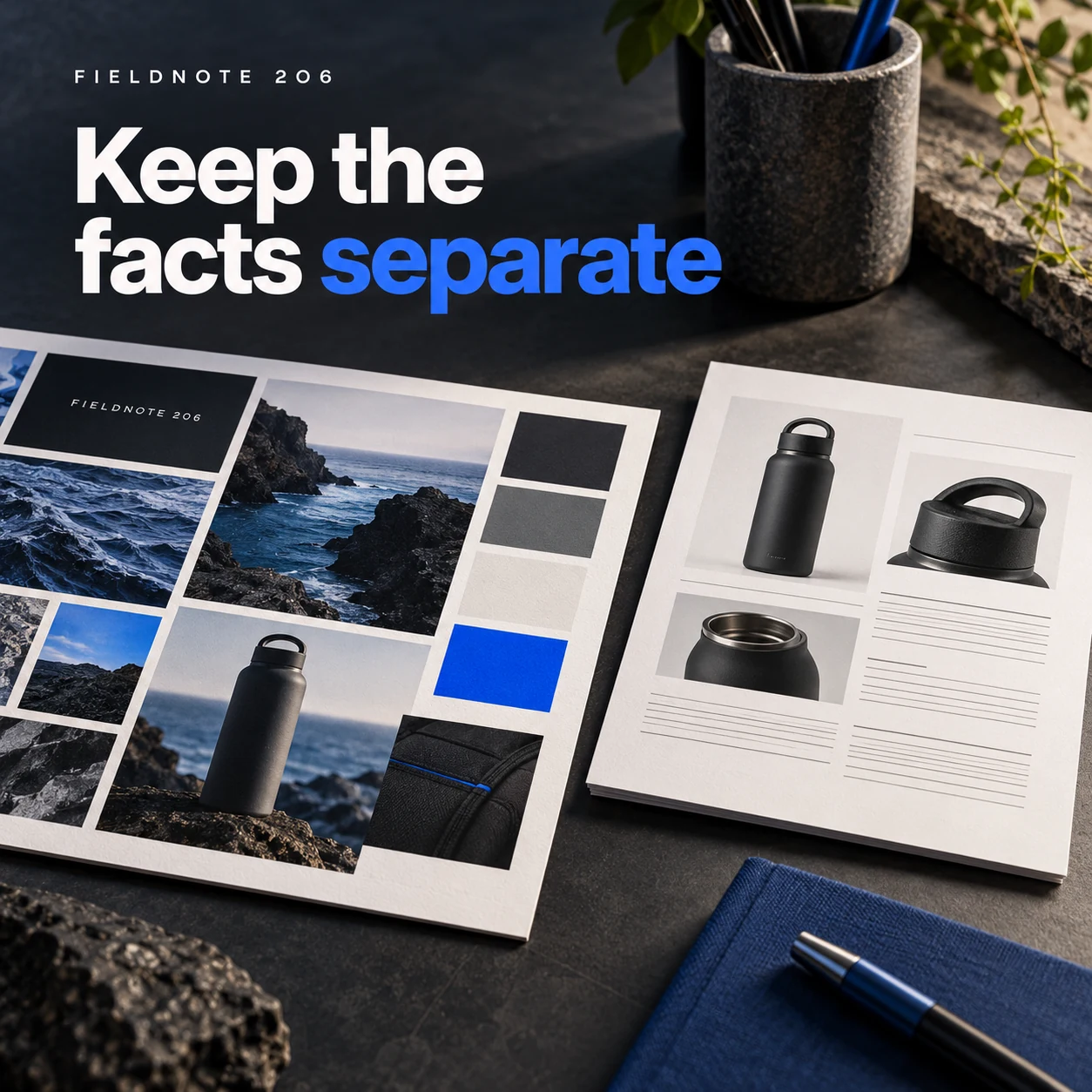
Original AI-generated fictional campaign concept. No real customer or measured result is represented.
Finished example caption — Brand mood does not replace the product and offer information.
Why use this post — A separate fact sheet keeps mood and style from being mistaken for product evidence. The creator can see which wording or details need approval.
Make it your own — List actual product details, offer terms and destinations separately. Mark unknowns as questions and resolve them before production.
Image brief to adapt
Generate one complete polished square campaign image, 1080×1080. The exact scene is: palette sheet set apart from a plain factual brief card. Context: a fictional brand desk with original wordmark, color swatches and product photos. The message is “Keep the facts separate”; support this finished caption: “Brand mood does not replace the product and offer information.”. Confident final hero composition using a clear foreground subject and supporting background context; close the sequence with a purposeful visual invitation. Art direction: editorial tabletop photography with physical creative artifacts; no fake software interface; palette charcoal, soft white and electric blue; refined natural lighting, deliberate depth and texture, commercially credible proportions, clean edges and ample breathing room. Use exactly this headline: “Keep the facts separate”. Add the small fictional wordmark “FIELDNOTE 206”. Headline must be immediately readable at a phone size, with high contrast and a safe inset of at least8% from every edge. The scene is the main visual, not a text-only card. No additional text, UI screenshot, testimonial, metrics, sale badge, fake website, QR code or placeholder field. No watermarks or unrelated logos. No invented brand guideline or rights assumption. Produce finished actual raster artwork ready to download and inspect; no wireframe, simple geometric substitute or diagram.
Put it into practice
Apply the workflow to one actual business image
Prepare a one-assignment folder with four named parts: approved identity, working palette, relevant reference images and confirmed facts. Add a short sentence explaining what each reference should guide. Remove a file if the creator cannot tell why it belongs. Give the assignment one owner and a version name. In Studio, use the relevant saved Brand Kit or authorized references, then review the result against the same packet. Keep the original references available for comparison.
Put it into practice
Finish the handoff with one clear delivery record
A reference packet explains the identity and facts; a delivery record explains what this assignment will produce. Connect them without sending an unstructured folder of unrelated material. Use an original fictional record: task—one desk-folder introduction image; approved references—current product photo and Fieldnote wordmark; fixed facts—product shape, color and exact headline; flexible choices—background and composition; reviewer—named business owner; deliverable—one approved flattened image export after review.
Give each supplied reference a reason and a permitted use. A palette reference should not recolor the product. A composition reference should not become a request to copy another creator's whole work. Keep product facts and offer terms separate from mood examples. When making a campaign family, reuse the approved mark, palette roles and factual constraints while giving each image a different reader question. Consistency does not mean repeating one caption.
At delivery, record the actual filename/version, intended placement and approval state. “Folder-intro-r2” can identify a review version; “approved” should be used only after the named reviewer accepts that exact file. State the actual file type. A flattened WebP is a finished image; it does not contain editable text layers or the original project. Do not promise a source format, rights scope or unlimited revisions that the actual assignment does not include.
Common questions
How many references belong in the packet?
Use the smallest useful set for the assignment. Each reference should have a named purpose. This guide does not impose a platform upload limit or claim that more references always improve an image.
Is a reference packet the same as a Brand Kit?
A Brand Kit stores reusable context in a product. A task packet selects the relevant context and approved facts for one assignment. Use the current Studio workflow without assuming another tool's features are available.
What should stay fixed across creators?
Keep the approved identity, actual product facts and required message consistent. Give creators room to propose composition changes inside those boundaries, then review the final output.
How should a freelancer know which facts may change?
Separate fixed product/copy facts from flexible art direction, identify the permitted references and name the reviewer. A creator should not infer factual changes from a mood board.
Is an approved image the same as an editable source file?
No. Record the actual delivered format and what it contains. A flattened export does not establish access to editable layers or another tool's project file.
Turn the brief into your own creative
Use the example as a starting point. Supply approved business facts and authorized references in Studio, then compare the finished image with the brief before using it.
Your starter brief
Replace the brackets with your own details.
Generate one complete polished square campaign image, 1080×1080. The exact scene is: original FIELDNOTE wordmark card beside a product sample. Context: a fictional brand desk with original wordmark, color swatches and product photos. The message is “Start with the approved mark”; support this finished caption: “Use the actual permitted wordmark rather than a guessed logo.”. Environmental wide shot with the key subject in the lower right and generous clean upper-left negative space. Art direction: editorial tabletop photography with physical creative artifacts; no fake software interface; palette charcoal, soft white and electric blue; refined natural lighting, deliberate depth and texture, commercially credible proportions, clean edges and ample breathing room. Use exactly this headline: “Start with the approved mark”. Add the small fictional wordmark “FIELDNOTE 206”. Headline must be immediately readable at a phone size, with high contrast and a safe inset of at least8% from every edge. The scene is the main visual, not a text-only card. No additional text, UI screenshot, testimonial, metrics, sale badge, fake website, QR code or placeholder field. No watermarks or unrelated logos. No invented brand guideline or rights assumption. Produce finished actual raster artwork ready to download and inspect; no wireframe, simple geometric substitute or diagram.
Copy your adapted brief, open Studio, and paste it into your creative workflow. Review the result before using it.
Create your version in Studio