Meme marketing
How to Customize a Meme Template for Your Brand
By Memes.ai
Updated October 6, 2026 · 5 min read
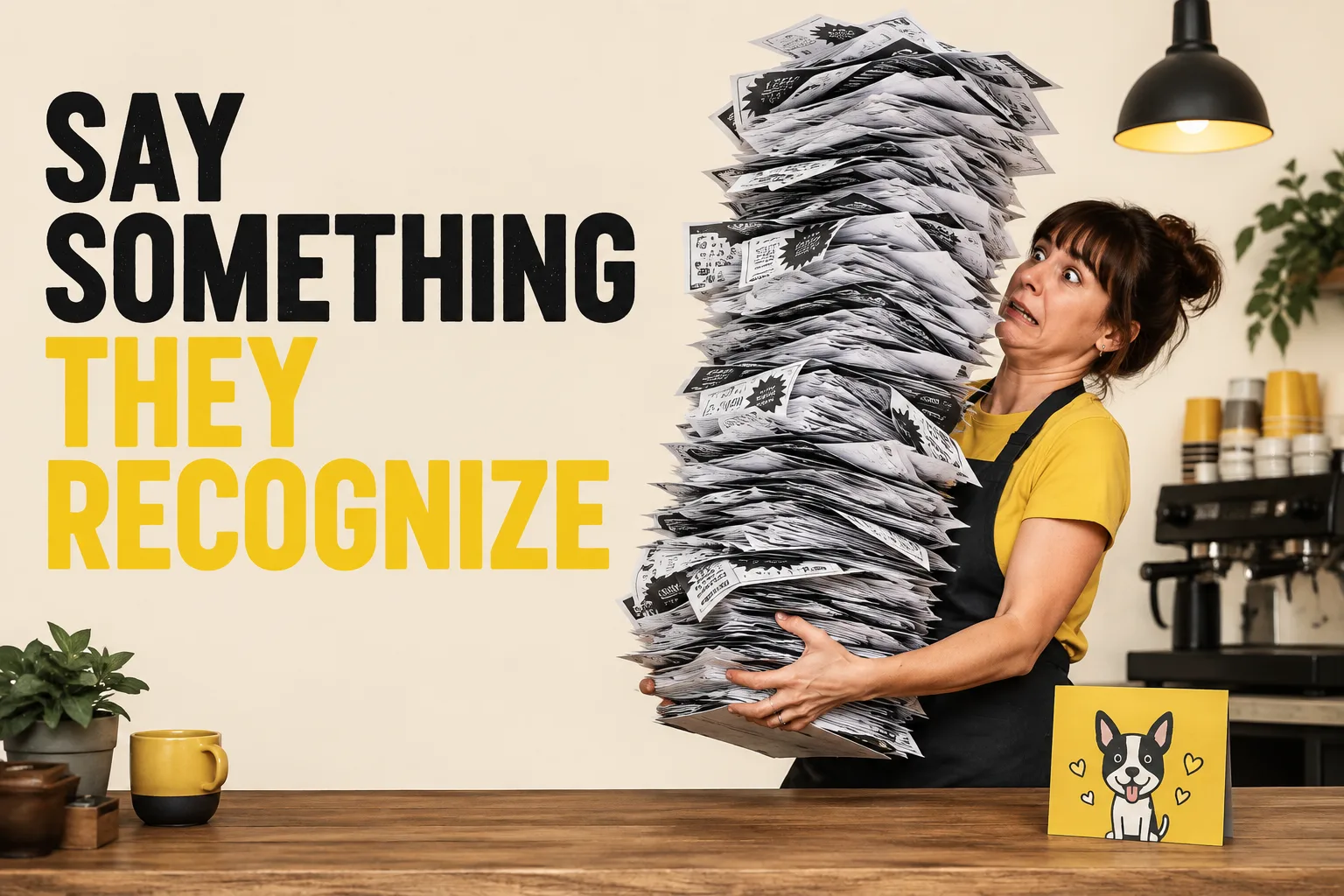
A useful social post starts with a specific situation your reader recognizes. This guide gives you 8 worked examples and practical steps, plus image references and instructions for making each one your own. Start with “start with an original structure,” then choose a second idea that serves a different purpose. Use the reference image for inspiration, or copy its brief into Studio to create a version with your business details.
What you’ll take away
- Choose one useful information post, one everyday moment, and one introduction from the examples.
- Pair the caption with the actual subject it describes, using an authorized photograph or an explicitly illustrative creative.
- Change one idea at a time and use actual replies, visits, or enquiries to decide which direction to develop.
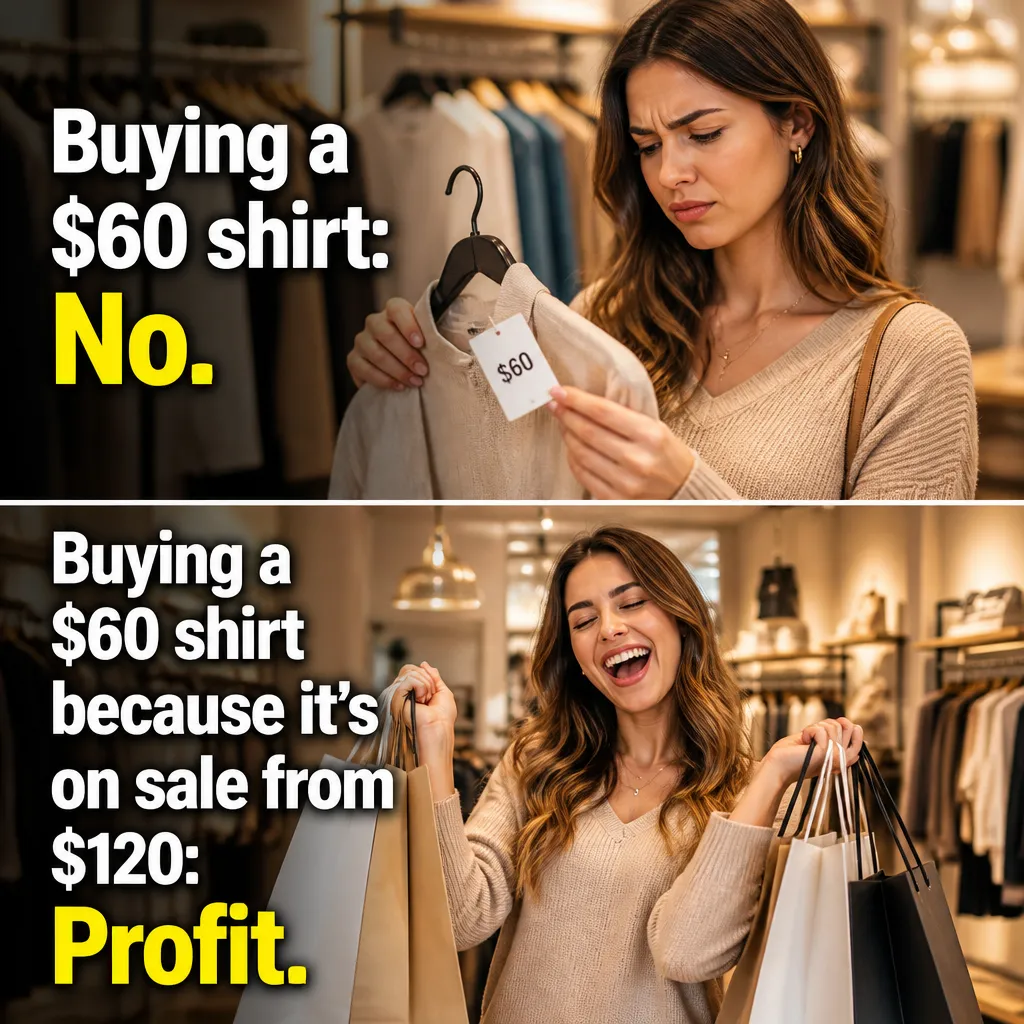
1. Start with an original structure
Visual reference: The Outfit Math. The caption and brief below are an adaptation; replace any business details with your own.
Worked example — Worked layout: a large everyday prop, a short setup above it, and a short payoff below it. The starting example is an over-packed work bag.
Why it helps — A structure can be reused without borrowing a famous character or a real company's identity.
Make it your own — Use your own image, an authorized reference, or a clearly original fictional scene.
Image brief to adapt
Create an original illustrative social image for your business. Concept: Start with an original structure. Visual direction: A structure can be reused without borrowing a famous character or a real company's identity.. Adaptation: Use your own image, an authorized reference, or a clearly original fictional scene. Use fictional scenes unless I supply authorized photographs. Keep all product, service, and business details exactly as supplied. Use [brand colors] and leave room for [business name]. Return one version with clear, short text.
2. Choose the business moment
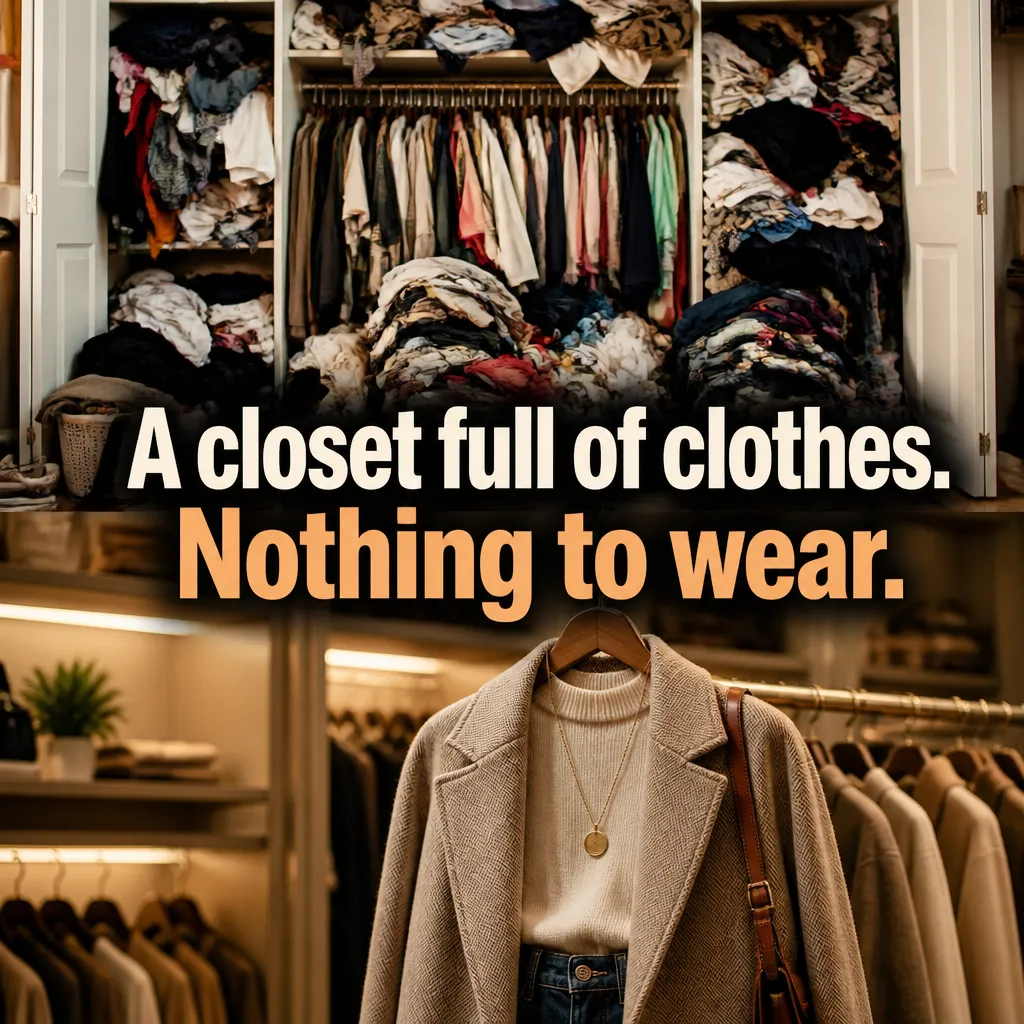
Visual reference: The Closet Paradox. The caption and brief below are an adaptation; replace any business details with your own.
Worked example — For a plumber: one quick visit, one prepared tool bag. For a coach: one question, several notebooks. For a retailer: one choice, a whole shelf.
Why it helps — The same layout becomes useful only when the premise changes with the audience.
Make it your own — Name a task or habit your actual customers recognize.
Image brief to adapt
Create an original illustrative social image for your business. Concept: Choose the business moment. Visual direction: The same layout becomes useful only when the premise changes with the audience.. Adaptation: Name a task or habit your actual customers recognize. Use fictional scenes unless I supply authorized photographs. Keep all product, service, and business details exactly as supplied. Use [brand colors] and leave room for [business name]. Return one version with clear, short text.
3. Set the caption hierarchy

Visual reference: The Husband Bench. The caption and brief below are an adaptation; replace any business details with your own.
Worked example — Keep the setup short enough to read first. Put the visual payoff in the picture or the lower line rather than adding a paragraph.
Why it helps — The reader should not need to zoom in to discover the premise.
Make it your own — Preview the smallest likely display size and remove unnecessary wording.
Image brief to adapt
Create an original illustrative social image for your business. Concept: Set the caption hierarchy. Visual direction: The reader should not need to zoom in to discover the premise.. Adaptation: Preview the smallest likely display size and remove unnecessary wording. Use fictional scenes unless I supply authorized photographs. Keep all product, service, and business details exactly as supplied. Use [brand colors] and leave room for [business name]. Return one version with clear, short text.
4. Use brand colors around the product
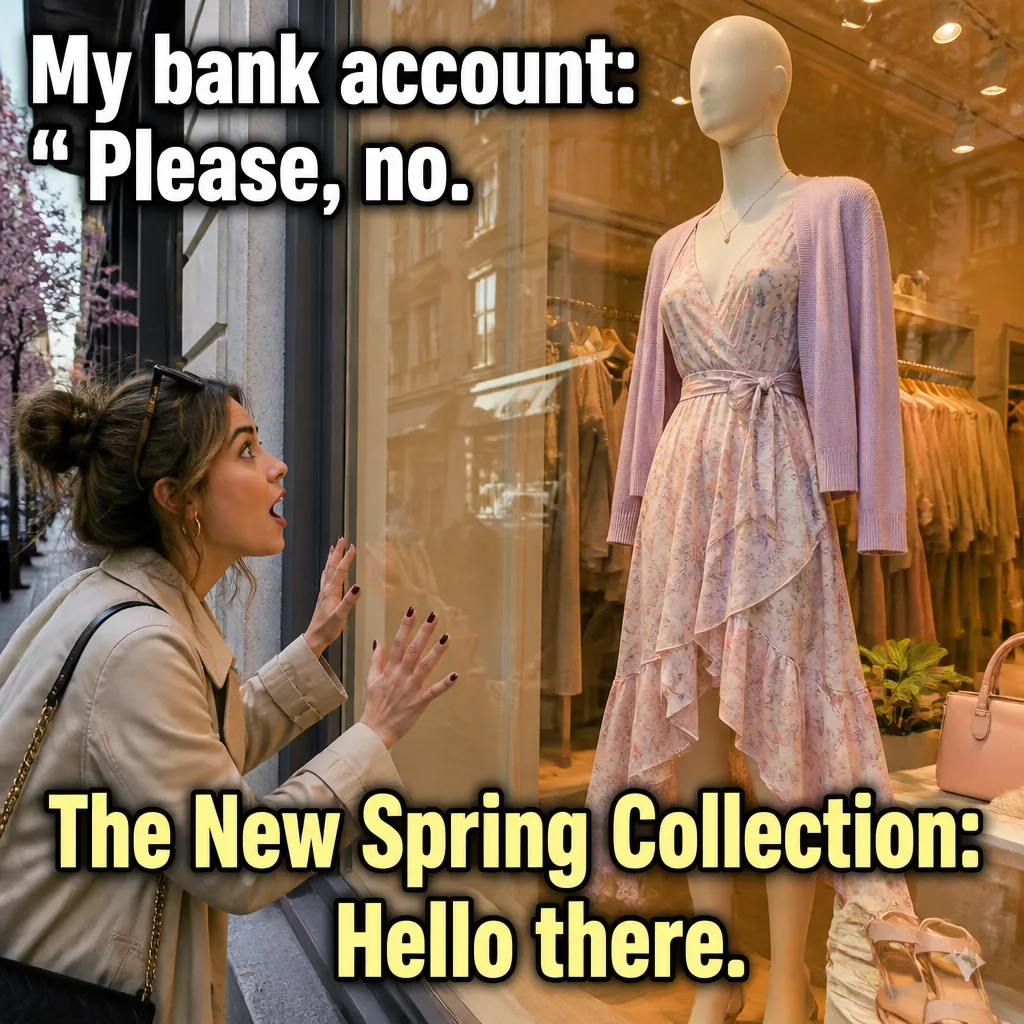
Visual reference: The New Arrival Alert. The caption and brief below are an adaptation; replace any business details with your own.
Worked example — Example direction: keep a real shirt's actual color, then use the brand palette in the text band and background.
Why it helps — Art direction can support brand recognition while product accuracy remains intact.
Make it your own — Do not recolor or reshape the product to fit the design.
Image brief to adapt
Create an original illustrative social image for your business. Concept: Use brand colors around the product. Visual direction: Art direction can support brand recognition while product accuracy remains intact.. Adaptation: Do not recolor or reshape the product to fit the design. Use fictional scenes unless I supply authorized photographs. Keep all product, service, and business details exactly as supplied. Use [brand colors] and leave room for [business name]. Return one version with clear, short text.
5. Make logo placement secondary

Visual reference: The Laundry Cycle. The caption and brief below are an adaptation; replace any business details with your own.
Worked example — A small authorized logo can sit away from the headline and the main subject. The joke still needs to work without it.
Why it helps — An oversized mark can compete with the readable premise rather than helping it.
Make it your own — Use your actual logo file and check the final crop; never add another business's identity.
Image brief to adapt
Create an original illustrative social image for your business. Concept: Make logo placement secondary. Visual direction: An oversized mark can compete with the readable premise rather than helping it.. Adaptation: Use your actual logo file and check the final crop; never add another business's identity. Use fictional scenes unless I supply authorized photographs. Keep all product, service, and business details exactly as supplied. Use [brand colors] and leave room for [business name]. Return one version with clear, short text.
6. Adapt the crop deliberately

Illustrative creative reference. Use the specific image brief below to create a version for this example.
Worked example — A feed version may need wider subject spacing; a story version may need a shorter headline and more room around essential details.
Why it helps — One layout does not guarantee readability in every frame.
Make it your own — Preview the actual placement and preserve the setup and payoff.
Image brief to adapt
Create an original illustrative social image for your business. Concept: Adapt the crop deliberately. Visual direction: One layout does not guarantee readability in every frame.. Adaptation: Preview the actual placement and preserve the setup and payoff. Use fictional scenes unless I supply authorized photographs. Keep all product, service, and business details exactly as supplied. Use [brand colors] and leave room for [business name]. Return one version with clear, short text.
7. Write the social caption separately
Worked example — On-image: One quick visit. One prepared bag. Social caption: A look at the preparation behind [actual service]. What would you like to know before a visit?
Why it helps — The social caption can add useful context while the image stays concise.
Make it your own — Keep service facts accurate and avoid making a fictional scene a customer story.
Image brief to adapt
Create an original illustrative social image for your business. Concept: Write the social caption separately. Visual direction: The social caption can add useful context while the image stays concise.. Adaptation: Keep service facts accurate and avoid making a fictional scene a customer story. Use fictional scenes unless I supply authorized photographs. Keep all product, service, and business details exactly as supplied. Use [brand colors] and leave room for [business name]. Return one version with clear, short text.
8. Save a repeatable brief
Worked example — Audience: [who]. Moment: [task]. Visual: [prop]. Setup: [exact words]. Payoff: [exact words]. Brand references: [authorized assets]. Verified facts: [facts].
Why it helps — A clear saved brief is more reusable than a flattened example image with no editing context.
Make it your own — The images here are visual examples. To make an editable version, recreate the layout in your own tool or use the brief in Studio.
Image brief to adapt
Create an original illustrative social image for your business. Concept: Save a repeatable brief. Visual direction: A clear saved brief is more reusable than a flattened example image with no editing context.. Adaptation: The images here are visual examples. To make an editable version, recreate the layout in your own tool or use the brief in Studio. Use fictional scenes unless I supply authorized photographs. Keep all product, service, and business details exactly as supplied. Use [brand colors] and leave room for [business name]. Return one version with clear, short text.
Put it into practice
Build a useful first batch
Start with “Start with an original structure” and “Choose the business moment.” Give each post a different role: one can introduce a person or process, another can answer a reader question, and another can invite a simple response. Keep a note of the caption, image, destination, and publishing date. Review actual questions and responses together. Revise the next batch around what people understood or asked about, rather than treating one example as a promised result.
Common questions
Can I use these examples as written?
Treat the copy as a starting point. In “Start with an original structure,” keep the central situation, replace any bracketed details with your actual information, and choose a next step that your business can fulfill. Read the caption alongside the image so the two tell the same story.
Which image should I pair with “Choose the business moment”?
Use the visual direction and adaptation note beside that example. The displayed image is an illustrative reference. For a post about an actual person, product, location, or completed job, use an authorized real photograph or clearly label a conceptual illustration.
How should I choose the first few examples?
Start with “Start with an original structure” and a contrasting idea such as “Save a repeatable brief.” Choose examples that answer real reader questions or show something specific about your work. Keep the first batch small enough to revise after reviewing actual responses.
Can I customize these images in Studio?
Save a reference image or copy the image brief, then create your own version in Studio with your business details and visual direction. A downloaded WebP is a finished image; the brief gives you a way to develop a new variation. Review generated text and factual details before publishing.
Turn the brief into your own creative
Use these concepts to build a creative for your actual business. Browse the related example collection for more visual directions, then bring your caption and image brief into Studio.
Your starter brief
Replace the brackets with your own details.
Create an original illustrative social image for your business. Concept: Start with an original structure. Visual direction: A structure can be reused without borrowing a famous character or a real company's identity.. Adaptation: Use your own image, an authorized reference, or a clearly original fictional scene. Use fictional scenes unless I supply authorized photographs. Keep all product, service, and business details exactly as supplied. Use [brand colors] and leave room for [business name]. Return one version with clear, short text.