Industry playbooks
Craft Workshop Posts: Explain the Project and Materials
By Memes.ai
Updated October 16, 2026 · 6 min read
A workshop post should help an adult decide what the session involves before asking them to book. Name the activity, describe the format, explain what preparation information to check and give the actual booking route. These fictional concepts show an adult craft session; they are not photographs of a class that took place. The accompanying decision sheet separates the creative invitation from the provider's current materials, participation and attendance terms.
What you’ll take away
- Explain what the visitor will do, not only how the table looks.
- Ask the provider which materials, preparation and experience information apply to this actual session.
- Keep dates, booking, attendance and any collection or gift terms beside the invitation; do not infer them from another class.
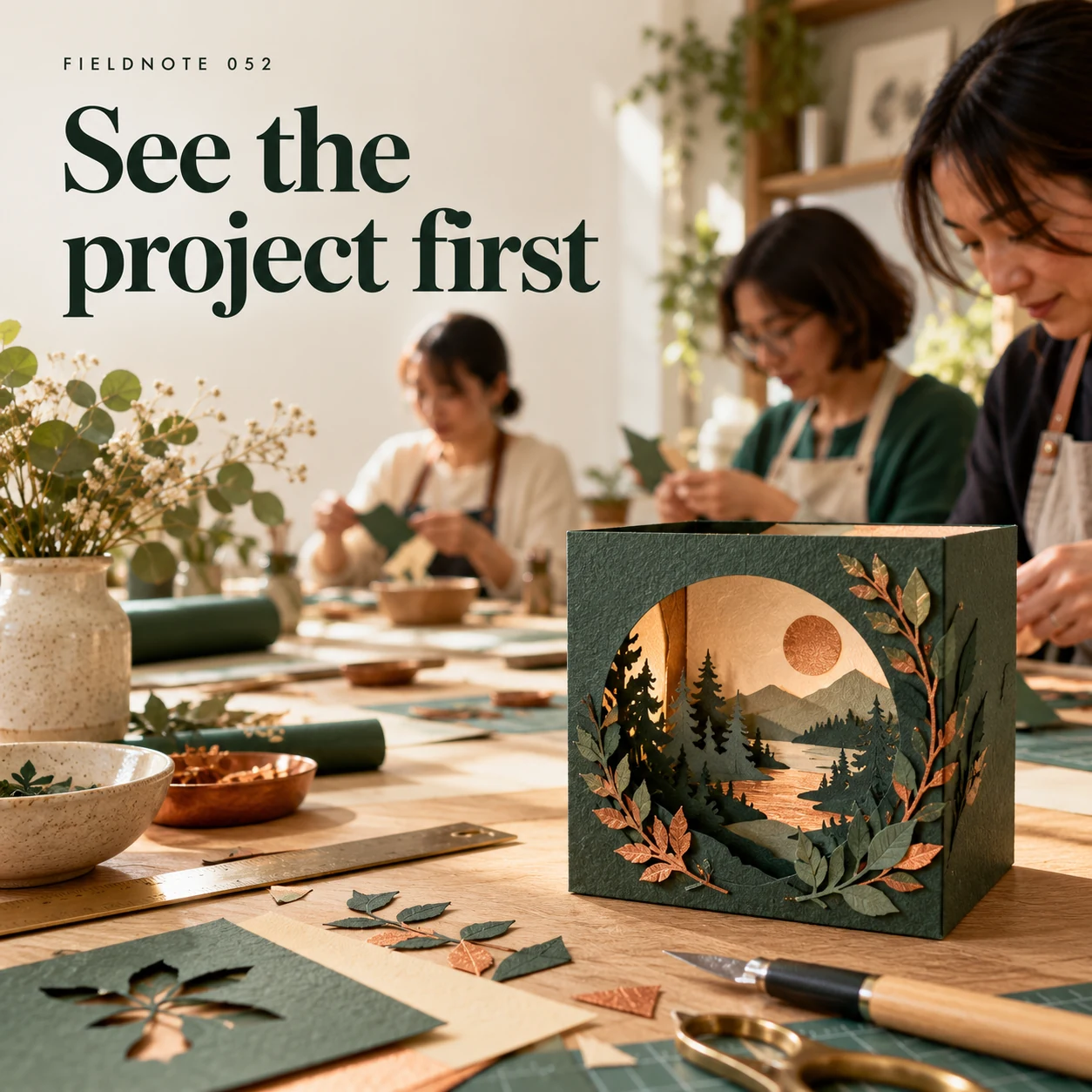
1. See the project first
Original AI-generated fictional campaign concept. No real customer or measured result is represented.
Finished example caption — A clear project example helps someone decide whether the session interests them.
Why use this post — A shared materials table introduces an activity. The caption still needs an actual session description so the reader is not asked to book on atmosphere alone.
Make it your own — Name the actual adult activity and who runs it using approved information. Label a generated scene as a fictional concept; use permitted real photos for your own class.
Image brief to adapt
Generate one complete polished square campaign image, 1080×1080. The exact scene is: original paper-craft project on clean table. Context: a fictional paper-craft workshop with textured paper, safe hand tools and adult participants. The message is “See the project first”; support this finished caption: “A clear project example helps someone decide whether the session interests them.”. Environmental wide shot with the key subject in the lower right and generous clean upper-left negative space. Art direction: natural editorial photography with tactile materials and honest business detail; palette warm ivory, forest green and copper; refined natural lighting, deliberate depth and texture, commercially credible proportions, clean edges and ample breathing room. Use exactly this headline: “See the project first”. Add the small fictional wordmark “FIELDNOTE 052”. Headline must be immediately readable at a phone size, with high contrast and a safe inset of at least8% from every edge. The scene is the main visual, not a text-only card. No additional text, UI screenshot, testimonial, metrics, sale badge, fake website, QR code or placeholder field. No watermarks or unrelated logos. No skill, completion or suitability promises; verify supplied materials. Produce finished actual raster artwork ready to download and inspect; no wireframe, simple geometric substitute or diagram.
2. What's on the table
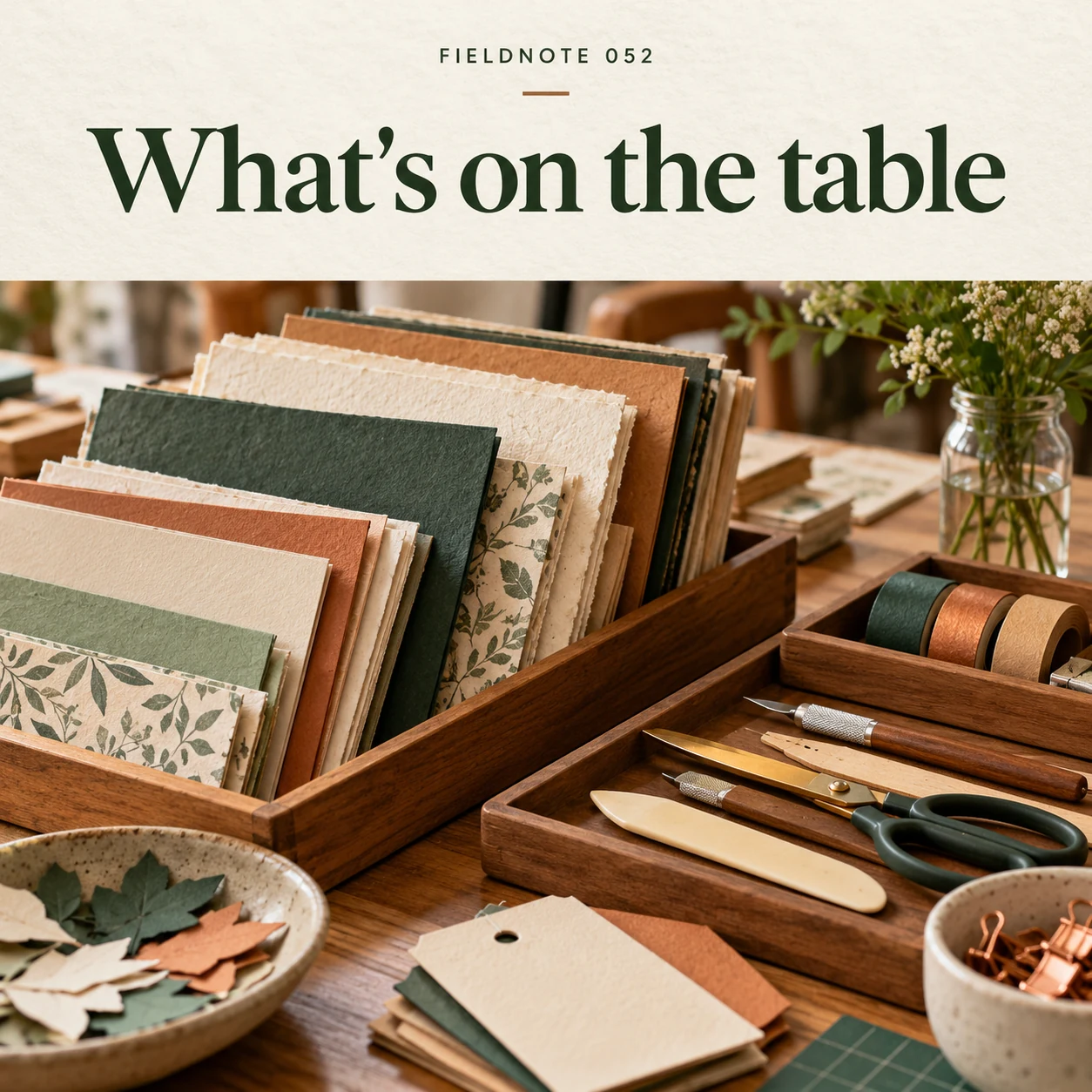
Original AI-generated fictional campaign concept. No real customer or measured result is represented.
Finished example caption — Show the materials the host has confirmed will be provided.
Why use this post — A detail can suggest the kind of work involved without promising a finished object or a level of skill. The provider's actual format controls the description.
Make it your own — Describe the demonstrated activity without turning the post into tool, chemical, firing or safety instructions. Do not promise an identical finished result.
Image brief to adapt
Generate one complete polished square campaign image, 1080×1080. The exact scene is: prepared trays of paper and safe generic hand tools. Context: a fictional paper-craft workshop with textured paper, safe hand tools and adult participants. The message is “What's on the table”; support this finished caption: “Show the materials the host has confirmed will be provided.”. Close editorial still life or detail crop showing the relevant physical object and its texture, with the headline in a quiet top band. Art direction: natural editorial photography with tactile materials and honest business detail; palette warm ivory, forest green and copper; refined natural lighting, deliberate depth and texture, commercially credible proportions, clean edges and ample breathing room. Use exactly this headline: “What's on the table”. Add the small fictional wordmark “FIELDNOTE 052”. Headline must be immediately readable at a phone size, with high contrast and a safe inset of at least8% from every edge. The scene is the main visual, not a text-only card. No additional text, UI screenshot, testimonial, metrics, sale badge, fake website, QR code or placeholder field. No watermarks or unrelated logos. No skill, completion or suitability promises; verify supplied materials. Produce finished actual raster artwork ready to download and inspect; no wireframe, simple geometric substitute or diagram.
3. Make room for your version
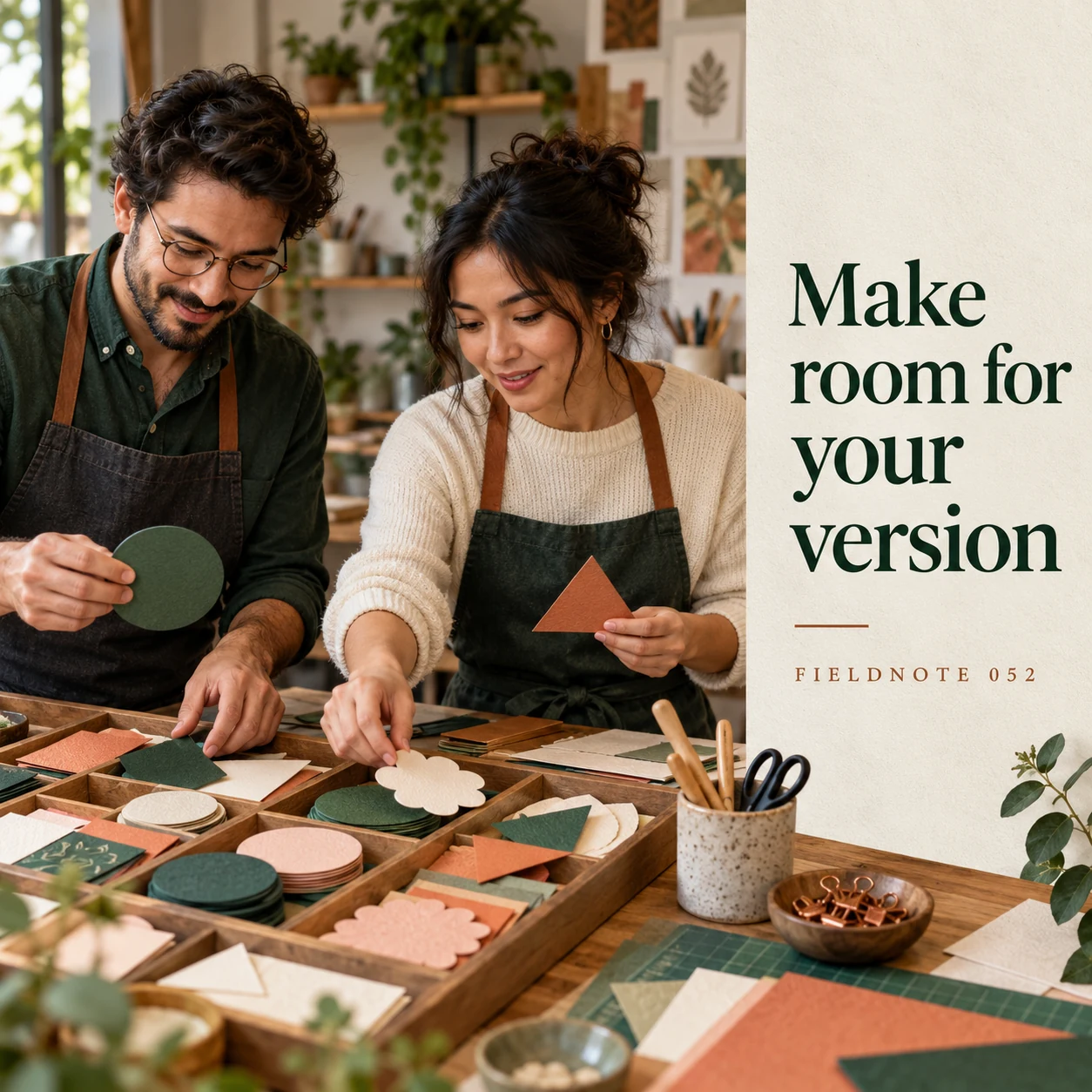
Original AI-generated fictional campaign concept. No real customer or measured result is represented.
Finished example caption — The project can have a shared starting point and room for personal choices.
Why use this post — An attendance question helps the reader distinguish interest from readiness to join. Preparation and materials should be confirmed for that session.
Make it your own — State the provider-approved experience and materials information in readable text. Do not assume a supply list or included materials from the scene.
Image brief to adapt
Generate one complete polished square campaign image, 1080×1080. The exact scene is: two adult participants choosing original paper shapes. Context: a fictional paper-craft workshop with textured paper, safe hand tools and adult participants. The message is “Make room for your version”; support this finished caption: “The project can have a shared starting point and room for personal choices.”. Natural eye-level composition with a restrained side panel for type. Preserve the exact stated scene; do not add a person to an object-only scene. If the scene includes people, use adult models and the explicit stated action only. Art direction: natural editorial photography with tactile materials and honest business detail; palette warm ivory, forest green and copper; refined natural lighting, deliberate depth and texture, commercially credible proportions, clean edges and ample breathing room. Use exactly this headline: “Make room for your version”. Add the small fictional wordmark “FIELDNOTE 052”. Headline must be immediately readable at a phone size, with high contrast and a safe inset of at least8% from every edge. The scene is the main visual, not a text-only card. No additional text, UI screenshot, testimonial, metrics, sale badge, fake website, QR code or placeholder field. No watermarks or unrelated logos. No skill, completion or suitability promises; verify supplied materials. Produce finished actual raster artwork ready to download and inspect; no wireframe, simple geometric substitute or diagram.
4. Read the session details
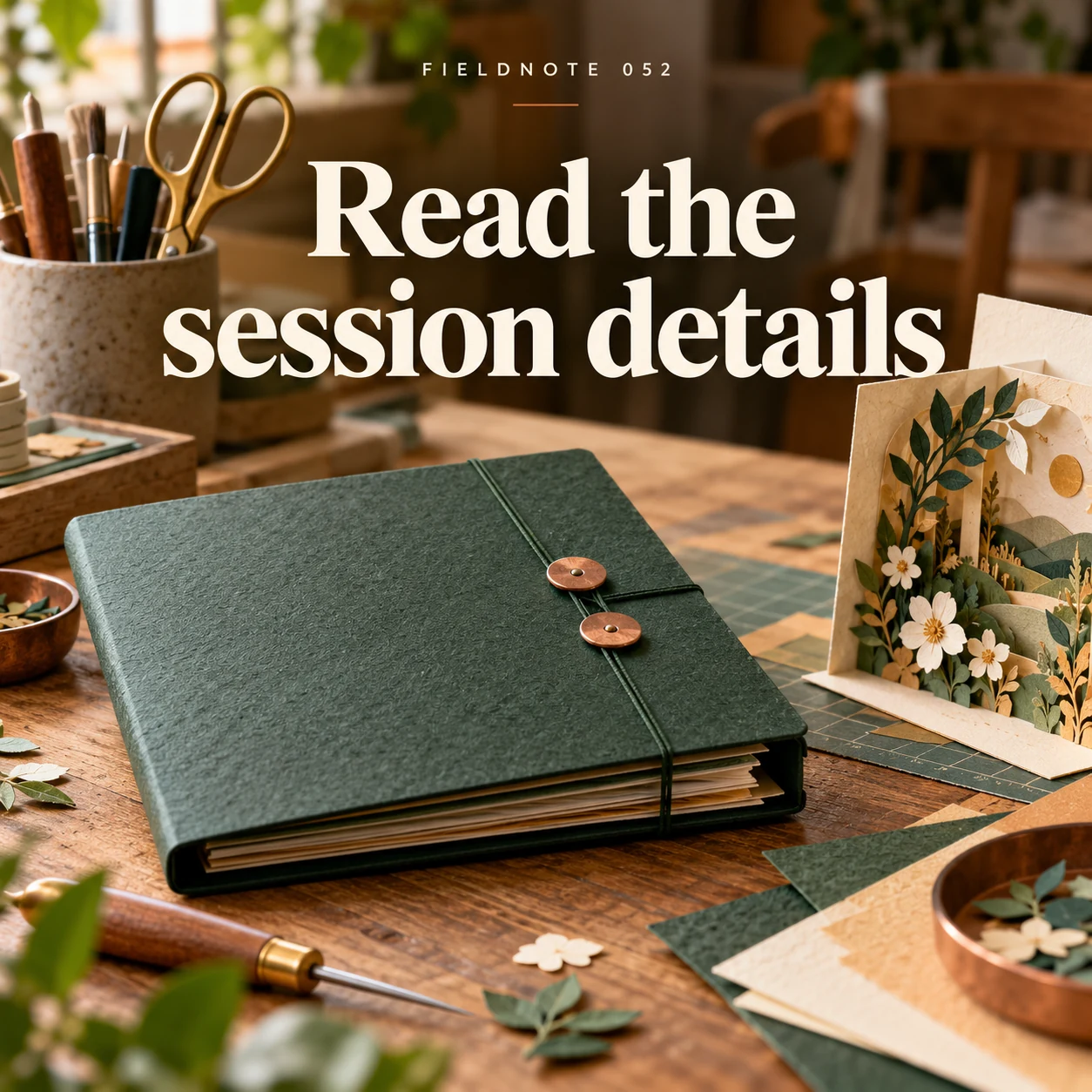
Original AI-generated fictional campaign concept. No real customer or measured result is represented.
Finished example caption — Check the actual duration, requirements and booking route before joining.
Why use this post — The final invitation needs the actual booking and current session record. An illustration is not a ticket, proof of availability or a guarantee of what a participant will make.
Make it your own — Check the current date, place, participation terms and booking route. If collection or a gift option is offered, use its actual approved process rather than copying another provider's rules.
Image brief to adapt
Generate one complete polished square campaign image, 1080×1080. The exact scene is: closed workshop-details folder beside project sample. Context: a fictional paper-craft workshop with textured paper, safe hand tools and adult participants. The message is “Read the session details”; support this finished caption: “Check the actual duration, requirements and booking route before joining.”. Confident final hero composition using a clear foreground subject and supporting background context; close the sequence with a purposeful visual invitation. Art direction: natural editorial photography with tactile materials and honest business detail; palette warm ivory, forest green and copper; refined natural lighting, deliberate depth and texture, commercially credible proportions, clean edges and ample breathing room. Use exactly this headline: “Read the session details”. Add the small fictional wordmark “FIELDNOTE 052”. Headline must be immediately readable at a phone size, with high contrast and a safe inset of at least8% from every edge. The scene is the main visual, not a text-only card. No additional text, UI screenshot, testimonial, metrics, sale badge, fake website, QR code or placeholder field. No watermarks or unrelated logos. No skill, completion or suitability promises; verify supplied materials. Produce finished actual raster artwork ready to download and inspect; no wireframe, simple geometric substitute or diagram.
Put it into practice
Apply the workflow to one actual business image
Prepare this original fictional decision sheet for Fieldnote Paper Studio: activity—an adult decorative-paper composition session; format—a host-led demonstration followed by a personal arrangement; experience question—ask the host whether the format fits a first visit; materials question—confirm what the session supplies and what to bring; booking question—check the current session page before committing; result boundary—no promise that every participant creates the same object. The name and session are invented. Turn the first two fields into an invitation opening: “Explore a paper composition with a host-led demonstration, then develop your own arrangement.” Keep the post internal until the real provider has supplied and approved all attendance facts.
Put it into practice
Adapt the same attendance sheet for a theme or gift
A theme changes the activity's presentation; it does not replace attendance information. For an original fictional paper workshop, “Autumn shapes in paper” can introduce a color-and-arrangement exercise. A Halloween version can use an original decorative silhouette. Neither heading establishes age suitability, included tools, materials, session length or booking terms.
Keep one decision sheet under either opening: actual activity, host/format, intended audience, experience information, preparation/materials, current date/place and the approved booking route. Do not turn an adult teaching example into a children's activity or provide tool-safety instructions from a campaign image. Use the provider's reviewed actual description for a real session.
A gift option needs its own confirmed redemption process. Ask whether the gift is for a named session or a later selection, how the recipient uses it and which actual terms apply. Do not infer an expiry period or transferable entitlement from another class's voucher. If those facts are unresolved, promote the actual session without claiming a gift product. The fictional artwork is not a voucher or a guaranteed finished object.
Put it into practice
Work through the next practical customer question
Pottery workshop example—an invented adult hand-building session introduces a simple decorative bowl concept. Caption: “Making is one stage. Read the studio's actual information about what happens after class and how collection is arranged.” The host must confirm any later studio processing and collection process. An unfinished piece on a shelf does not promise same-day collection, firing success, food-use suitability or a finished result. Give no kiln, glazing, sanding or tool-safety directions in the campaign image.
Common questions
What does a useful workshop invitation explain?
Name the actual activity, format and intended audience. Add the provider-approved preparation/materials information and current booking details. A photograph of a table is not a complete session description.
Can we promise the pictured finished object?
Do not imply an identical result or included item unless the actual session supports that promise. A generated craft example is a fictional concept, not a participant outcome.
What changes for a gift or themed session?
Use the same attendance decision sheet and add only the actual approved gift/redemption or themed-activity terms. A holiday name does not establish dates, availability or a voucher policy.
Does a themed image establish the session's age suitability?
No. Use the actual provider-approved participation information. A seasonal scene cannot determine who may attend or which tools and supervision apply.
What extra facts does a workshop gift need?
Use the actual gift/redemption process and applicable terms. Clarify what the recipient receives and how they choose or join a session; do not invent expiry or transfer rules.
Do these worked cases establish the actual business's terms or results?
No. They are original fictional teaching examples. Use the actual approved business records, source references and appropriate reviewer for a real adaptation.
Does adding an example require another page or a new image?
No. Use the existing owner when it already supplies the same reader workflow. These text additions preserve its current images; any added real asset needs its own provenance and visual review.
Turn the brief into your own creative
Use the example as a starting point. Supply approved business facts and authorized references in Studio, then compare the finished image with the brief before using it.
Your starter brief
Replace the brackets with your own details.
Generate one complete polished square campaign image, 1080×1080. The exact scene is: original paper-craft project on clean table. Context: a fictional paper-craft workshop with textured paper, safe hand tools and adult participants. The message is “See the project first”; support this finished caption: “A clear project example helps someone decide whether the session interests them.”. Environmental wide shot with the key subject in the lower right and generous clean upper-left negative space. Art direction: natural editorial photography with tactile materials and honest business detail; palette warm ivory, forest green and copper; refined natural lighting, deliberate depth and texture, commercially credible proportions, clean edges and ample breathing room. Use exactly this headline: “See the project first”. Add the small fictional wordmark “FIELDNOTE 052”. Headline must be immediately readable at a phone size, with high contrast and a safe inset of at least8% from every edge. The scene is the main visual, not a text-only card. No additional text, UI screenshot, testimonial, metrics, sale badge, fake website, QR code or placeholder field. No watermarks or unrelated logos. No skill, completion or suitability promises; verify supplied materials. Produce finished actual raster artwork ready to download and inspect; no wireframe, simple geometric substitute or diagram.
Copy your adapted brief, open Studio, and paste it into your creative workflow. Review the result before using it.
Create your version in Studio