Ad creative
Creative Feedback: Ask for Observable Changes
By Memes.ai
Updated October 16, 2026 · 5 min read
A useful revision request names a visible issue and the change needed. Replace a broad preference such as make it pop with a bounded instruction that preserves the approved product and message. The fictional examples show how to point to crowded type, hold product details fixed, request one change and compare the returned file with that request. They demonstrate a feedback method, not proof that a creative change improves sales.
What you’ll take away
- Name the exact area and visible problem.
- Separate what may change from the product facts that must stay fixed.
- Accept a revision against the instruction and approved references.
1. Name the issue
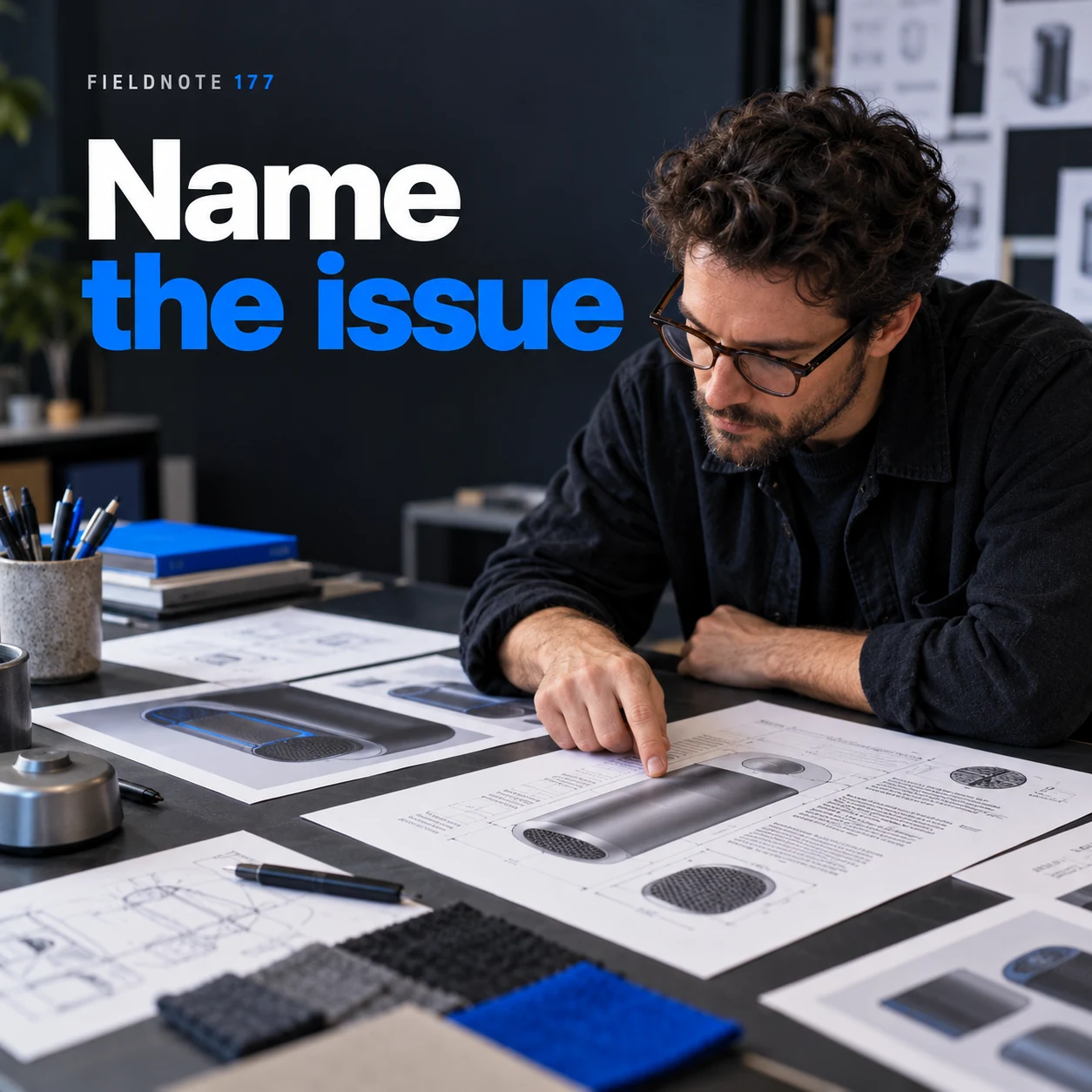
Original AI-generated fictional campaign concept. No real customer or measured result is represented.
Finished example caption — Describe the visible problem instead of using a vague preference word.
Why use this post — A visible issue gives the creator something to act on. A preference word alone leaves both the problem and the solution open.
Make it your own — Point to a line, object or region. Describe the observed problem before proposing a solution.
Image brief to adapt
Generate one complete polished square campaign image, 1080×1080. The exact scene is: adult reviewer pointing to crowded type on an original print. Context: a fictional design review desk with original product prints. The message is “Name the issue”; support this finished caption: “Describe the visible problem instead of using a vague preference word.”. Environmental wide shot with the key subject in the lower right and generous clean upper-left negative space. Art direction: editorial tabletop photography with physical creative artifacts; no fake software interface; palette charcoal, soft white and electric blue; refined natural lighting, deliberate depth and texture, commercially credible proportions, clean edges and ample breathing room. Use exactly this headline: “Name the issue”. Add the small fictional wordmark “FIELDNOTE 177”. Headline must be immediately readable at a phone size, with high contrast and a safe inset of at least8% from every edge. The scene is the main visual, not a text-only card. No additional text, UI screenshot, testimonial, metrics, sale badge, fake website, QR code or placeholder field. No watermarks or unrelated logos. No guarantee that an edit follows instructions exactly. Produce finished actual raster artwork ready to download and inspect; no wireframe, simple geometric substitute or diagram.
2. Keep the product fixed
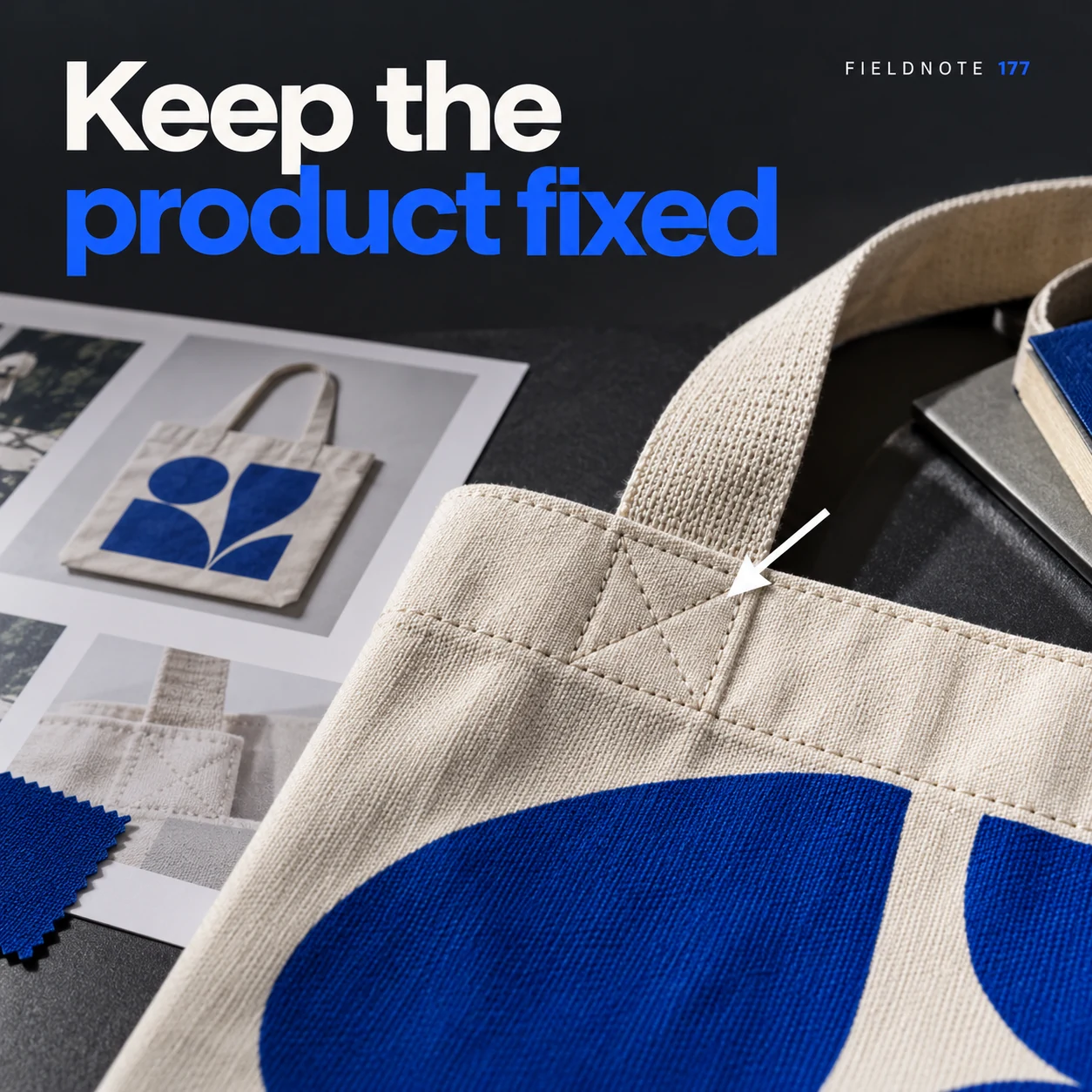
Original AI-generated fictional campaign concept. No real customer or measured result is represented.
Finished example caption — A revision request should say which factual product details must stay unchanged.
Why use this post — The product is factual content. Stating what stays fixed keeps a visual revision from silently changing the item being sold.
Make it your own — List the exact product reference, shape, color and required wording. Compare the revised output with that source.
Image brief to adapt
Generate one complete polished square campaign image, 1080×1080. The exact scene is: close print of a tote with seam detail indicated by a plain pointer. Context: a fictional design review desk with original product prints. The message is “Keep the product fixed”; support this finished caption: “A revision request should say which factual product details must stay unchanged.”. Close editorial still life or detail crop showing the relevant physical object and its texture, with the headline in a quiet top band. Art direction: editorial tabletop photography with physical creative artifacts; no fake software interface; palette charcoal, soft white and electric blue; refined natural lighting, deliberate depth and texture, commercially credible proportions, clean edges and ample breathing room. Use exactly this headline: “Keep the product fixed”. Add the small fictional wordmark “FIELDNOTE 177”. Headline must be immediately readable at a phone size, with high contrast and a safe inset of at least8% from every edge. The scene is the main visual, not a text-only card. No additional text, UI screenshot, testimonial, metrics, sale badge, fake website, QR code or placeholder field. No watermarks or unrelated logos. No guarantee that an edit follows instructions exactly. Produce finished actual raster artwork ready to download and inspect; no wireframe, simple geometric substitute or diagram.
3. Ask for one change
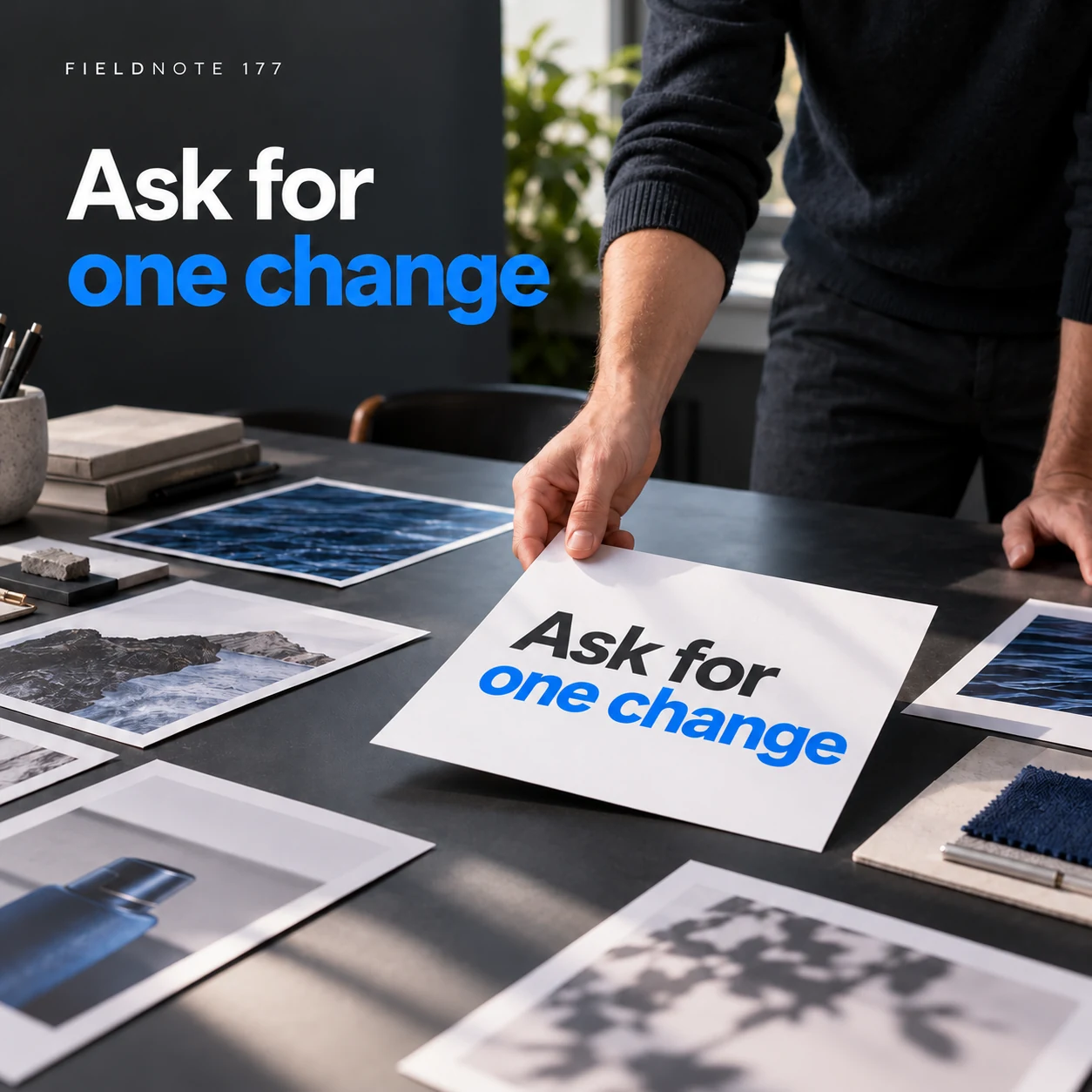
Original AI-generated fictional campaign concept. No real customer or measured result is represented.
Finished example caption — One specific instruction makes the revision easier to compare with the brief.
Why use this post — One bounded change makes the returned version easier to compare. A large group of conflicting requests can hide what was actually solved.
Make it your own — Write one clear instruction, such as move the headline into the empty area. Do not ask for unrelated mood, product and offer changes in the same sentence.
Image brief to adapt
Generate one complete polished square campaign image, 1080×1080. The exact scene is: adult designer moving a headline card into open space. Context: a fictional design review desk with original product prints. The message is “Ask for one change”; support this finished caption: “One specific instruction makes the revision easier to compare with the brief.”. Natural eye-level composition with a restrained side panel for type. Preserve the exact stated scene; do not add a person to an object-only scene. If the scene includes people, use adult models and the explicit stated action only. Art direction: editorial tabletop photography with physical creative artifacts; no fake software interface; palette charcoal, soft white and electric blue; refined natural lighting, deliberate depth and texture, commercially credible proportions, clean edges and ample breathing room. Use exactly this headline: “Ask for one change”. Add the small fictional wordmark “FIELDNOTE 177”. Headline must be immediately readable at a phone size, with high contrast and a safe inset of at least8% from every edge. The scene is the main visual, not a text-only card. No additional text, UI screenshot, testimonial, metrics, sale badge, fake website, QR code or placeholder field. No watermarks or unrelated logos. No guarantee that an edit follows instructions exactly. Produce finished actual raster artwork ready to download and inspect; no wireframe, simple geometric substitute or diagram.
4. Review the requested change
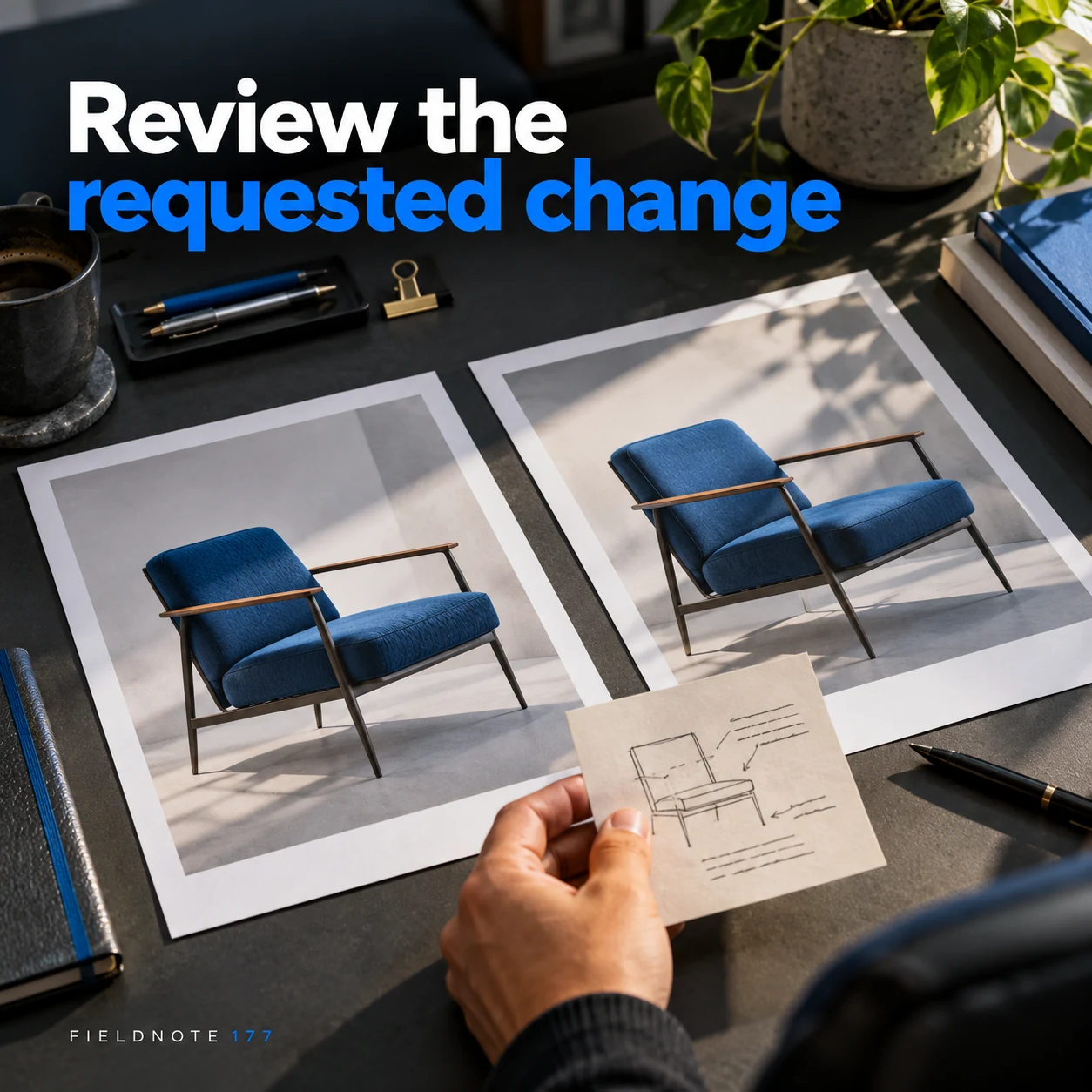
Original AI-generated fictional campaign concept. No real customer or measured result is represented.
Finished example caption — Compare the new file with the exact instruction before accepting it.
Why use this post — The review closes the loop on the request. It checks whether the intended change occurred without judging the revision as a campaign winner.
Make it your own — Compare the same crop and export size. Reject a revision that solves the layout problem by inventing a product detail or dropping necessary wording.
Image brief to adapt
Generate one complete polished square campaign image, 1080×1080. The exact scene is: two original layout prints side by side with a plain review note. Context: a fictional design review desk with original product prints. The message is “Review the requested change”; support this finished caption: “Compare the new file with the exact instruction before accepting it.”. Confident final hero composition using a clear foreground subject and supporting background context; close the sequence with a purposeful visual invitation. Art direction: editorial tabletop photography with physical creative artifacts; no fake software interface; palette charcoal, soft white and electric blue; refined natural lighting, deliberate depth and texture, commercially credible proportions, clean edges and ample breathing room. Use exactly this headline: “Review the requested change”. Add the small fictional wordmark “FIELDNOTE 177”. Headline must be immediately readable at a phone size, with high contrast and a safe inset of at least8% from every edge. The scene is the main visual, not a text-only card. No additional text, UI screenshot, testimonial, metrics, sale badge, fake website, QR code or placeholder field. No watermarks or unrelated logos. No guarantee that an edit follows instructions exactly. Produce finished actual raster artwork ready to download and inspect; no wireframe, simple geometric substitute or diagram.
Put it into practice
Apply the workflow to one actual business image
Choose one draft image and write four lines: observed issue, requested change, details that must stay fixed and acceptance check. For example, identify a headline covering the bag handle, ask to move the headline into the blank wall space, keep the bag and message unchanged, and review the final crop at phone size. Use the same references for the revision. Save the original and revised files with the instruction so the reviewer can assess the actual change.
Put it into practice
Close a review round with a decision tied to a version
A review round should end with a usable decision, not an unexplained new filename. Use this original fictional record. Asset: FolderIntro-r1. Issue: the headline overlaps the folder's closure. Requested change: move the headline into the empty upper area. Keep fixed: approved words, product proportions and label. Next review: inspect FolderIntro-r2 for that change and confirm that no new product detail appeared.
The reviewer can then accept r2, request a specific further change or reject it with a reason. If r2 corrected the overlap but changed the product label, record both facts. Do not call the whole asset approved merely because the first issue disappeared. A request to “make it better” supplies no location or acceptance check; replace it with the exact observable problem.
Keep the assignment's actual revision scope separate from the feedback method. This worksheet does not grant unlimited rounds or promise that a generated edit will preserve every fixed detail. If a requested change requires missing facts, new permissions or a different deliverable, resolve that scope before another attempt. The completed record should let another reviewer see what changed and which exact version was accepted.
Common questions
How do I replace make it pop?
Name the visible issue: the headline blends into the wall, the product is obscured or the logo competes with the message. Then request one observable change and explain what should remain fixed.
Should I request several revisions at once?
Group changes only when they belong to the same clear task. Keep conflicting or unrelated changes separate so the creator and reviewer can see what each version addresses.
What counts as an accepted revision?
The requested change is visible, the approved facts and references remain accurate, and the final export passes the stated checks. That is a production decision, not a performance result.
Can I accept only one part of a revision?
Record that specific acceptance and the remaining issues. Do not label the complete file approved while unresolved product, wording or scope errors remain.
When does feedback become a scope change?
When it requires a new task, facts, permissions or deliverable beyond the agreed assignment. Resolve that change explicitly before treating another output as part of the same review.
Turn the brief into your own creative
Use the example as a starting point. Supply approved business facts and authorized references in Studio, then compare the finished image with the brief before using it.
Your starter brief
Replace the brackets with your own details.
Generate one complete polished square campaign image, 1080×1080. The exact scene is: adult reviewer pointing to crowded type on an original print. Context: a fictional design review desk with original product prints. The message is “Name the issue”; support this finished caption: “Describe the visible problem instead of using a vague preference word.”. Environmental wide shot with the key subject in the lower right and generous clean upper-left negative space. Art direction: editorial tabletop photography with physical creative artifacts; no fake software interface; palette charcoal, soft white and electric blue; refined natural lighting, deliberate depth and texture, commercially credible proportions, clean edges and ample breathing room. Use exactly this headline: “Name the issue”. Add the small fictional wordmark “FIELDNOTE 177”. Headline must be immediately readable at a phone size, with high contrast and a safe inset of at least8% from every edge. The scene is the main visual, not a text-only card. No additional text, UI screenshot, testimonial, metrics, sale badge, fake website, QR code or placeholder field. No watermarks or unrelated logos. No guarantee that an edit follows instructions exactly. Produce finished actual raster artwork ready to download and inspect; no wireframe, simple geometric substitute or diagram.
Copy your adapted brief, open Studio, and paste it into your creative workflow. Review the result before using it.
Create your version in Studio