Ad creative
12 AI Image Prompts for Ads That Keep Product Details Accurate
By Memes.ai
Updated October 6, 2026 · 6 min read
A useful AI prompt starts with a specific situation your reader recognizes. This guide gives you 12 copyable prompts, plus image references and instructions for making each one your own. Start with “the product reference,” then choose a second idea that serves a different purpose. Use the reference image for inspiration, or copy its brief into Studio to create a version with your business details.
What you’ll take away
- Give the AI your verified facts, one intended audience, and one output task.
- Use the visual direction beside each prompt to choose a relevant scene; an existing illustration is a reference, not a record of your business.
- Review the first output for factual accuracy, readable text, and a next step before creating variants.
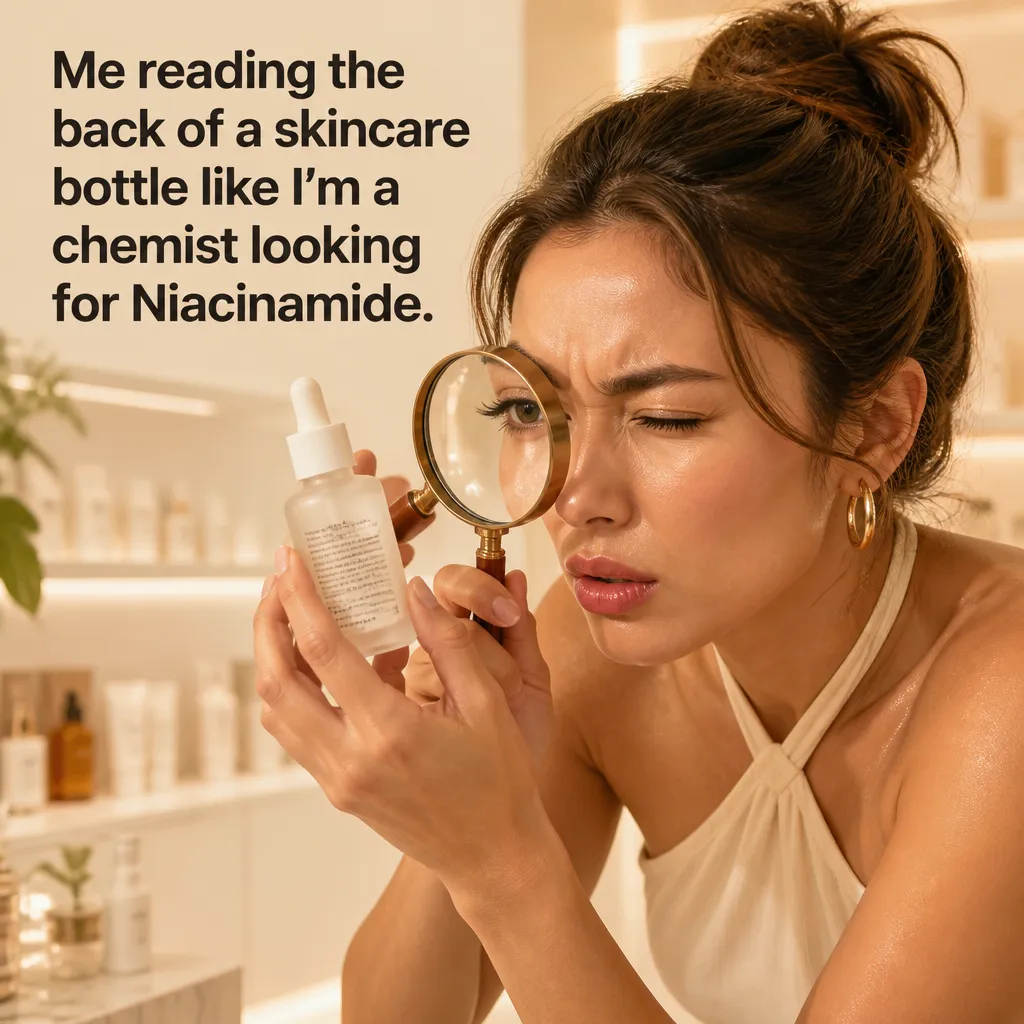
1. The product reference
Visual reference: The Ingredient Detective. The caption and brief below are an adaptation; replace any business details with your own.
Prompt — Create an ad concept using my authorized product reference. Preserve [shape, color, label, and package size]. Place it in [specific fictional scene]. Worked input to try: Fictional reference specification: a cylindrical amber bottle with a white cap and plain ivory label, placed beside a ceramic tray.
Visual direction — One supplied product photo in a clearly fictional scene
Make it your own — Do not invent unseen product details; flag uncertain features.
Image brief to adapt
Create an ad concept using my authorized product reference. Preserve [shape, color, label, and package size]. Place it in [specific fictional scene]. Worked example input: Fictional reference specification: a cylindrical amber bottle with a white cap and plain ivory label, placed beside a ceramic tray. Visual direction: One supplied product photo in a clearly fictional scene. Output: Do not invent unseen product details; flag uncertain features.
2. Exact label text
Visual reference: The 9PM Wall. The caption and brief below are an adaptation; replace any business details with your own.
Prompt — Use this exact label wording: [text]. If you cannot render it accurately, leave the label region plain for later editing. Worked input to try: Exact sample label text: SAMPLE PRODUCT. Reserve a blank region if the tool cannot render those characters accurately.
Visual direction — An original package concept with a reserved label area
Make it your own — Review every character rather than assuming generated typography is accurate.
Image brief to adapt
Use this exact label wording: [text]. If you cannot render it accurately, leave the label region plain for later editing. Worked example input: Exact sample label text: SAMPLE PRODUCT. Reserve a blank region if the tool cannot render those characters accurately. Visual direction: An original package concept with a reserved label area. Output: Review every character rather than assuming generated typography is accurate.
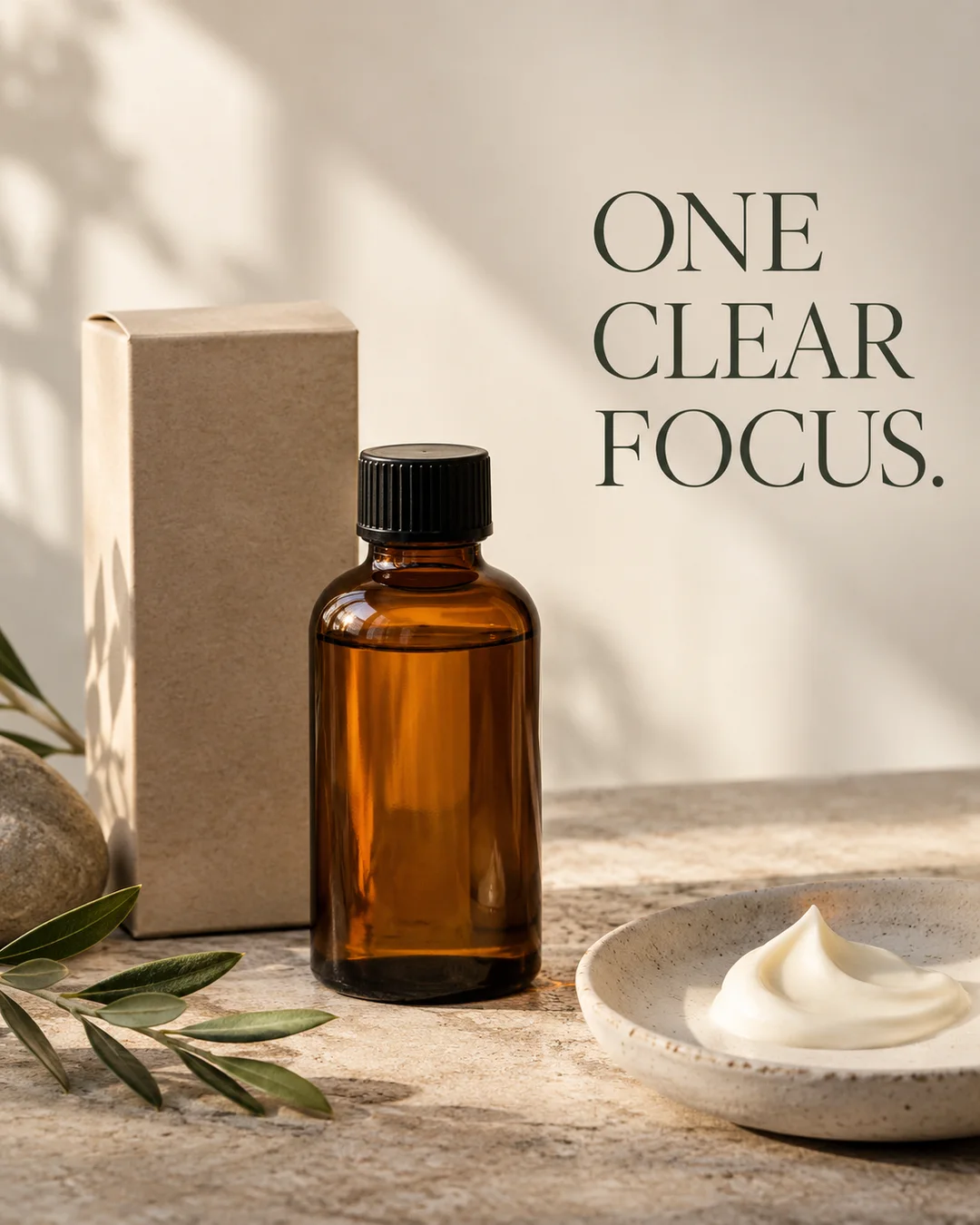
3. A readable headline
Illustrative creative reference. Use the specific image brief below to create a version for this example.
Prompt — Create a simple product ad with exact headline [text] and one visible product. Keep the headline short, large, and separate from the label. Worked input to try: Exact sample headline: One clear focus. Show one bottle and keep the headline outside its label.
Visual direction — A product and one high-contrast text band
Make it your own — Avoid adding extra claims or a fictional price.
Image brief to adapt
Create a simple product ad with exact headline [text] and one visible product. Keep the headline short, large, and separate from the label. Worked example input: Exact sample headline: One clear focus. Show one bottle and keep the headline outside its label. Visual direction: A product and one high-contrast text band. Output: Avoid adding extra claims or a fictional price.
4. A real ingredient detail
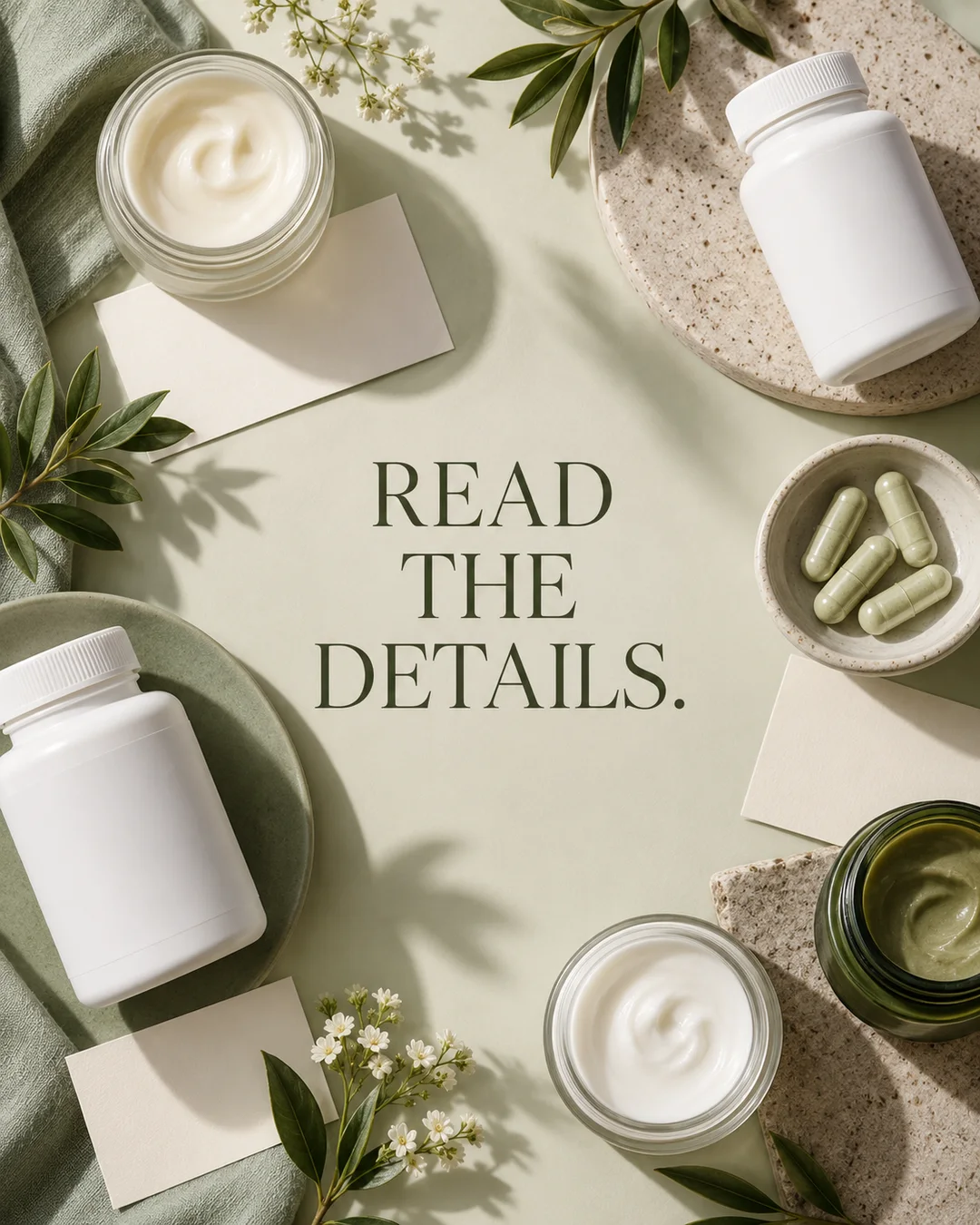
Illustrative creative reference. Use the specific image brief below to create a version for this example.
Prompt — Create a visual highlighting only [verified ingredient or material detail]. Do not imply a health outcome, certification, or property absent from the label. Worked input to try: Sample verified material: the supplied package is glass. Highlight the package material without suggesting a product effect.
Visual direction — A real product close-up with one accurate information card
Make it your own — Use supporting visuals as illustration, not proof of a product effect.
Image brief to adapt
Create a visual highlighting only [verified ingredient or material detail]. Do not imply a health outcome, certification, or property absent from the label. Worked example input: Sample verified material: the supplied package is glass. Highlight the package material without suggesting a product effect. Visual direction: A real product close-up with one accurate information card. Output: Use supporting visuals as illustration, not proof of a product effect.
5. The plain background
Illustrative creative reference. Use the specific image brief below to create a version for this example.
Prompt — Show my referenced product against [simple background]. Preserve the original package proportions and leave room for accurate caption text. Worked input to try: Sample background: a plain warm ivory surface. Keep the supplied product dimensions and use no extra accessories.
Visual direction — An uncluttered product composition
Make it your own — Keep decorative props from looking like included accessories.
Image brief to adapt
Show my referenced product against [simple background]. Preserve the original package proportions and leave room for accurate caption text. Worked example input: Sample background: a plain warm ivory surface. Keep the supplied product dimensions and use no extra accessories. Visual direction: An uncluttered product composition. Output: Keep decorative props from looking like included accessories.
6. The usage context
Illustrative creative reference. Use the specific image brief below to create a version for this example.
Prompt — Place the referenced product in [actual intended context]. Keep scale believable and do not depict an unsupported use. Worked input to try: Sample context: an ordinary bathroom shelf. Keep the package closed and avoid depicting an unsupported use.
Visual direction — A fictional context scene with an accurate product reference
Make it your own — Review whether the scene implies an extra feature or safety claim.
Image brief to adapt
Place the referenced product in [actual intended context]. Keep scale believable and do not depict an unsupported use. Worked example input: Sample context: an ordinary bathroom shelf. Keep the package closed and avoid depicting an unsupported use. Visual direction: A fictional context scene with an accurate product reference. Output: Review whether the scene implies an extra feature or safety claim.
7. The color check
Prompt — Use [verified product color] and [brand palette]. Do not recolor the product to match the background. Worked input to try: Sample colors: amber bottle, white cap, ivory label; background palette: sage and cream. Preserve the product colors.
Visual direction — A product with brand-color surroundings
Make it your own — Treat product accuracy and art direction as separate constraints.
Image brief to adapt
Use [verified product color] and [brand palette]. Do not recolor the product to match the background. Worked example input: Sample colors: amber bottle, white cap, ivory label; background palette: sage and cream. Preserve the product colors. Visual direction: A product with brand-color surroundings. Output: Treat product accuracy and art direction as separate constraints.
8. The comparison layout
Prompt — Create two panels using the same referenced product. Change only [background or headline]. Keep product scale and details identical. Worked input to try: Sample comparison: one bottle on ivory versus the same bottle on sage. Change only the background.
Visual direction — A controlled two-panel comparison
Make it your own — A visual comparison is not evidence of a performance difference.
Image brief to adapt
Create two panels using the same referenced product. Change only [background or headline]. Keep product scale and details identical. Worked example input: Sample comparison: one bottle on ivory versus the same bottle on sage. Change only the background. Visual direction: A controlled two-panel comparison. Output: A visual comparison is not evidence of a performance difference.
9. A texture close-up
Prompt — Use my actual texture reference to suggest a close-up composition. Do not invent a different material or finish. Worked input to try: Sample texture input: use the authorized close-up supplied with the brief. Keep the finish exactly as shown rather than adding shine.
Visual direction — An authorized texture reference and composition notes
Make it your own — Use a real photo when the texture itself is the product information.
Image brief to adapt
Use my actual texture reference to suggest a close-up composition. Do not invent a different material or finish. Worked example input: Sample texture input: use the authorized close-up supplied with the brief. Keep the finish exactly as shown rather than adding shine. Visual direction: An authorized texture reference and composition notes. Output: Use a real photo when the texture itself is the product information.
10. The offer panel
Prompt — Create a clear offer panel using only [verified price, dates, and conditions]. Leave missing fields unfilled for me to supply. Worked input to try: Sample offer input: the brand supplies the actual price, dates, and conditions. Leave every missing field blank.
Visual direction — A product and a factual offer card
Make it your own — Review dates, stock, and restrictions before publishing.
Image brief to adapt
Create a clear offer panel using only [verified price, dates, and conditions]. Leave missing fields unfilled for me to supply. Worked example input: Sample offer input: the brand supplies the actual price, dates, and conditions. Leave every missing field blank. Visual direction: A product and a factual offer card. Output: Review dates, stock, and restrictions before publishing.
11. The placement crop
Prompt — Adapt the original concept to [placement]. Preserve the product and exact headline while keeping essential details inside the visible crop. Worked input to try: Sample placement input: a portrait feed concept and a vertical story concept. Keep the whole bottle and exact headline visible in both.
Visual direction — The same concept previewed in two placement frames
Make it your own — Inspect the actual preview rather than assuming a square image fits every use.
Image brief to adapt
Adapt the original concept to [placement]. Preserve the product and exact headline while keeping essential details inside the visible crop. Worked example input: Sample placement input: a portrait feed concept and a vertical story concept. Keep the whole bottle and exact headline visible in both. Visual direction: The same concept previewed in two placement frames. Output: Inspect the actual preview rather than assuming a square image fits every use.
12. The final accuracy review
Prompt — Compare this draft with [authorized reference and facts]. List every discrepancy in packaging, text, scale, or claim, then suggest a specific correction. Worked input to try: Sample review: check the cap shape, bottle color, label spelling, headline, and object scale against the authorized reference.
Visual direction — A reference-and-draft review board
Make it your own — Keep a real reviewer in the loop for product accuracy.
Image brief to adapt
Compare this draft with [authorized reference and facts]. List every discrepancy in packaging, text, scale, or claim, then suggest a specific correction. Worked example input: Sample review: check the cap shape, bottle color, label spelling, headline, and object scale against the authorized reference. Visual direction: A reference-and-draft review board. Output: Keep a real reviewer in the loop for product accuracy.
Put it into practice
Put one prompt to work
Start with “The product reference” and “Exact label text.” Fill in the bracketed facts, then ask for one draft per prompt. Read the output beside your source information before choosing an image. Keep a note of the caption, image, destination, and publishing date. Review actual questions and responses together. Revise the next batch around what people understood or asked about, rather than treating one example as a promised result.
Common questions
What information should I add before using these prompts?
Add the actual business or product facts, the intended audience, and the task you want the post to serve. In “The product reference,” follow the input fields and visual direction. If a fact is missing, ask the tool to leave a field for you to complete.
Which image should I pair with “Exact label text”?
Use the visual direction and adaptation note beside that example. The displayed image is an illustrative reference. For a post about an actual person, product, location, or completed job, use an authorized real photograph or clearly label a conceptual illustration.
How should I choose the first few examples?
Start with “The product reference” and a contrasting idea such as “The final accuracy review.” Choose examples that answer real reader questions or show something specific about your work. Keep the first batch small enough to revise after reviewing actual responses.
Can I customize these images in Studio?
Save a reference image or copy the image brief, then create your own version in Studio with your business details and visual direction. A downloaded WebP is a finished image; the brief gives you a way to develop a new variation. Review generated text and factual details before publishing.
Turn the brief into your own creative
Use these concepts to build a creative for your actual business. Browse the related example collection for more visual directions, then bring your caption and image brief into Studio.
Your starter brief
Replace the brackets with your own details.
Create an ad concept using my authorized product reference. Preserve [shape, color, label, and package size]. Place it in [specific fictional scene]. Worked example input: Fictional reference specification: a cylindrical amber bottle with a white cap and plain ivory label, placed beside a ceramic tray. Visual direction: One supplied product photo in a clearly fictional scene. Output: Do not invent unseen product details; flag uncertain features.