Social media
Custom Order Posts: Explain Decisions Before Taking a Request
By Memes.ai
Updated October 16, 2026 · 4 min read
A custom-product enquiry starts a conversation about what the maker can actually offer. It does not mean that every requested shape, finish or date is available. These fictional ceramics concepts show the choices, agreed scope and change discussion as separate stages. The post should point to the maker's actual request process rather than implying that a generated prototype is an accepted order.
What you’ll take away
- Distinguish an initial preference from an option the maker has approved.
- Record the agreed scope before describing work as confirmed.
- Discuss later changes through the actual order process.
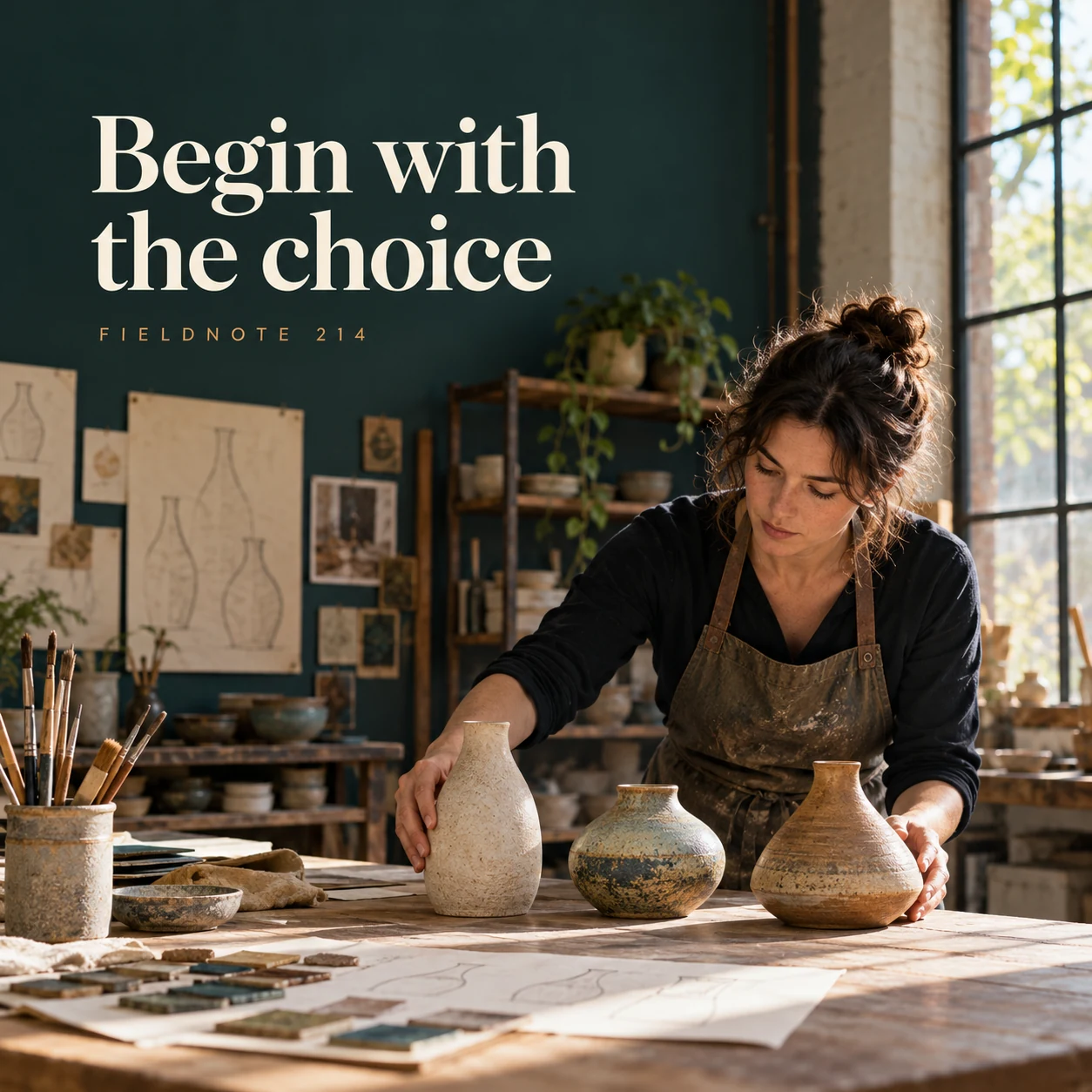
1. Begin with the choice
Original AI-generated fictional campaign concept. No real customer or measured result is represented.
Finished example caption — A custom enquiry starts with the options the maker actually offers.
Why use this post — Three original shape studies can start a choice discussion without presenting every shape as a sellable option.
Make it your own — List only the actual options the maker offers. Label conceptual studies clearly.
Image brief to adapt
Generate one complete polished square campaign image, 1080×1080. The exact scene is: adult maker arranging three original vessel shape studies. Context: a fictional ceramics studio with shape sketches and glaze samples. The message is “Begin with the choice”; support this finished caption: “A custom enquiry starts with the options the maker actually offers.”. Environmental wide shot with the key subject in the lower right and generous clean upper-left negative space. Art direction: candid small-business campaign photography, restrained graphics and a clear human focal point; palette midnight teal, warm ivory and ochre; refined natural lighting, deliberate depth and texture, commercially credible proportions, clean edges and ample breathing room. Use exactly this headline: “Begin with the choice”. Add the small fictional wordmark “FIELDNOTE 214”. Headline must be immediately readable at a phone size, with high contrast and a safe inset of at least8% from every edge. The scene is the main visual, not a text-only card. No additional text, UI screenshot, testimonial, metrics, sale badge, fake website, QR code or placeholder field. No watermarks or unrelated logos. No invented customization options, deadlines or price. Produce finished actual raster artwork ready to download and inspect; no wireframe, simple geometric substitute or diagram.
2. Put the preferences together
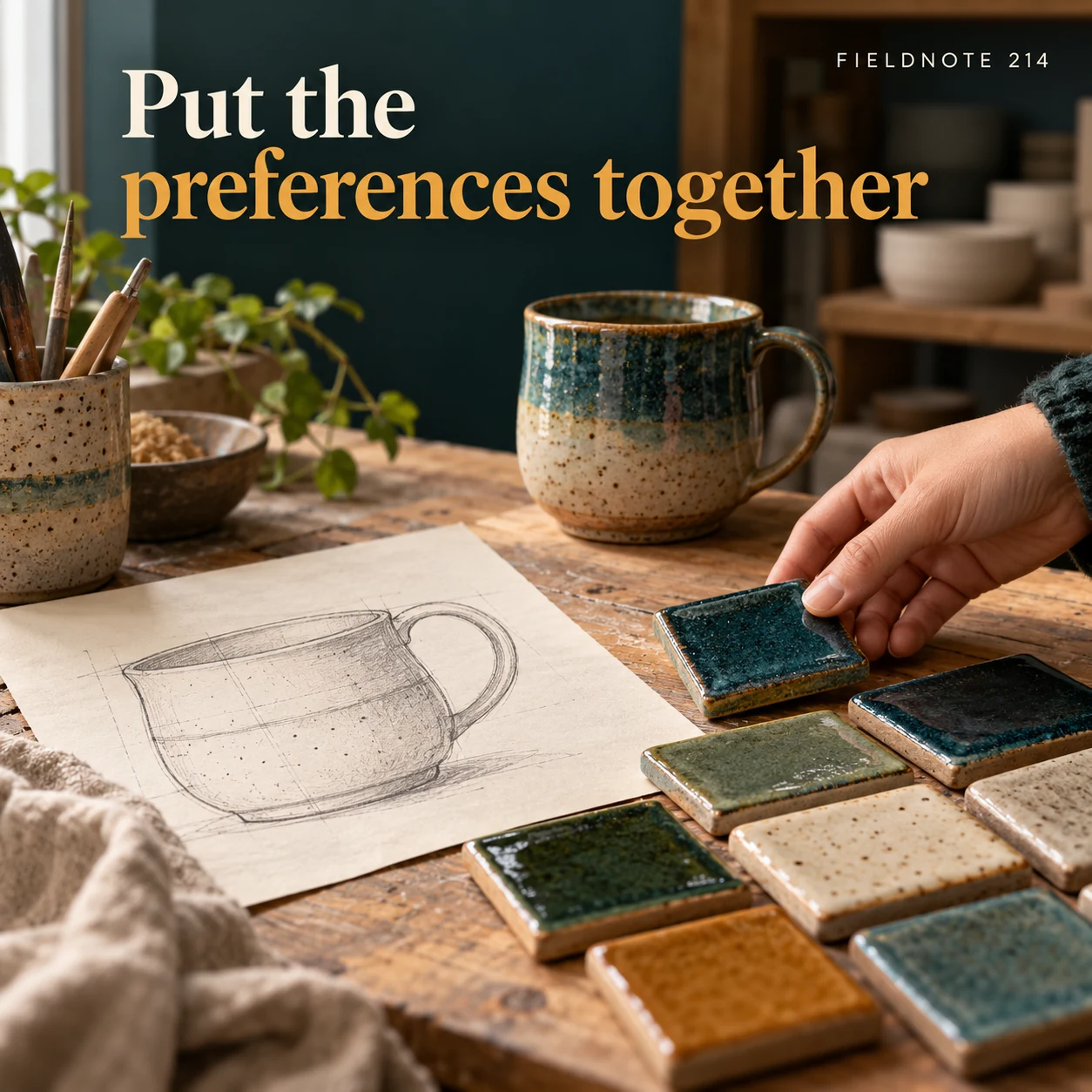
Original AI-generated fictional campaign concept. No real customer or measured result is represented.
Finished example caption — A useful brief keeps the customer's approved choices in one place.
Why use this post — A single sketch beside finish samples helps gather preferences in one record.
Make it your own — Record the customer's preferences and identify what still needs the maker's decision.
Image brief to adapt
Generate one complete polished square campaign image, 1080×1080. The exact scene is: glaze samples beside one selected original shape sketch. Context: a fictional ceramics studio with shape sketches and glaze samples. The message is “Put the preferences together”; support this finished caption: “A useful brief keeps the customer's approved choices in one place.”. Close editorial still life or detail crop showing the relevant physical object and its texture, with the headline in a quiet top band. Art direction: candid small-business campaign photography, restrained graphics and a clear human focal point; palette midnight teal, warm ivory and ochre; refined natural lighting, deliberate depth and texture, commercially credible proportions, clean edges and ample breathing room. Use exactly this headline: “Put the preferences together”. Add the small fictional wordmark “FIELDNOTE 214”. Headline must be immediately readable at a phone size, with high contrast and a safe inset of at least8% from every edge. The scene is the main visual, not a text-only card. No additional text, UI screenshot, testimonial, metrics, sale badge, fake website, QR code or placeholder field. No watermarks or unrelated logos. No invented customization options, deadlines or price. Produce finished actual raster artwork ready to download and inspect; no wireframe, simple geometric substitute or diagram.
3. Confirm before making
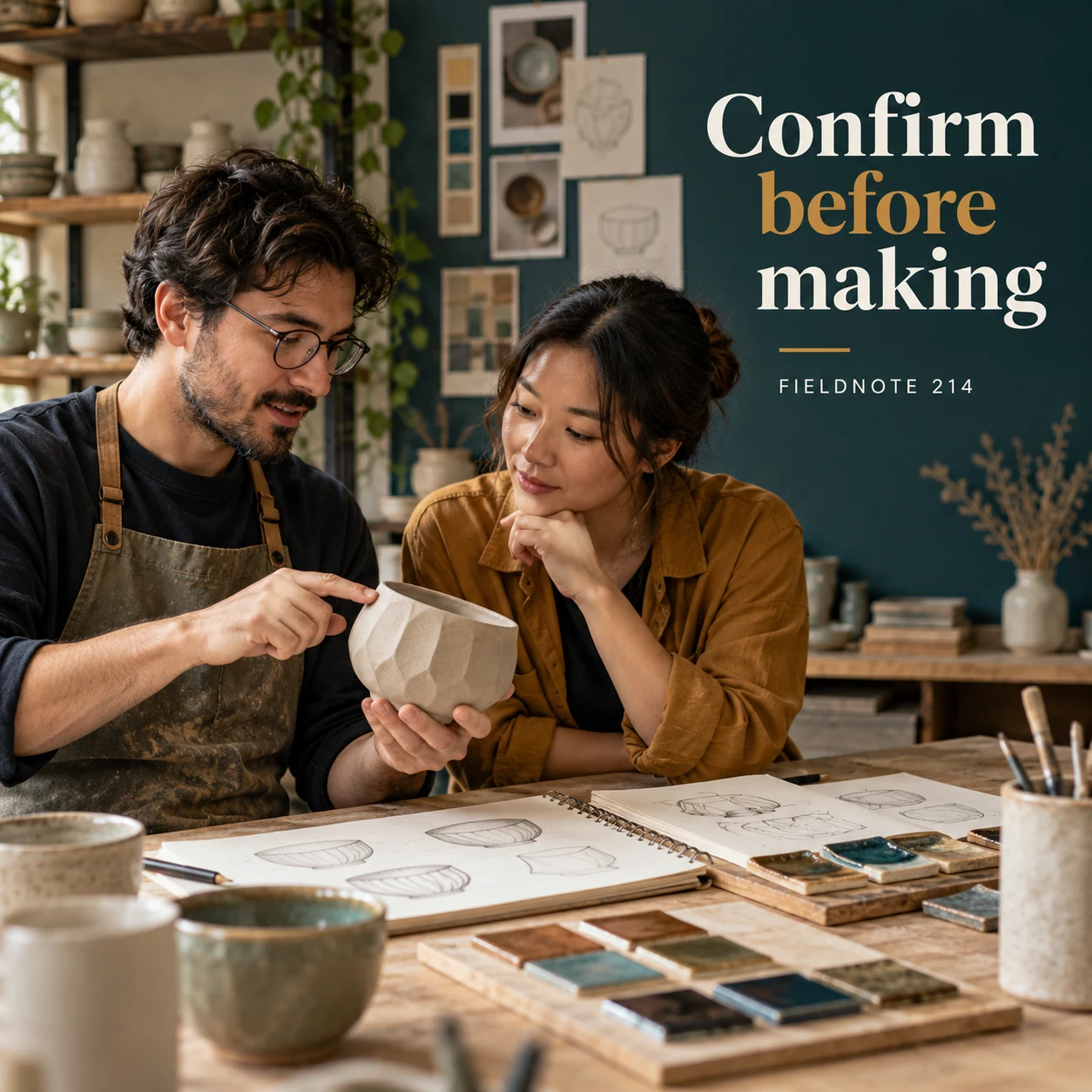
Original AI-generated fictional campaign concept. No real customer or measured result is represented.
Finished example caption — The maker and customer should agree the actual design process before production.
Why use this post — Reviewing a clay prototype illustrates a scope conversation. It does not establish acceptance, a food-use property or a production deadline.
Make it your own — Have the actual parties confirm the real scope and order process. Do not infer material suitability, payment or acceptance from an image.
Image brief to adapt
Generate one complete polished square campaign image, 1080×1080. The exact scene is: two adults reviewing an original clay prototype. Context: a fictional ceramics studio with shape sketches and glaze samples. The message is “Confirm before making”; support this finished caption: “The maker and customer should agree the actual design process before production.”. Natural eye-level composition with a restrained side panel for type. Preserve the exact stated scene; do not add a person to an object-only scene. If the scene includes people, use adult models and the explicit stated action only. Art direction: candid small-business campaign photography, restrained graphics and a clear human focal point; palette midnight teal, warm ivory and ochre; refined natural lighting, deliberate depth and texture, commercially credible proportions, clean edges and ample breathing room. Use exactly this headline: “Confirm before making”. Add the small fictional wordmark “FIELDNOTE 214”. Headline must be immediately readable at a phone size, with high contrast and a safe inset of at least8% from every edge. The scene is the main visual, not a text-only card. No additional text, UI screenshot, testimonial, metrics, sale badge, fake website, QR code or placeholder field. No watermarks or unrelated logos. No invented customization options, deadlines or price. Produce finished actual raster artwork ready to download and inspect; no wireframe, simple geometric substitute or diagram.
4. Keep changes explicit
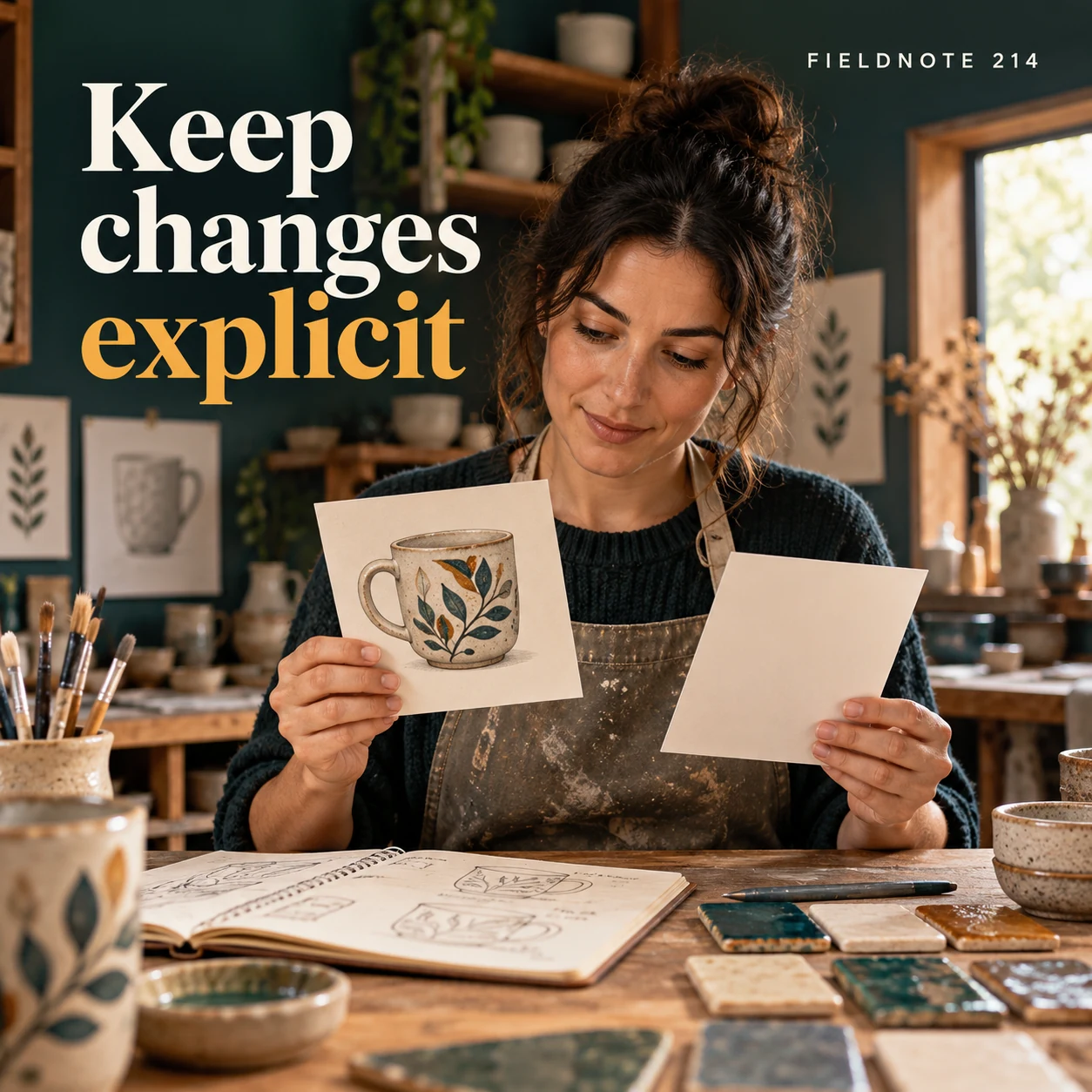
Original AI-generated fictional campaign concept. No real customer or measured result is represented.
Finished example caption — A later change should be discussed through the real order process.
Why use this post — The revision card makes a later request visible rather than quietly changing the original brief.
Make it your own — Keep the agreed version and route later changes through the maker's approved process. State no automatic entitlement to a change.
Image brief to adapt
Generate one complete polished square campaign image, 1080×1080. The exact scene is: original design print beside a separate plain revision card. Context: a fictional ceramics studio with shape sketches and glaze samples. The message is “Keep changes explicit”; support this finished caption: “A later change should be discussed through the real order process.”. Confident final hero composition using a clear foreground subject and supporting background context; close the sequence with a purposeful visual invitation. Art direction: candid small-business campaign photography, restrained graphics and a clear human focal point; palette midnight teal, warm ivory and ochre; refined natural lighting, deliberate depth and texture, commercially credible proportions, clean edges and ample breathing room. Use exactly this headline: “Keep changes explicit”. Add the small fictional wordmark “FIELDNOTE 214”. Headline must be immediately readable at a phone size, with high contrast and a safe inset of at least8% from every edge. The scene is the main visual, not a text-only card. No additional text, UI screenshot, testimonial, metrics, sale badge, fake website, QR code or placeholder field. No watermarks or unrelated logos. No invented customization options, deadlines or price. Produce finished actual raster artwork ready to download and inspect; no wireframe, simple geometric substitute or diagram.
Put it into practice
Apply the workflow to one actual business image
Use this completed fictional request for Fieldnote Clay: item—one decorative vessel concept; preferred shape—the rounded study; finish preference—warm neutral; intended context—a display shelf; maker decision—confirm whether that shape and finish are offered; scope record—only the maker-approved version would proceed through the actual order process; later request—a narrower opening, recorded separately for discussion. No size, functional property, price or deadline is agreed. Pair the sketch-and-samples image with that record. The merchant reviewer must supply the real option limits and acceptance route before adapting it for customers.
Common questions
Does choosing a sample confirm a custom order?
No. A preference is part of an enquiry. Follow the actual maker's scope and order-acceptance process.
How should I show a requested change?
Keep the original agreed scope visible and record the new request separately. The actual maker decides how a change can be considered.
Can a generated prototype prove the finished material or use?
No. A concept image does not establish actual dimensions, finish, suitability or production quality. Use approved actual product facts and clearly label illustrations.
Turn the brief into your own creative
Use the example as a starting point. Supply approved business facts and authorized references in Studio, then compare the finished image with the brief before using it.
Your starter brief
Replace the brackets with your own details.
Generate one complete polished square campaign image, 1080×1080. The exact scene is: adult maker arranging three original vessel shape studies. Context: a fictional ceramics studio with shape sketches and glaze samples. The message is “Begin with the choice”; support this finished caption: “A custom enquiry starts with the options the maker actually offers.”. Environmental wide shot with the key subject in the lower right and generous clean upper-left negative space. Art direction: candid small-business campaign photography, restrained graphics and a clear human focal point; palette midnight teal, warm ivory and ochre; refined natural lighting, deliberate depth and texture, commercially credible proportions, clean edges and ample breathing room. Use exactly this headline: “Begin with the choice”. Add the small fictional wordmark “FIELDNOTE 214”. Headline must be immediately readable at a phone size, with high contrast and a safe inset of at least8% from every edge. The scene is the main visual, not a text-only card. No additional text, UI screenshot, testimonial, metrics, sale badge, fake website, QR code or placeholder field. No watermarks or unrelated logos. No invented customization options, deadlines or price. Produce finished actual raster artwork ready to download and inspect; no wireframe, simple geometric substitute or diagram.
Copy your adapted brief, open Studio, and paste it into your creative workflow. Review the result before using it.
Create your version in Studio