
Industry playbooks
Interior Design Social Media Post Ideas: 4 Examples
By Memes.ai
Updated October 16, 2026 · 4 min read
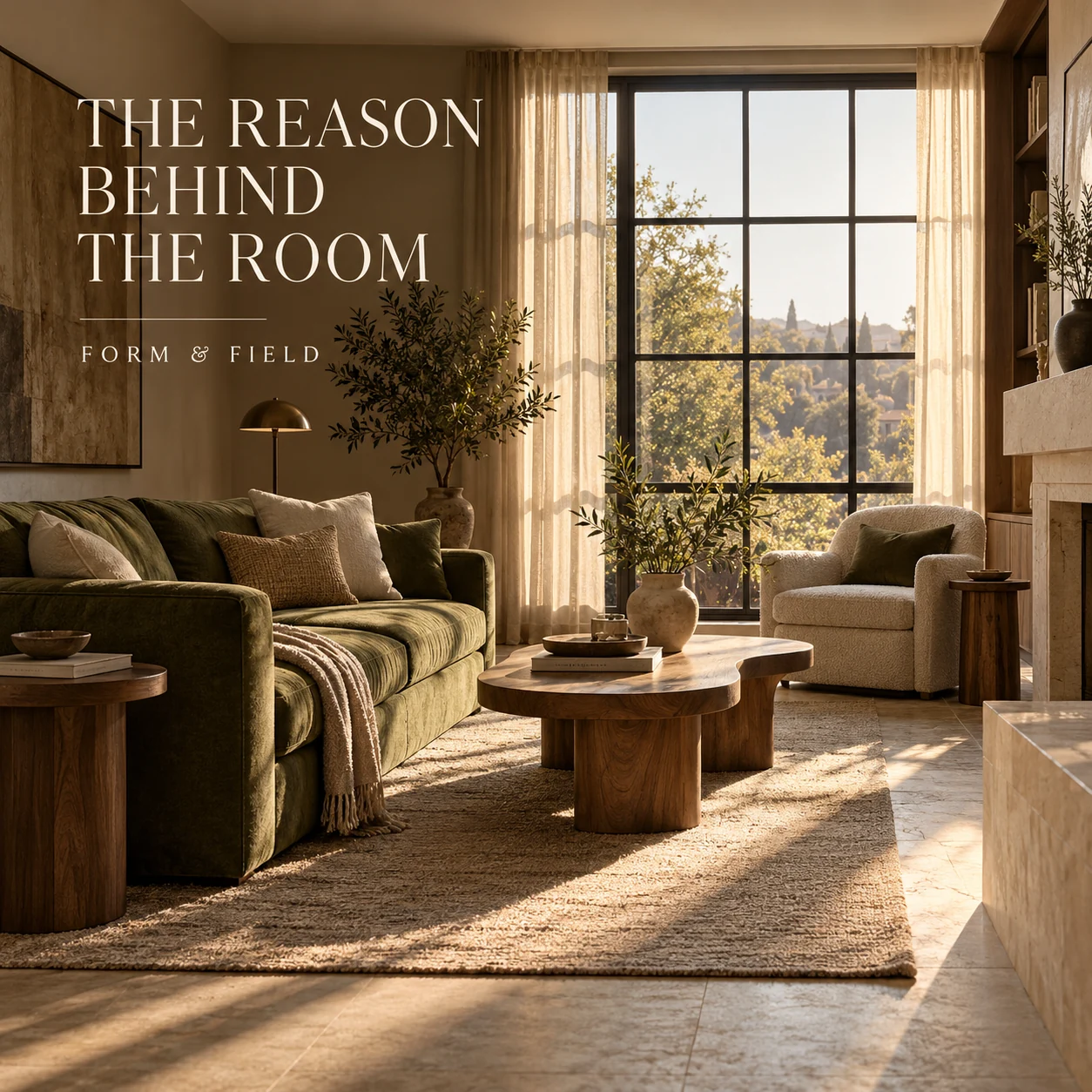
An interior designer can turn a project decision into useful content: why a layout changed, how materials were compared or what a client needs before a consultation. Explain the constraint behind the choice. Keep real projects, mood boards and fictional concepts clearly labeled. Below are four finished visual concepts and example captions, with image briefs you can adapt to your own brand. The artwork uses fictional businesses and AI-generated scenes. For a post about your actual people, place or service, supply authorized photographs and confirmed details.
What you’ll take away
- Start with “The reason behind the room” for one visual idea. Use “Feel the difference” for a different view of the same business. Choose the example that supports the message you want a reader to understand.
- Get project and photography permission. Do not show addresses, private floor plans or client budgets. Label renders and sample concepts accurately.
- Use the finished captions as creative examples. The adaptation notes include practical copy templates for your own confirmed details. Match your image, message and destination to the same reader task.
1. The reason behind the room
Finished AI-generated creative for the fictional brand FORM & FIELD. This is an illustrative concept, not a real customer, venue or campaign result. Headline: “THE REASON BEHIND THE ROOM”.
Finished example caption — A room is more than the things inside it. It is the way you move, gather and feel at home.
Why use this post — A complete room makes the relationship between light, materials and furniture visible.
Make it your own — Explain one genuine decision and label the project stage. Keep identifying floor-plan information private. If you need a practical service-information version, adapt this template with confirmed details: In this [real approved project or labeled concept], the key constraint was [constraint]. We compared [option A] with [option B] before choosing [decision].
Image brief to adapt
Create a finished square social image for my interior design business. Scene: A beautifully arranged small living room showing a clever furniture layout around a large window, olive sofa, sculptural oak coffee table, generous clear pathway, late-afternoon architectural light. Visual style: Architectural editorial photography for a sophisticated interior-design studio; limestone, walnut, olive and warm ivory; tactile, intentional, minimal and realistic. Use this headline exactly: “THE REASON BEHIND THE ROOM”. Replace the fictional example brand FORM & FIELD with my supplied business name. Make the scene the main visual, with a short legible headline and a small brand wordmark. Do not render placeholder fields or instructions. Do not invent a date, price, address, credential, offer or result. Use my authorized photographs when the post describes my actual people, premises, products or completed work. Review every detail before publishing.
2. Feel the difference
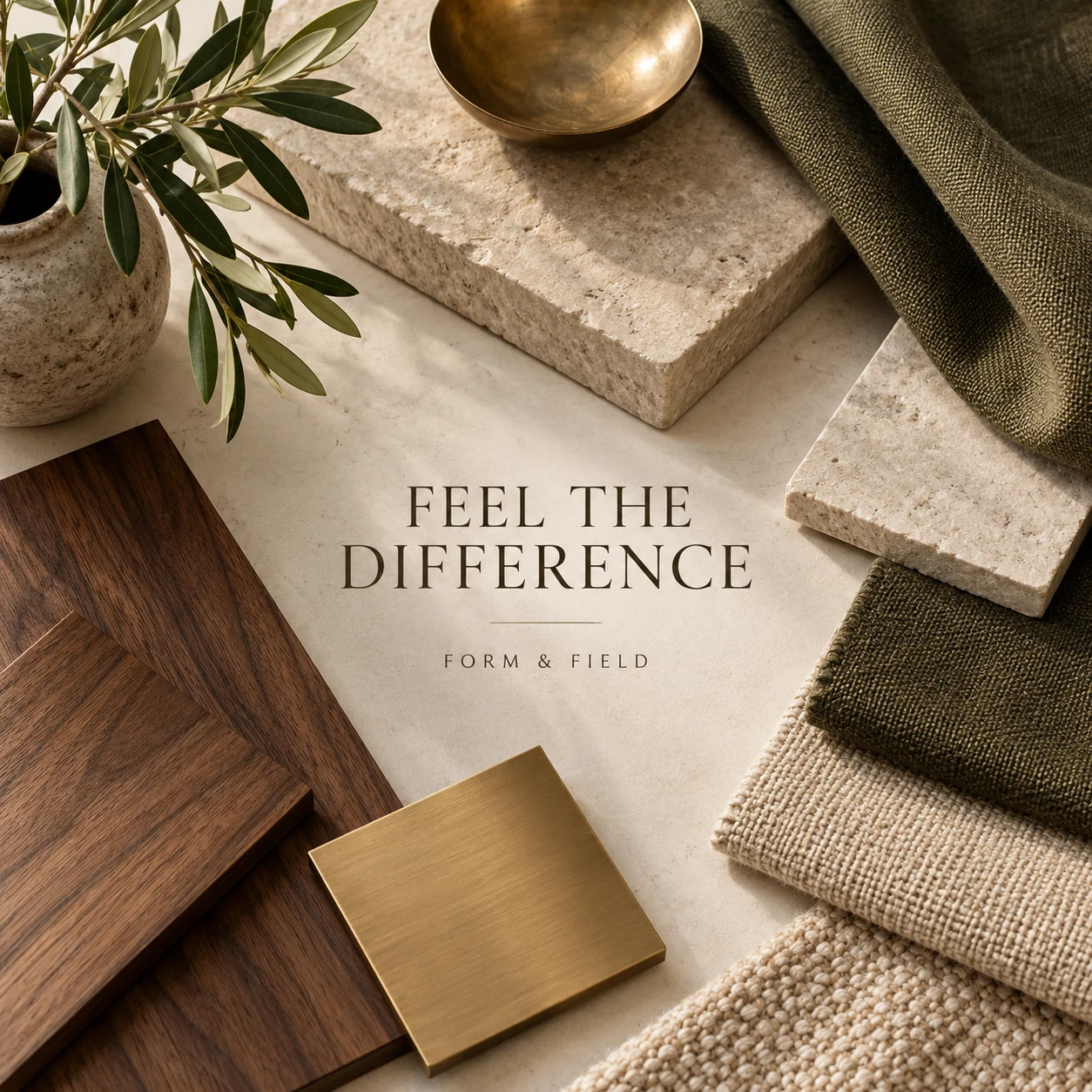
Finished AI-generated creative for the fictional brand FORM & FIELD. This is an illustrative concept, not a real customer, venue or campaign result. Headline: “FEEL THE DIFFERENCE”.
Finished example caption — Warm stone. Soft linen. A little brass. The conversation changes when you can put the materials side by side.
Why use this post — A material selection scene shows the choices behind a finished space.
Make it your own — Use real samples and check technical claims with product documentation. Do not infer durability from an image. If you need a practical service-information version, adapt this template with confirmed details: Two samples for [intended use]: [material A] and [material B]. Here is the design consideration we discussed: [verified consideration].
Image brief to adapt
Create a finished square social image for my interior design business. Scene: Exquisite overhead material board: walnut veneer, warm limestone, woven linen, muted olive fabric and brushed brass samples, artfully arranged on an ivory work surface, no labels. Visual style: Architectural editorial photography for a sophisticated interior-design studio; limestone, walnut, olive and warm ivory; tactile, intentional, minimal and realistic. Use this headline exactly: “FEEL THE DIFFERENCE”. Replace the fictional example brand FORM & FIELD with my supplied business name. Make the scene the main visual, with a short legible headline and a small brand wordmark. Do not render placeholder fields or instructions. Do not invent a date, price, address, credential, offer or result. Use my authorized photographs when the post describes my actual people, premises, products or completed work. Review every detail before publishing.
3. Start with the way you live
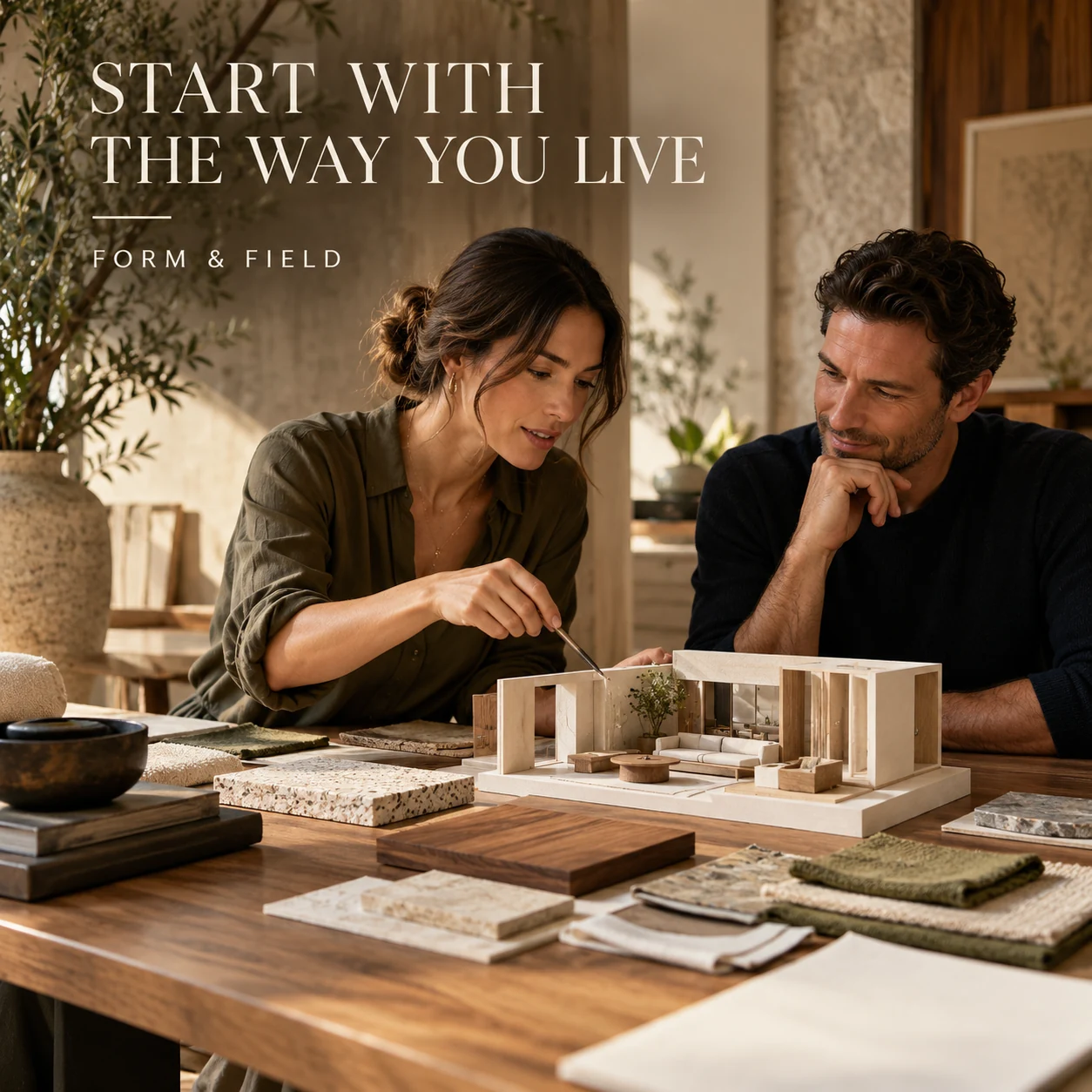
Finished AI-generated creative for the fictional brand FORM & FIELD. This is an illustrative concept, not a real customer, venue or campaign result. Headline: “START WITH THE WAY YOU LIVE”.
Finished example caption — Before choosing a finish, talk about the room's real purpose. How do you want to live in the space?
Why use this post — A designer portrait puts a person behind the process.
Make it your own — Use your actual intake list. Ask permission before reusing a client's references or images. If you need a practical service-information version, adapt this template with confirmed details: Before our [consultation type], gather [actual intake information]. Submit it through [private intake route] so we can use the time well.
Image brief to adapt
Create a finished square social image for my interior design business. Scene: An adult interior designer and adult client at a studio table discussing a small physical room model and material samples, no readable private plans, natural consultation photograph. Visual style: Architectural editorial photography for a sophisticated interior-design studio; limestone, walnut, olive and warm ivory; tactile, intentional, minimal and realistic. Use this headline exactly: “START WITH THE WAY YOU LIVE”. Replace the fictional example brand FORM & FIELD with my supplied business name. Make the scene the main visual, with a short legible headline and a small brand wordmark. Do not render placeholder fields or instructions. Do not invent a date, price, address, credential, offer or result. Use my authorized photographs when the post describes my actual people, premises, products or completed work. Review every detail before publishing.
4. The details connect the room
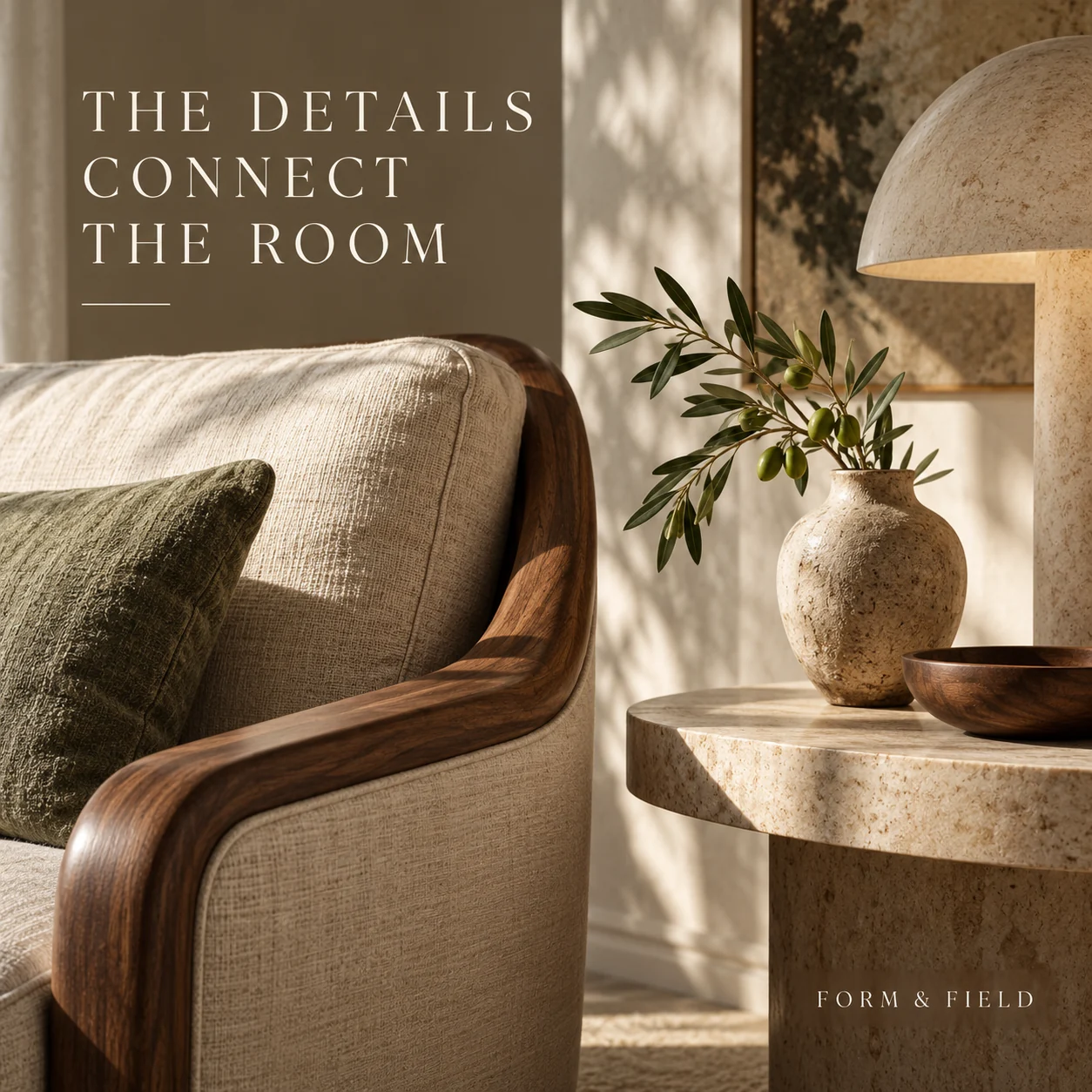
Finished AI-generated creative for the fictional brand FORM & FIELD. This is an illustrative concept, not a real customer, venue or campaign result. Headline: “THE DETAILS CONNECT THE ROOM”.
Finished example caption — The curve of the wood, the texture of the linen, the shape of the light. Small decisions connect the whole room.
Why use this post — A close interior detail gives readers one practical visual reference to save.
Make it your own — Use licensed photographs, accurate credits and a real explanation of the design choice. If you need a practical service-information version, adapt this template with confirmed details: A closer look at [approved project detail]. The choice connects [design element] with [another element] in this room. [Correct photographer credit].
Image brief to adapt
Create a finished square social image for my interior design business. Scene: Close editorial photograph of a beautiful finishing detail in an original interior: curved walnut edge, linen upholstery, sculptural lamp and a small ceramic vase with olive branch, tactile shadows. Visual style: Architectural editorial photography for a sophisticated interior-design studio; limestone, walnut, olive and warm ivory; tactile, intentional, minimal and realistic. Use this headline exactly: “THE DETAILS CONNECT THE ROOM”. Replace the fictional example brand FORM & FIELD with my supplied business name. Make the scene the main visual, with a short legible headline and a small brand wordmark. Do not render placeholder fields or instructions. Do not invent a date, price, address, credential, offer or result. Use my authorized photographs when the post describes my actual people, premises, products or completed work. Review every detail before publishing.
Put it into practice
Build your first interior design content batch
Pick one completed design decision with permission to share. Write the constraint and two considered options. Publish the reason for the choice, then show a sample or licensed detail that supports it. Prepare each post as a small brief: audience, one useful detail, approved caption, matching visual and a single current destination. Get project and photography permission. Do not show addresses, private floor plans or client budgets. Label renders and sample concepts accurately. Before publishing, read the caption beside the image, confirm that all brackets are replaced and check the destination on a phone. After a week, review the questions and enquiries each post generated. Keep the useful information current and revise confusing details before making more variants.
Common questions
How can we post a project that is not photographed yet?
Use an authorized material board or a clearly labeled concept render. Say what stage the project is in and do not describe an illustration as a completed installation.
What should a design consultation post ask for?
Use your real intake process, such as room purpose, measurements and reference images submitted privately. Avoid inviting a client to publish an address or full floor plan in comments.
Can I download and adapt these finished images?
Yes. Each example includes an original finished AI-generated image and a copyable image brief. Save the WebP as a visual reference, or use the brief to create a version for your own brand in Studio. The pictured businesses and scenes are fictional. Use authorized real photos for claims about your actual people, venue, products or completed work. The downloaded image is flattened; it does not contain editable text layers.
Turn the brief into your own creative
Choose a finished image and caption that fit your business task, then copy its brief into Studio to develop your own version. Use your own brand, current information and authorized real-world assets where needed.
Your starter brief
Replace the brackets with your own details.
Create a finished square social image for my interior design business. Scene: A beautifully arranged small living room showing a clever furniture layout around a large window, olive sofa, sculptural oak coffee table, generous clear pathway, late-afternoon architectural light. Visual style: Architectural editorial photography for a sophisticated interior-design studio; limestone, walnut, olive and warm ivory; tactile, intentional, minimal and realistic. Use this headline exactly: “THE REASON BEHIND THE ROOM”. Replace the fictional example brand FORM & FIELD with my supplied business name. Make the scene the main visual, with a short legible headline and a small brand wordmark. Do not render placeholder fields or instructions. Do not invent a date, price, address, credential, offer or result. Use my authorized photographs when the post describes my actual people, premises, products or completed work. Review every detail before publishing.
Copy your adapted brief, open Studio, and paste it into your creative workflow. Review the result before using it.
Create your version in Studio