Ad creative
Single-Image Creative Brief: Specify One Complete Deliverable
By Memes.ai
Updated October 16, 2026 · 5 min read
A one-image brief should let another person create and review the work without guessing the business facts. Write the reader's question, the approved message, the visible scene and the acceptance checks. The four fictional examples show those parts in sequence. A brief is complete enough to start when unknown facts are resolved or explicitly removed from the assignment. It is not complete merely because it contains a long style description.
What you’ll take away
- Define the audience question before the art style.
- Separate approved facts and exact copy from flexible composition.
- Tell the reviewer what to check in the finished export.
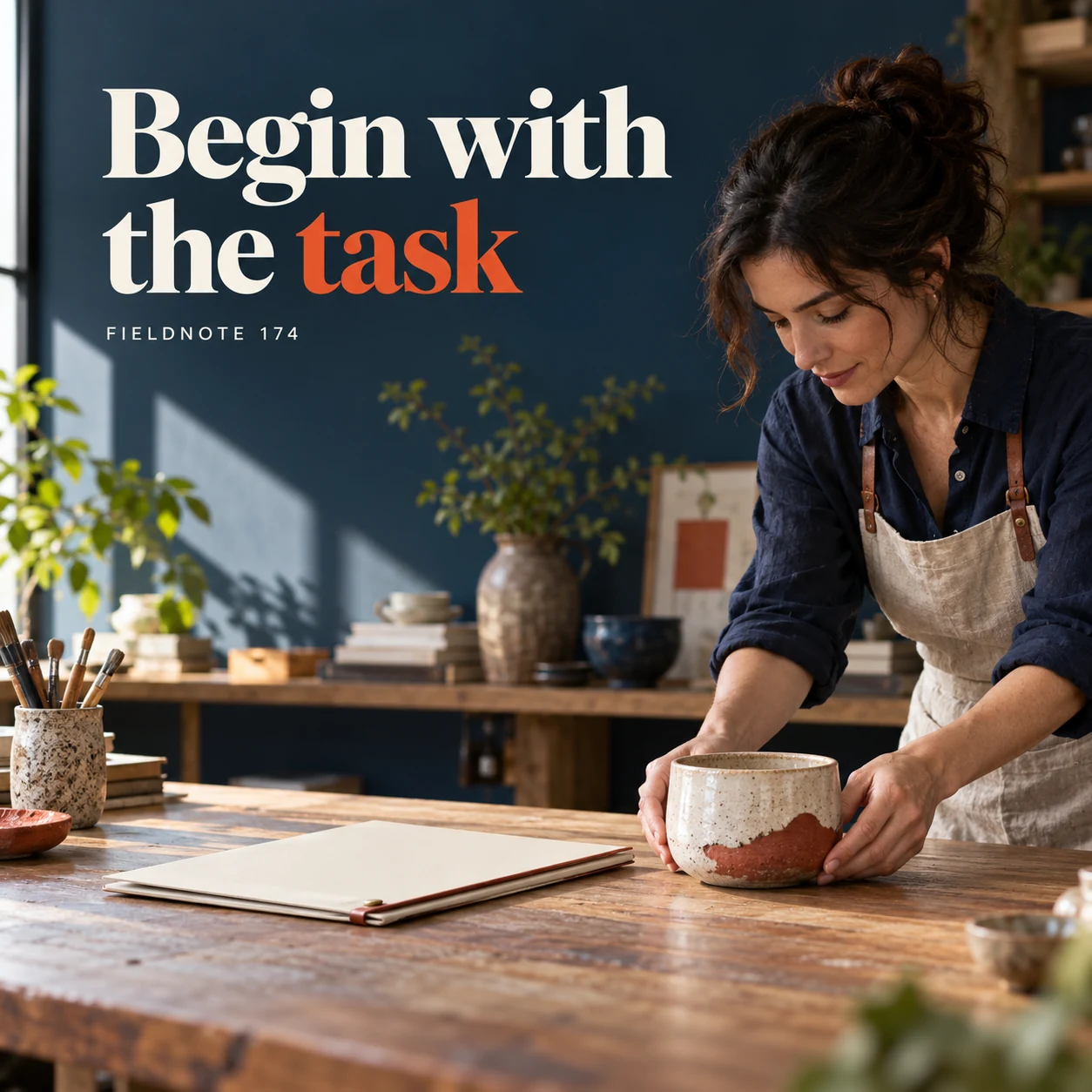
1. Begin with the task
Original AI-generated fictional campaign concept. No real customer or measured result is represented.
Finished example caption — Name the audience's practical question before choosing the visual treatment.
Why use this post — The reader task gives the image a purpose. It prevents a visual treatment from becoming the whole assignment.
Make it your own — Write one question a real customer needs answered. Use the actual product or service context.
Image brief to adapt
Generate one complete polished square campaign image, 1080×1080. The exact scene is: adult maker placing a ceramic product beside a blank brief folder. Context: a fictional maker desk with original brief folio and ceramic product. The message is “Begin with the task”; support this finished caption: “Name the audience's practical question before choosing the visual treatment.”. Environmental wide shot with the key subject in the lower right and generous clean upper-left negative space. Art direction: art-directed studio campaign photography with strong shape, disciplined typography and useful visual hierarchy; palette ink blue, cream and vermilion; refined natural lighting, deliberate depth and texture, commercially credible proportions, clean edges and ample breathing room. Use exactly this headline: “Begin with the task”. Add the small fictional wordmark “FIELDNOTE 174”. Headline must be immediately readable at a phone size, with high contrast and a safe inset of at least8% from every edge. The scene is the main visual, not a text-only card. No additional text, UI screenshot, testimonial, metrics, sale badge, fake website, QR code or placeholder field. No watermarks or unrelated logos. No guaranteed model output; this article owns image-brief acceptance rather than general prompt syntax. Produce finished actual raster artwork ready to download and inspect; no wireframe, simple geometric substitute or diagram.
2. Give the message one job
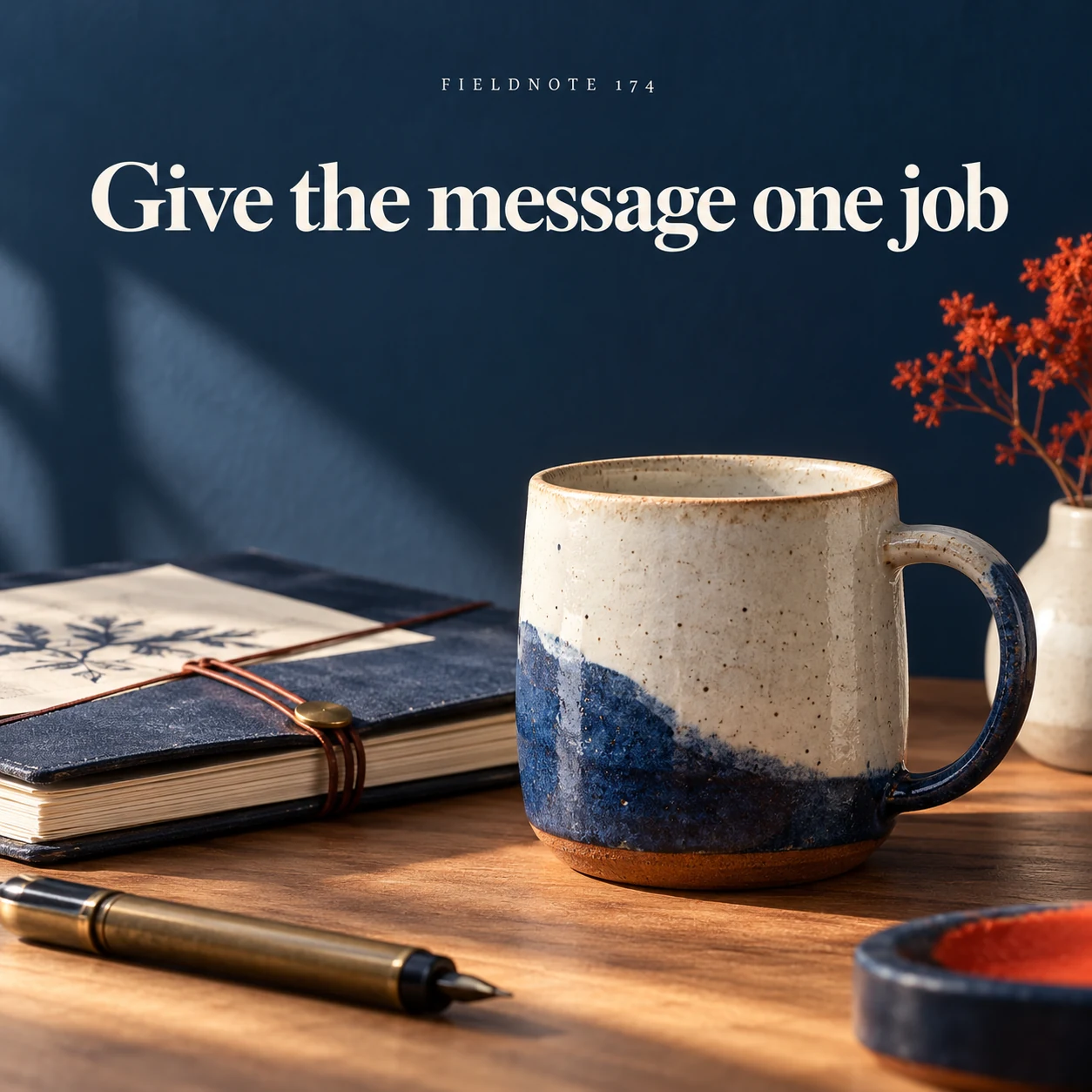
Original AI-generated fictional campaign concept. No real customer or measured result is represented.
Finished example caption — A short approved message keeps the image focused on a concrete purpose.
Why use this post — One message makes the brief easier to review. The creator can see what the image must communicate rather than choosing among competing aims.
Make it your own — Supply the approved headline and any required qualification. Remove unsupported price, benefit or availability claims.
Image brief to adapt
Generate one complete polished square campaign image, 1080×1080. The exact scene is: single product below a restrained headline panel. Context: a fictional maker desk with original brief folio and ceramic product. The message is “Give the message one job”; support this finished caption: “A short approved message keeps the image focused on a concrete purpose.”. Close editorial still life or detail crop showing the relevant physical object and its texture, with the headline in a quiet top band. Art direction: art-directed studio campaign photography with strong shape, disciplined typography and useful visual hierarchy; palette ink blue, cream and vermilion; refined natural lighting, deliberate depth and texture, commercially credible proportions, clean edges and ample breathing room. Use exactly this headline: “Give the message one job”. Add the small fictional wordmark “FIELDNOTE 174”. Headline must be immediately readable at a phone size, with high contrast and a safe inset of at least8% from every edge. The scene is the main visual, not a text-only card. No additional text, UI screenshot, testimonial, metrics, sale badge, fake website, QR code or placeholder field. No watermarks or unrelated logos. No guaranteed model output; this article owns image-brief acceptance rather than general prompt syntax. Produce finished actual raster artwork ready to download and inspect; no wireframe, simple geometric substitute or diagram.
3. Describe the scene
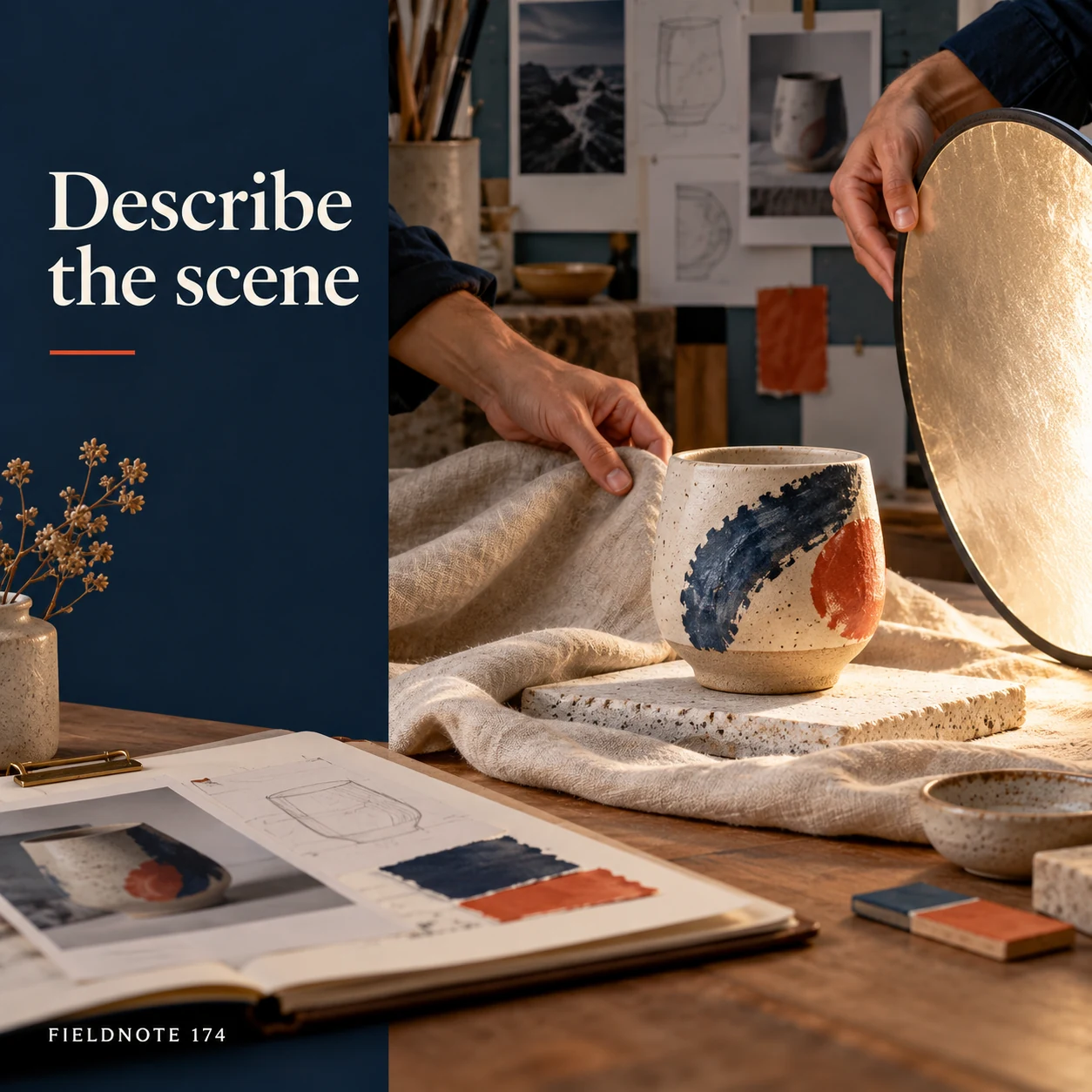
Original AI-generated fictional campaign concept. No real customer or measured result is represented.
Finished example caption — Subjects, actions and objects give the maker something observable to create.
Why use this post — Subjects, objects and actions are observable. They turn a vague mood into a scene that can be checked.
Make it your own — Name what is visible and what should remain absent. Use authorized references where actual product appearance matters.
Image brief to adapt
Generate one complete polished square campaign image, 1080×1080. The exact scene is: adult hands arranging product, linen and light reflector. Context: a fictional maker desk with original brief folio and ceramic product. The message is “Describe the scene”; support this finished caption: “Subjects, actions and objects give the maker something observable to create.”. Natural eye-level composition with a restrained side panel for type. Preserve the exact stated scene; do not add a person to an object-only scene. If the scene includes people, use adult models and the explicit stated action only. Art direction: art-directed studio campaign photography with strong shape, disciplined typography and useful visual hierarchy; palette ink blue, cream and vermilion; refined natural lighting, deliberate depth and texture, commercially credible proportions, clean edges and ample breathing room. Use exactly this headline: “Describe the scene”. Add the small fictional wordmark “FIELDNOTE 174”. Headline must be immediately readable at a phone size, with high contrast and a safe inset of at least8% from every edge. The scene is the main visual, not a text-only card. No additional text, UI screenshot, testimonial, metrics, sale badge, fake website, QR code or placeholder field. No watermarks or unrelated logos. No guaranteed model output; this article owns image-brief acceptance rather than general prompt syntax. Produce finished actual raster artwork ready to download and inspect; no wireframe, simple geometric substitute or diagram.
4. End with the checks
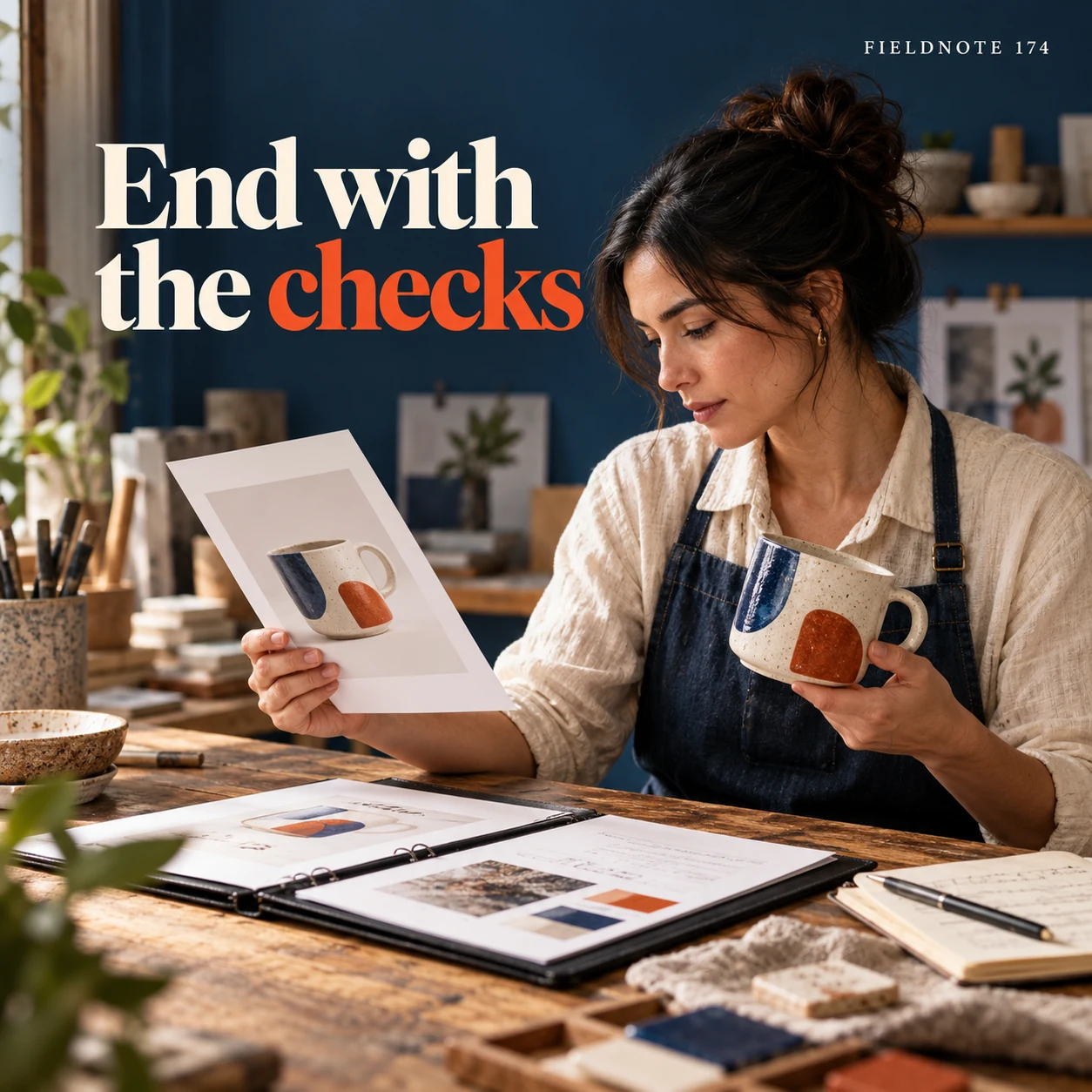
Original AI-generated fictional campaign concept. No real customer or measured result is represented.
Finished example caption — List the facts and visual details that must be reviewed before use.
Why use this post — Acceptance checks make the handoff reviewable. The reviewer knows which product details, words and crop constraints matter.
Make it your own — List the source facts, exact lettering and use-size review. Do not call an output approved before those checks occur.
Image brief to adapt
Generate one complete polished square campaign image, 1080×1080. The exact scene is: adult reviewer comparing an original print with plain review notes. Context: a fictional maker desk with original brief folio and ceramic product. The message is “End with the checks”; support this finished caption: “List the facts and visual details that must be reviewed before use.”. Confident final hero composition using a clear foreground subject and supporting background context; close the sequence with a purposeful visual invitation. Art direction: art-directed studio campaign photography with strong shape, disciplined typography and useful visual hierarchy; palette ink blue, cream and vermilion; refined natural lighting, deliberate depth and texture, commercially credible proportions, clean edges and ample breathing room. Use exactly this headline: “End with the checks”. Add the small fictional wordmark “FIELDNOTE 174”. Headline must be immediately readable at a phone size, with high contrast and a safe inset of at least8% from every edge. The scene is the main visual, not a text-only card. No additional text, UI screenshot, testimonial, metrics, sale badge, fake website, QR code or placeholder field. No watermarks or unrelated logos. No guaranteed model output; this article owns image-brief acceptance rather than general prompt syntax. Produce finished actual raster artwork ready to download and inspect; no wireframe, simple geometric substitute or diagram.
Put it into practice
Apply the workflow to one actual business image
Complete this original sample brief in your own words: audience is a shopper comparing a desk vase; message is to inspect the shape before deciding; scene is the actual vase at eye level with room for one short headline; fixed facts are the approved product shape, color and wording; review checks are accurate product detail, correct lettering, clear crop and matching destination. Replace the sample with one real task. Resolve missing facts before submitting it to Studio and compare the finished result with the same brief.
Put it into practice
Name the exact file that the reviewer is accepting
Finish the brief with an acceptance-and-delivery record. Use this original fictional example: task—introduce one desk vase; working version—VaseIntro-r1; reviewer—business owner; checks—actual shape and color, exact approved headline, readable use-size crop and matching product destination; output—one flattened image export after approval. The name and task are invented, not evidence of an actual customer assignment.
If the reviewer asks for a different crop, retain the first version and give the next one a distinct identity. Record the requested change and what must stay fixed. A filename containing “final” does not prove that someone approved its pixels. When the reviewer accepts a version, identify that exact file rather than a folder that may contain several revisions.
Before handoff, open the delivered file and check its dimensions, visible words, format and actual save behavior. Distinguish a finished raster export from editable source material. The downloaded WebP examples in this library are flattened images; they do not supply editable text layers or a project from another design tool. Do not promise a format or rights grant that the verified product workflow and assignment do not provide.
Common questions
What makes the brief complete?
It names the audience task, approved message, observable scene, authorized references, fixed facts and review checks. A missing price or product fact must be resolved or omitted rather than guessed.
Which facts should stay separate from art direction?
Product specifications, offer terms, exact wording and destination facts should remain fixed. Background, lighting and composition can vary within the approved scope.
Who approves the final image?
Name the responsible reviewer before production. They should check the output against the brief and factual references; the generator's completion status is not an approval.
Does naming a file final make it approved?
No. Approval belongs to the named reviewer and the exact version they inspected. Keep the decision and file identity together.
What should a delivery record contain?
Name the task, exact file/version, actual format, intended use, reviewer and approval state. State any source/export limits accurately.
Turn the brief into your own creative
Use the example as a starting point. Supply approved business facts and authorized references in Studio, then compare the finished image with the brief before using it.
Your starter brief
Replace the brackets with your own details.
Generate one complete polished square campaign image, 1080×1080. The exact scene is: adult maker placing a ceramic product beside a blank brief folder. Context: a fictional maker desk with original brief folio and ceramic product. The message is “Begin with the task”; support this finished caption: “Name the audience's practical question before choosing the visual treatment.”. Environmental wide shot with the key subject in the lower right and generous clean upper-left negative space. Art direction: art-directed studio campaign photography with strong shape, disciplined typography and useful visual hierarchy; palette ink blue, cream and vermilion; refined natural lighting, deliberate depth and texture, commercially credible proportions, clean edges and ample breathing room. Use exactly this headline: “Begin with the task”. Add the small fictional wordmark “FIELDNOTE 174”. Headline must be immediately readable at a phone size, with high contrast and a safe inset of at least8% from every edge. The scene is the main visual, not a text-only card. No additional text, UI screenshot, testimonial, metrics, sale badge, fake website, QR code or placeholder field. No watermarks or unrelated logos. No guaranteed model output; this article owns image-brief acceptance rather than general prompt syntax. Produce finished actual raster artwork ready to download and inspect; no wireframe, simple geometric substitute or diagram.
Copy your adapted brief, open Studio, and paste it into your creative workflow. Review the result before using it.
Create your version in Studio