Industry playbooks
12 AI Content Prompts for Marketing Agencies, With Client Examples
By Memes.ai
Updated October 6, 2026 · 6 min read

A useful AI prompt starts with a specific situation your reader recognizes. This guide gives you 12 copyable prompts, plus image references and instructions for making each one your own. Start with “client brief intake,” then choose a second idea that serves a different purpose. Use the reference image for inspiration, or copy its brief into Studio to create a version with your business details.
What you’ll take away
- Give the AI your verified facts, one intended audience, and one output task.
- Use the visual direction beside each prompt to choose a relevant scene; an existing illustration is a reference, not a record of your business.
- Review the first output for factual accuracy, readable text, and a next step before creating variants.
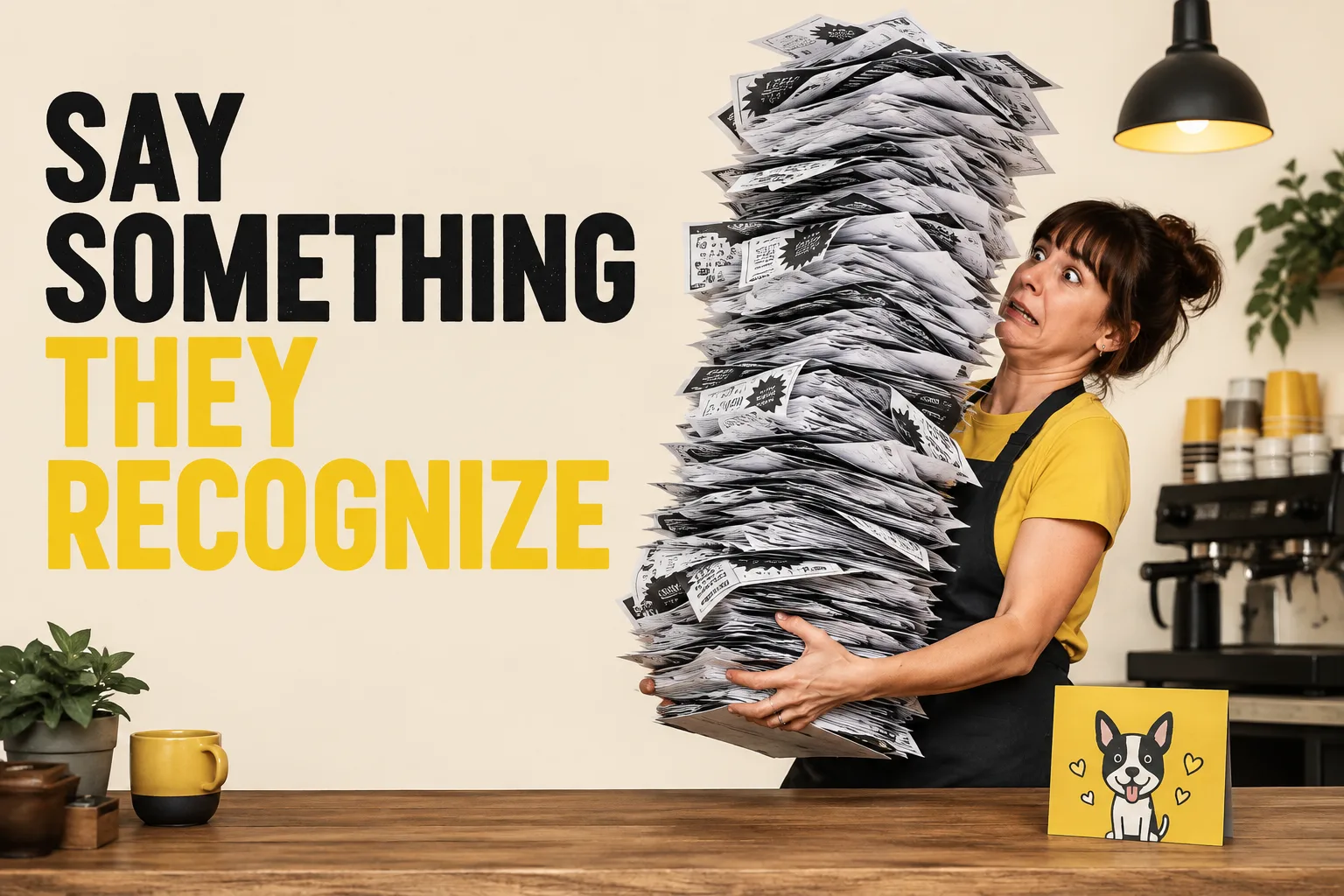
1. Client brief intake
Visual reference: The ROI Gap. The caption and brief below are an adaptation; replace any business details with your own.
Prompt — Turn [client's verified facts] into a creative brief with audience, recognizable moment, real offer, and one next step. List missing inputs before drafting. Worked input to try: Fictional client: Maple Cafe serves coffee and pastries from 8 a.m. to 4 p.m. Audience: nearby workers. Task: explain takeaway collection.
Visual direction — A brief with clearly named input fields
Make it your own — Do not invent a client strategy or fill gaps with industry averages.
Image brief to adapt
Turn [client's verified facts] into a creative brief with audience, recognizable moment, real offer, and one next step. List missing inputs before drafting. Worked example input: Fictional client: Maple Cafe serves coffee and pastries from 8 a.m. to 4 p.m. Audience: nearby workers. Task: explain takeaway collection. Visual direction: A brief with clearly named input fields. Output: Do not invent a client strategy or fill gaps with industry averages.
2. Restaurant adaptation
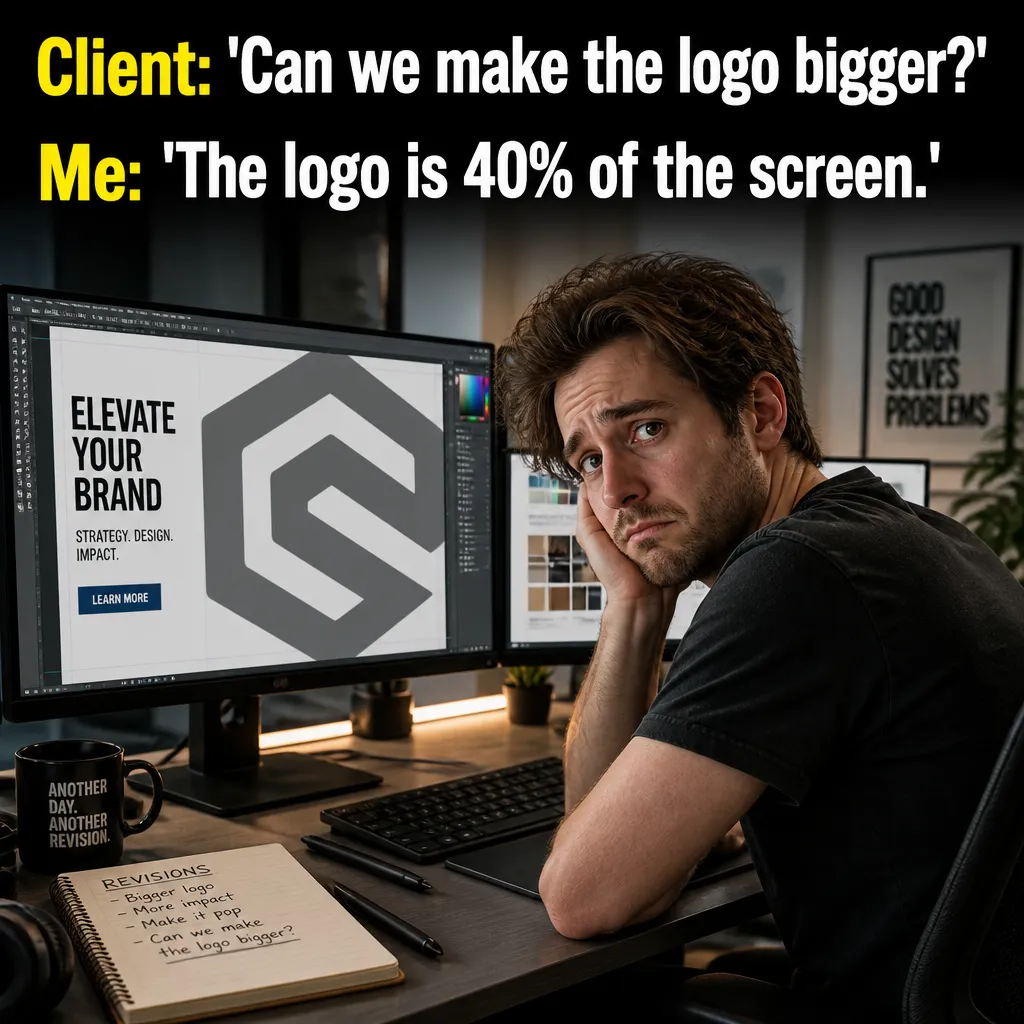
Visual reference: The Logo Size Debate. The caption and brief below are an adaptation; replace any business details with your own.
Prompt — Create three different restaurant post premises using [actual menu and hours]. Each needs a scene, exact caption, and accurate next step. Worked input to try: Restaurant client example: coffee and plain croissants, open 8 a.m. to 4 p.m. Create a morning post, a menu question, and a collection reminder.
Visual direction — An authorized menu image and three premise cards
Make it your own — Keep the creative tied to actual food and opening information.
Image brief to adapt
Create three different restaurant post premises using [actual menu and hours]. Each needs a scene, exact caption, and accurate next step. Worked example input: Restaurant client example: coffee and plain croissants, open 8 a.m. to 4 p.m. Create a morning post, a menu question, and a collection reminder. Visual direction: An authorized menu image and three premise cards. Output: Keep the creative tied to actual food and opening information.
3. Home-service adaptation

Visual reference: The Manual Labor Myth. The caption and brief below are an adaptation; replace any business details with your own.
Prompt — Create a local-service concept using [actual scope and area]. Keep humor about preparation or scheduling, with no unsafe instructions or invented results. Worked input to try: Home-service client example: tap appointment enquiries in Maple District. Use an untouched tool bag and a scheduling moment.
Visual direction — A tool bag and a factual service card
Make it your own — Return a premise that only makes sense for the supplied service.
Image brief to adapt
Create a local-service concept using [actual scope and area]. Keep humor about preparation or scheduling, with no unsafe instructions or invented results. Worked example input: Home-service client example: tap appointment enquiries in Maple District. Use an untouched tool bag and a scheduling moment. Visual direction: A tool bag and a factual service card. Output: Return a premise that only makes sense for the supplied service.
4. SaaS adaptation
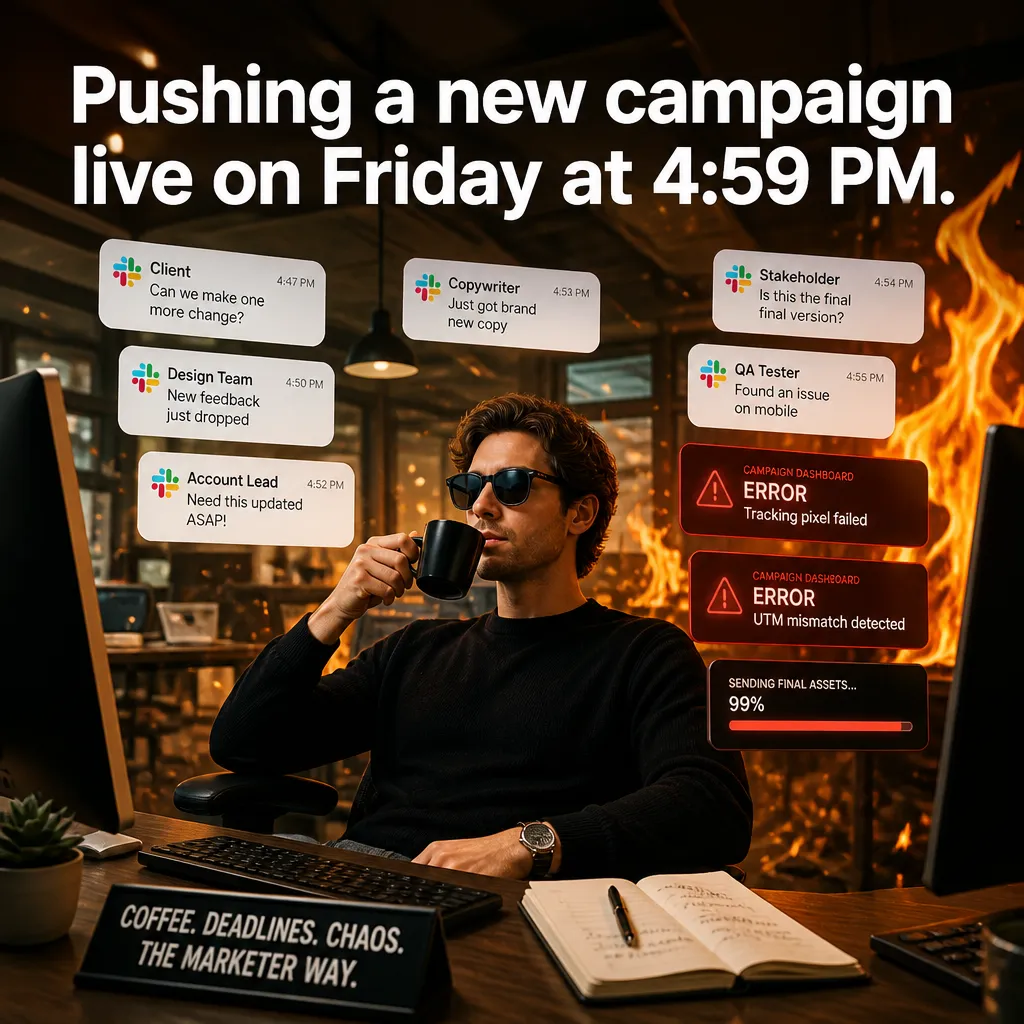
Visual reference: The Friday Launch. The caption and brief below are an adaptation; replace any business details with your own.
Prompt — Create a B2B meme for [role] doing [workflow task]. Connect the payoff only to [verified feature]. No customer screens or performance percentages. Worked input to try: SaaS client example: a project manager organizes tasks into a shared list. Verified feature: a shared task list, with no time-saved claim.
Visual direction — A fictional workspace and generic interface notes
Make it your own — Explain the user task separately from internal product jargon.
Image brief to adapt
Create a B2B meme for [role] doing [workflow task]. Connect the payoff only to [verified feature]. No customer screens or performance percentages. Worked example input: SaaS client example: a project manager organizes tasks into a shared list. Verified feature: a shared task list, with no time-saved claim. Visual direction: A fictional workspace and generic interface notes. Output: Explain the user task separately from internal product jargon.
5. Caption shortening
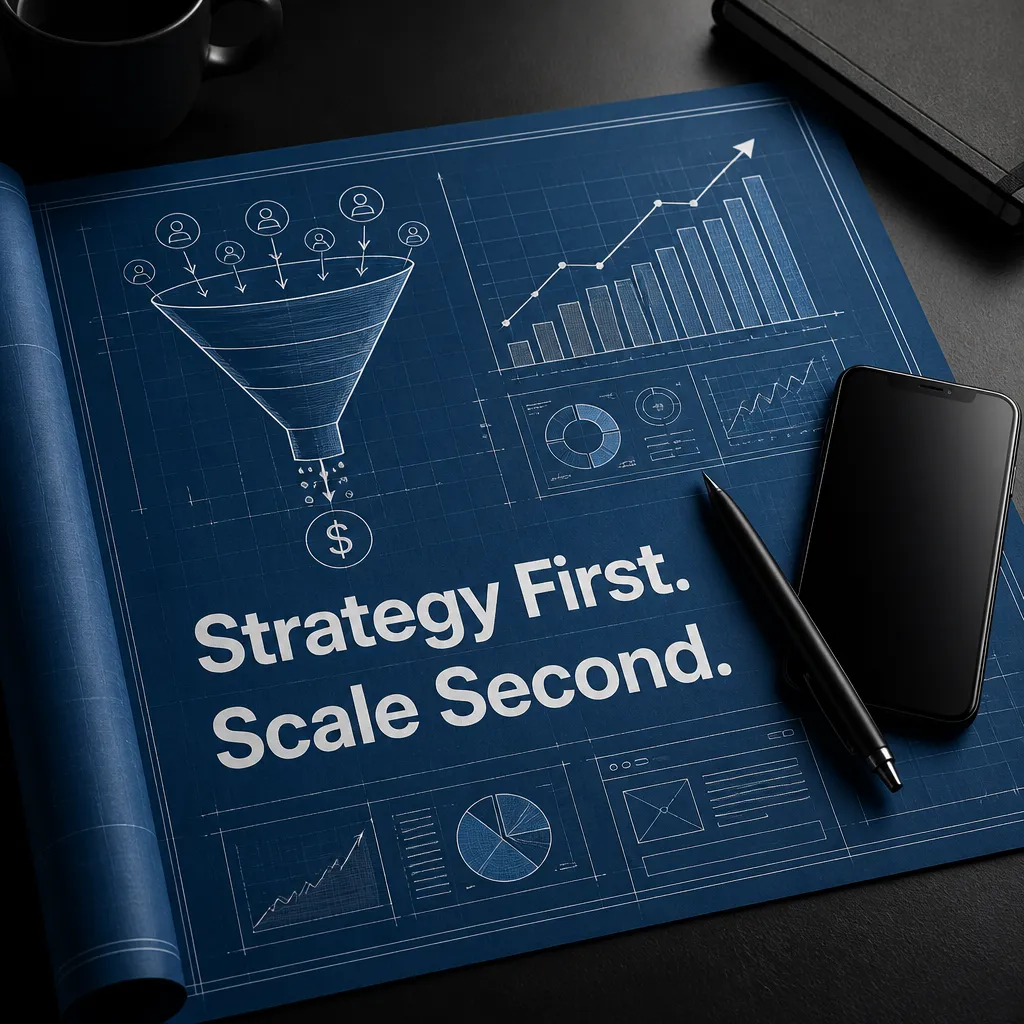
Visual reference: The Growth Blueprint. The caption and brief below are an adaptation; replace any business details with your own.
Prompt — Shorten [caption] while preserving [premise and facts]. Return a conversational, a concise, and an information-first version. Worked input to try: Caption to shorten: We serve coffee and pastries from 8 a.m. to 4 p.m.; ask our team about takeaway collection. Preserve those details.
Visual direction — Three caption alternatives for the same visual
Make it your own — Keep the offer and audience constant.
Image brief to adapt
Shorten [caption] while preserving [premise and facts]. Return a conversational, a concise, and an information-first version. Worked example input: Caption to shorten: We serve coffee and pastries from 8 a.m. to 4 p.m.; ask our team about takeaway collection. Preserve those details. Visual direction: Three caption alternatives for the same visual. Output: Keep the offer and audience constant.
6. Client-specific voice
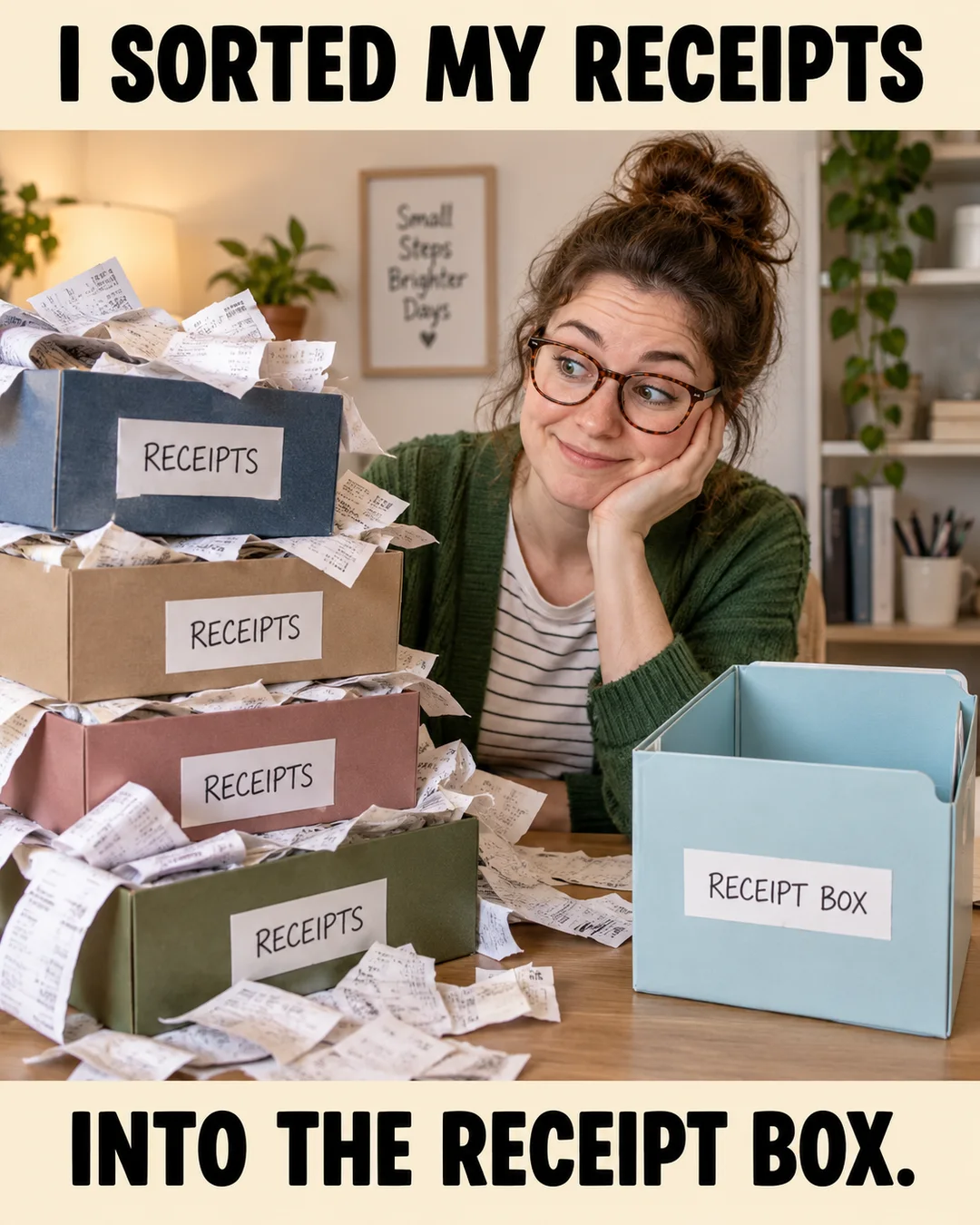
Illustrative creative reference. Use the specific image brief below to create a version for this example.
Prompt — Adapt [draft] to these real voice examples: [approved examples]. Preserve the facts and explain which wording changes match the voice. Worked input to try: Voice samples: Questions welcome. A small morning ritual. Here is where to find the details. Use those phrases as tone references.
Visual direction — A voice-reference sheet and one draft
Make it your own — Do not imitate a named person's identity or invent brand rules.
Image brief to adapt
Adapt [draft] to these real voice examples: [approved examples]. Preserve the facts and explain which wording changes match the voice. Worked example input: Voice samples: Questions welcome. A small morning ritual. Here is where to find the details. Use those phrases as tone references. Visual direction: A voice-reference sheet and one draft. Output: Do not imitate a named person's identity or invent brand rules.
7. Visual hierarchy
Prompt — Review this original concept for caption size, product visibility, and crowded details. Suggest one specific revision to each issue. Worked input to try: Concept for review: a coffee cup, five headline lines, a menu card, and three decorative stickers. Simplify the headline and remove one distraction.
Visual direction — The actual creative with review annotations
Make it your own — Ask for a bounded edit instead of a complete unrelated redesign.
Image brief to adapt
Review this original concept for caption size, product visibility, and crowded details. Suggest one specific revision to each issue. Worked example input: Concept for review: a coffee cup, five headline lines, a menu card, and three decorative stickers. Simplify the headline and remove one distraction. Visual direction: The actual creative with review annotations. Output: Ask for a bounded edit instead of a complete unrelated redesign.
8. Offer accuracy
Prompt — Check this draft against [verified offer terms]. Identify every unsupported detail, then rewrite using only the supplied terms. Worked input to try: Offer facts: one named drink at the supplied price during the supplied dates. An absent price or date remains an input field.
Visual direction — An offer-reference card beside a draft
Make it your own — Keep missing dates or conditions marked for the client to supply.
Image brief to adapt
Check this draft against [verified offer terms]. Identify every unsupported detail, then rewrite using only the supplied terms. Worked example input: Offer facts: one named drink at the supplied price during the supplied dates. An absent price or date remains an input field. Visual direction: An offer-reference card beside a draft. Output: Keep missing dates or conditions marked for the client to supply.
9. Placement adaptation
Prompt — Adapt [original premise] for [actual placement]. Preserve the joke, adjust the text density, and describe the crop to preview. Worked input to try: Premise: the morning coffee checklist. Adapt one feed layout to a story layout while keeping the same menu facts and caption meaning.
Visual direction — A feed and story layout of the same concept
Make it your own — Do not change the core offer while changing the layout.
Image brief to adapt
Adapt [original premise] for [actual placement]. Preserve the joke, adjust the text density, and describe the crop to preview. Worked example input: Premise: the morning coffee checklist. Adapt one feed layout to a story layout while keeping the same menu facts and caption meaning. Visual direction: A feed and story layout of the same concept. Output: Do not change the core offer while changing the layout.
10. Approval note
Prompt — Write a short approval note for [draft] explaining the audience, premise, real claim, and remaining facts to verify. Worked input to try: Approval example: a fictional morning coffee post for nearby workers, with real hours supplied by the client and the drink name still to confirm.
Visual direction — A plain decision checklist
Make it your own — Treat approval as a real human decision rather than asserting it has occurred.
Image brief to adapt
Write a short approval note for [draft] explaining the audience, premise, real claim, and remaining facts to verify. Worked example input: Approval example: a fictional morning coffee post for nearby workers, with real hours supplied by the client and the drink name still to confirm. Visual direction: A plain decision checklist. Output: Treat approval as a real human decision rather than asserting it has occurred.
11. Experiment brief
Prompt — Compare these two concepts for [same audience and offer]. Explain the creative difference and propose a measurable experiment with no fabricated results. Worked input to try: Experiment example: the same coffee and pastries message, one checklist visual and one product still life. Compare enquiries using the same destination.
Visual direction — A two-concept review board
Make it your own — Choose one change to isolate, such as hook or visual structure.
Image brief to adapt
Compare these two concepts for [same audience and offer]. Explain the creative difference and propose a measurable experiment with no fabricated results. Worked example input: Experiment example: the same coffee and pastries message, one checklist visual and one product still life. Compare enquiries using the same destination. Visual direction: A two-concept review board. Output: Choose one change to isolate, such as hook or visual structure.
12. Revision request
Prompt — Revise [draft] by changing only [caption, expression, or composition]. Keep [protected details] unchanged and summarize the revision. Worked input to try: Revision example: shorten only the headline. Protect the cup shape, original label, brand colors, and factual opening hours.
Visual direction — An actual original and the bounded revised draft
Make it your own — Name the exact constraint that protects the client's identity and product facts.
Image brief to adapt
Revise [draft] by changing only [caption, expression, or composition]. Keep [protected details] unchanged and summarize the revision. Worked example input: Revision example: shorten only the headline. Protect the cup shape, original label, brand colors, and factual opening hours. Visual direction: An actual original and the bounded revised draft. Output: Name the exact constraint that protects the client's identity and product facts.
Put it into practice
Put one prompt to work
Start with “Client brief intake” and “Restaurant adaptation.” Fill in the bracketed facts, then ask for one draft per prompt. Read the output beside your source information before choosing an image. Keep a note of the caption, image, destination, and publishing date. Review actual questions and responses together. Revise the next batch around what people understood or asked about, rather than treating one example as a promised result.
Common questions
What information should I add before using these prompts?
Add the actual business or product facts, the intended audience, and the task you want the post to serve. In “Client brief intake,” follow the input fields and visual direction. If a fact is missing, ask the tool to leave a field for you to complete.
Which image should I pair with “Restaurant adaptation”?
Use the visual direction and adaptation note beside that example. The displayed image is an illustrative reference. For a post about an actual person, product, location, or completed job, use an authorized real photograph or clearly label a conceptual illustration.
How should I choose the first few examples?
Start with “Client brief intake” and a contrasting idea such as “Revision request.” Choose examples that answer real reader questions or show something specific about your work. Keep the first batch small enough to revise after reviewing actual responses.
Can I customize these images in Studio?
Save a reference image or copy the image brief, then create your own version in Studio with your business details and visual direction. A downloaded WebP is a finished image; the brief gives you a way to develop a new variation. Review generated text and factual details before publishing.
Turn the brief into your own creative
Use these concepts to build a creative for your actual business. Browse the related example collection for more visual directions, then bring your caption and image brief into Studio.
Your starter brief
Replace the brackets with your own details.
Turn [client's verified facts] into a creative brief with audience, recognizable moment, real offer, and one next step. List missing inputs before drafting. Worked example input: Fictional client: Maple Cafe serves coffee and pastries from 8 a.m. to 4 p.m. Audience: nearby workers. Task: explain takeaway collection. Visual direction: A brief with clearly named input fields. Output: Do not invent a client strategy or fill gaps with industry averages.