Industry playbooks
12 AI Social Media Prompts for Local Service Businesses
By Memes.ai
Updated October 6, 2026 · 6 min read
A useful AI prompt starts with a specific situation your reader recognizes. This guide gives you 12 copyable prompts, plus image references and instructions for making each one your own. Start with “a service-area introduction,” then choose a second idea that serves a different purpose. Use the reference image for inspiration, or copy its brief into Studio to create a version with your business details.
What you’ll take away
- Give the AI your verified facts, one intended audience, and one output task.
- Use the visual direction beside each prompt to choose a relevant scene; an existing illustration is a reference, not a record of your business.
- Review the first output for factual accuracy, readable text, and a next step before creating variants.
1. A service-area introduction
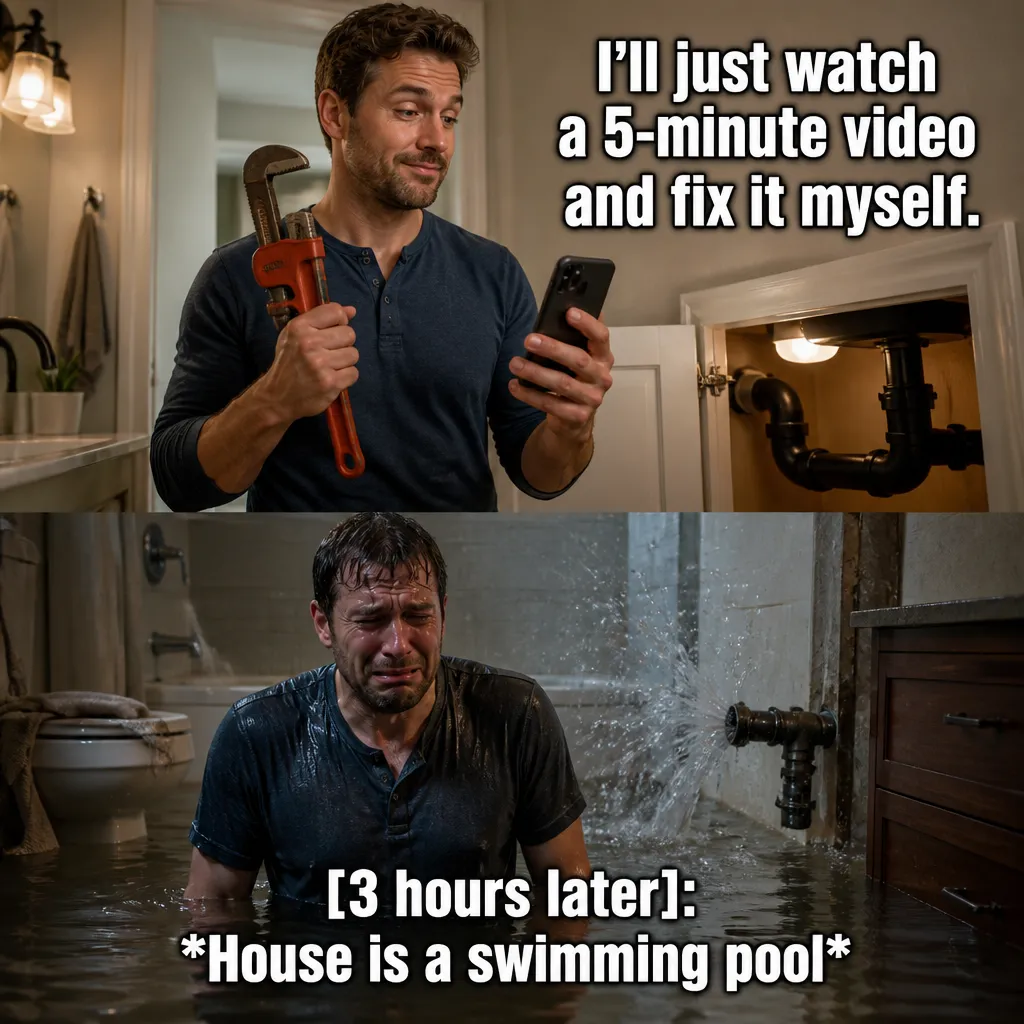
Visual reference: The YouTube Tutorial Trap. The caption and brief below are an adaptation; replace any business details with your own.
Prompt — Write a local-service introduction for [business] using [actual service] and [verified service area]. Create a fictional office or equipment scene with no invented customer job. Worked input to try: Fictional business: Maple Plumbing handles tap enquiries in Maple District. Service-area copy must use only that location.
Visual direction — A plain map card and accurate service-area text
Make it your own — Ask for missing coverage details rather than adding nearby places.
Image brief to adapt
Write a local-service introduction for [business] using [actual service] and [verified service area]. Create a fictional office or equipment scene with no invented customer job. Worked example input: Fictional business: Maple Plumbing handles tap enquiries in Maple District. Service-area copy must use only that location. Visual direction: A plain map card and accurate service-area text. Output: Ask for missing coverage details rather than adding nearby places.
2. The appointment question
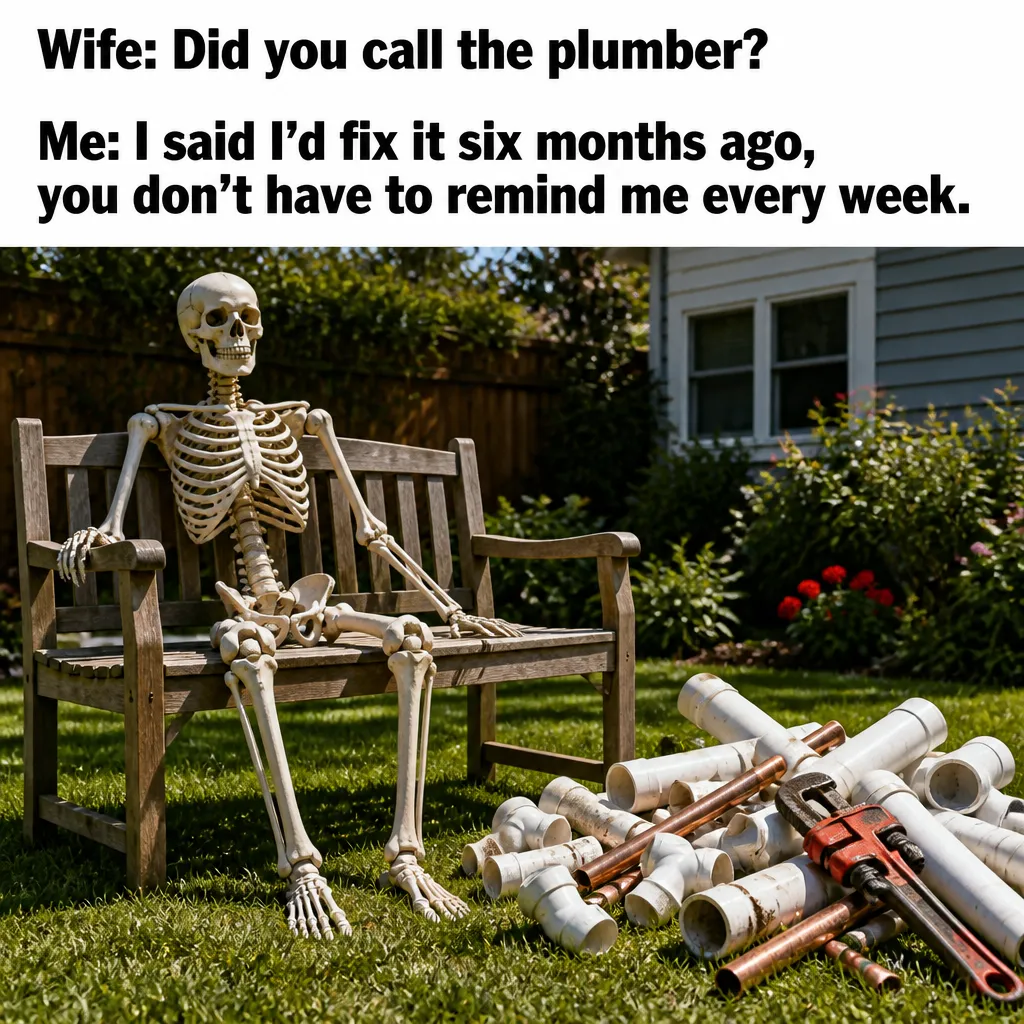
Visual reference: The Husband's Promise. The caption and brief below are an adaptation; replace any business details with your own.
Prompt — Create a post answering [actual booking question] with [verified answer]. Use a calendar illustration and a caption with our real contact method. Worked input to try: Sample hours: Monday to Friday, 9 a.m. to 5 p.m. Put the contact route beside the hours rather than inventing same-day service.
Visual direction — A generic appointment calendar
Make it your own — Keep availability, price, and response time factual.
Image brief to adapt
Create a post answering [actual booking question] with [verified answer]. Use a calendar illustration and a caption with our real contact method. Worked example input: Sample hours: Monday to Friday, 9 a.m. to 5 p.m. Put the contact route beside the hours rather than inventing same-day service. Visual direction: A generic appointment calendar. Output: Keep availability, price, and response time factual.
3. The well-packed tool bag
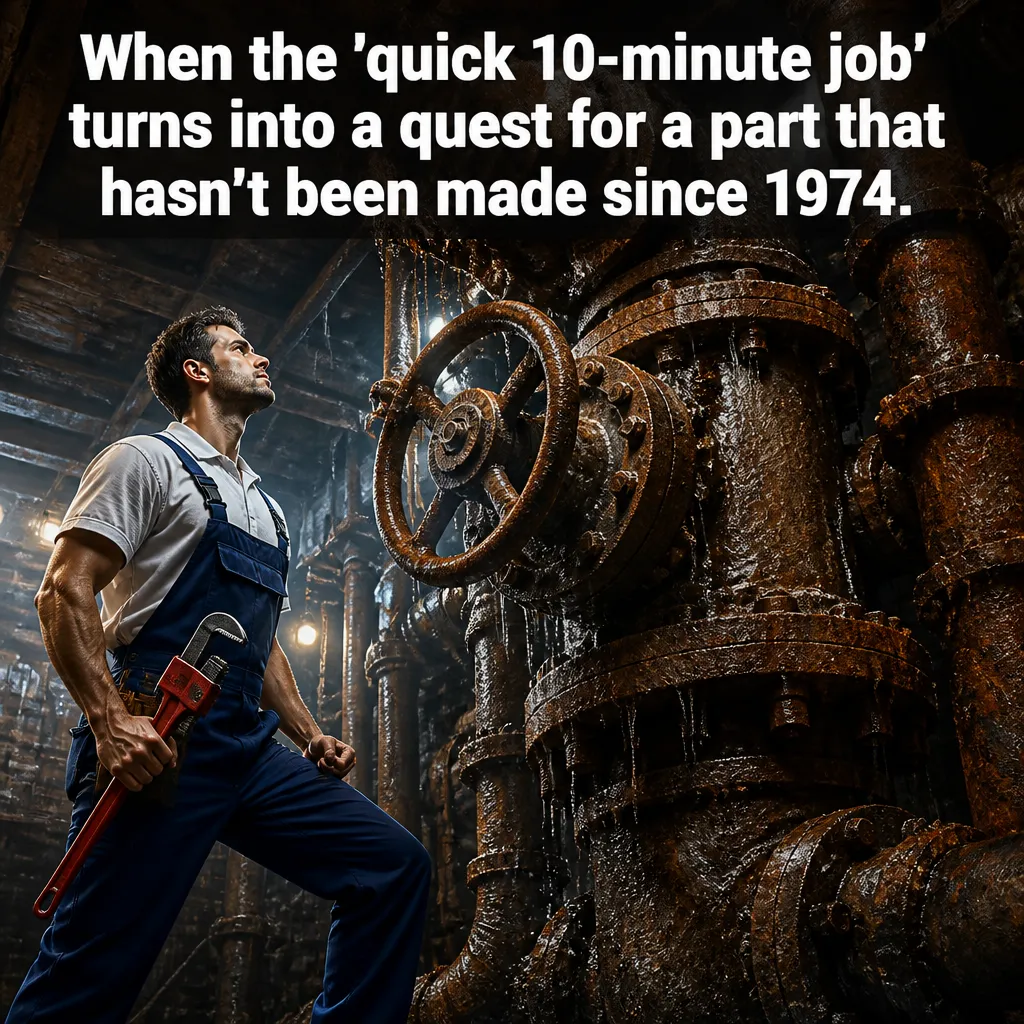
Visual reference: The Hidden Boss. The caption and brief below are an adaptation; replace any business details with your own.
Prompt — Create an original meme about [trade] packing more tools than expected. Make the joke about preparation, not an unsafe repair or a customer. Worked input to try: Fictional team introduction: Jordan answers appointment enquiries. Use an illustrative desk scene and the actual portrait only when provided.
Visual direction — A fictional professional and oversized bag
Make it your own — Write an exact setup and payoff plus a short caption.
Image brief to adapt
Create an original meme about [trade] packing more tools than expected. Make the joke about preparation, not an unsafe repair or a customer. Worked example input: Fictional team introduction: Jordan answers appointment enquiries. Use an illustrative desk scene and the actual portrait only when provided. Visual direction: A fictional professional and oversized bag. Output: Write an exact setup and payoff plus a short caption.
4. The team introduction
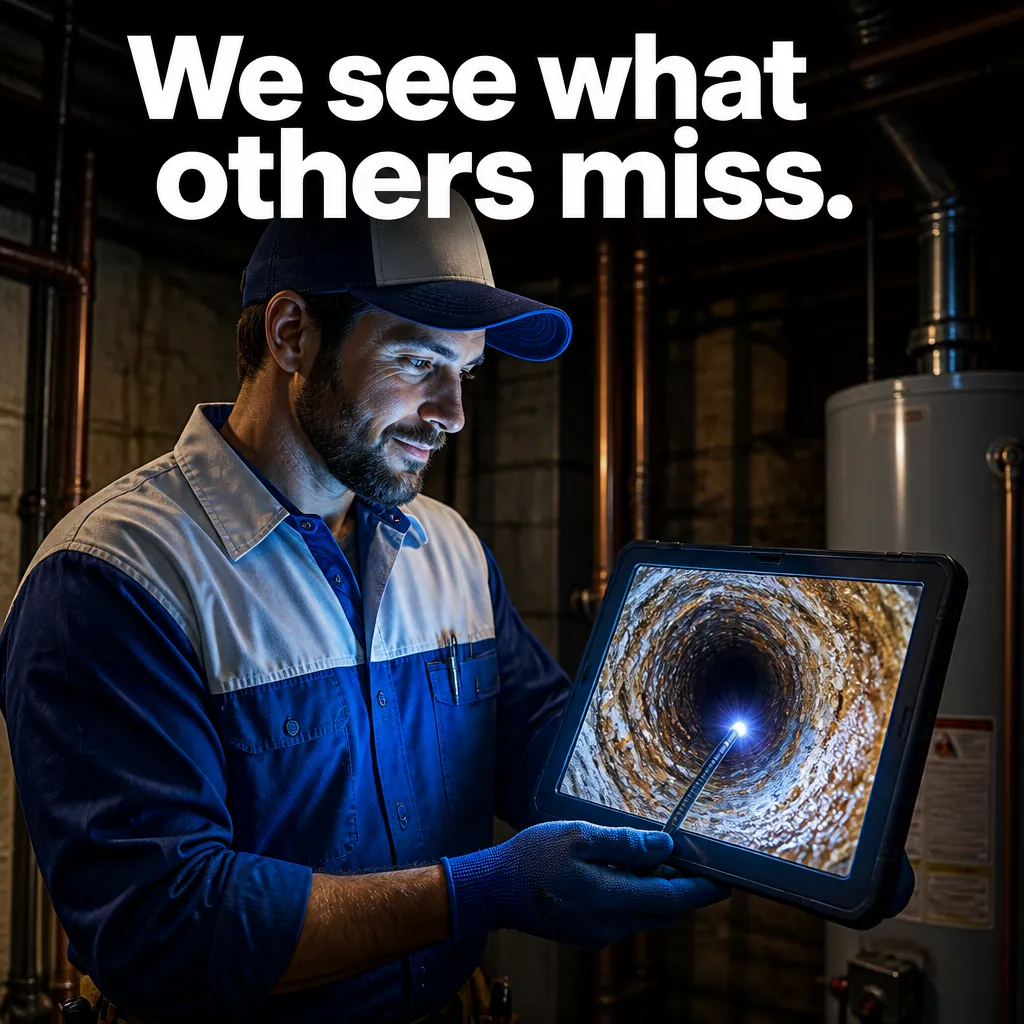
Visual reference: The Modern Master. The caption and brief below are an adaptation; replace any business details with your own.
Prompt — Write a post introducing [name] and [actual role]. Suggest a real authorized team-photo composition without fabricating a person's likeness. Worked input to try: Sample FAQ: How do I ask about a visit? Supplied answer: contact the office through the business website.
Visual direction — An actual team portrait
Make it your own — Keep the introduction accurate and obtain the person's approval.
Image brief to adapt
Write a post introducing [name] and [actual role]. Suggest a real authorized team-photo composition without fabricating a person's likeness. Worked example input: Sample FAQ: How do I ask about a visit? Supplied answer: contact the office through the business website. Visual direction: An actual team portrait. Output: Keep the introduction accurate and obtain the person's approval.
5. The quote preparation
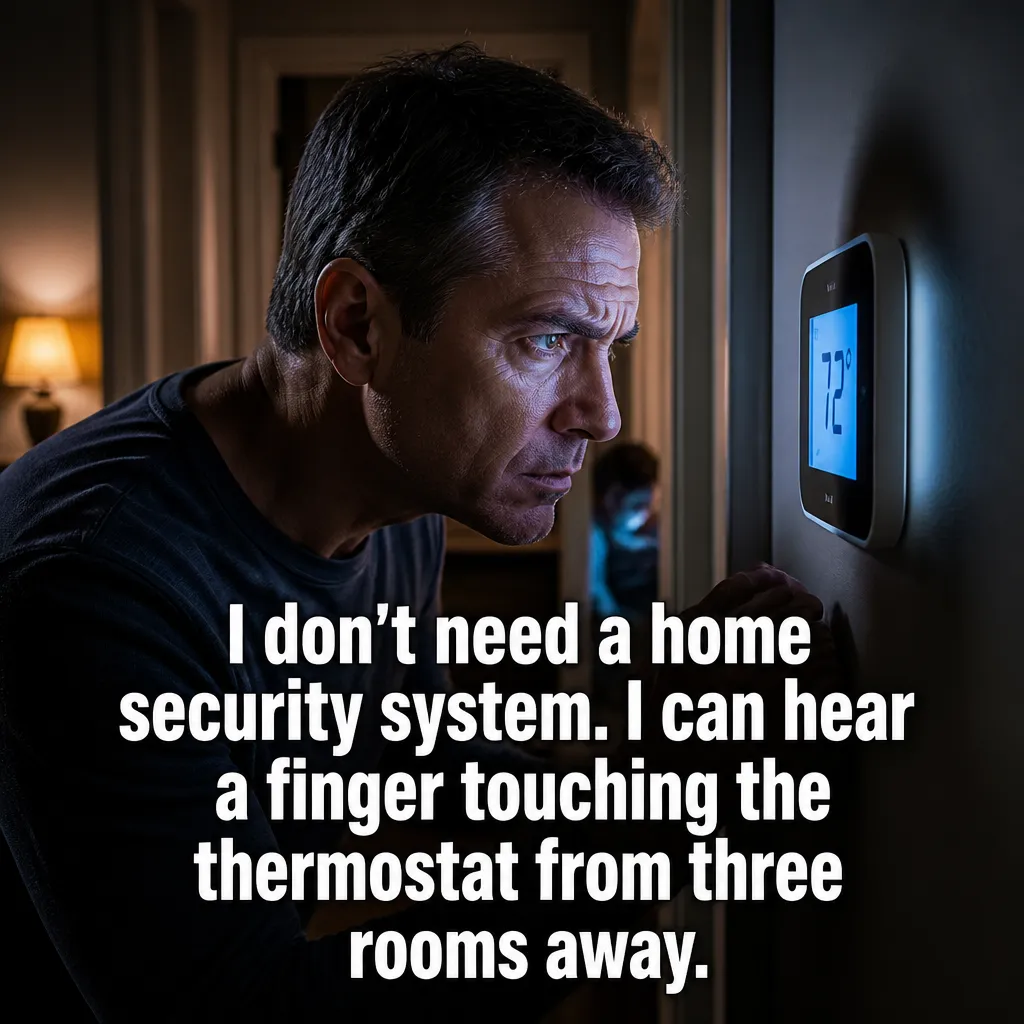
Visual reference: The Thermostat Guardian. The caption and brief below are an adaptation; replace any business details with your own.
Prompt — Explain our quote process using [actual steps]. Create a simple information card and one caption asking readers to bring [actual required details]. Worked input to try: Sample process: send an enquiry, discuss the job, confirm an appointment. Keep the three steps in that order.
Visual direction — A blank quote checklist
Make it your own — Do not promise a price, acceptance, or outcome.
Image brief to adapt
Explain our quote process using [actual steps]. Create a simple information card and one caption asking readers to bring [actual required details]. Worked example input: Sample process: send an enquiry, discuss the job, confirm an appointment. Keep the three steps in that order. Visual direction: A blank quote checklist. Output: Do not promise a price, acceptance, or outcome.
6. The cleaning-scope example
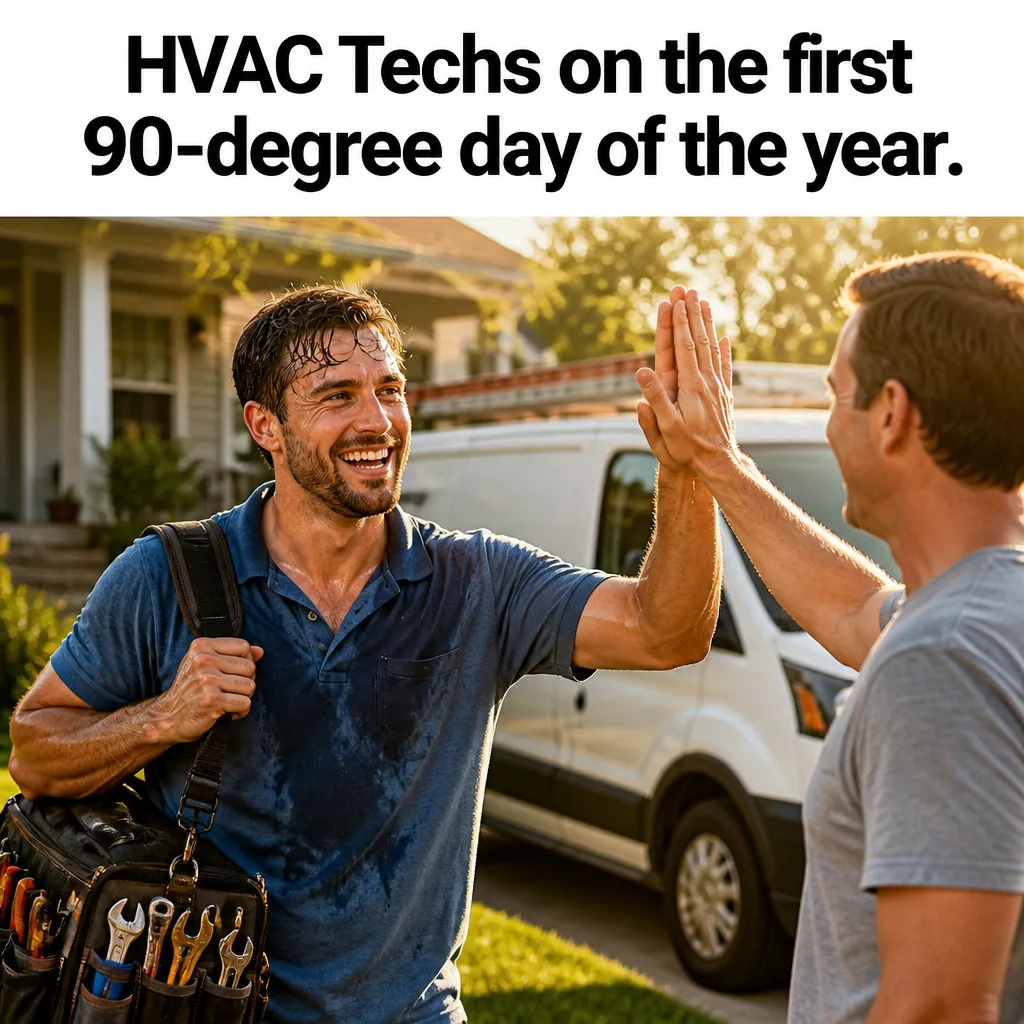
Visual reference: The July Marathon. The caption and brief below are an adaptation; replace any business details with your own.
Prompt — Create a cleaning-service post explaining [actual scope]. Separate included tasks from [actual extras]. Use a fictional room concept, not a before-and-after claim. Worked input to try: Fictional seasonal moment: the summer calendar is getting busy. The caption asks readers to enquire about current availability.
Visual direction — A service-scope card beside a clean-room concept
Make it your own — Use the real service list and a clear enquiry method.
Image brief to adapt
Create a cleaning-service post explaining [actual scope]. Separate included tasks from [actual extras]. Use a fictional room concept, not a before-and-after claim. Worked example input: Fictional seasonal moment: the summer calendar is getting busy. The caption asks readers to enquire about current availability. Visual direction: A service-scope card beside a clean-room concept. Output: Use the real service list and a clear enquiry method.
7. The HVAC planning example
Prompt — Create a friendly HVAC scheduling post using [actual appointment details]. Use a fictional calendar and no diagnosis, savings claim, or repair instruction. Worked input to try: Sample preparation detail: an unopened tool bag and a notebook ready for a scheduled visit. No repair instructions.
Visual direction — A technician's calendar at a desk
Make it your own — Keep the homeowner next step to contacting our team.
Image brief to adapt
Create a friendly HVAC scheduling post using [actual appointment details]. Use a fictional calendar and no diagnosis, savings claim, or repair instruction. Worked example input: Sample preparation detail: an unopened tool bag and a notebook ready for a scheduled visit. No repair instructions. Visual direction: A technician's calendar at a desk. Output: Keep the homeowner next step to contacting our team.
8. The plumbing question example
Prompt — Create an original plumbing meme about hearing a dripping tap. Keep the joke brief and invite a service enquiry without identifying the cause. Worked input to try: Fictional appointment reminder: a confirmed Tuesday visit at 10 a.m. Keep the calendar free of customer names.
Visual direction — A fictional household and a questioning expression
Make it your own — Avoid repair directions or a claim that a particular service solves every issue.
Image brief to adapt
Create an original plumbing meme about hearing a dripping tap. Keep the joke brief and invite a service enquiry without identifying the cause. Worked example input: Fictional appointment reminder: a confirmed Tuesday visit at 10 a.m. Keep the calendar free of customer names. Visual direction: A fictional household and a questioning expression. Output: Avoid repair directions or a claim that a particular service solves every issue.
9. The before-a-visit checklist
Prompt — Turn [actual preparation instructions] into three clear points. Use a fictional entryway and a caption explaining where readers can ask a question. Worked input to try: Sample real offer input: an appointment enquiry for the stated service area. Do not add a discount, deadline, or price.
Visual direction — A simple preparation checklist
Make it your own — Do not invent access rules, security codes, or customer details.
Image brief to adapt
Turn [actual preparation instructions] into three clear points. Use a fictional entryway and a caption explaining where readers can ask a question. Worked example input: Sample real offer input: an appointment enquiry for the stated service area. Do not add a discount, deadline, or price. Visual direction: A simple preparation checklist. Output: Do not invent access rules, security codes, or customer details.
10. The seasonal notice
Prompt — Write a dated service notice using [confirmed change] for [date]. Suggest a clear readable layout and a caption with our actual information link. Worked input to try: Fictional audience question: Which information would help you plan a visit: timing, location, or service scope?
Visual direction — A dated information card
Make it your own — Flag that the notice needs review when the date passes.
Image brief to adapt
Write a dated service notice using [confirmed change] for [date]. Suggest a clear readable layout and a caption with our actual information link. Worked example input: Fictional audience question: Which information would help you plan a visit: timing, location, or service scope? Visual direction: A dated information card. Output: Flag that the notice needs review when the date passes.
11. The finished-work story
Prompt — Write a caption about this authorized actual work using [verified task details]. Keep the photo factual and describe any edits accurately. Worked input to try: Sample factual work description: the team inspected the stated fixture during the authorized job. Use the actual supplied photo for evidence.
Visual direction — An authorized actual job photograph
Make it your own — Do not replace evidence of work with an invented scene.
Image brief to adapt
Write a caption about this authorized actual work using [verified task details]. Keep the photo factual and describe any edits accurately. Worked example input: Sample factual work description: the team inspected the stated fixture during the authorized job. Use the actual supplied photo for evidence. Visual direction: An authorized actual job photograph. Output: Do not replace evidence of work with an invented scene.
12. The caption edit
Prompt — Rewrite [draft caption] for [local audience]. Keep [verified scope], remove invented urgency, and give three different next-step options. Worked input to try: Draft: Ask us about a tap appointment in Maple District. Keep the service and location while trying question, enquiry, and information endings.
Visual direction — The same original creative with three caption drafts
Make it your own — Explain whether each option asks a question, invites an enquiry, or points to information.
Image brief to adapt
Rewrite [draft caption] for [local audience]. Keep [verified scope], remove invented urgency, and give three different next-step options. Worked example input: Draft: Ask us about a tap appointment in Maple District. Keep the service and location while trying question, enquiry, and information endings. Visual direction: The same original creative with three caption drafts. Output: Explain whether each option asks a question, invites an enquiry, or points to information.
Put it into practice
Put one prompt to work
Start with “A service-area introduction” and “The appointment question.” Fill in the bracketed facts, then ask for one draft per prompt. Read the output beside your source information before choosing an image. Keep a note of the caption, image, destination, and publishing date. Review actual questions and responses together. Revise the next batch around what people understood or asked about, rather than treating one example as a promised result.
Common questions
What information should I add before using these prompts?
Add the actual business or product facts, the intended audience, and the task you want the post to serve. In “A service-area introduction,” follow the input fields and visual direction. If a fact is missing, ask the tool to leave a field for you to complete.
Which image should I pair with “The appointment question”?
Use the visual direction and adaptation note beside that example. The displayed image is an illustrative reference. For a post about an actual person, product, location, or completed job, use an authorized real photograph or clearly label a conceptual illustration.
How should I choose the first few examples?
Start with “A service-area introduction” and a contrasting idea such as “The caption edit.” Choose examples that answer real reader questions or show something specific about your work. Keep the first batch small enough to revise after reviewing actual responses.
Can I customize these images in Studio?
Save a reference image or copy the image brief, then create your own version in Studio with your business details and visual direction. A downloaded WebP is a finished image; the brief gives you a way to develop a new variation. Review generated text and factual details before publishing.
Turn the brief into your own creative
Use these concepts to build a creative for your actual business. Browse the related example collection for more visual directions, then bring your caption and image brief into Studio.
Your starter brief
Replace the brackets with your own details.
Write a local-service introduction for [business] using [actual service] and [verified service area]. Create a fictional office or equipment scene with no invented customer job. Worked example input: Fictional business: Maple Plumbing handles tap enquiries in Maple District. Service-area copy must use only that location. Visual direction: A plain map card and accurate service-area text. Output: Ask for missing coverage details rather than adding nearby places.