Meme marketing
6 SaaS Memes for Product Teams, With Captions and AI Prompts
By Memes.ai
Updated October 6, 2026 · 4 min read

A useful meme starts with a specific situation your reader recognizes. This guide gives you 6 meme concepts and captions, plus image references and instructions for making each one your own. Start with “the manual-process loop,” then choose a second idea that serves a different purpose. Use the reference image for inspiration, or copy its brief into Studio to create a version with your business details.
What you’ll take away
- Build the joke around the manual-process loop, rather than adding a generic slogan to a stock image.
- Keep the setup and payoff short enough to read in the feed; use the caption for context and the next step.
- Try “The question committee” as a second direction, and compare actual audience responses before expanding the series.
1. The manual-process loop

Original illustrative creative. Copy the suggested caption or adapt the image brief for your brand.
Suggested caption — Copied it into the spreadsheet. Copied the spreadsheet into the update. Copied the update into my afternoon.
Why it helps — The repeated action describes workflow friction rather than vaguely claiming that software saves time.
Make it your own — Only connect the joke to a feature your product actually supports. Show a real workflow separately from the fictional image.
Image brief to adapt
Create an original illustrative social image for saas tech ai. Concept: The manual-process loop. Use a readable setup and payoff inspired by this caption: Copied it into the spreadsheet. Copied the spreadsheet into the update. Copied the update into my afternoon.. Adaptation: Only connect the joke to a feature your product actually supports. Show a real workflow separately from the fictional image. Use fictional scenes unless I supply authorized photographs. Keep all product, service, and business details exactly as supplied. Use [brand colors] and leave room for [business name]. Return one version with clear, short text.
2. The feature-request queue
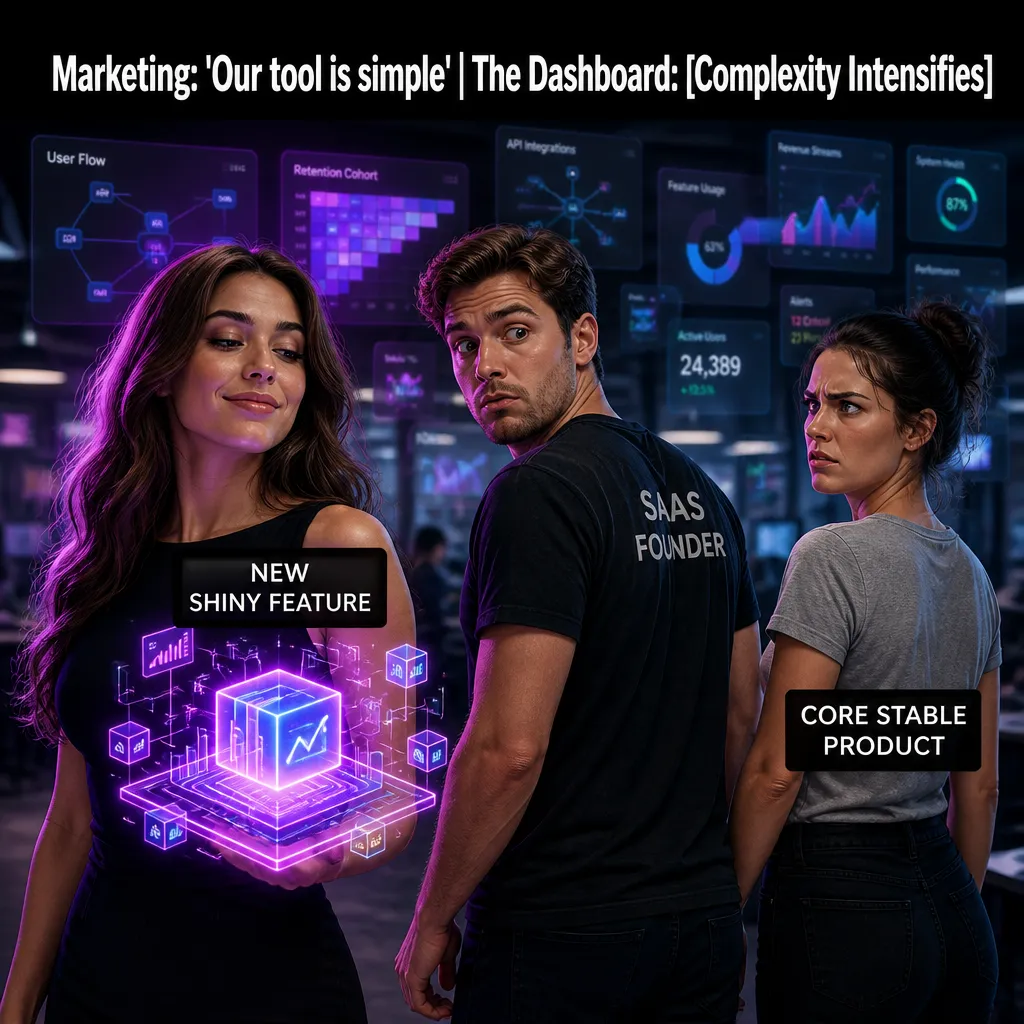
Visual reference: The Feature Creep Loop. The caption and brief below are an adaptation; replace any business details with your own.
Suggested caption — One small request. It arrived with three cousins and a roadmap.
Why it helps — Personifying requests makes product planning recognizable to a narrower B2B audience.
Make it your own — Use fictional notes with no client names. Avoid implying every requested feature exists or has an announced release date.
Image brief to adapt
Create an original illustrative social image for saas tech ai. Concept: The feature-request queue. Use a readable setup and payoff inspired by this caption: One small request. It arrived with three cousins and a roadmap.. Adaptation: Use fictional notes with no client names. Avoid implying every requested feature exists or has an announced release date. Use fictional scenes unless I supply authorized photographs. Keep all product, service, and business details exactly as supplied. Use [brand colors] and leave room for [business name]. Return one version with clear, short text.
3. The future cleanup

Visual reference: The Dev Debt Dilemma. The caption and brief below are an adaptation; replace any business details with your own.
Suggested caption — We'll tidy that later. Later has joined the project team.
Why it helps — The joke makes deferred maintenance concrete without needing technical jargon.
Make it your own — For a developer audience, name the actual workflow. For buyers, explain the user task rather than an internal engineering label.
Image brief to adapt
Create an original illustrative social image for saas tech ai. Concept: The future cleanup. Use a readable setup and payoff inspired by this caption: We'll tidy that later. Later has joined the project team.. Adaptation: For a developer audience, name the actual workflow. For buyers, explain the user task rather than an internal engineering label. Use fictional scenes unless I supply authorized photographs. Keep all product, service, and business details exactly as supplied. Use [brand colors] and leave room for [business name]. Return one version with clear, short text.
4. The subscription calendar

Visual reference: The Churn Monster. The caption and brief below are an adaptation; replace any business details with your own.
Suggested caption — My tools have organized a recurring meeting. The meeting is called renewal day.
Why it helps — A calendar makes software administration understandable. It is a light observation, not evidence about another product's pricing.
Make it your own — Keep competitor names and invented charges out of the image. Use verified plan details in any product comparison.
Image brief to adapt
Create an original illustrative social image for saas tech ai. Concept: The subscription calendar. Use a readable setup and payoff inspired by this caption: My tools have organized a recurring meeting. The meeting is called renewal day.. Adaptation: Keep competitor names and invented charges out of the image. Use verified plan details in any product comparison. Use fictional scenes unless I supply authorized photographs. Keep all product, service, and business details exactly as supplied. Use [brand colors] and leave room for [business name]. Return one version with clear, short text.
5. The spreadsheet reunion
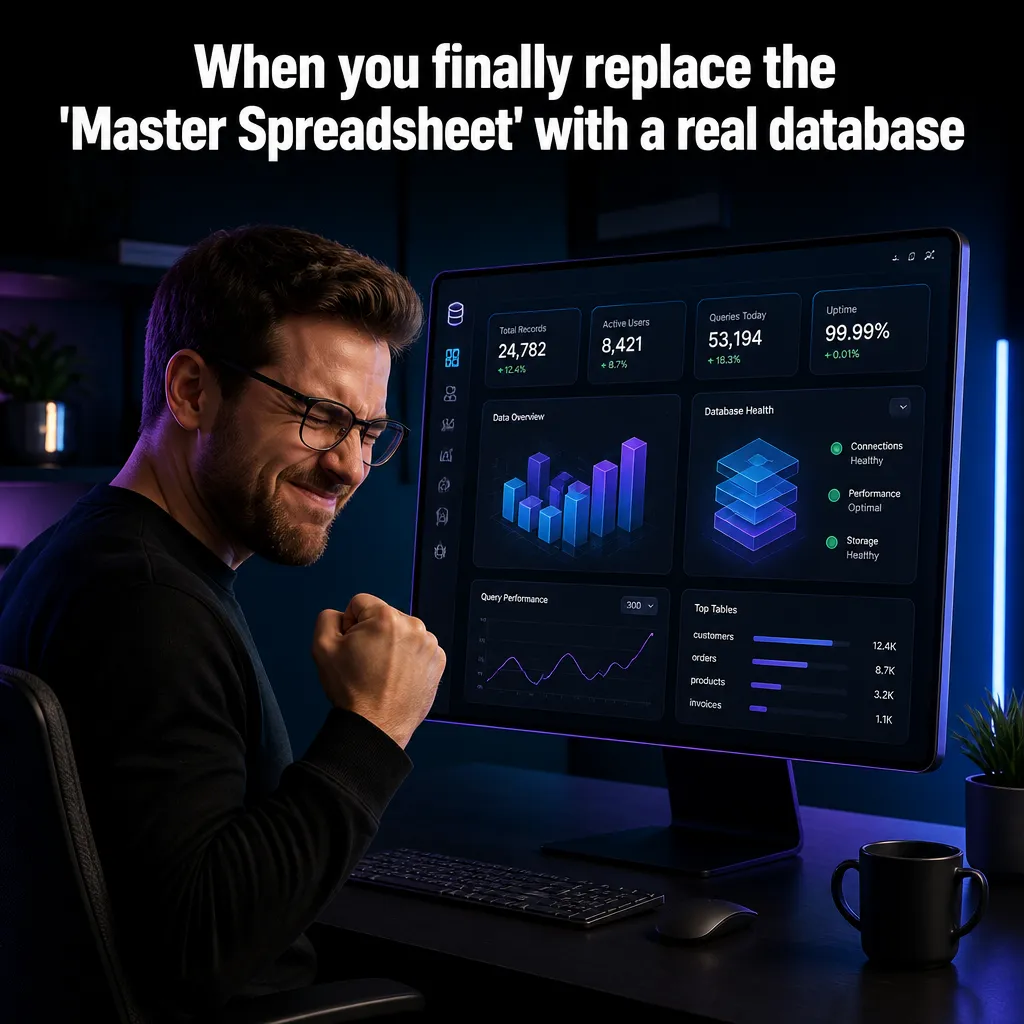
Visual reference: The Spreadsheet Nightmare. The caption and brief below are an adaptation; replace any business details with your own.
Suggested caption — I opened one spreadsheet. All its tabs came to say hello.
Why it helps — The visual can exaggerate a familiar interface habit while the caption stays compact.
Make it your own — Show generic tabs and fake data. Keep real account information and customer screens out of creative references.
Image brief to adapt
Create an original illustrative social image for saas tech ai. Concept: The spreadsheet reunion. Use a readable setup and payoff inspired by this caption: I opened one spreadsheet. All its tabs came to say hello.. Adaptation: Show generic tabs and fake data. Keep real account information and customer screens out of creative references. Use fictional scenes unless I supply authorized photographs. Keep all product, service, and business details exactly as supplied. Use [brand colors] and leave room for [business name]. Return one version with clear, short text.
6. The question committee
Original illustrative creative. Copy the suggested caption or adapt the image brief for your brand.
Suggested caption — Just one quick question. The questions formed a committee.
Why it helps — The sticky-note collection shows an approval loop without needing a specific software interface.
Make it your own — Tie it to one supported collaboration task. Ask readers which step causes friction instead of promising a productivity percentage.
Image brief to adapt
Create an original illustrative social image for saas tech ai. Concept: The question committee. Use a readable setup and payoff inspired by this caption: Just one quick question. The questions formed a committee.. Adaptation: Tie it to one supported collaboration task. Ask readers which step causes friction instead of promising a productivity percentage. Use fictional scenes unless I supply authorized photographs. Keep all product, service, and business details exactly as supplied. Use [brand colors] and leave room for [business name]. Return one version with clear, short text.
Put it into practice
Make a three-post mini series
Start with “The manual-process loop” and “The feature-request queue.” Use the first as an everyday-moment joke and the second as a different angle. For a third post, show one accurate detail about your actual service or product. Keep a note of the caption, image, destination, and publishing date. Review actual questions and responses together. Revise the next batch around what people understood or asked about, rather than treating one example as a promised result.
Common questions
How do I adapt these SaaS memes for my business?
Treat the copy as a starting point. In “The manual-process loop,” keep the central situation, replace any bracketed details with your actual information, and choose a next step that your business can fulfill. Read the caption alongside the image so the two tell the same story.
Which image should I pair with “The feature-request queue”?
Use the visual direction and adaptation note beside that example. The displayed image is an illustrative reference. For a post about an actual person, product, location, or completed job, use an authorized real photograph or clearly label a conceptual illustration.
Should the caption repeat the words in the meme?
The image carries the setup and payoff. Let the caption add a question, relevant context, or a practical next step. Repeating every line makes the post longer without giving the reader something new.
Can I customize these images in Studio?
Save a reference image or copy the image brief, then create your own version in Studio with your business details and visual direction. A downloaded WebP is a finished image; the brief gives you a way to develop a new variation. Review generated text and factual details before publishing.
Turn the brief into your own creative
Use these concepts to build a creative for your actual business. Browse the related example collection for more visual directions, then bring your caption and image brief into Studio.
Your starter brief
Replace the brackets with your own details.
Create an original illustrative social image for saas tech ai. Concept: The manual-process loop. Use a readable setup and payoff inspired by this caption: Copied it into the spreadsheet. Copied the spreadsheet into the update. Copied the update into my afternoon.. Adaptation: Only connect the joke to a feature your product actually supports. Show a real workflow separately from the fictional image. Use fictional scenes unless I supply authorized photographs. Keep all product, service, and business details exactly as supplied. Use [brand colors] and leave room for [business name]. Return one version with clear, short text.